Você está no 3DFinder
Buscamos em Thingiverse, MakerWorld e Printables ao mesmo tempo para te dar o melhor de cada uma.
Descrição
CaseBuilderLib2
Design 3D printed cases for random things!

How to use this library:
-
Preparation
-
Make a copy of the CaseBuilderLib project template (CaseBuilderTemplate.scad). The template is intended to be used with the OpenSCAD Customizer.
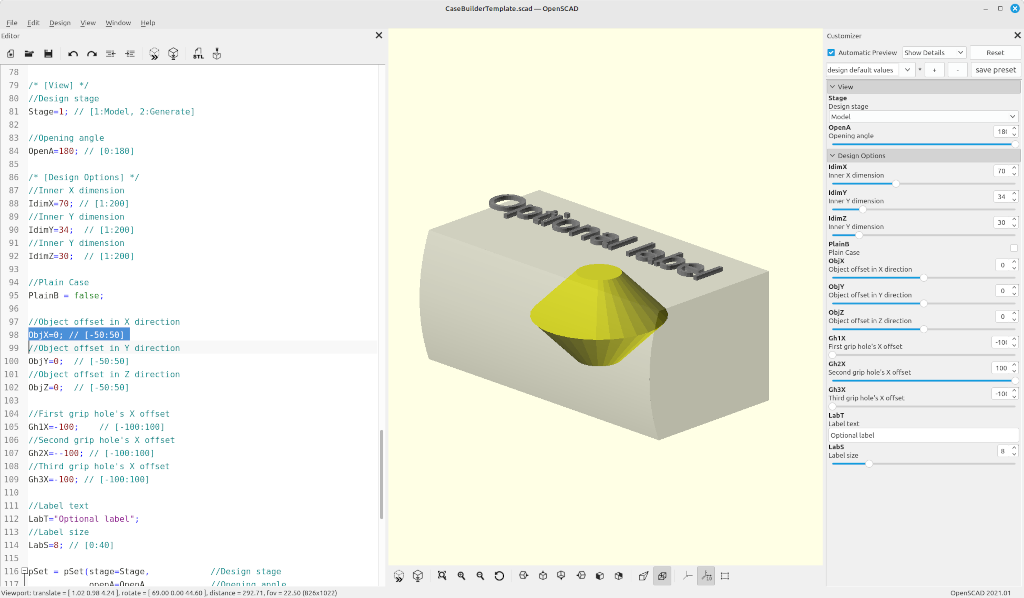
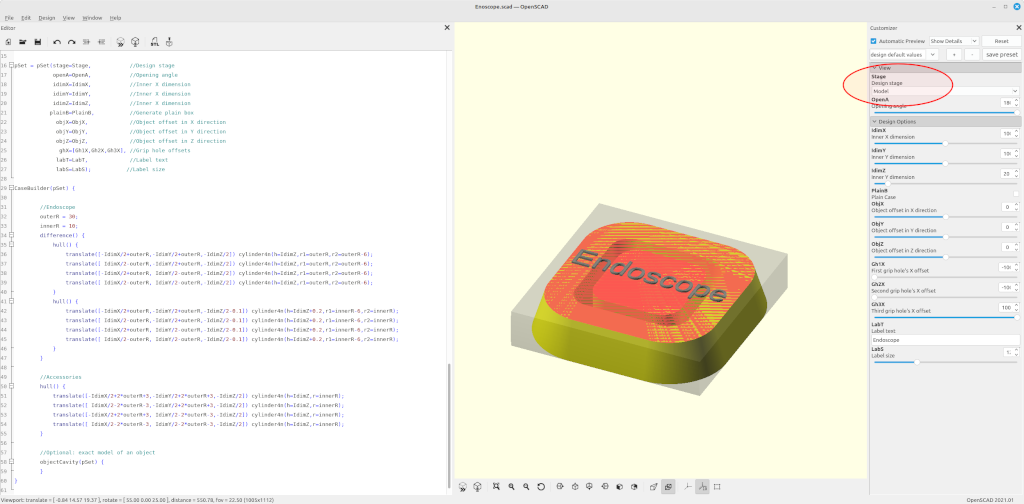
The design of a customized case is done in two stages. Start by setting the `Stage` variable to "Model" (value = 1).
-
-
Model Stage
-
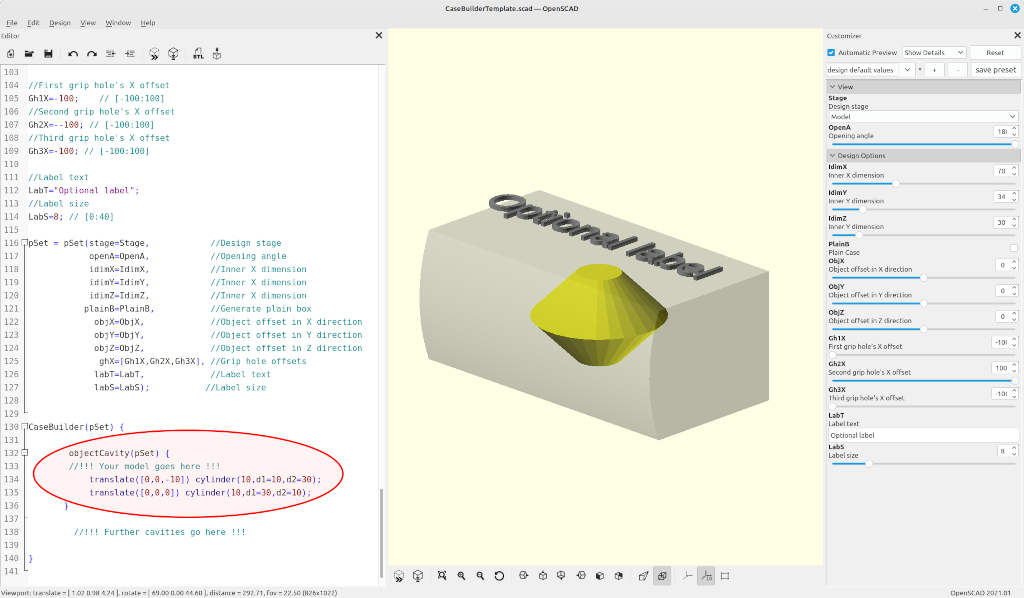
The model stages provides a simplified view to design the interior of the case. The content of the case must be designed as children of
the `CaseBuilder()` module. It can be designed in two ways:-
It can be an automatically generated cavity around a model the object, that the case in meant to protect. In this case use the `objectCavity()` modifier around the object model.
-
-
It can be a manually generated cavity. In this case put the shape of the cavity directly insidev the `CaseBuilder()`
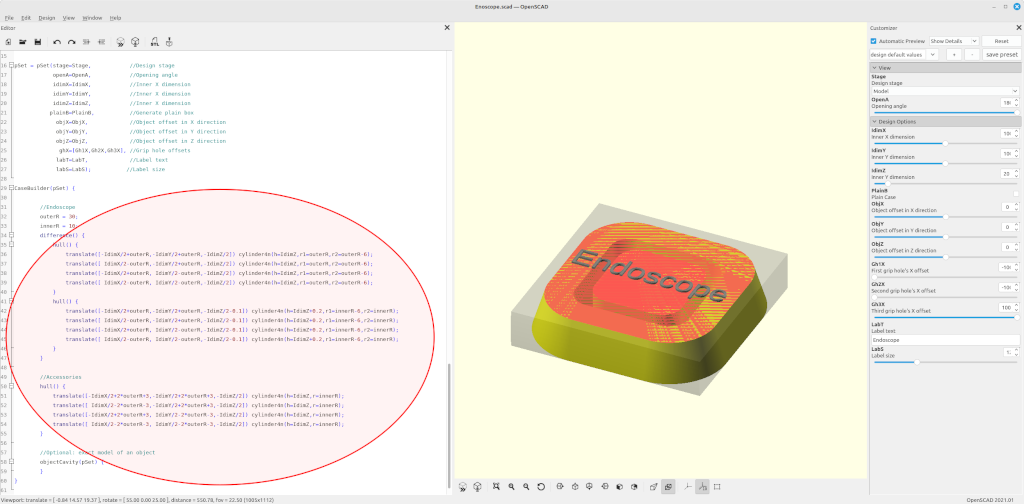
Alternatively, an empty case can be generated by checking the setting the variable `PlainB` to true.
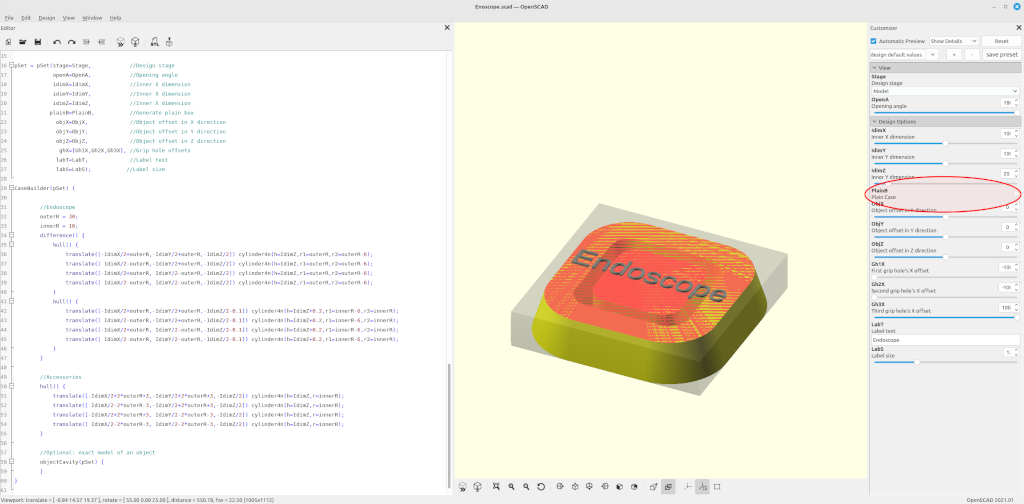
-
Configure the inner dimensions of the case by setting the `IdimX`, `IdimY`, and `IdimZ` variables. If necessary, adjust the position of the content through the `ObjX`, `ObjY`, and `ObjZ` variables.
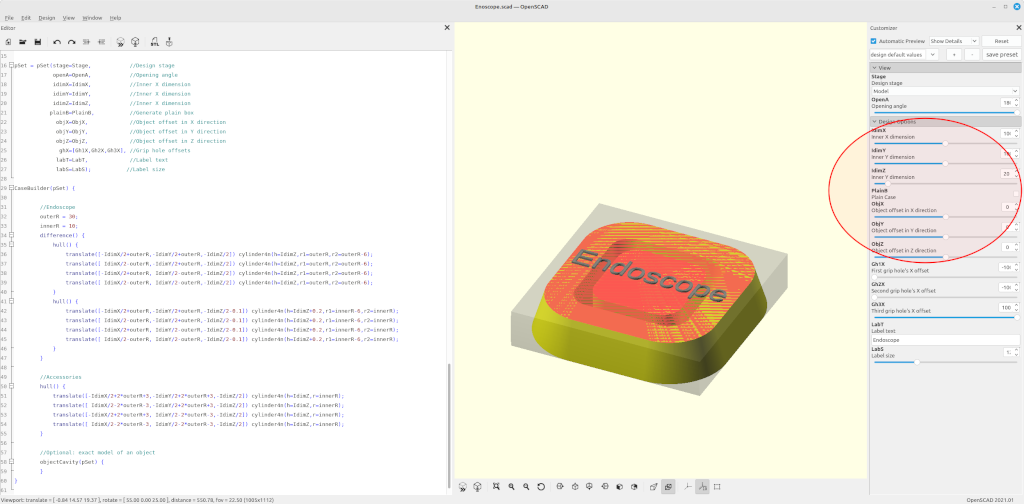
-
If needed, add some grip holes by setting the variables `Gh1X`, `Gh2X`, or `Gh3X` to a value within the inner X dimension. Further grip holes can be added by manually extending the `ghX` array within the instantiation of the `CaseBuilder()` module.
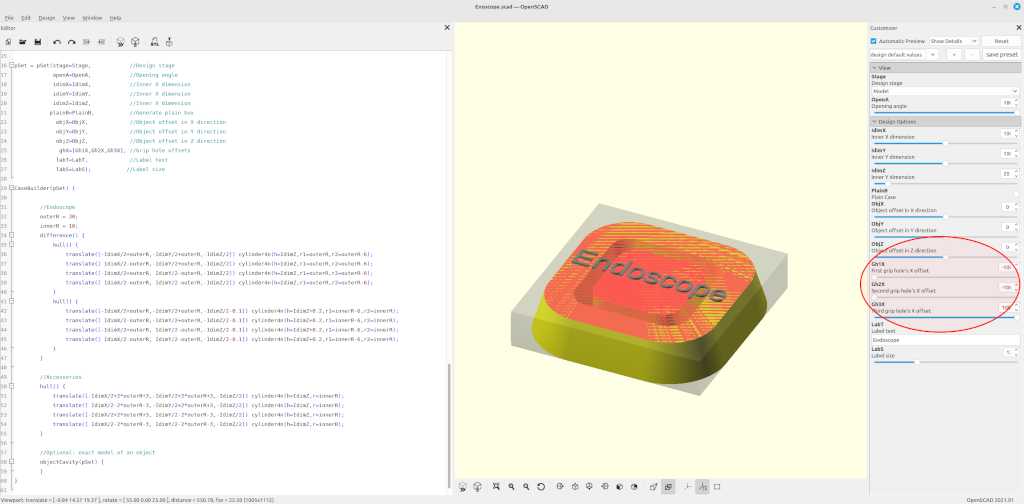
-
Add an optional label to the case by setting the string variable `LabT`. The font size can be adjusted through the variable `LabS`.
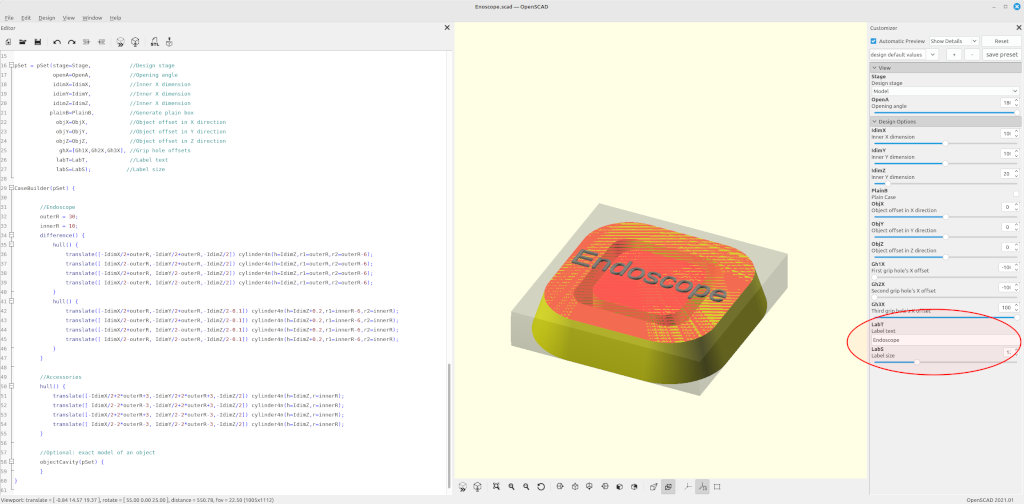
Continue by setting the `Stage` variable to "Generate" (value = 2).
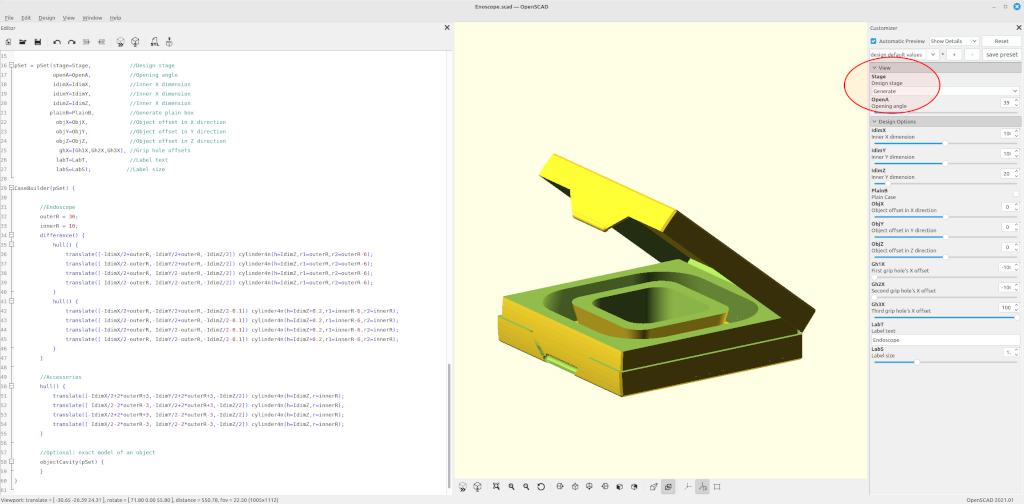
-
-
Generate stage
-
Do a final review of the design. Use the OpenA variable for a detailed inspection.
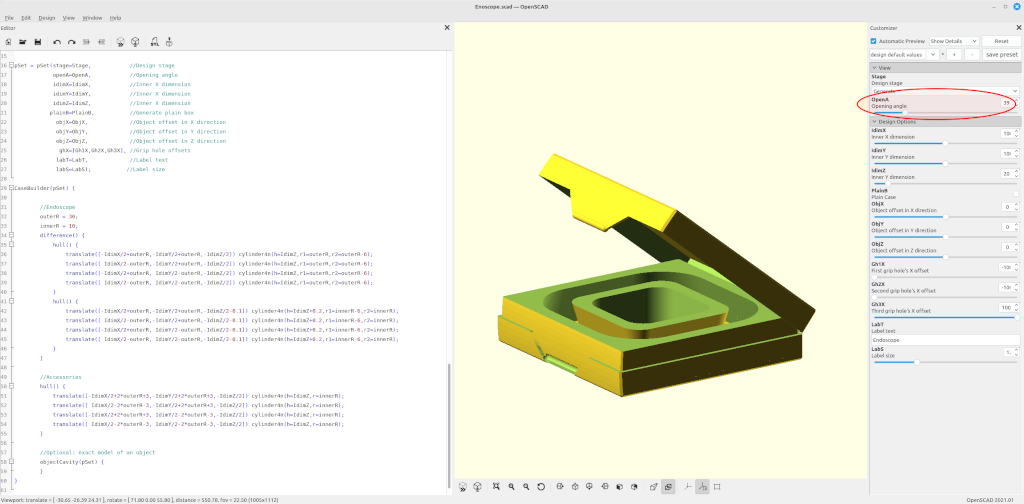
-
Render the design and generate a STL file.
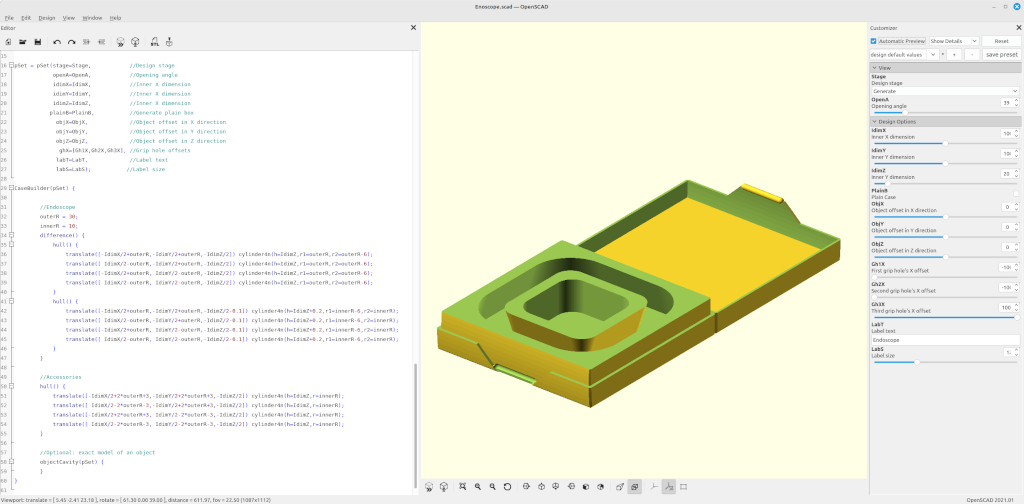
-
Slice and print.
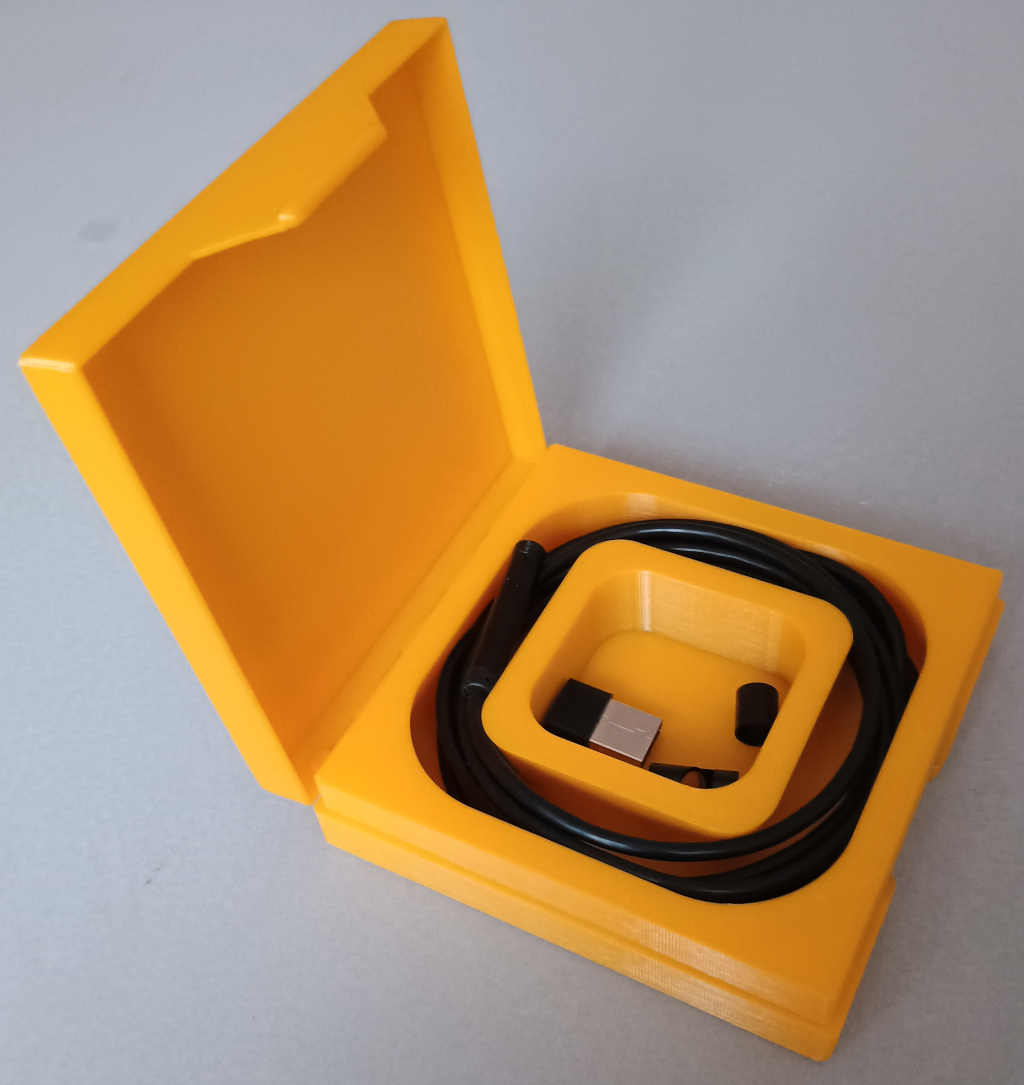
-
The CaseBuilderLib2 source code is maintained at GitHub.