You're on 3DFinder
We search Thingiverse, MakerWorld, and Printables at once so you get the best of each.
Description
CaseBuilderLib
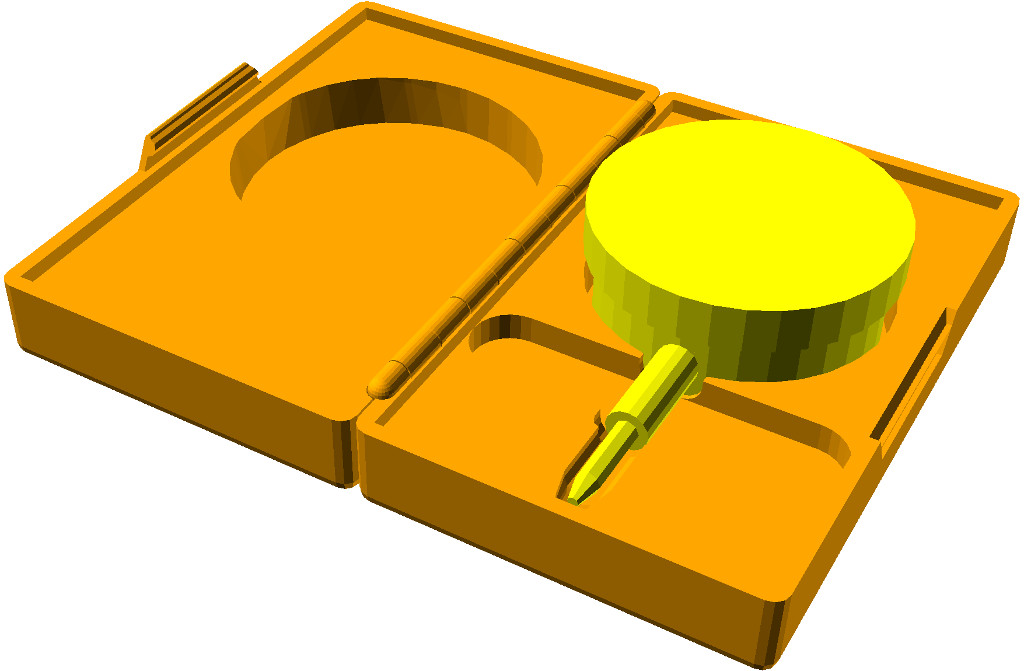
Design 3D printed cases for random things!
How to use this library:
-
Preparation
-
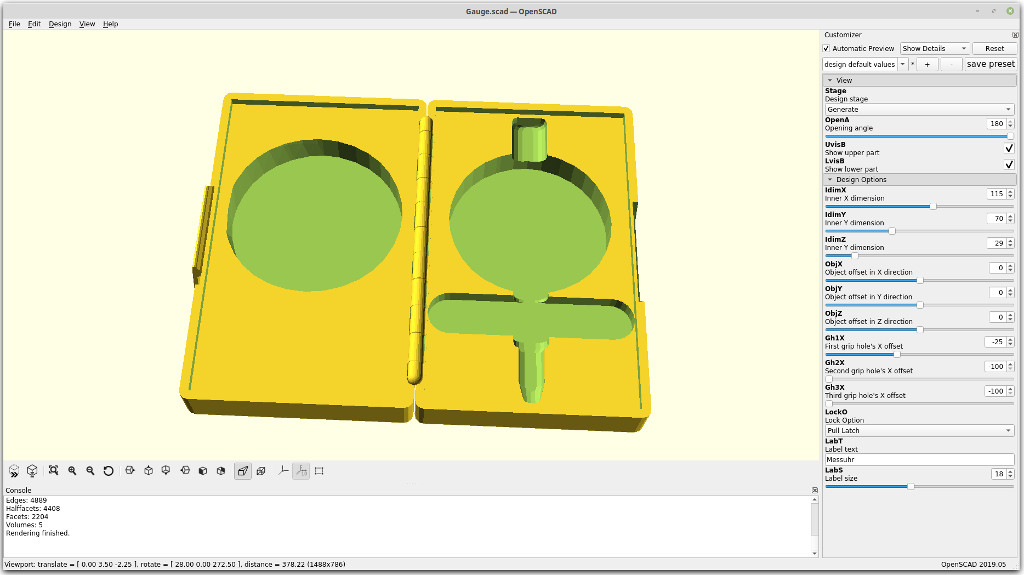
Make a copy of the CaseBuilderLib project template (CaseBuilderTemplate.scad). The template is intended to be used with the OpenSCAD Customizer.
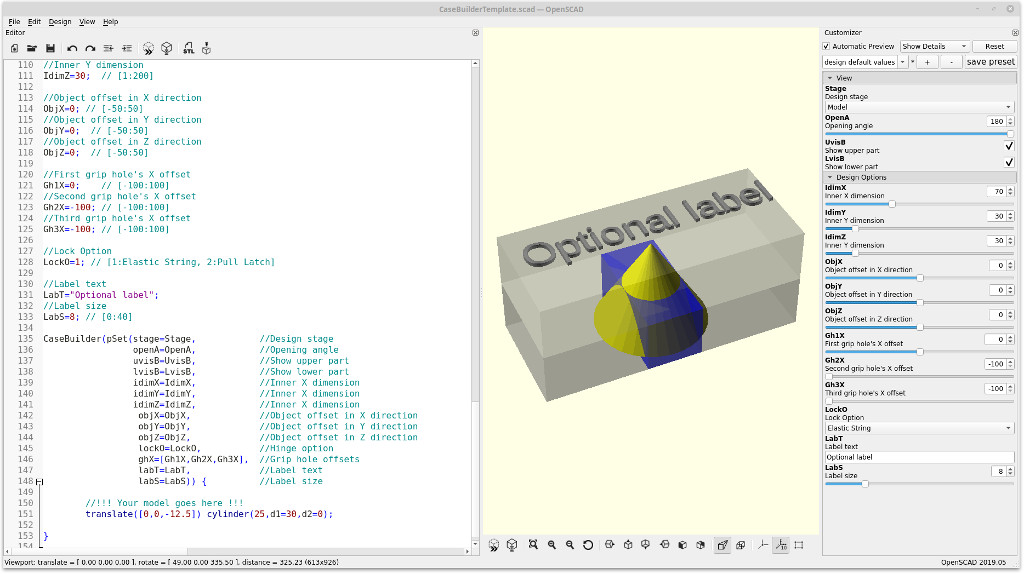
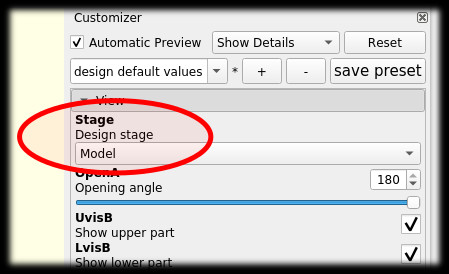
The design of a customized case is done in three stages. Start by setting the `Stage` variable to "Model" (value = 1).
-
-
Model Stage
-
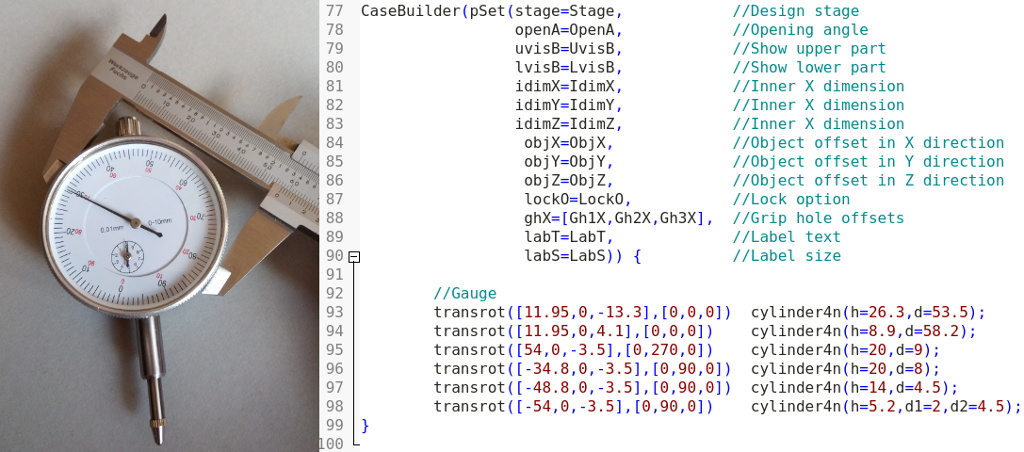
Design a model of the parts of your case content as children of the `CaseBuilder()` module. Construct each part of the content using primitive shapes. Complex shapes will be wrapped in a hull. Use exact measures. Slack will be added to the cavities automatically.
-
Configure the inner dimansions of the case by setting the `IdimX`, `IdimY`, and `IdimZ` variables. If necessary, adjust the position of the content through the `ObjX`, `ObjY`, and `ObjZ` variables.
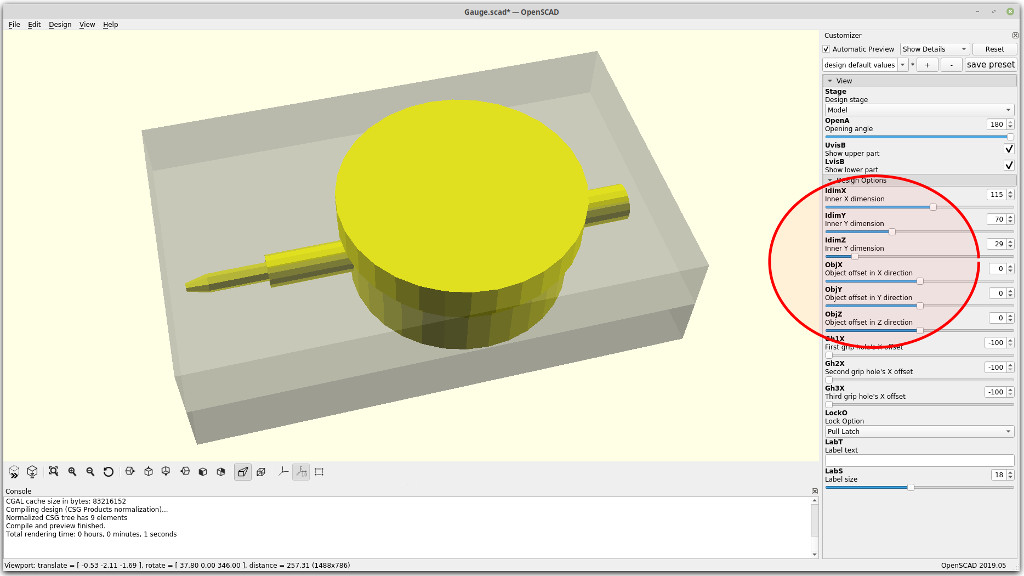
-
If needed, add some grip holes by setting the variables `Gh1X`, `Gh2X`, or `Gh3X` to a value within the inner X dimension. Further grip holes can be added by manually extending the `ghX` array within the instantiation of the `CaseBuilder()` module.
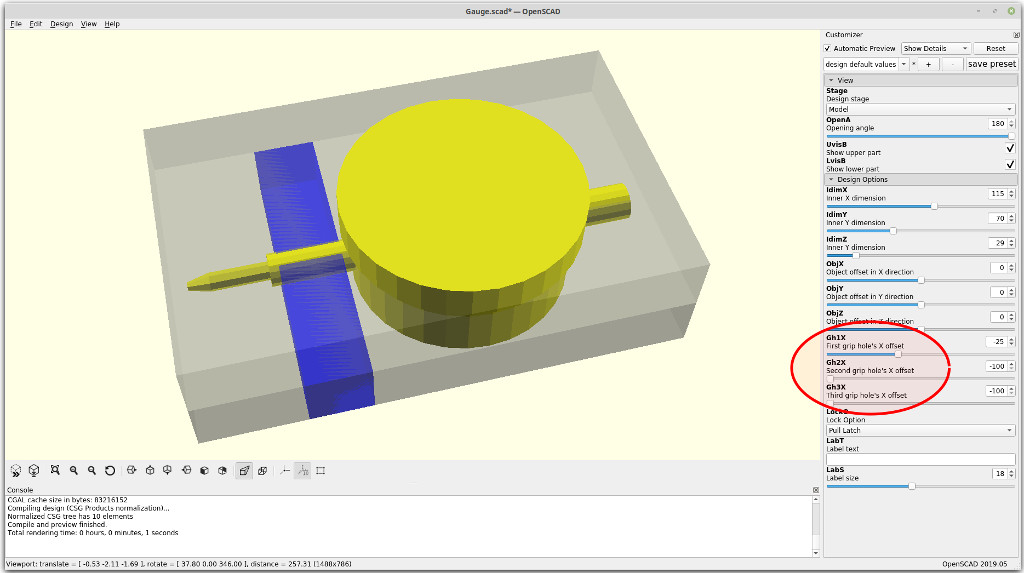
-
Select a lock option through the `LockO` variable. Options Are:
- No lock (`LockO` = 0)
- Elastic string (`LockO` = 1)
- Pull Latch (`LockO` = 2)
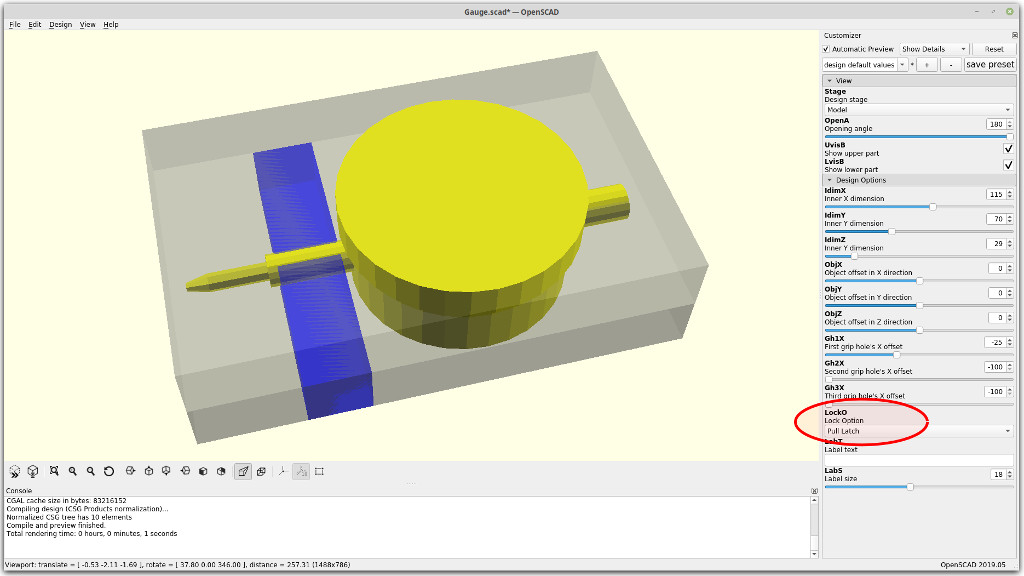
-
Add an optional label to the case by setting the string variable `LabT`. The font size can be adjusted through the variable `LabS`.
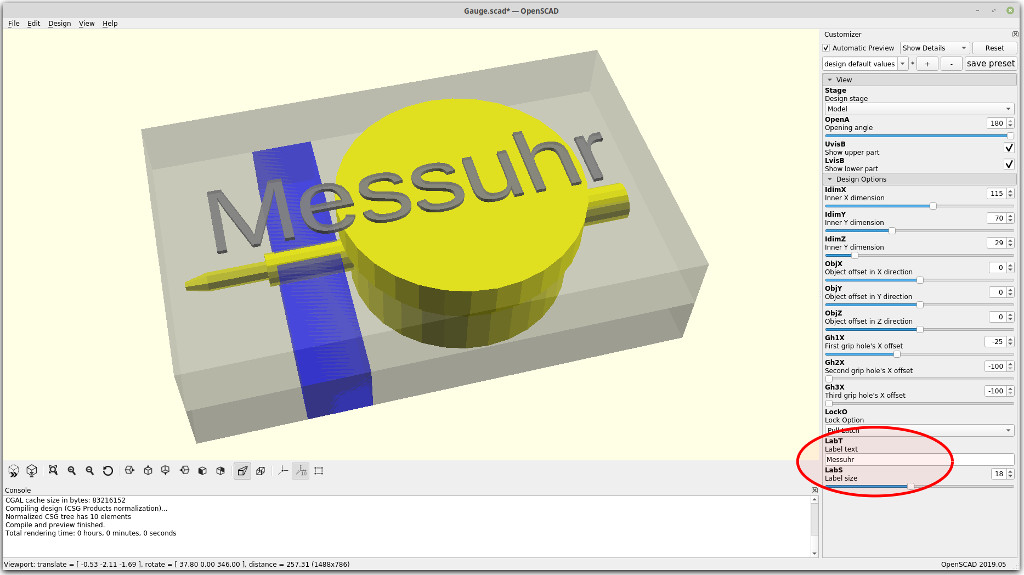
Continue by setting the `Stage` variable to "Check" (value = 2).
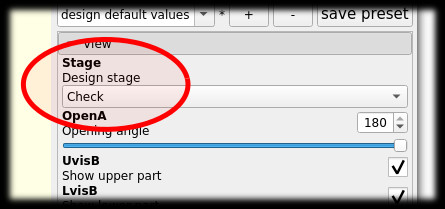
-
-
Check Stage
-
Review the design. Make sure to resolve all problems highlighted in red. The case can be opened or closed by adjusing the angle in the openA variable.
The upper part of the case can be eclipsed through the UvisB variable. The lower part of the case can be eclipsed through the LvisB variable.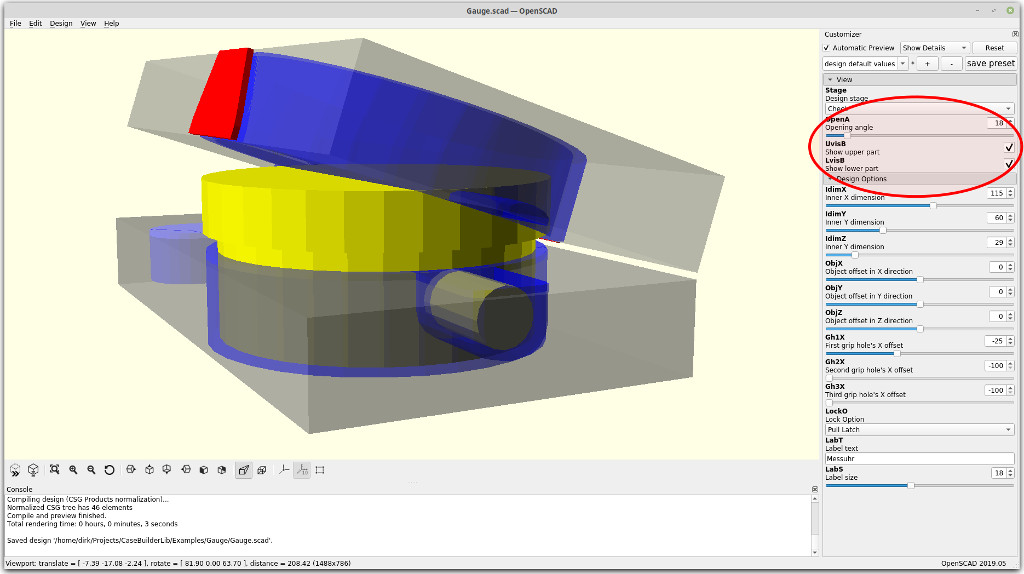
Continue by setting the Stage variable to "Generate" (value = 3).
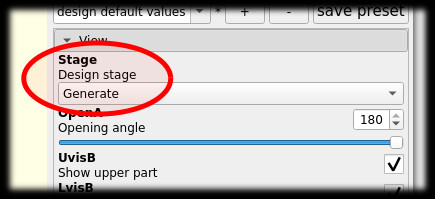
-
-
Generate stage
-
Do a final review of the design. Use the OpenA, UvisB, and LvisB variables for a detailed inspection.
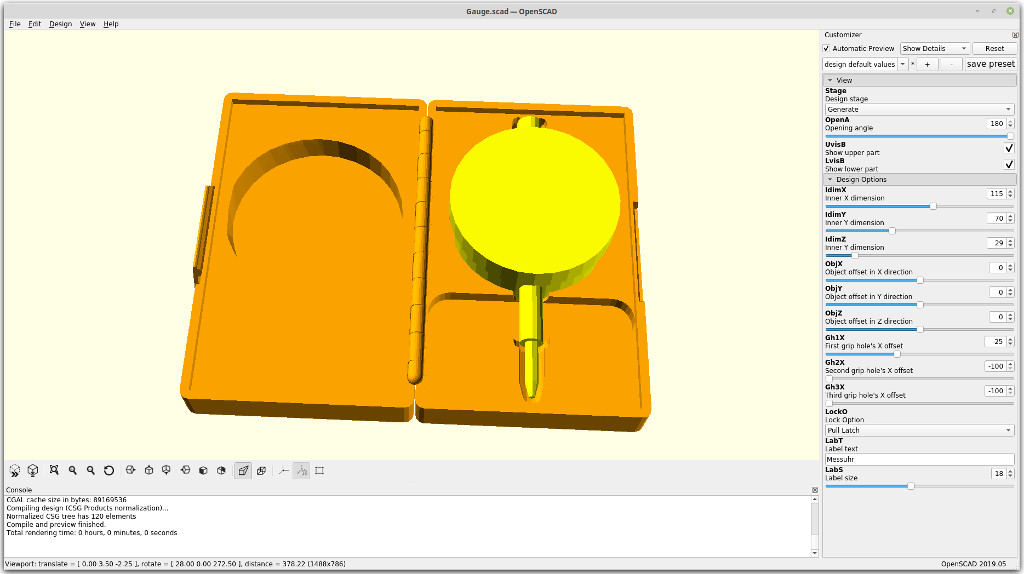
-
Render the design and generate a STL file.
-
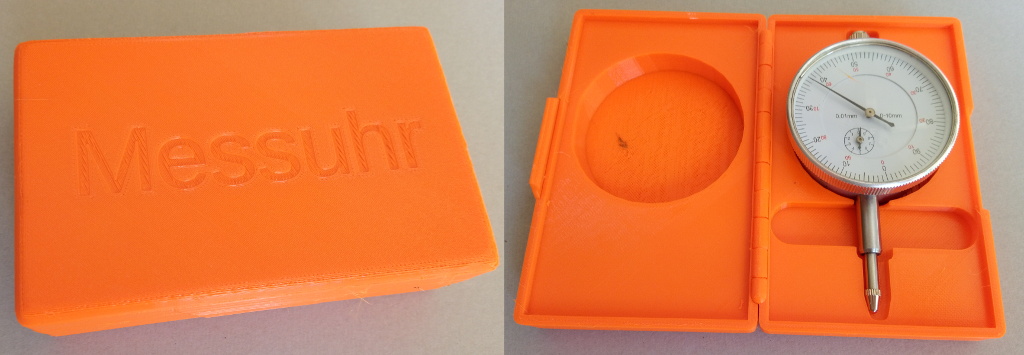
Slice and print.
-
The CaseBuilderLib source code is maintained at GitHub.

Like this model? Create a free account to save your favorites and come back to them later.
Create account