Você está no 3DFinder
Buscamos em Thingiverse, MakerWorld e Printables ao mesmo tempo para te dar o melhor de cada uma.
Descrição
print to test if z level for first layer is correct. Too high z level distance can make troubles with adhesion during print and separation of model during print.
There are printed two strips, center is on 0.2 mm , left side goes linearly lower to 0.1 mm and right side goes higher to 0.3 mm. See picture 1. Here are placed side by side results of two prints with differently adjusted z distance.
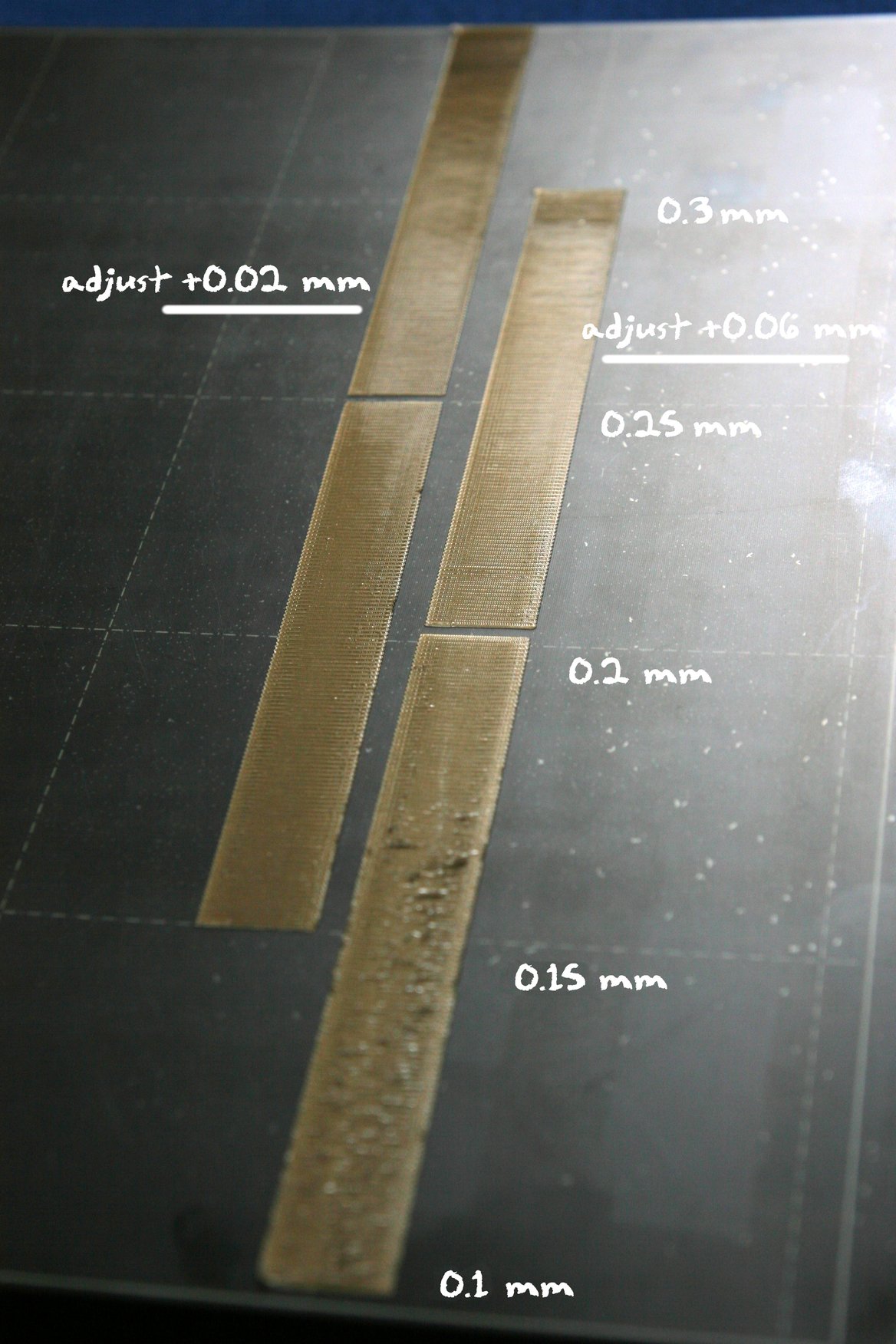
Result should look smooth in the center without gaps between lines. Left and right end of strip can be rough looking or even separating from bed, its because there is z distance out of limits. Its important to get smooth part into center of two strips.
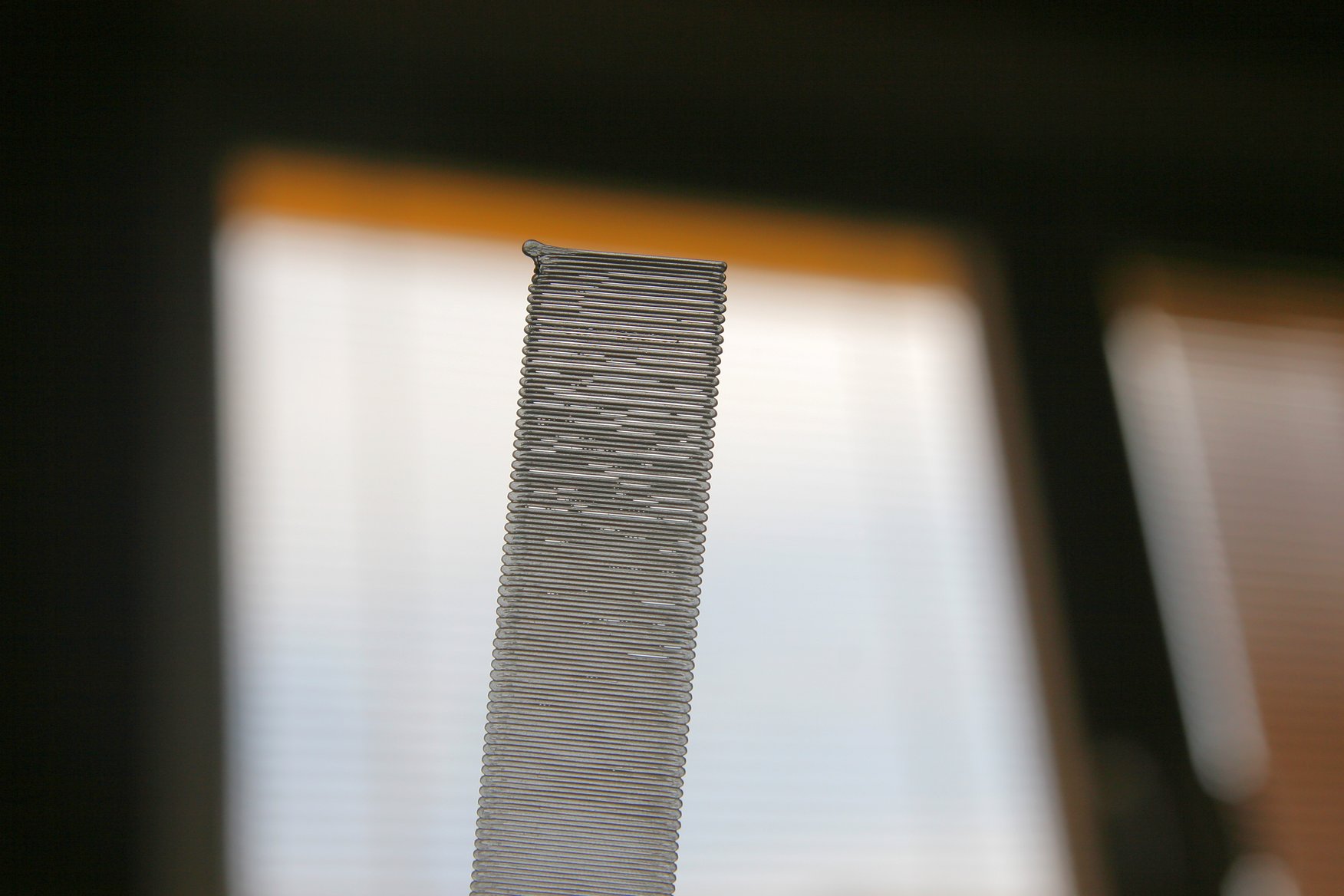
If there are gaps like on picture2, distance is too much, needs adjustment to set lower value.
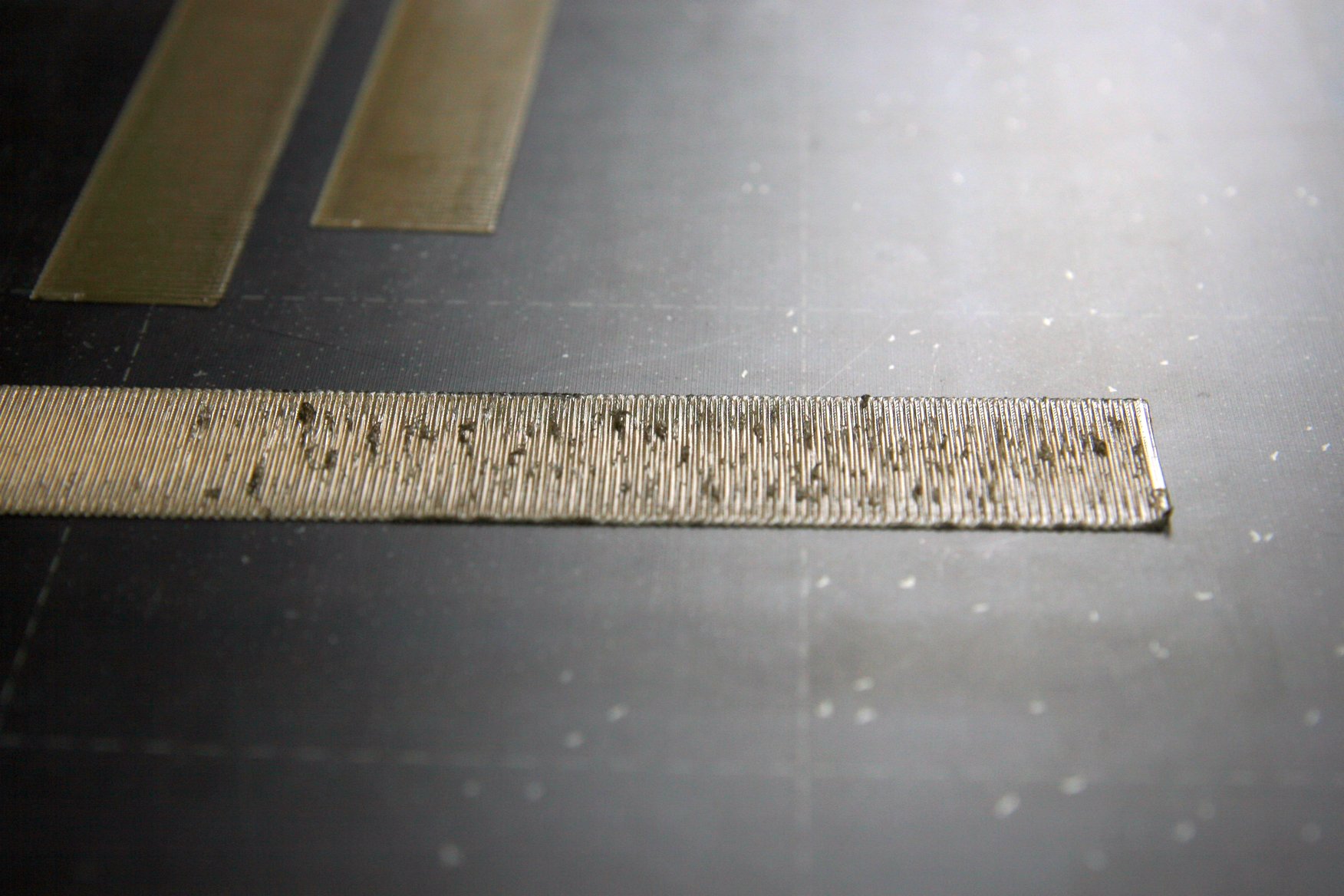
If surface is rough like on picture3, distance it too close, needs adjustment to set higher value.