Você está no 3DFinder
Buscamos em Thingiverse, MakerWorld e Printables ao mesmo tempo para te dar o melhor de cada uma.
Descrição
What is this
[Update 3: Added variants without interlocks after a specific user request.]
[Update 2: Added a larger triple hex cup after a user suggested it. Check the file section.]
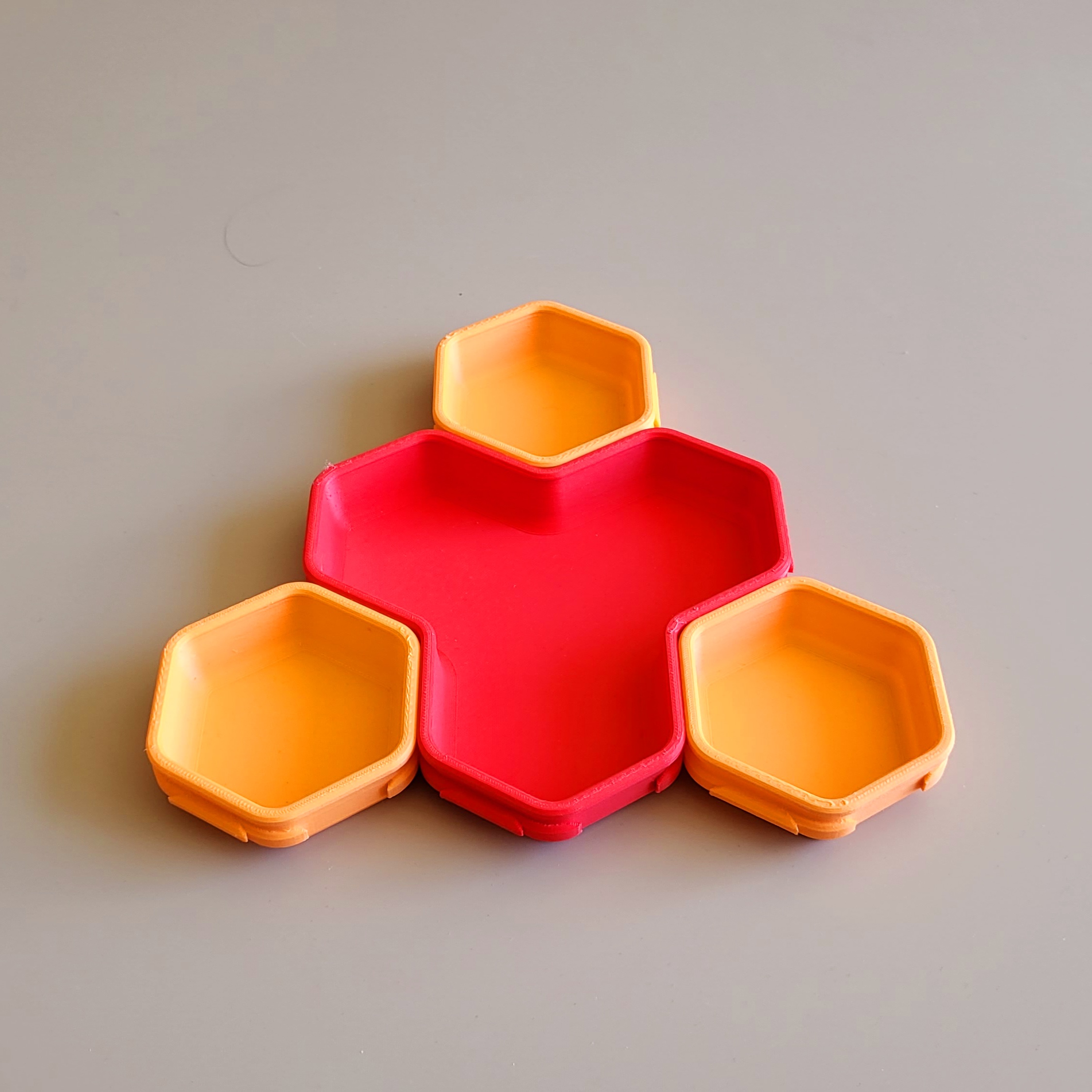
[Update 1: Added two variants with greater wall heights, in case a larger volume is needed.]
This is a new version of my original hex sorting cups (see old version here). If you are not a fan of hexagons, I have also designed these square-shaped cups. I mainly use them for keeping board game bits organized during play. The wive and the kids use them to store crafting stuff, hair ties, loose change, etc. A couple of these also make for a nice gift. The cups come in three different sizes.
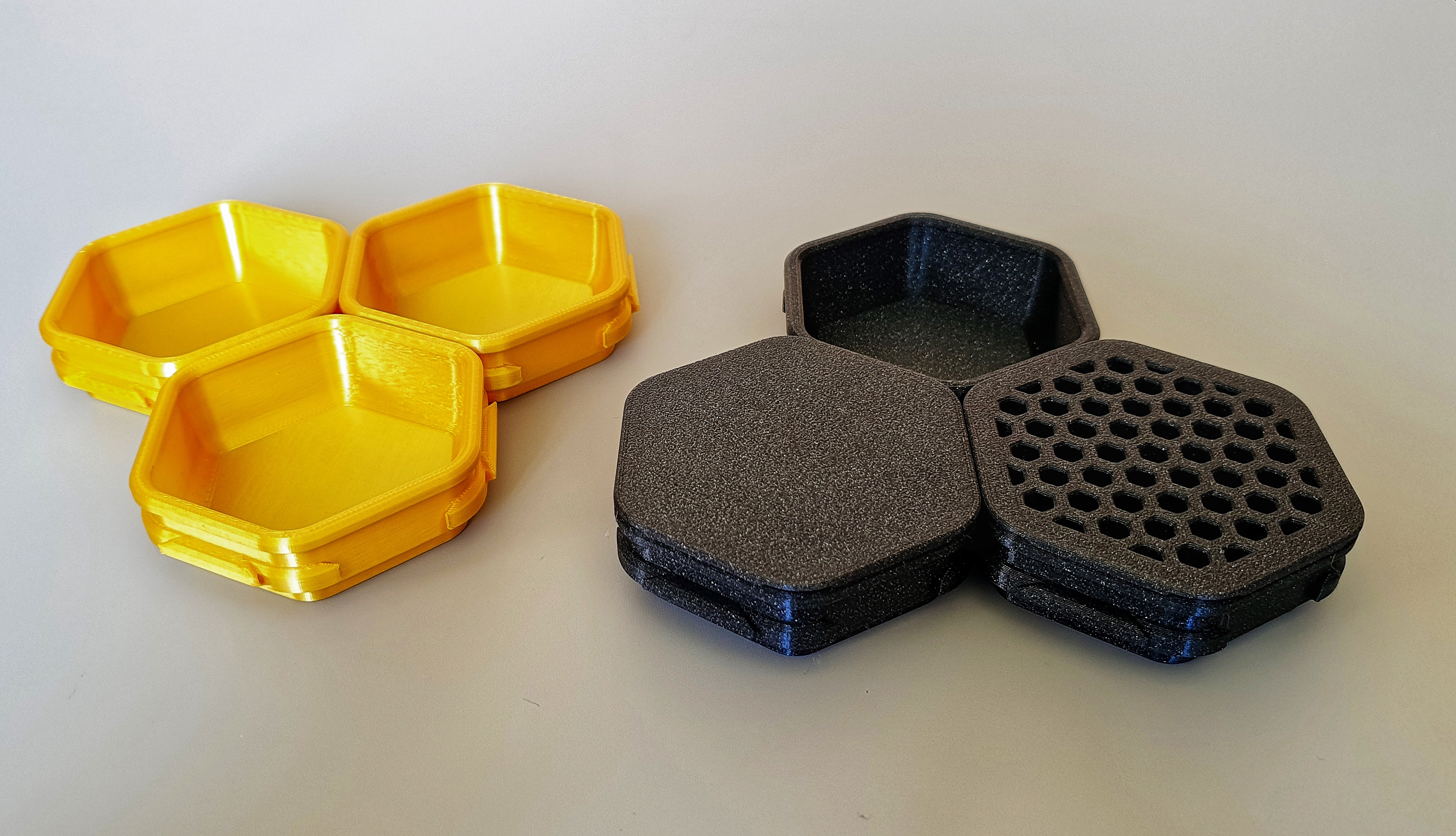
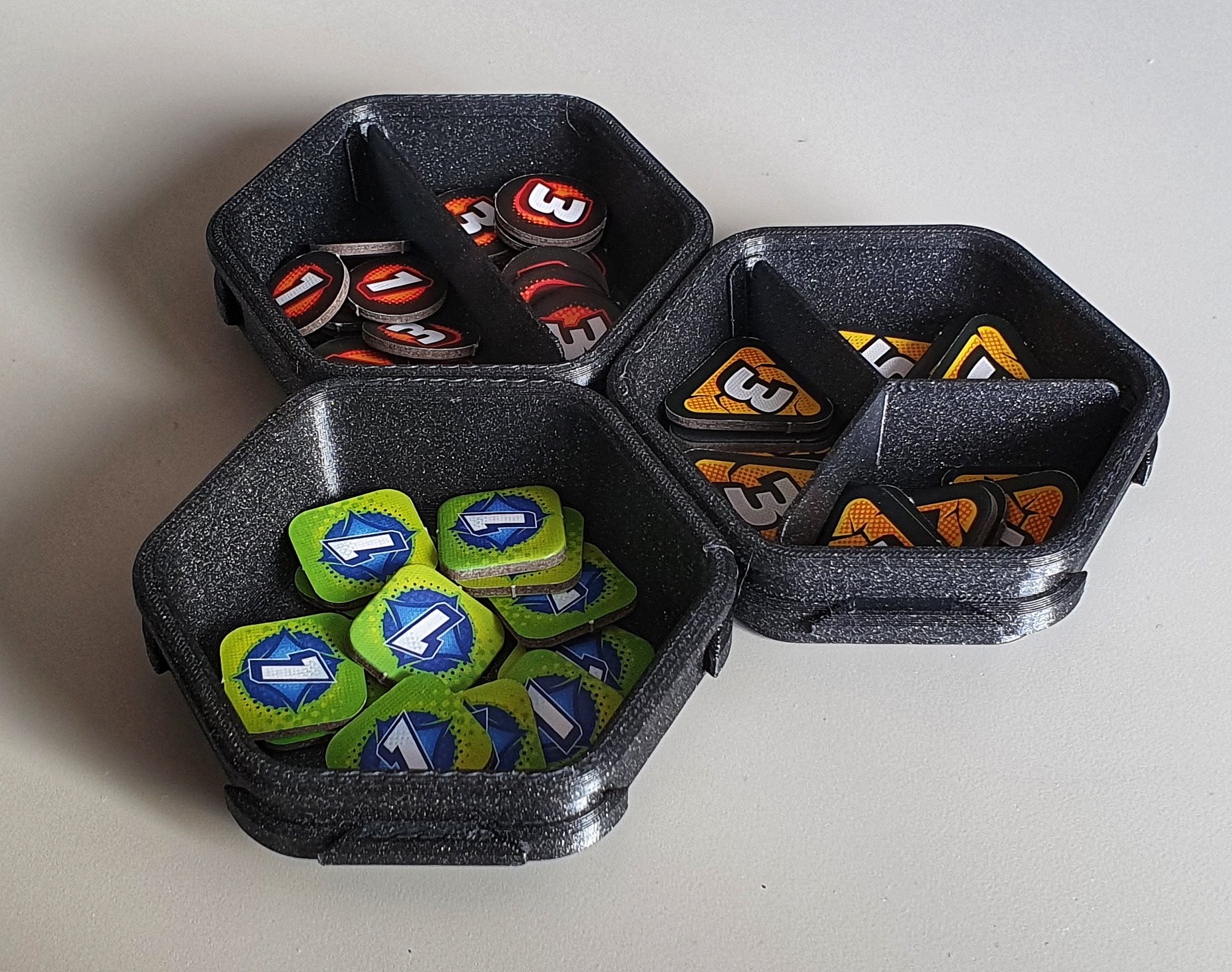
This new design works exactly the same way as the old one: Connect as many cups as you like and use them to organize stuff.
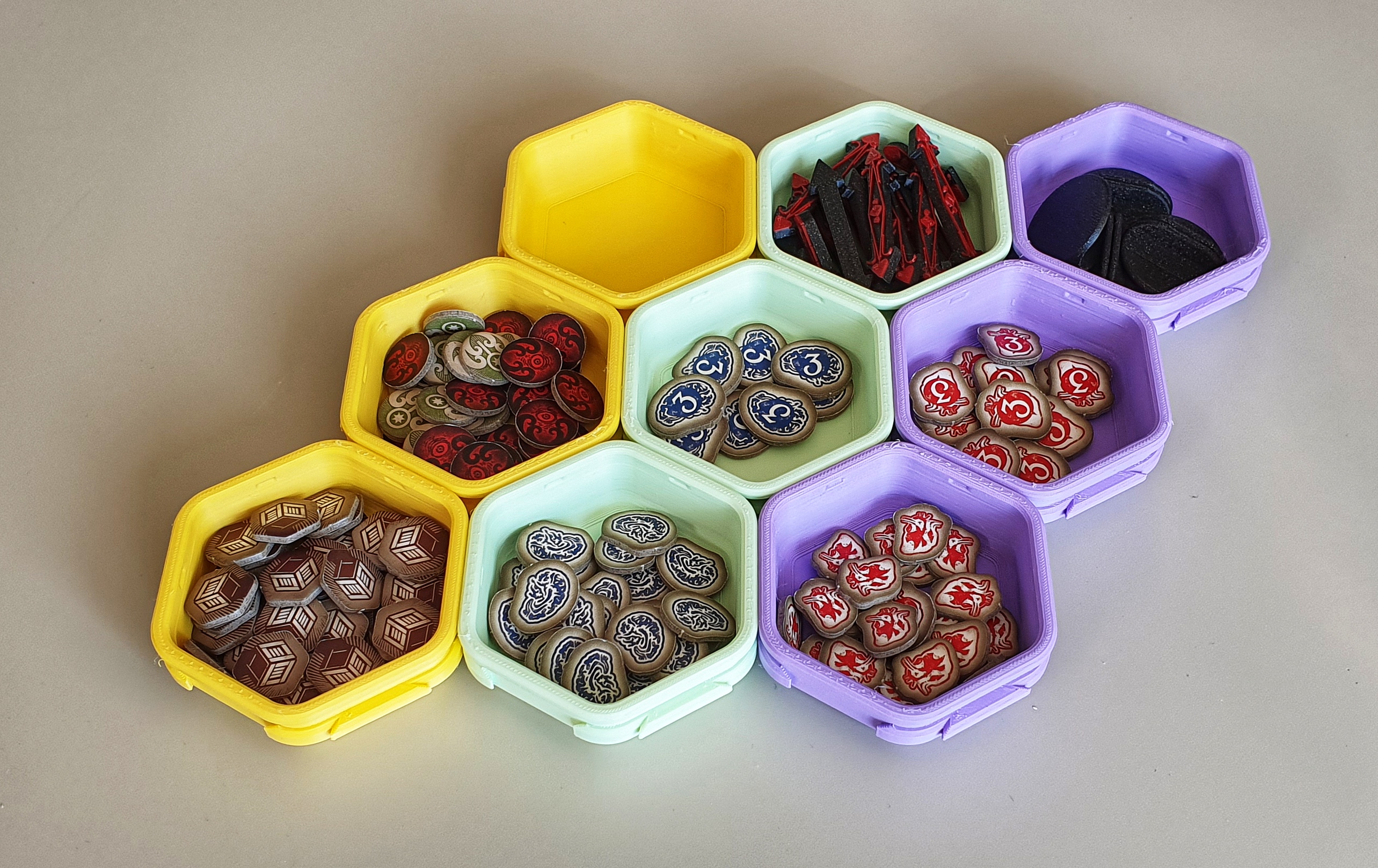
One thing that is new: Now they can be stacked on top of each other, making it much easier to clean up after a gaming session. At first I thought this is just a small feature but it's so much nicer to stow them away now. Also, I find the stacks look pretty cool! ^_^
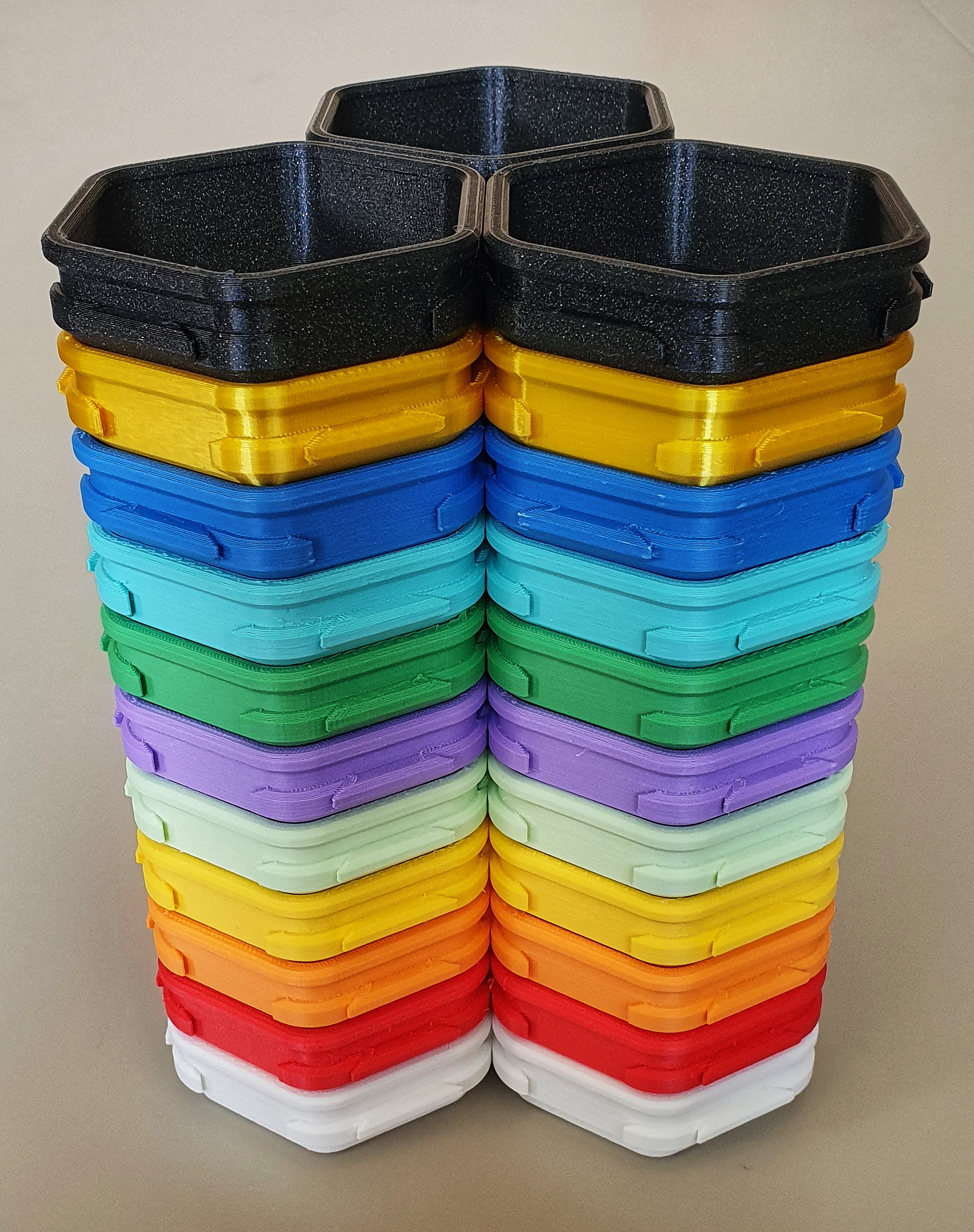
Also, they now come with two types of snap-on lids that you can use to keep stuff from falling out. Originally the lids were an idea brought up by tommck (another user here at PrusaPrinters). After finishing the lid design I added a see-through variant. Useful if you want to see what's inside while capped without having to print the lids with a transparent filament.
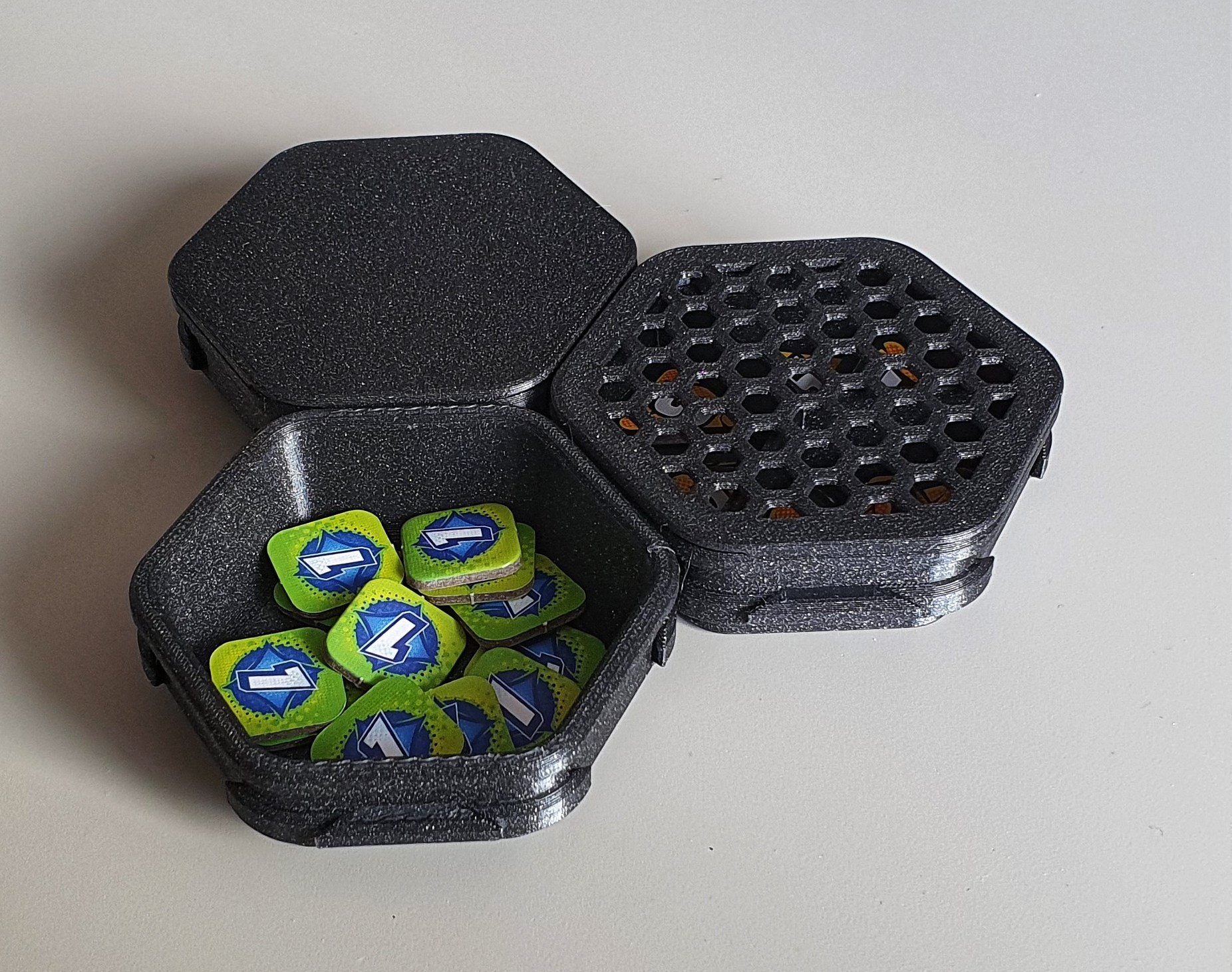
And then there are dividers that you can put in if you want to store two or three types of bits in a single cup while keeping them separate. Pretty handy for sorting small things. You can divide a single cup into two or three compartments. Each of these dividers comes in two versions: A low-profile one which still allows stacking and a high-profile one which, if used alongside a lid, keeps everything inside separate from the other compartments.
How to assemble and disassemble
Nothing has changed here, I'm still using jigsaw-like connectors. The easiest way I found to connect/disconnect them goes like this:
- On a flat surface, place two cups next to each other, one of them slightly elevated, so that the connecting parts are touching and one connector is resting on top of the other. The upper brims of the cups will touch as well.
- Press down with your hand right where the brims are touchting until the cups are fully locked in. It might click and crack a little. Don't worry, they won't get damaged.
- For disassembly, press down on one cup and press up on the other until they separate. Sometimes wiggeling or slight twisting helps (No, I'm not talking about dancing but it won't hurt the process either).
- Do not try to “fold” two cups against each other. They will probably survive, but the connecting parts might get damaged at the edges, making the connection less tight and less stable.
Important: Unfortunately, v2 is not compatible with v1. Because I wanted to make the cups stackable I had to elevate the connectors quite a bit. So while the v1 and v2 shapes are basically the same, they are too far apart to connect them.
How to print
I mainly print with Prusament PLA or DasFilament PLA, using the standard Prusament PLA profile in PrusaSlicer. If the print dimensions are accurate, the connection is tight enough to make them hold together quite strongly, but still loose enough to make separating them an easy process. However, if your printer is not correctly calibrated or your filament diameter is not consistent, you might end up with connectors that are too big or too small.
In the file section you will find 5 variants of each cup model (i.e. the three sizes), each with a slightly different gap width between the connector parts (between 0 mm and 0.2 mm). For each of the five cup variants there is a corresponding test model with the same gap width. To find out which gap width works best for your printer, follow this process:
- Print all test models: 5 male gap variants (0.00 | 0.05 | 0.10 | 0.15 | 0.20) + at least 1 female part.
- Try fitting each gap variant into its counterpart:
- Do they slide into each other without using much force? → The gap is too wide.
- Do you need a lot of force to make them fit or don't they fit at all? → The gap is too narrow.
- Do you need some force until they click into each other? → This is the gap width you need. A good rule of thumb is this: Using your thumb and index finger, if you need both hands to make them click, you are in a good spot. If in doubt, go for the tighter fit.
- If none of the test prints work for you, try another filament or calibrate your printer's extrusion rate. Then print the test models again.
In most cases you should be able to pick the right variant without having to recalibrate your printer. Print 2 or 3 cups with the gap width chosen above and test if they fit well. Personally, I tend to go for a pretty tight fit. I hate wobble and I also got the feeling that prints seem to have shrunk very slightly after a couple of days, making the connection a bit looser.
If you need cups with a different height than provided here, rescaling should work fine within a certain range. Just make sure to use the same scaling factors for all cups and to try the test models first. Also, upscaling in Z-direction will increase the friction area of the connectors and you might require more force during assembly and disassembly.
Misc
Please let me know what you think. Also, do feel free to drop me a message, if you have problems with printing these or if you have ideas for add-ons or for how to improve the design.
All my models are free and may be used and shared by everyone. I put a lot of time in my designs to get everything right and I hope the result shows. So, if you like my stuff, consider supporting me here: paypal.me/schnelge.
Cheers! ^_^
P.S.: The original version of these cups has inspired two other expandable organizers: a desk organizer for my daughter and a storage tray for acrylic paints and brushes. Feel free to check them out.
Interlocking Sorting Cups (Hex Shape) - Version 2

Publicado em 31 de out de 2023