Você está no 3DFinder
Buscamos em Thingiverse, MakerWorld e Printables ao mesmo tempo para te dar o melhor de cada uma.
Descrição
Notice!
The printed model is currently out of order. Too much friction in the plastics. It's stiff and doesn't move at higher numbers. I am working on modifications to make the model fully functional.
A mechanical counter based on a known principle: [https://en.wikipedia.org/wiki/Mechanical_counter](https://en.wikipedia.org/wiki/Mechanical_counter)
This displays the numbers 0 - 999 in decimal and at the same time displays the corresponding number in binary.
The entire model is created in such a way that there is no need to set supports.
Everything can be printed with a layer height of 0.3, except for numbers, where I recommend 0.1 mm.
No fasteners are required for assembly. All parts can be disassembled.
EDIT: after release, some models were modified for better print tolerances. See version of the models.
assembly instructions:
1) prepare the mat according to the picture so that the locks are oriented with the narrower side down. then click on the BarelSupport part.
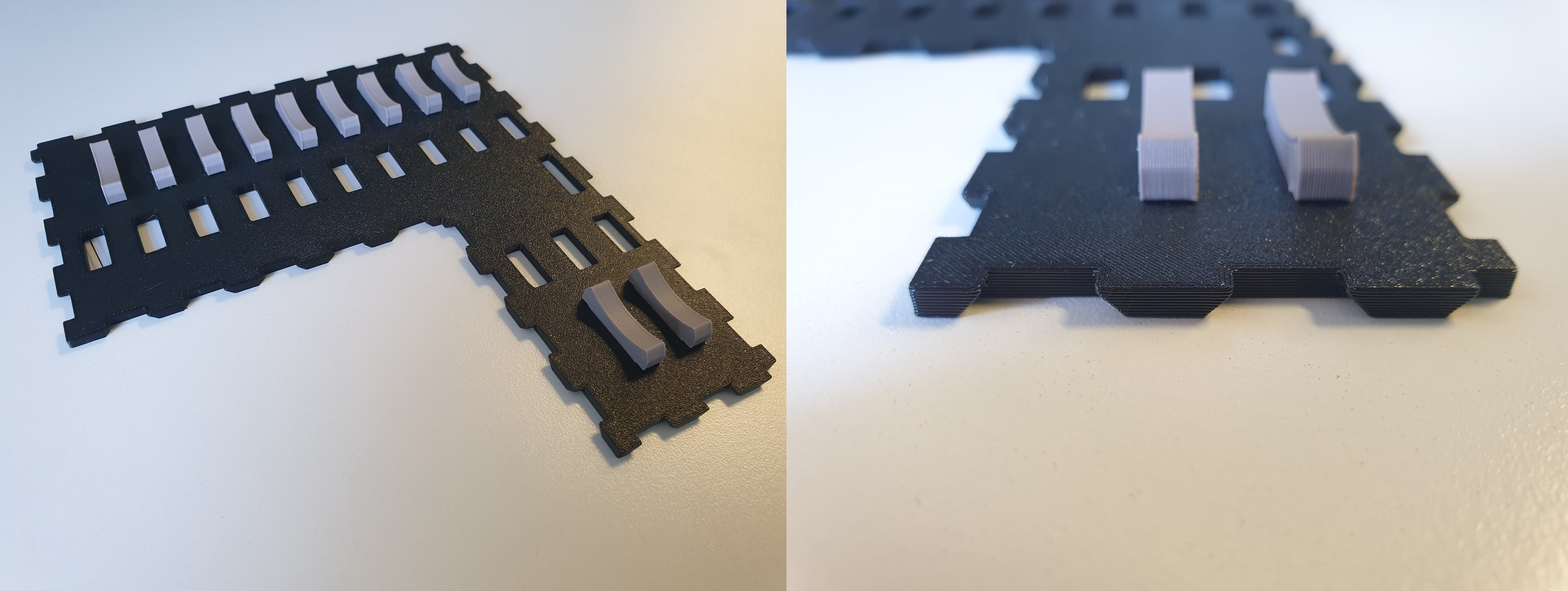
2) take the two parts GearSupport and ConGear_Support, place them according to the picture. check the orientation of the opening.
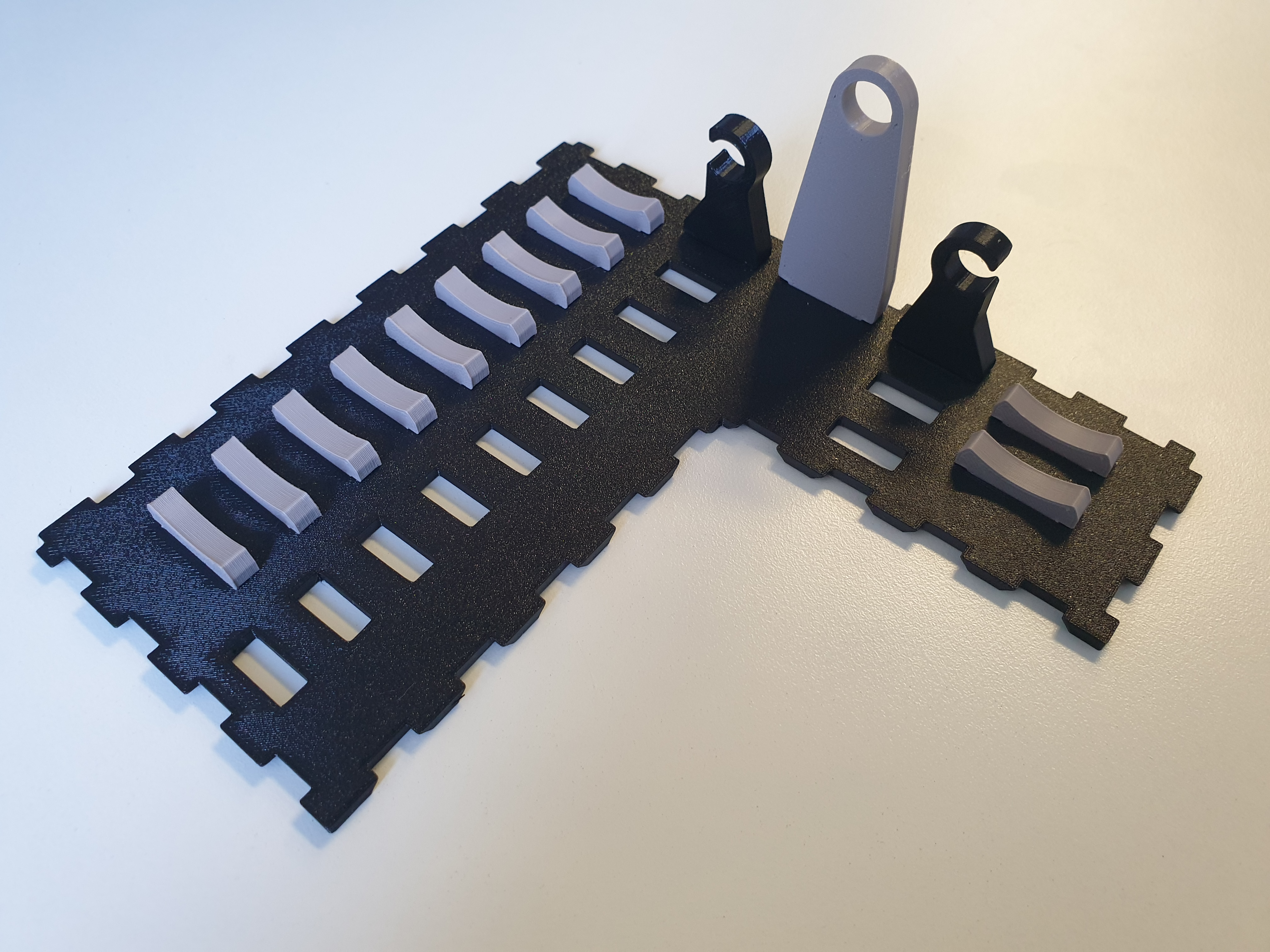
3) install the first two parts of the SwitchGear.
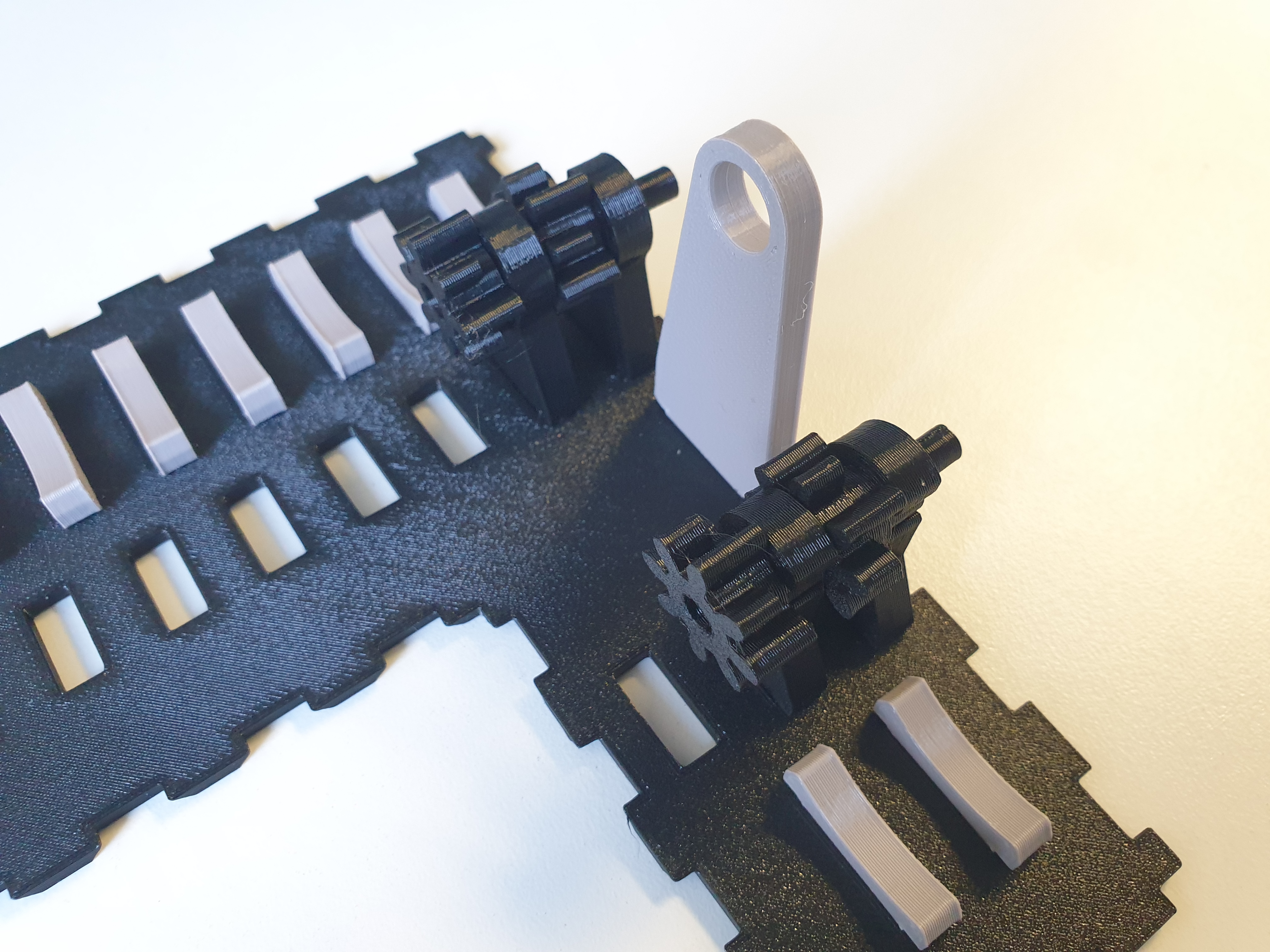
4) then GearSupport parts again. Repeat this process until the end. Use the SmallGearEnd part last.
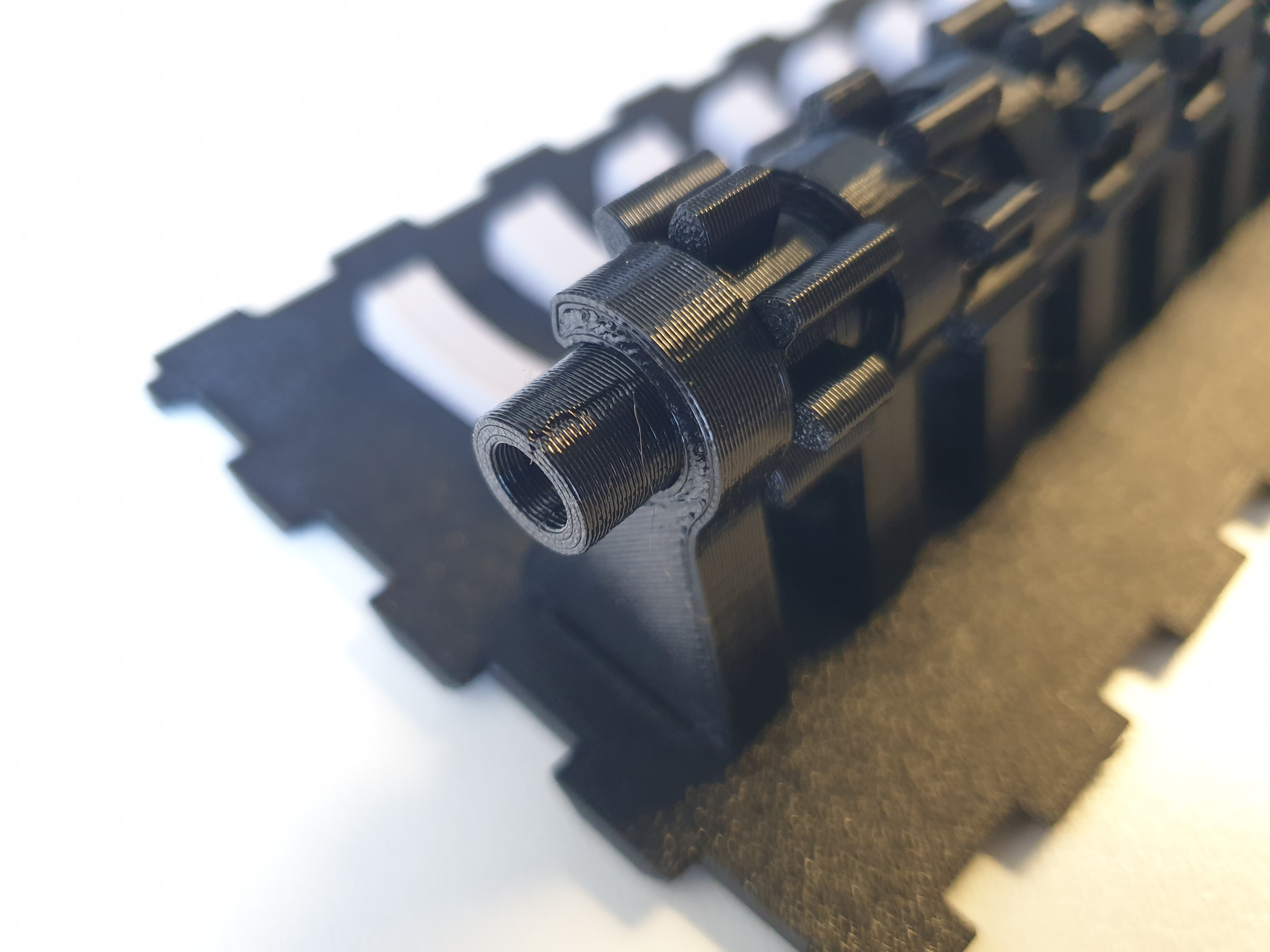
5) prepare the NumRoller_Body parts and snap the numbers into them. You should have 10 binary rolls and 3 decimal rolls.
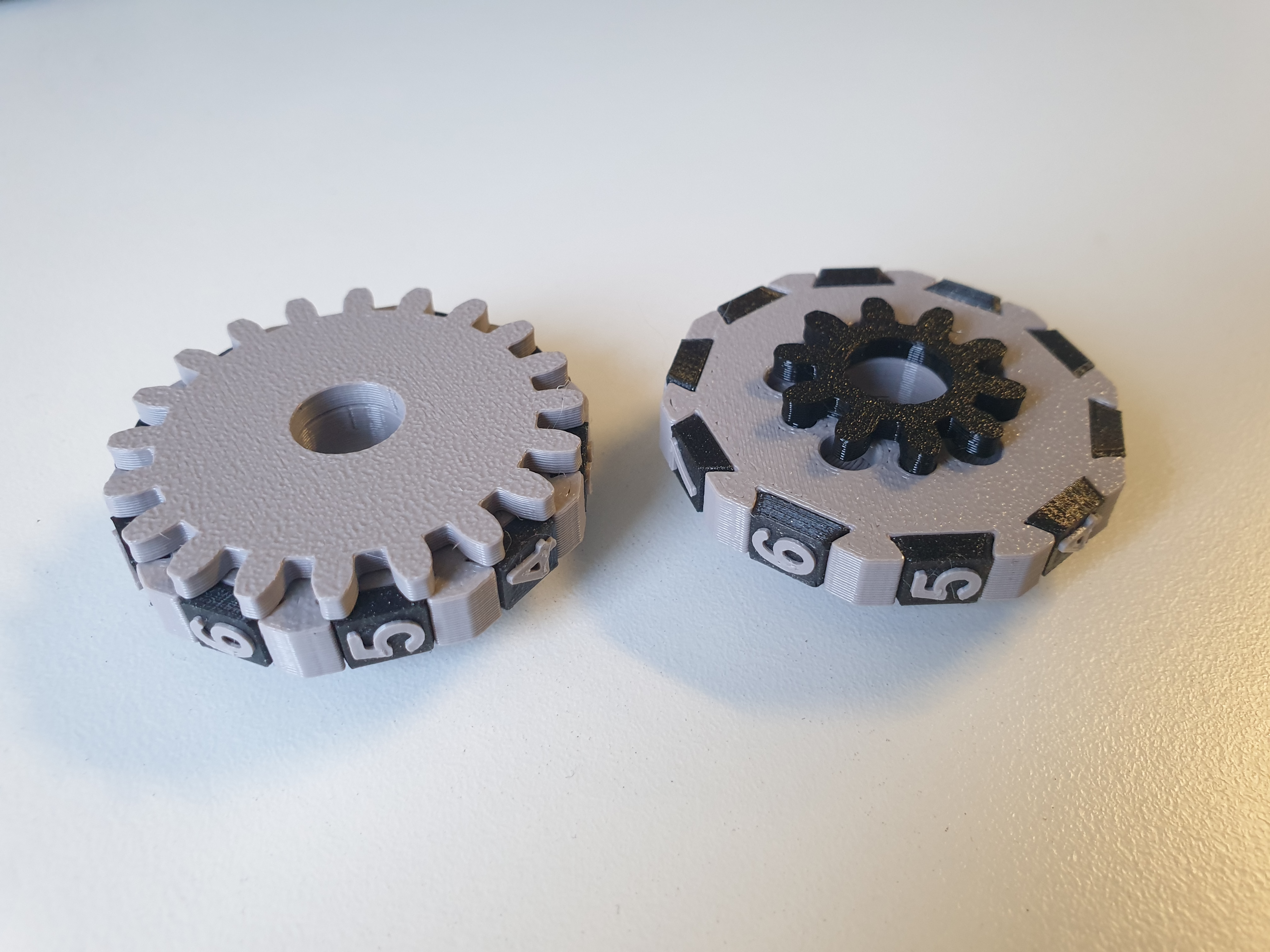
6) attach a small NumRoller_SmallGear to one of each system. (first roller in the row) Fit the rest with a large NumRoller_BigGear.
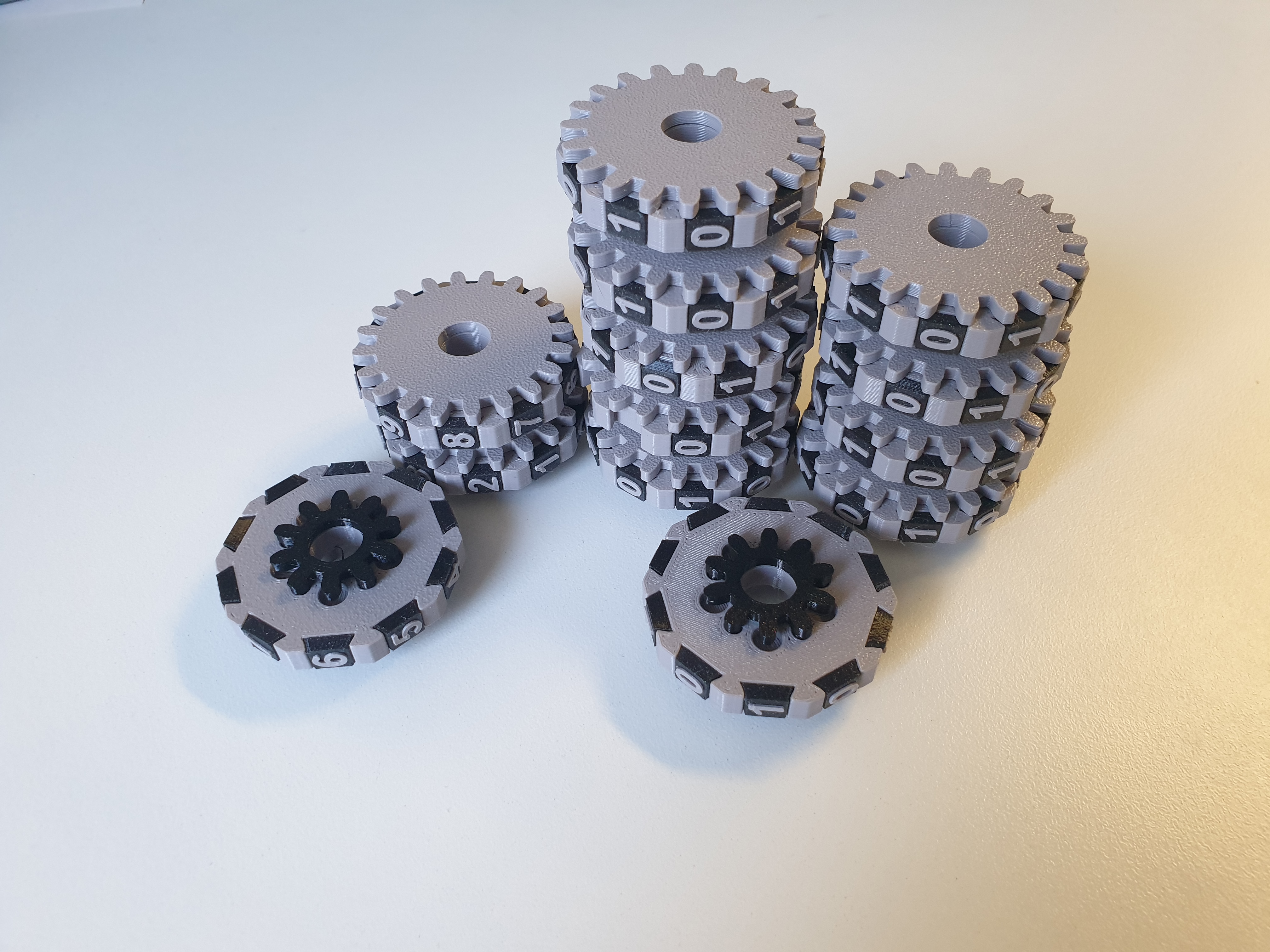
7) place the NumRoller_Carrier_Decimal part on the two decimal rollers (in the first and second positions). Two teeth must be in the digit 2 position. Place the NumRoller_Carrier_Binary part on the binary rollers (first to ninth). The teeth must always be in the digit 1 position.
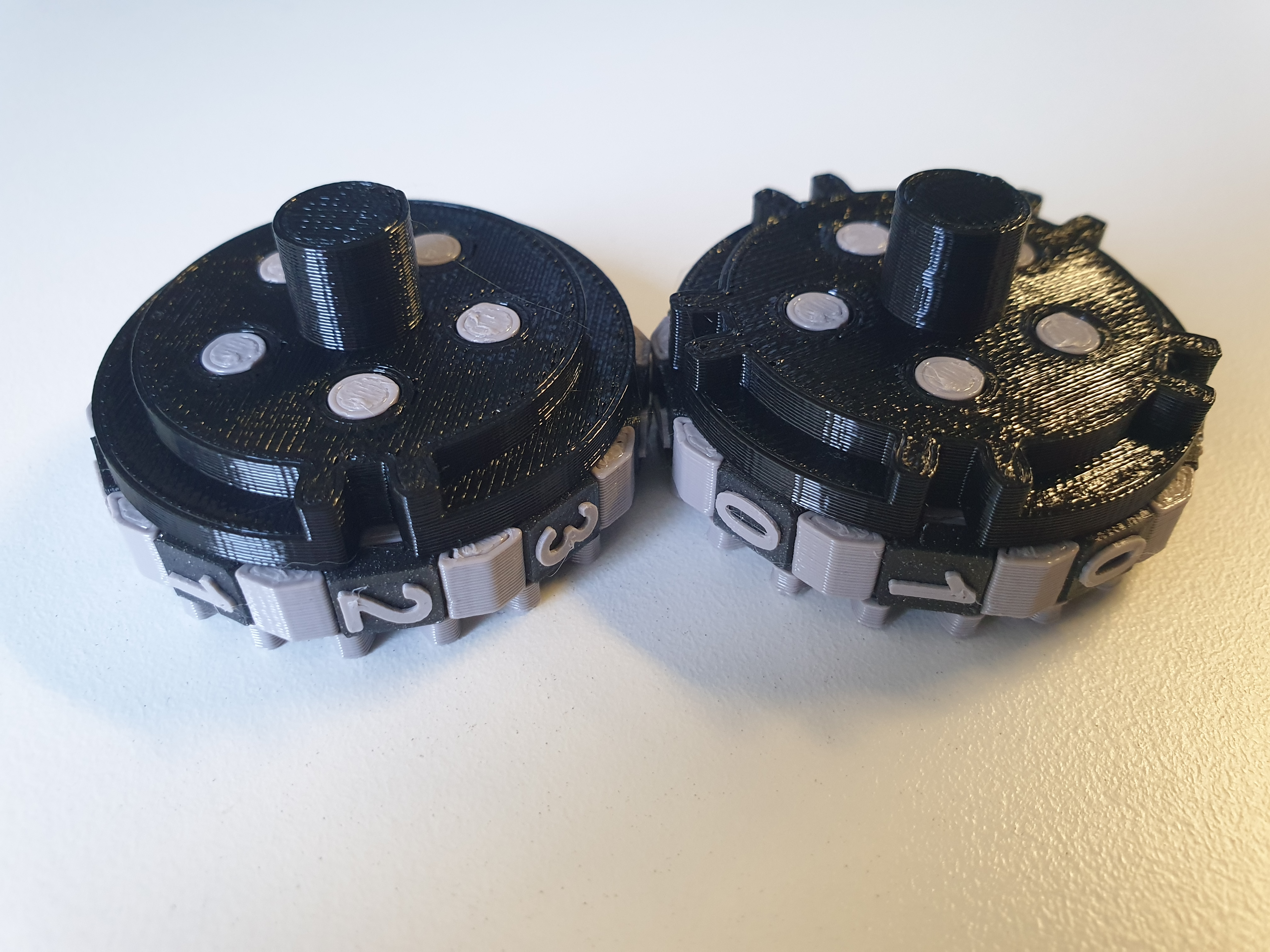
8) Place the NumRoller_End part on the last roller in both rows.
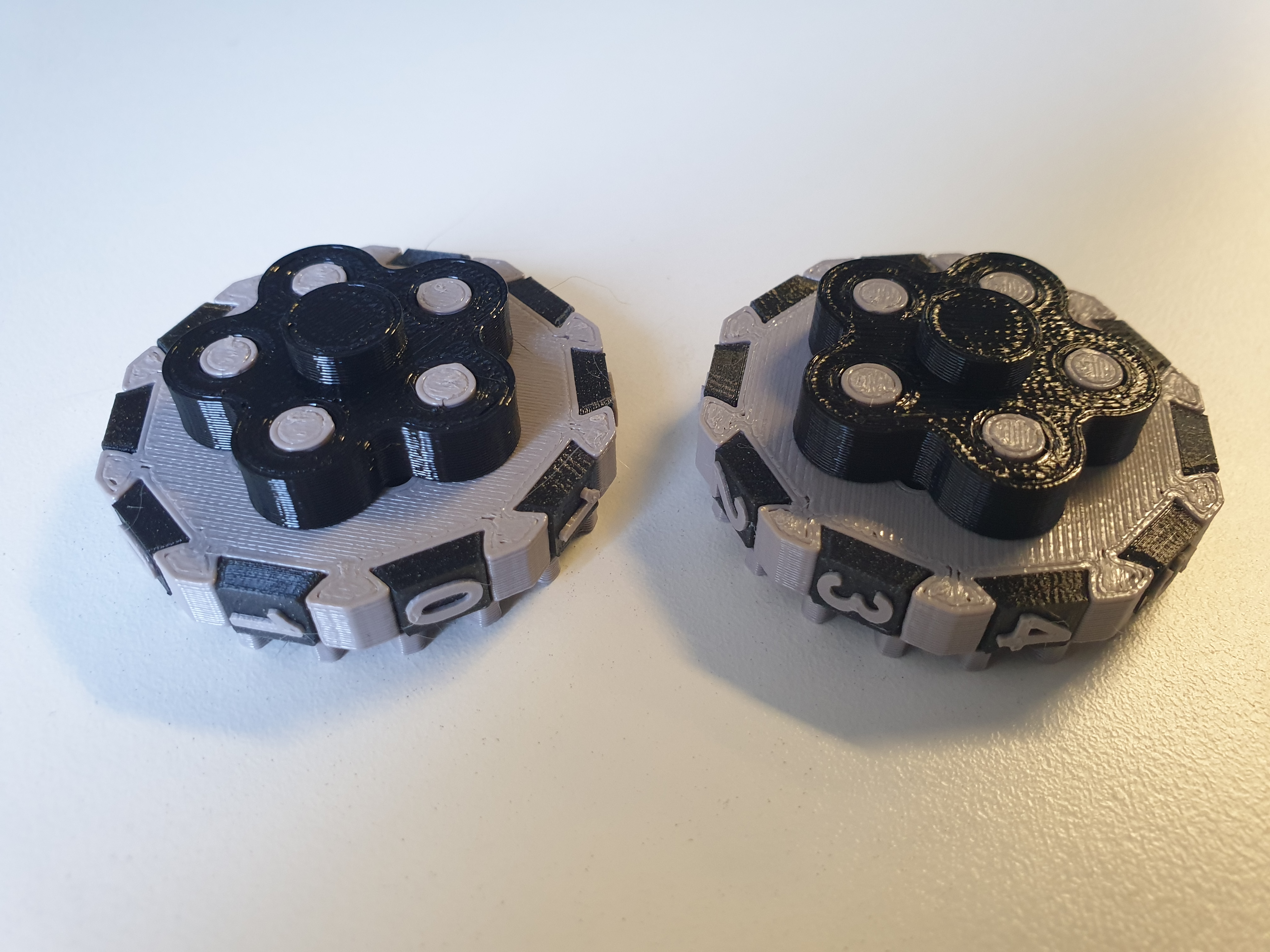
9) Now you can put both rows together according to the picture. The roller with the small gear must be the first in the rows.
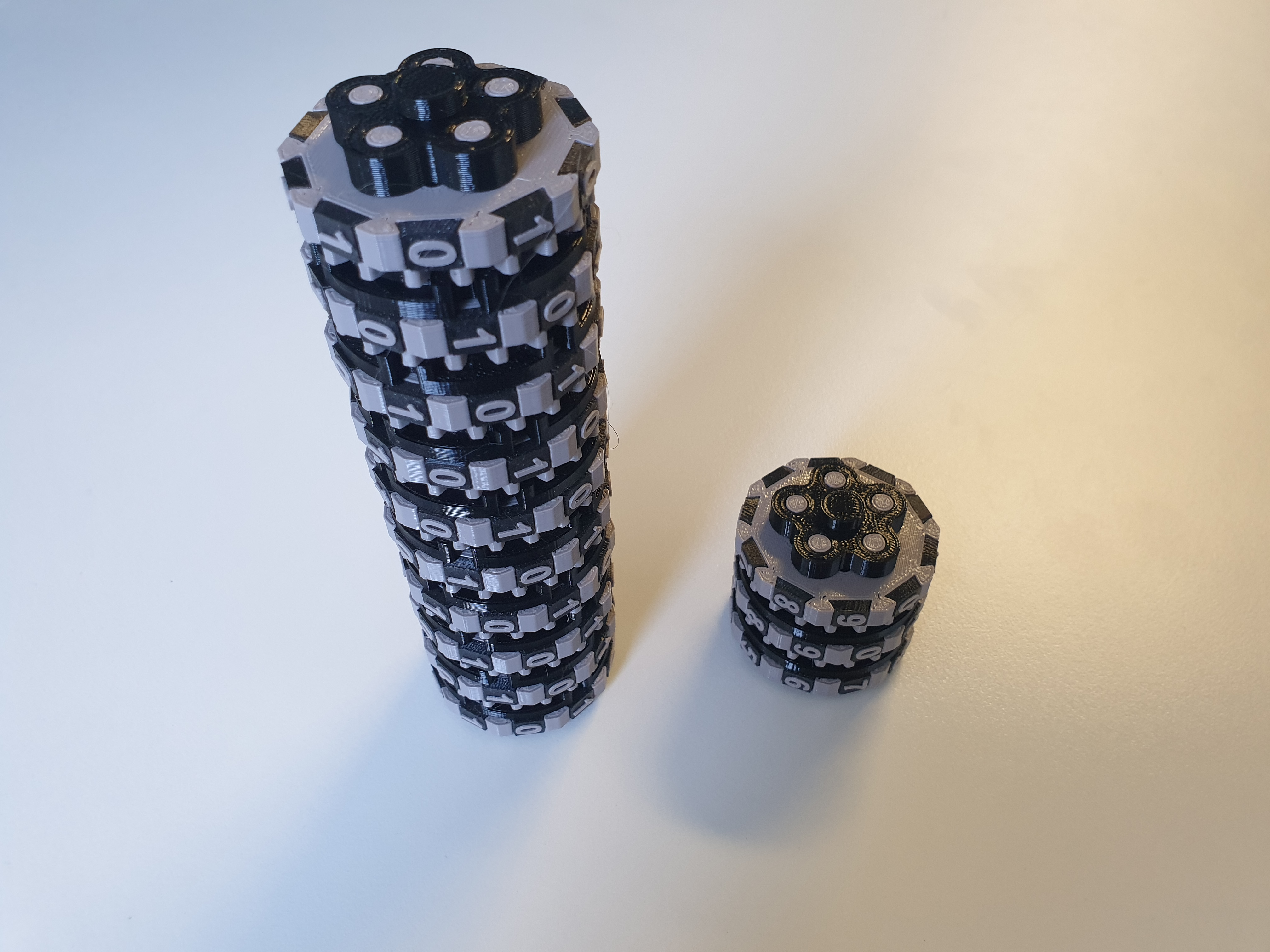
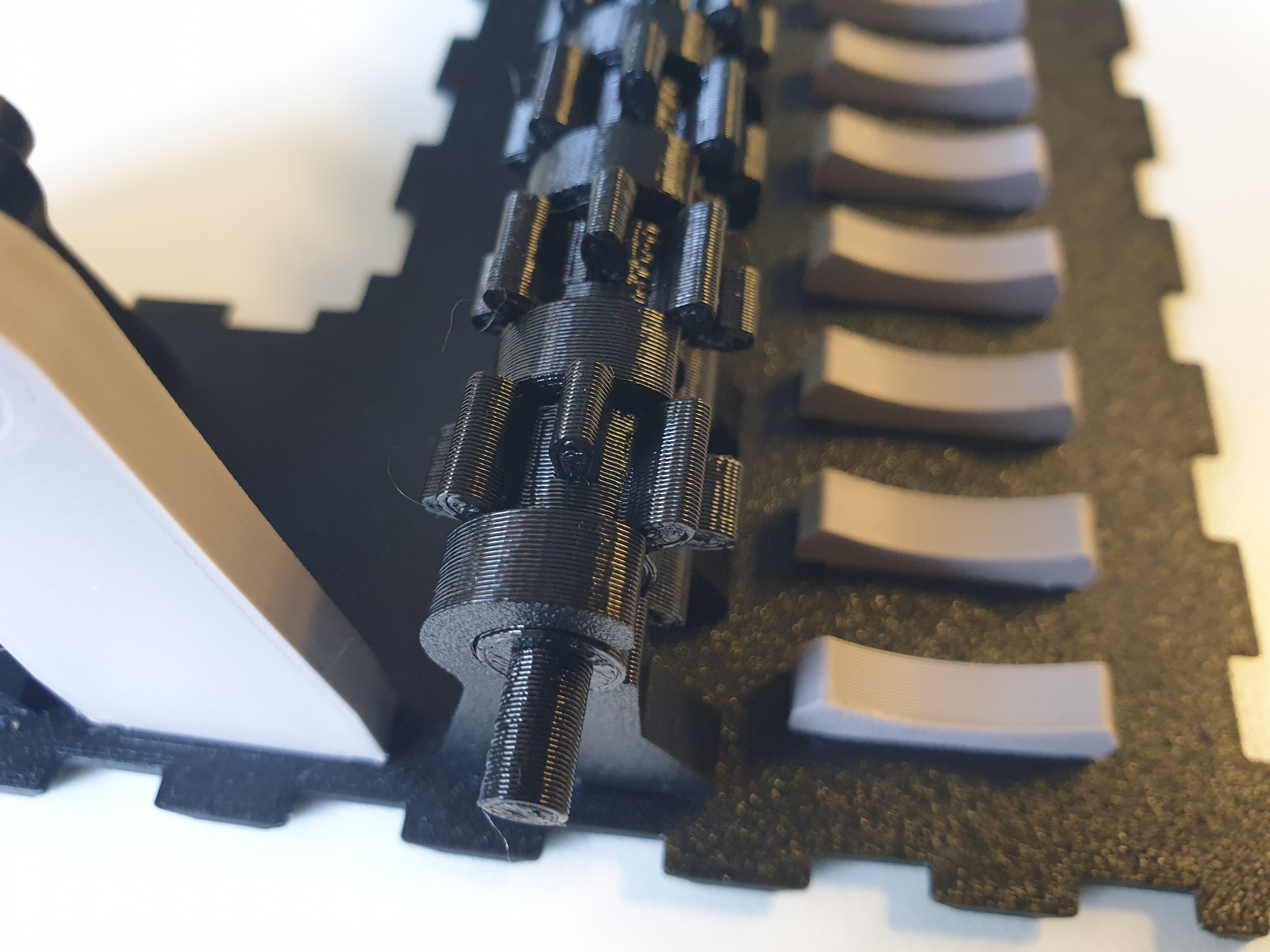
10) Align the SwitchGear gears according to the picture. (shorter tooth upwards)
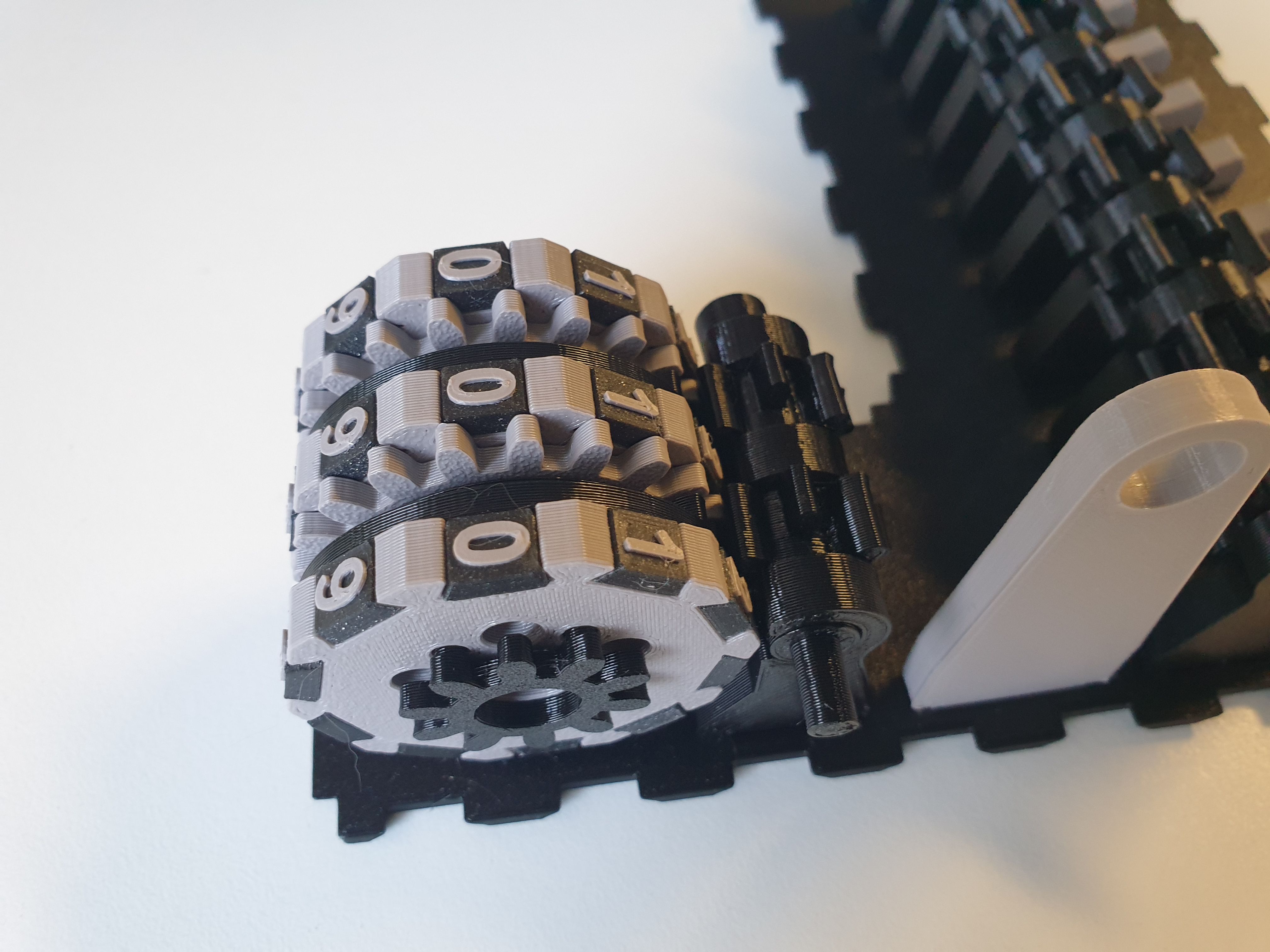
11) Align the folded rollers with the numbers 0 to each other and carefully place them on the BarelSupport.
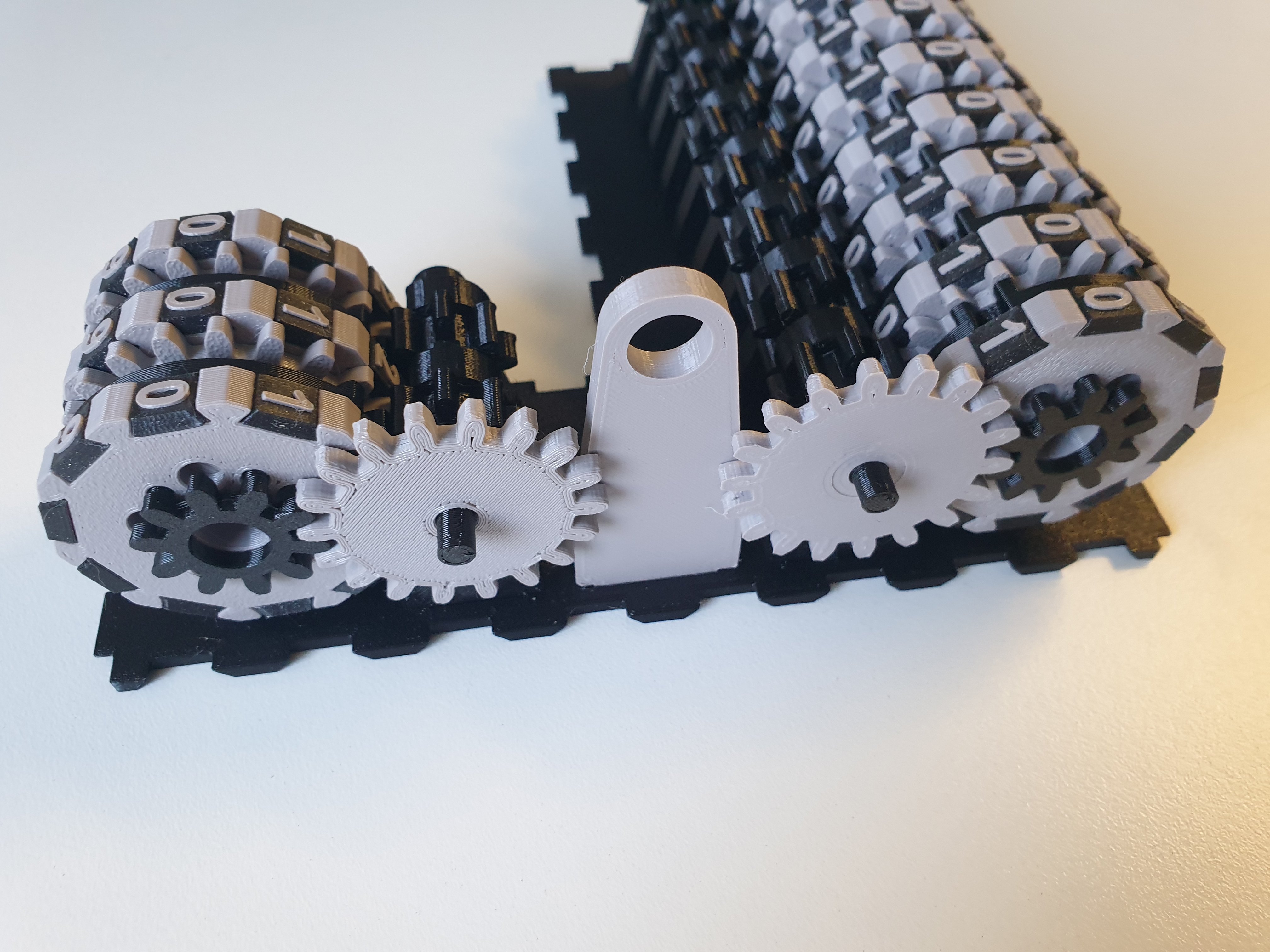
12) Place the ConGear on the axis of the first SwitchGear. The small trim must face inwards.
13) Deploy Box_FrontSide, Box_BackSide and Box_MiddleSide. The locks on the top edge must open outwards.
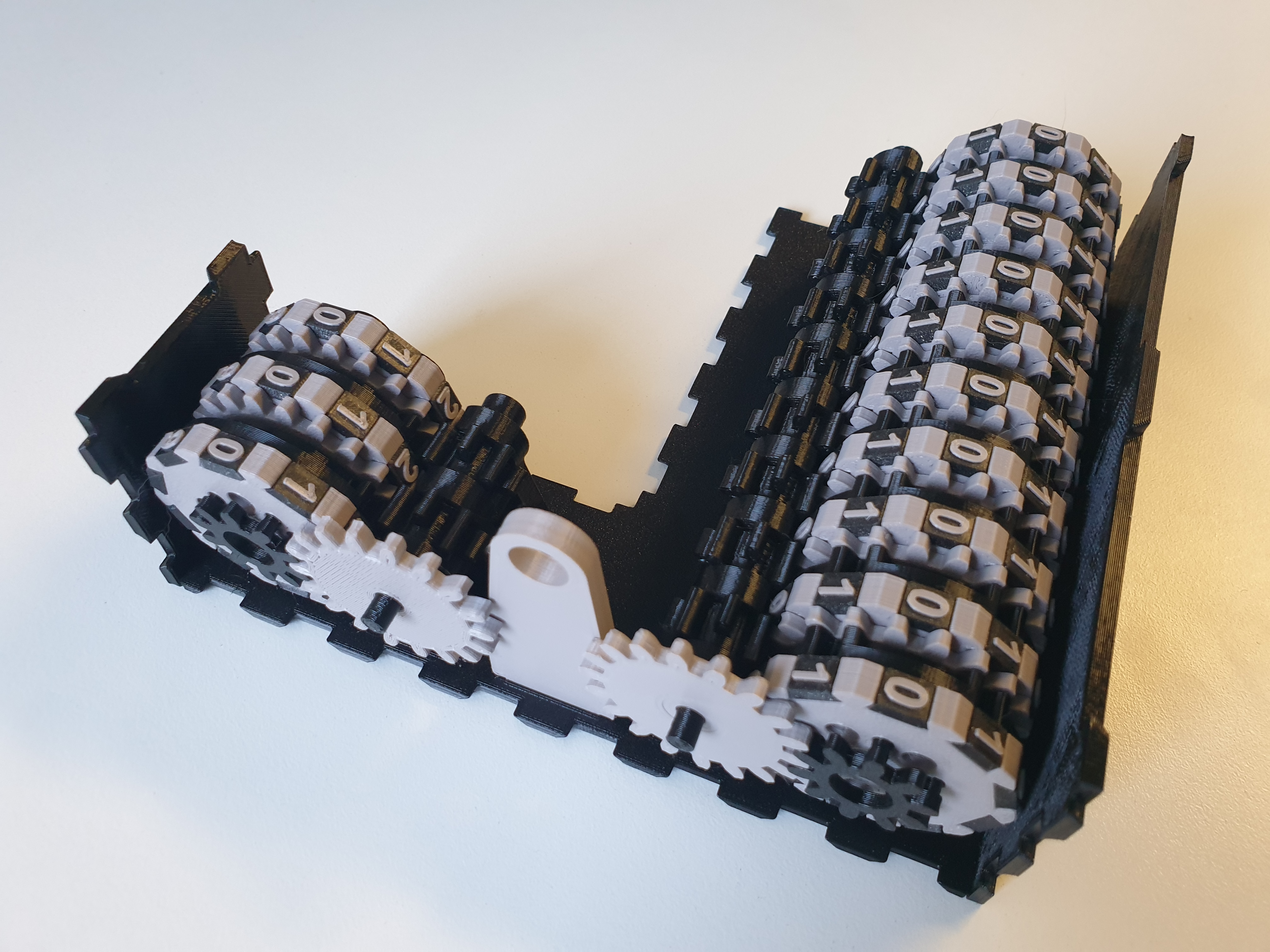
14) now deploy box_Rside, box_Lside_Decimal and box_Lside_Binary.
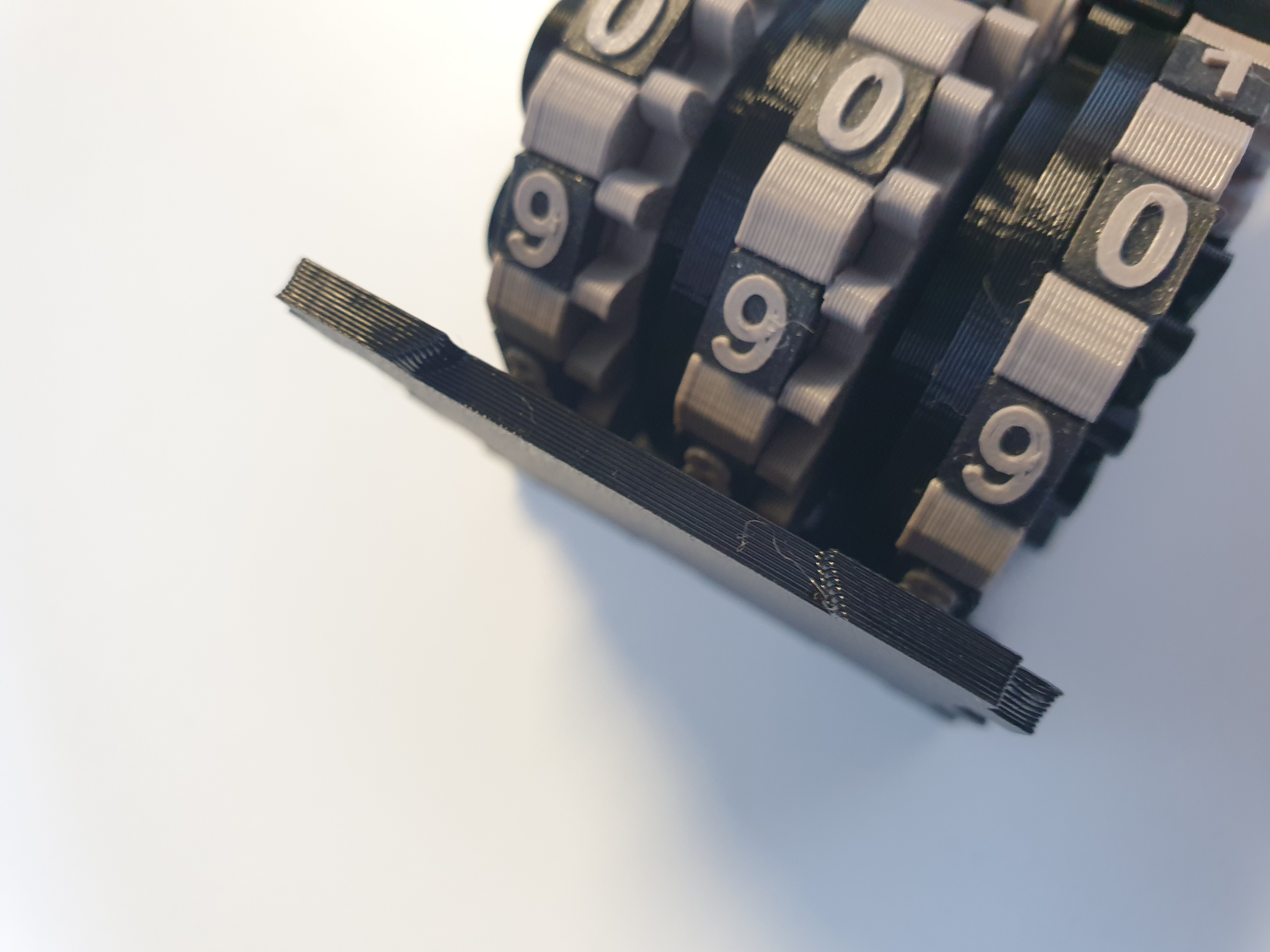
15) insert ConGear_Driving and insert handleGear or Handle_Disc from the outside.
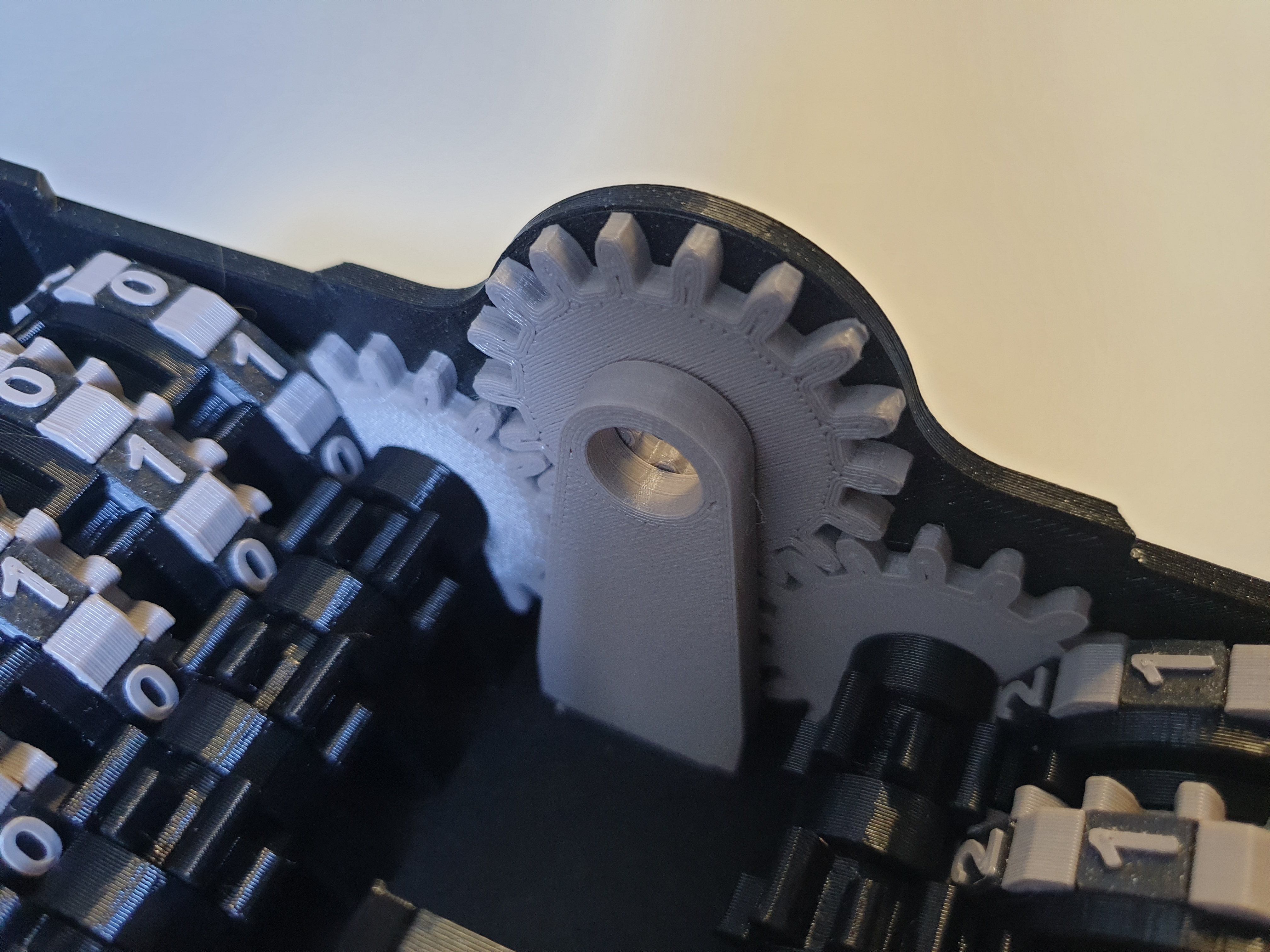
16) close the entire box with the Box_Cover piece.

Decimal binary mechanical counter

Publicado em 9 de jan de 2024