Você está no 3DFinder
Buscamos em Thingiverse, MakerWorld e Printables ao mesmo tempo para te dar o melhor de cada uma.
Descrição
Introduction
This is a housing for a standard mechanical keyboard switch. It has two leads out, which can run to anything. I use it as a PC power button.
Shopping List
- Mechanical keyboard switches. I like Gateron green switches for this, but of course people have their own preferences. Just try to get something heavy and clicky. It uses the + type stem.
- Wire. Anything with two cores will work. The wire I linked is just what I used, it fits the medium size cable sleeve.
- M3 Screws. 20mm length, countersunk head.
- M3 heat-set inserts.
- Choose: Either TPU filament OR all the stuff in the shopping list over here.
Soft Parts
For the feet and the cable sleeve, you can choose between silicone or TPU. Silicone performs way better, but TPU works fine and is easier and cheaper, as long as your printer can handle it (basically meaning direct drive).
If you choose silicone, you'll need to print 4-5 PLA parts. If you choose TPU, you'll have to print 3 PLA parts and 5 TPU parts.
Wire Hole Sizes
There are three sizes for the cable sleeve. S is 6x3mm, M is 7x4mm, L is 8x5mm. There are three versions of both switch_sleeve_tpu and switch_mold, and regardless of whether you use TPU or silicone, you should choose the correct model for the wire you're using.
Printing Instructions
- Print
switch_buttonin the default orientation but with a raft. This is necessary to prevent elephant's foot, which is present in most prints and will create a problematic ridge. You could also avoid the problem by turning it upside down, but then the surface looks ugly. Also, I recommend 0.08mm resolution for this part specifically. - Print
switch_bodyandswitch_basein the default orientation, 0.2mm or lower, supports at 80% overhang and touching build plate only. I recommend using support blockers on the holes for the threaded inserts inswitch_body. - If you choose to use TPU instead of silicone, print
foot2_tpuandswitch_sleeve_tpuin TPU. Be sure to set your slicer to print them one at a time rather than layer-by-layer; this will reduce stringing. If you're not using TPU parts, just printswitch_mold(and maybe the scraper over here), no special instructions.
Molding Instructions
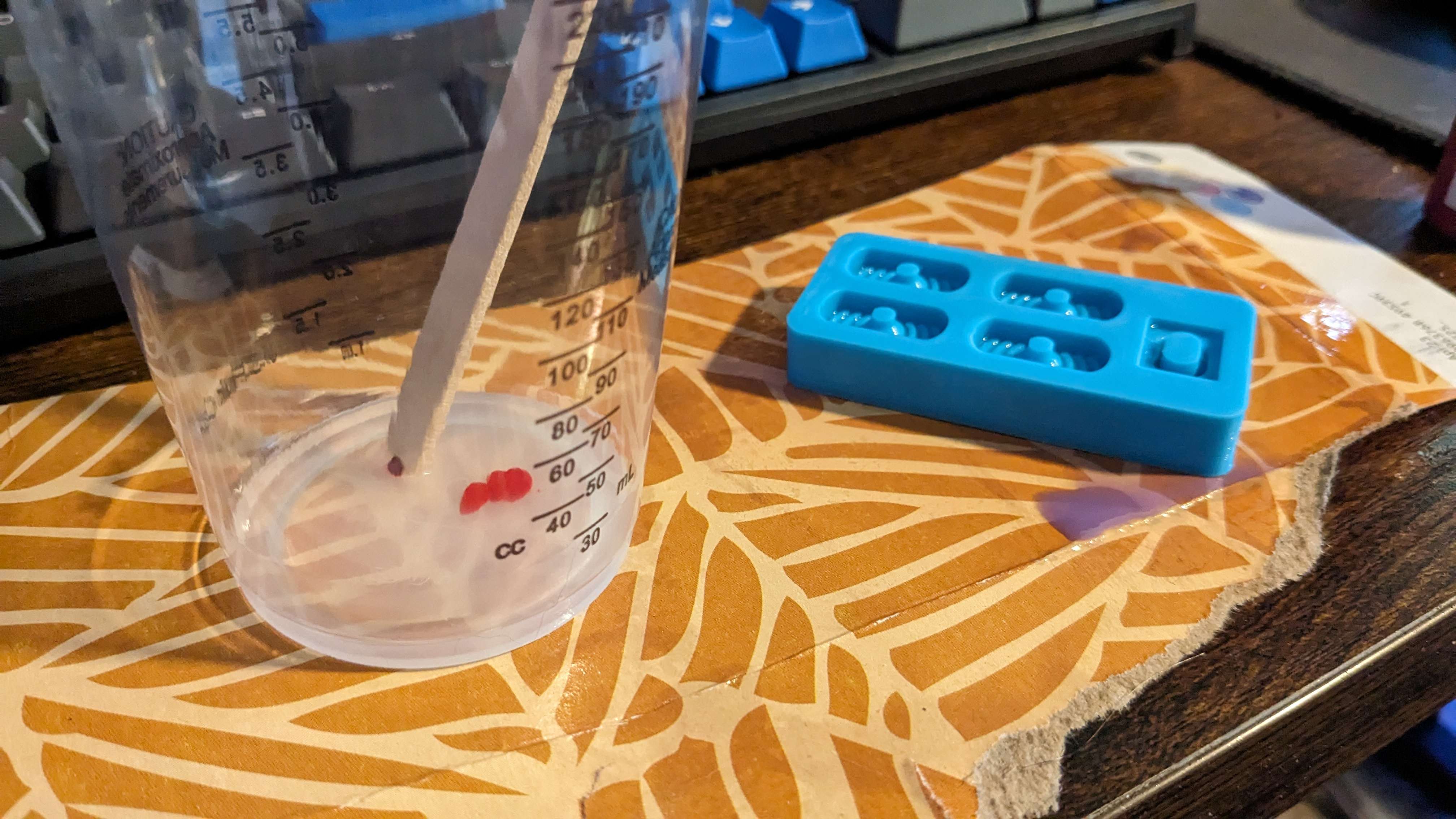
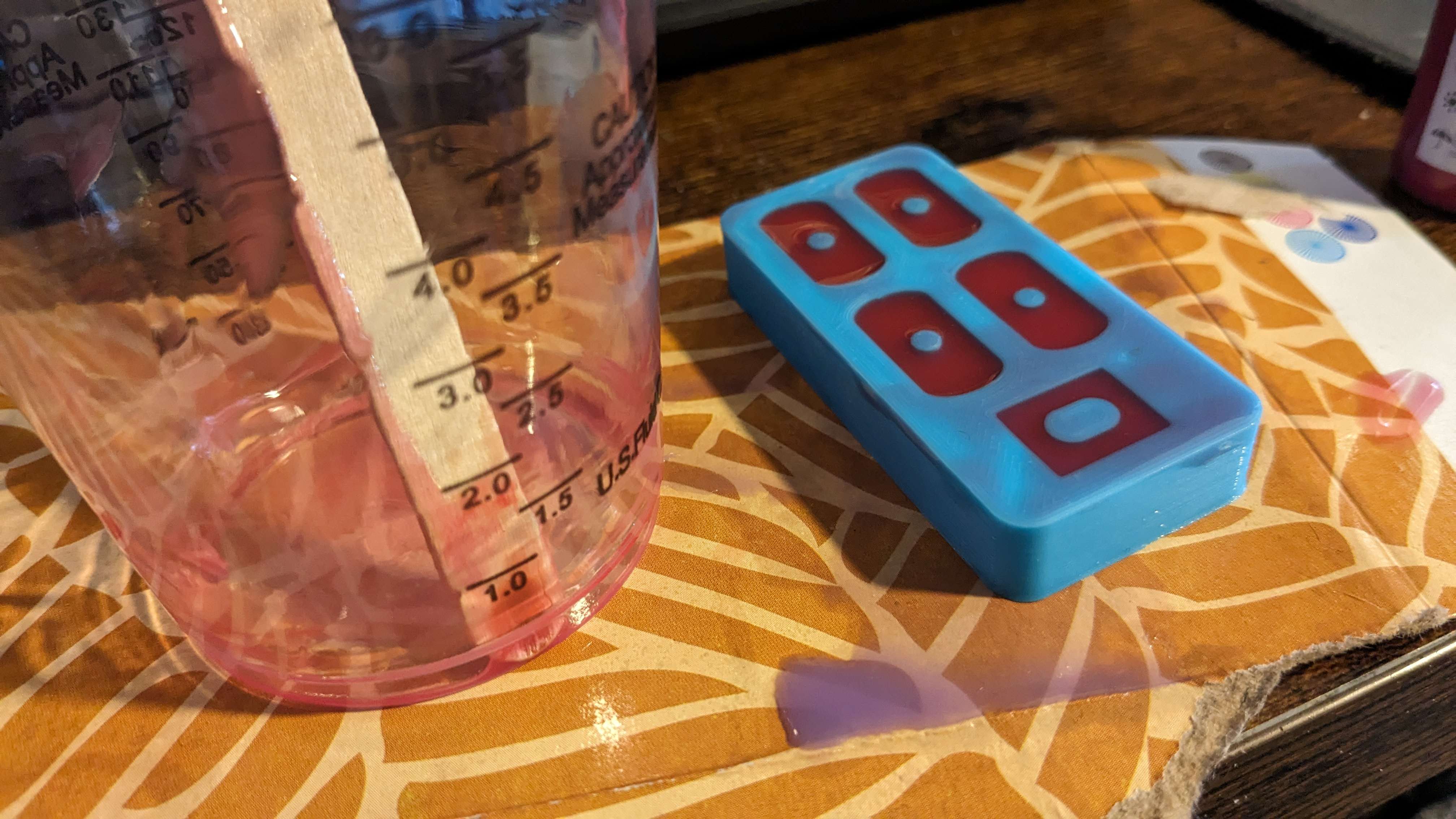
The mold provided with this model basically works the same as this one. Generally follow the instructions for that, just account for the additional hole for the cable sleeve. It takes 5.2g of silicone to fill this mold.
Assembly Instructions
- Remove all supports.
- Use a soldering iron to insert four heat-set inserts into their holes in the switch body.
- Push the mechanical keyswitch into its hole in the switch body until it locks up. Leave the keycap off.
- Insert the wire into its slot on the switch base. Slide the cable sleeve over the end of the wire.
- Solder the two wire ends to the pins on the keyswitch.
- Slide the cable sleeve into place, then tie a knot in the cable in such a way that tugging on the cable will put strain on the knot instead of the solder joints.
- Set the four feet into their slots on the switch base, then push the switch body into the switch base. To accommodate different uses and setups, you can choose between four directions for the cable.
- Attach everything together with four M3x20mm screws. Attach the keycap.
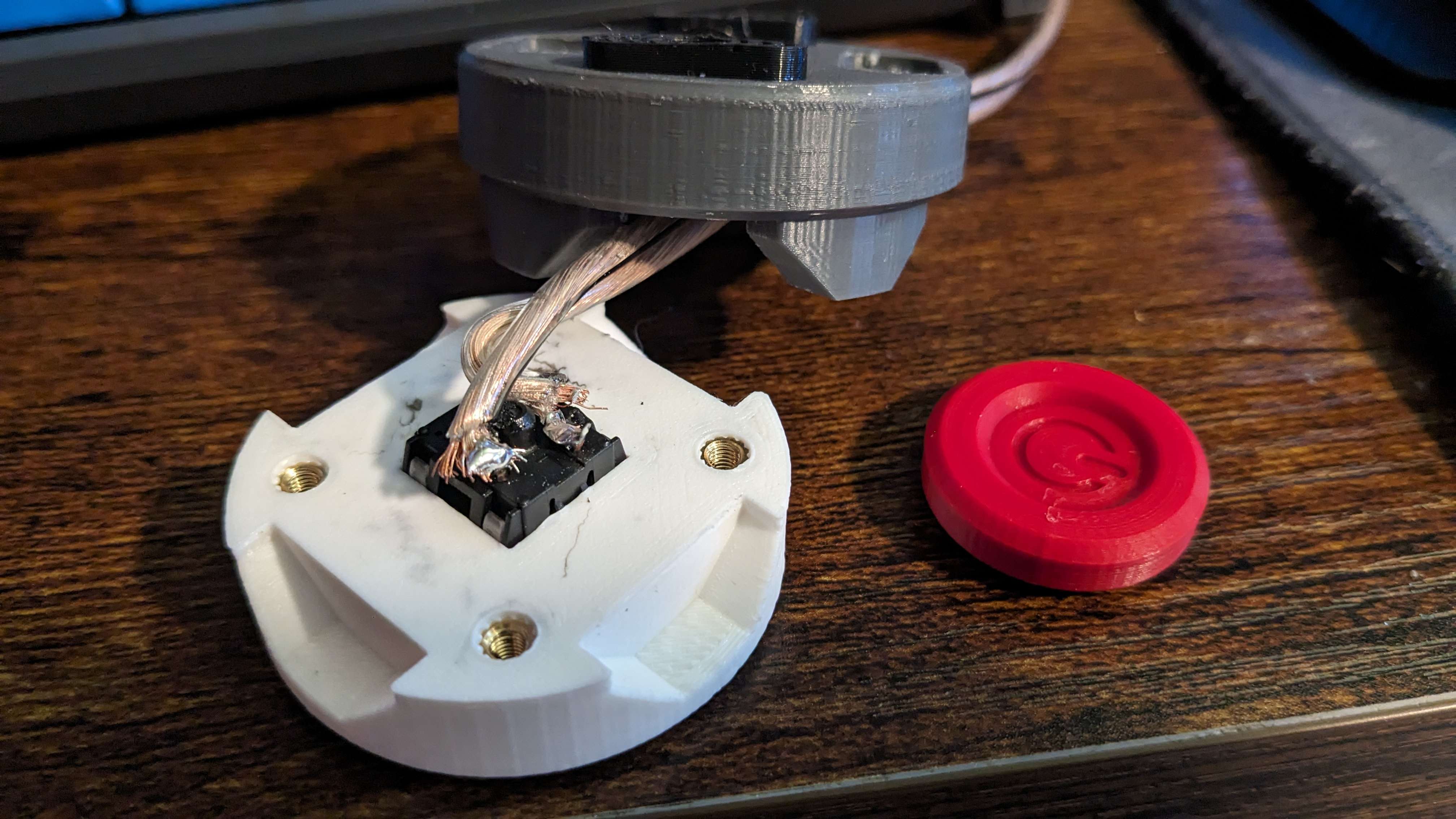
I suck at soldering, but it works.
Other Stuff
At the time of writing, the N key on by keyboard is broken, so I'm copy-pasting each one. Ironic, right? My hands hurt, so you'd better be appreciating every single N you see.
Special thanks to Teto, a cat who loves stepping on power buttons and was the inspiration for this design.
The button in the picture is printed at 0.08mm resolution 60mm/s. I had to use TPU because the silicone is taking forever to cure because my house is cold and I don't want to set my thermostat.
Let me know what you think, any questions or comments are welcome.
Meow.