Você está no 3DFinder
Buscamos em Thingiverse, MakerWorld e Printables ao mesmo tempo para te dar o melhor de cada uma.
Descrição
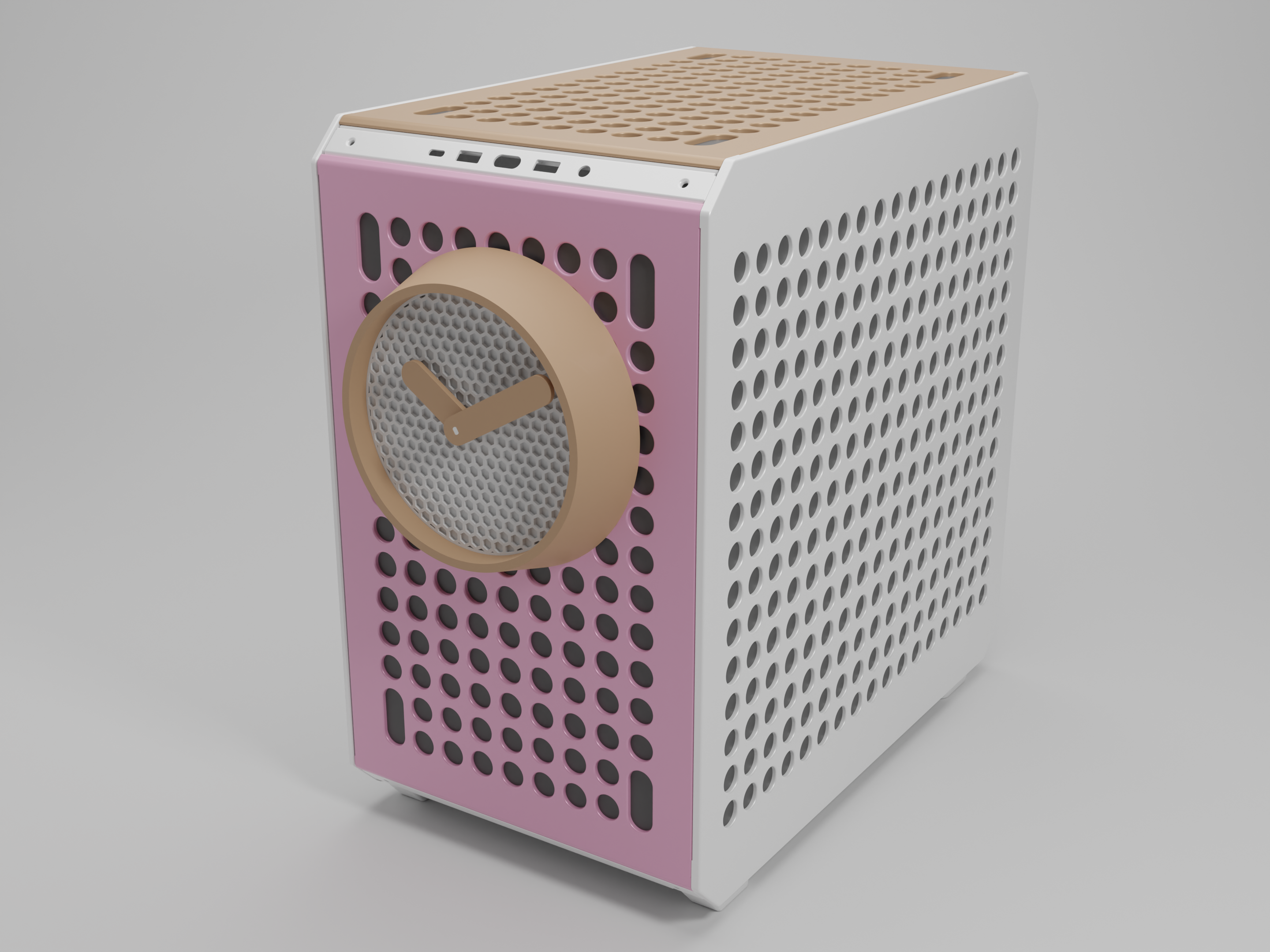
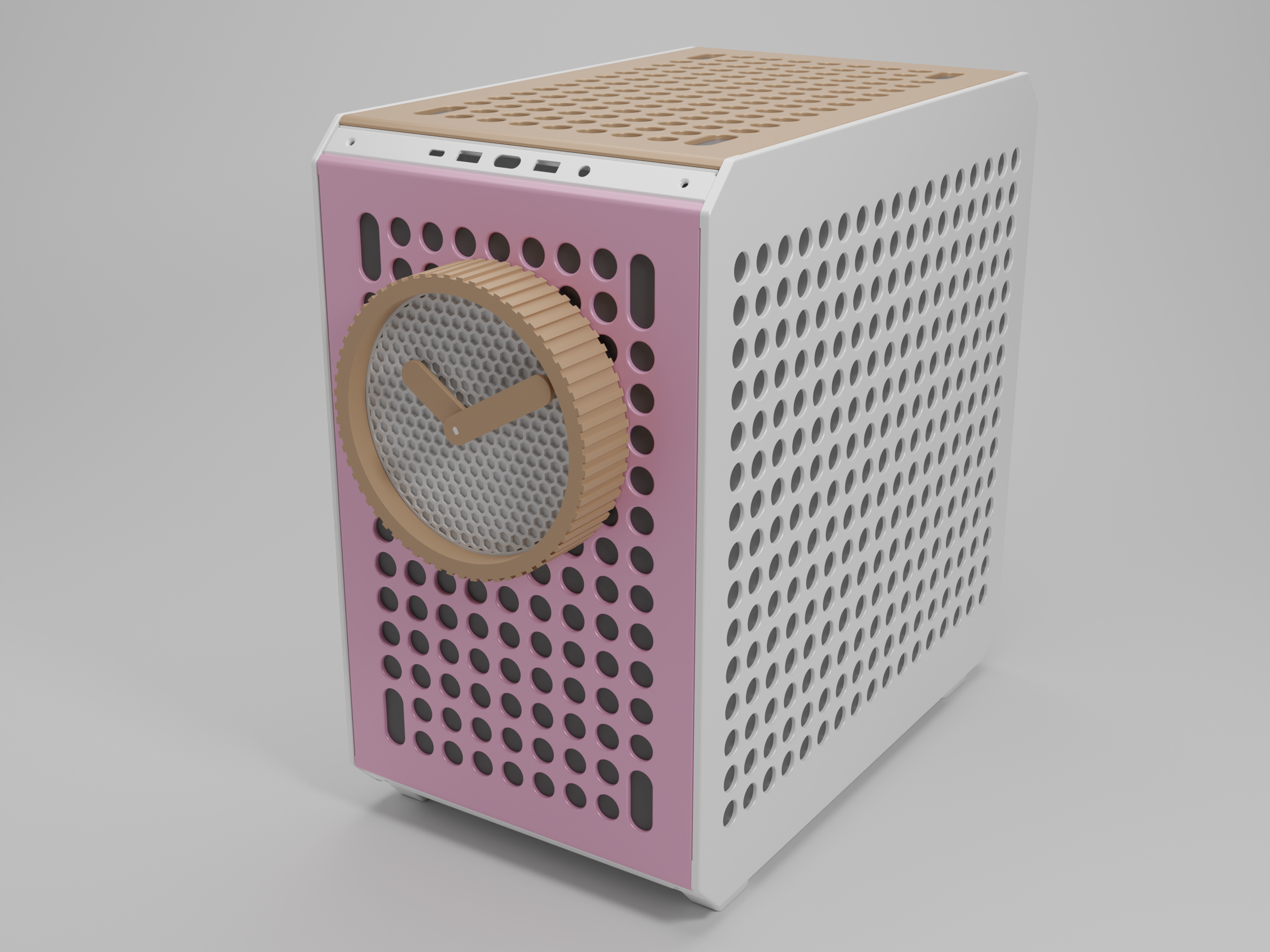
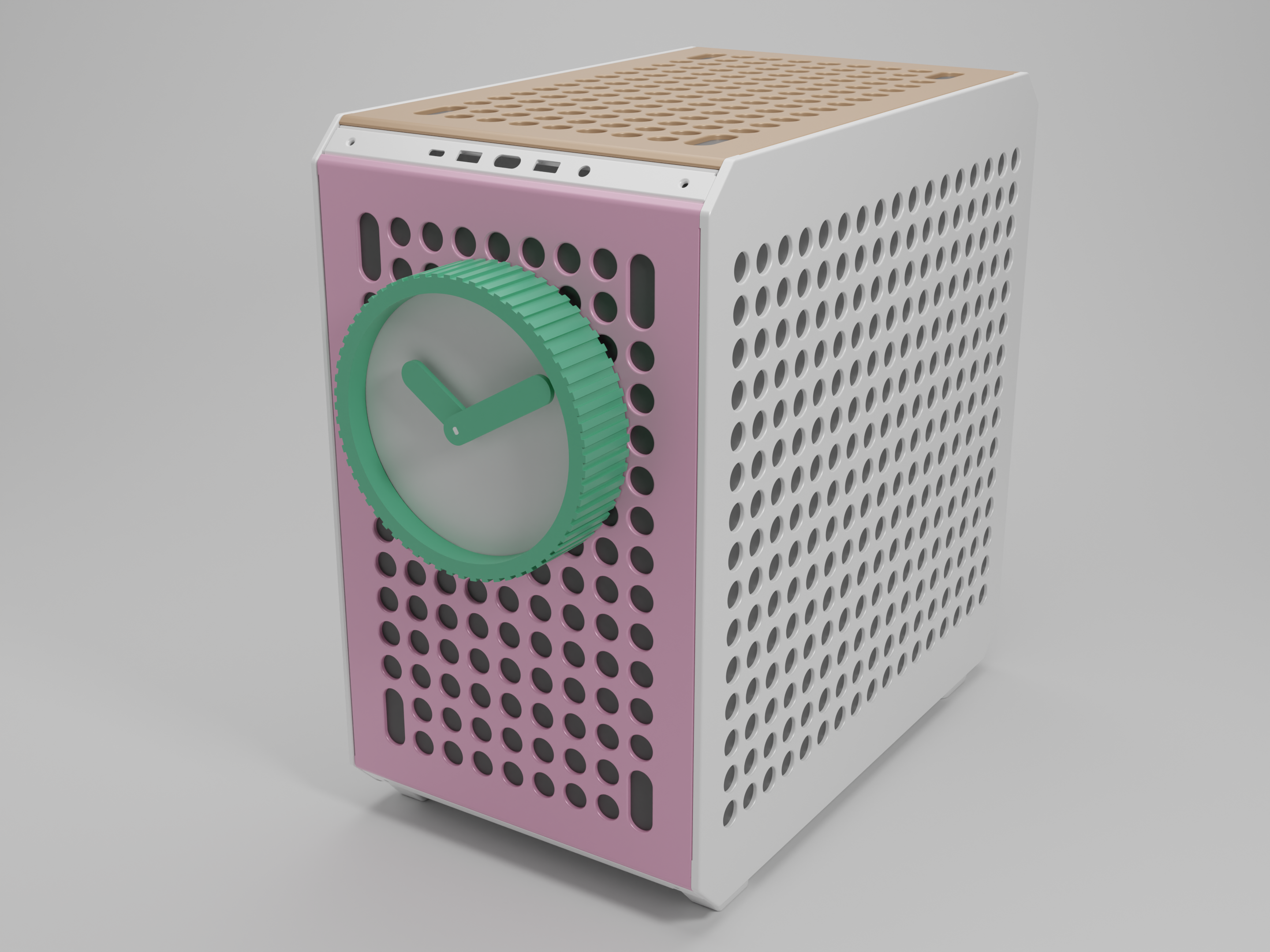
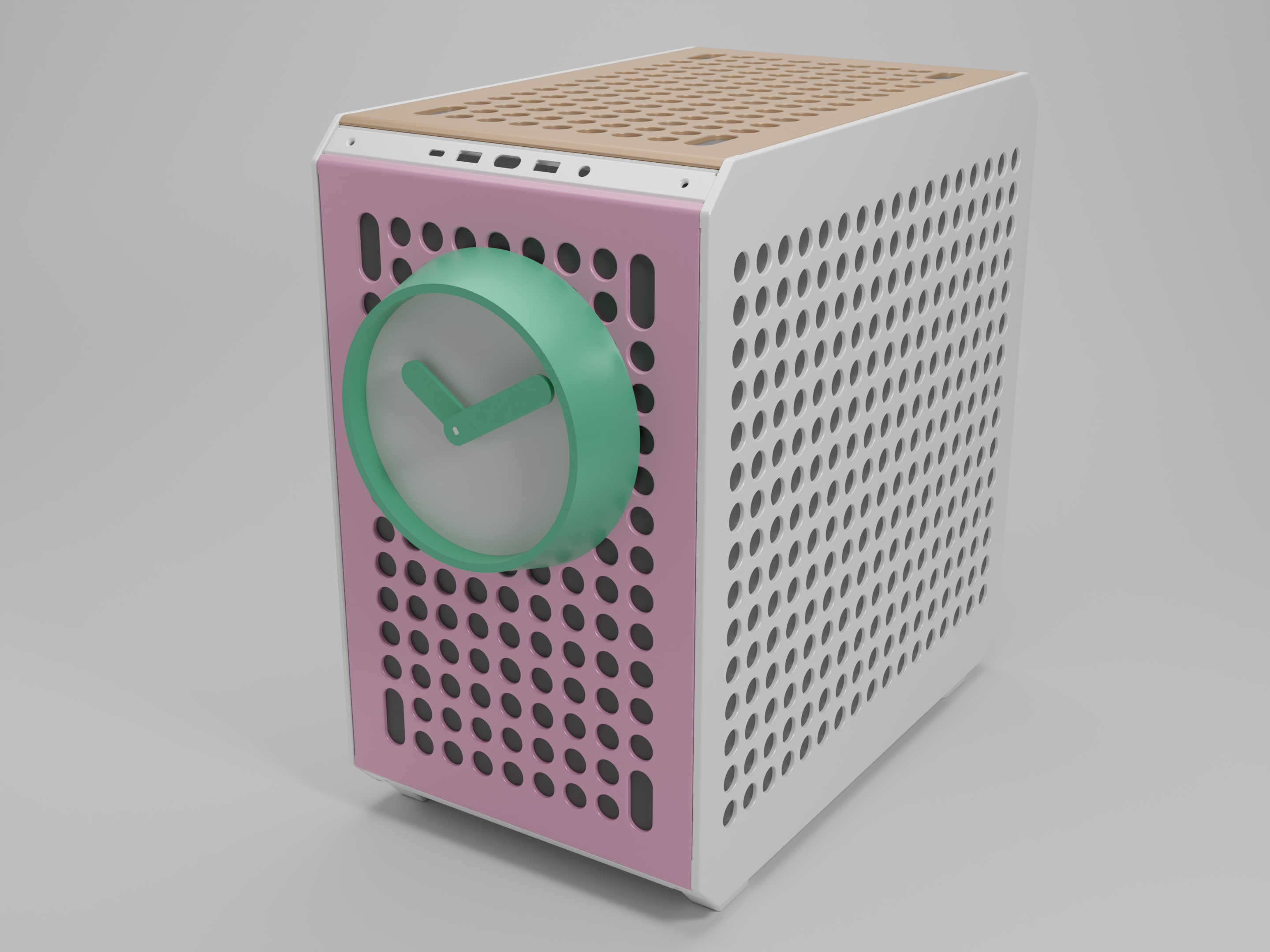
So you are gaming and want to know the time but your game is in full screen? No problem with this attachment for the Qube 500 you will always know the time. The clock is also fully modular so you can swap out one or more parts every once in a while to give it a completely new look.
Combinations
As of right now, there are four different combinations you can make (with the shapes at least, if you count colors there are endless options). I plan on adding more in the future so let me know in the comments what you would like to see or feel free to remix it yourself.
Print settings
I would recommend printing with 3 or more walls for the best print quality. The only part that requires support is the “Faceplate_Hexagon”. All parts have already been placed in their optimal orientation.
Bill of Materials
Filament
The printed parts weight a total of 230 grams if printed with 3 walls and 20% infill. The parts can be printed in almost any material.
Other
A clock mechanism is needed, this clock has been designed using the measurements from this version on amazon but most mechanisms should work.
Parts list
| Part: | Description: | |
| Faceplace | Blank | A faceplate without a pattern |
| Hexagon | A faceplate with a hexagonal pattern Note: needs supports | |
| Ring | Simple | A ring with a simple conical shape |
| Stripes | A ring with a striped pattern | |
| Hands (both minute & hour) | Simple | Rectangular hands with rounded corners |
| Mounting | Qube500 | Screw mechanism to attach the clock to the CoolerMaster Qube 500 |
Assembly guide
1) Attach the mounting bracket to the faceplate of your choice by screwing it in place, place the clock mechanism in the square hole, and attach it using the nut that came with it.
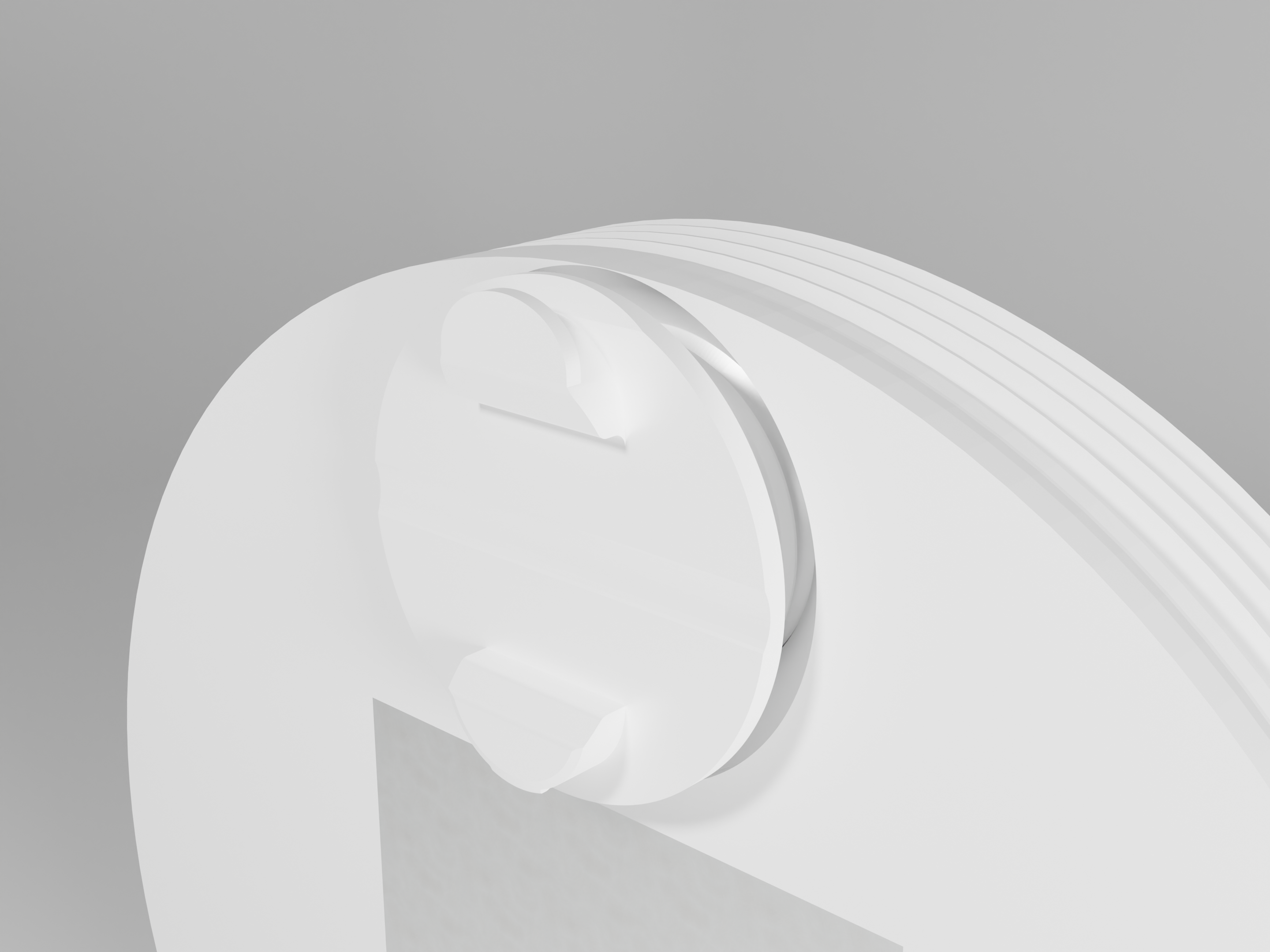
2) Attach the assembly to the qube 500, and make sure that it is set to the correct time (you can do this by attaching the minute and hour hand)
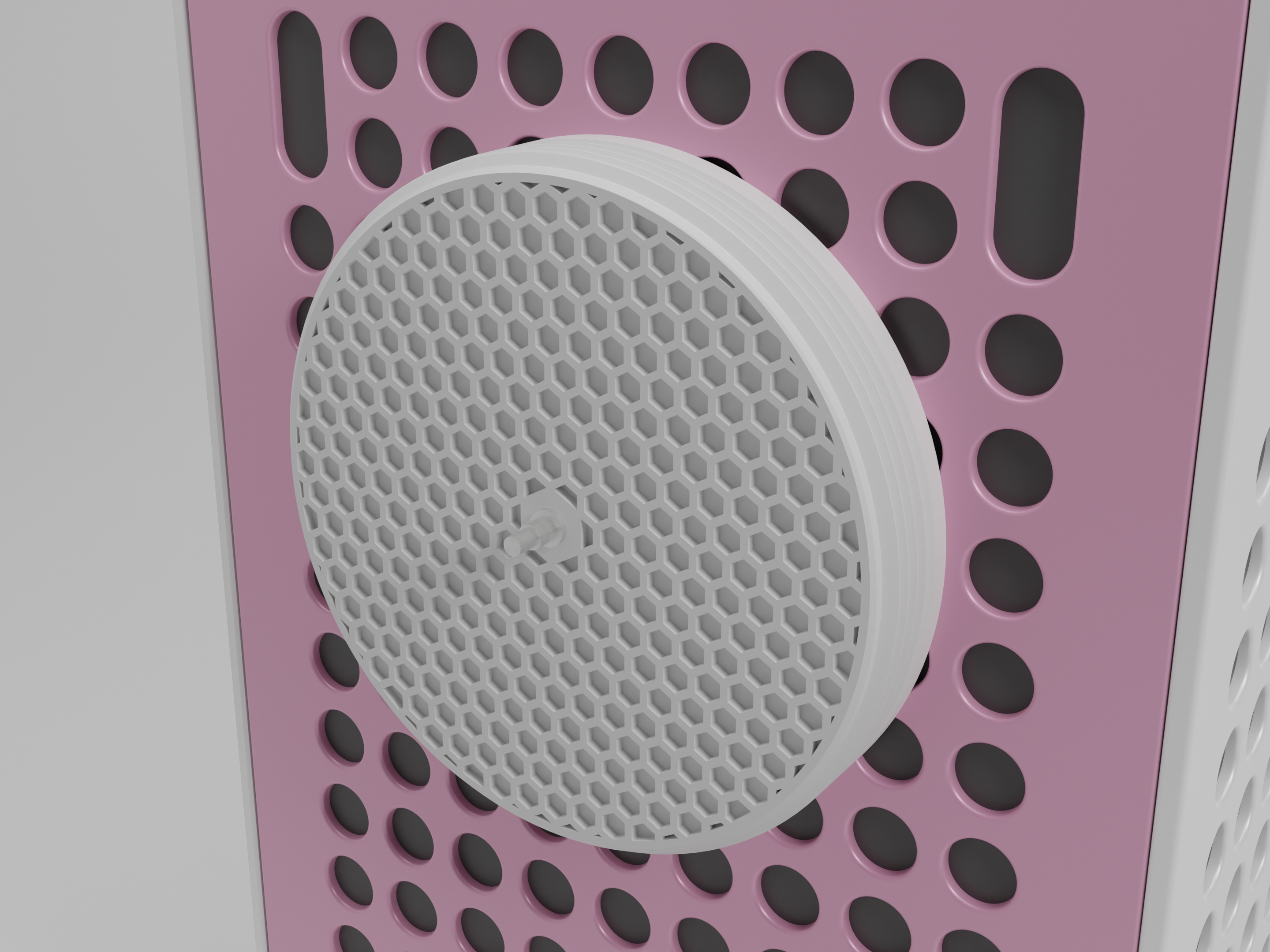
3) Install the outer ring that you picked by screwing it in place
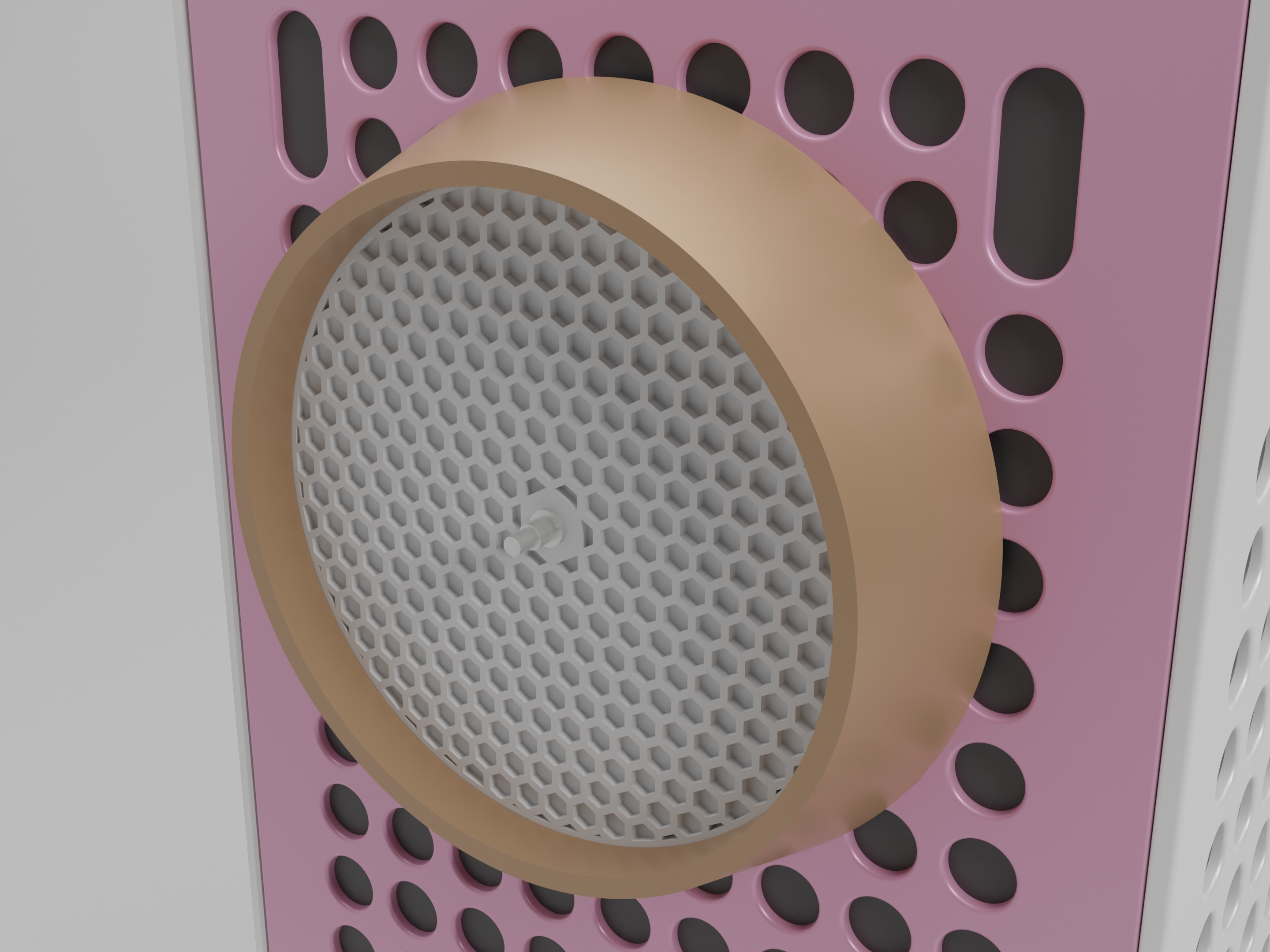
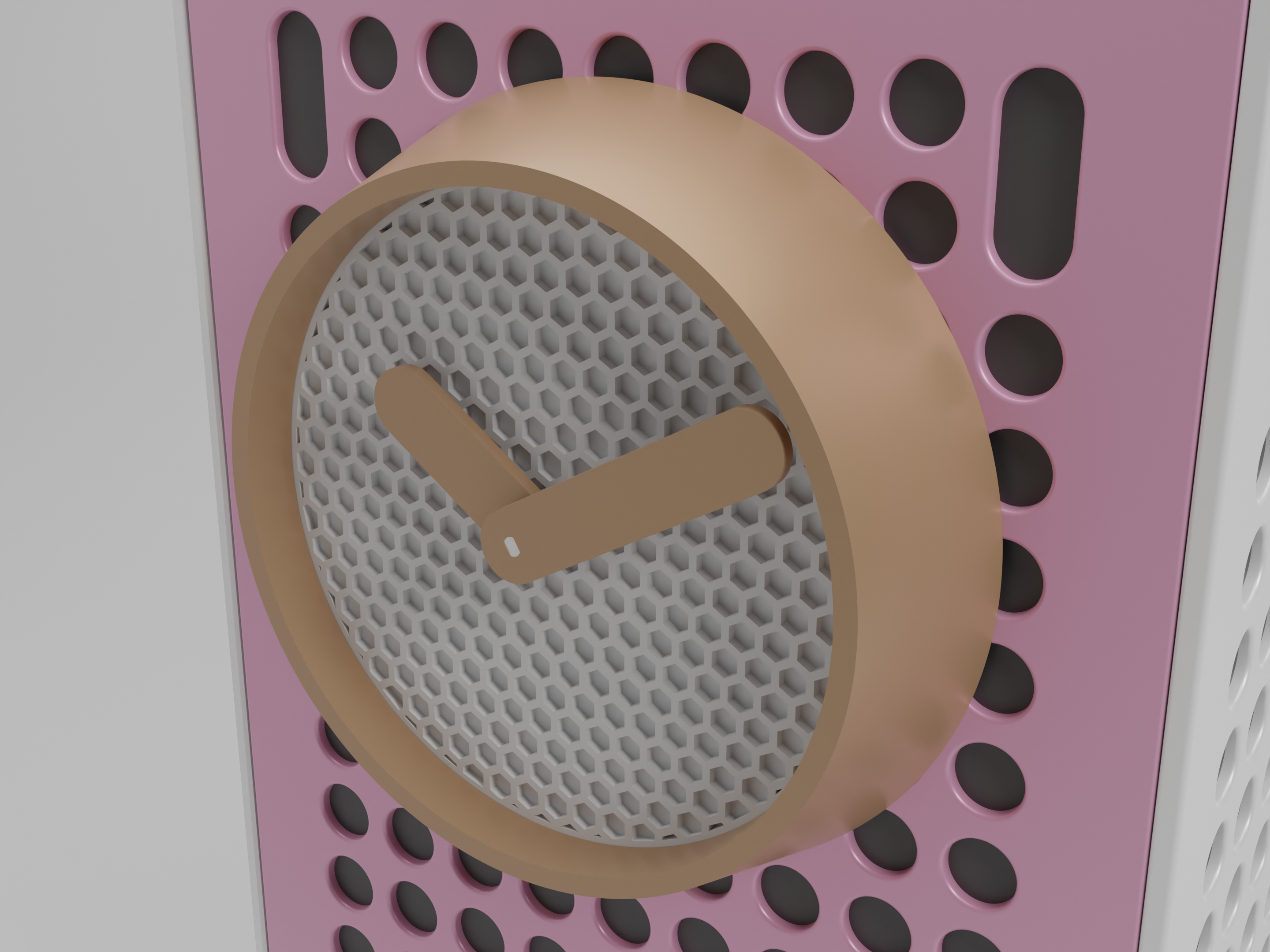
Finally, the hour and minute hands can be installed if you haven't done that already.
Done! Now you will always know the time.
