Estás en 3DFinder
Buscamos en Thingiverse, MakerWorld y Printables al mismo tiempo para darte lo mejor de cada una.
Descripción
Import the flat box into Tinkercad
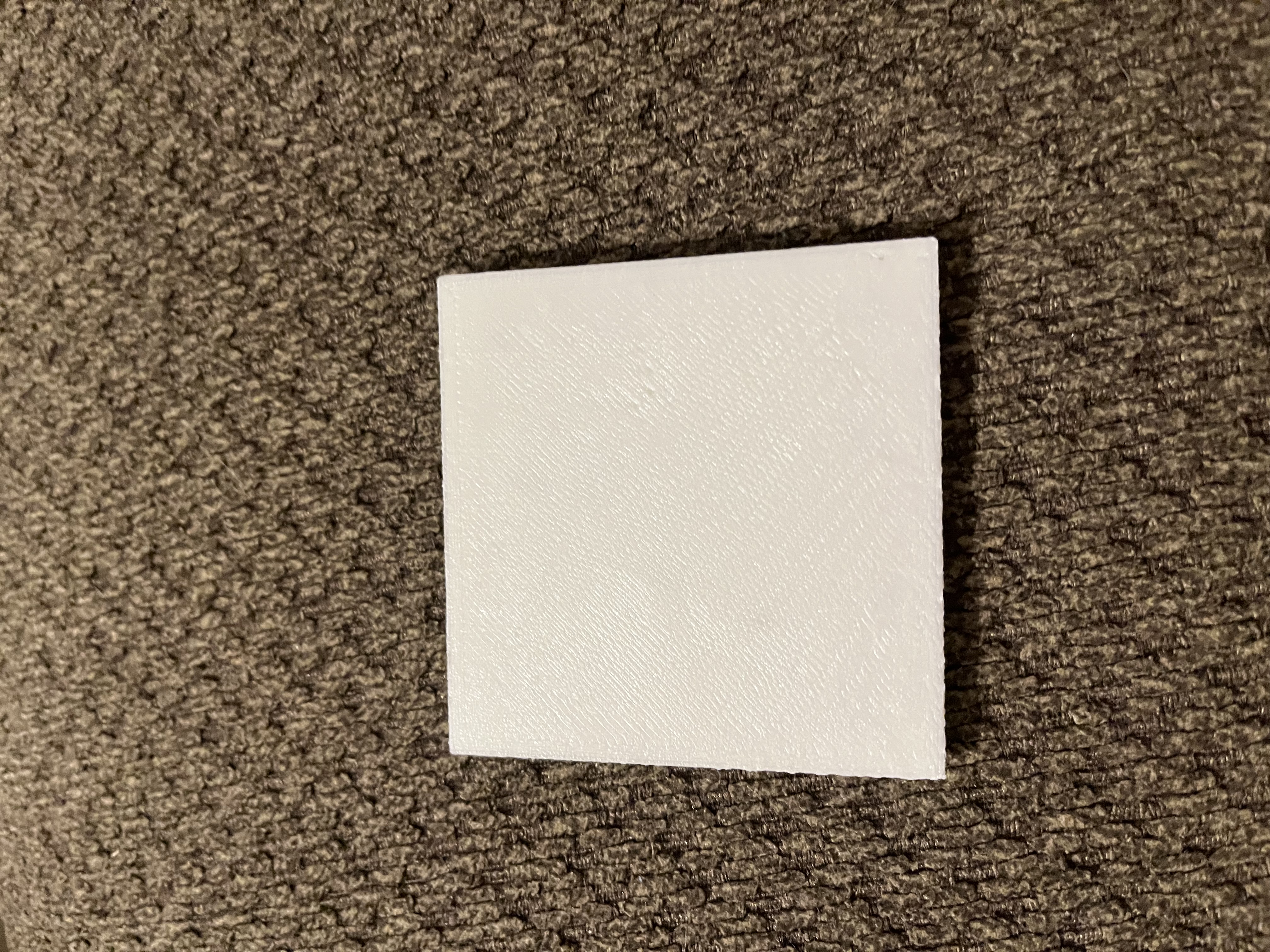
after you are done find the QR code, and to thinkercad space
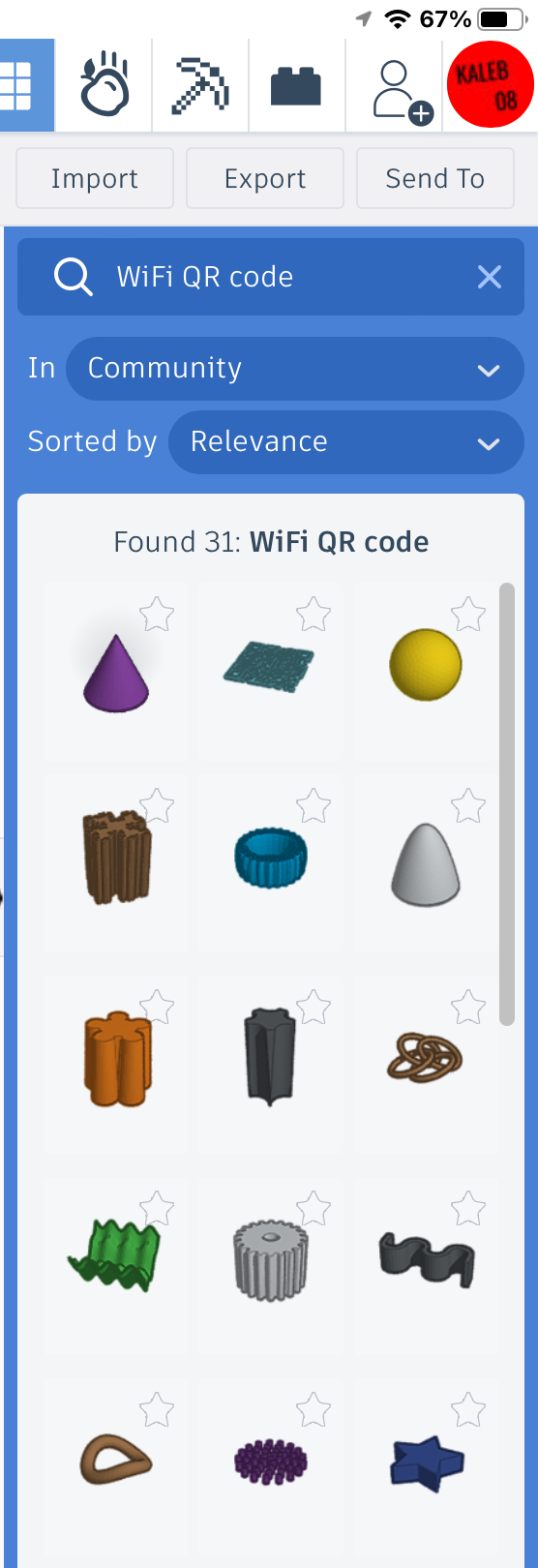
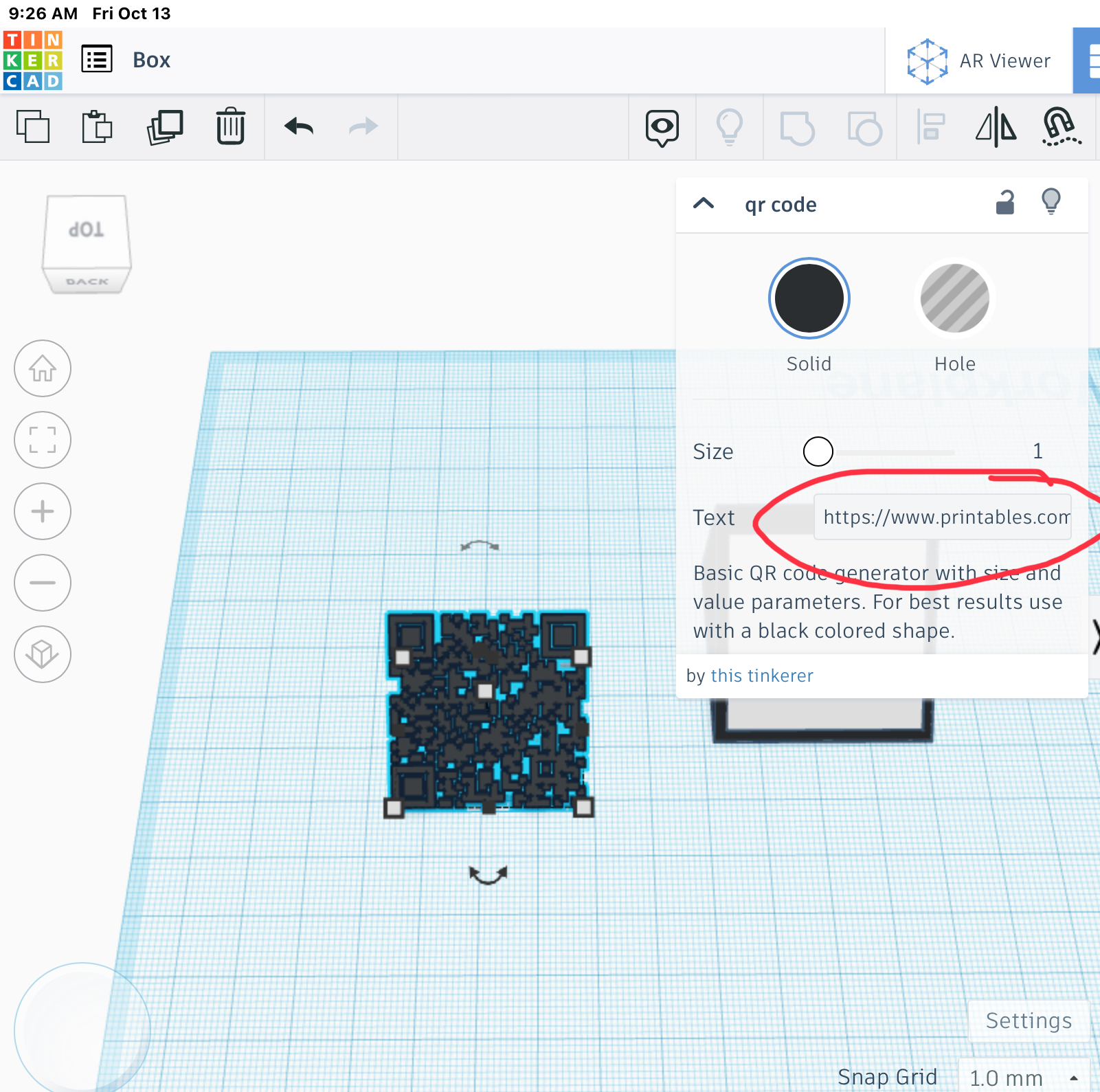
then Select just the QR code object. In the Properties for the QR code object, enter your WiFi information into into the Text box using this format: WIFI:S:ssid;T:WPA;P:password;;where ssid is the SSID of your WiFi network and password is your network password.
Then put the flat box in the QR code together and export it as an STL
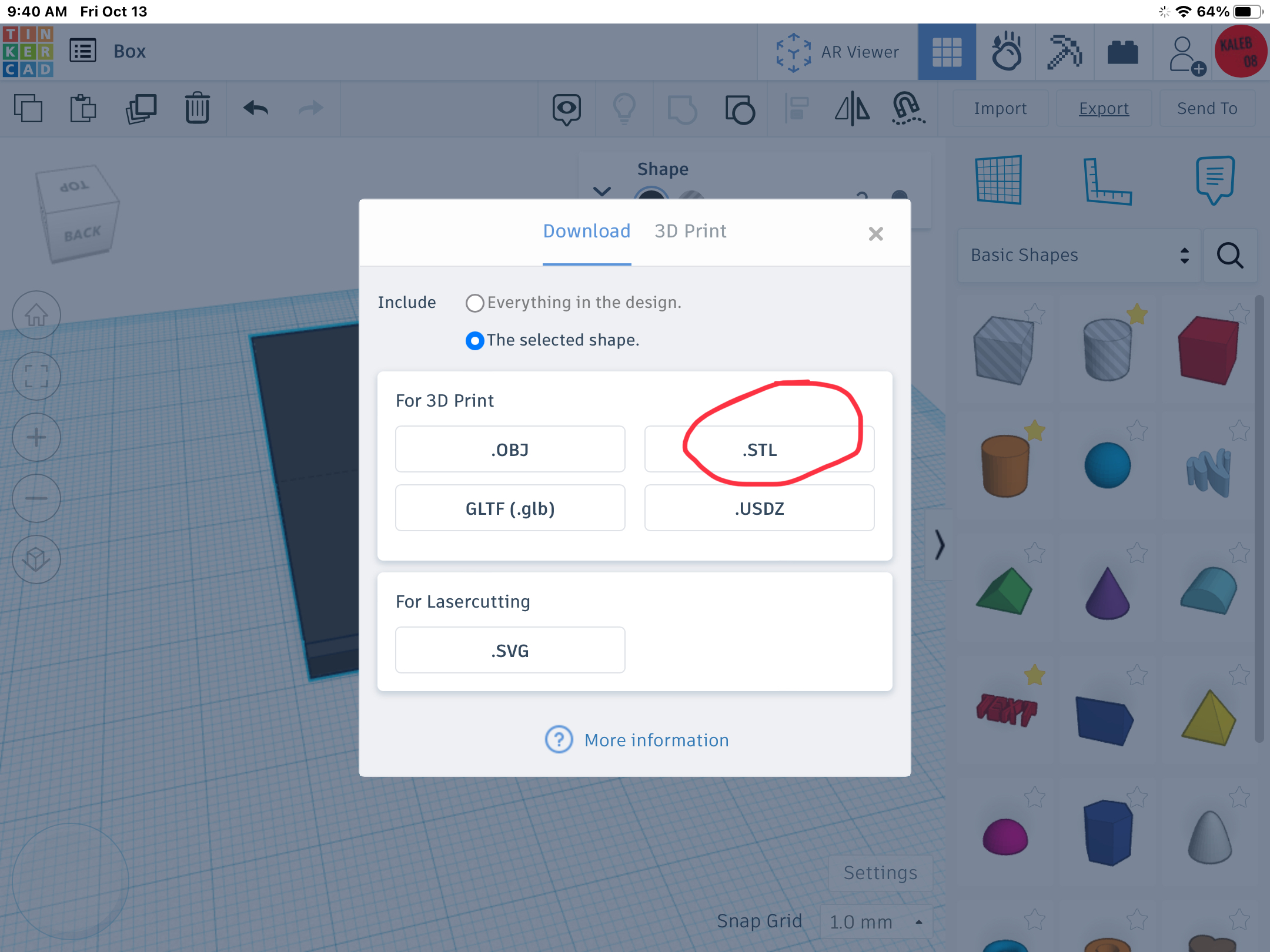
And then put in your slicer and print
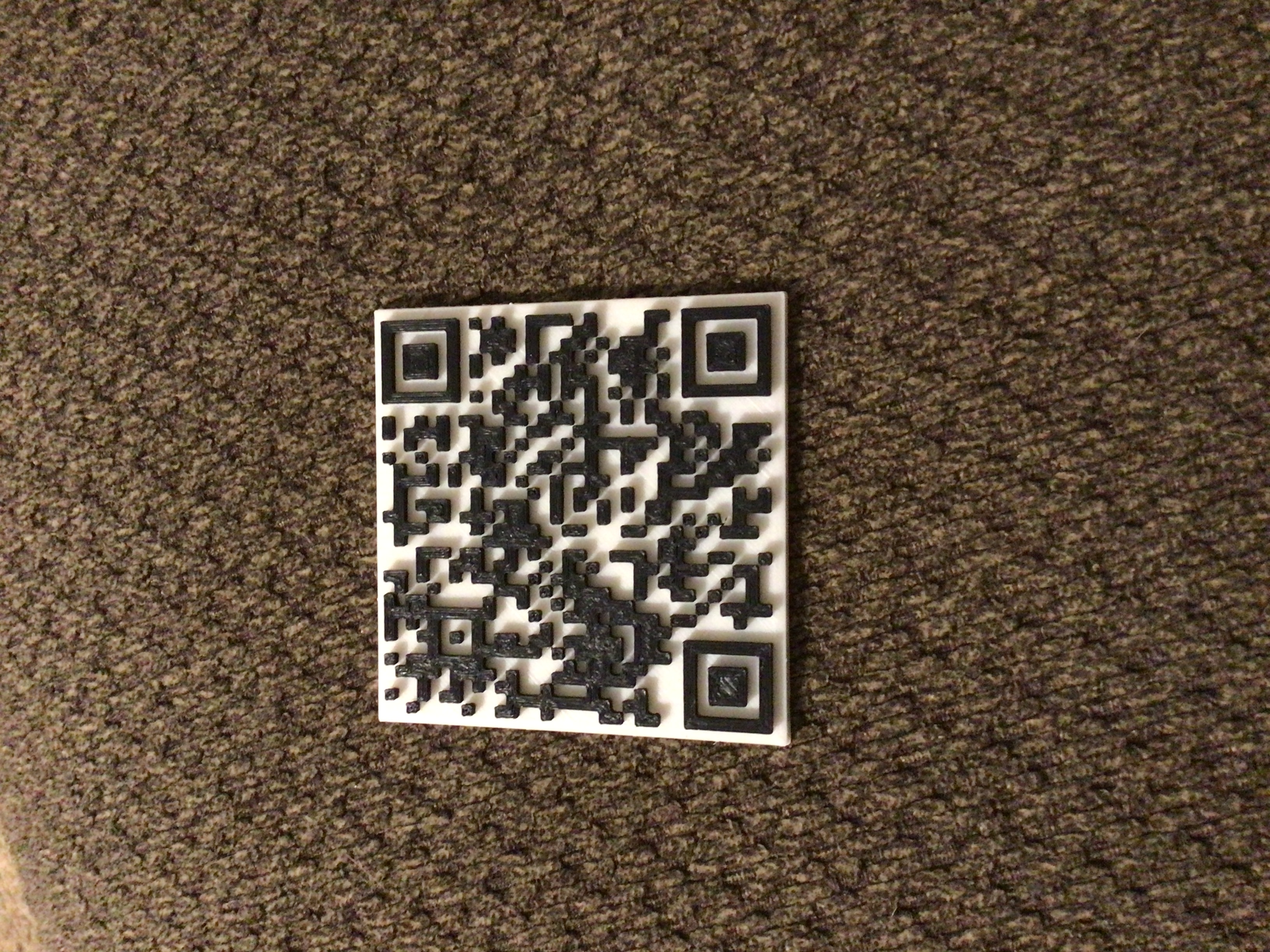
and then print the stand, and set the QR code on the stand and then you are done

just set the QR code on top
Customizable Wi-Fi QR code

Publicado el 13 de oct. de 2023
¿Te gusta este modelo? Crea una cuenta gratis para guardar tus favoritos y volver a ellos más tarde.
Crear cuenta