You're on 3DFinder
We search Thingiverse, MakerWorld, and Printables at once so you get the best of each.
Description
Children's Learning Clock
I designed this clock for math class in elementary schools. The clock hands are connected with gears so that children can rotate them by hand and understand the relation between minutes and hours. It measures 120 mm (4.72") in diameter and is 14 mm (0.55") tall. I also wanted it to look like a real clock on the wall.
There are two different versions of the dial: a “true” multicolor version (MMU and other) and one for a single color change at a specific layer. For the MMU version, choose the appropriate file from the “STEP” folder and split it into parts in your slicer.
Only for advanced users: I have included an example of how you can print the MMU version without an MMU. Use it as inspiration and inspect the file first!
About scaling: I don't recommend scaling the model, as tolerances are tight and very important. You could however modify the STEP files to make it work.
Tools and Materials
- glue (one that doesn't harden immediately, you need to be able to adjust the hour hand)
- 4 screws: M3 x 8 mm socket head
- if available: grease for the gears to make them run quieter and smoother
Printing (PLA)
- nozzle: 0.4 mm
- layer height: 0.2 mm
- infill: ≥ 10 % (grid)
- walls: ≥ 2
- top and bottom: ≥ 4
- no supports
I have included STEP files for higher resolution and in case you want to modify something.
Important: You need to make sure that the corresponding gear has the same color as the hand, since it's the axis and visible when the clock is fully assembled. See my images for reference.
Assembly
1 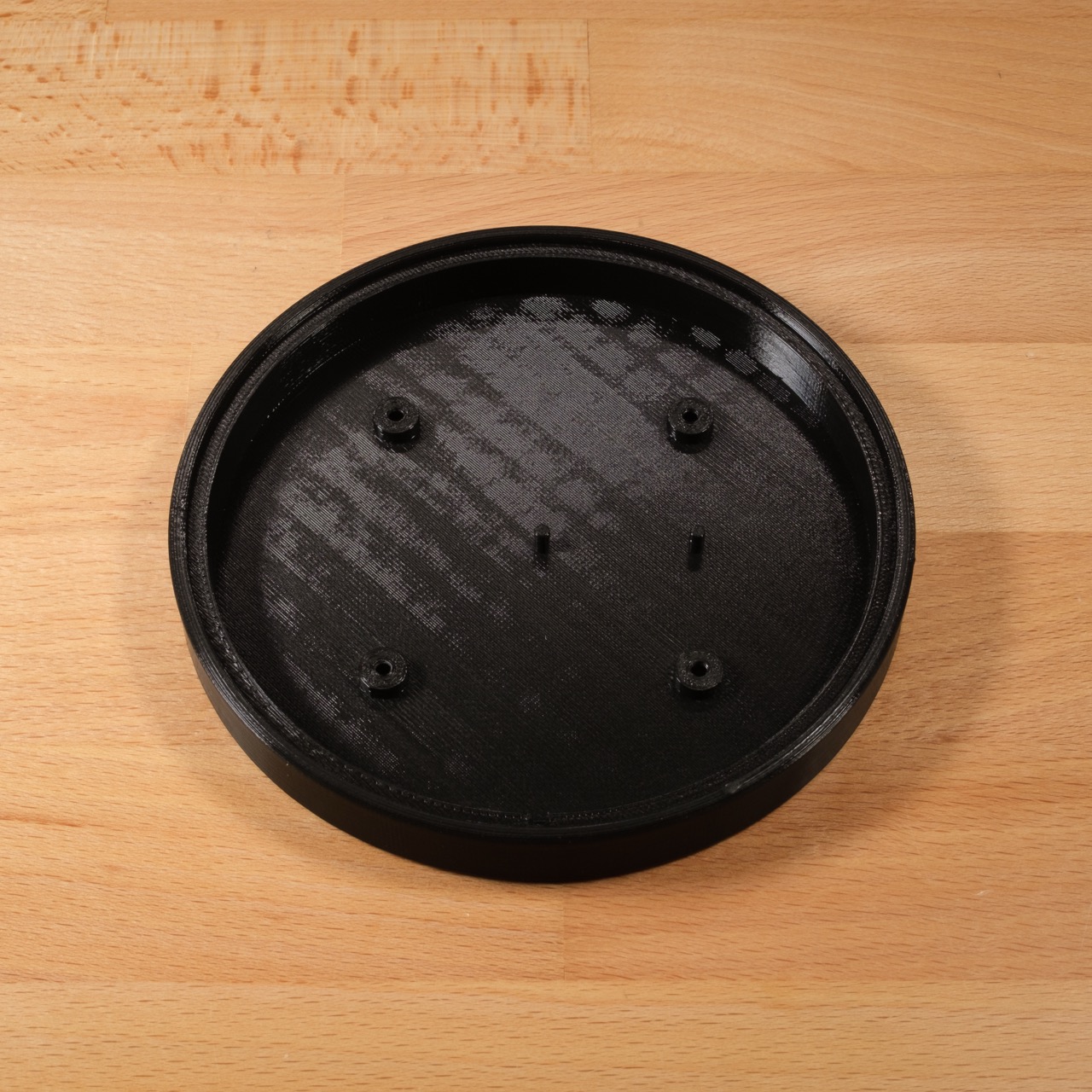 Place the case in front of you | 2 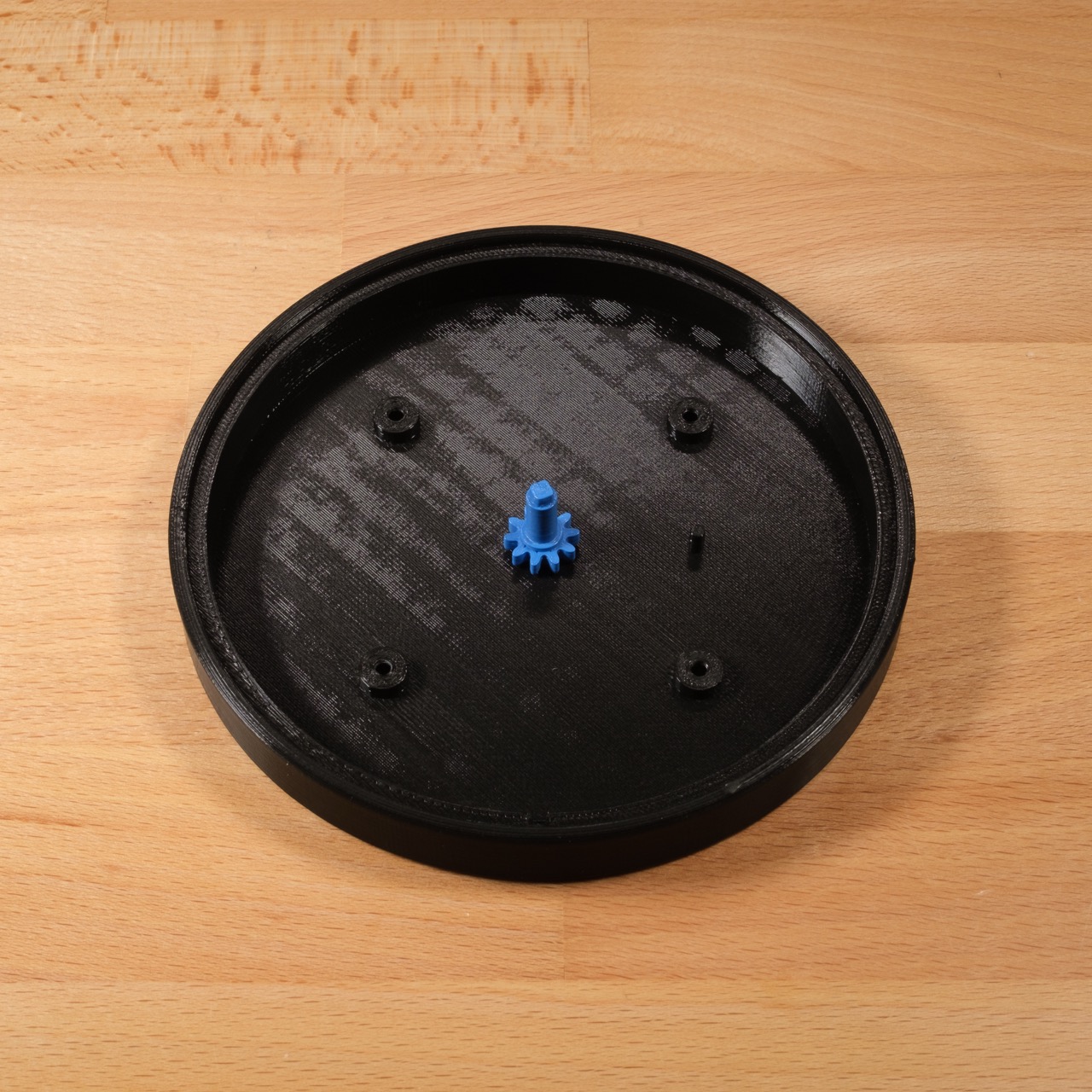 Place Gear 1 on the main axle (middle) |
3 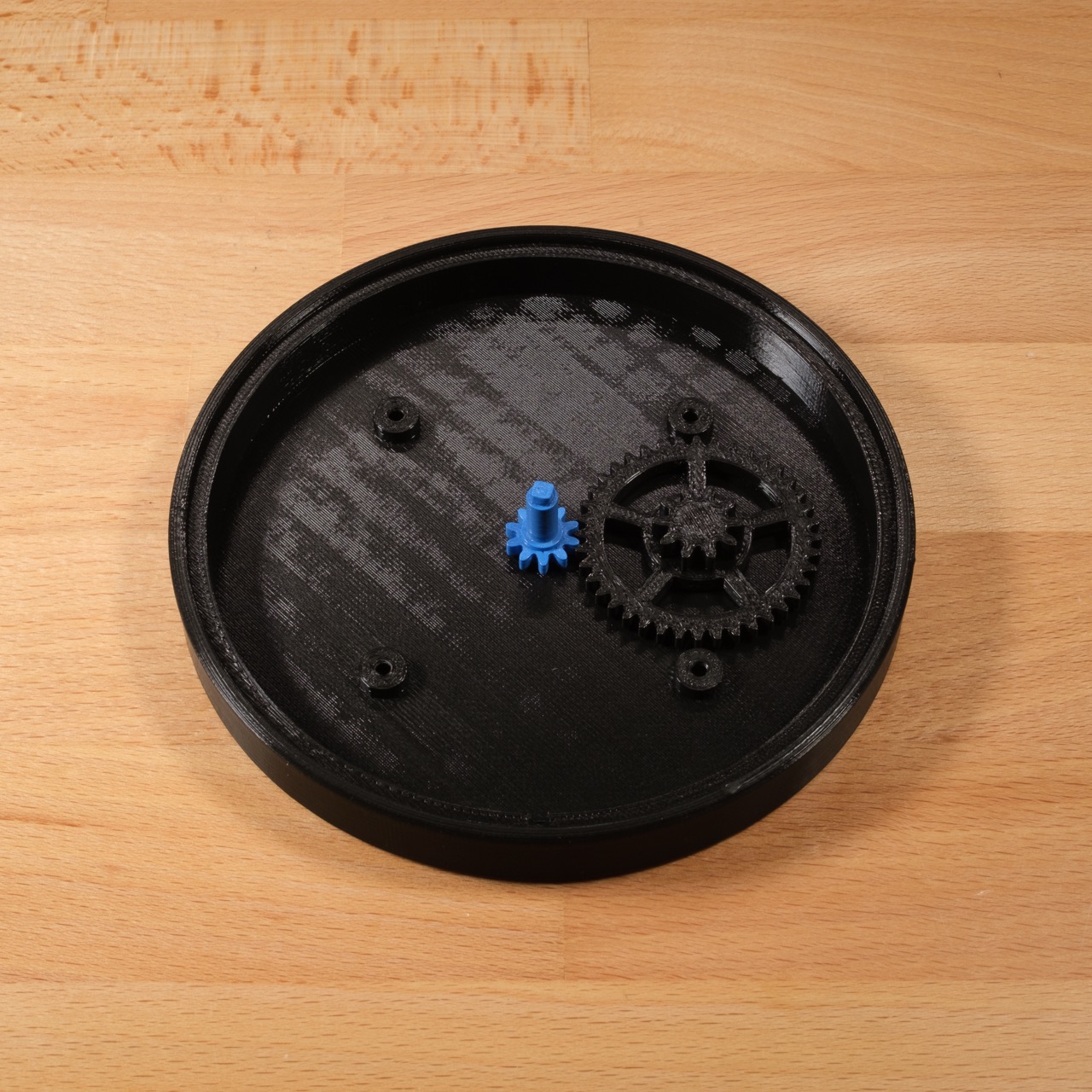 Place Gear 2 on the secondary axle (right) | 4 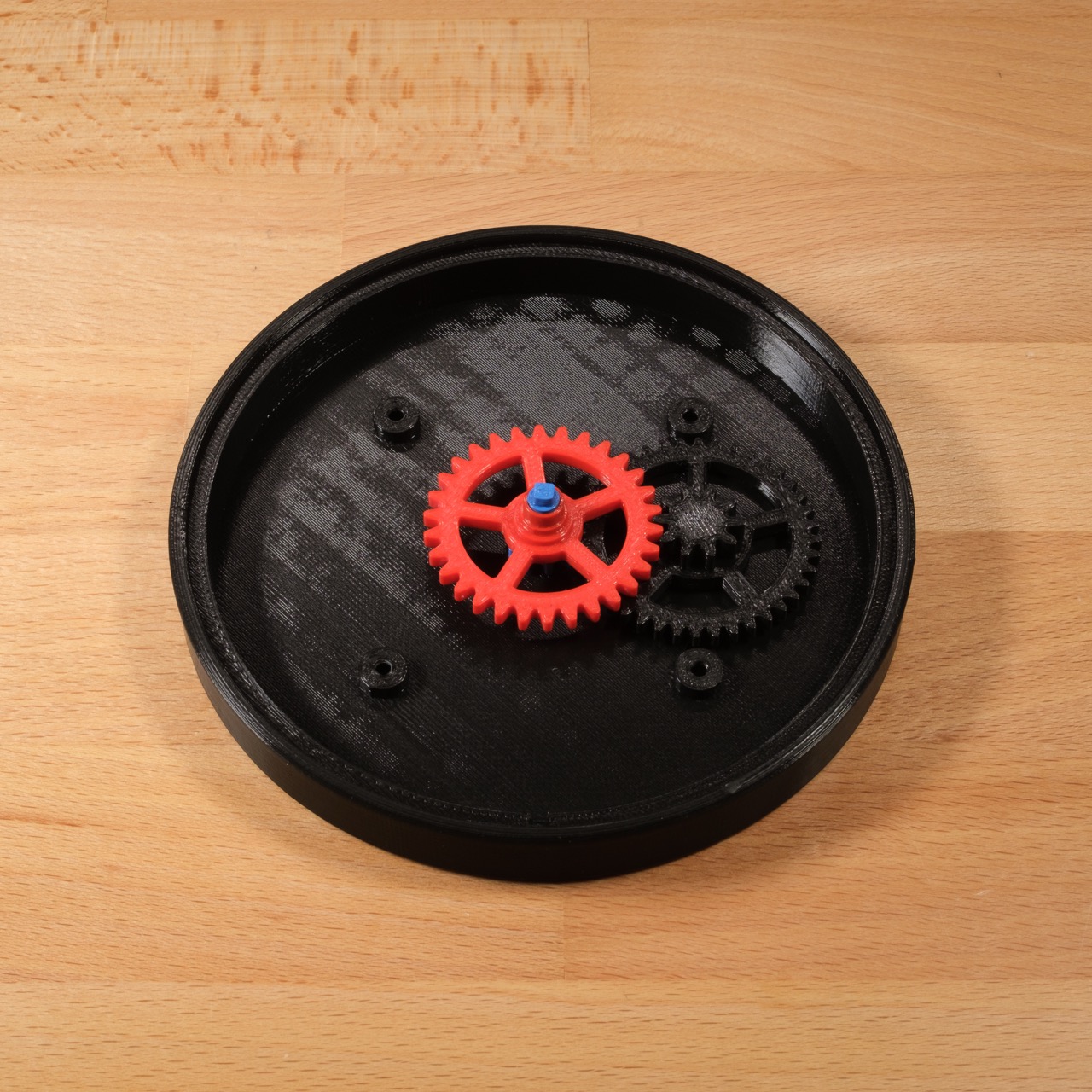 Place Gear 3 onto Gear 1 |
5 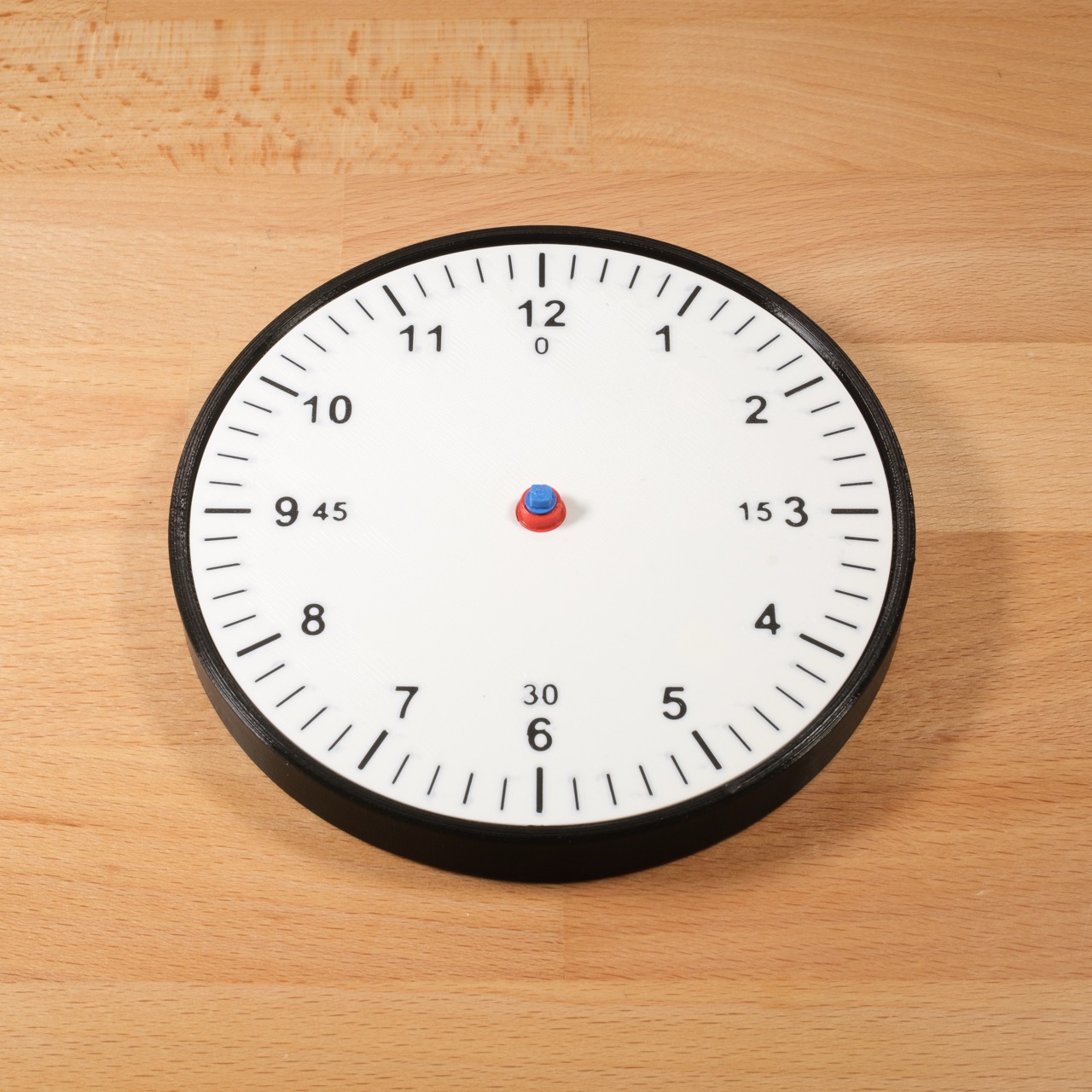 Align the dial to the case using the slot on the bottom | 6  Glue the hour hand to the corresponding axle, quickly move to the next step |
7  Glue the minute hand to the square axle, using the image as reference | 8 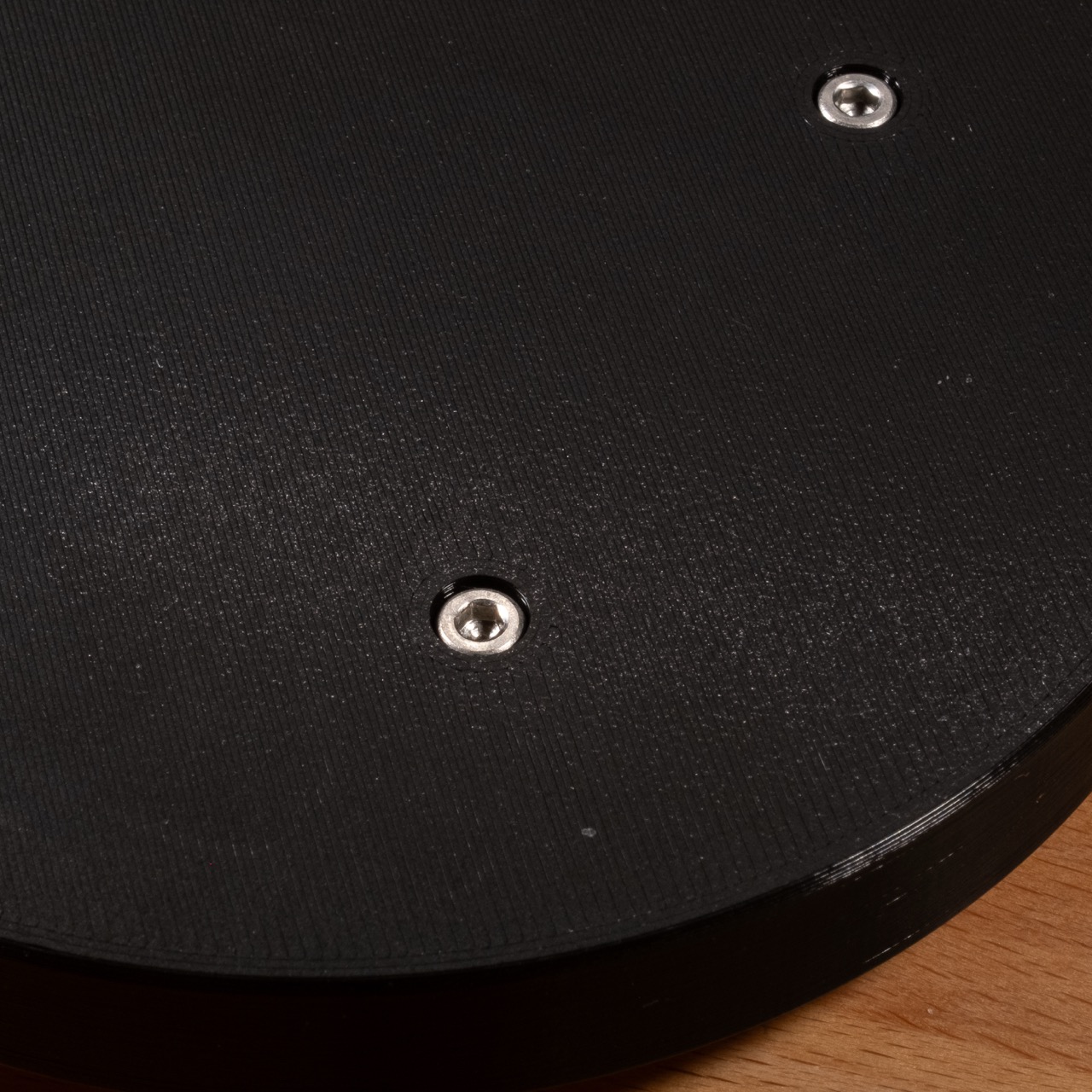 Press the dial onto the case and carefully screw them together from the back |
Version history
2024/11/2: Version 1.0

Like this model? Create a free account to save your favorites and come back to them later.
Create account