Você está no 3DFinder
Buscamos em Thingiverse, MakerWorld e Printables ao mesmo tempo para te dar o melhor de cada uma.
Descrição
What is this
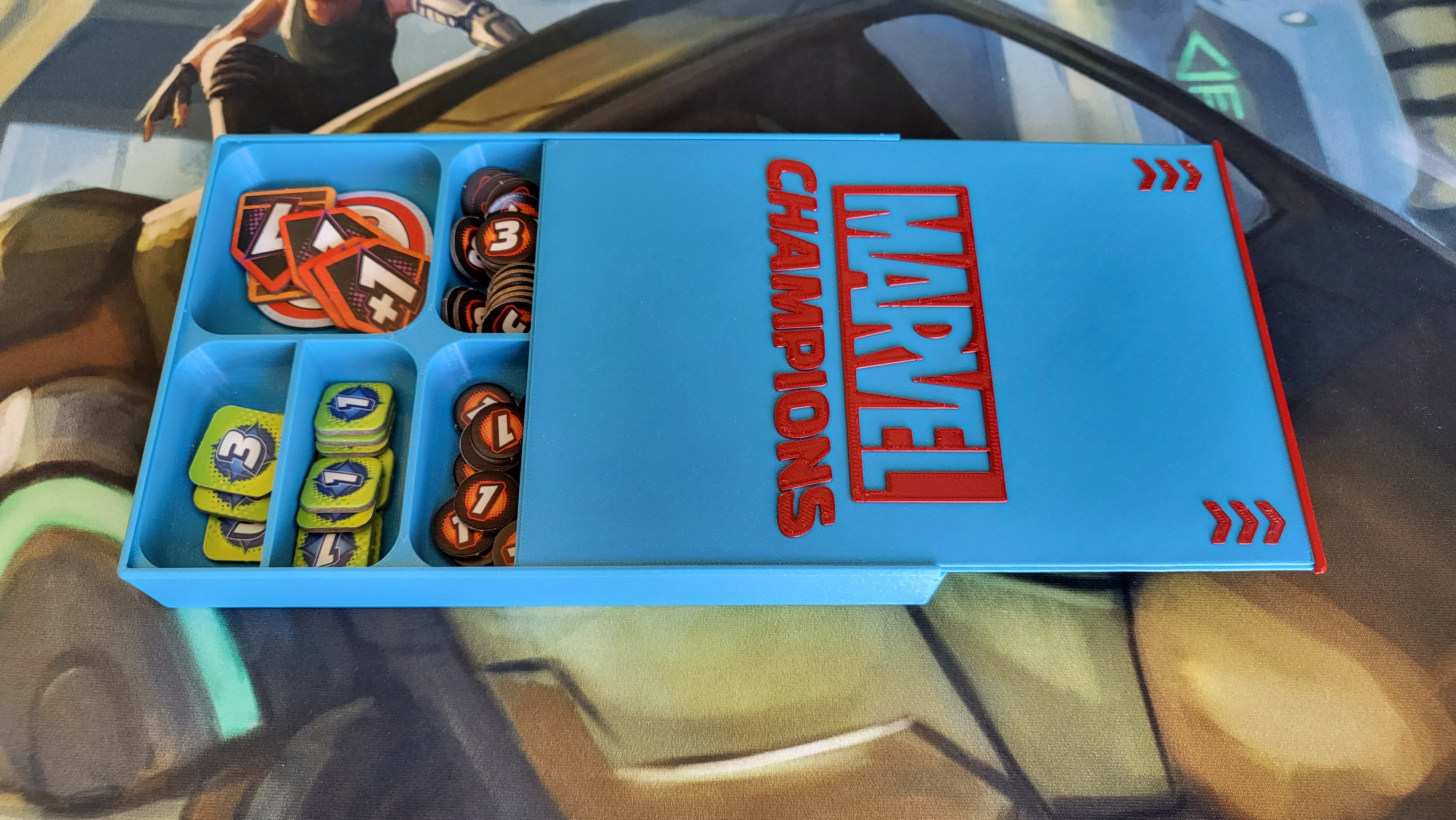
A simple sorting box for the counters that come with the game and another one for custom counters. The boxes can be closed with a sliding lid that clicks into position. The lid has the Marvel Champions logo on it, but there is also a blank one.
How to use it
Not much to tell here. Sort the counters into the compartments any way you like. This is how I do it:
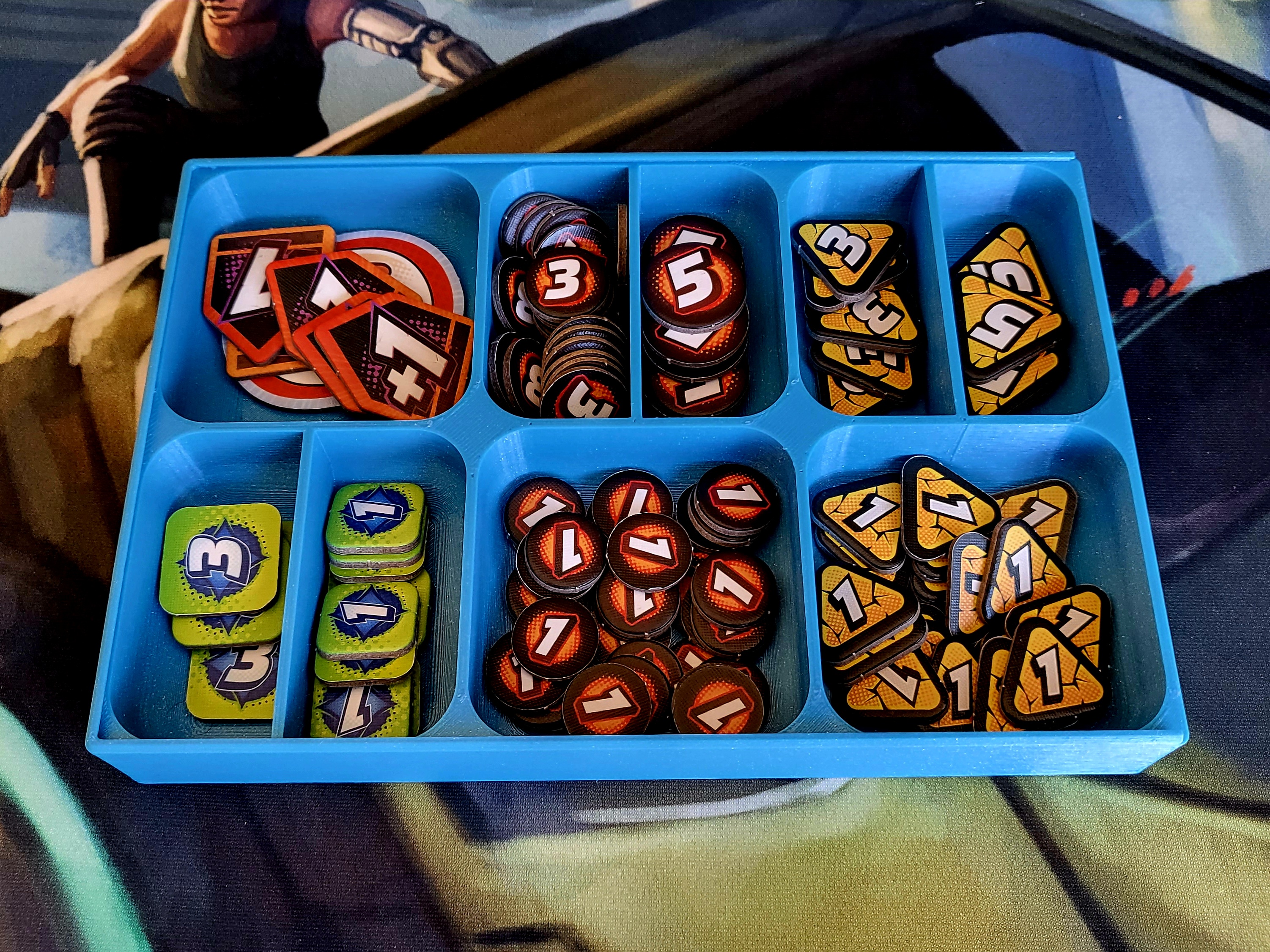
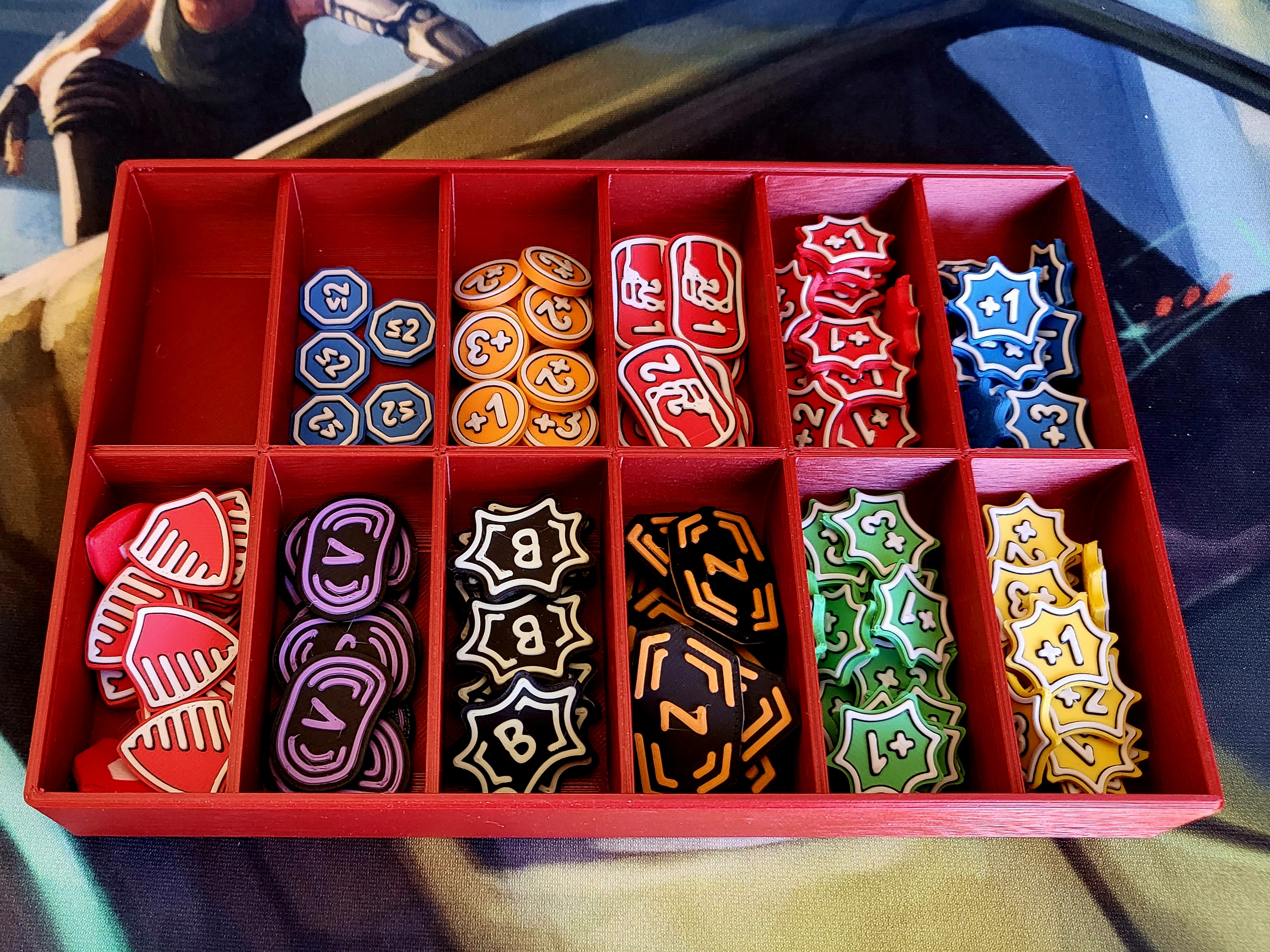
(The custom counters in the red box can be found in my Marvel Champions collection.)
Insert the lid and slide it to the other end until you feel a bit of resistance. Press a little harder and you will feel a click. The lid is now locked into position. To unlock, put both your thumbs on the arrows and push the lid into the direction the arrows are pointing to until you feel the click again. You can now slide out the lid.
How to print
Usually I print at 0.2 mm layer height ("Quality" setting) with Prusament PLA or DasFilament PLA, using the standard Prusament PLA profile in PrusaSlicer.
While the print itself is straight forward, for the click functionality to work properly, your printer needs to be dialed in pretty good. The Prusa standard settings should work, but those of other printers might not. To save you filament and time I added a couple of test models that you can print to check your printer before printing the actual boxes and lids:
- Print “TestPrint_Frame” and “TestPrint_Lid” and check if you can slide the lid into the frame.
- Does the lid slide easily? How is the clickyness? Do you need too much force to click the lid into position or is it too lose?
- If the test models don't work well, try playing with the x/y compensation settings to shrink or expand the models until you are happy. Rescaling should work as well. Just make sure to use very small increments (0.2 to 0.5% or so) and only rescale in x and y.
You can print the boxes and lids in a single color. But if you are using the lids with thte logo it looks much nicer if you add a manual color change for the last millimeter (i.e. the last five layers) for botht the box and the lid. See the “ManualFilamentChange” 3mf-files in the “ExampleProjectFiles” folder.
If you own an MMU or a similar system, I also added files for multi-color prints.
Misc
Please let me know what you think. Also, do feel free to drop me a message, if you have problems with printing these or if you have ideas for add-ons or for how to improve the design.
All my models are free and may be used and shared by everyone. I put a lot of time in my designs to get everything right and I hope the result shows. So, if you like my stuff, consider supporting me here: paypal.me/schnelge.
Cheers! ^_^
Marvel Champions - Sorting Boxes

Publicado em 31 de out de 2023
Gostou deste modelo? Crie uma conta grátis para salvar seus favoritos e voltar a eles depois.
Criar conta