Você está no 3DFinder
Buscamos em Thingiverse, MakerWorld e Printables ao mesmo tempo para te dar o melhor de cada uma.
Descrição
In my quest for the perfect card box, I have not found what I wanted. So here is a fully parametric (and open-source) one! It is actually a revisit of an old model of mine I did in F360. I largely improved it in FreeCAD. As always, source files are available to download.
To open and close the box, press lightly on the rounded part in the middle of each face. It will disengage the four pins that blocks accidental openings. You can adjust the pressure needed to open / close the box. Check out the section Design decisions > Closing mechanism > Adjusting closing / opening force.
Table Of Content
Different model sizes
Model parameters
Design decisions
Closing Mechanism
Adjusting the closing / opening force
Top / Bottom Balance
Version history
Different model sizes
Thanks to FreeCAD and its powerful scripting engine, it is extremely easy to generate multiple model size. I chose to stick to the most popular ones, plus a few other I needed for gifts or friends. All dimensions are given in height * width * depth.
For the main ones:
54 cards bridge
57.2mm * 88.9mm * 19mm
54 cards Ducale (manufacturer)
55mm * 84mm * 19mm
54 cards poker
63.5mm * 88.9mm * 19mm
72 cards tarot
70mm * 120mm * 25.2mm
For the additional ones:
Monopoly deal
57.2mm * 88.9mm * 37mm
Model parameters
The FreeCAD model is available and parametric: you can create the card box that suits your needs. Here is a list of the all the parameters you can play with.
Base section
Name | Value | Unit | Comment |
Deck_Depth | 19 | mm | |
Deck_Height | 88.9 | mm | |
Deck_Width | 57.2 | mm | |
Model_AlignmentEdgeThickness | 1 | mm | How thick are the lips that ease the alignement of the two parts |
Model_ClosingMargins | 0.2 | mm | Margins for when you close the box. It's sort of the difference in width and depth between the top and bottom part |
Model_ExtraThicknessBottomPiece | 0.5 | mm | How much the bottom part is thicker compared to the top one. It makes it easier to see what part is the bottom one and helps balancing the design. |
Model_FeatureHeight | 35 | mm | How tall is the closing feature, the rounded part that sticks out of the bottom piece into the top piece. |
Model_FeatureOffset | 80 | % | How high is the closing feature i.e. the separation between the bottom and the top part. This setting controls how tall is the bottom vs the top. It is expressed as a percent of the box's height. |
Model_FeatureRounding | 15 | mm | The radius of the rounding for the closing / opening part. |
Model_LatchDepth | 1.2 | mm | How much the pins (that keep the box closed) stick out. It is the main parameter to adjust the closing force. |
Model_LatchDiameter | 3 | mm | How large the pins are. |
Model_MarginForCards | 0.5 | mm | Additional margins around the cards (in all dimensions) |
Model_RoundingBottom | 1 | mm | Rounding of the bottom surface. |
Model_RoundingEdges | 1 | mm | Rounding of the edges. |
Model_RoundingTop | 3 | mm | Rounding of the top surface. |
Model_WallThickness | 3 | mm | How thick the walls of the box are. |
Design Decisions
Closing mechanism
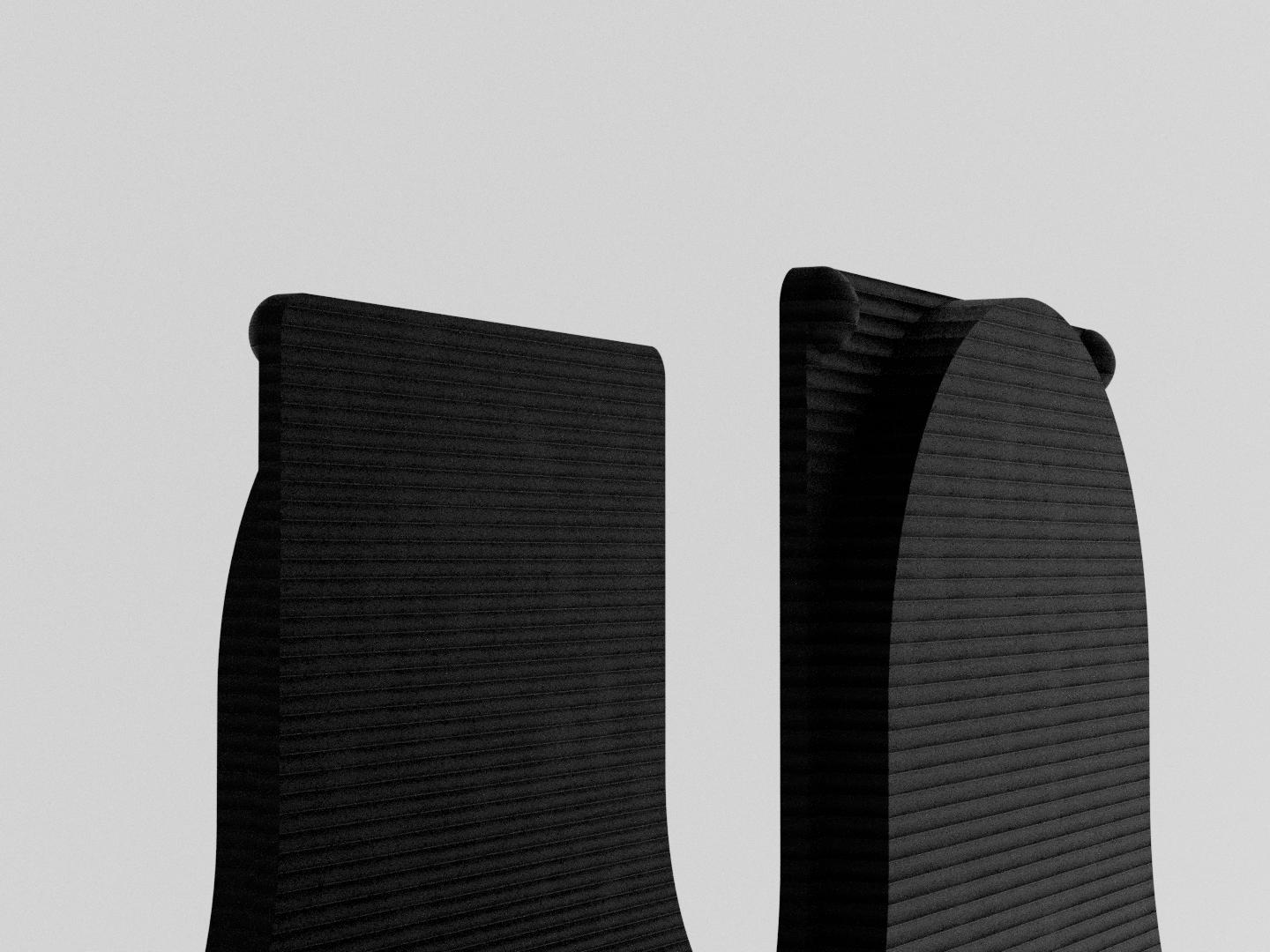
The box is kept closed thanks to four pins sticking out of the bottom part, and locking themselves in holes of the top part. To separate the two parts, you need to press on the part that sticks out, which will bend the box just enough to disengage the pins from their holes.
Adjusting the closing / opening force
The more the pins are in the top part, the more force you will need to open and close the box. It is also linked to the rigidity of your printing material. Stiff materials will be harder to bend, and thus you will need greater force to operate the box.
To adjust the force, you need to look for 3 parameters:
Model_LatchDepth (increasing its value will make it harder to open/close)
Model_ClosingMargins (increasing its value will make it easier to open/close)
Model_LatchDiameter (increasing its value will make it easier to open/close)
The first two will impact how much the pins go into the top part. The last one will make your pull motion bend the closing feature more easily since the reaction force on the pins due to the vertical force being applied will be slightly horizontal.
Top / Bottom Balance
In the previous version (that never got released), it could be tricky to distinguish between the top and bottom part. Will it is not a serious issue (since either way, the cards are supported), it was inconvenient and frustrating.
Fixing this issue was mainly a user oriented problem. It was (I think) solved by two actions:
The bottom vs top size can be changed with the
Model_FeatureOffsetparameter, and making the bottom piece taller helps.The extra thickness at the bottom (controlled by
Model_ExtraThicknessBottomPiece) shifts the weight (and the representation in our brain of such) lower. Naturally, we want to lift the lighter part.The bigger rounding edges at the top draws atttention to the fact that putting the box on that side would be unstable.
Version history
Version | comments |
1.0 |
|
Parametric Playing Card Box

Publicado em 14 de mar de 2026
Gostou deste modelo? Crie uma conta grátis para salvar seus favoritos e voltar a eles depois.
Criar conta