Você está no 3DFinder
Buscamos em Thingiverse, MakerWorld e Printables ao mesmo tempo para te dar o melhor de cada uma.
Descrição
Also, sadly, you can only do one letter at a time. I tried to do multiple, but the CPU went from cold to blistering hot in a matter of seconds. I am working on an update to send numerous letters at once
Parts:
Micro: bit
Case (included in files): Case Remixed From [https://www.printables.com/model/319713-bbc-microbit-v2-case](https://www.printables.com/model/319713-bbc-microbit-v2-case)
power
: link to get the micro bit and a battery pack [https://www.elexp.com/collections/microbit/products/01microbitgomicro-bit-board-go-kit](https://www.elexp.com/collections/microbit/products/01microbitgomicro-bit-board-go-kit)
First, unbox everything and make sure all packaging is taken off
Then put the Micro: Bit into the bottom casing
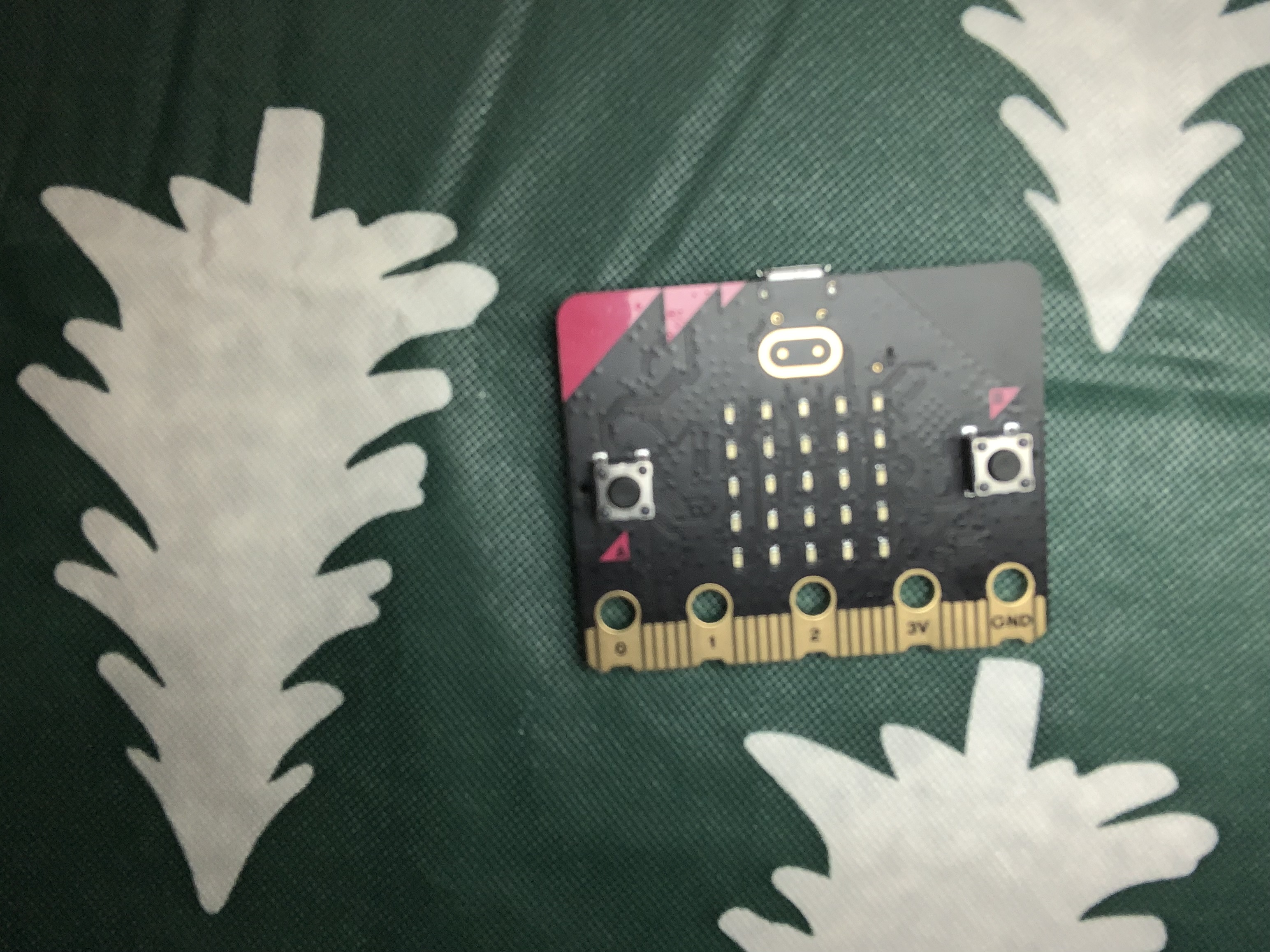
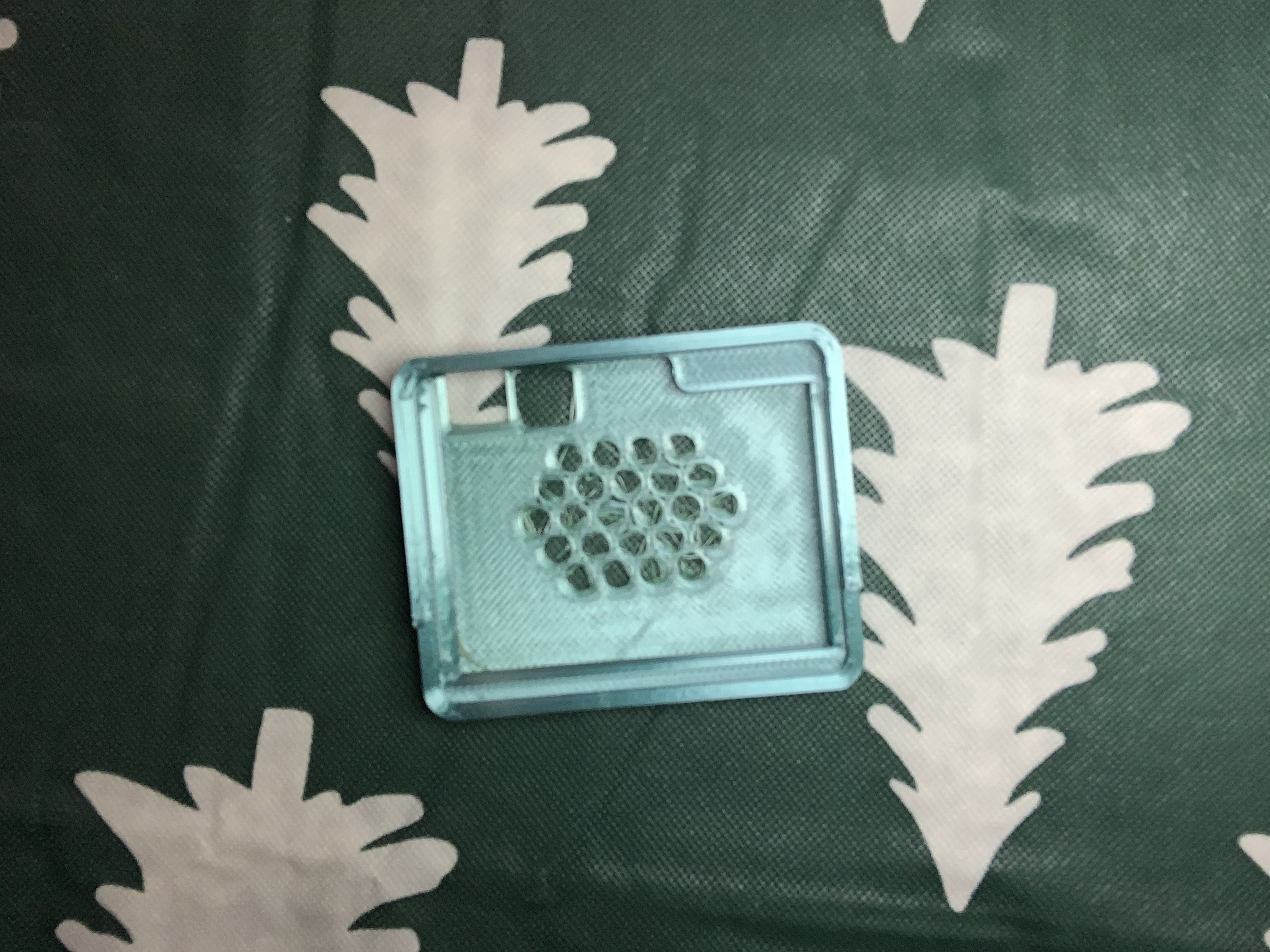
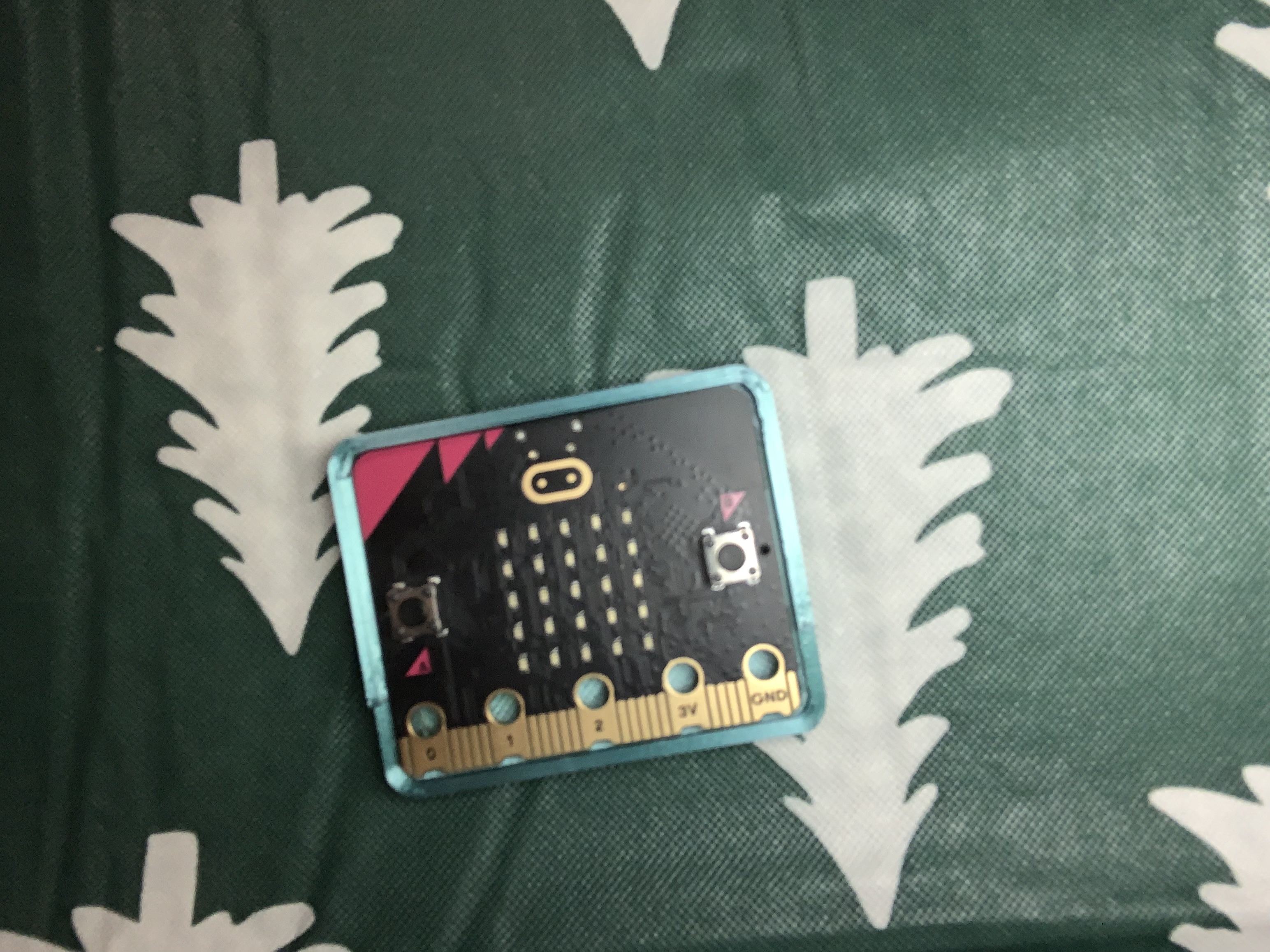
Then, put the top Piece of the casing on. It should snap in place. But you might have to shimmy it
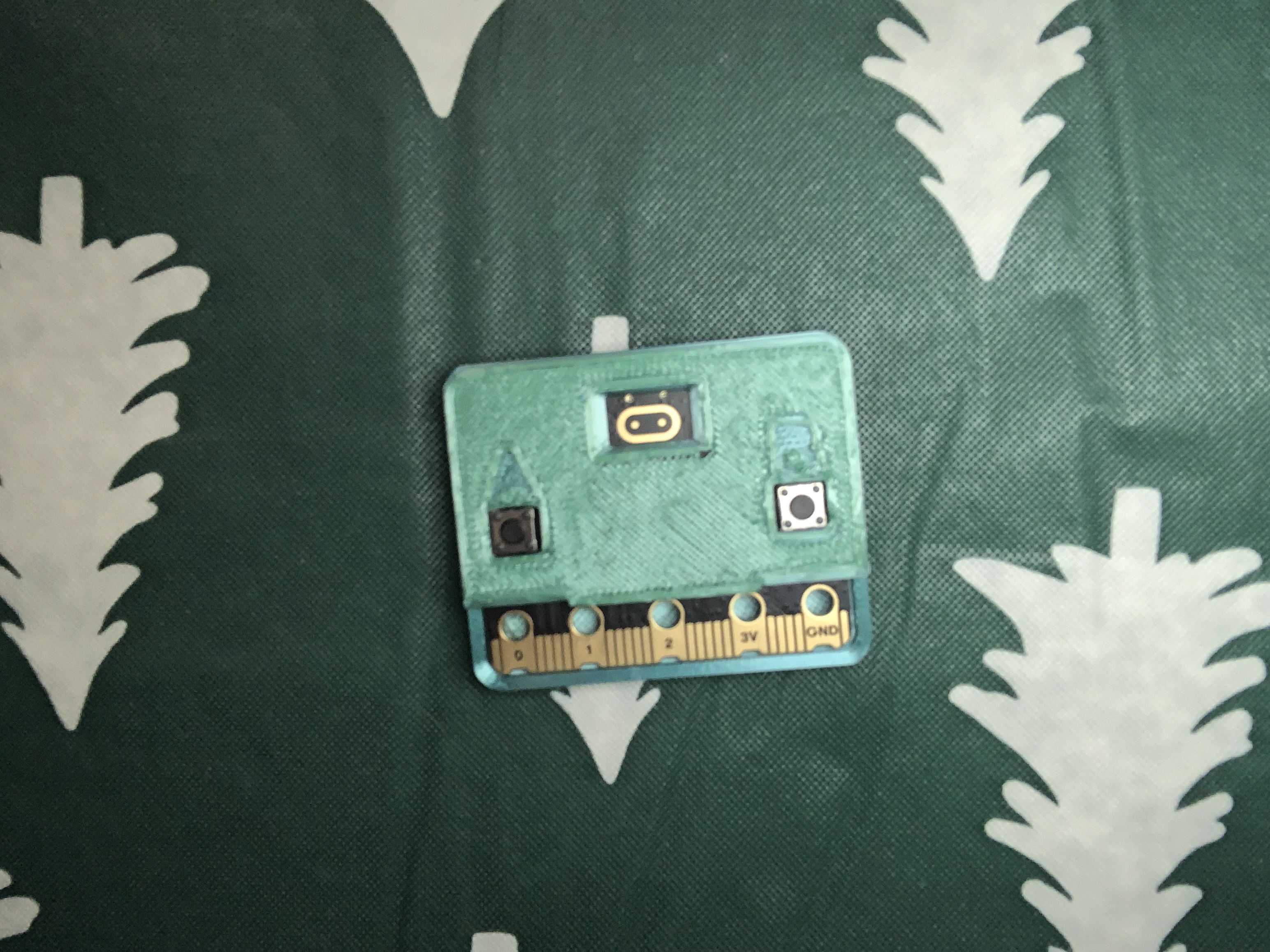
Then plug it into your computer via USB and go to [https://makecode.microbit.org/](https://makecode.microbit.org/)
Then sign in and make a new project and name it anything you want, and click on JavaScript tape and delete anything already in there so it's blank
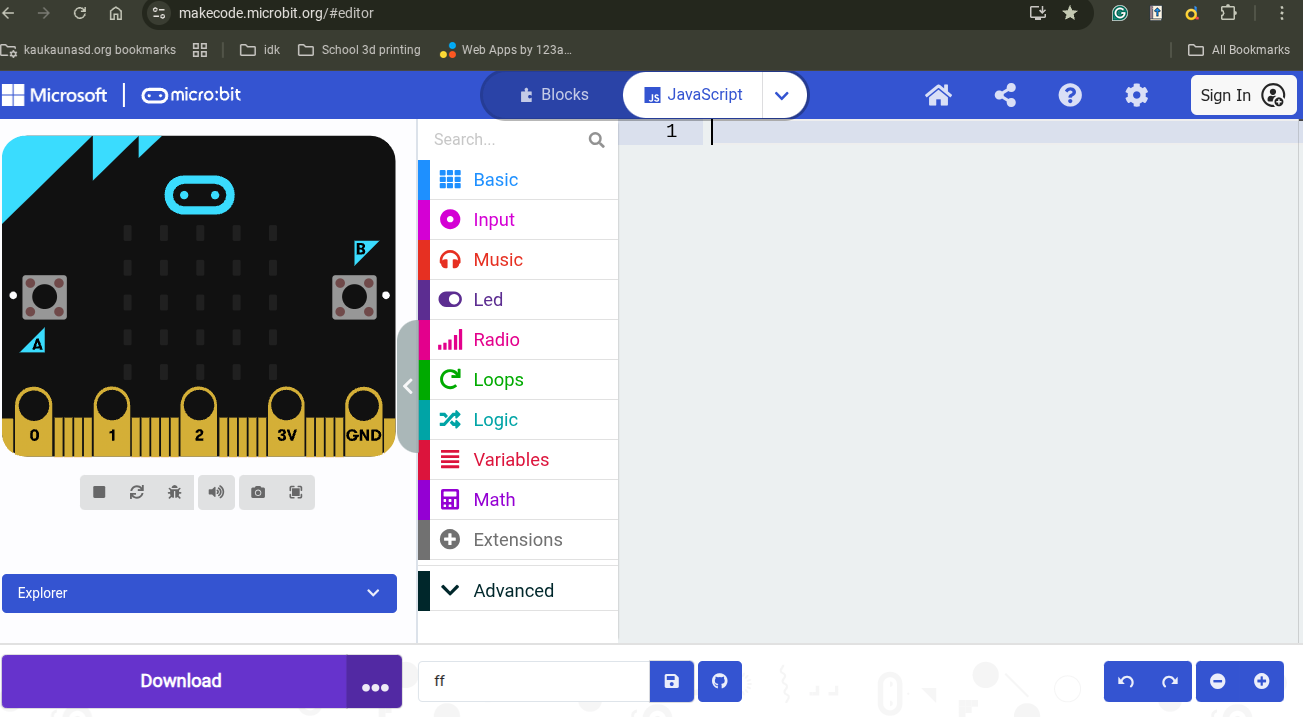
Then make sure your Micro: Bit is connected and copy and paste this code into the blank JavaScript editor
input.onLogoEvent(TouchButtonEvent.LongPressed, function () {
    basic.clearScreen()
})
// --- Button A: Dot OR Channel Down ---
input.onButtonPressed(Button.A, function () {
    if (holdCount > 0) {
        return
    }
    if (isConfiguring) {
        // --- CHANNEL MODE ---
        radioGroup += 0 - 1
        if (radioGroup < 0) {
            radioGroup = 0
        }
        basic.clearScreen()
        basic.showNumber(radioGroup)
    } else {
        // --- MORSE MODE ---
        _symbol = "."
        // 1. Send Signal IMMEDIATELY (Before sound)
        radio.sendString(_symbol)
        // 2. Play Sound (Fast Sixteenth beat prevents radio blocking)
        music.playTone(523, music.beat(BeatFraction.Sixteenth))
        currentMorseCode = "" + currentMorseCode + _symbol
        letterTimeout = 0
        basic.showString(_symbol)
    }
})
// --- Radio Receive ---
radio.onReceivedString(function (receivedString) {
    if (isConfiguring) {
        return
    }
    // Play short beep for feedback
    music.playTone(600, music.beat(BeatFraction.Sixteenth))
    currentMorseCode = "" + currentMorseCode + receivedString
    letterTimeout = 0
    basic.showString(receivedString)
})
// --- Button B: Dash OR Channel Up ---
input.onButtonPressed(Button.B, function () {
    if (holdCount > 0) {
        return
    }
    if (isConfiguring) {
        // --- CHANNEL MODE ---
        radioGroup += 1
        if (radioGroup > 45) {
            radioGroup = 45
        }
        basic.clearScreen()
        basic.showNumber(radioGroup)
    } else {
        // --- MORSE MODE ---
        symbol2 = "-"
        // 1. Send Signal IMMEDIATELY
        radio.sendString(symbol2)
        // 2. Play Sound (Fast Sixteenth beat prevents radio blocking)
        music.playTone(784, music.beat(BeatFraction.Sixteenth))
        currentMorseCode = "" + currentMorseCode + symbol2
        letterTimeout = 0
        basic.showString(symbol2)
    }
})
input.onLogoEvent(TouchButtonEvent.Pressed, function () {
    basic.showLeds(
        . # . # .
        . # . # .
        # . . . #
        . # # # .
        . . . . .
        )
})
let decodedLetter = 0
let found = 0
let symbol2 = ""
let letterTimeout = 0
let currentMorseCode = ""
let _symbol = ""
let isConfiguring = false
let holdCount = 0
let radioGroup = 0
music.play(music.stringPlayable("C D E F G A B C5 ", 150), music.PlaybackMode.UntilDone)
// --- Setup ---
radio.setGroup(radioGroup)
// *** NEW: Set Transmit Power to MAX (0-7) ***
radio.setTransmitPower(7)
basic.showString("READY")
const MORSE_MAP: any = {
    ".-": "A", "-...": "B", "-.-.": "C", "-..": "D", ".": "E",
    "..-.": "F", "--.": "G", "....": "H", "..": "I", ".---": "J",
    "-.-": "K", ".-..": "L", "--": "M", "-.": "N", "---": "O",
    ".--.": "P", "--.-": "Q", ".-.": "R", "...": "S", "-": "T",
    "..-": "U", "...-": "V", ".--": "W", "-..-": "X", "-.--": "Y",
    "--..": "Z", "-----": "0", ".----": "1", "..---": "2", "...--": "3",
    "....-": "4", ".....": "5", "-....": "6", "--...": "7", "---..": "8",
    "----.": "9",
    // Compatibility for special characters
    "•-": "A", "•": "E"
}
// --- Main Loop (Handles 5s Hold & Timeout) ---
loops.everyInterval(100, function () {
    // --- 1. CHECK FOR HOLDING A+B (For 5 Seconds) ---
    if (input.buttonIsPressed(Button.AB)) {
        holdCount += 1
        // Visual indicator
        if (holdCount % 5 == 0) {
            led.toggle(2, 2)
        }
        // 50 ticks = 5 Seconds
        if (holdCount >= 50) {
            holdCount = 0
            isConfiguring = !(isConfiguring)
            basic.clearScreen()
            if (isConfiguring) {
                // --- ENTERED CHANNEL MODE ---
                music.playTone(988, music.beat(BeatFraction.Half))
                basic.showString("CH")
                basic.showNumber(radioGroup)
            } else {
                // --- EXITED & SAVED ---
                radio.setGroup(radioGroup)
                // *** RE-APPLY POWER SETTING JUST IN CASE ***
                radio.setTransmitPower(7)
                music.playTone(262, music.beat(BeatFraction.Half))
                basic.showIcon(IconNames.Yes)
                basic.pause(500)
                basic.showString("READY")
                currentMorseCode = ""
            }
        }
    } else {
        holdCount = 0
    }
    // --- 2. MORSE DECODING TIMEOUT ---
    if (!(isConfiguring) && holdCount == 0) {
        if (currentMorseCode.length > 0) {
            letterTimeout += 1
        }
        // If user stops typing for 5 seconds (50 ticks), decode
        if (letterTimeout >= 50) {
            letterTimeout = 0
            // --- FIX FOR LINE 125 ERROR ---
            // Because MORSE_MAP is 'any', this will now work without error
            found = MORSE_MAP[currentMorseCode]
            if (found) {
                decodedLetter = found
                basic.showString("" + (decodedLetter))
            } else {
                basic.showString("?")
            }
            currentMorseCode = ""
            basic.pause(500)
            basic.showString("READY")
        }
    }
})
Then click download, and then wait until it says it's done downloading, and unplug your micro bit from your pc
YOUR DONE now, all you do is make as many as you want, and start talking in ideal conditions, you can reach 70 meters (230 feet)
A button (.)
B button (-)
The logo touch sensor has a secret: you click it to turn it on, and you hold it to turn it off
It has a startup melody
It has channels hold both the A and B button for 5 seconds until you hear a tone ( there will be a light that blink 5 times) then you can selct a chanel it start a 0 and goes to 45 the Hold the A and B button again for 5 seconds( another blinking light) and it will selct the channel show a cheack mark then your on the new chanel
It does make beeps when you click the A and B buttons, and when holding both buttons
Hope you enjoy, I think there a lot of fun to use
P.S. I made this for a school Project
(Updates Coming Soon)
BBC MICRO:BIT Morse code walkie talkies
Publicado em 13 de dez de 2025
Gostou deste modelo? Crie uma conta grátis para salvar seus favoritos e voltar a eles depois.
Criar conta