Descripción
UPDATES
11/14/2025
- Version 1.11
Made a version of the cooling duct for the more common small mouth 5015 fan. Added a honeycomb version of the cooling duct bottom panel. Also removed the curved wall on the inside of the fan area for the small mouth fan as it isn't needed with the two nubs I have to hold it in place.
11/11/2025
- Version 1.10
Reworked the ducting to help improve airflow internally. I personally noticed a 5-10% increase compared to version 1.01. That means it's a 25-30% increase in cooling over the stock duct while also making the air much more balanced. With the reworking of the ducts the model also about 2 grams lighter than the version 1.01.
11/3/2025
- Version 1.01
Raised the bottom of the fan duct by 1mm so in total it's only 1mm lower instead of my original 2mm lower. This makes it so removing your Z screw caps isn't needed . I also redid all of the chamfered edges as one person was having issue with the fan duct rubbing on the back of the enclosure.
I took me longer to release than I wanted to but It's finally ready for V1 release. The photos are quality of my covers are very crude because these were the last version of test pieces made out of PETG printing for speed not quality. I will add improved pictures after I reprint a full set for myself. I already have a version that will work for the more standard narrow mouth 5015 fans allowing you to upgrade to a stronger fan. I'm still tweaking this design and waiting for my new fans to arrive so it will take be a little bit before this version is released. If you have any issues or need help with anything please reach out. I look forward to seeing everyone's makes and I hope you all enjoy!
The cooling duct improved overhang test results by 20% and the airflow is much more balanced as the stock duct has most of the air going to the back right of the nozzle leaving the front left very lacking in cooling. I extended the duct down an extra 1mm to allow me to get a much better angle of airflow to the nozzle as the stock one is very steep which can push filament down during bridging affecting quality. With the duct being lowered the fit is close but fully clears the poop shoot and everything else.
PRINT SETTINGS
0.08-0.16 Layer Height (check duct overhangs in slicer)
Arcane Walls
4 Walls
25% Honeycomb infill
FILAMENTS
I personally printed mine Fiberon PET-CF17 and it has held up great so far. 3DXTech PC-CF & 3DXTech PA12-GF would be the most ideal materials as they have been tested thoroughly with the Qidi Plus 4 beacon mount. I tried ASA and it warped at high temps but I think it would be safe for printing PETG and PLA but please make sure to monitor it.
MATERIALS
4x 4x2mm Neodymium disk magnets (For Front Cover & Fan Duct)
2x M3 Heat Insert 4mm or Smaller (For Lowered Z Screw Caps Which Are Optional)
When printing the cooling duct I did .08 layer height for best quality and printed it flat with supports where the fan goes. The fan duct model has print in place supports for the best quality finish on the duct nozzle. If you are using classic wall generation make sure that detect thing walls is enabled or else the fins on the internal of the duct might not print.
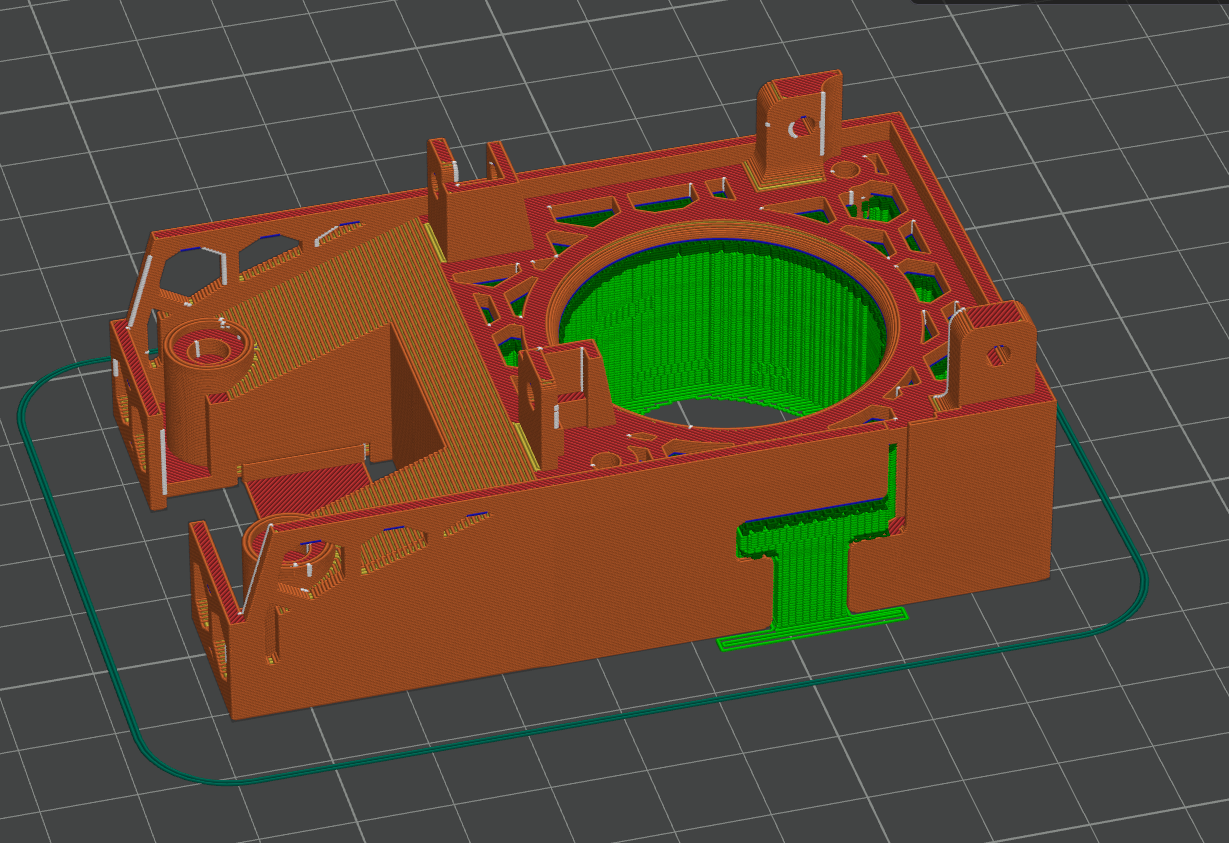
The bottom fan duct piece might look square but it's off by a millimeter or two. To make it easier when installing I added and slightly recessed hexagon on the side of the bottom that goes on the back side of the fan duct furthest away from the nozzle.
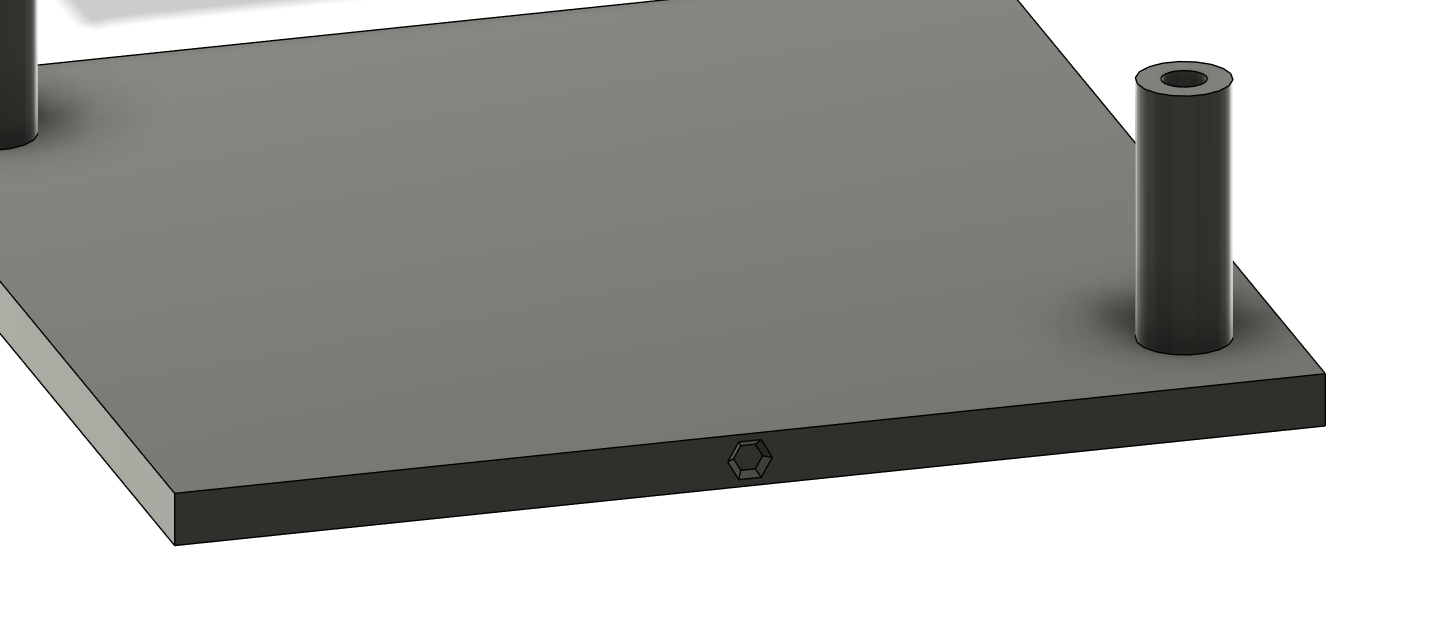
I personally removed my Z screw caps as they aren't needed but if you would like them on and would like more clearance than the stock ones I made a modified version for more clearance but you will need two M3 heat inserts that are 4mm or shorter. I included the file for the Z screw cap in this post.
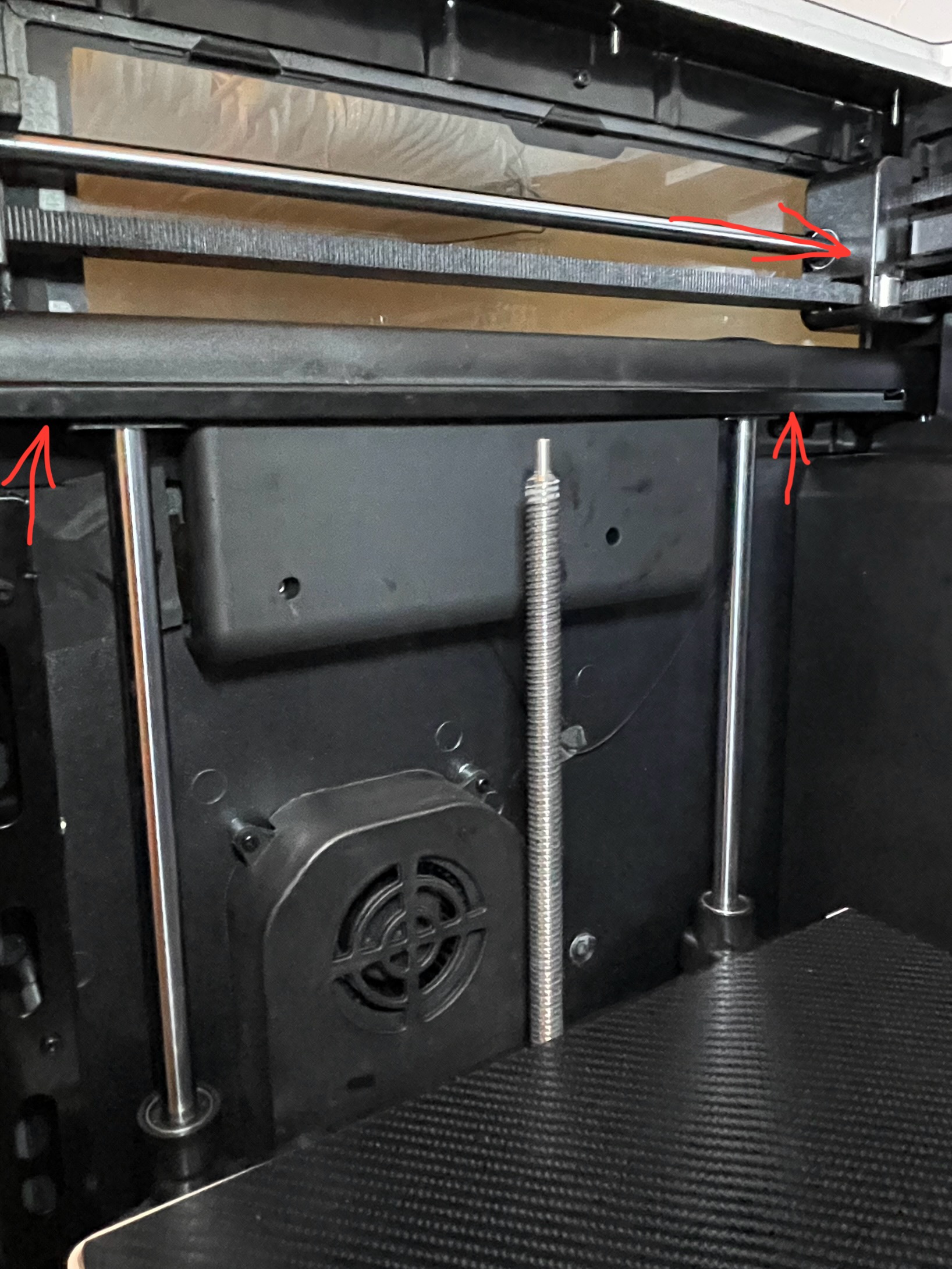
Removing the Z screw caps is easy, it's just two bolts on the top that you unscrew and then the Z screw caps slide to the side and then down to be removed. The right side is easy as can be but the left side is a little bit trickier. The left side there is a plastic cable cover on top of the bolts that needs to be lifted/removed. There is only two screws holding the cable cover down from the bottom with the locations show in my picture below. When removing/lifting this cover make sure the toolhead is pushed all the way to the back like also shown in the photo. I would highly recommend just lifting the cable cover to remove the left size Z screw cap as reinstalling the cable cover can be challenging.
Qidi Q2 Improved Cooling Duct & Toolhead Cover Set

Publicado el 16 de nov. de 2025