Você está no 3DFinder
Buscamos em Thingiverse, MakerWorld e Printables ao mesmo tempo para te dar o melhor de cada uma.
Descrição
Summary Continued:This is a 6x13x0.1cm ghost clip. You could use it as a bookmark or to clip things together. If you want you can check out my partners page as well @npoyau_2915673.
Lesson Activity: With a partner you will make a ghost on Solidworks. The two of you will have to make two identical ghosts going step by step with each other.
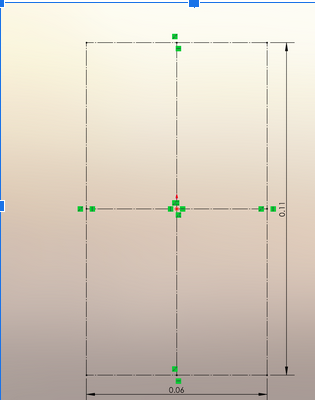
Create a Constraint Box:
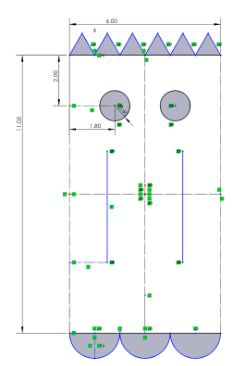
- Draw a rectangle centered at the origin, 11 cm tall and 6 cm wide.
- Add construction lines:
- Draw a vertical midpoint line (through the center of the box).
- Draw a horizontal midpoint line (through the center of the box).
Create Triangles:
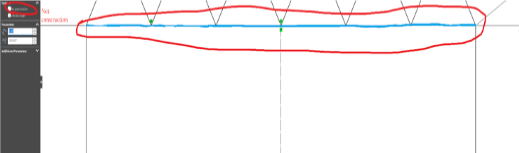
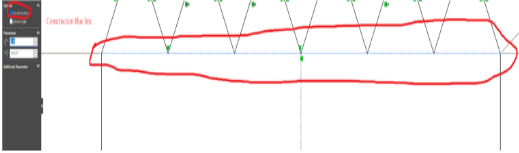
- From the top horizontal line, draw an equilateral triangle with a 1 cm base along the line. Each leg should be 1 cm long.
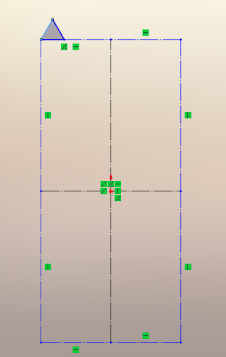
- Create a linear pattern of the triangle, placing 6 triangles along the top of the horizontal construction line.
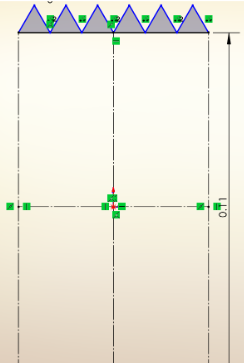
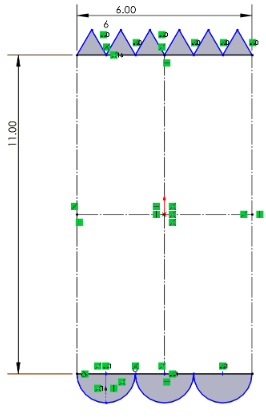
Create Semi-Circles at the bottom:
- From the bottom left of the bottom horizontal line, mark a point at the left corner of the line.
2.From that point, measure 2 cm along the line and mark a second point.
3.Measure 1 cm down from the midpoint between the two points and add a point at this location on the bottom of the constraint box.

4.Create a linear pattern of 3 semi-circles, evenly spaced along the bottom horizontal line.
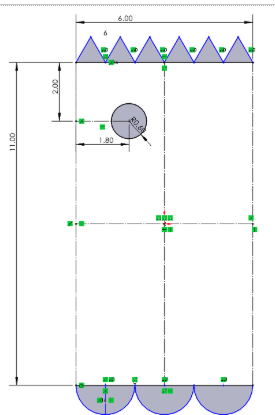
Create Eyes:
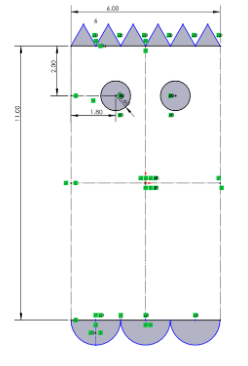
- Move 2cm down from the top of the horizontal line and 1.8 cm from the left edge of the box along the middle horizontal line and draw a circle with a 0.6 cm radius.
- Mirror this circle to the opposite side of the box using the vertical midpoint line.
Create Mouth:
- Sides of the mouth:
- Mark 2.8cm above the bottom left corner
- Make a horizontal line from that point that's 1.5cm
- Now make a 4.4 cm vertical line

- Mow mirror that line with the construction line in the middle
- Smile part of the mouth:
- Mark a point 1.5cm from the bottom of the vertical construction line
- Now use the 3 point arc tool to connect all 3 points
- Now use offset entities and make the parameter to 0.3cm
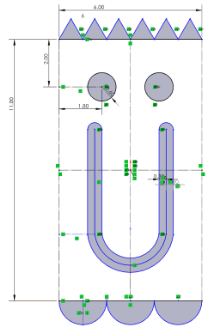
- Now connect a construction line from one arc to another and make it 2.2cm
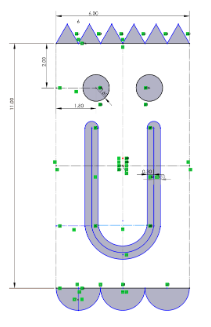
Design Choices:
First we started with a constraint box that was 13x6cm and this messed up our directions so we had to make it to 11x6cm.
One of our first changes was when we were trying to make the designs fully defined but we couldn't get the smile fully defined.

Then we added a smart demolition from the center to the vertical construction line and it became fully defined.
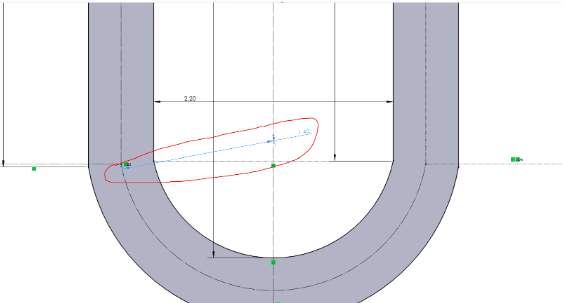
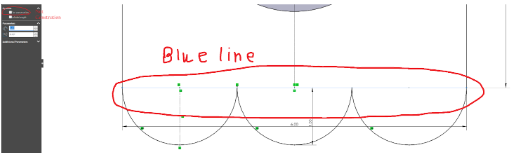
Another mistake that we made was we forgot to make the top and bottom horizontal lines construction which would then print out wrong.
Bottom line

Top line