Você está no 3DFinder
Buscamos em Thingiverse, MakerWorld e Printables ao mesmo tempo para te dar o melhor de cada uma.
Descrição
I highly recommend watching the video for more details:
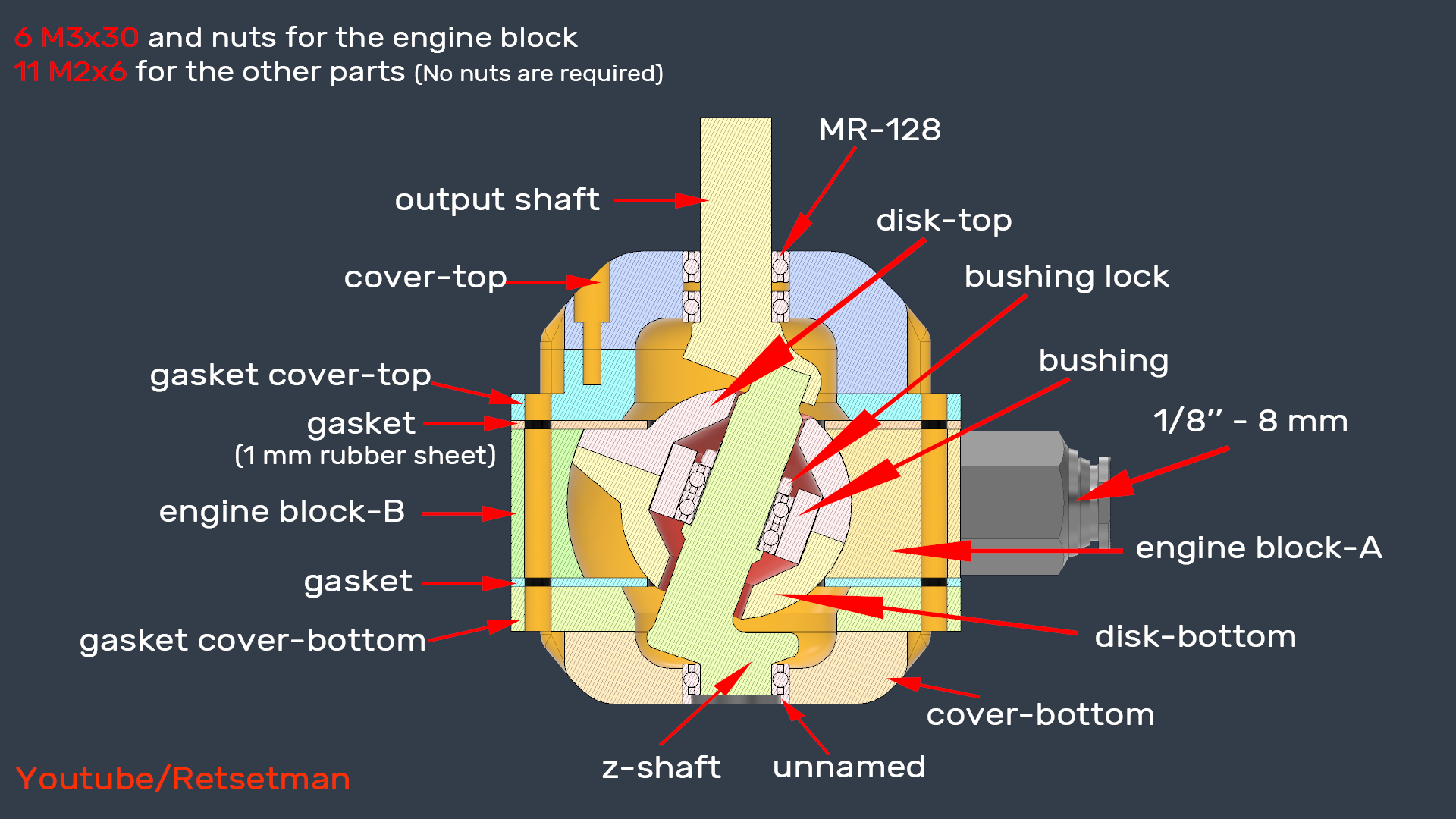
All the necessary parts are listed in the picture if I remember correctly, you won't need any other parts. Here's the written version below, just in case.
- 6 M3x30 bolts&nuts
- 11 M2x6 bolts
- 5 MR128 bearings
- 1/8'' - 8mm pneumatic fitting
- 1 mm rubber sheet (Approximately 50mm in diameter, 2 pieces needed.)
All the 3D printed parts were made with PLA+
I also tried it with SLA resin printing, and it worked well with that too.
This is an air engine with a nutating disk. It runs on compressed air and starts operating at around 10 psi. A big advantage is that it doesn't have any valves, pistons, or cranks. However, you might face a few challenges during the build that I didn't show in the video.
- Disk Sub-assembly: Before attaching the top disk, you'll need to secure the bushing with a small ring called a bushing lock. Make sure this is fastened well because it shouldn’t move when you apply air pressure. I wrapped some tape around it first and then slid the bushing lock tightly over it, and that worked great for me.
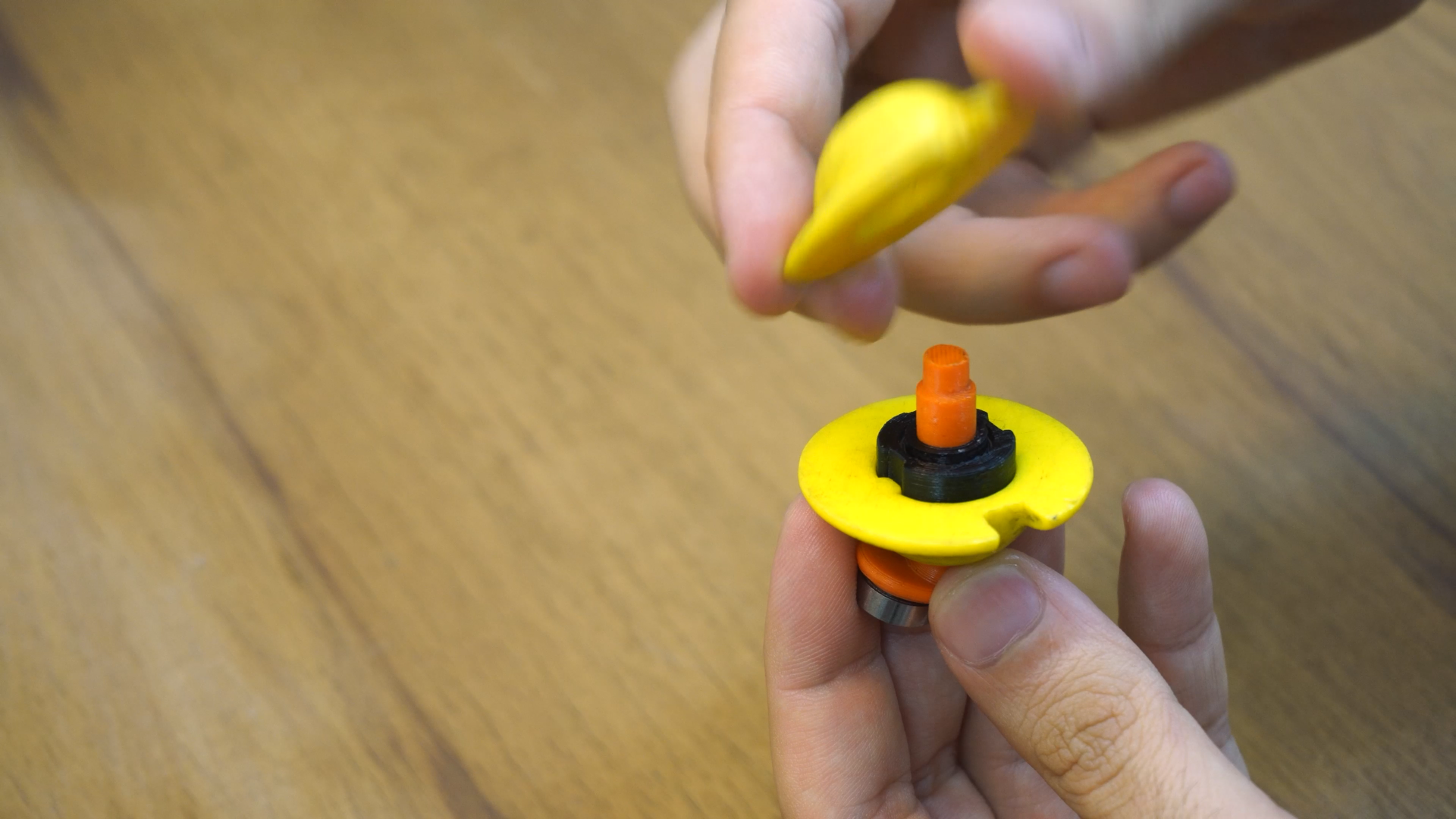
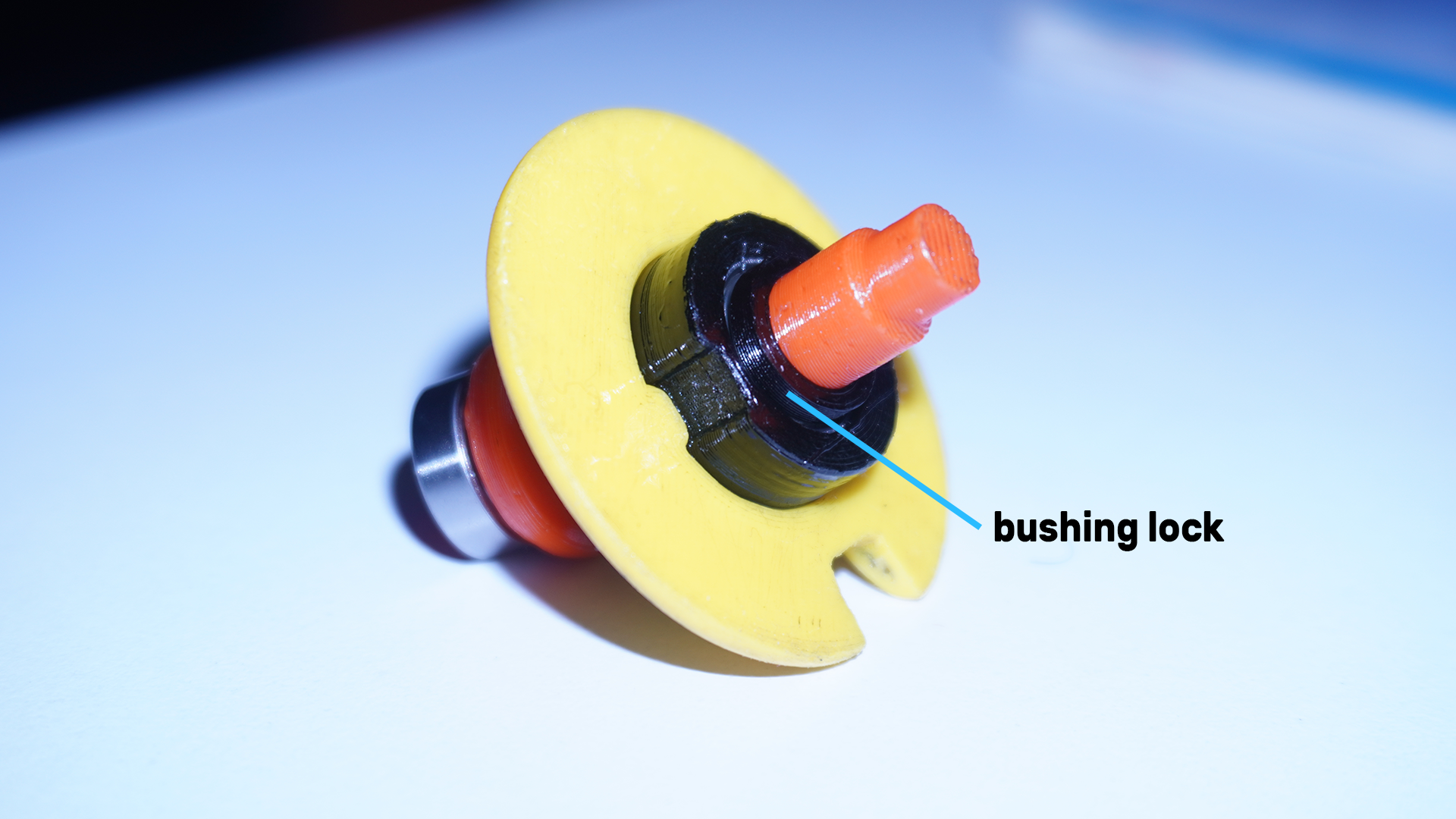
- Casing-disk Assembly: If you're not satisfied with the surface quality of the inner wall of the casing, you can do a light sanding and I added a 0.5 mm thick paper gasket before closing the casing.
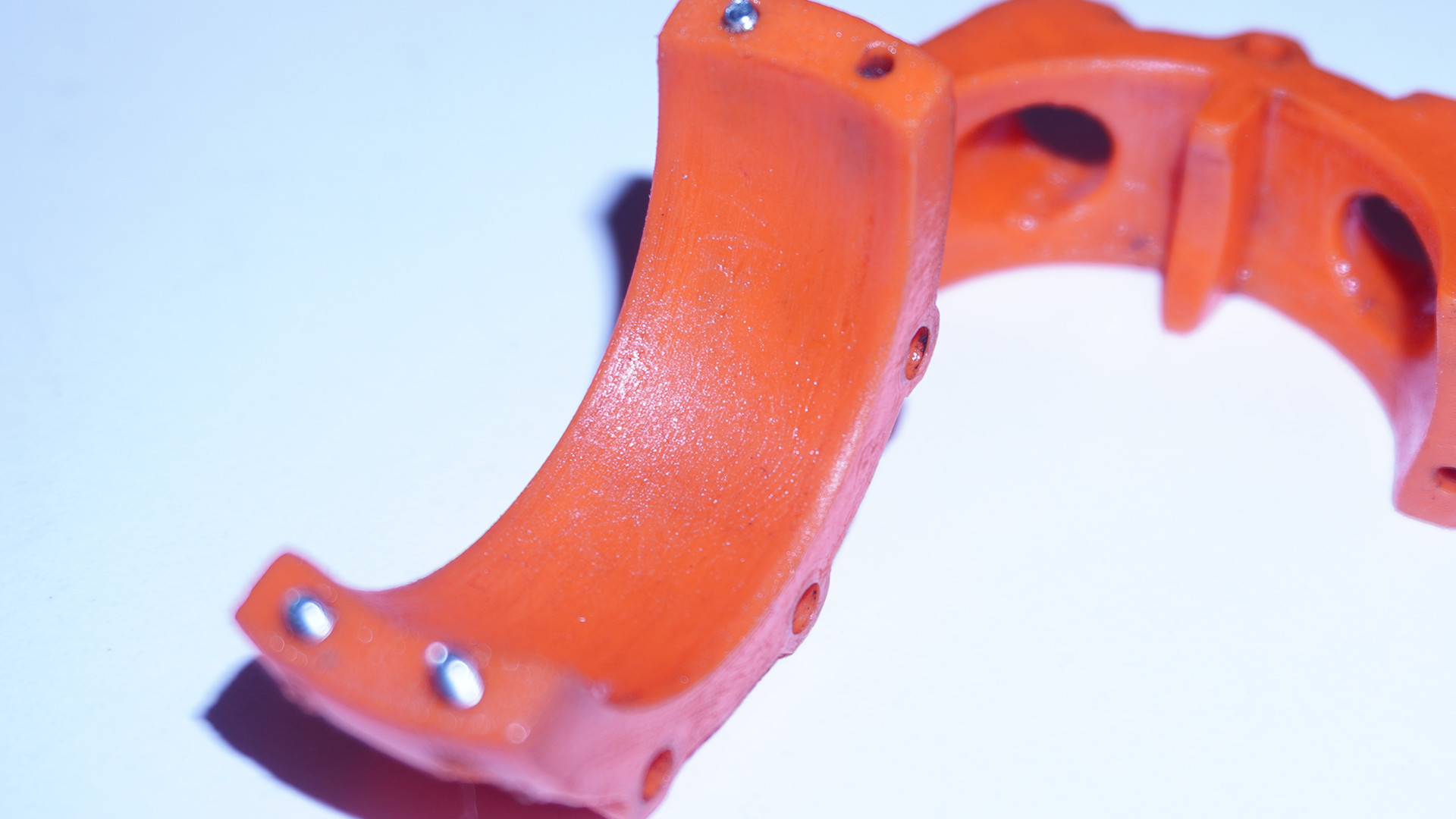
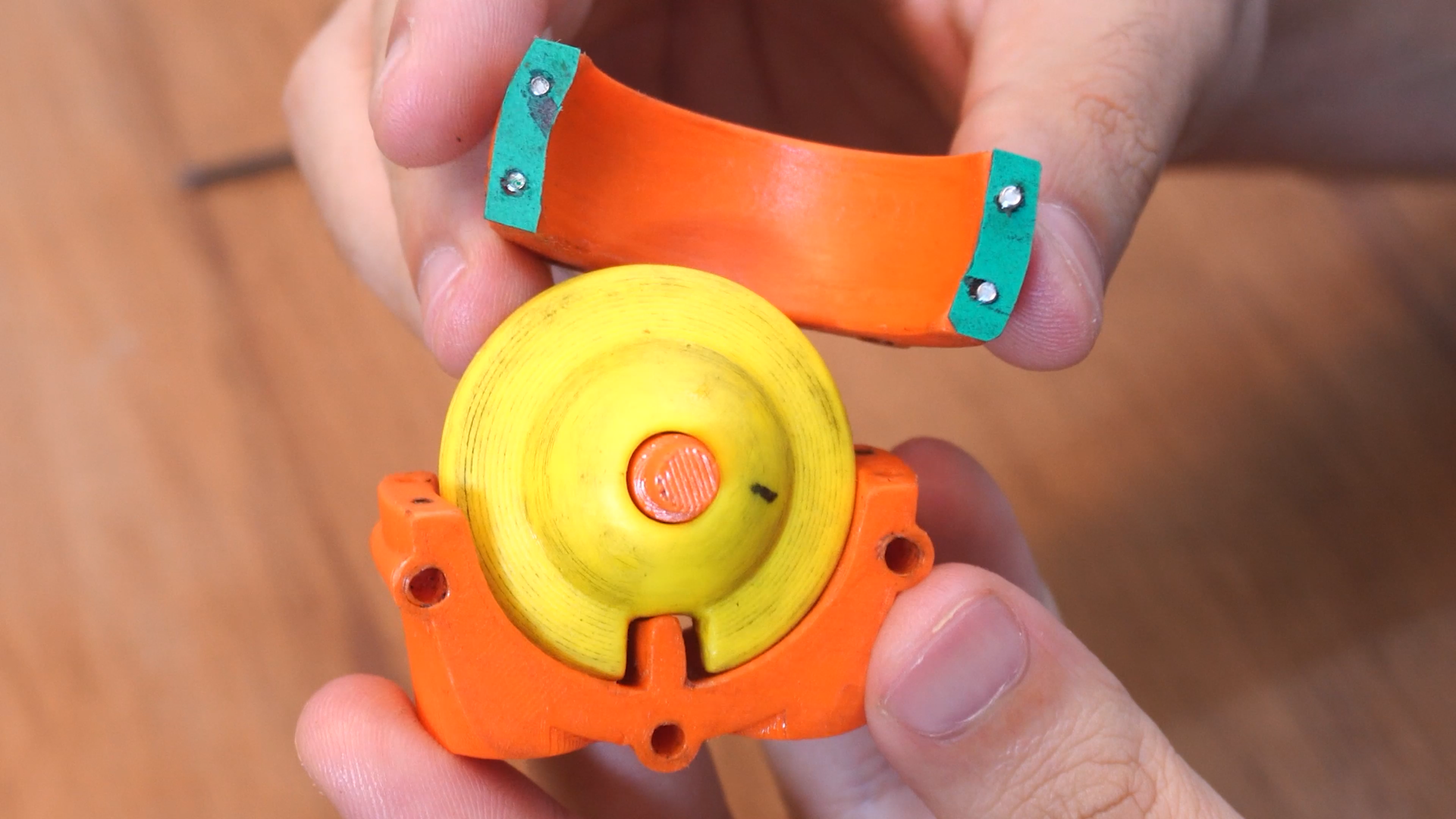
- Check That Everything Moves Freely: After you've finished assembling, make sure the output shaft rotates freely and that the disk nutates without getting stuck or rubbing against anything. If there's any jamming, check the clearance between the partition in the engine block-A and the disks—this might require some extra sanding (I had to sand quite a bit, as you can see in the video). I also sanded the gap on the disk quite a bit, but that might not be necessary for you; I think it's due to the 3D printing.
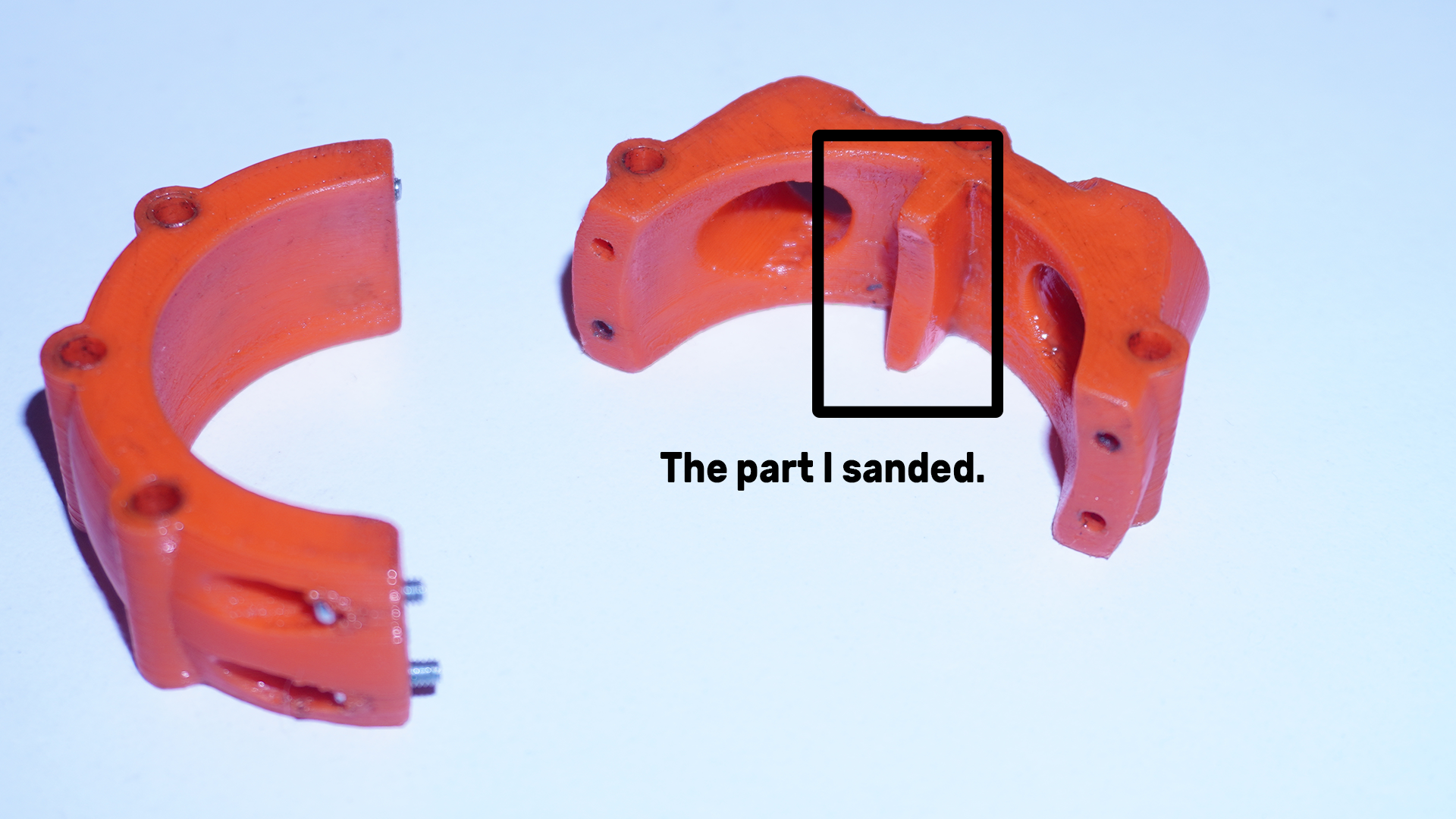
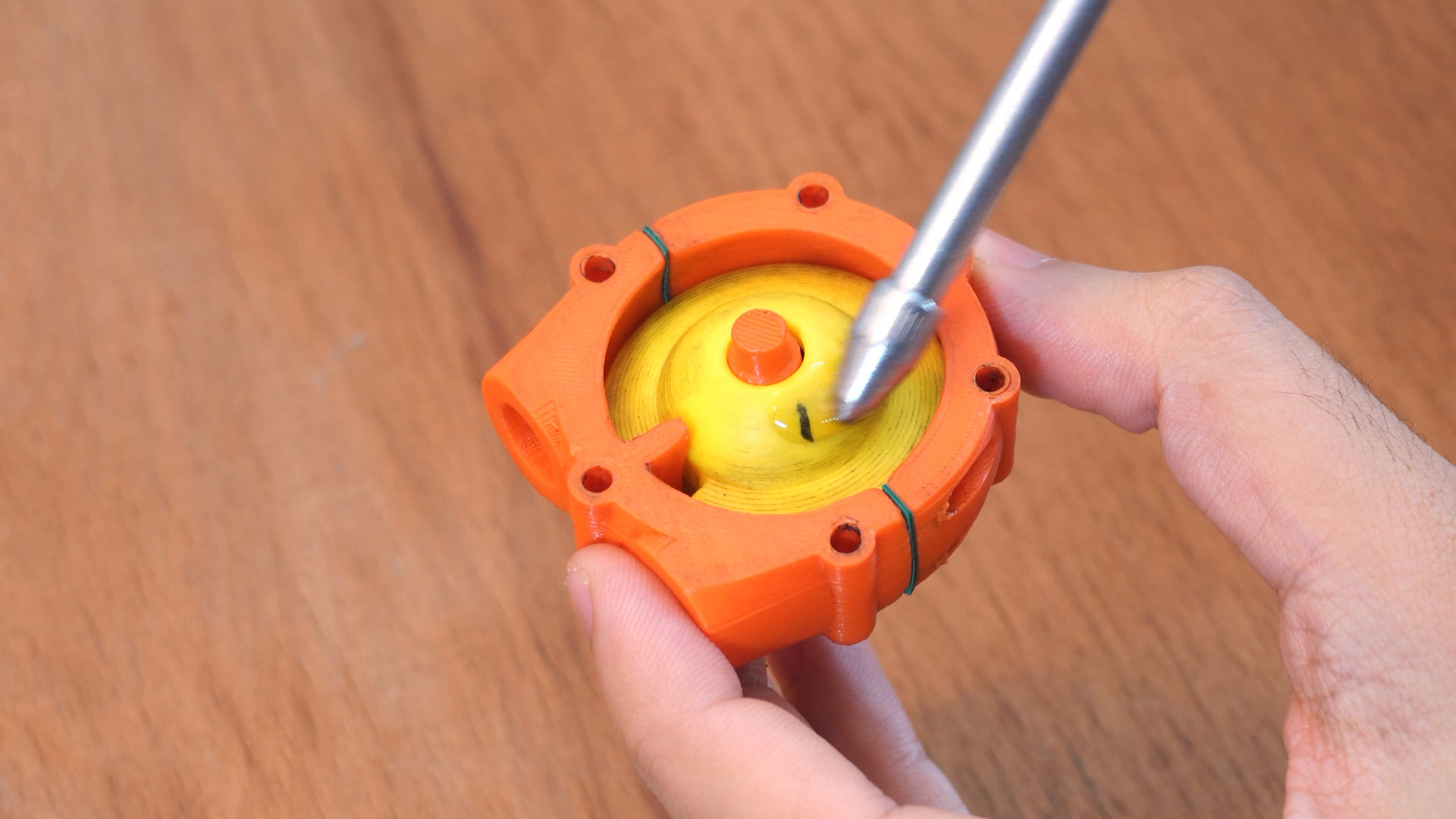
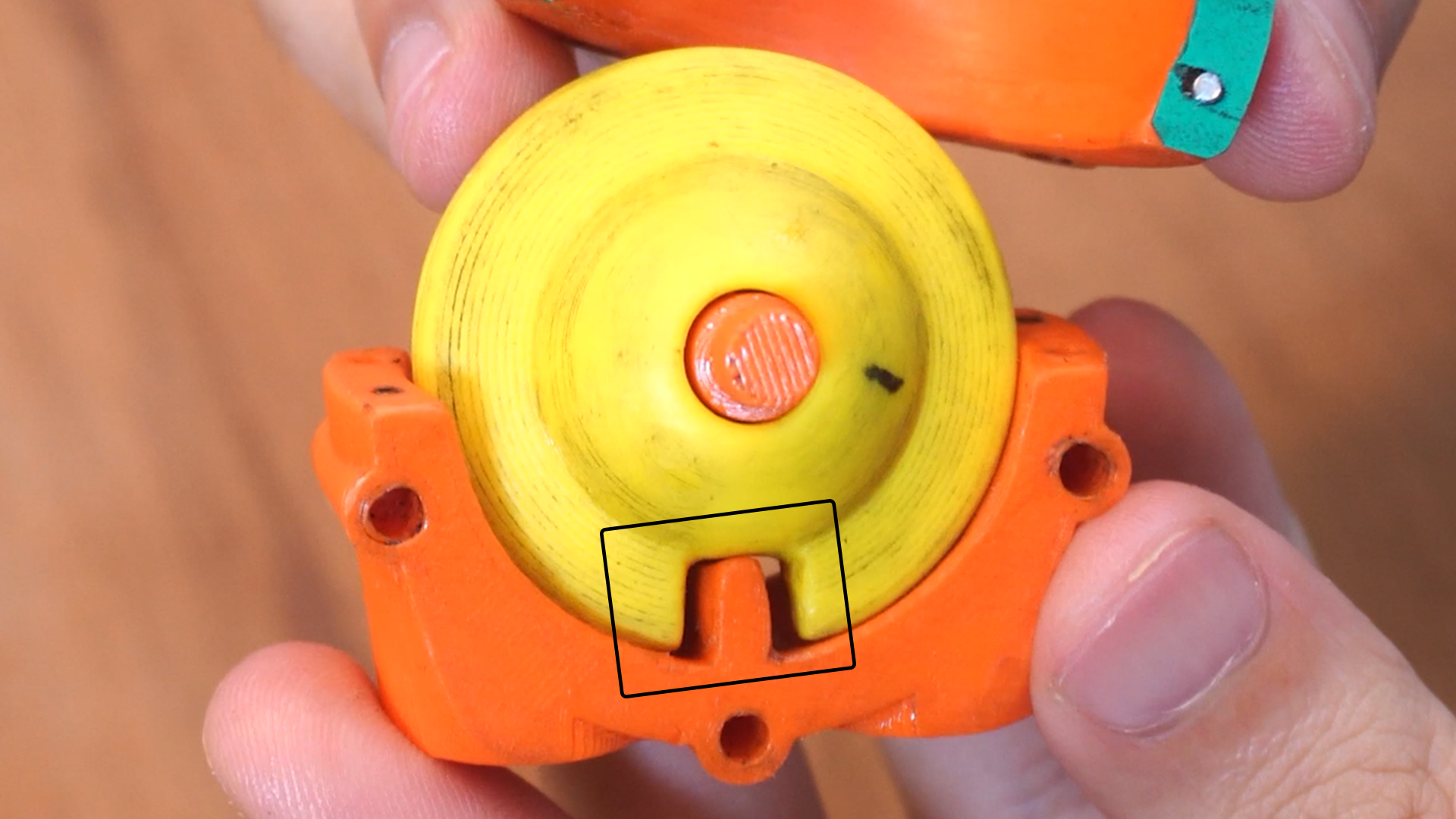
- Placement of Gaskets and Covers: After assembling the engine block with M2 bolts, if the holes for the gasket covers on the top and bottom don’t align ( which can happen because I added paper gaskets between the motor case parts ), you can sand the edges of the engine block. Just make sure to take your time and be careful not to cause any jamming with the disk.
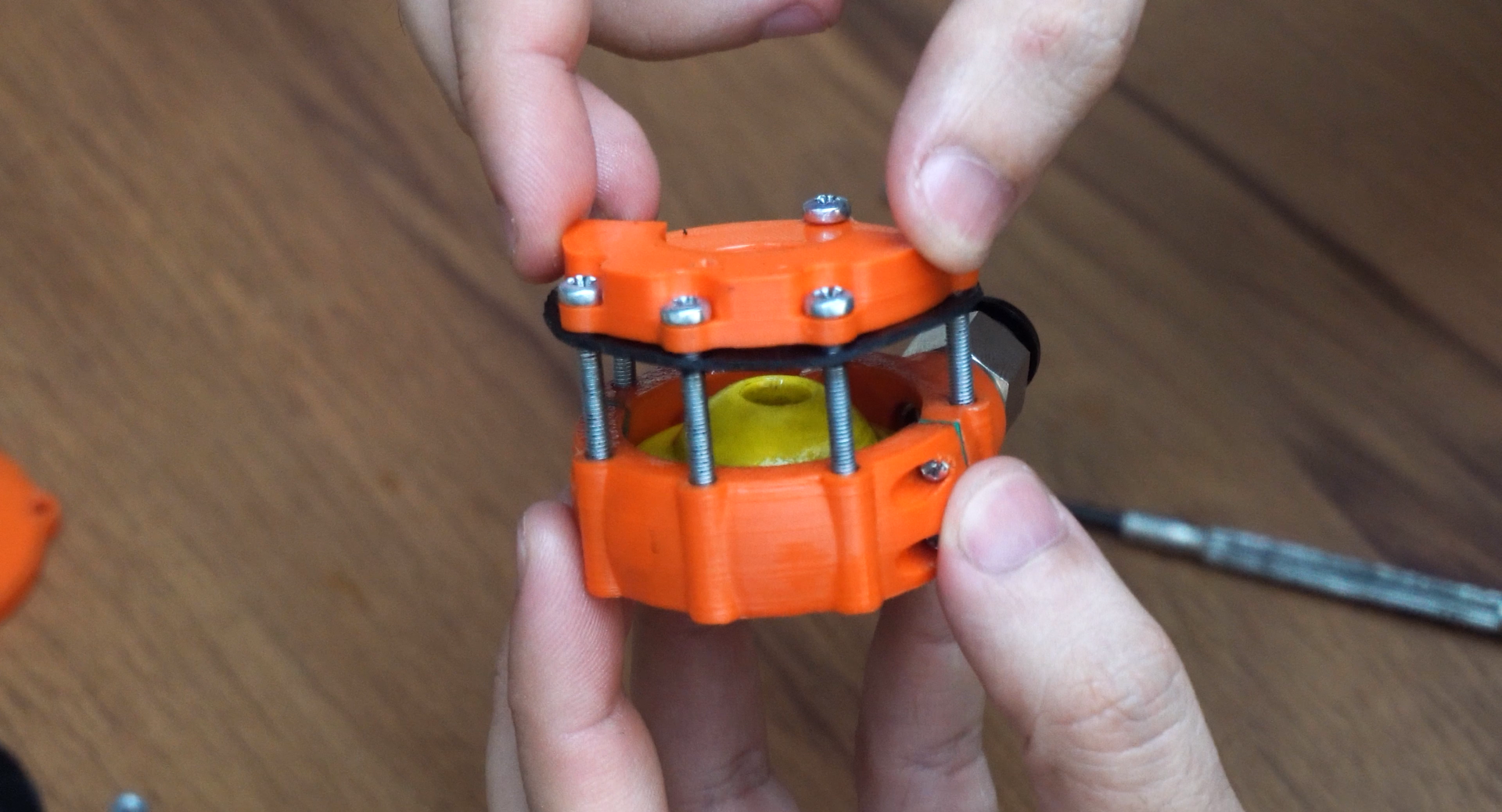
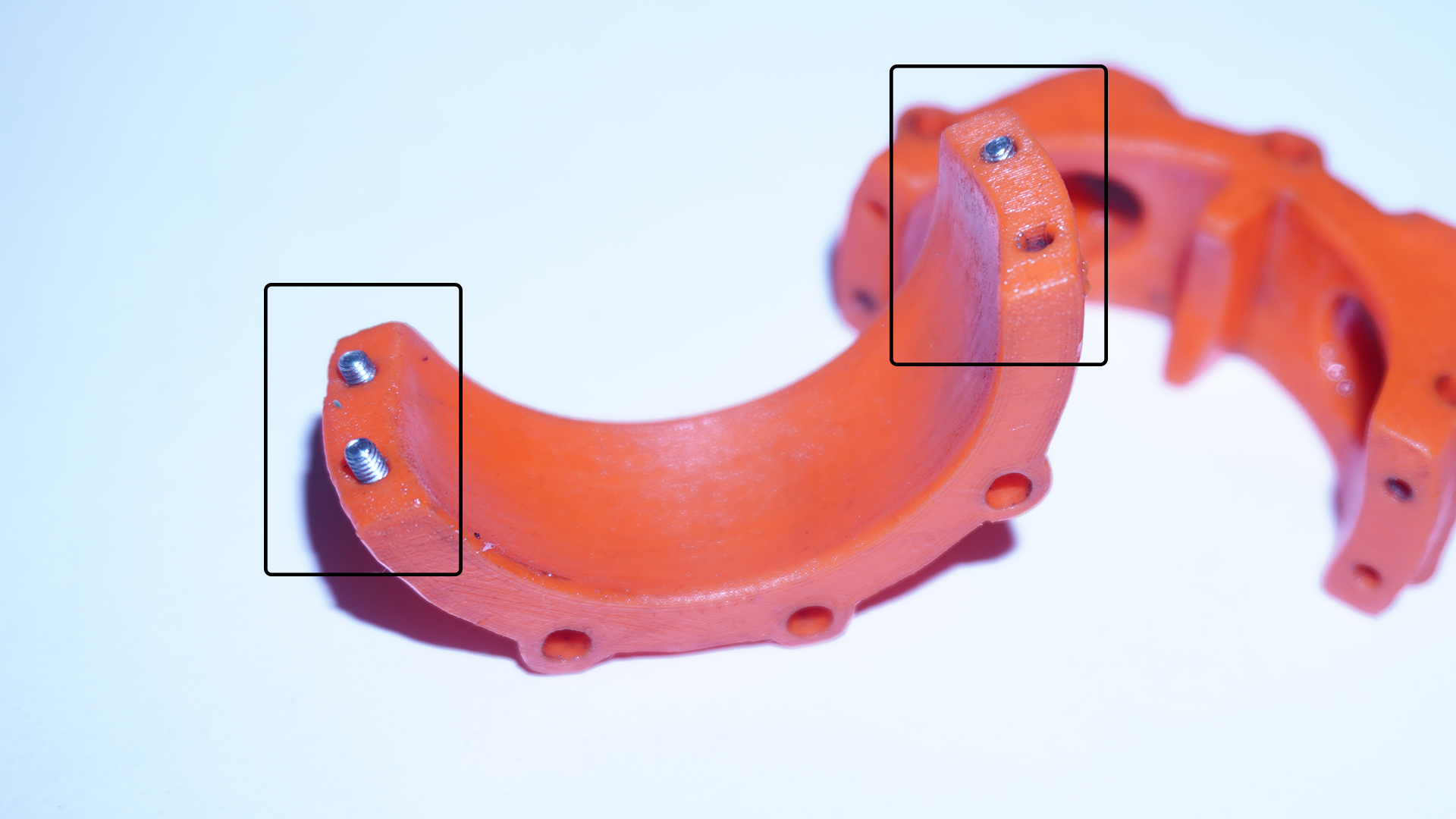
- Attach the Output Shaft to the Z-shaft
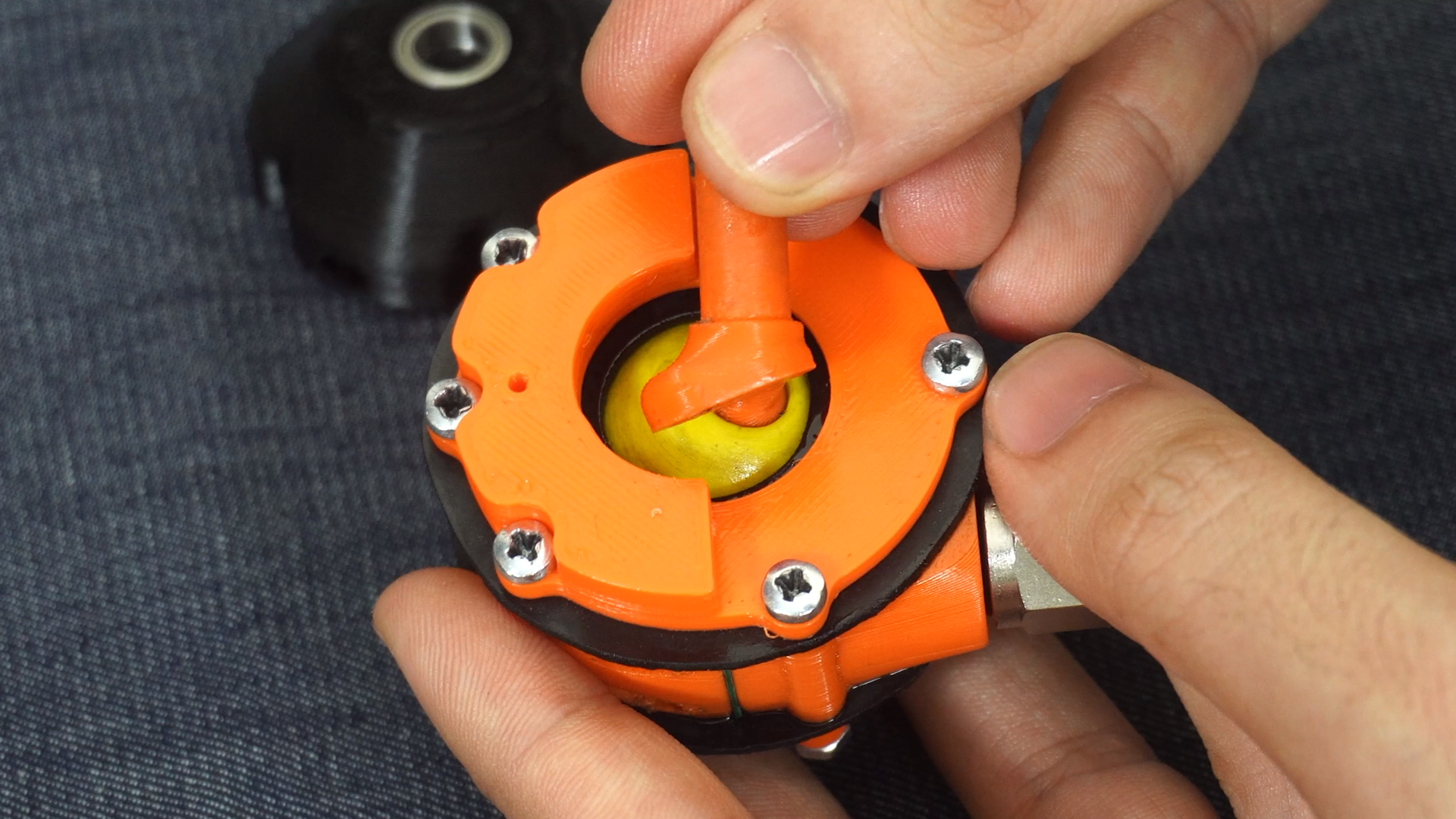
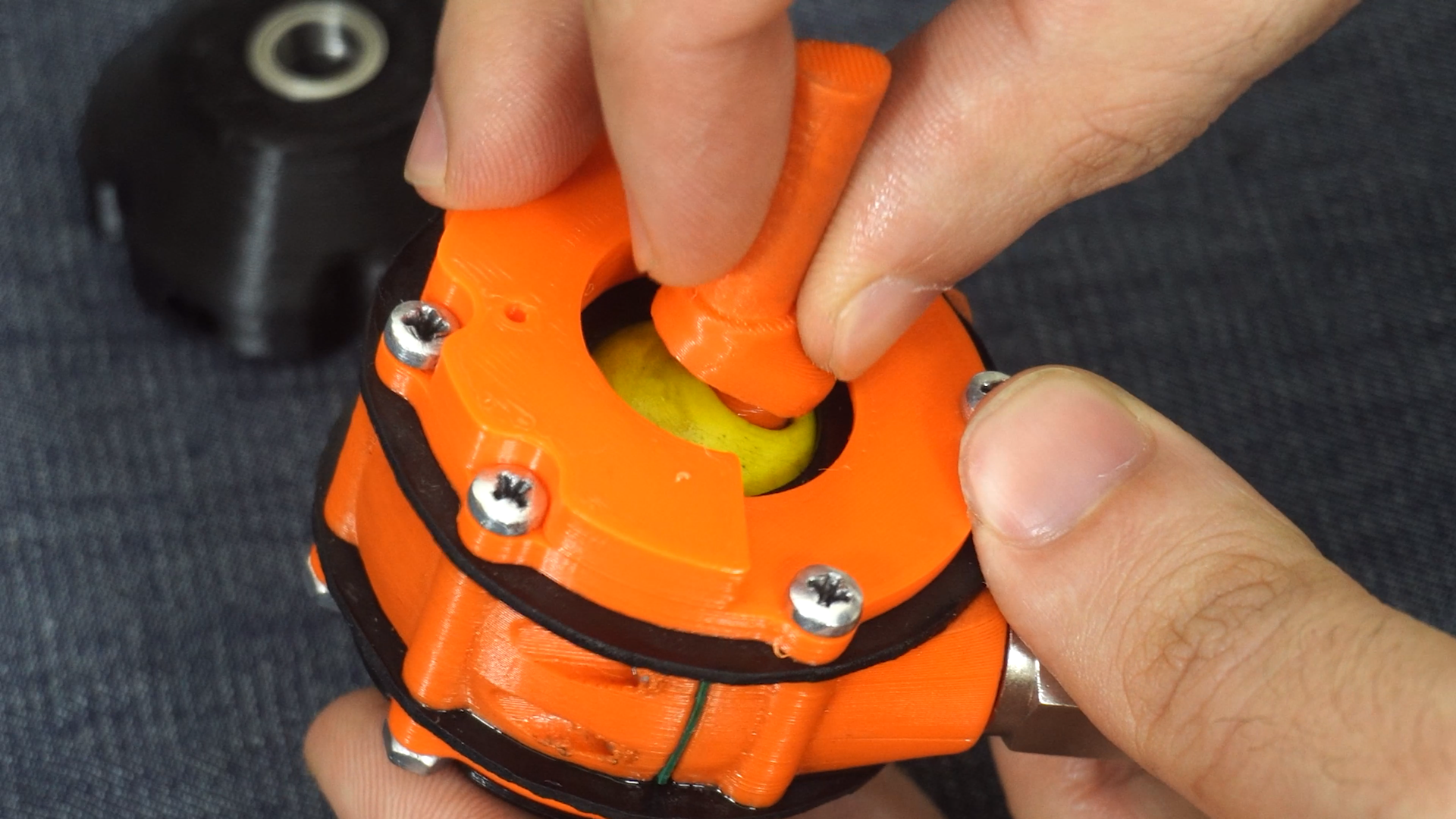
- Adjust the Axial Position: Another thing is the thin ring called "unnamed." You can glue it in place during assembly. I added this part intentionally after making sure everything was aligned and working smoothly, and it's definitely necessary.
- Rubber Gasket Drawing: The gasket drawing is available in the files as a 1:1 scale. I made this from a 1mm rubber sheet, but I thought maybe TPU 3D printing could work too.

Gostou deste modelo? Crie uma conta grátis para salvar seus favoritos e voltar a eles depois.
Criar conta