Você está no 3DFinder
Buscamos em Thingiverse, MakerWorld e Printables ao mesmo tempo para te dar o melhor de cada uma.
Descrição
This Modular Counter can be used for anything that needs counting. It uses a basic bidirectional clicker to keep the number wheel stationary until rotated (about 3 clicks to the next number). The best part about it is that you can print as many digits as you need with no restrictions (not including how much filament you have). There is also a spacer piece to use in between modules to space them out for longer digit counters. E.g. 10000 → 10 000 or for scoring, e.g. 12--07. Really useful as a life points counter especially if you play Yu-Gi-Oh.
Parts
No extra parts are needed except for a cut piece of unprinted filament (about 22.5mm in length) to be used as the rod.
Printing
It is recommended that you print the clicker in PETG or any other filament that is not stiff, brittle or PLA to prevent it snapping or wearing it down quickly. The rest of the parts can be printed in any filament including PLA. There should be no need for supports or rafts (except for the clicker which may need a raft due to small size).
The layer height should be 0.2mm for first and all layers with a 0.4mm nozzle.
Assembly
- Start with the base (ignore the left support arm (it's there for reference)).
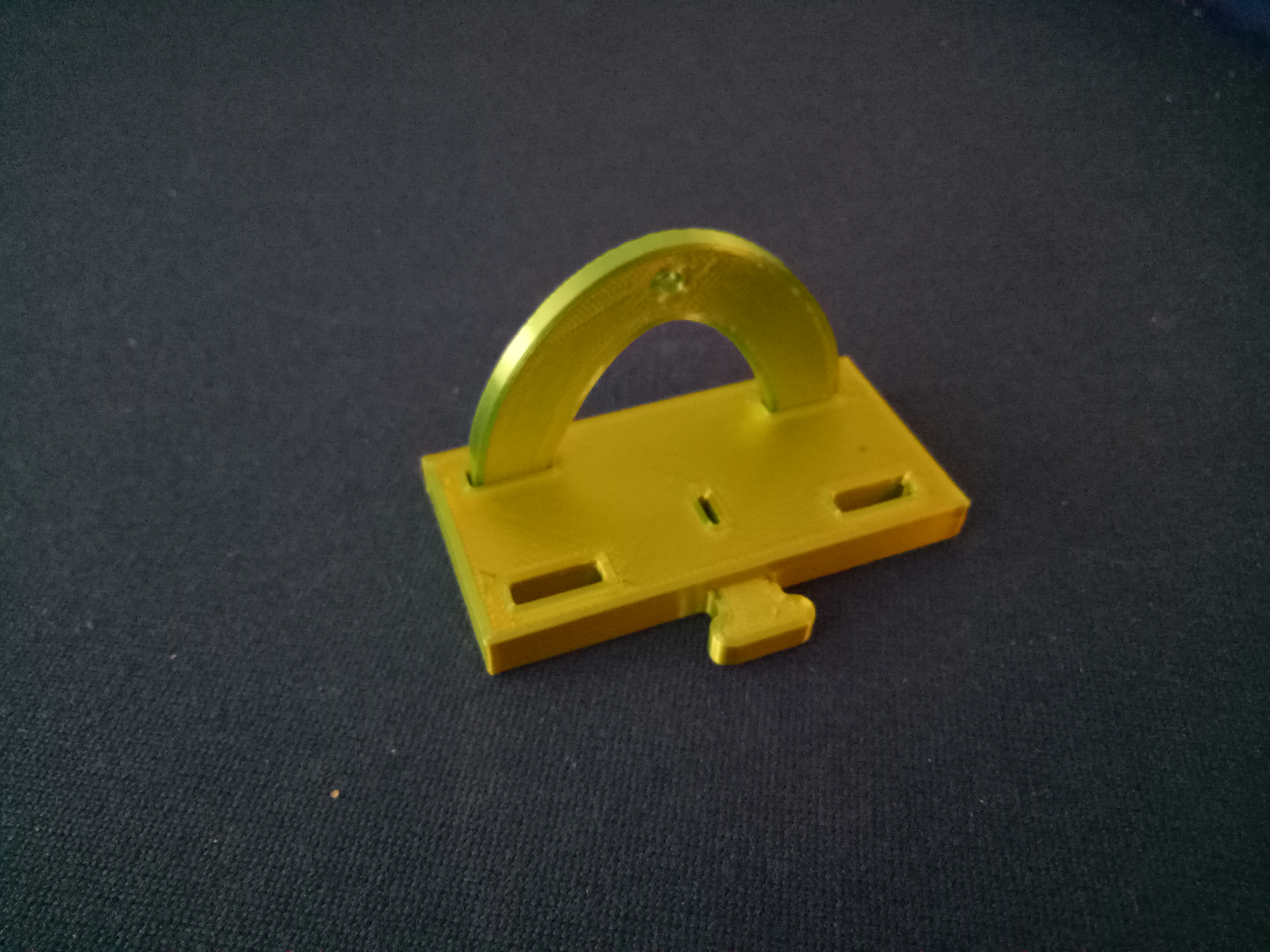
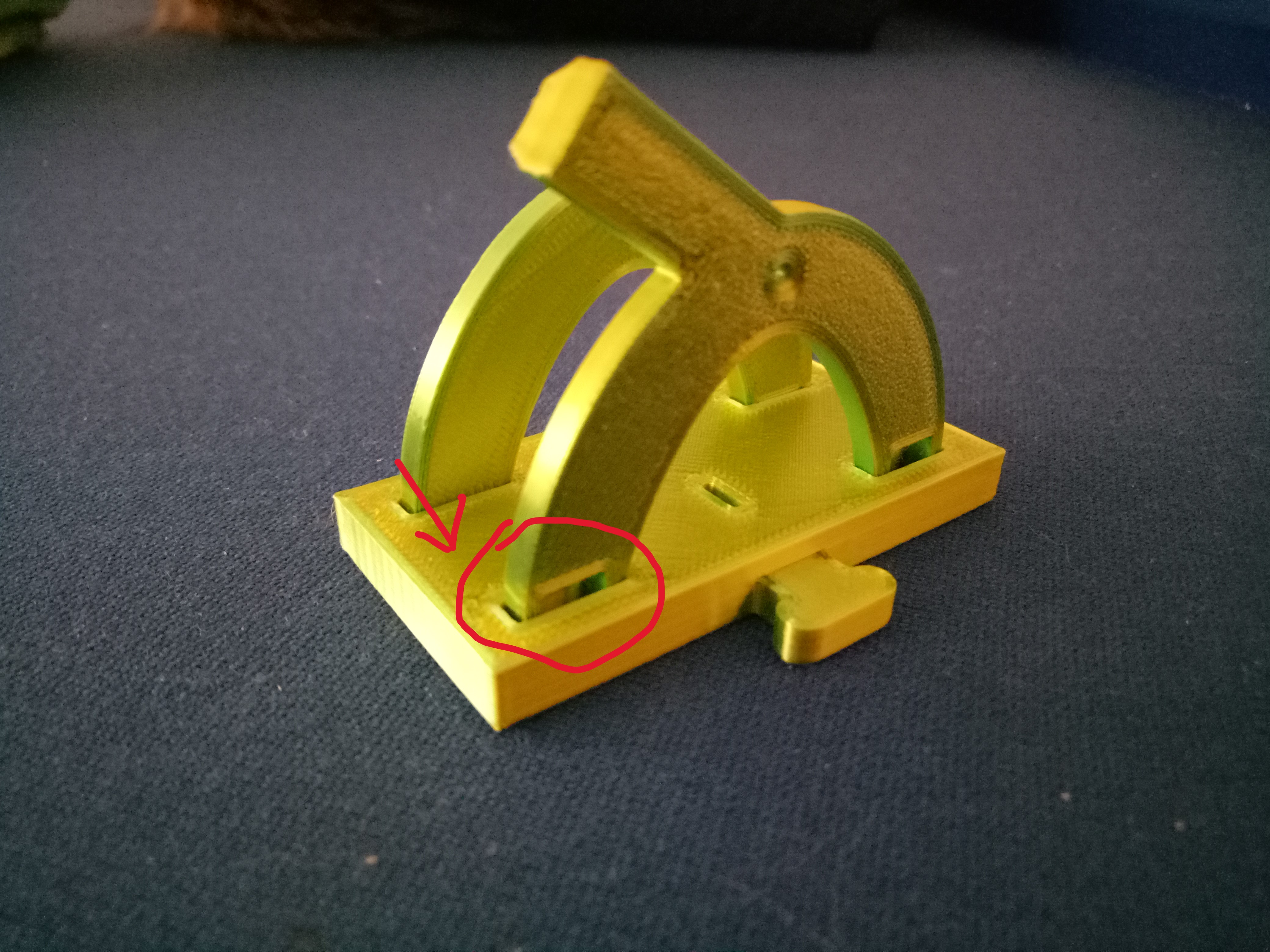
- Next Insert the right side support arm at an angle like so (make sure the right side arm is in the right way and on the side of the base where the clicker hole and attachment nob is like in the image, the left side doesn't matter as much).
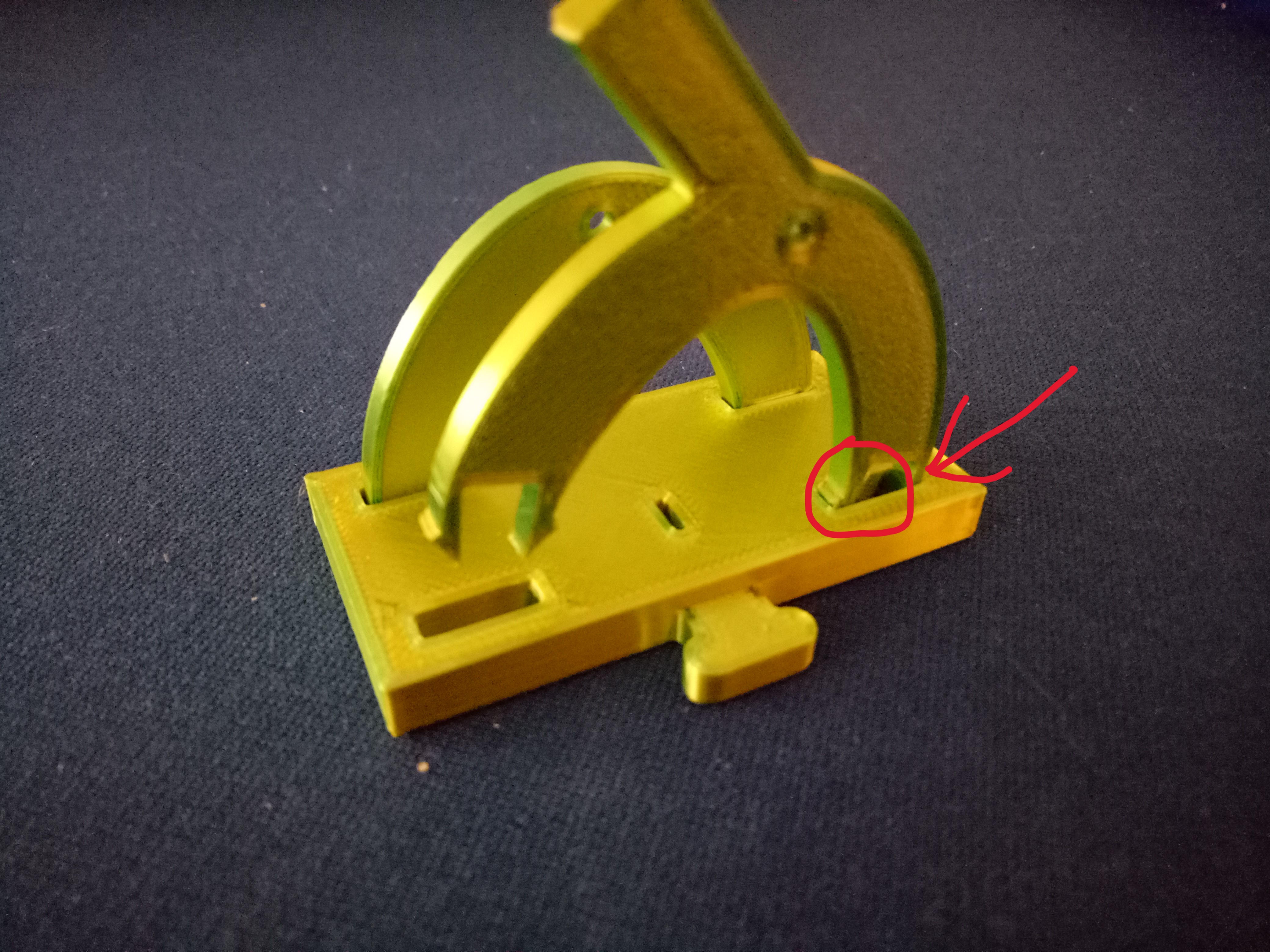
- Then leverage the inner pin in .
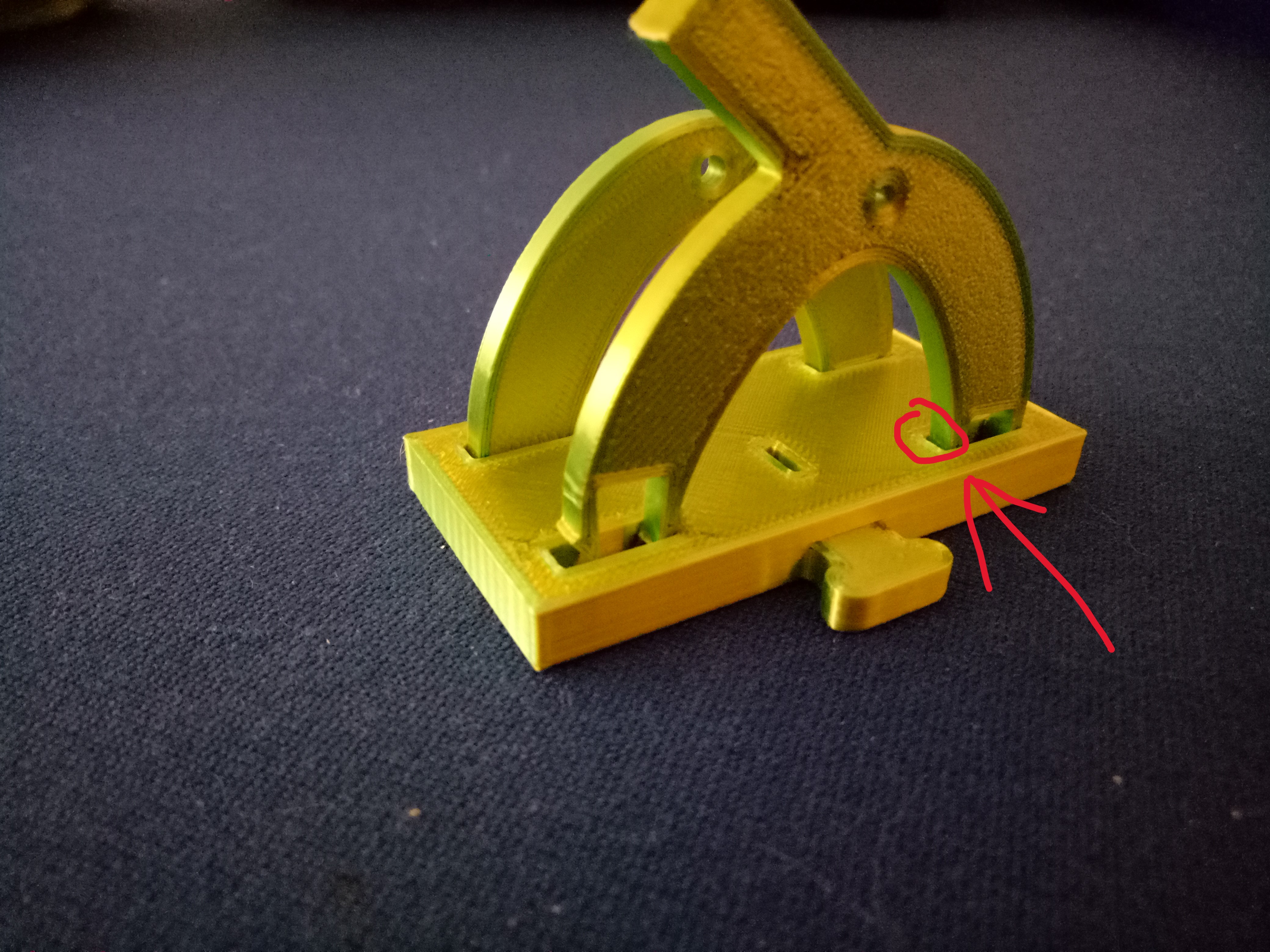
- Next, push the other side of the arm down to secure it in place (easier if done on a table like so). Repeat steps 2-4 for the other side.
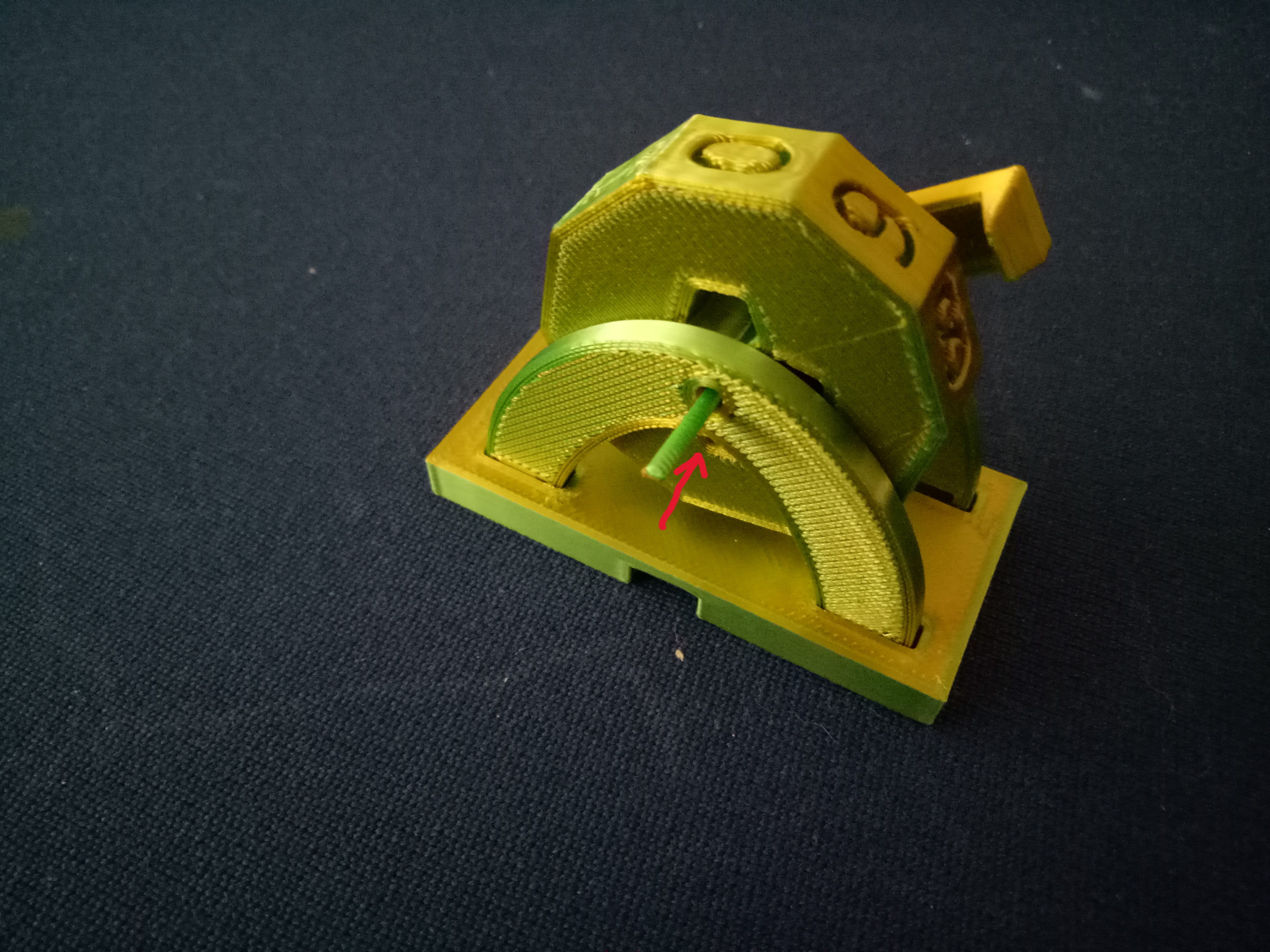
- Next, place the number wheel with the gear side on the right side (like the image). Using the unprinted filament rod (about 22.5mm in length) secure the wheel to the support arms. The wheel should spin relatively freely but the rod should friction fit to the support arms (to help push the rod in use a flat surface and press against the rod).
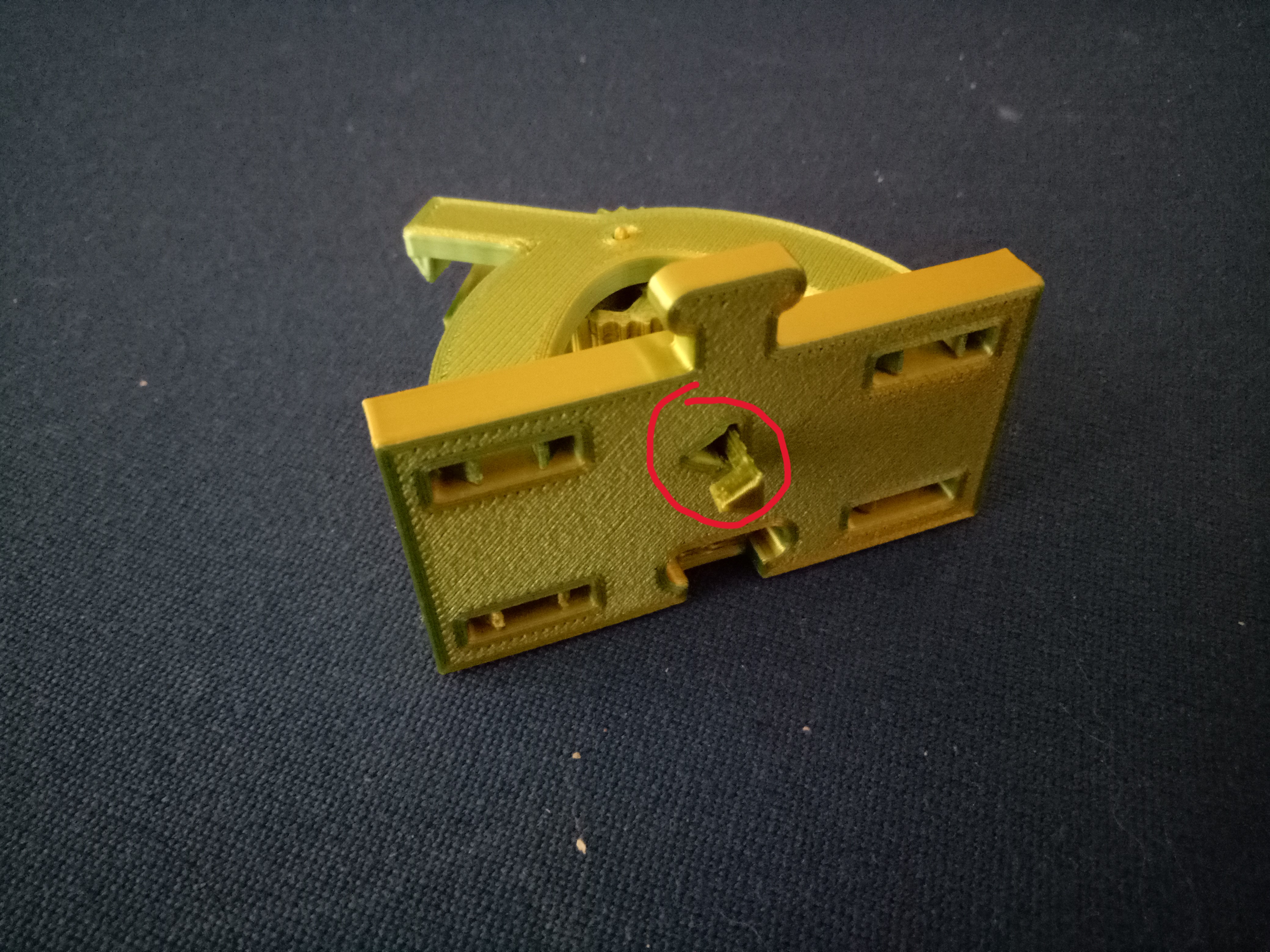
- Finally, insert the clicker through the bottom making sure the clicker is aligned to the triangle. It should friction fit to the base (if the friction fit doesn't work or it's too loose a very small piece of Blu Tack or any thing similar should help).