Você está no 3DFinder
Buscamos em Thingiverse, MakerWorld e Printables ao mesmo tempo para te dar o melhor de cada uma.
Descrição
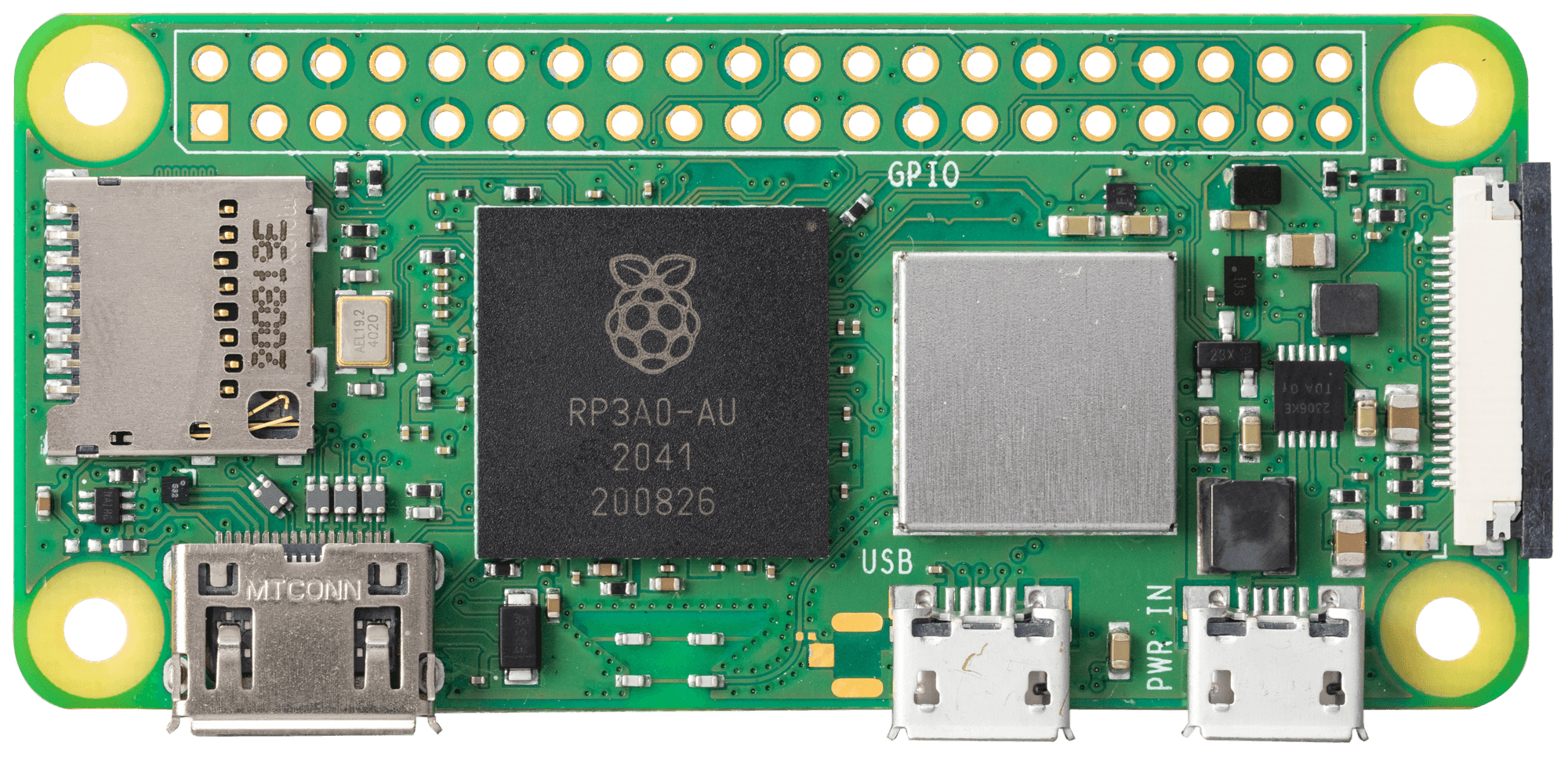
Do you ever need to bring a monitor with you to display videos at a display table, trade show booth, digital signage, or kiosk? Tired of setting up a laptop or dedicating a computer with the sole job of running a video player on repeat? The $15 Raspberry Pi Zero is the answer. It is a small and cheap device which has enough Linux computing power on board to play H.264 encoded video at full 1080p resolution.
My favorite video player setup is to mount a Pi Zero to the back of a monitor and attach a short HDMI and power cable. I plug in a USB stick (an adapter is required to match the Zero's micro-USB port). The Pi is configured with software that plays videos on the USB stick again and again until it is powered off. There are many ways to do this including this video player. Setting this up is a great learning experience if you are not already familiar with Raspberry Pi and Linux.
This is a remix of a Raspberry Pi Zero VESA monitor mount I printed back in 2018. I made a monitor setup back then that is still in use today. I recently needed to make another one, so I dusted off my old Tinkercad login, printed a new one on my Bambu Lab A1, and discovered that the parts didn't quite fit right. So I remixed my own remix:
- My original remix removed the unnecessary long arms of the original mount since I don't need 100x200. This mount works for VESA 100x100 and 75x75.
- I have adjusted the mounting pins and made the lid a little taller so that it snaps together snugly.
This mount should work with all variants of the Pi Zero including the Pi Zero 1, 1W, Pi Zero 2 W, etc. Note that the lid I have included on the build plate is for the Pi Zero without GPIO headers - if you need a lid to clear those, check this out: [https://www.thingiverse.com/thing:1227867/files](https://www.thingiverse.com/thing:1227867/files)
The Pi Zero sits on the pins a little bit loosely. Insert the Pi first, then install the microSD card. It projects out a bit into the frame of the case and helps keep the Pi pinned in. Note that it is tricky, but definitely possible, to extract the microSD card without opening the cover.
You will need 4x M4 10mm screws to mount this to the back of a TV or monitor. A tip if you are shopping for a monitor to use as your kiosk display: try to find one with a built-in USB port so you can power the Pi Zero directly off the TV.
Raspberry Pi Zero VESA mount case for TV/Monitor

Publicado em 10 de jan de 2025
Gostou deste modelo? Crie uma conta grátis para salvar seus favoritos e voltar a eles depois.
Criar conta