Você está no 3DFinder
Buscamos em Thingiverse, MakerWorld e Printables ao mesmo tempo para te dar o melhor de cada uma.
Descrição
Bottle Marker/Cap *Sealed Edition with O-Ring
for Crown Cap Bottles to mark and protect Drink & Beer
This file is based on my Bottle Marker/Cap V2 with a slot for OD24x2.5mm 0-Ring, which is included 4x in the Beginner's Kit.
Some tolerances and surfaces are optimized for easy, reliable printing.
- Sealed ! 100% tight
- Overall better fit
- Sturdier hinge with a tiny bit more tolerance
- Crown waves instead of slots to stretch the cap
- Bigger opener
- Optimized for MakeMySign
Perfect Party Gadget! Use it anytime to mark and protect your drinks.
Every Crown Cap Bottle could be marked with the snap fit Bottle Marker!
And you can simple close it with the integrated Cap to protect from insects. Also the open/close blob makes it to a nice fidget toy.😁 Tip: Use glowinthedark filament, it looks amazing! → Insta Reel
- Marked! Nobody drinks out of your bottle!
- Protect your Drink from insects!
- No other stuff can go into the bottle!
- Its 100% tight, keeps your drinks fresh for a long time
It's a Print in Place Part just insert the OD24x2.5mm 0-Ring from beginner's Kit.

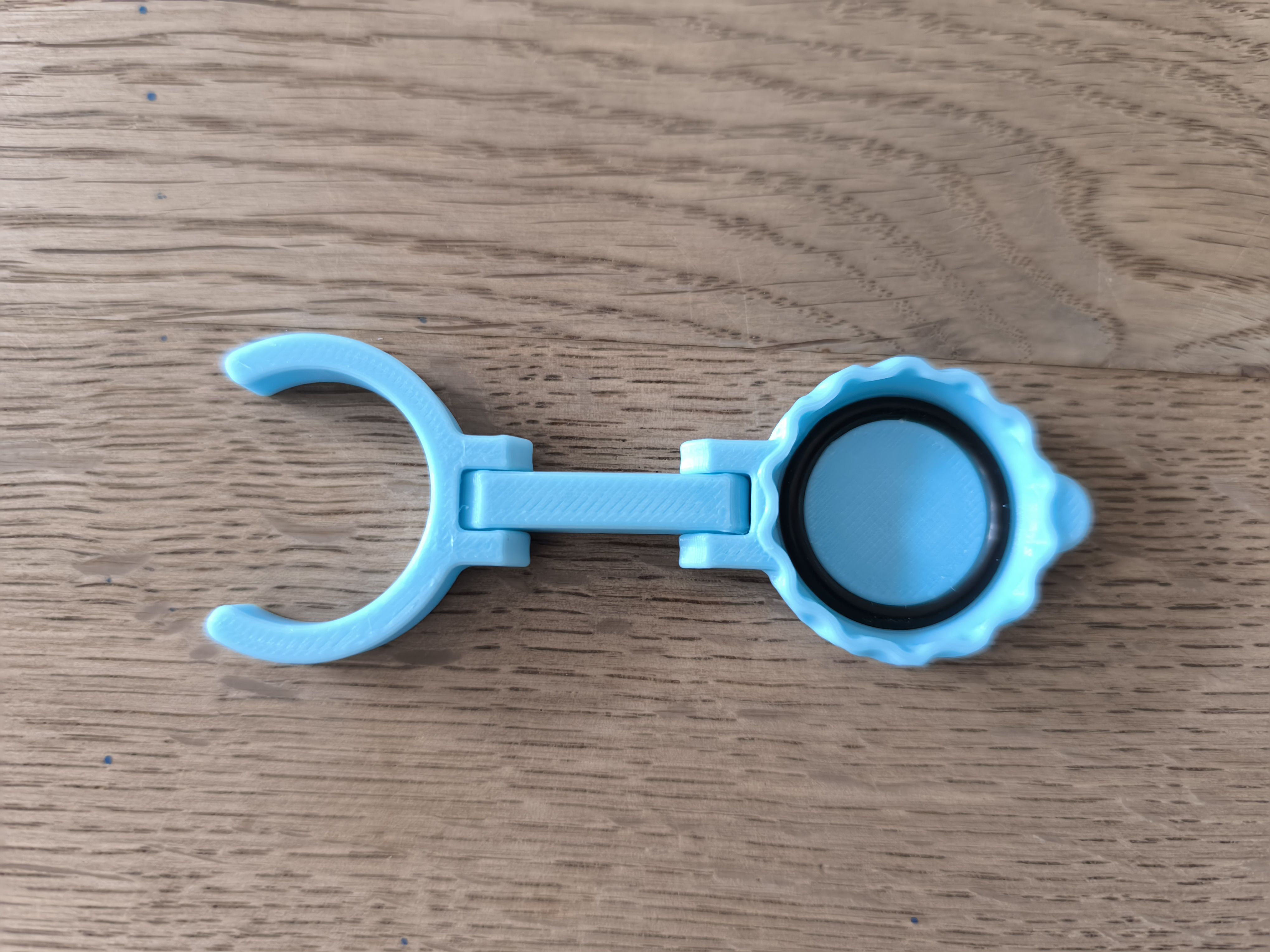
Try the hinges, snap over the bottle and close the Lid.
You can make very easy own symbols with the [BLANK] profile or check my set of 3 Maker-Symbols as an example:
- Bambulab Logo
- Bambulab Type
Makerworld Logo
Happy Printing! If you find it useful please leave a like👍, boost🚀 and follow me✔. It's free🤗
Info:
According to the website, the sealing ring is made of NBR, which is not recommend for food, but might suitable for drinking water. Please proof yourself! If you have concerns, you can have a look at [https://makerworld.com/models/516038](https://makerworld.com/models/516038) which uses a food safe sealing from maker supply.
Instruction for custom Caps with Make my Sign:
- Create a 26x26 round plate
- Set thickness to 0,36 (Base, Text, SVG, Shapes) and enable “facedown mode”
- Design the plate and download as 3mf
- Open “Blank" Cap in Slicer and import the just created 3mf (Geometry only)
- Align it with the Cap (You can delete the “backdrop” part for better visibility)
- Merge all parts, check first layer and print
Disclaimer:
This work by BamBam Design is licensed under Standard Digital File License
Strict non-commercial, personal use only license.
You are not allowed to Remix or Copy this model to other 3D printing websites without my permission.
Commercial license you can get here:
[https://www.patreon.com/BamBamDesign/membership](https://www.patreon.com/BamBamDesign/membership)
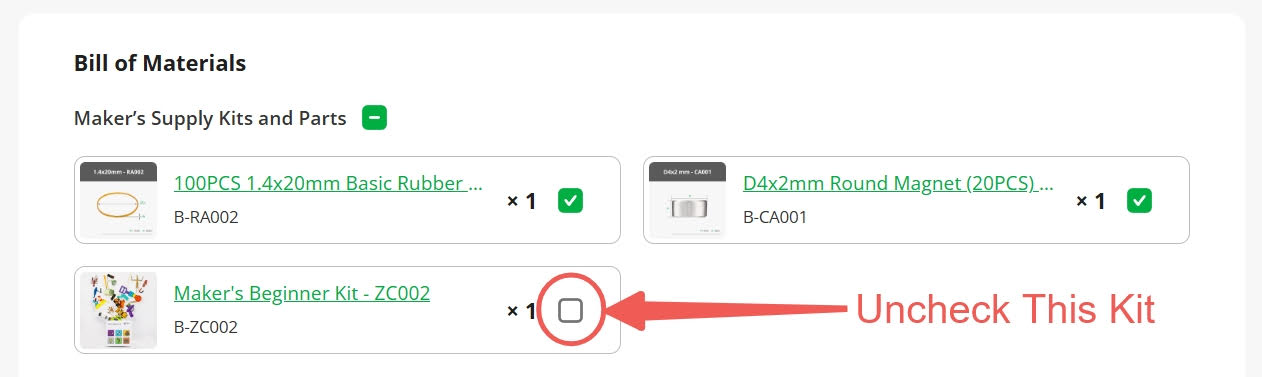
Bottle Cap/Marker - Beginner Kit Edition
Publicado em 5 de jan de 2025
Gostou deste modelo? Crie uma conta grátis para salvar seus favoritos e voltar a eles depois.
Criar conta