Você está no 3DFinder
Buscamos em Thingiverse, MakerWorld e Printables ao mesmo tempo para te dar o melhor de cada uma.
Descrição
Enhance your Multiboard system with this custom-designed storage tray. Built for perfect compatibility with Multibin Insert containers, you can use this on your Multiboard wall, as a removable tray, or as a stackable standalone trays.
Each full-sized tray accommodates Multibin Inserts (1x1, 1x2, and 2x2) and features an integrated holder for Multiboard 2L labels. The trays are stackable for expanded storage capacity.
Key Features:
- Removable design for flexible use
- Vertical stacking capability
- Compatible with Multibin Inserts (1x1, 1x2, and 2x2 sizes)
- Integrated label holder compatible with Multiboard 2L labels
Two Size Options:
- Compact Tray (5-Tile): 95mm × 71mm × 160mm
- Full-Size Tray (9-Tile): 195mm × 71mm × 160mm
Printing
Both the Compact and Full-sized tray print profile comes with a label holder. You can remove the “Label” part in your slicer if you do not want to use label in your trays.
If you're using AI & A1 mini printer (or any other bed slinger), make sure to use my print profile to print the tray. I slow down the printing speed in the second half of the print to avoid layer shifting. I reckon you can print in normal speed or even faster with core-XY printer.
Assembly
Multiboard Tray make use of Multiboard standard parts for the brackets: Multipoint small thread, Snap and Hook Snap. You can refer to Multiboard's Weight Bearing Bolt-Lock Setup video to see how it's assembled.
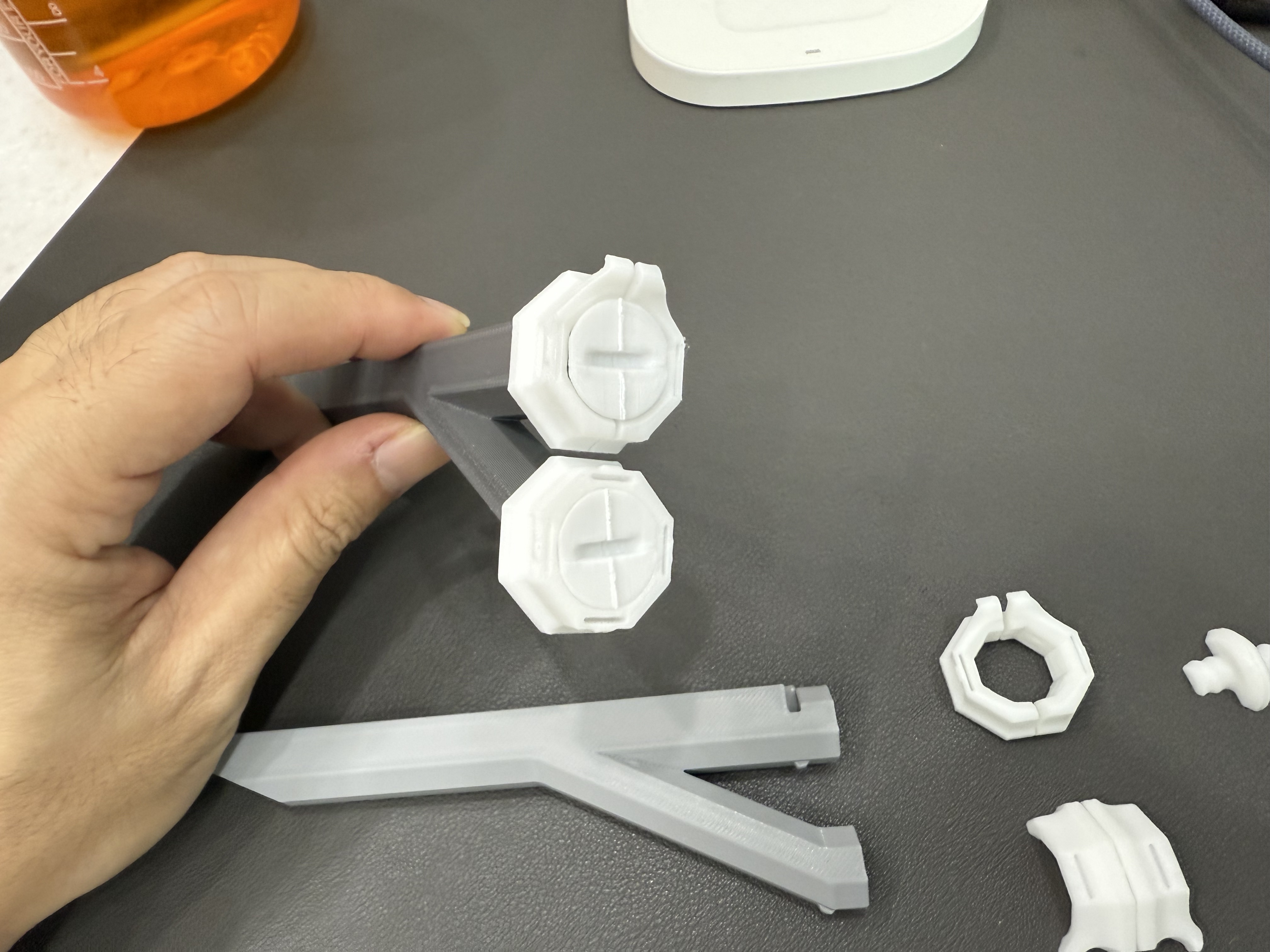
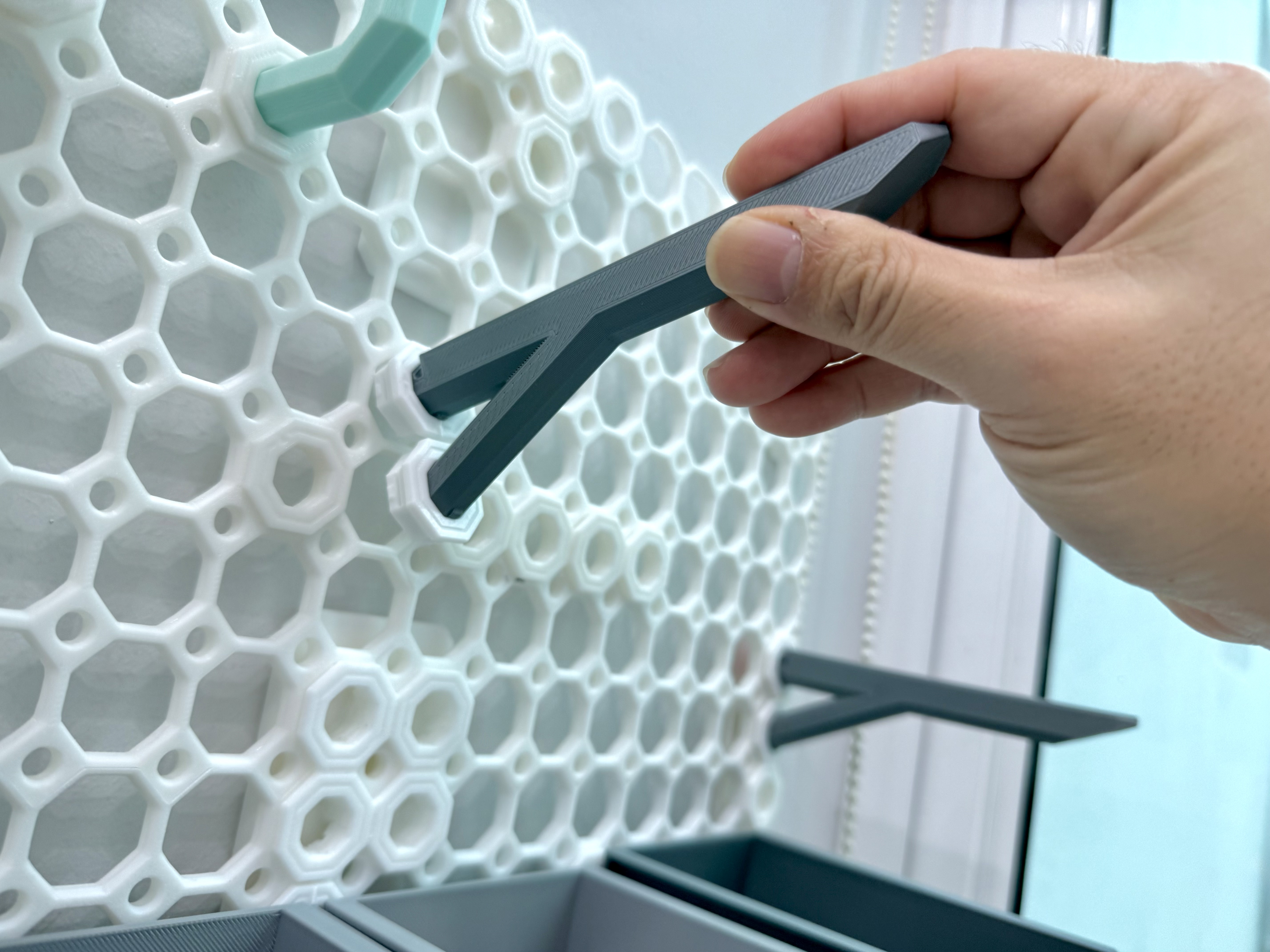
To install the bracket to your Multiboard wall, insert the top hook snap to your tiles, press it in and push it down to insert the bottom snap to your tile.
Multiboard Tray - Removable & Stackable

Publicado em 28 de dez de 2024