Você está no 3DFinder
Buscamos em Thingiverse, MakerWorld e Printables ao mesmo tempo para te dar o melhor de cada uma.
Descrição
There are 3 different versions of this design! Please read below!
The first print profile is 4 colors: black, grey, silver, and white.
The second print profile is 2 colors: black and white, but slightly darker.
The third print profile is 2 colors: black and white, but slightly lighter.
They´re all basically the same. Each person has a different preference, so I decided to include all three print profiles.
It is NOT necessary to add the layer changes manually. When you open the file directly from Bambu Studio and slice it, the layer changes will appear automatically AFTER slicing along with the prime tower.
If for whatever reason you need to add the layer changes manually, here is a guide. (These example pictures are from a DIFFERENT HueForge I created):
- Open the file and slice it.
- Go to the “Preview tab”
In the preview tab, look for the small round green slider on the right side of the screen. (Shown by the yellow arrow).
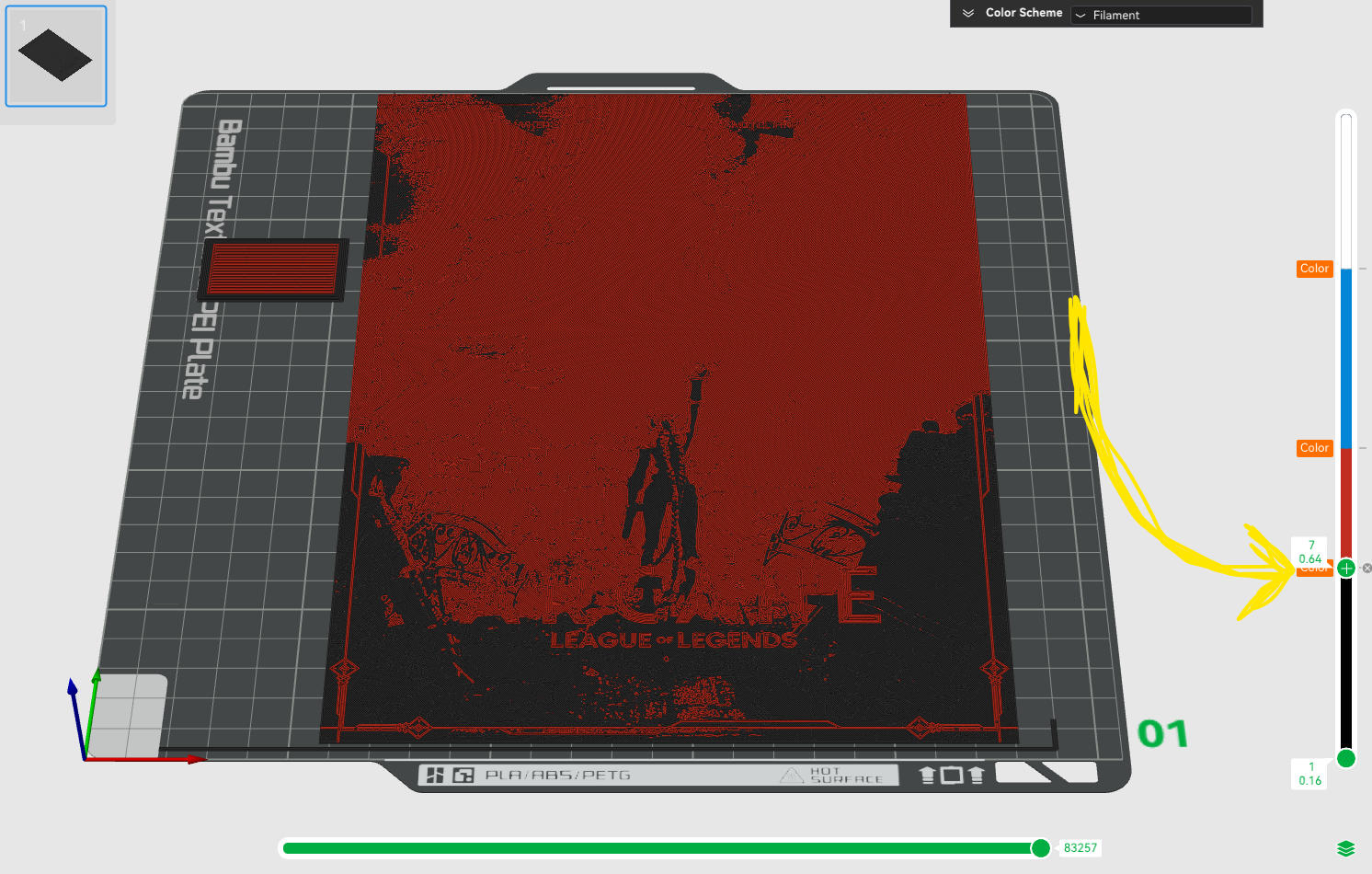
- Move the slider to the layers listed above.
Right click on the slider when it´s on the correct layer and a small menu will pop up.
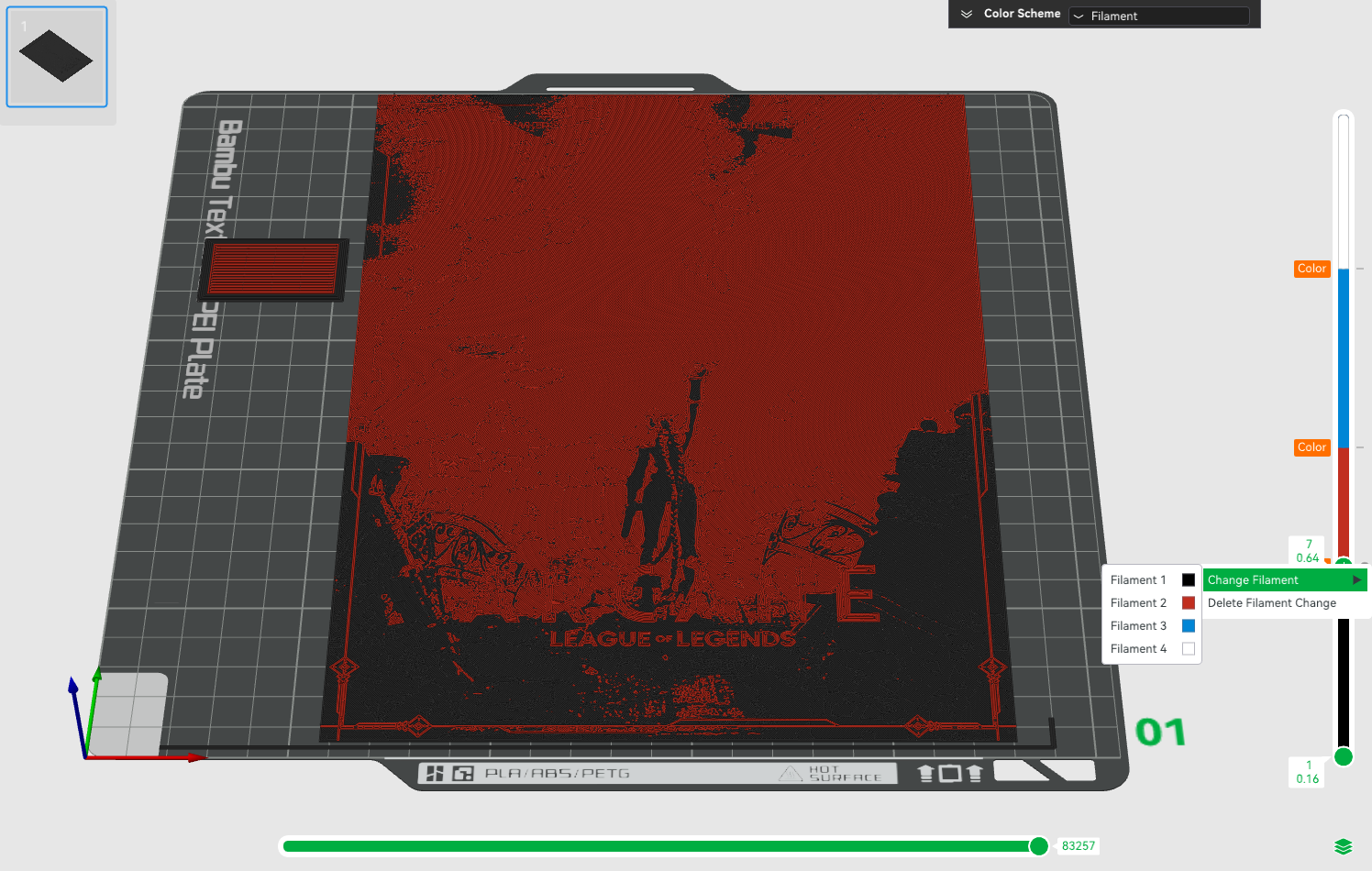
- Select “Change Filament”
- Select the filament you would like to choose
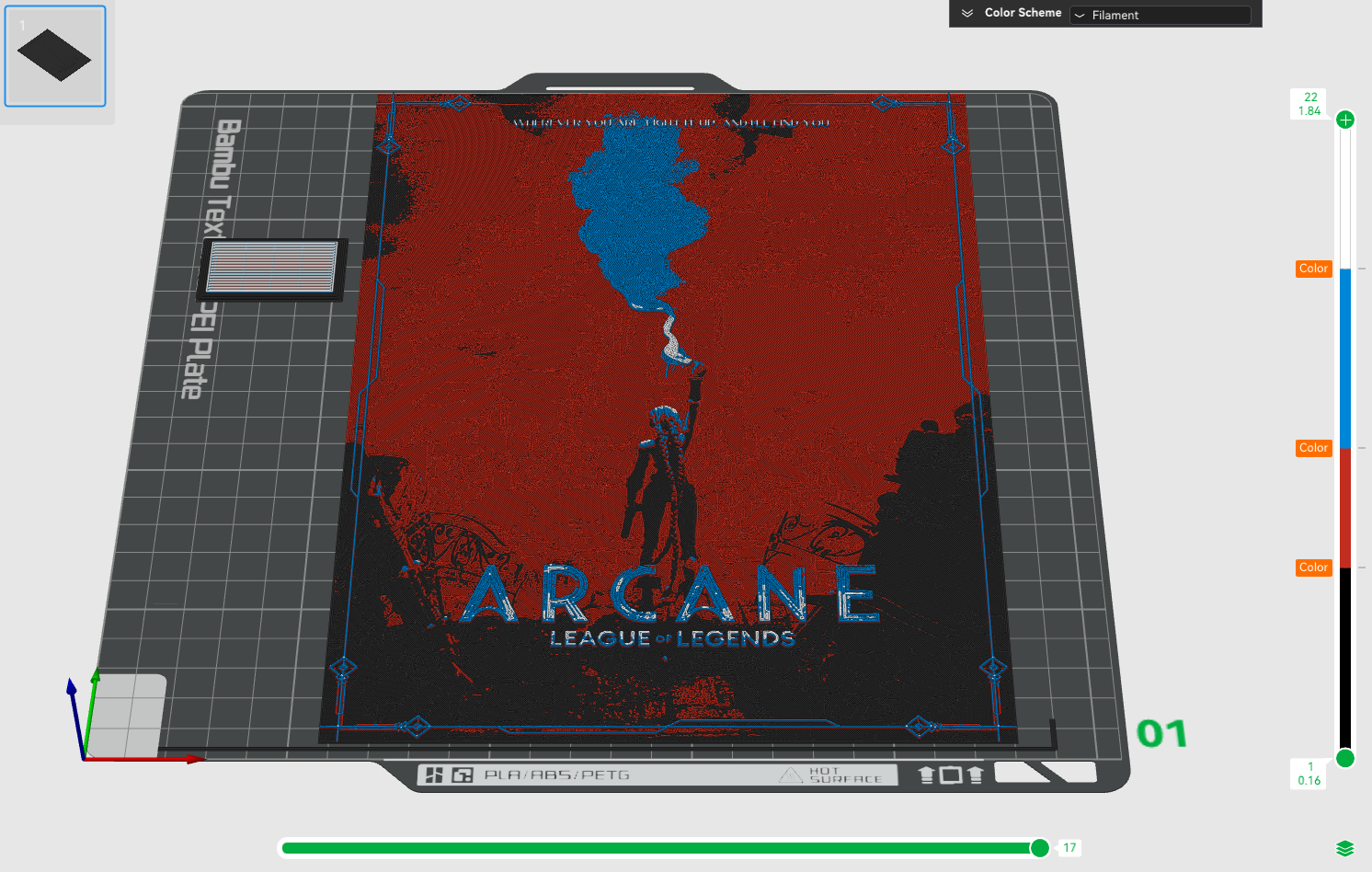
Slice again after adding all filament swaps.

Gostou deste modelo? Crie uma conta grátis para salvar seus favoritos e voltar a eles depois.
Criar conta