Você está no 3DFinder
Buscamos em Thingiverse, MakerWorld e Printables ao mesmo tempo para te dar o melhor de cada uma.
Descrição
EXTENSION TRAYS ARE HERE - happy holidays my fellow OCD organizers. As always let me know if you find an issue with the model or instructions or need something custom that I am missing. I strive to make all my sets fully universal.
- BONUS TIP: this set can work with many (round) tools (not just extensions) up to the size available. there may be a squared off design in the future for square handled tools.
________________________________________________________
an optional way for those who wish to contribute beyond Maker World points.
_______________________________________________________
The Gridfinity Universal Toolbox Collection
Use the link above to browse the growing collection of my trays If you have a tray you would like made, please let me know in a DM and I will add it to the list.
Let me know if you have any issues with any of your tools not fitting a tray, let me know so I can resolve it and keep my trays fully universal.
_____________________________________________________________________________________
Intro to my universal trays
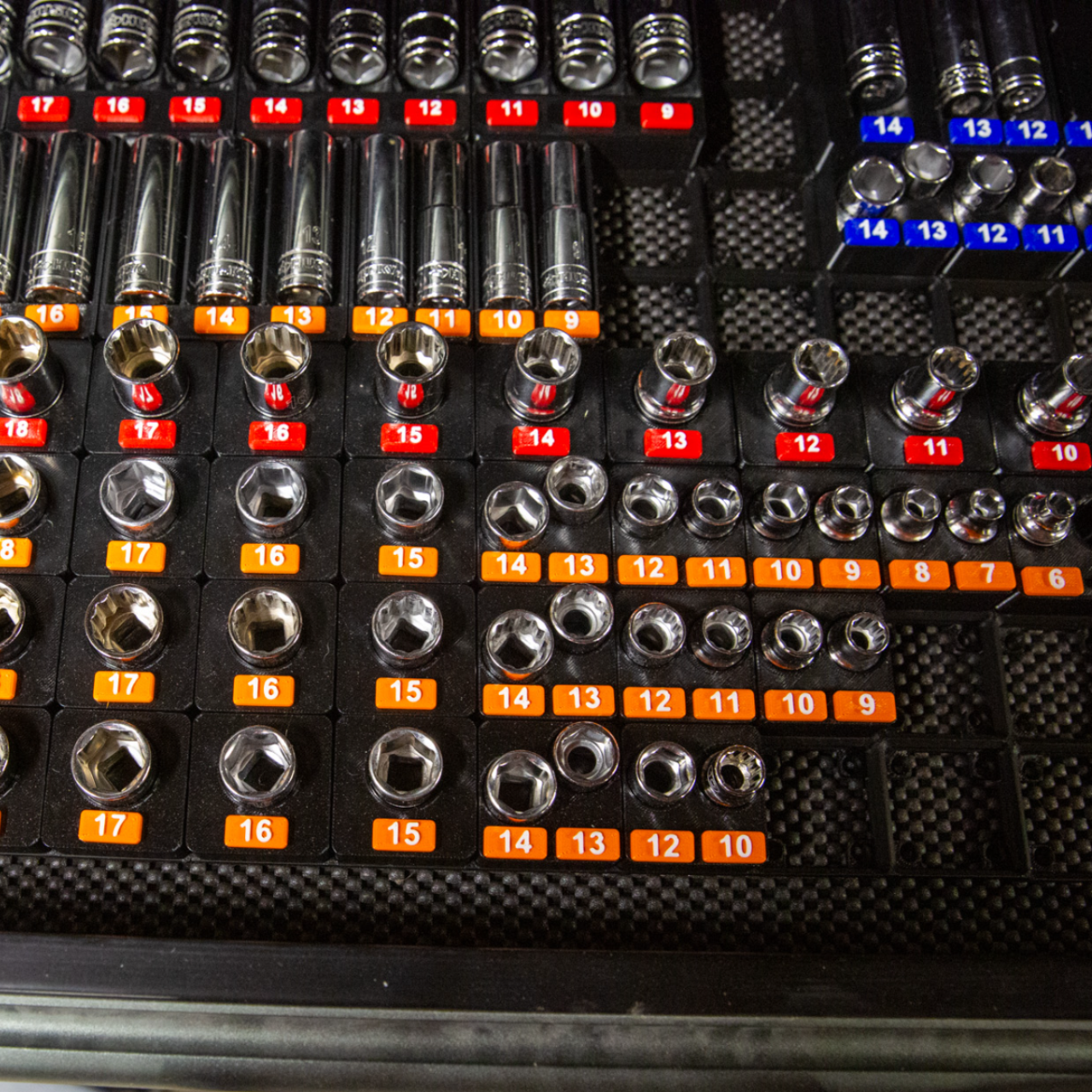
I was tired of trays for specific socket sets or tools (or just had no labels and was way too condensed). So I made a simple model and expanded it to fit any possible size while still being 100% click and print. This setup sacrifices some space saving but maximizes visibility and simplicity. Enjoy, rate, and let me know if there are any issues not noted. If you find you need a specific size or item I don't have here, let me know. Lastly let me know if there are any improvements you would like to see made.
___________________________________________
Features
- fit virtually any set OR random pile of tools -you measure your own and print the appropriate tray pieces
- based on Gridfinity standard - will fit all standard sized Gridfinity bases
- 6x2mm magnet inserts. help keep the tray from coming out of their spot in the grid
- Fake-A-Magnet - A functional replacement for magnets - pin insert to hold the tray down
- optional V2 - Snap Fit Labels - Doesn't require magnets or glue, Stays secure (and still removable) with the new H-clip.
- half-size bottom grid - Some of my trays required half-sized grids to save on space and not waste filament. I came up with a mini-grid that allows for half size grid utilization while still fitting a standard GF base - you can still use regular GF trays along side my Half-Grid trays.
- Check out my "lowest profile possible" Gridfinity base if you are in need of a good base with the magnet inserts. see details below in the base plate instruction.
________________________________________________________
Instructions
download and open the profile using Bambu Studio (or your preferred slicers for 3mf print files like Orca Slicer).
- Measure the top end of your tool at its widest point, then measure the bottom end of your tool at it's widest point. Take note of the size of both ends
EX. - top: 23.5, bottom: 16.3
with the measurements in hand round the number up to the Nearest tray size available (this set is currently even numbers)
EX. - top: 24mm, bottom: 18mm
* Once printed, the trays have the size labeled on the side of each tray for quick reference on what size each one isAdd a new plate to the session with the new plate button(1), Then select(2) and clone(3) the tray sizes matching your measurements.
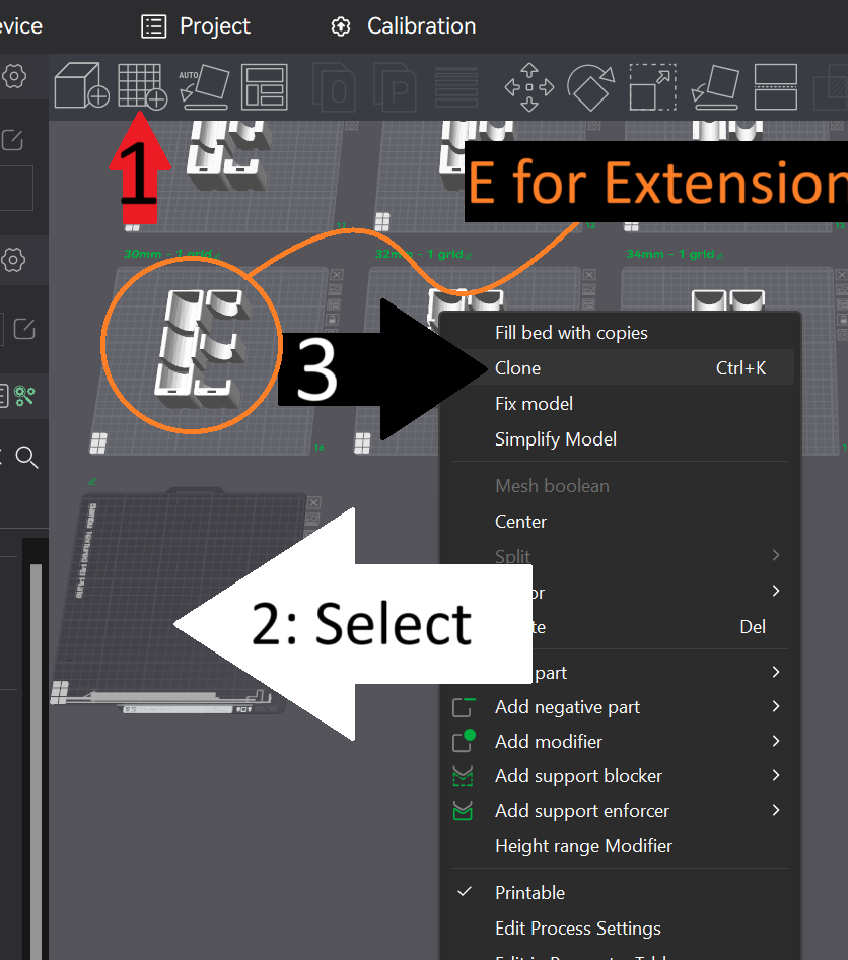
5. When you clone all your pieces needed (or you run out of space on the build plate) put those tools aside, Select your printer profile and filament of choice, then hit PRINT!
____________________________________________________________
Labeling
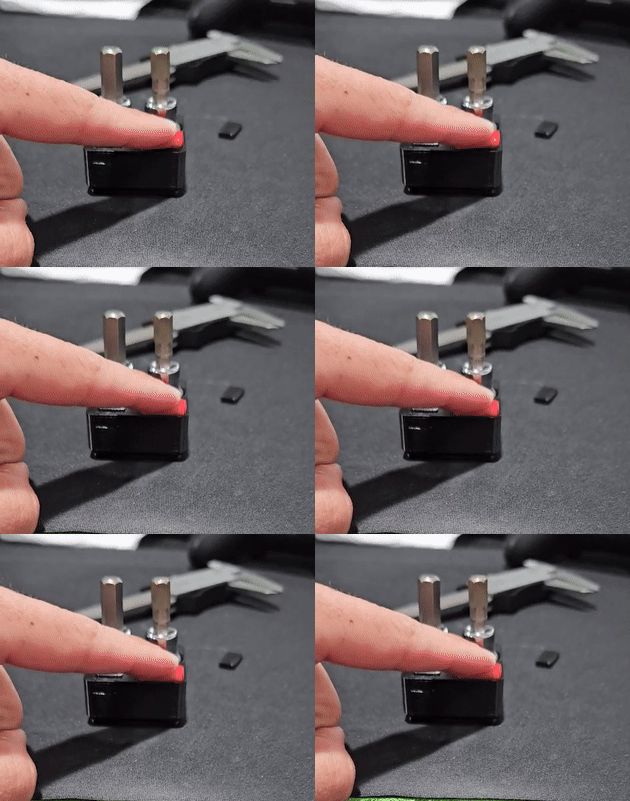
- go to my profile or click the link here to find the V2 - Snap Fit Labels, premade with an exhausting amount of common sizes (took a while making them all). They are very easy to print, use only one color change, and snap fit together. For this model with it being extension sizes. I do not have custom labels made up for the big lengths, small lengths, random types, ect. So I made a profile in the V2 labels which has labels ranging from 18mm(max size for the 0.5 width trays) to 40mm(being the max size for a 1x1 tray). you only need to clone the size label you want and edit the text as needed. Instructions to do so are on the Label model page. DM me your custom text you think might want to be added to the permanent profile for anything you make if you think someone else might need it!
_______________________________________________________
Base Tray
All Baseplates - Low Profile - With magnet insert - All sizes with profiles for A1, X1/P1, and A1 mini
Half-Size grid - Low Profile - filler baseplates - These are .5 x 1-6, used for filling spaces in the drawer that didn't fit a full grid. Particularly useful with my half-sized grid based trays that can lock these in place with another grid but can be used as side fillers as well. fill them with my .5x1 blank covers to give it a finished look if wanted.
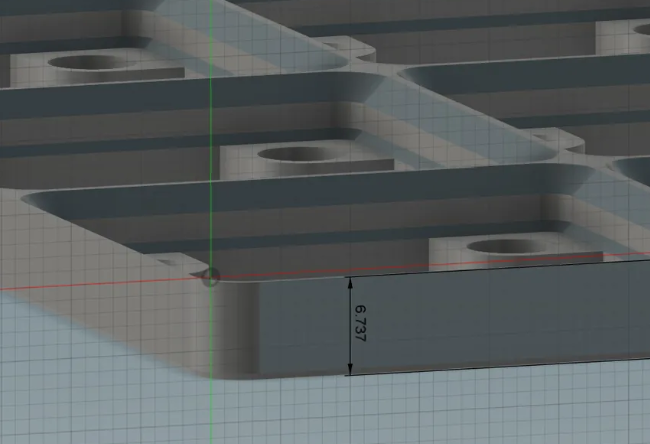
I created a specific base for my use case to get the lowest profile POSSIBLE. This maximizes the vertical space available for your tools while in the trays. It is a just standard Gridfinity tray but cut as low as possible while still having the magnet slots available. I appreciate everyone who wants to take a look and use it for these trays but my base tray is not a requirement. Any tray can be used especially if you already have a system so do not feel like you need to switch over unless my tray provides something that you need. (such as the magnet inserts, less filament, or the lowered profile compared to stock).
_______________________________________________________________
MAGNETS
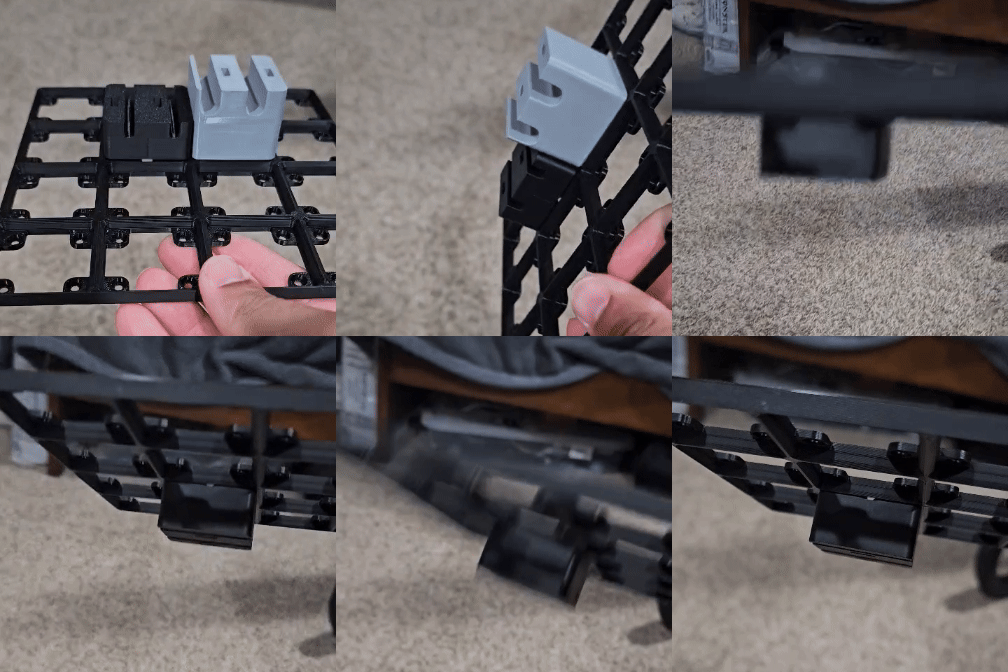
- If you wish to use magnets or my Print-A-Magnet magnet replacement to secure the trays, use the Secure-A-Magnet plate.
- Clone just a couple of the magnet securing inserts to test the fit, and print.
Insert the key in the desired position based on where in the grid it will sit. If they are a tight fit and not seated all the way, turn the tray upright and use a hard flat surface to press harder to get them to seat all the way in. The fit should be tight, if it is loose then the magnets will be loose, which would then need glue and be permanent.
Resizing: If you find the fit loose or cannot fit them at all, resize the insert X and Y axis only(not Z), up or down by 0.05mm. once the fit is good, clone as many as you need (# of trays X magnets per tray)
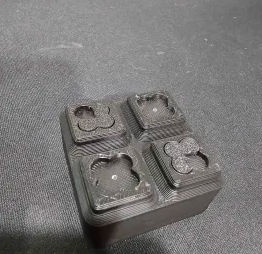
Insert your magnets or Print-A-Magnet then press it into the Grid
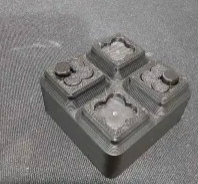
If you made it down here and feel inclined to browse my (newly growing) collection, you might find something you want. That's what we are all here for anyways!
Gridfinity Universal Socket Trays - Extensions
Publicado em 3 de dez de 2024