Você está no 3DFinder
Buscamos em Thingiverse, MakerWorld e Printables ao mesmo tempo para te dar o melhor de cada uma.
Descrição
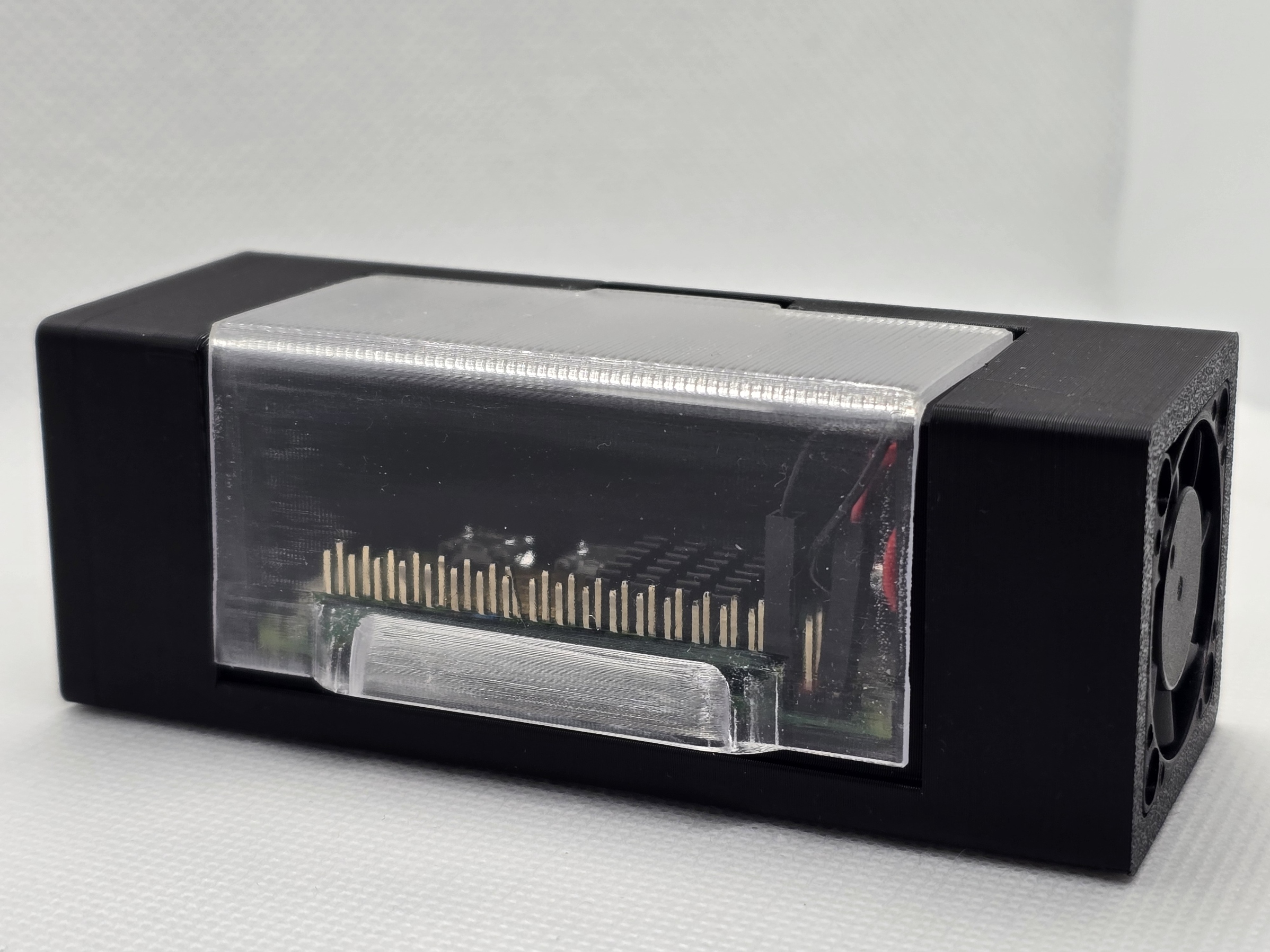
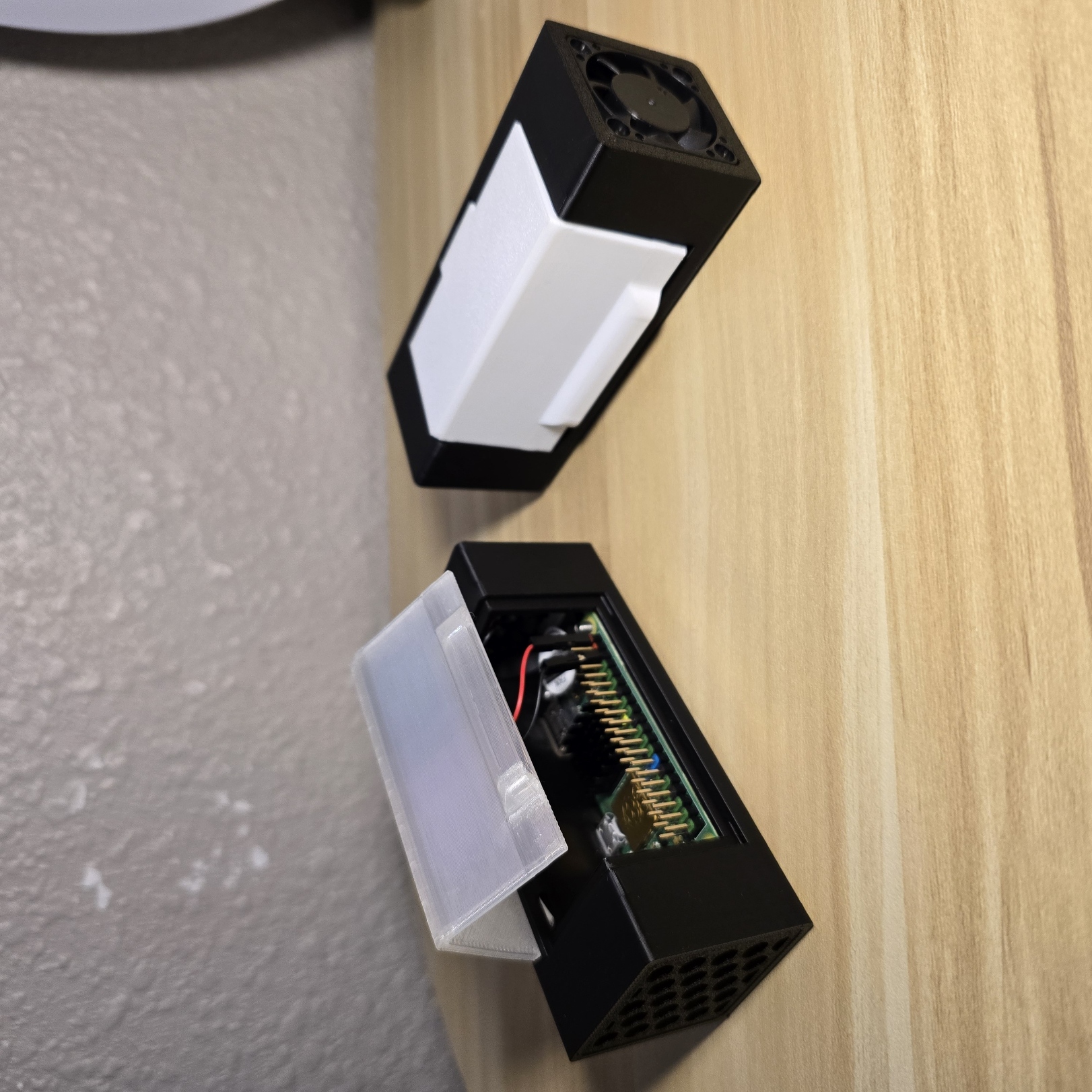
Raspberry Pi Zero 2 W Case with Active Cooling!
This case is designed specifically for the Raspberry Pi Zero 2 W and features a 30 mm (3007) 5V fan that draws power directly from the Pi's headers. It effectively channels cool air to the heatsinks on the board, ensuring optimal performance. The case also provides easy access to the headers while keeping a sleek, compact design. You can print the lid using standard PLA or translucent PLA for added versatility.
------- Update 6/2/2025 -------
Modified print profiles to include all other printers. This affects the main case body and the translucent lid profiles
------- Update 1/12/2025 -------
I added two print profiles that help you print the lid a bit more transparent/translucent using Overture's Transparent PETG. These print profile settings are configured to print the lid semi-clear, however, the most important thing to achieve a clear almost-acrylic look is the post-processing. Sand down both sides with 240 grid, then move up to 400, 600, 800, and 1000. After that, I recommend using a polishing compound that is compatible with plastics! Finish it up with 2 layers of clear acrylic coat or polishing wax!
Print profiles are for A1 and A1 mini. I do not own a P1S, P1P or X1C
Assembly Instructions
Gather everything you will need. this inlcludes: • 1 Raspberry Pi Zero or Zero 2 W with headers • a strand of 1.75 mm filament x 80 mm long • 1 3007 (30x30x7mm) 5v fan • 4 M3 screws | 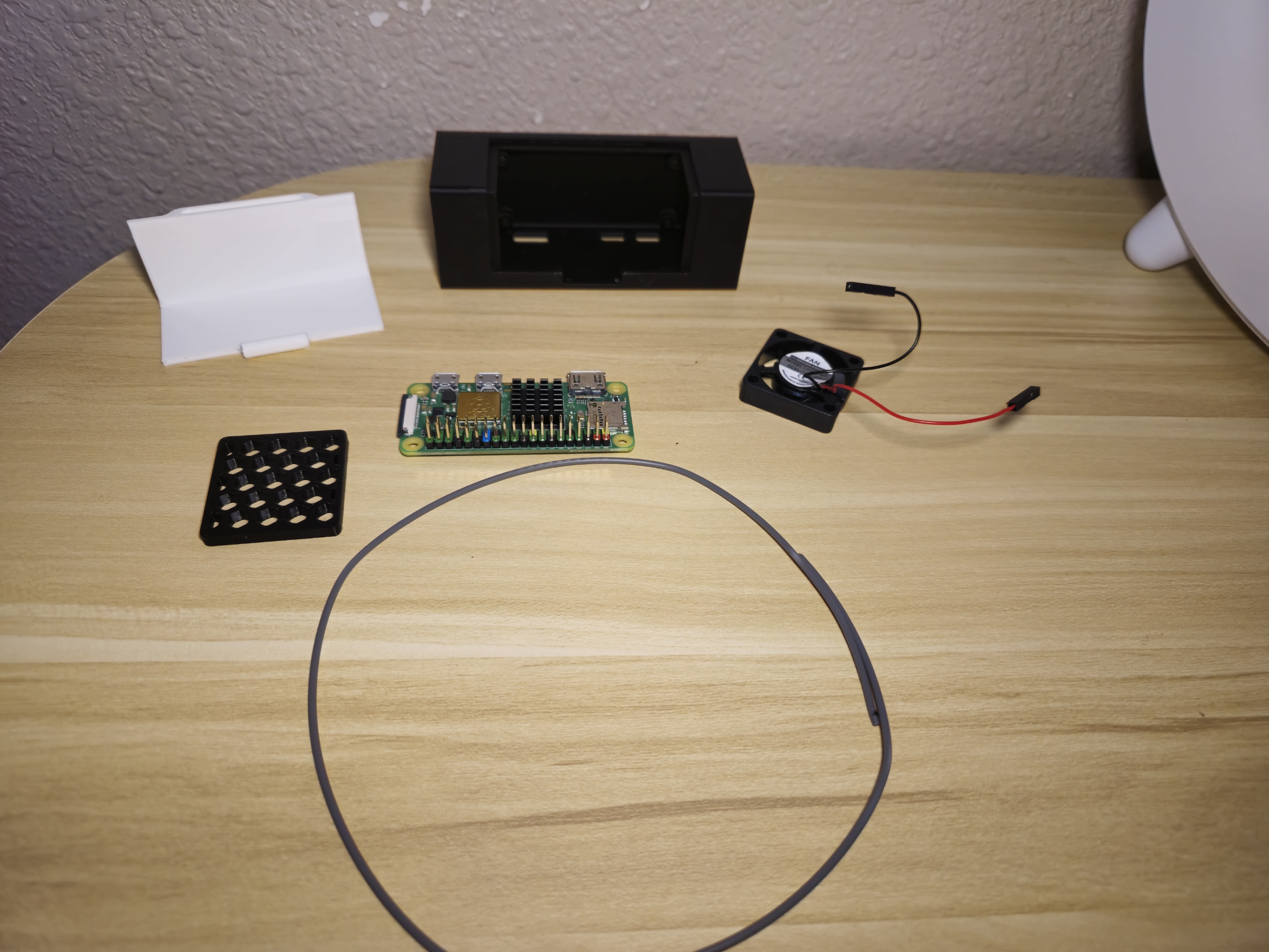 |
First, pop the Raspberry Pi into the case, making sure the mounting holes line up with the board and that everything fits with the cutouts on the case. Next, grab some M3 screws (countersunk ones work best) to hold the Pi in place. These screws are big enough to grip the Pi without messing it up and will create threads to keep it secure in the case. If you’d rather play it safe, M2 screws with nuts on top will work too. | 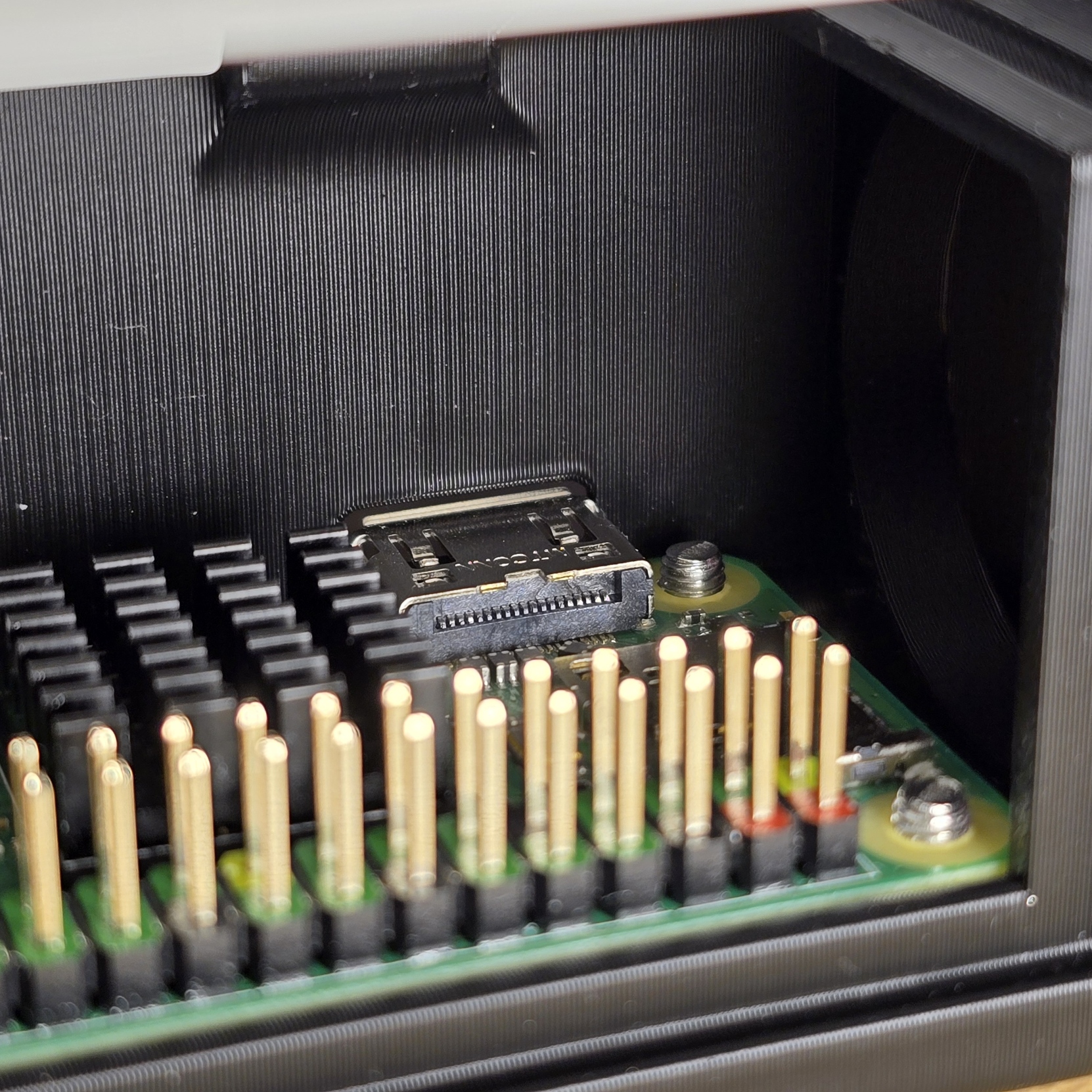 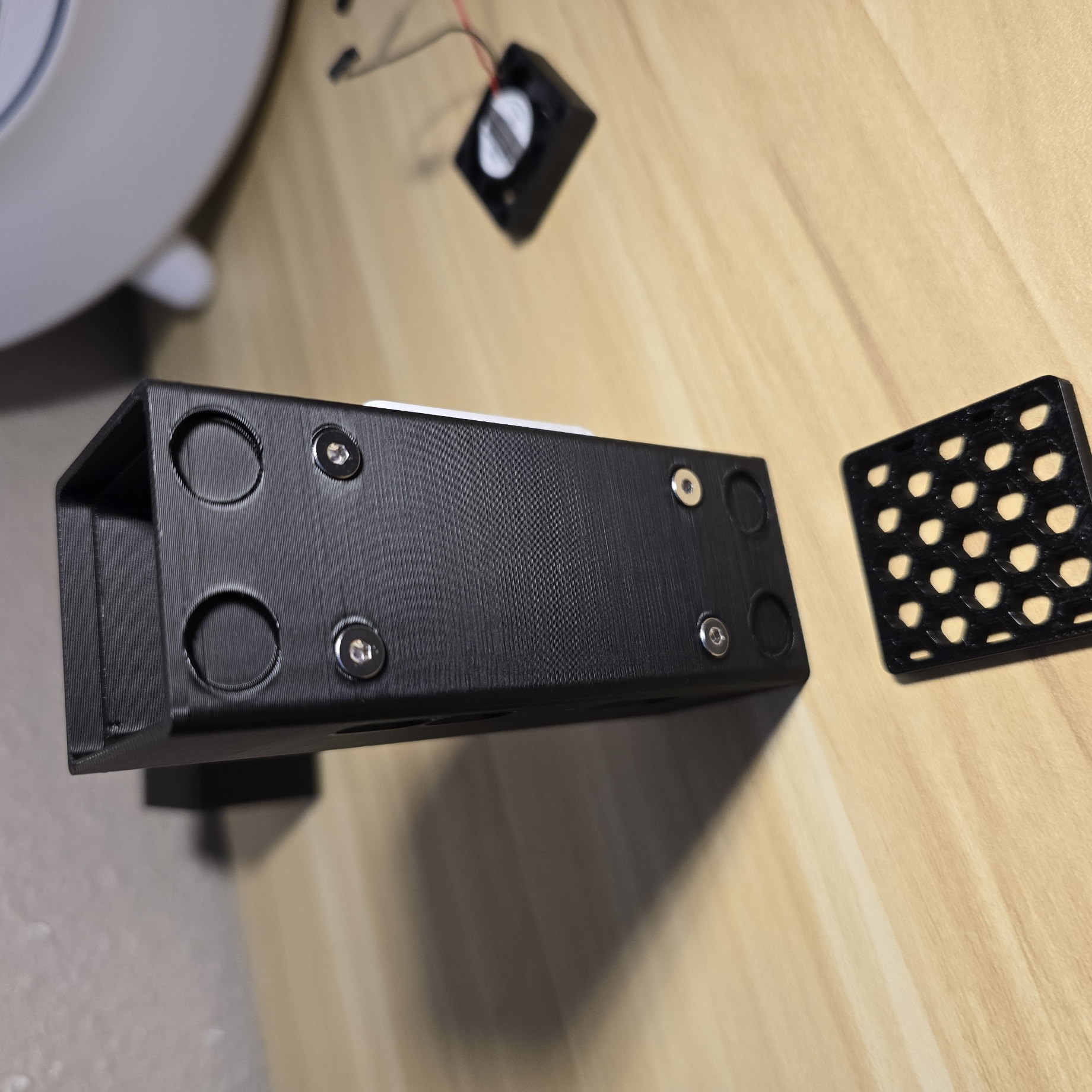 |
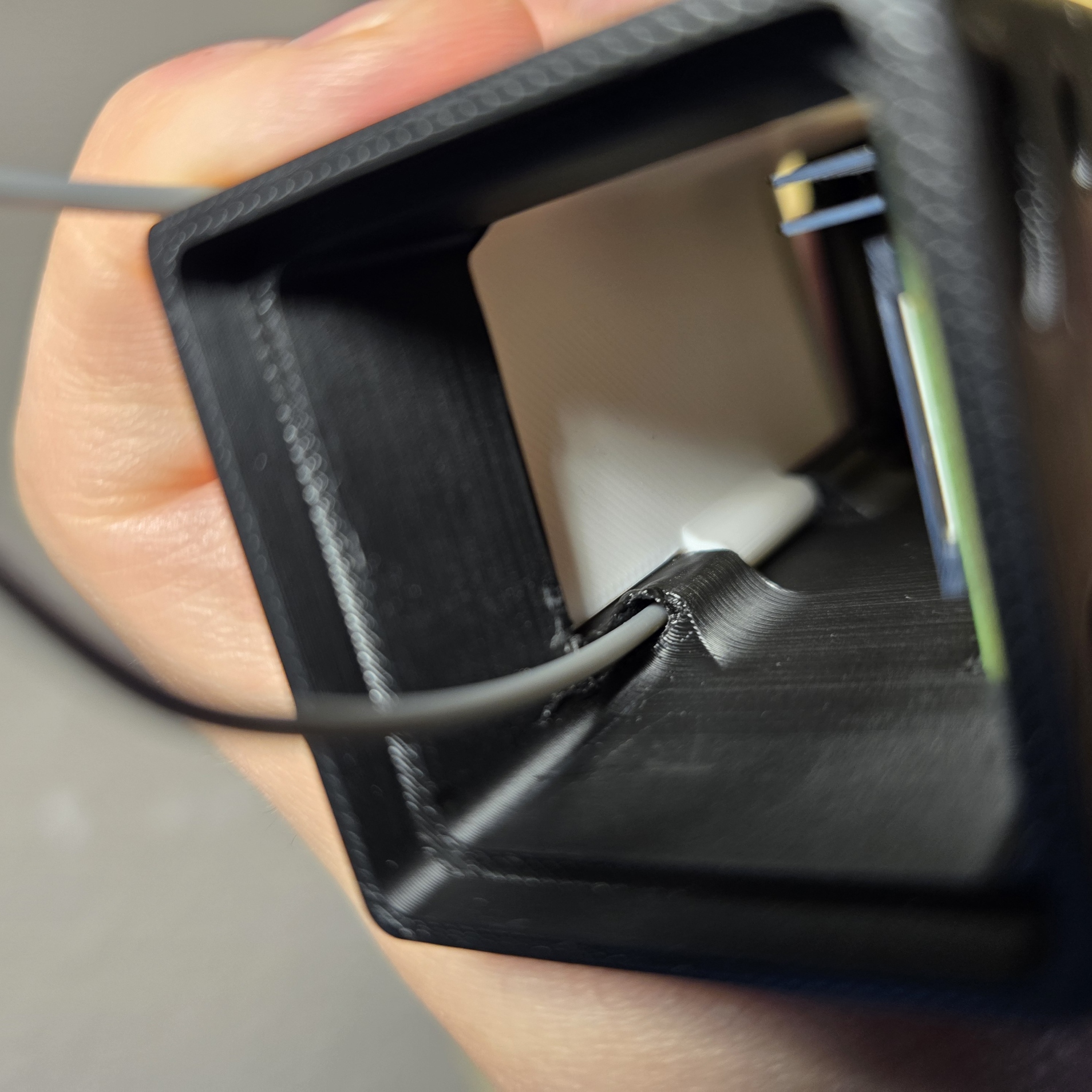
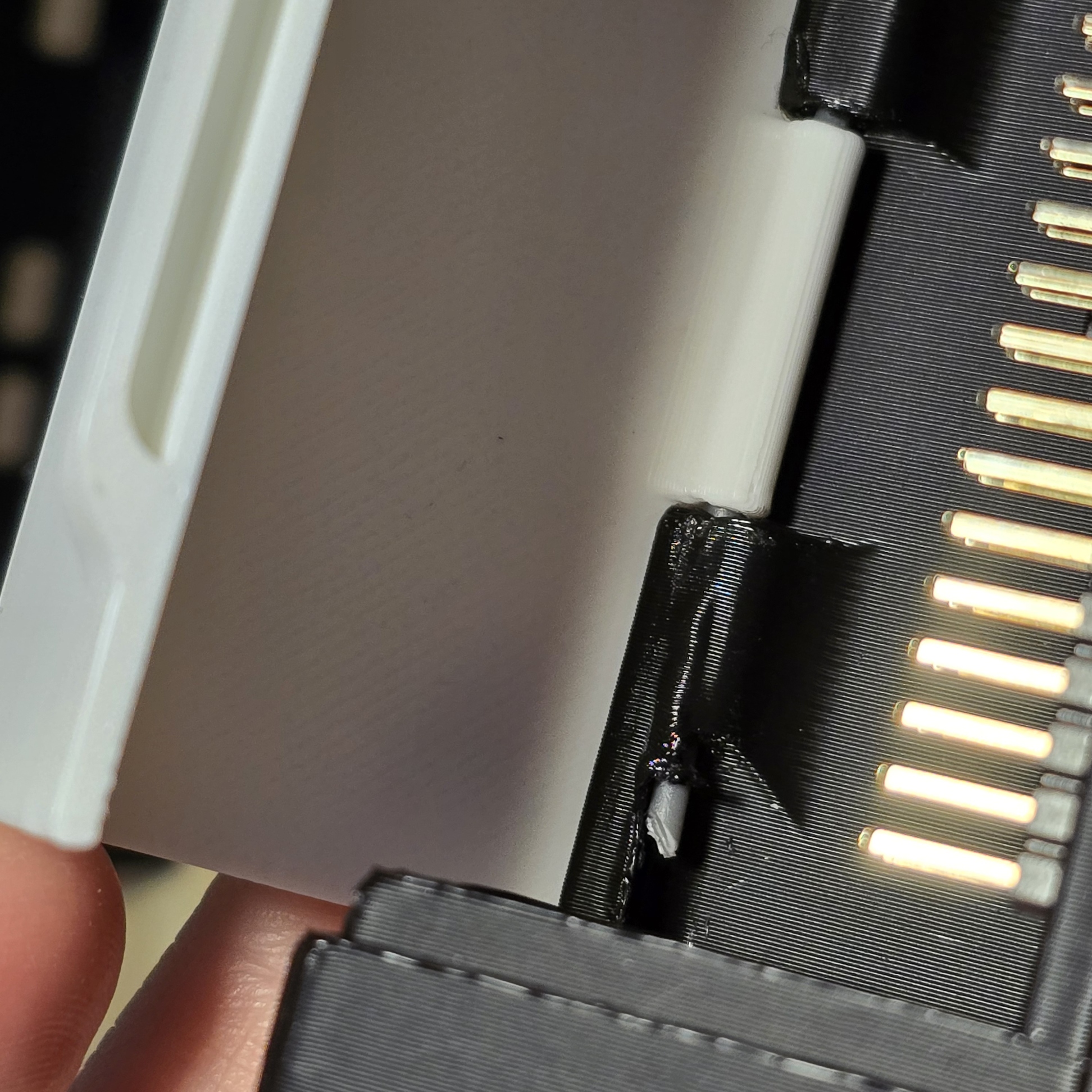
Use an 80 mm piece of filament and slide it into the cutout on the grating side. Then, line up the lid and press it down to get the hinge to work. Once it’s all the way in, you can trim off any excess filament if you want.
Gluing the end is optional, but it’s not really necessary. |
  |
| Just press the mesh or grating into the case—it's a snug fit, so no glue is needed. Just make sure it's flat against the edge of the case when you're done. | 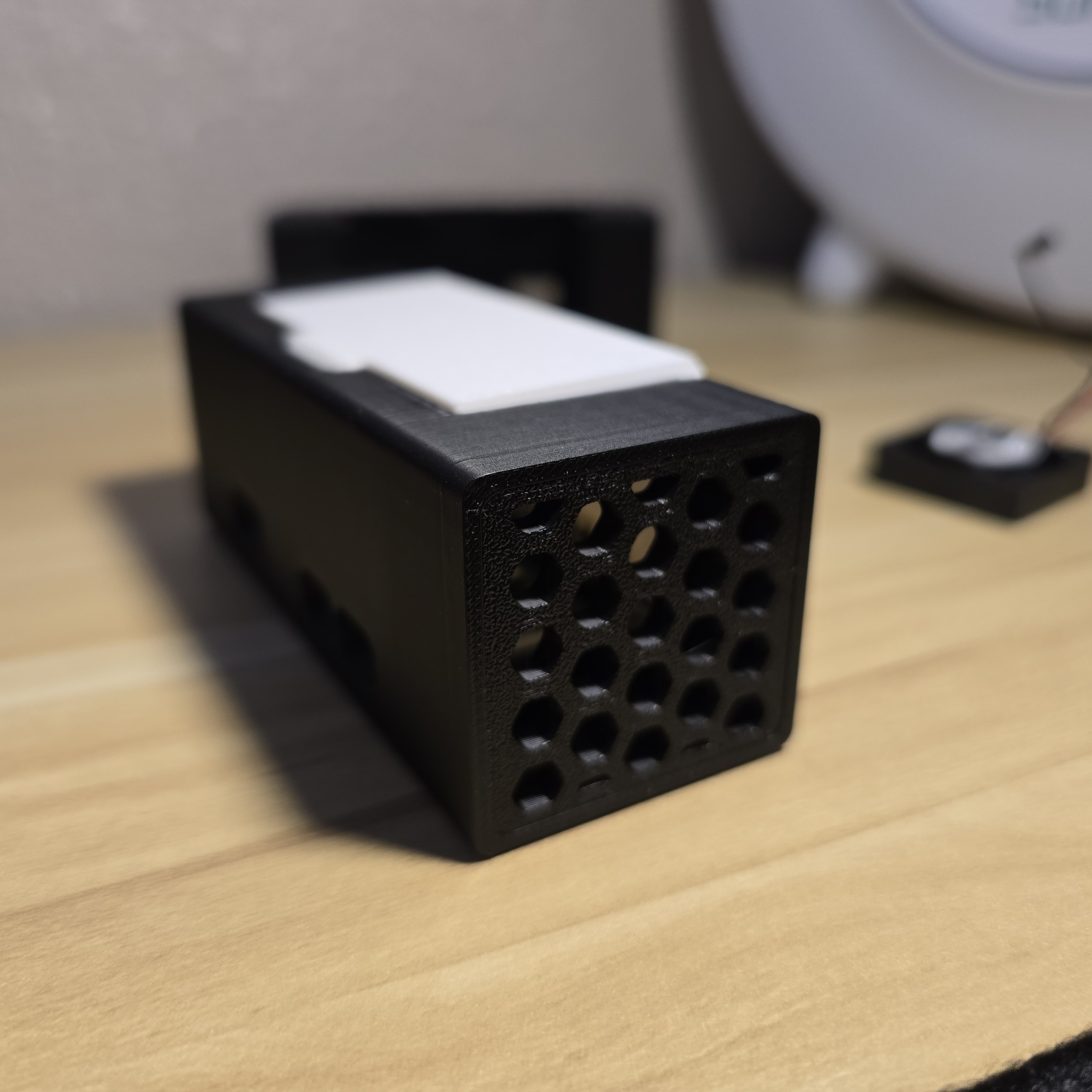
|
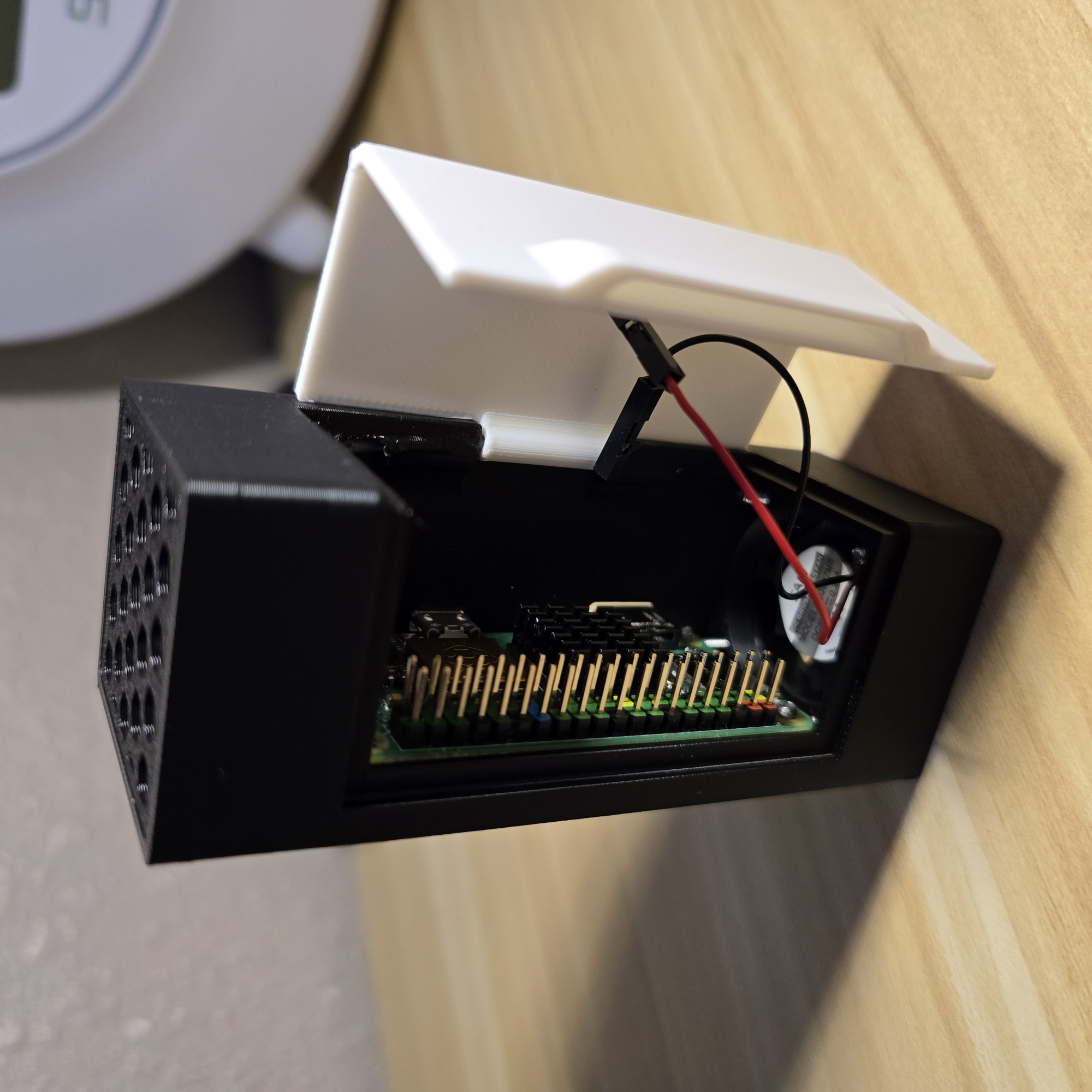
To finish up your case, just bolt the 3007 fan into place. No need for nuts here; the holes are made to be smaller than the bolts, so they’ll cut their own threads and hold tight.
For the wiring, plug the red wire into the 5V header and the black one into the ground. That’s it! |
 |
| Enjoy the case; excellent for having a discrete Pi-hole! |
 |
Raspberry Pi Zero 2 W Case with Active Cooling

Publicado em 30 de nov de 2024