Você está no 3DFinder
Buscamos em Thingiverse, MakerWorld e Printables ao mesmo tempo para te dar o melhor de cada uma.
Descrição
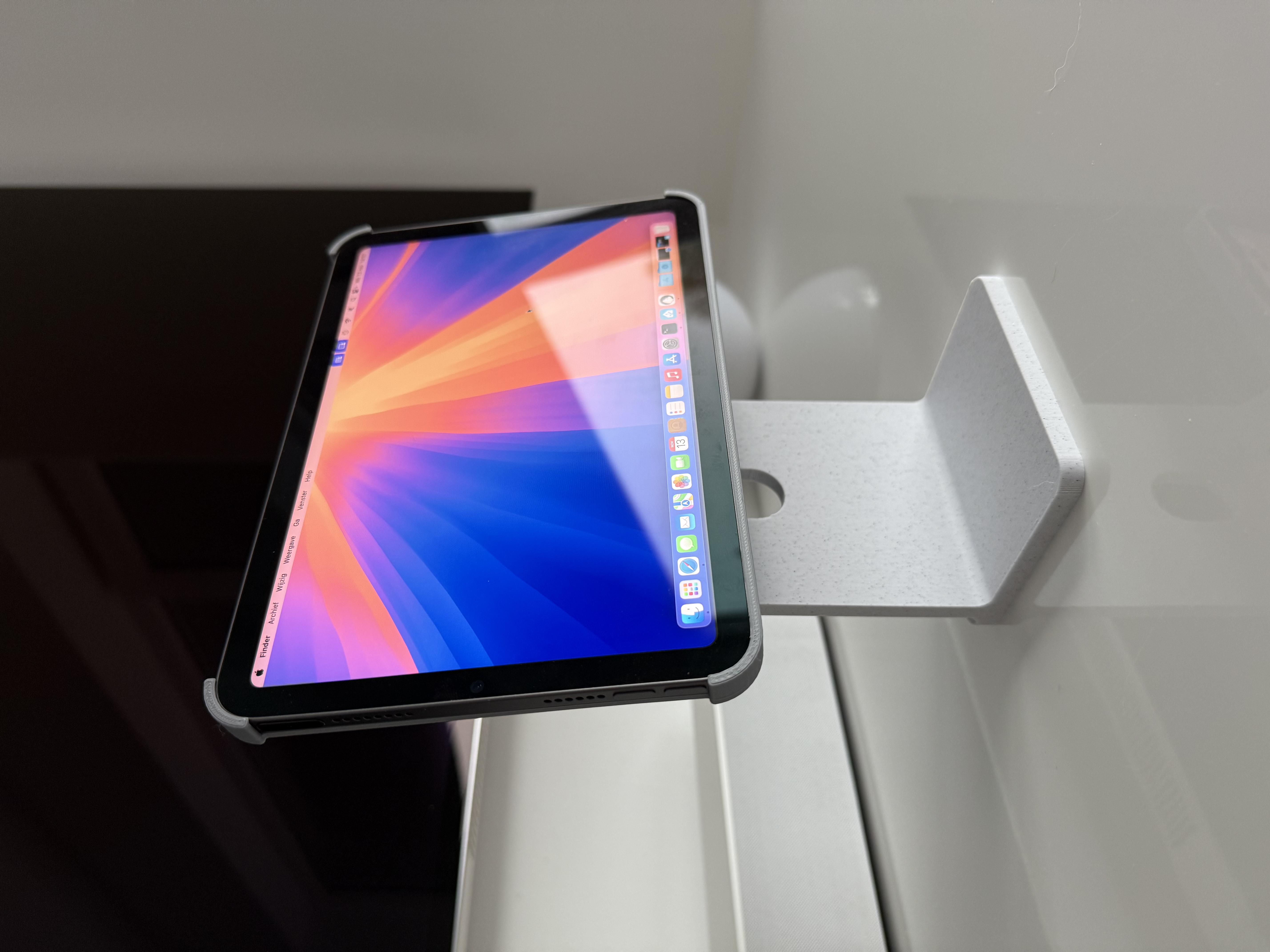
Turn your iPad mini into a mini Studio Display!
Compatible with the iPad mini 6 (2021) and iPad mini 7 (2024).
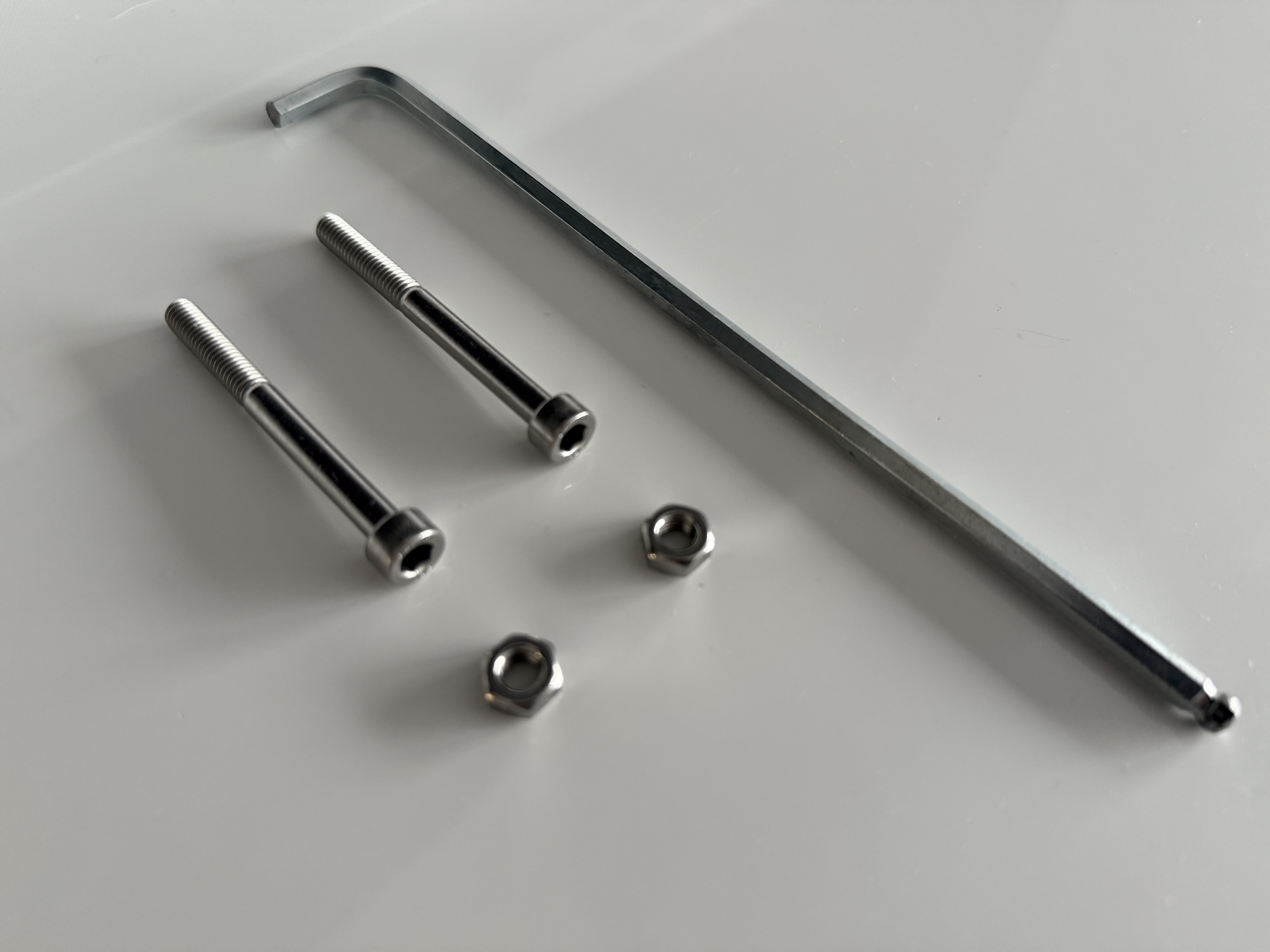
Required hardware :
2x M6 x 60mm Hex Socket Bolt
2x M6 Hex Nut
Tools:
M6 Hex Allen Key
Superglue
Update: I've added an extra Print Profile with an adjusted hinge that can be used with 1/4-20 (imperial) hardware. Thanks to @crypt3d for the adjustment!
Print settings:
All the parts are printed with a 0.2 mm layer height, 3 walls, 15% infill (unless described otherwise).
Hinge:
Needs to be printed vertically for added strength. Supports are required (tree).
Stand:
Needs to be printed on its side for added strength. Supports are required (tree).
iPad holder:
Prints flat on the build plate. No supports needed.
iPad holder connector plate:
Prints flat on the build plate. No supports needed. 100% infill recommended.
Instructions
The iPad holder and connector plate are printed as separate parts for easy printing. They can be glued together by adding some superglue to the outer part of the ring. Before adding the glue, first try to press the part in to confirm the fit (it should be snug).
The stand connects to the hinge with a 60mm Hex Socket Bolt. Add the M6 Hex Nut to the cutout in the hinge. Wiggle the hinge over the stand and make sure that the holes line up. Then slide the bold from the other side and tighten it until the hinge fits snugly.
Repeat the steps to connect the iPad holder to the other side of the hinge.
Once everything is attached, you can put the iPad mini into the holder.
Tighten the bolts when needed to assure that the stand keeps the position of the iPad nicely.
That’s it! You’re done! 🎉
TIP: The stand fits great with the "Mac mini Pro" enclosure for M4 Mac mini by @Jerrodh!
iPad mini Studio Display Stand

Publicado em 14 de nov de 2024