Você está no 3DFinder
Buscamos em Thingiverse, MakerWorld e Printables ao mesmo tempo para te dar o melhor de cada uma.
Descrição
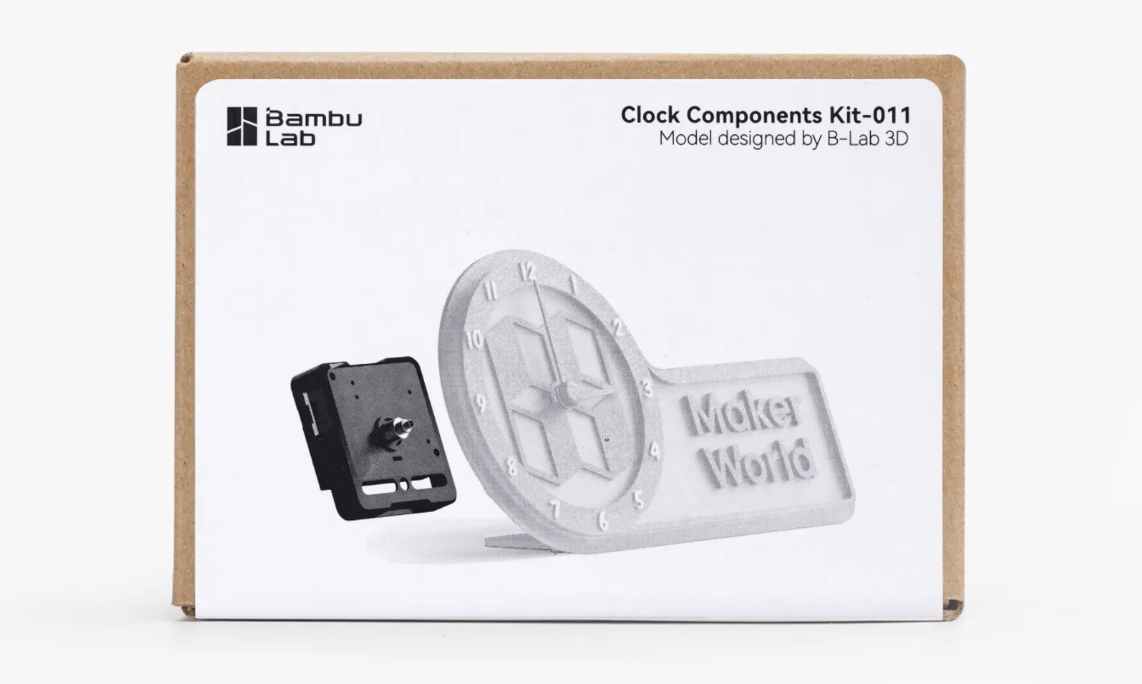
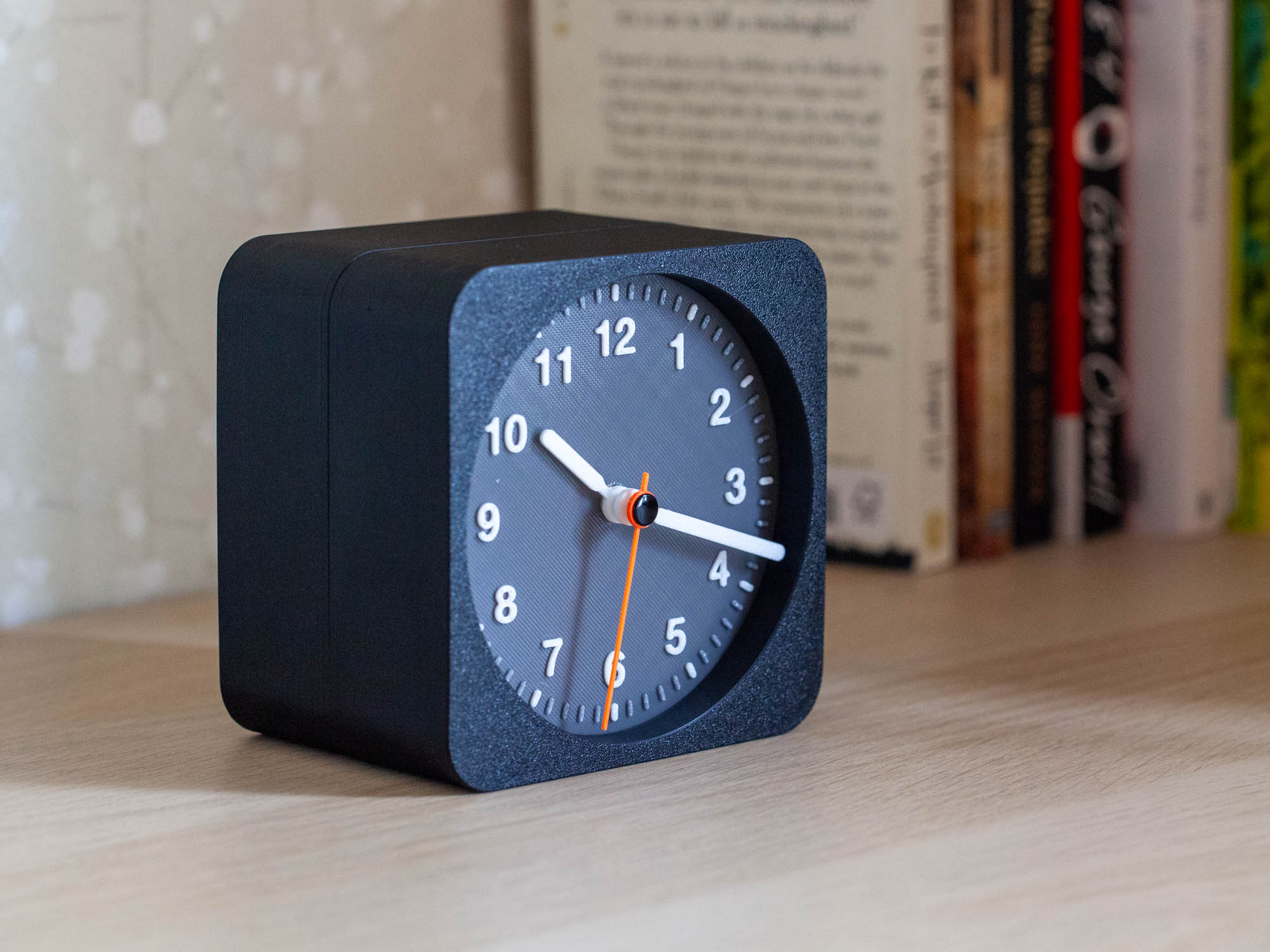
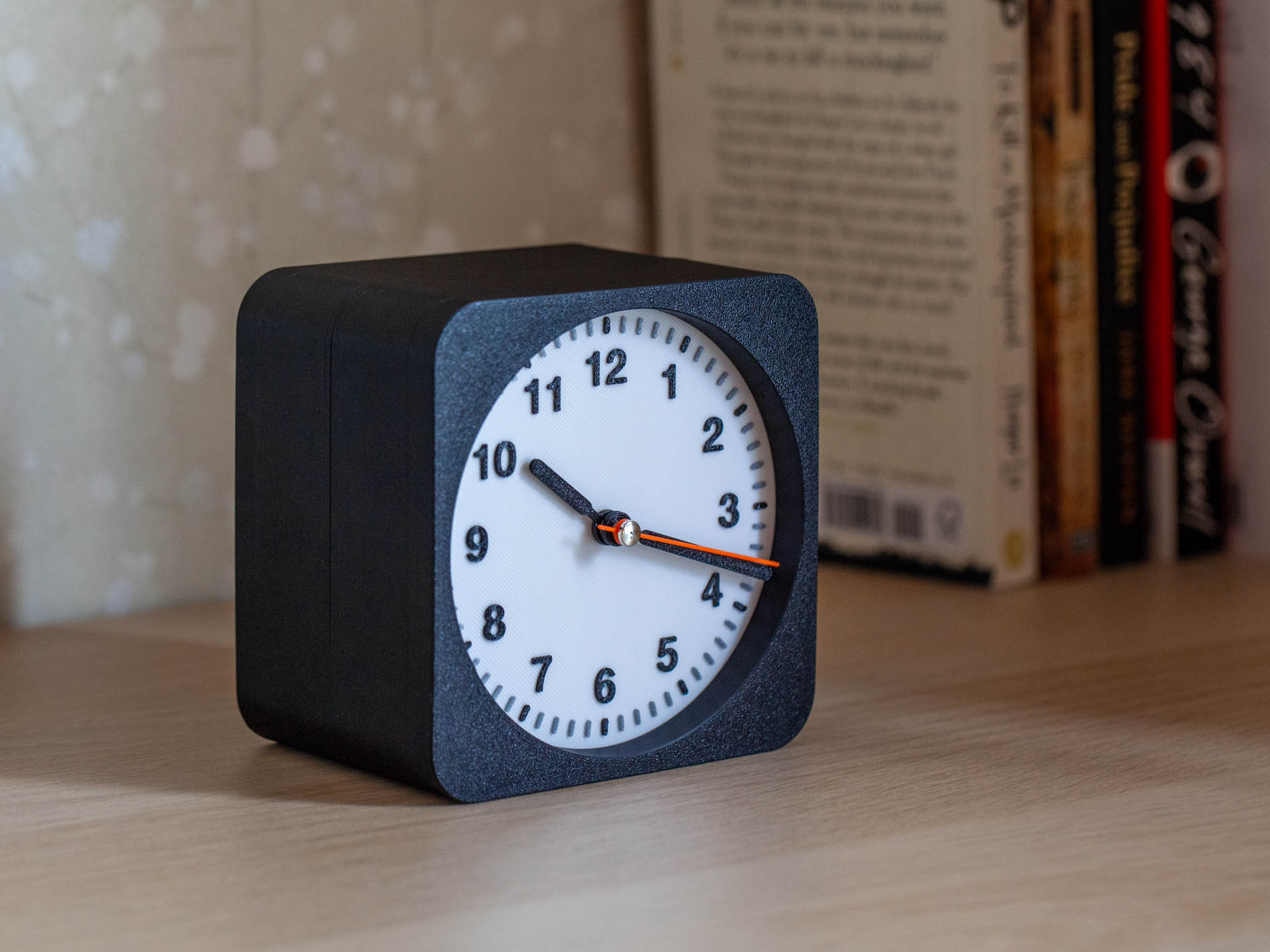
This is a clock designed based on the Clock Components Kit 011, bringing the clock from the iPhone to a real desktop or refrigerator.
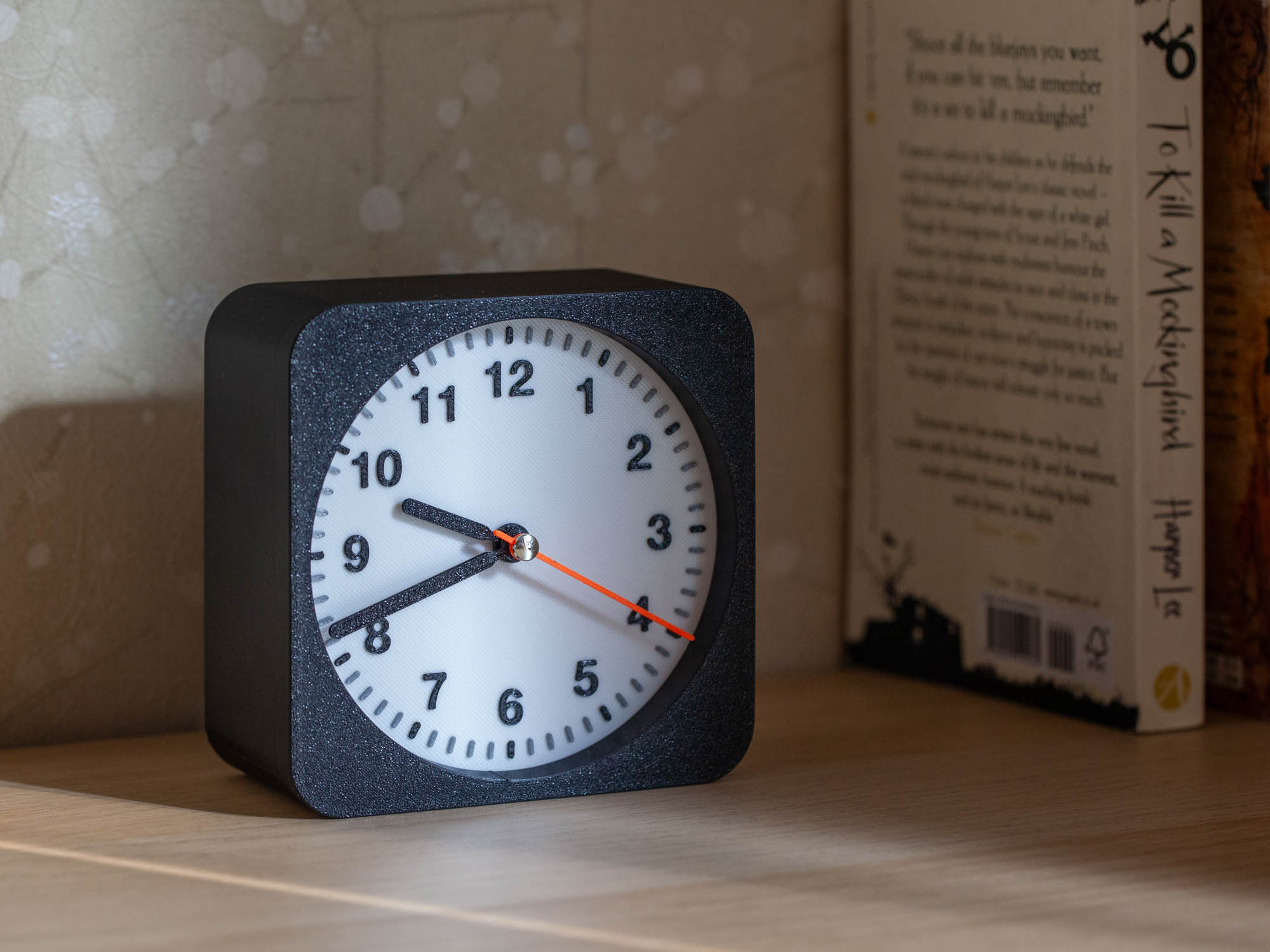
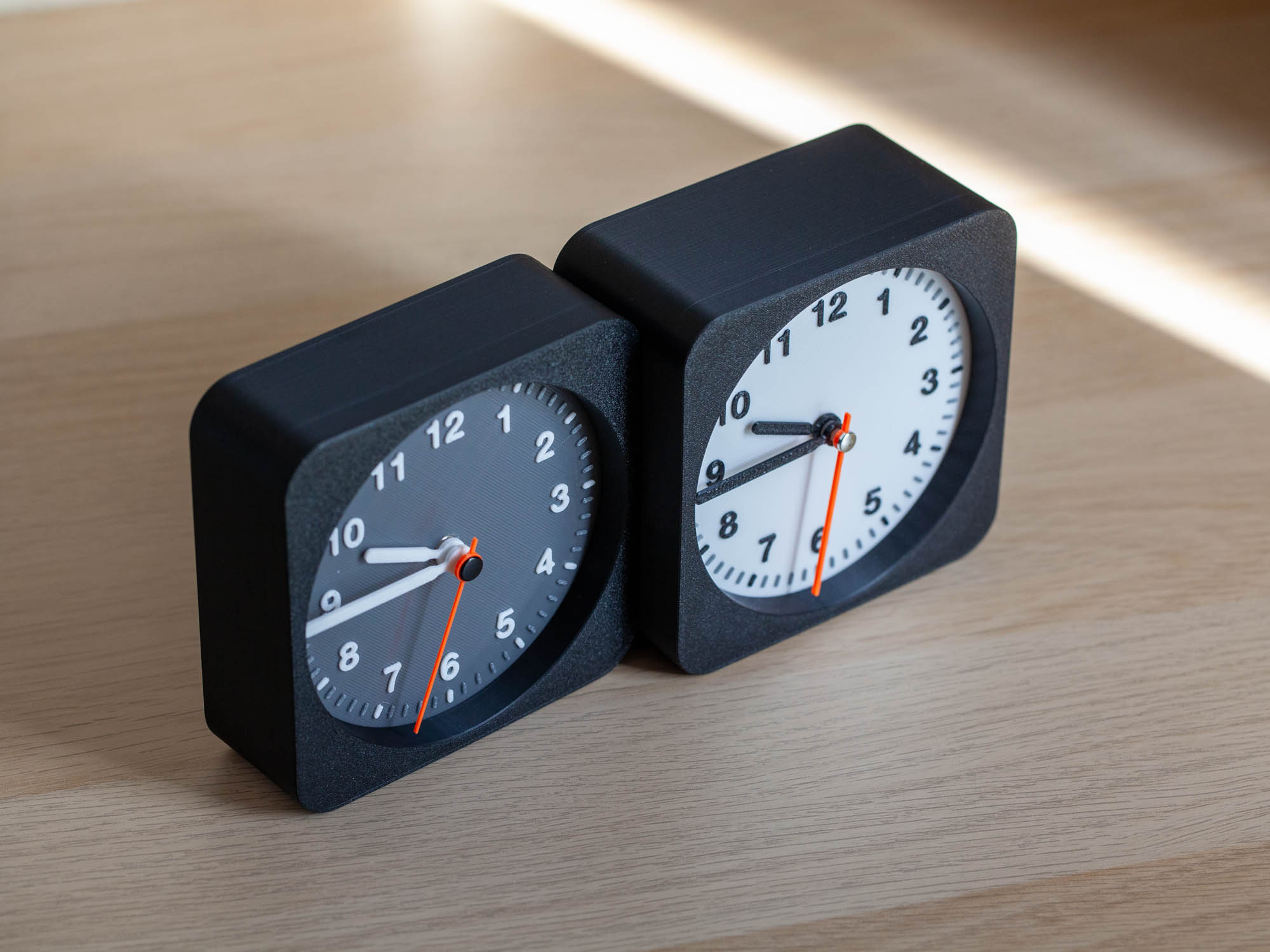
I offer two color options for the dial: Light/Dark.
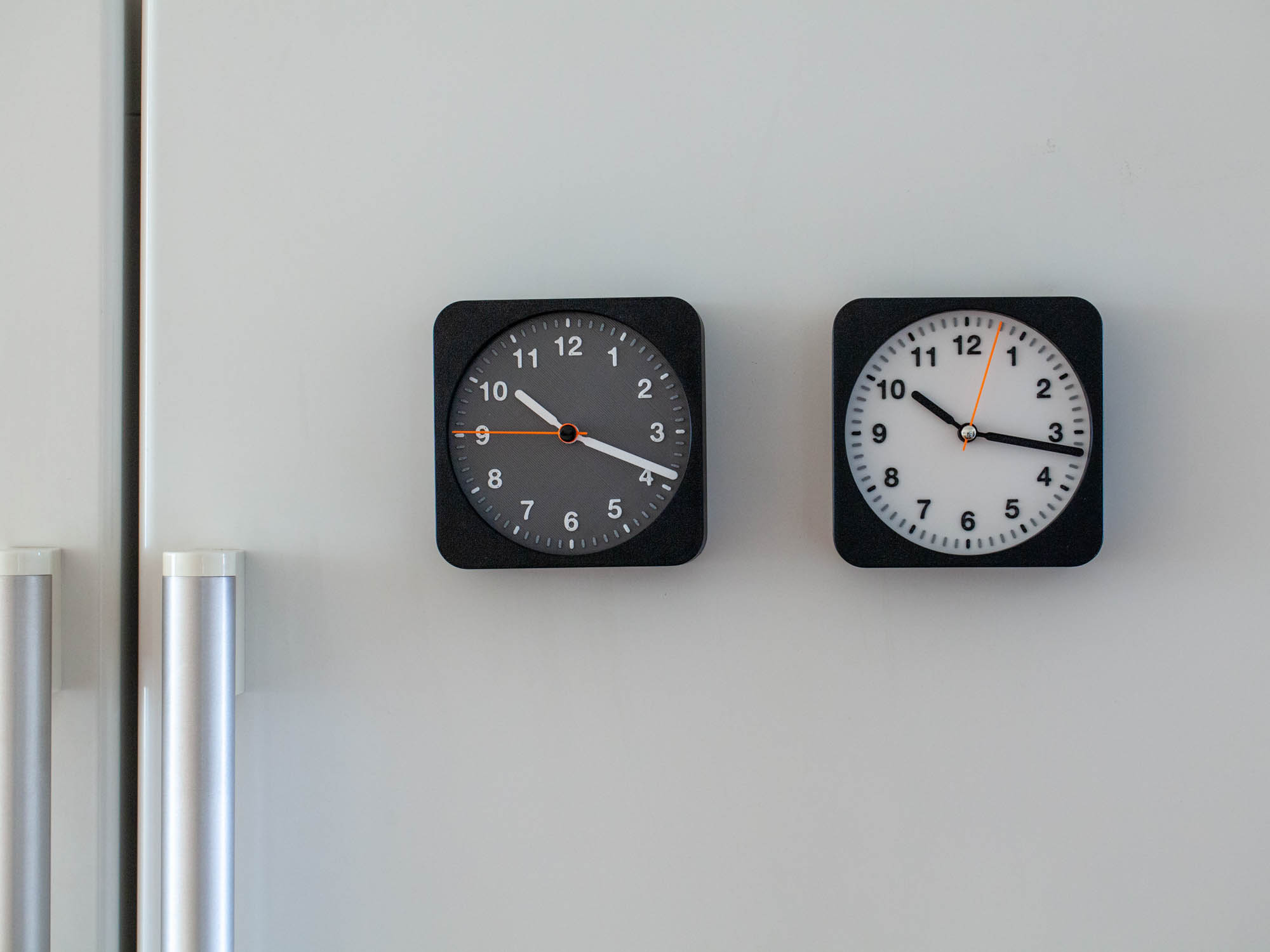
This clock can be placed on a desk or equipped with a magnet to stick on the refrigerator.
For a clock placed on the desk, it is recommended to print a wide-sized case for better aesthetics and stability.
When attached to the refrigerator, a narrower printed casing is more suitable.
You can also make two different dials, attach them back to back, and create a double-sided clock. The two clocks can also be set to different time zones.
Assembly Instructions
- Mounting the movement onto the dial: You can directly screw the movement into the center hole of the dial without using the nut and washer provided in the kit. Screw it in until the thread slightly protrudes from the front of the dial. Ensure the final customized position aligns the top of the movement with the 12 o'clock position on the dial.
- Installing the hour, minute, and second hands:
- Install in the order of hour hand, minute hand, and second hand.
- Ensure each hand points to the 12 o'clock position during installation.
- The kit's second hand is riveted to the second hand shaft, so you need to remove the second hand from the shaft first. The hand is made of aluminum and is relatively soft, so you can pull it off the shaft with a few tugs. Then, fit the printed second hand onto the second hand shaft, with the grooved side of the second hand facing the top of the second hand shaft, allowing it to snap into the original riveted aluminum hand's boss.
- Inserting the dial into the case: Simply insert the dial into the case, and push slightly when it's almost in to snap it into the slot. You can choose the seam position of the printed case as the bottom.
- Install the battery and set the time.
- Assembling the back cover:
- Insert magnets into the back cover: 8 holes, each hole holds 2 pieces of 8*2mm magnets. This is the ideal number I tested; I also tested with fewer magnets, but it wasn't secure enough on the refrigerator door. Ensure the magnets are oriented consistently.
- Fix the back cover onto the case with 4 flat-head screws of 8*2mm. All done!
Custom watch face text:
You can use BambuStudio to customize your own text on the watch face, such as your city. This can be the same as the widgets on the iPhone.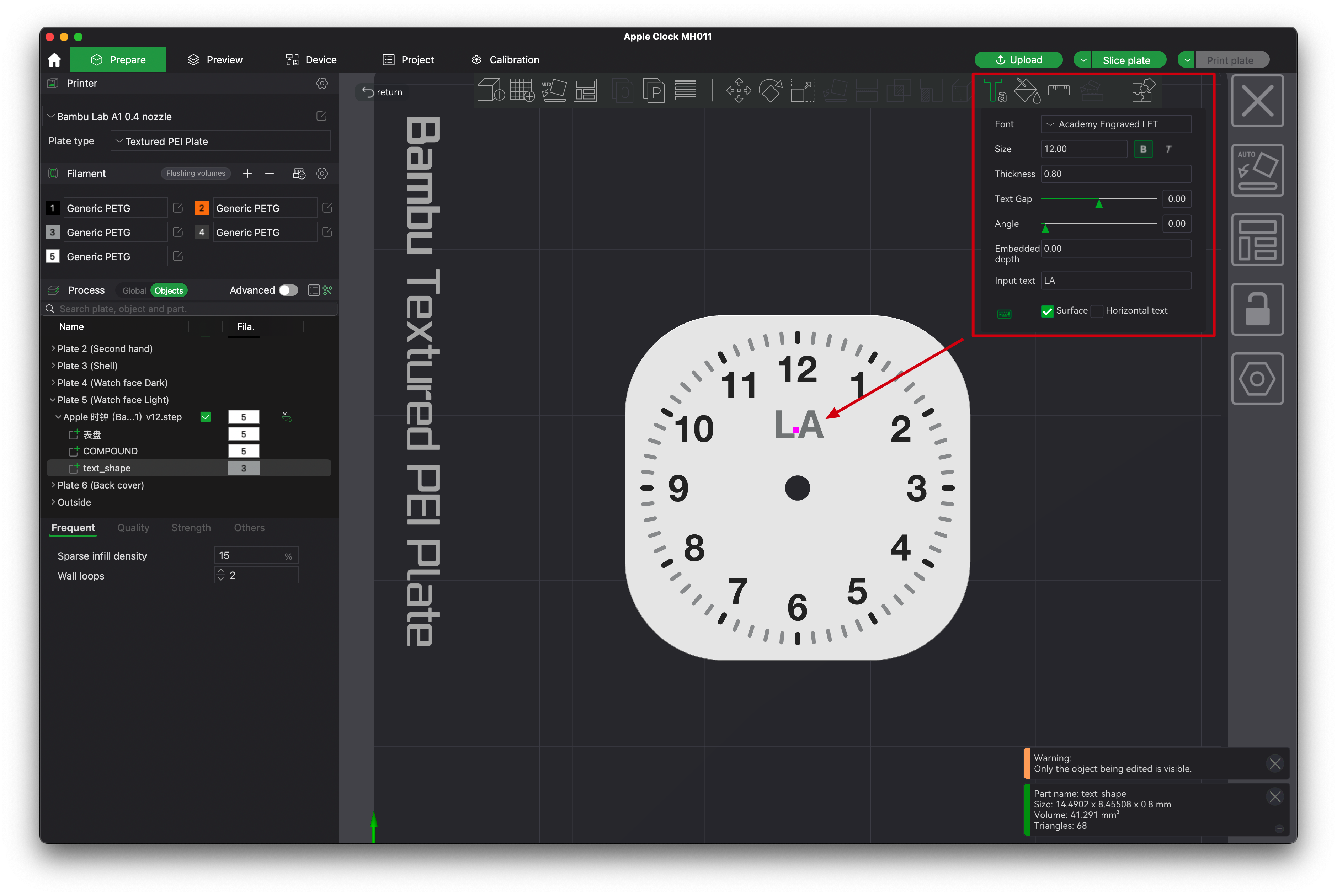
If there are any issues with the printing, please leave me a message, I can help optimize this model.
Clock Components Kit 011 - iPhone Widget Clock

Publicado em 5 de nov de 2024
Gostou deste modelo? Crie uma conta grátis para salvar seus favoritos e voltar a eles depois.
Criar conta