Você está no 3DFinder
Buscamos em Thingiverse, MakerWorld e Printables ao mesmo tempo para te dar o melhor de cada uma.
Descrição
This File is intended to show that you can Print multicolor without a AMS lite with the A1 Mini printer.
Please follow the instructions bellow to implement the changes with your files as it is required.
Be aware that you need to change the filament by hand everytime, and this requires time.
Also this print file does not have the Prime tower enabled… I recommend that you enable the Prime tower for better results with the color change.
Step 1 - Download the 3mf file from a computer (The bambu handy app will not work because it will override the changes made).
Step 2 - Open the file and go to your Printer Settings has show in the next image and click the edit button.

Step 3 - Go to Machine gcode/Change Filament gcode.
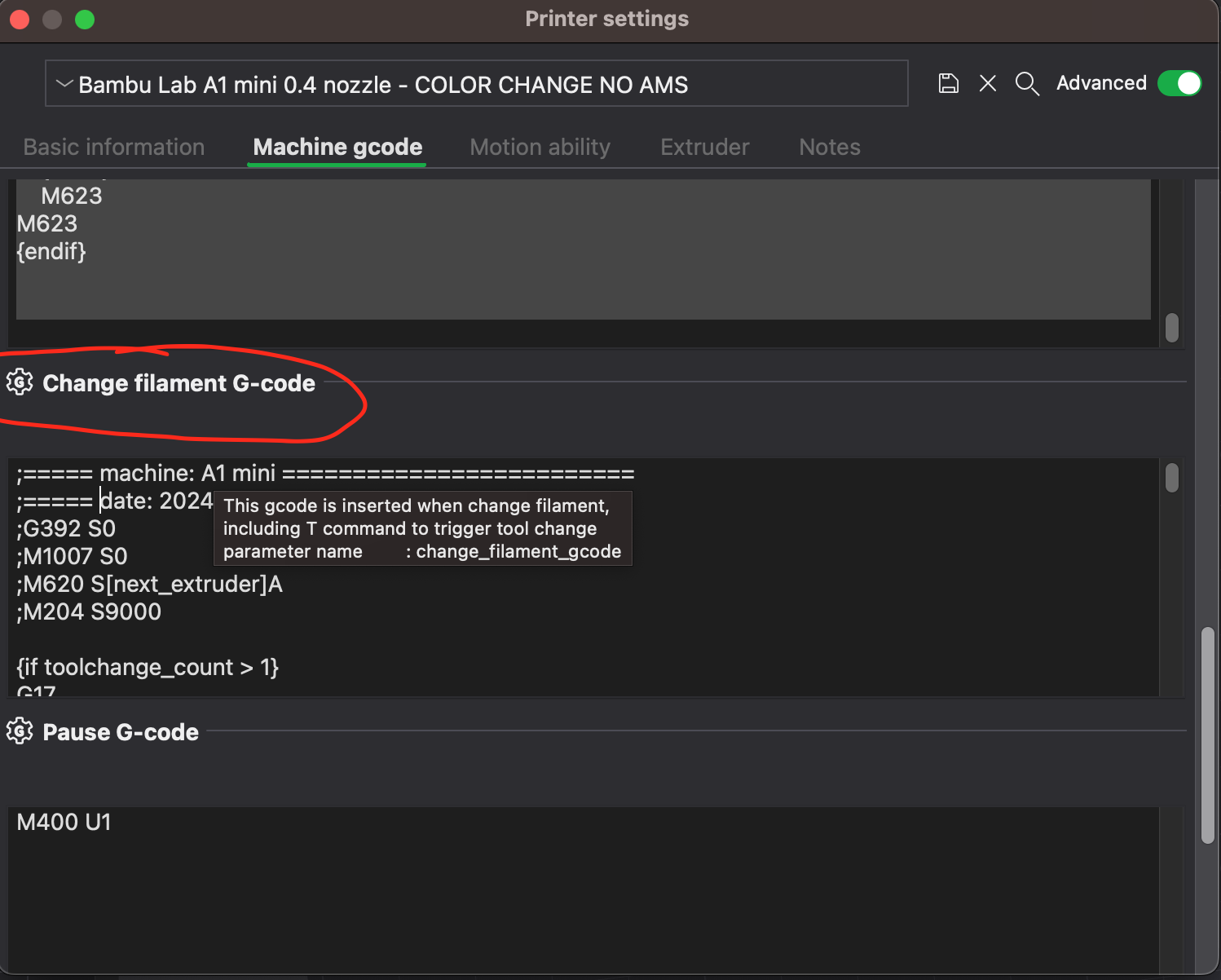
Step 4- Erase all the Gcode access the link bellow and copy and paste the following gcode.
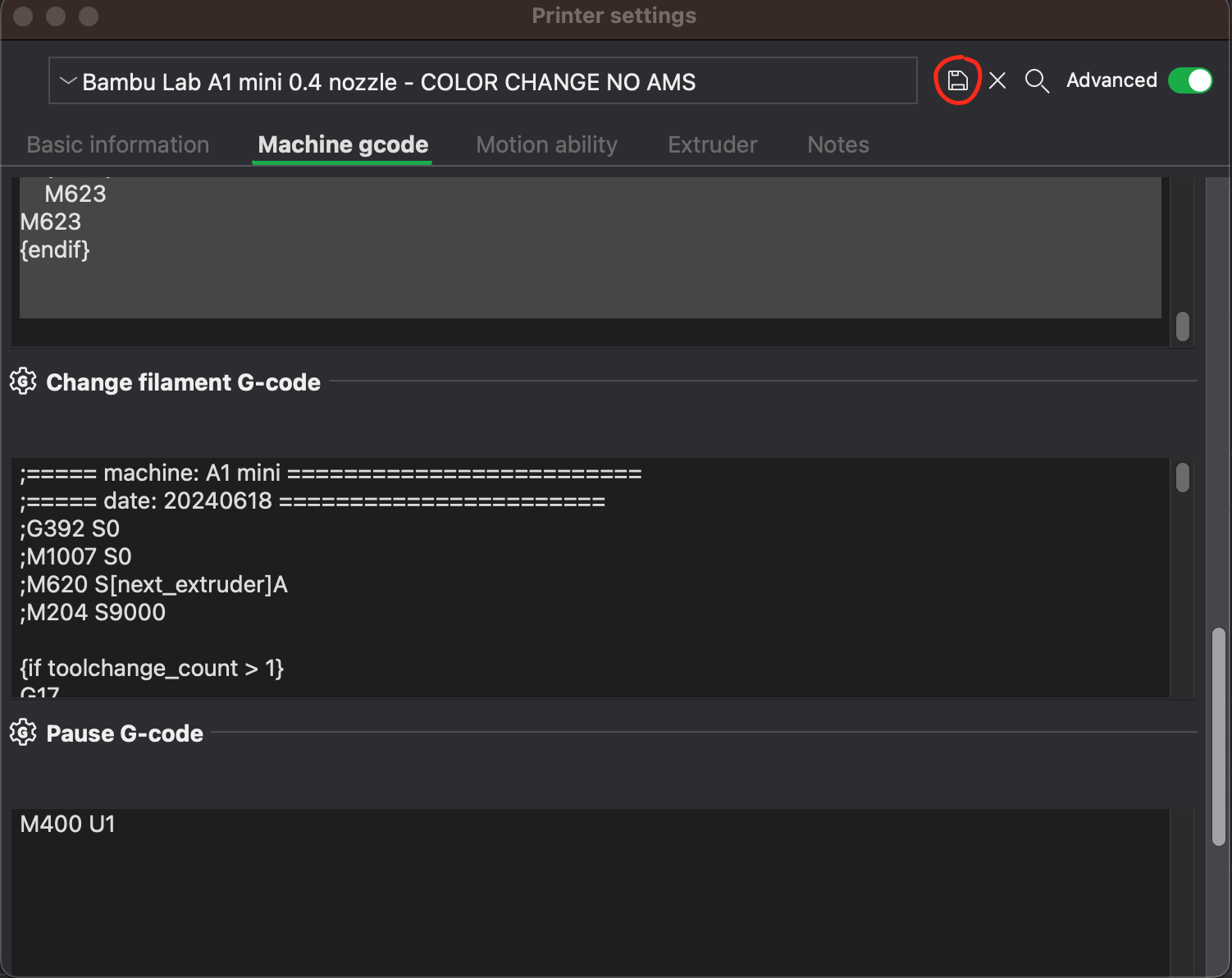
Step 5 - Once you paste the Gcode above, press the save button, and save with a name that you find appropriated (I changed mine to “COLOR CHANGE NO AMS”).
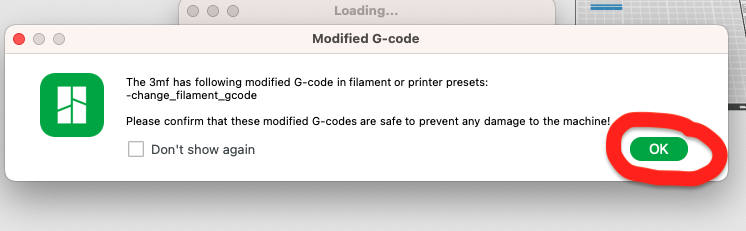
Step 6 - If a message like this appears just click OK.
STEP 7 - Test print the file that you downloaded or edit your files and Paint them, and dont forget to change the Printer setting to the one that you have saved previously.
STEP 8 - Send to printer.
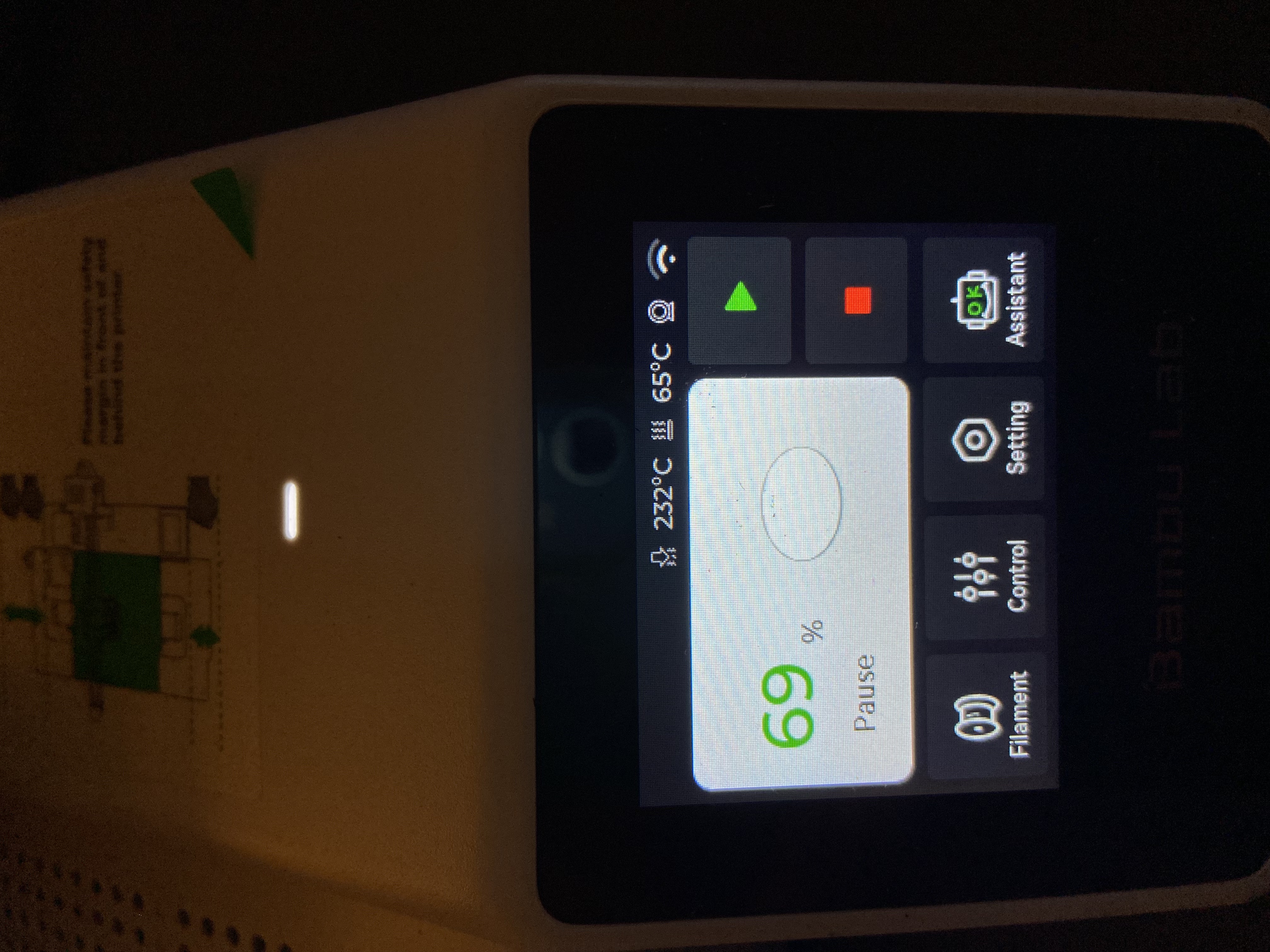
STEP 9 - Once the printer has Started this message will appear, Press resume printing.
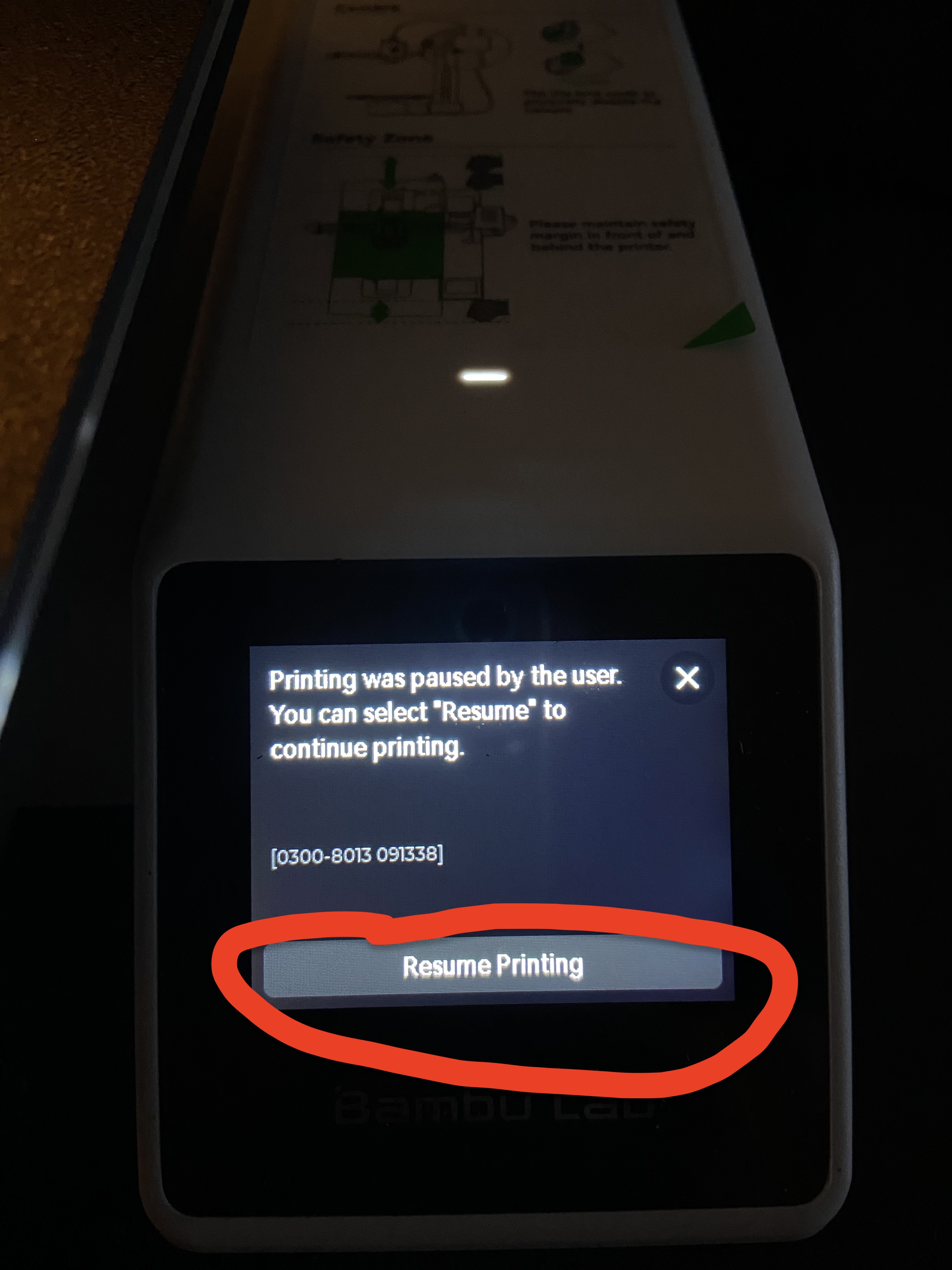
Step 10 - The print will continue until the next filament change.
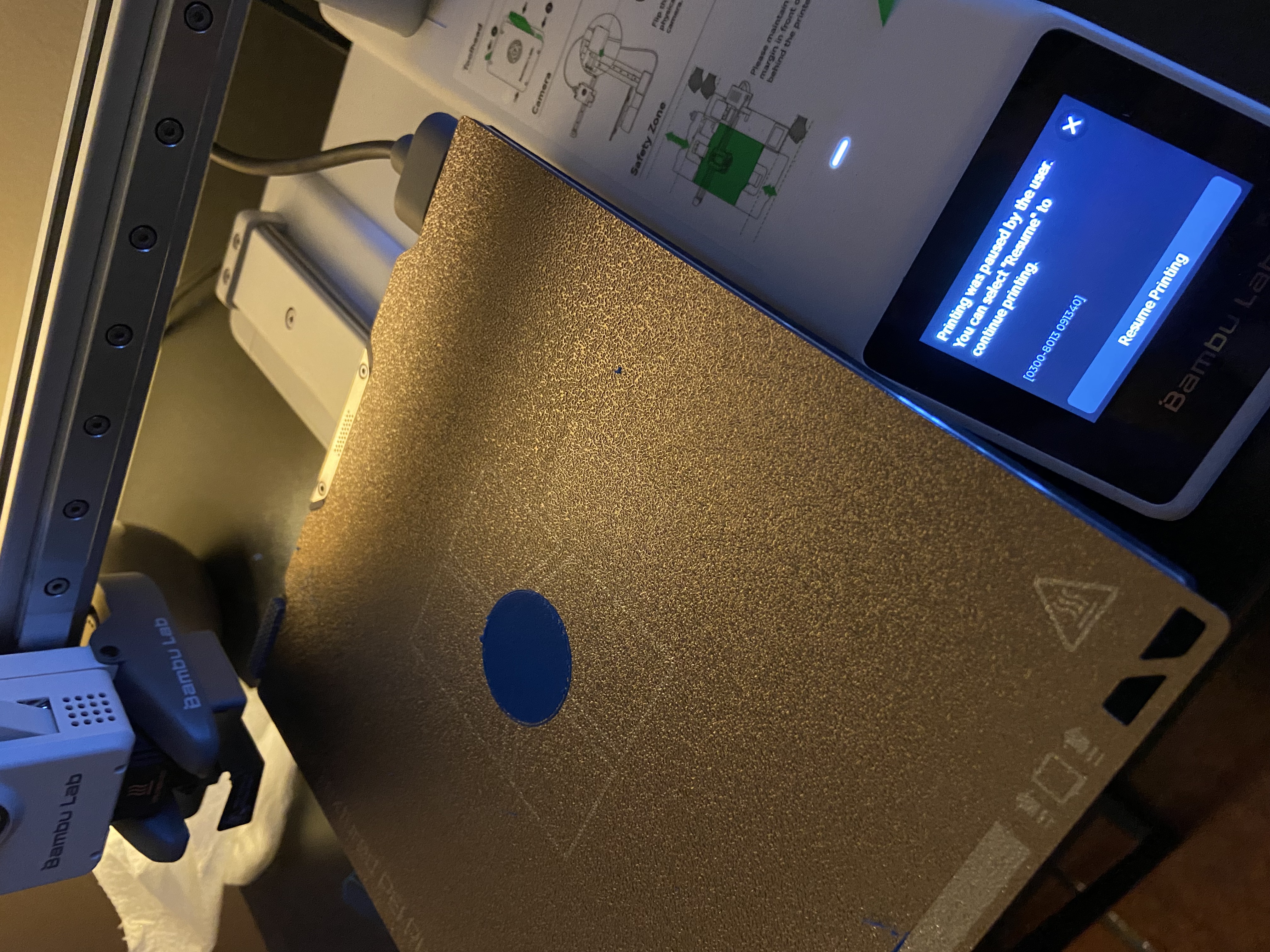
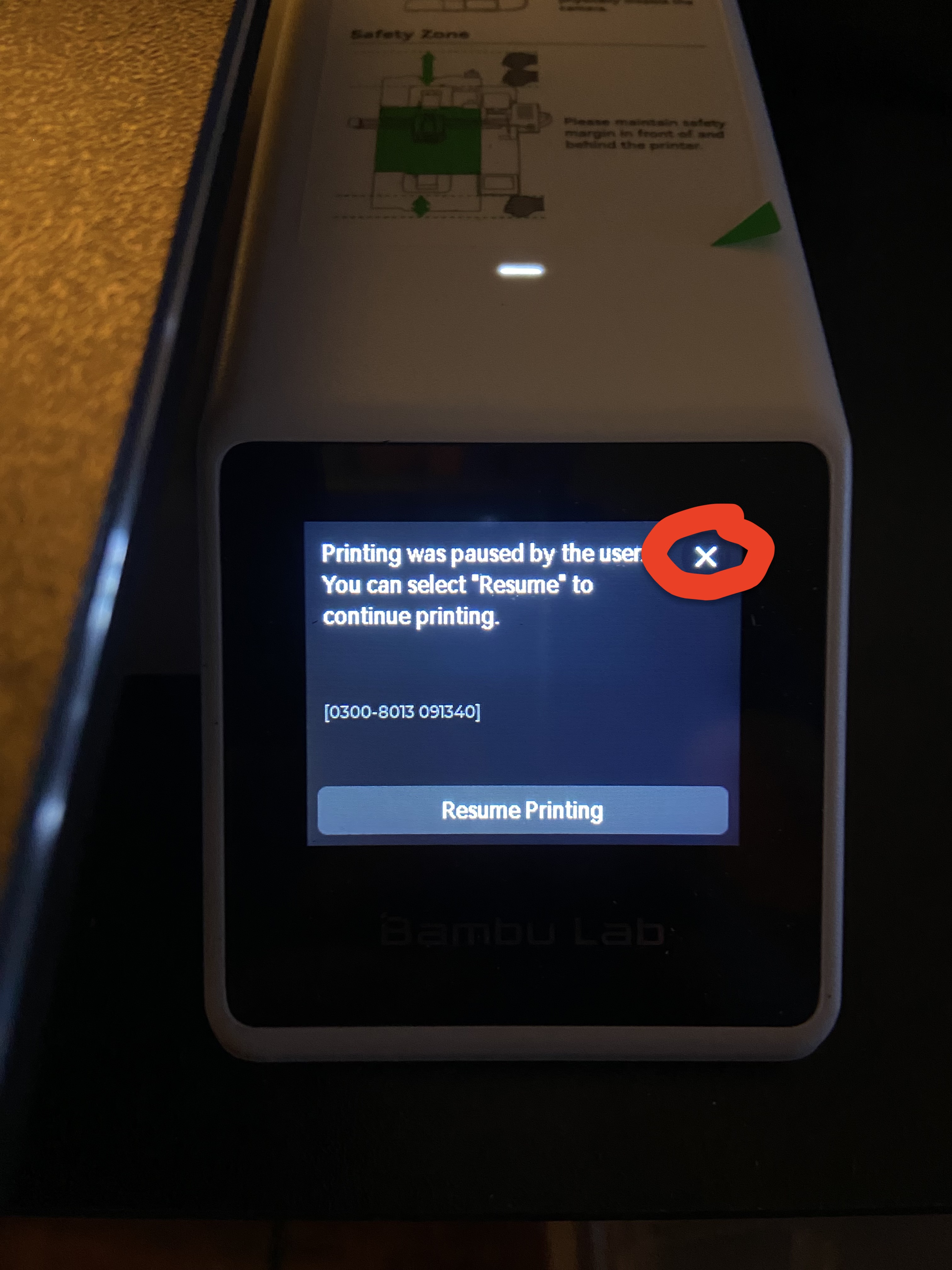
Step 11- Once you get to this fase Press close.
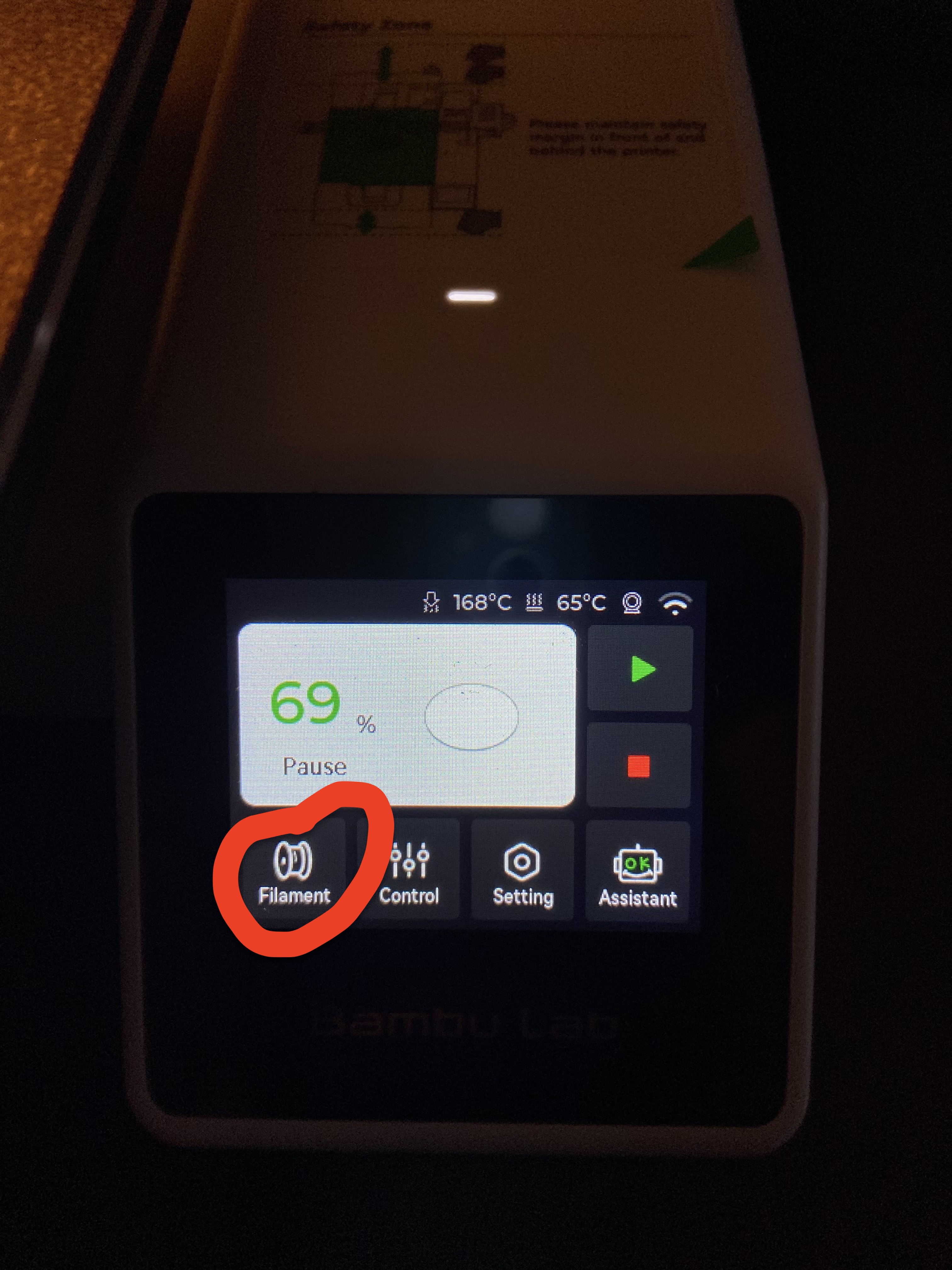
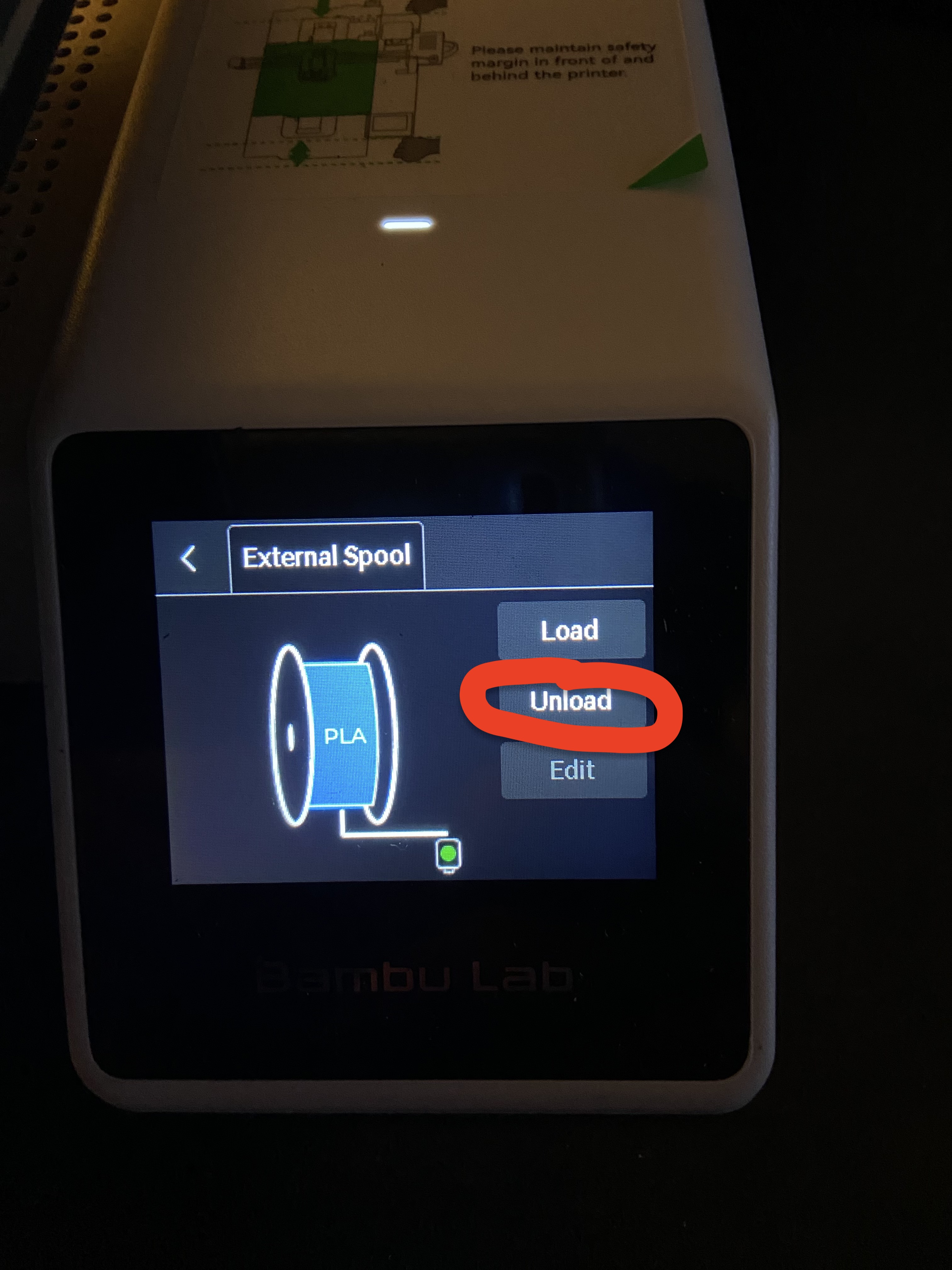
Step 12 - Now press Filament, Unload, unload the filament by hand and then load the new filament as you do normaly.
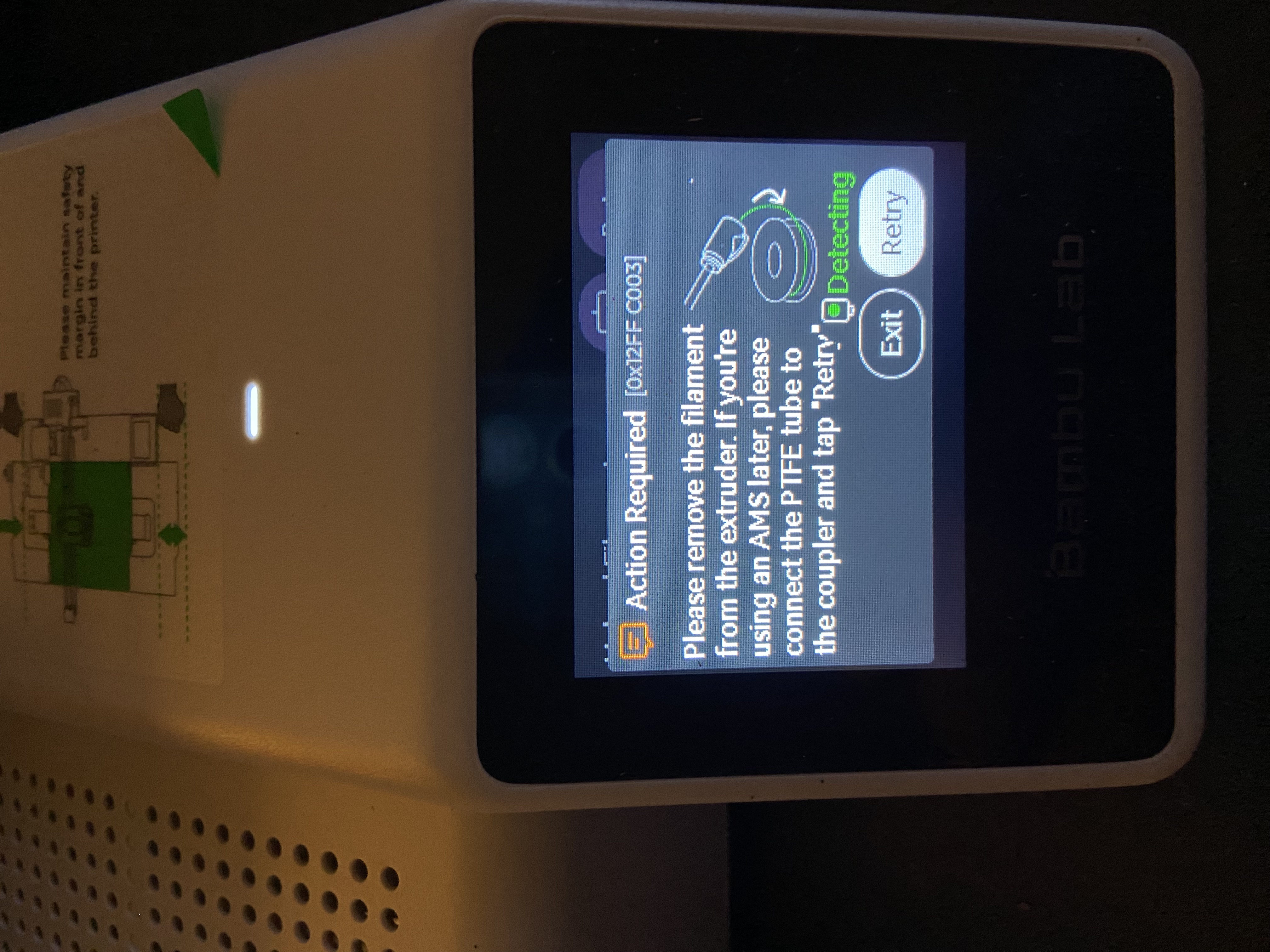
Step 13 - Once filament is loaded press resume print.
Step 14 - Second color is now Printed.
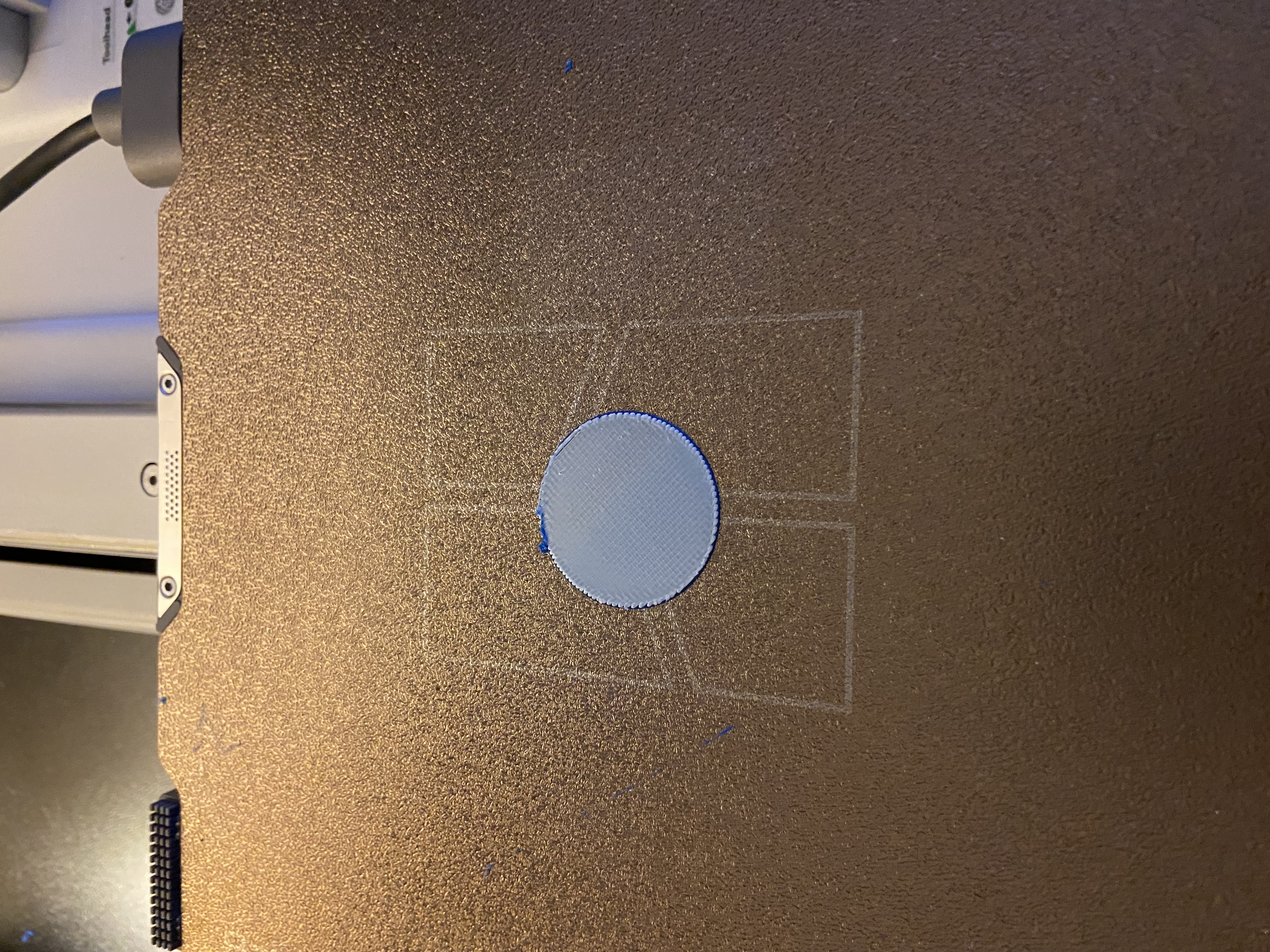
A1 mini Multicolor without ams

Publicado em 9 de set de 2024
Gostou deste modelo? Crie uma conta grátis para salvar seus favoritos e voltar a eles depois.
Criar conta