Você está no 3DFinder
Buscamos em Thingiverse, MakerWorld e Printables ao mesmo tempo para te dar o melhor de cada uma.
Descrição
This is an almost fully customizable pencil case which uses a shutter as an opening and closing mechanism. You can choose from 7 already existing shutters and 8 side designs, or create your own with provided templates.
Print orientation:
- Body: Rectangular slots face the bed
- Sides: Rectangular slots face the bed
- Shutter: Handle faces away from the bed
- Connector: The “H” shape faces the bed (you can add a brim if you have bed adhesion problems).
I have provided stl files for all the parts as well as a 3mf file for orca slicer (it isnt visible as a print profile, I didnt want to export it from bambu slicer since the settings are not optimized)
The assembly is easy, however you need two M3 30mm to 40mm max screws. For the assembly you need one body right and left, 2 sides of your choice, one shutter and 4 connectors. The assembly process:
- Locate the left side of the body, which is the one with the holes next to rectangular slots. Orient it so you can see the holes. These holes have sacrificial bridging, which you need to puncture through. You can use a drill bit or how I did it: a tiny screwdriver and a hammer, place the tip of the screwdriver on the bridging and hit the back of the screwdriver lightly with the hammer
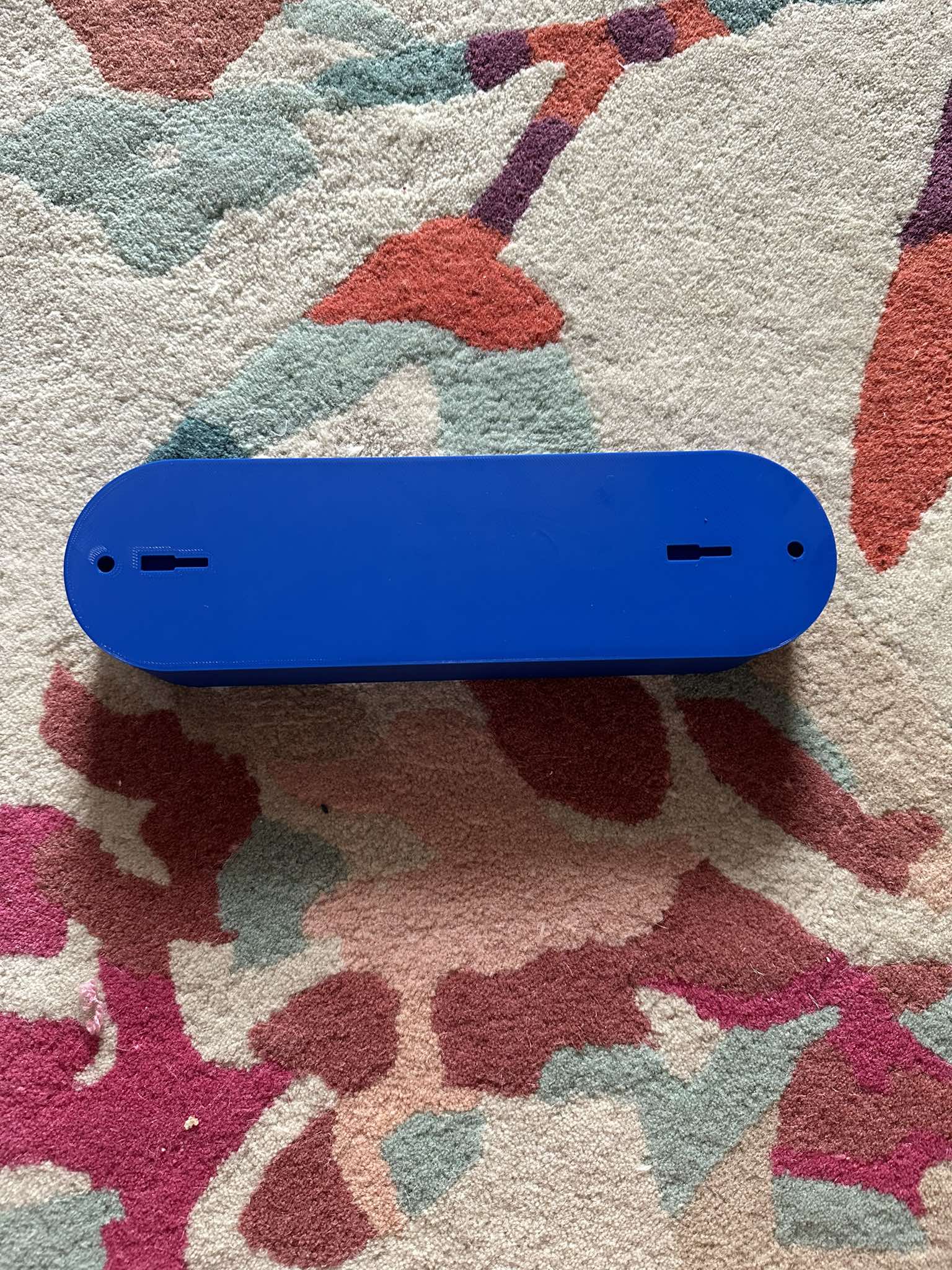
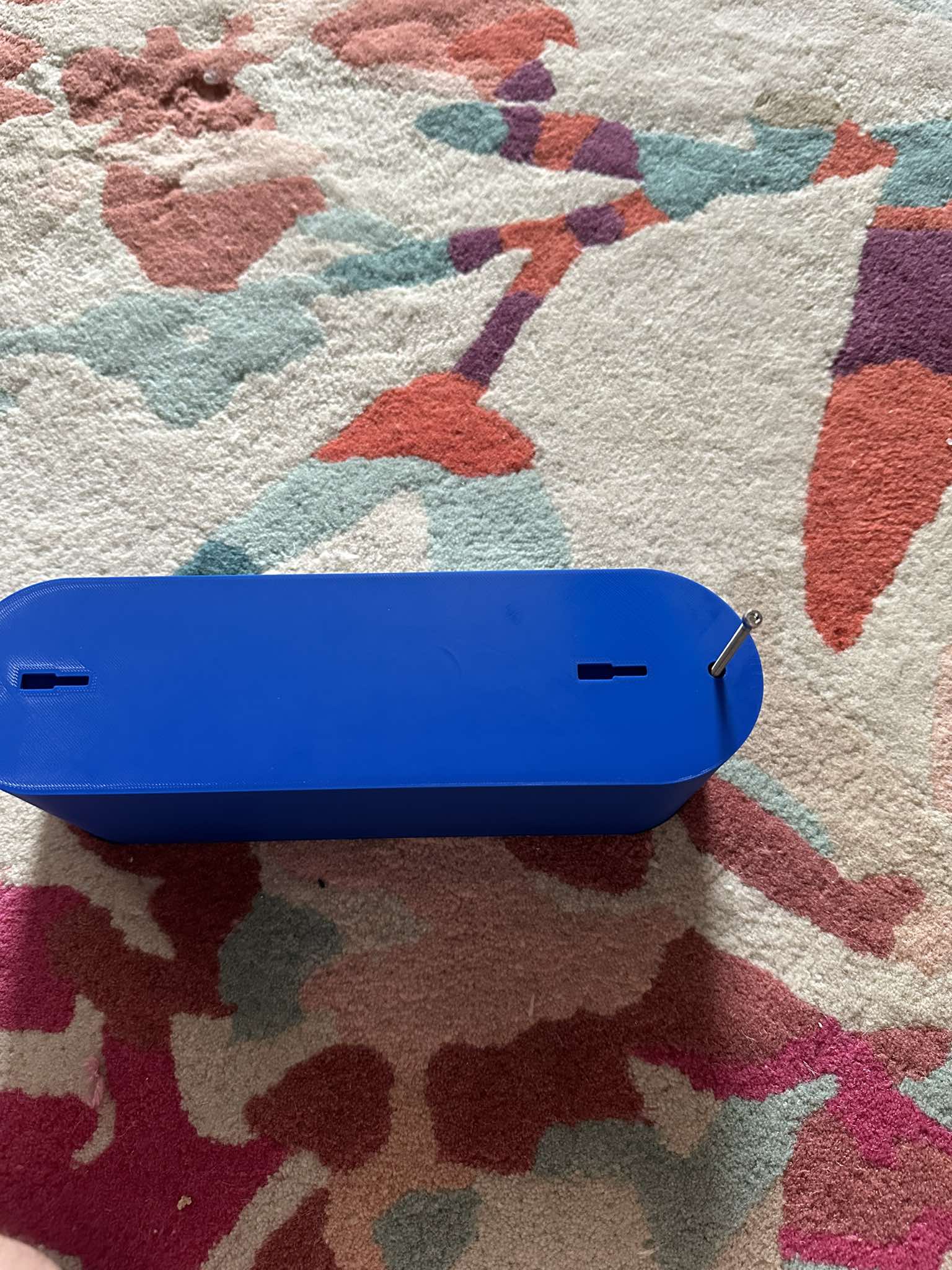
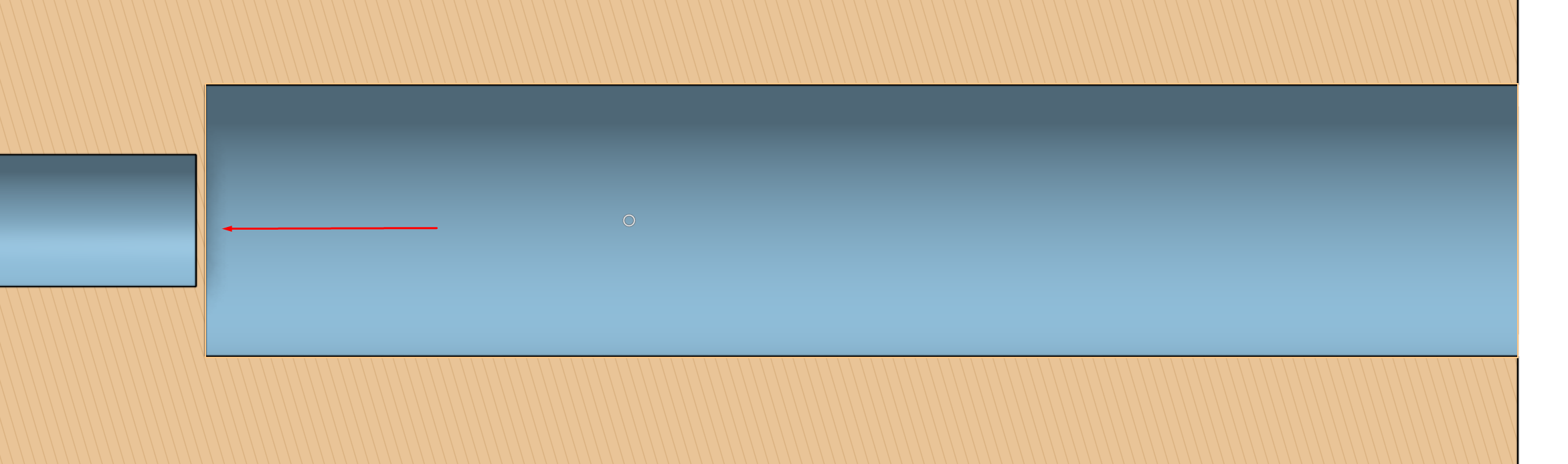
- Flip the left side and insert your shutter
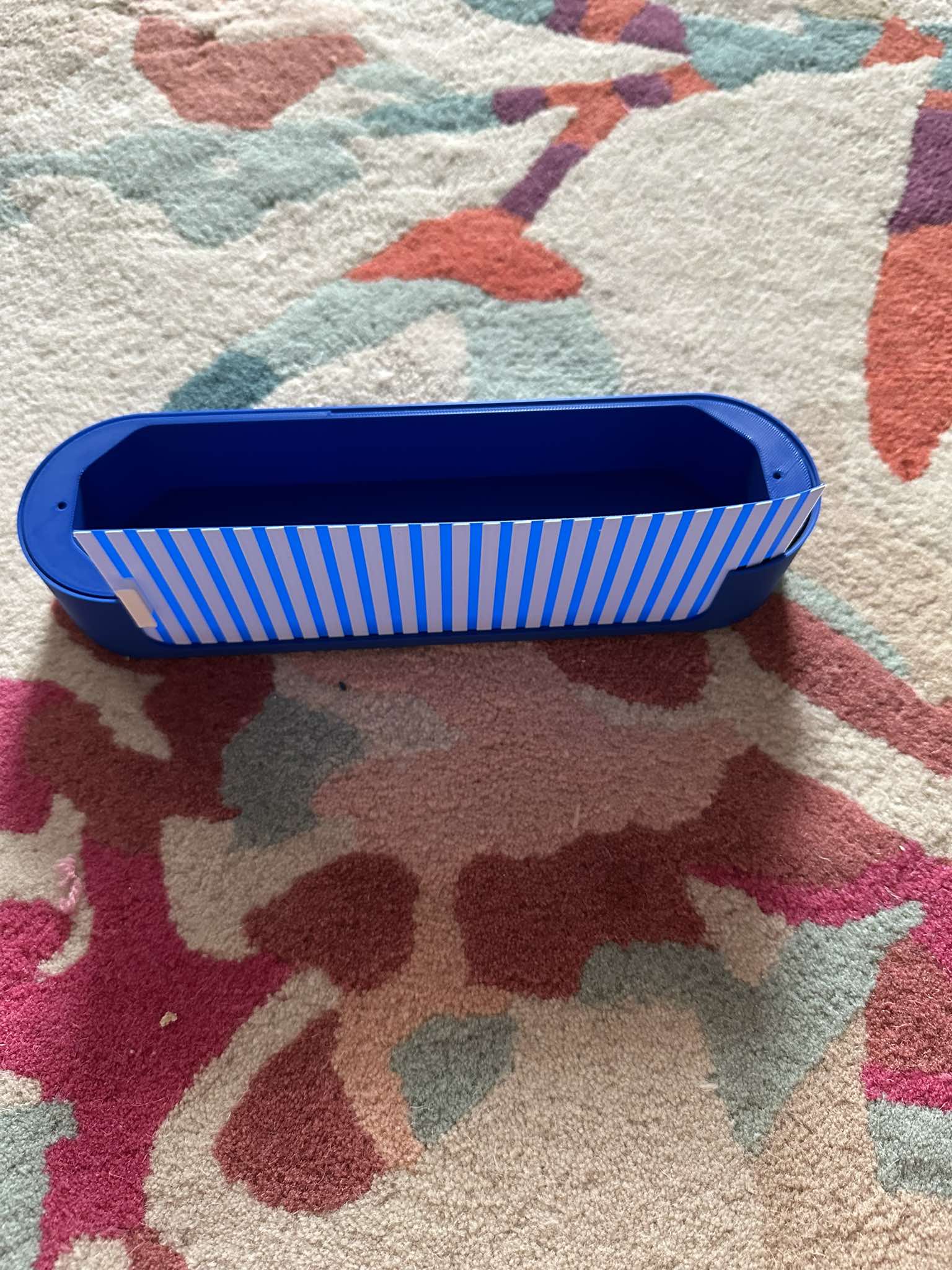
- Locate the right side and place it onto the right side, while making sure the shutter slides into its slot
- Screw in the screws while making sure there is no visible gap between the sides. Do not overtighten them!
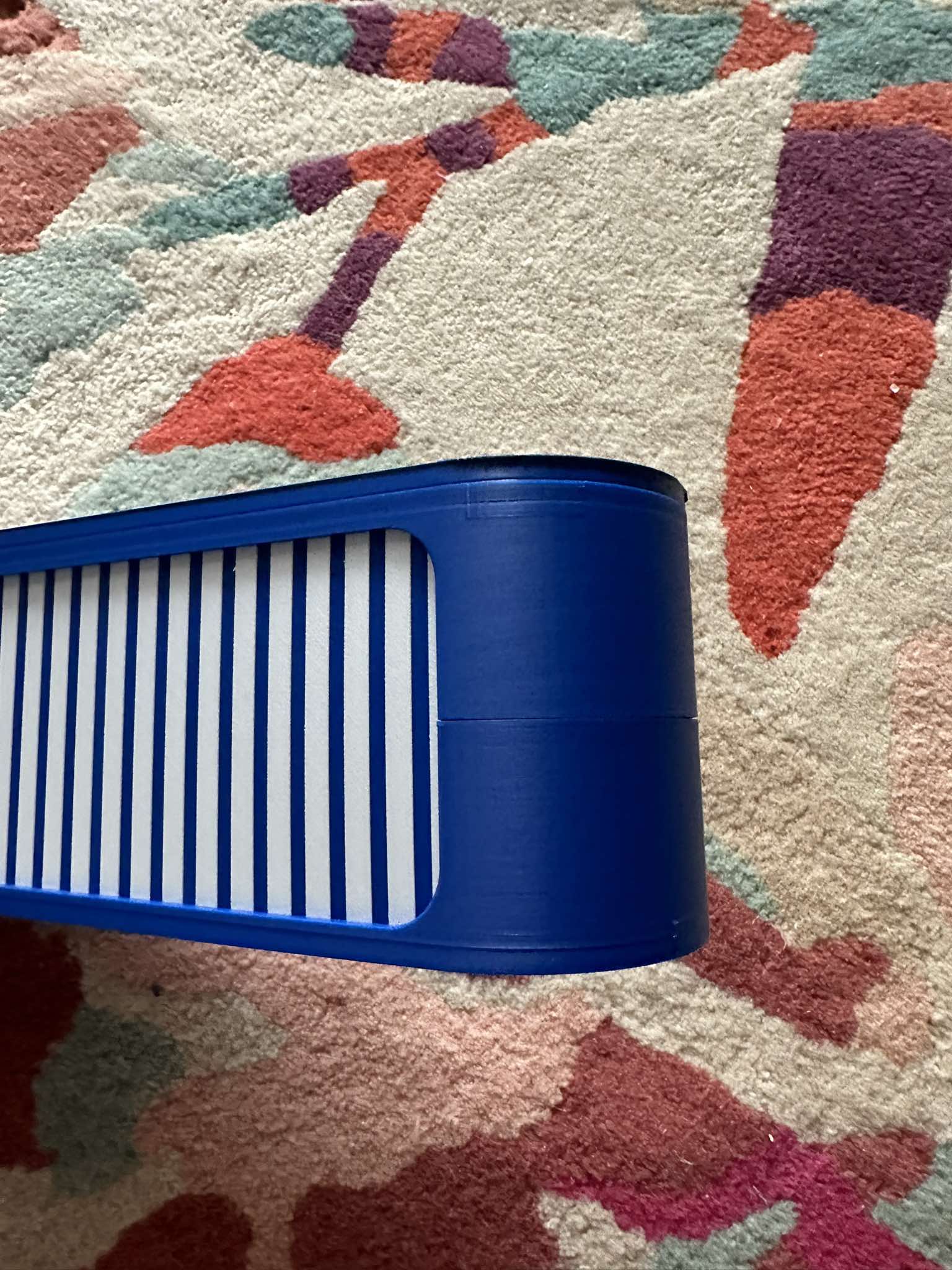
Body is done now!
To attach the sides:
- Choose the desired side of the case and insert the connectors, flat side down, into the bigger rectangular slots
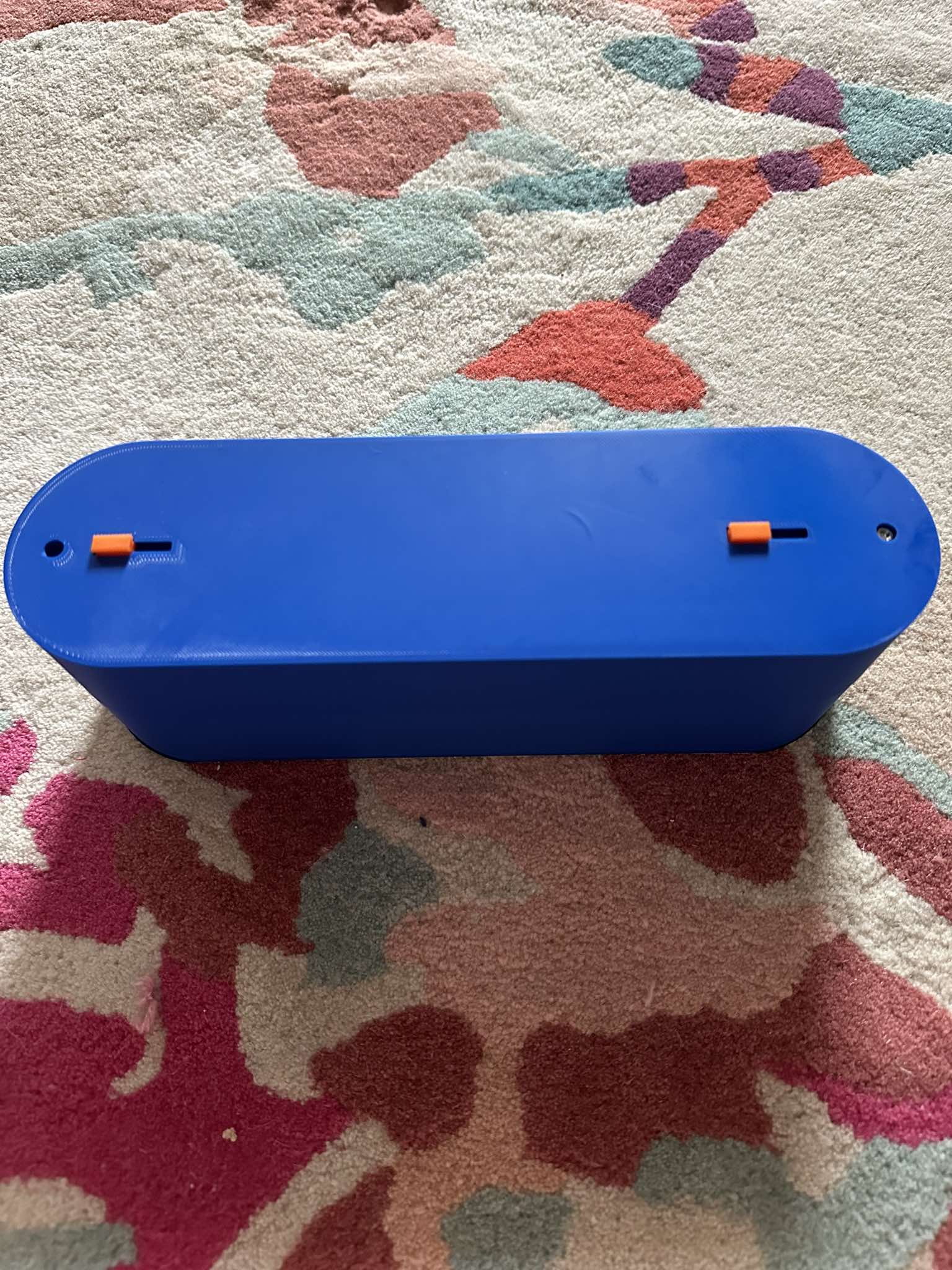
- Take the chosen side panel and place it onto the body, making sure the connectors enter the same holes
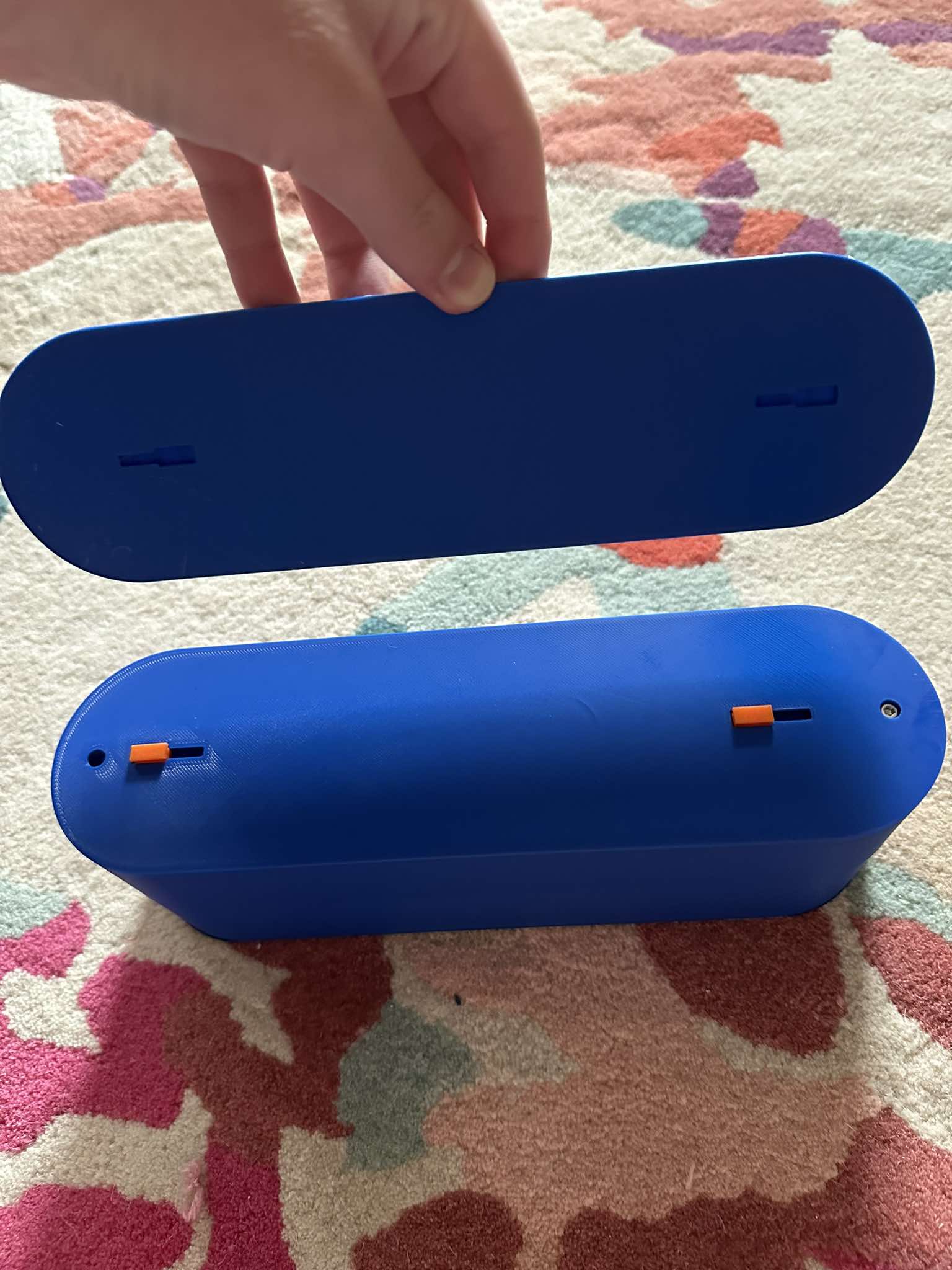
- Push the side panel towards the body to slide it onto it. In this step, you can use a rubber ended hammer to gently slide it on.
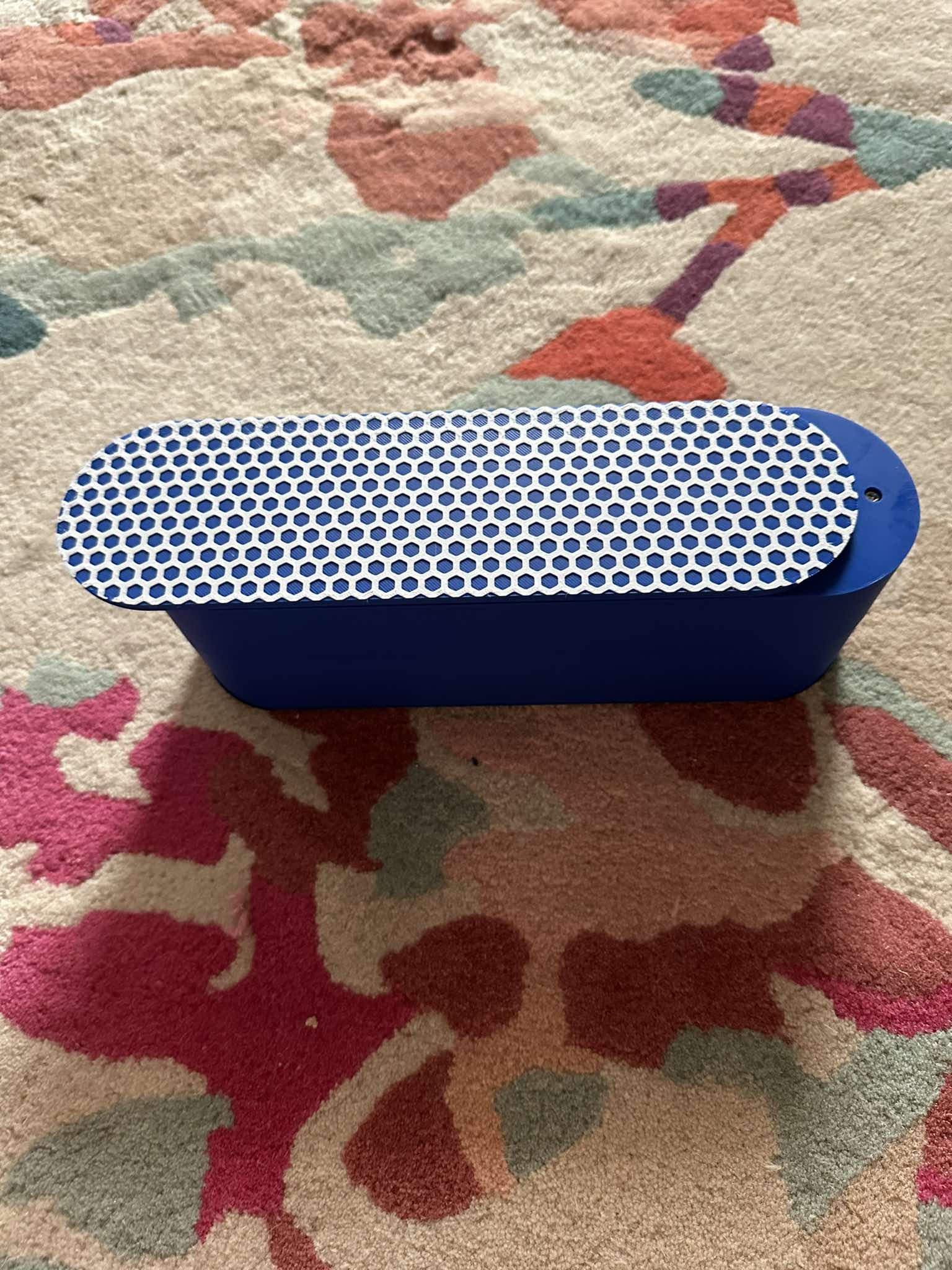
- Repeat for the other side
Very important! Seperating the sides and the body is very finicky and hard to do, I used a flat screwdriver to life the side and proceeded to hit the side of the side with a hammer until it slid off. Choose carefully or attach is somehow else?
To customize the shutter, make sure its height is exactly 0.8mm (the shutter hole is 1mm height, so you can experiment).
You can also customize the sides with a hueforge print, here is a step-by-step guide.
Use the PNG template or the Photoshop file if you have it. Prepare the picture which you want and then mask it onto the shape of the template: if you don't have Photoshop: use which ever method you want; if you do:
- Insert the picture you want into photoshop
- Create a layer mask for your picture
- Open the side template PNG in another document
- Click select > select all
- Then Edit > copy
- Return to original document
- Hold Alt or option on Mac and click the mask picture
- Somehow erase the white: move it or use a brush to paint it black
- Edit > paste
- Click onto the side, so it confirms
- Resize the picture if you can, if not do that before creating a mask (this happened to me, but I think it shouldn't)
- Export as PNG
Now the after you have got a cropped image:
- Open hueforge and import the image
- Once you achieved the desired result, export STL
- Open slicer of your choice and import template STL
- Orient the side so the slots face the bed
- Right click > add part > import and select the hueforge STL
- Use the position tool to set x and y to 0mm and z to 20mm
- Rotate and resize if needed
- Follow the hueforge instructions but add 4mm to every step (change color at 0.56mm > at 4.56mm (you can use at layer x, but it will differ with hueforge settings))
- That's it!
In theory, you could use the same technique to make your own hueforge shutter, but in a drawing program use a rectangle of dimensions 192mm x 69.4mm instead of the template.
I urge you to create your own remixes so it is truly customizable to all people.
Customizable Shutter Pencil Case

Publicado em 26 de ago de 2024