Você está no 3DFinder
Buscamos em Thingiverse, MakerWorld e Printables ao mesmo tempo para te dar o melhor de cada uma.
Descrição
The Ultimate parametric Gridfinty Project collects all necessary parametric parts to generate your own storage solution based on Zack Freedman gridfinity system and openSCAD rebuild.
There are 3 different parametric generators included:
- parametric bin
- parametric cut-off walls bin
- parametric baseplate
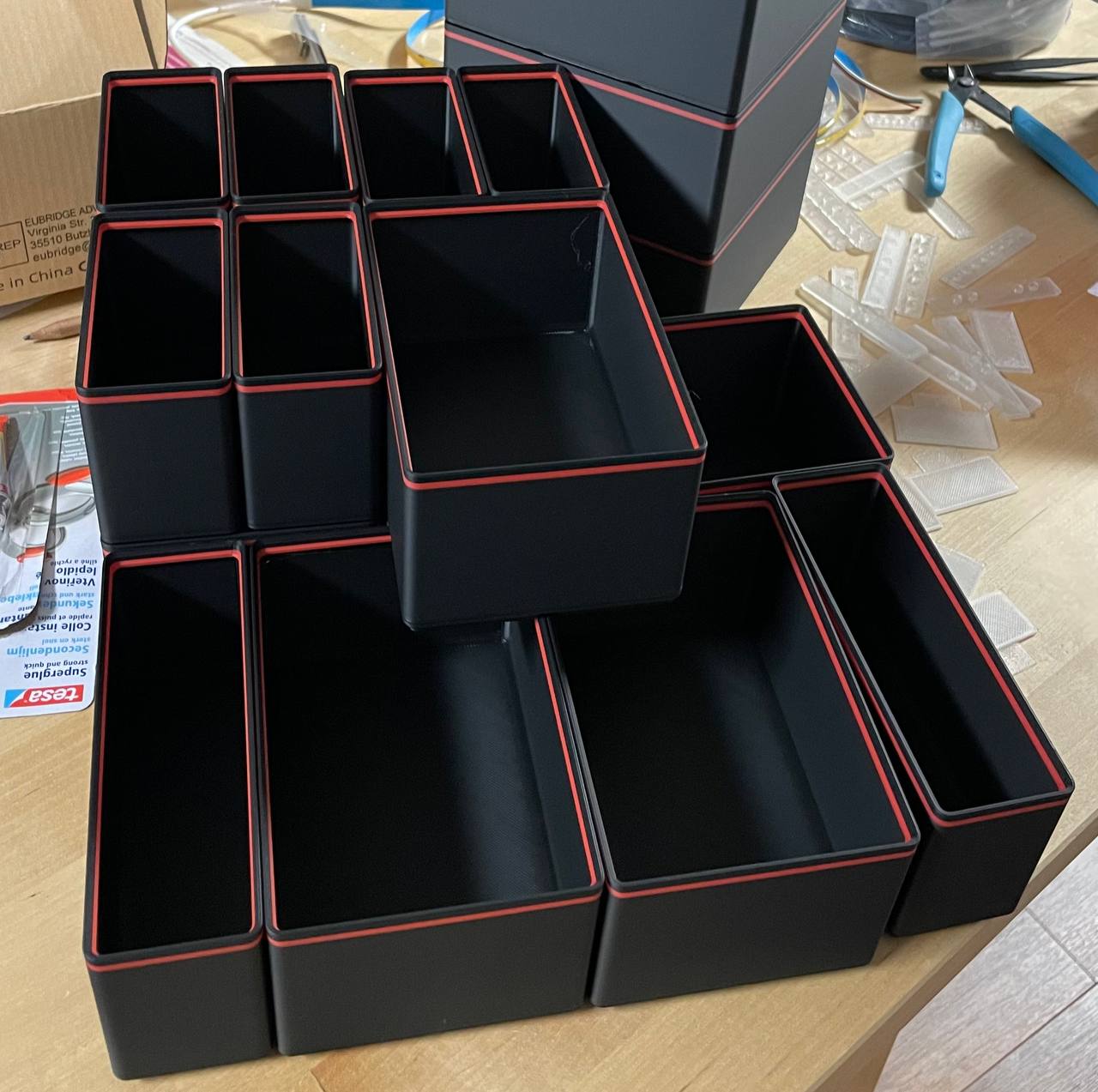
I've also included a profile for printing bins with a color indicator like in the model image. And basic examples.
Additional Tools and Helpers
- Gridfinity Height ruler - slim Edition: Helps you to find the correct bin height.
- Ultimate Gridfinity Bins Collection: You can find a lot of pre-generated bins here.
- Slim Gridfinity Base for Ikea Alex: Perfectly fitting grid for Ikea Alex Drawer
parametric bin
With this you can generate any bin you want. Even if it is to big for your printer! The biggest bin you can print on an X1C is 6x5.
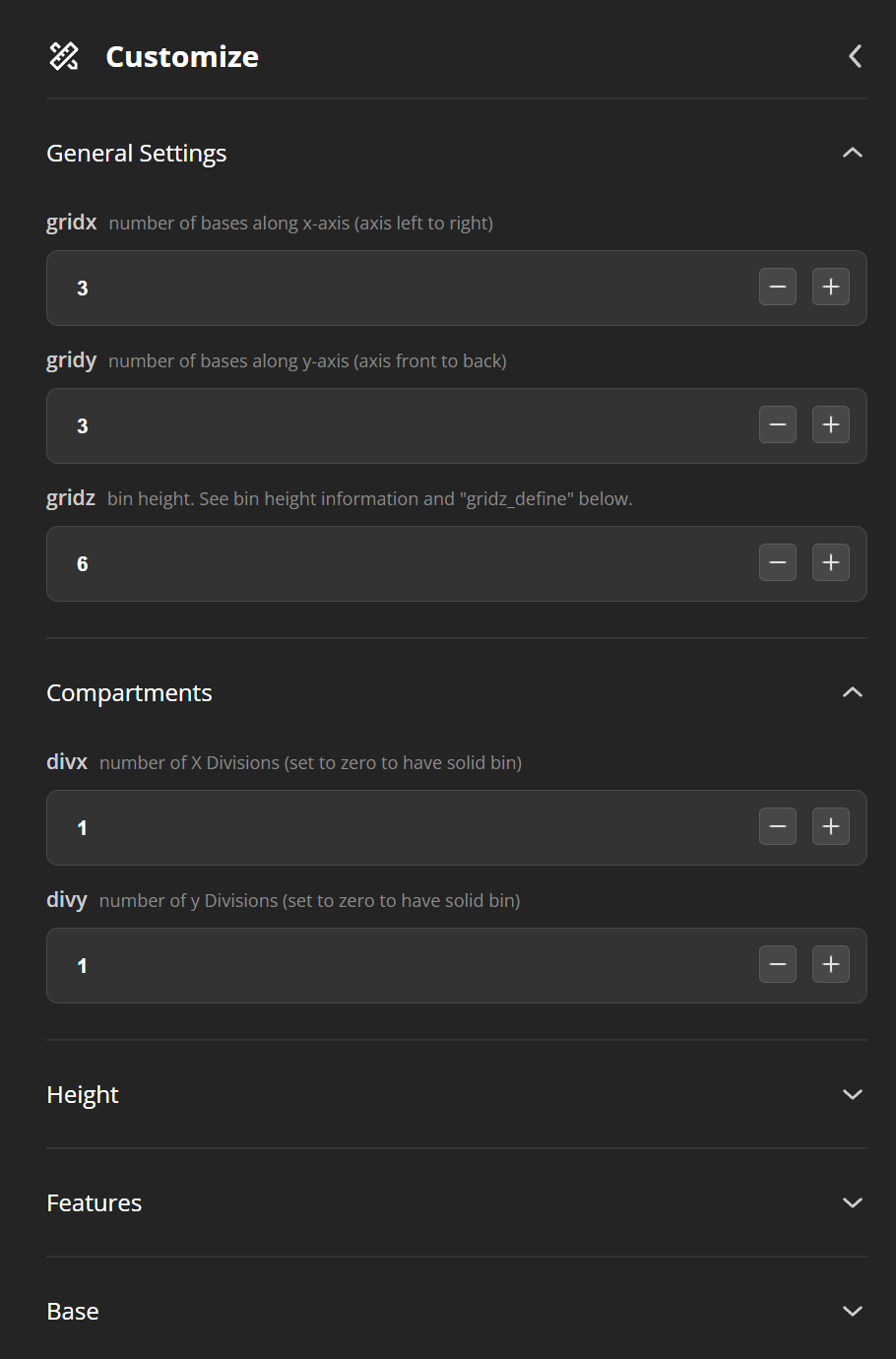 |  |  |
General Setting: Here you can set the main part of the bin. X and Y axis should be easy to determine (x times 42mm) 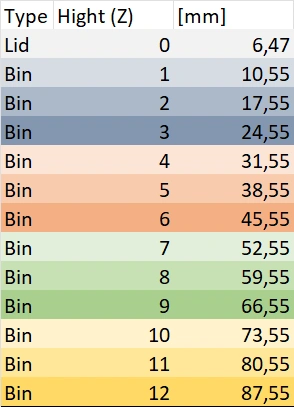
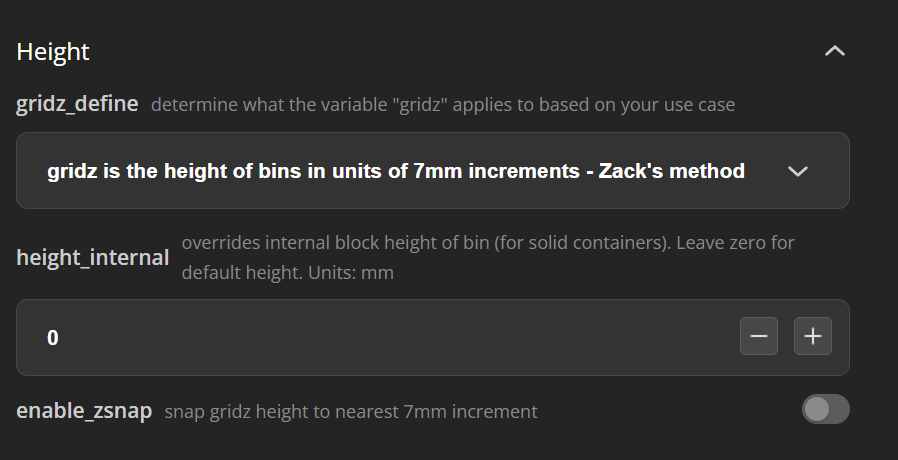
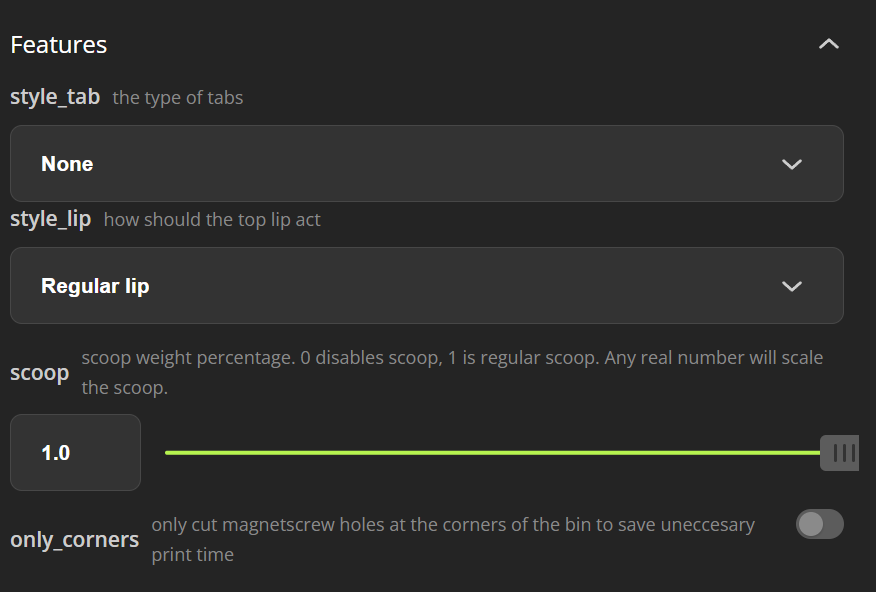
With compartments you can divide the bin it self. | Height (Advanced Setting) Here you can change how the final height is determined. Don't change it if you are not sure what is does ;) | Features 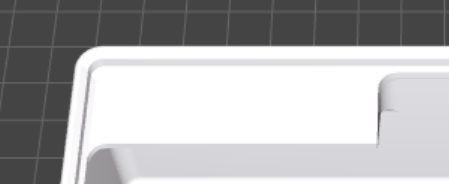 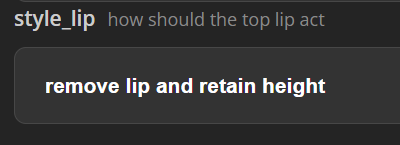 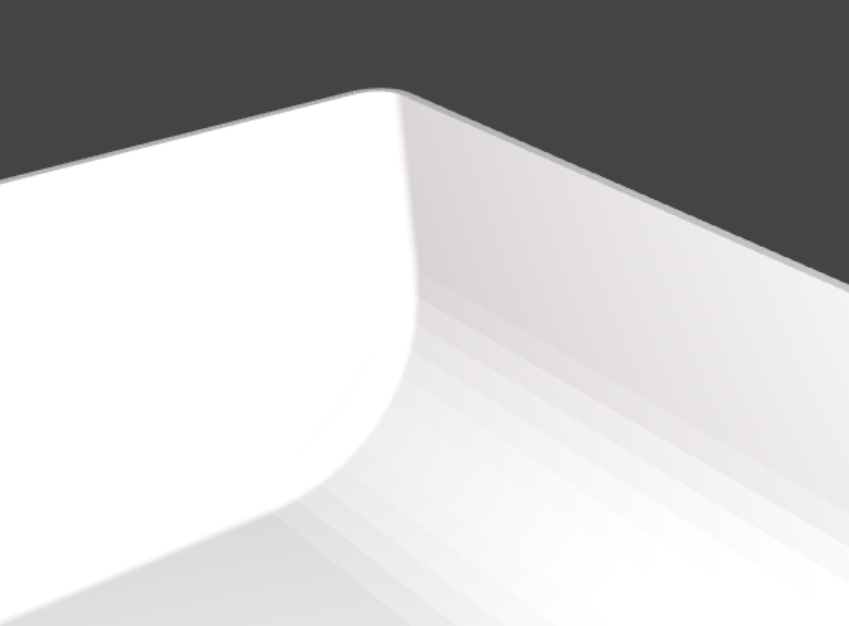 |
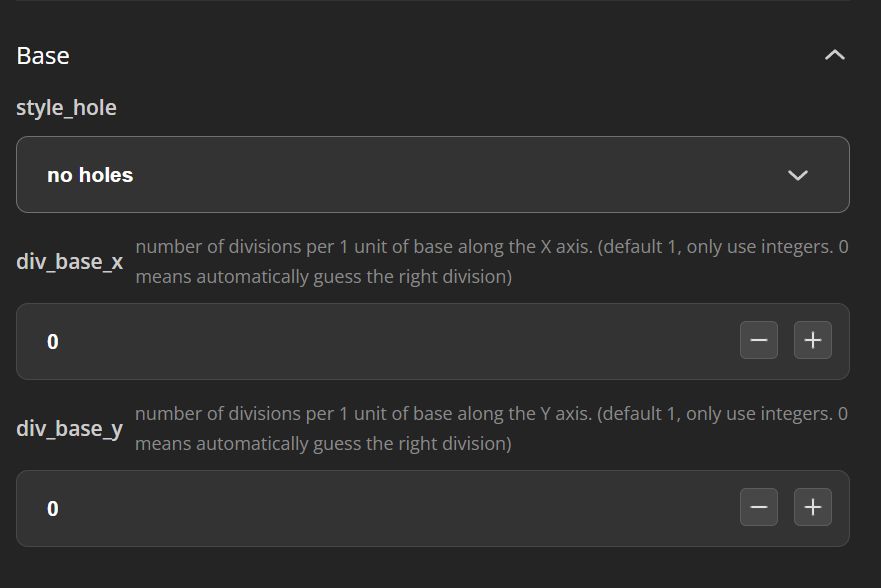 | ||
Here you can set up how the base is generated. Default setting is without magnets. in most cases you don't need them. 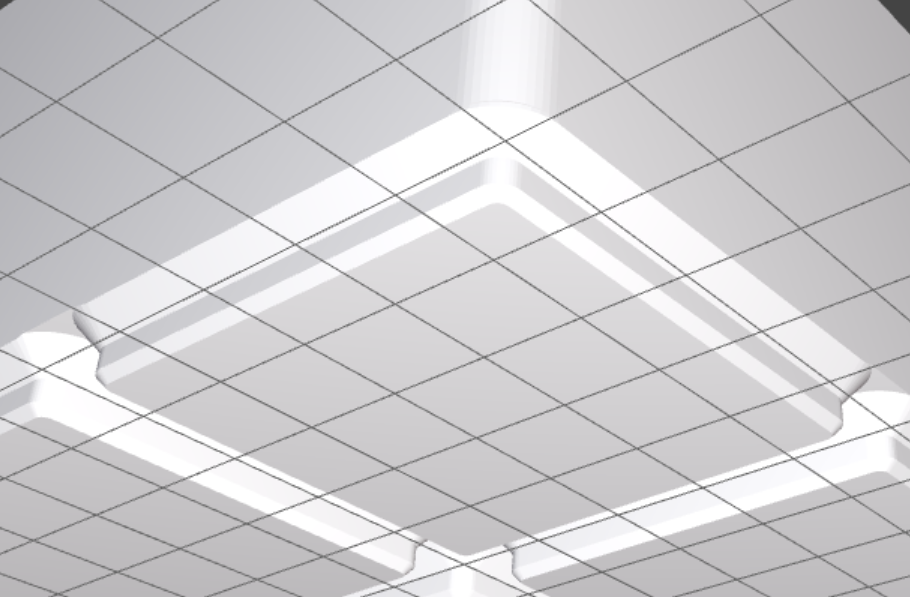 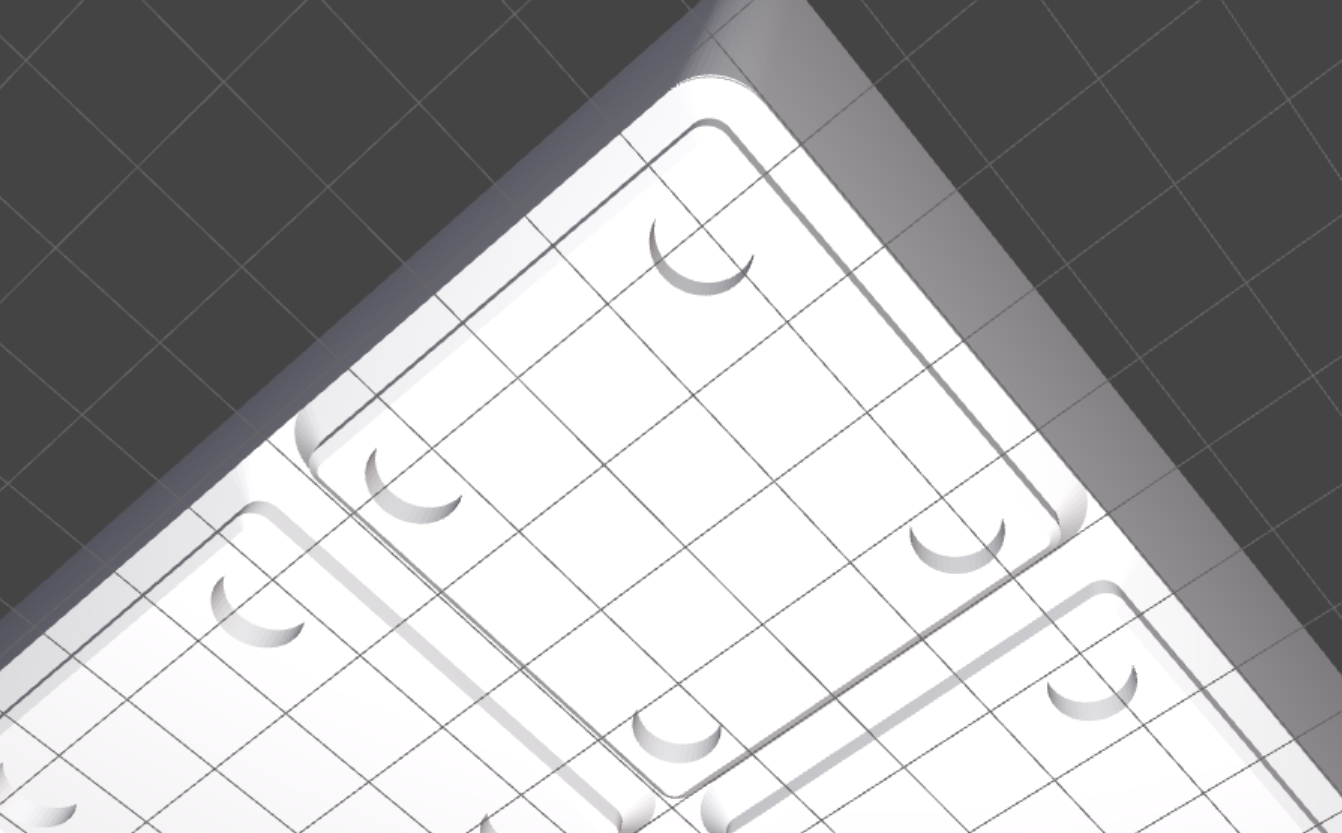 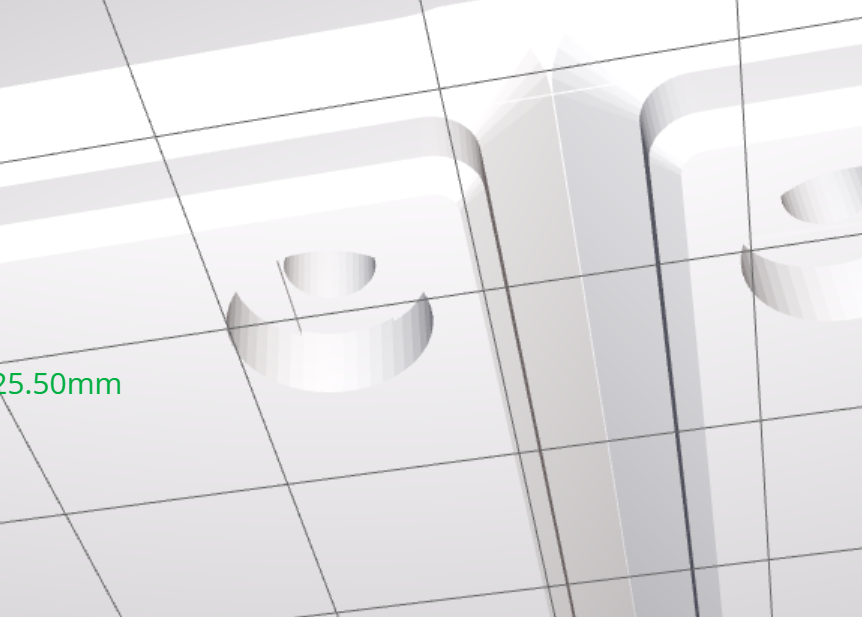 |
parametric cut-off walls bin
If you need larger bins use this script. This has an additional setting to remove walls!
Most settings from the regular bin are also included
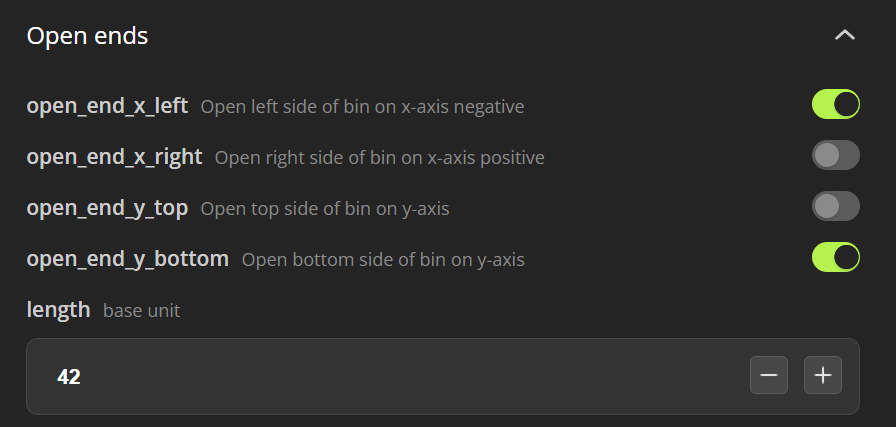
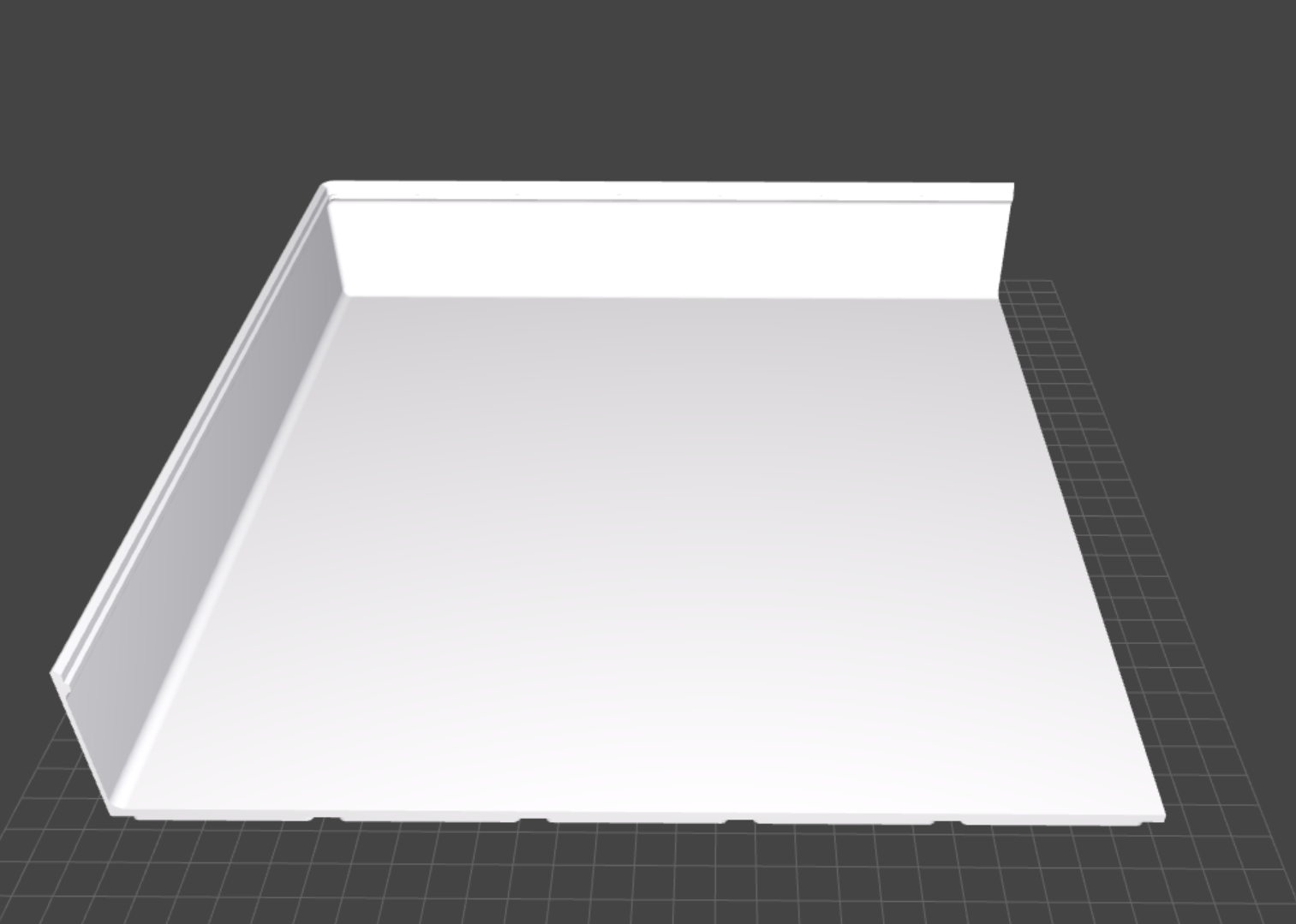
print it 4 times and you can create a 10x10 bin with it
parametric baseplate
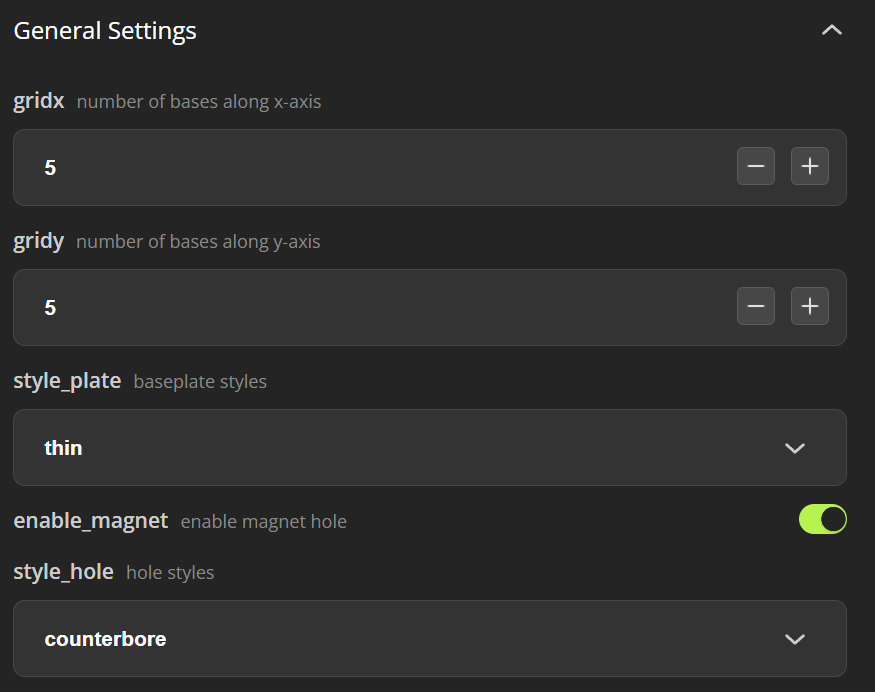 | 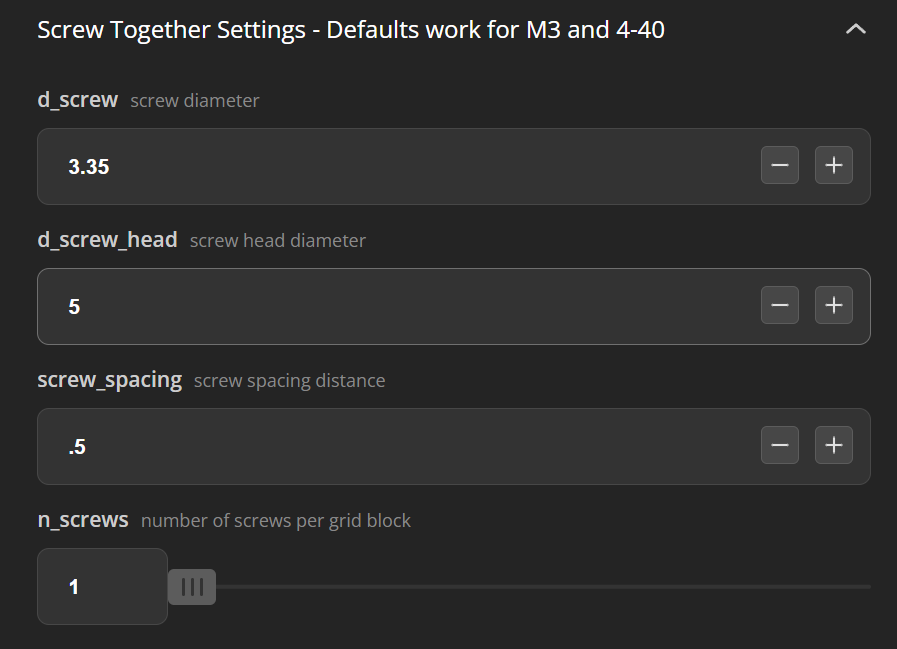 |
choose your grid size. (remember you can only print 6x5 on an X1C) choose a style: 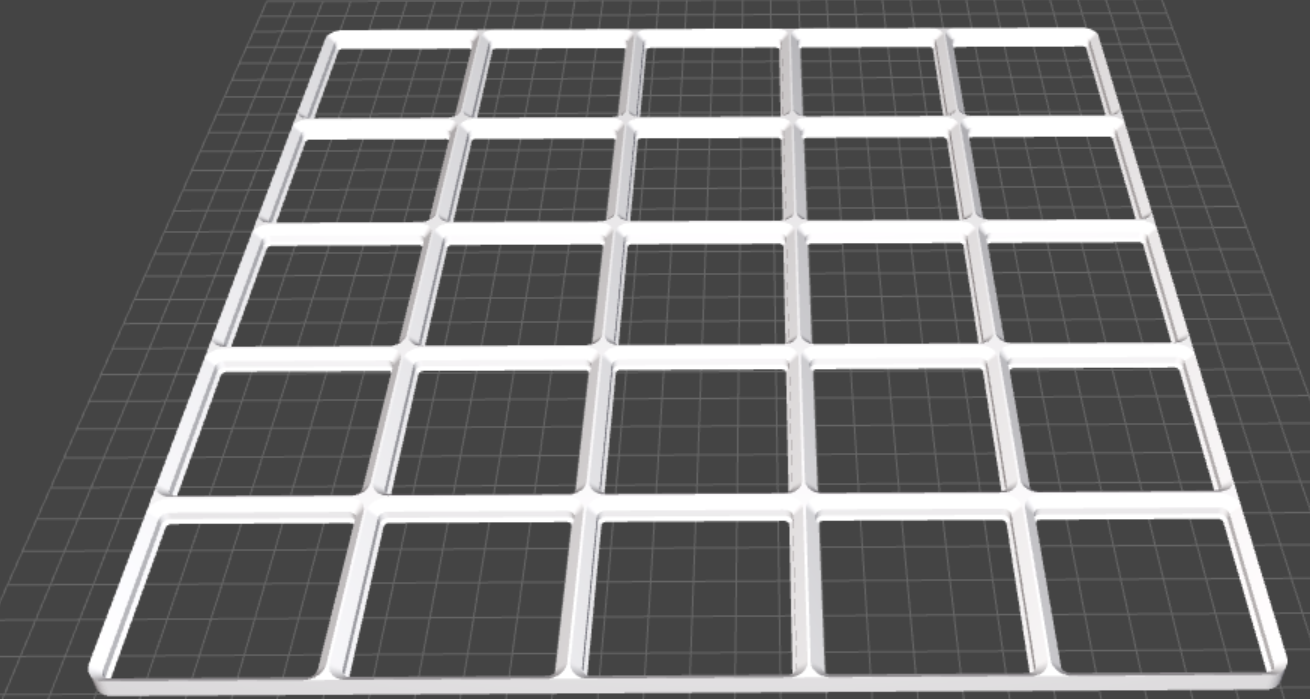 good for drawers, safes space 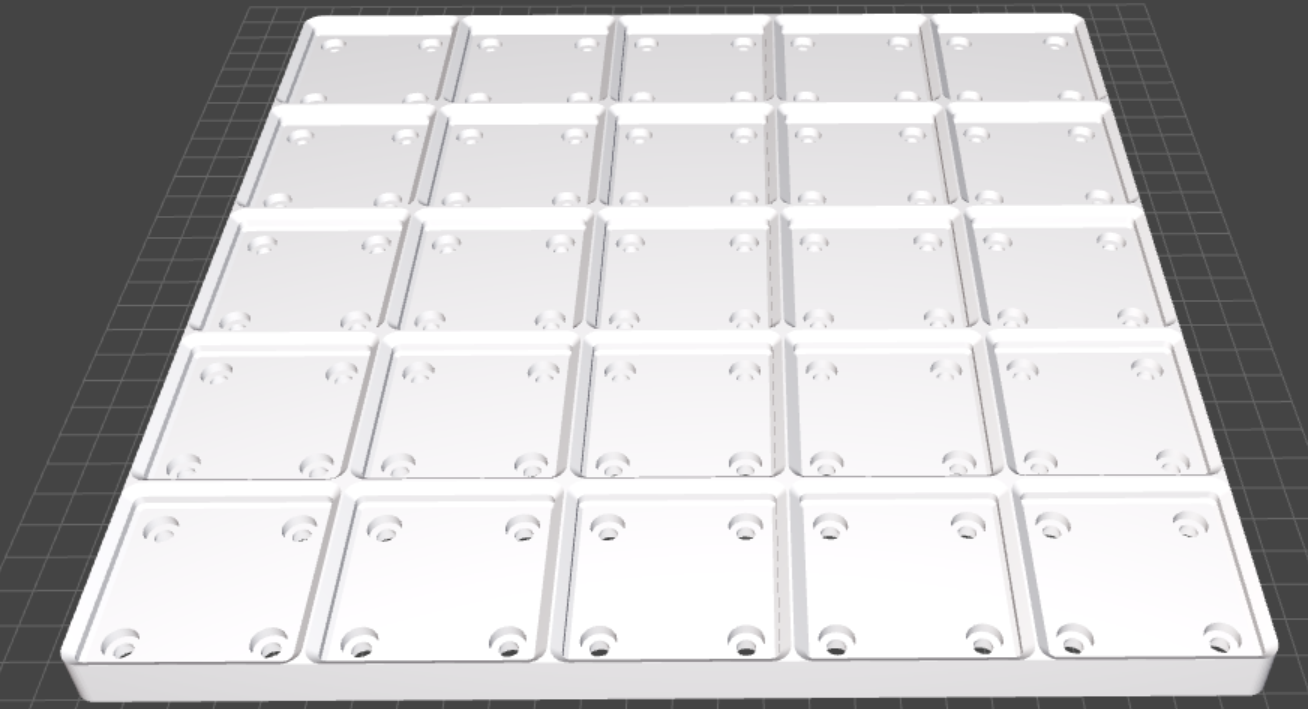 especially with magnet bins, you should use a weighted base. on the backside you can add metal plates to increase the weight 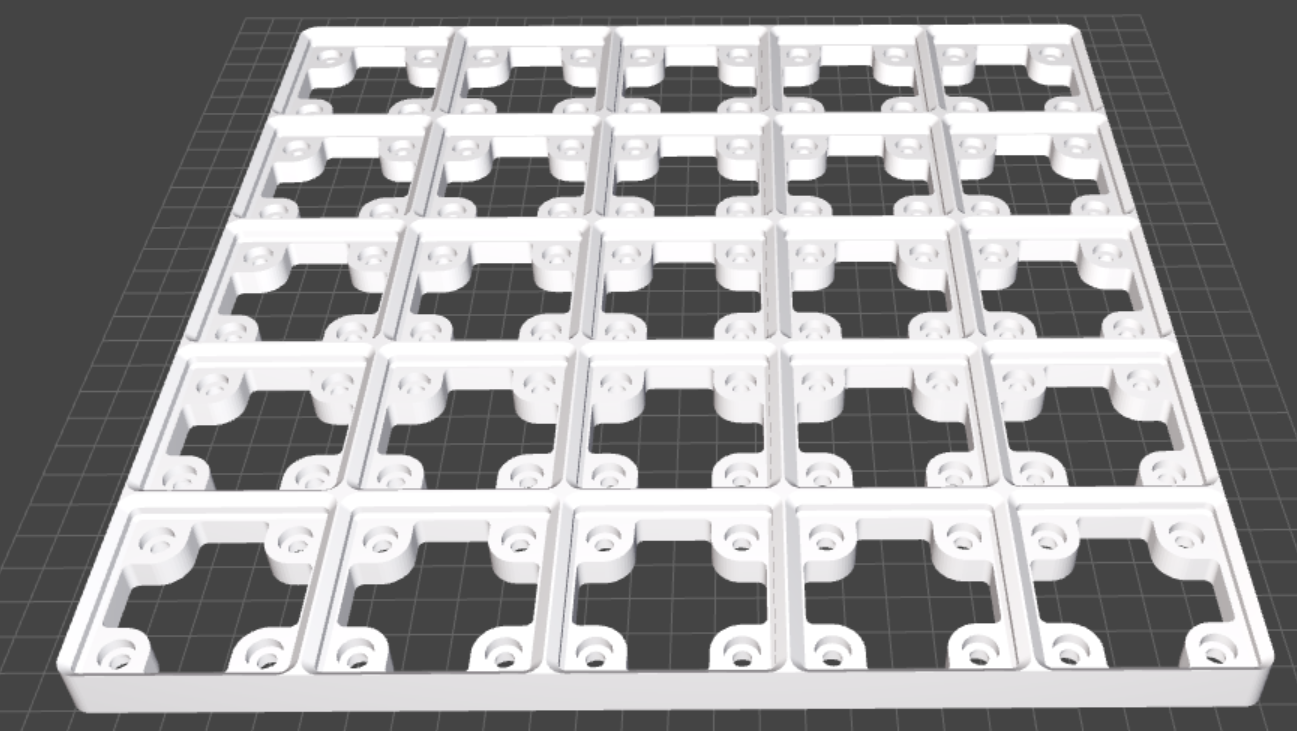 good for partial grids, where you don't need extra weight to keep it in place. 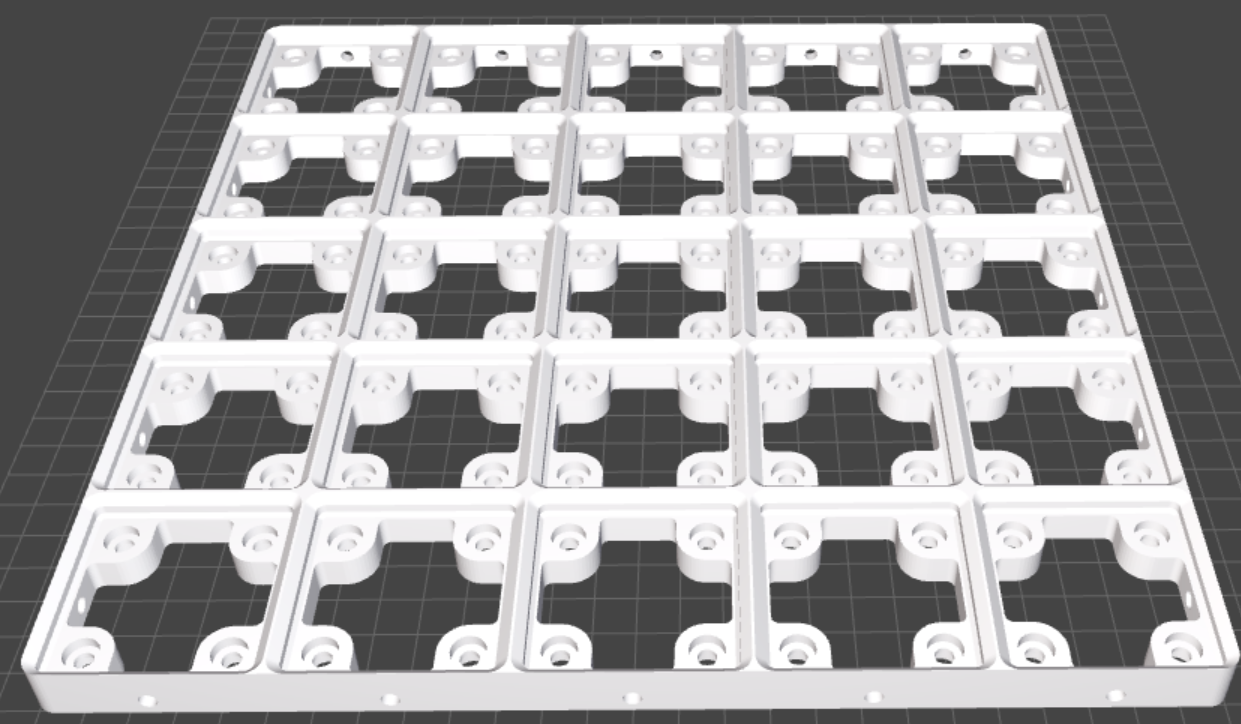 like skeletonized but with the addition of screw holes to connect multiple girds together you can change the parameters in the next section 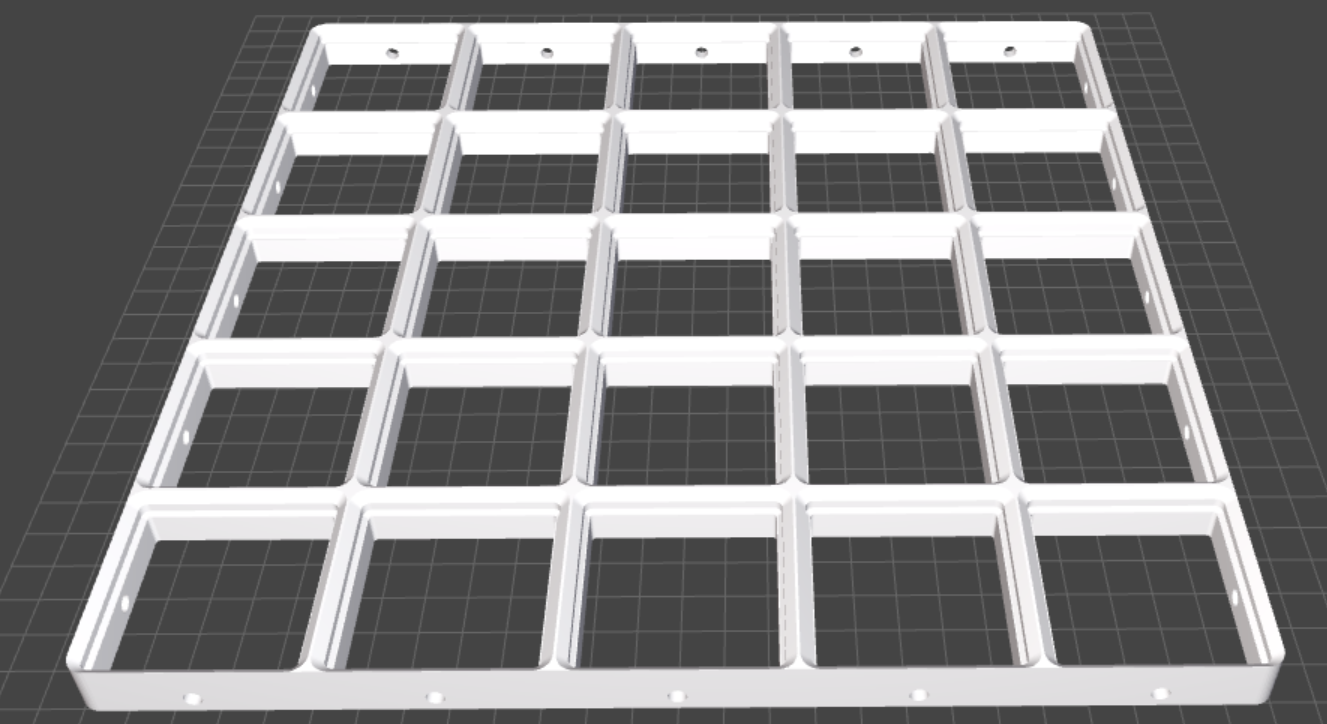 If you don't need magnets and want to connect multiple bins together, use this option | here you can change the parameters for the screw together options |
How to use the the colored print profile
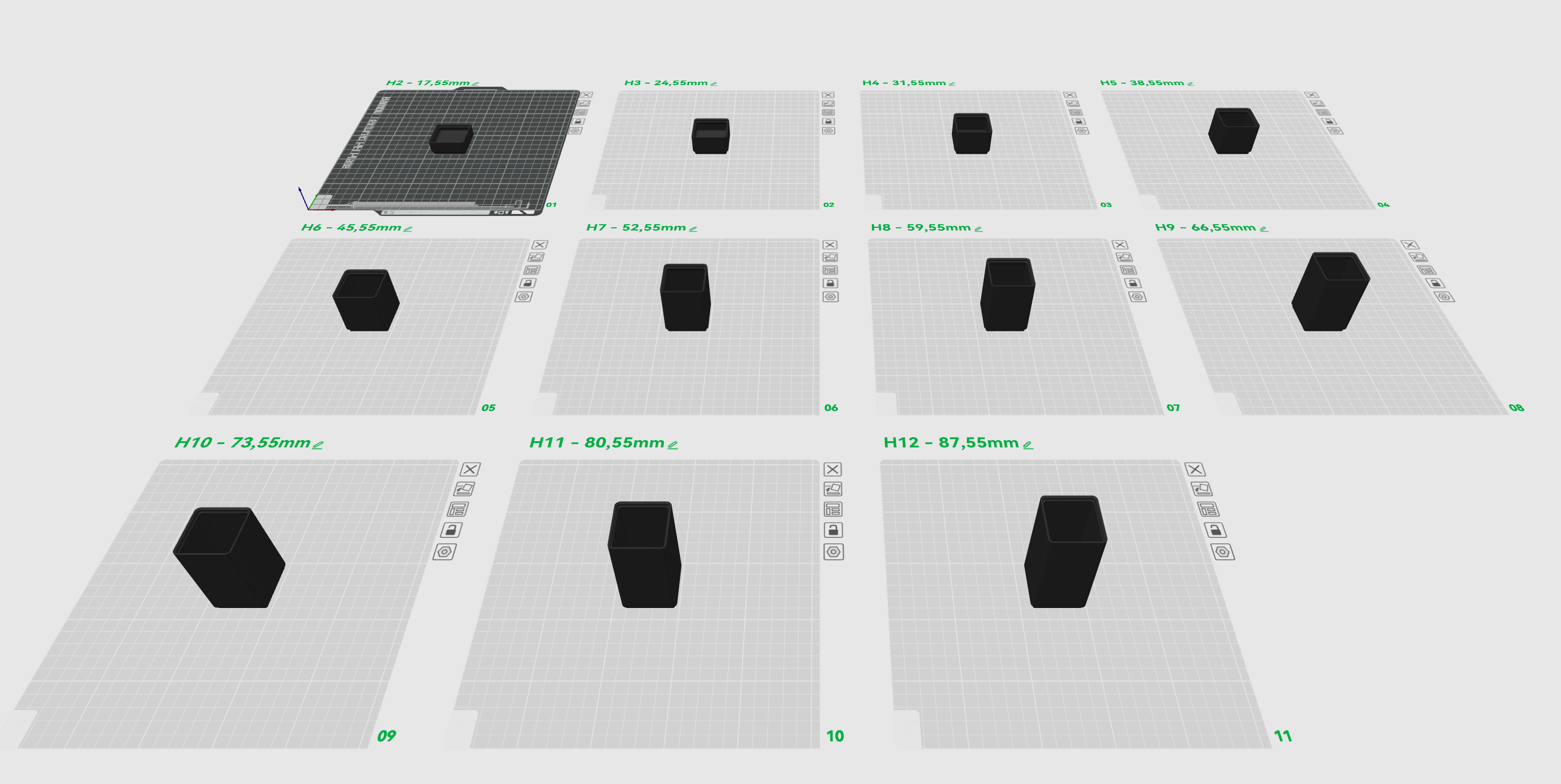
I've included an print profile with a colored part to indicate the max fill height. This is done by setting up an color change in the preview.
With a regular 0.2mm layer height you can do it with your profile.
| box | Layer | 1. switch | 2. switch |
| z2 | 88 | 63 | 73 |
| z3 | 123 | 98 | 108 |
| z4 | 158 | 133 | 143 |
| z5 | 193 | 168 | 178 |
| z6 | 228 | 203 | 213 |
| z7 | 263 | 238 | 248 |
| z8 | 298 | 273 | 283 |
| z9 | 333 | 308 | 318 |
| z10 | 368 | 343 | 353 |
| z11 | 403 | 378 | 388 |
| z12 | 438 | 413 | 423 |
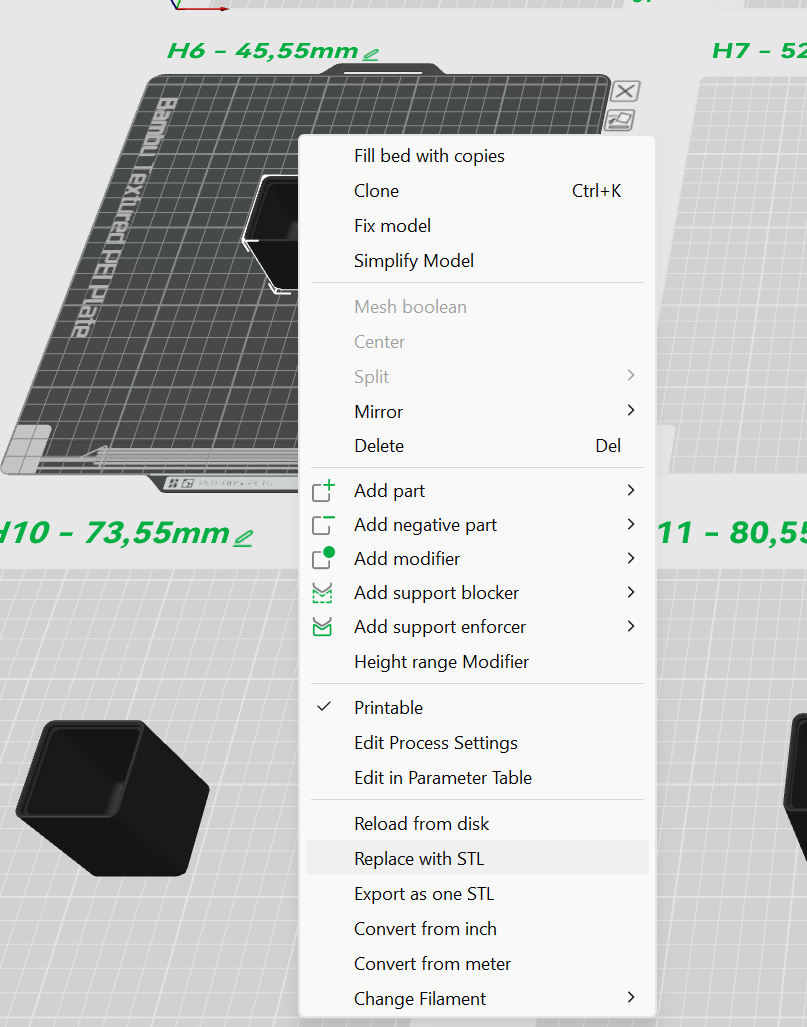 | 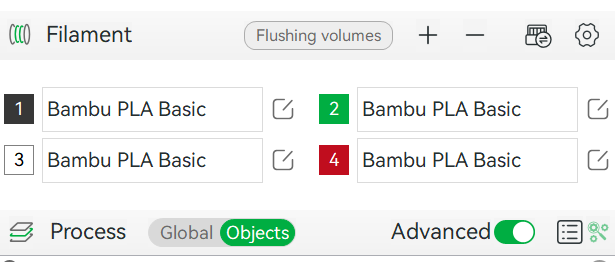 |
Step 1 Choose the correct plate and right click on the bin. Use “Replace wiht STL” | Step 2 If necessary, change the Filament Profile no 4 to the one you are using. |
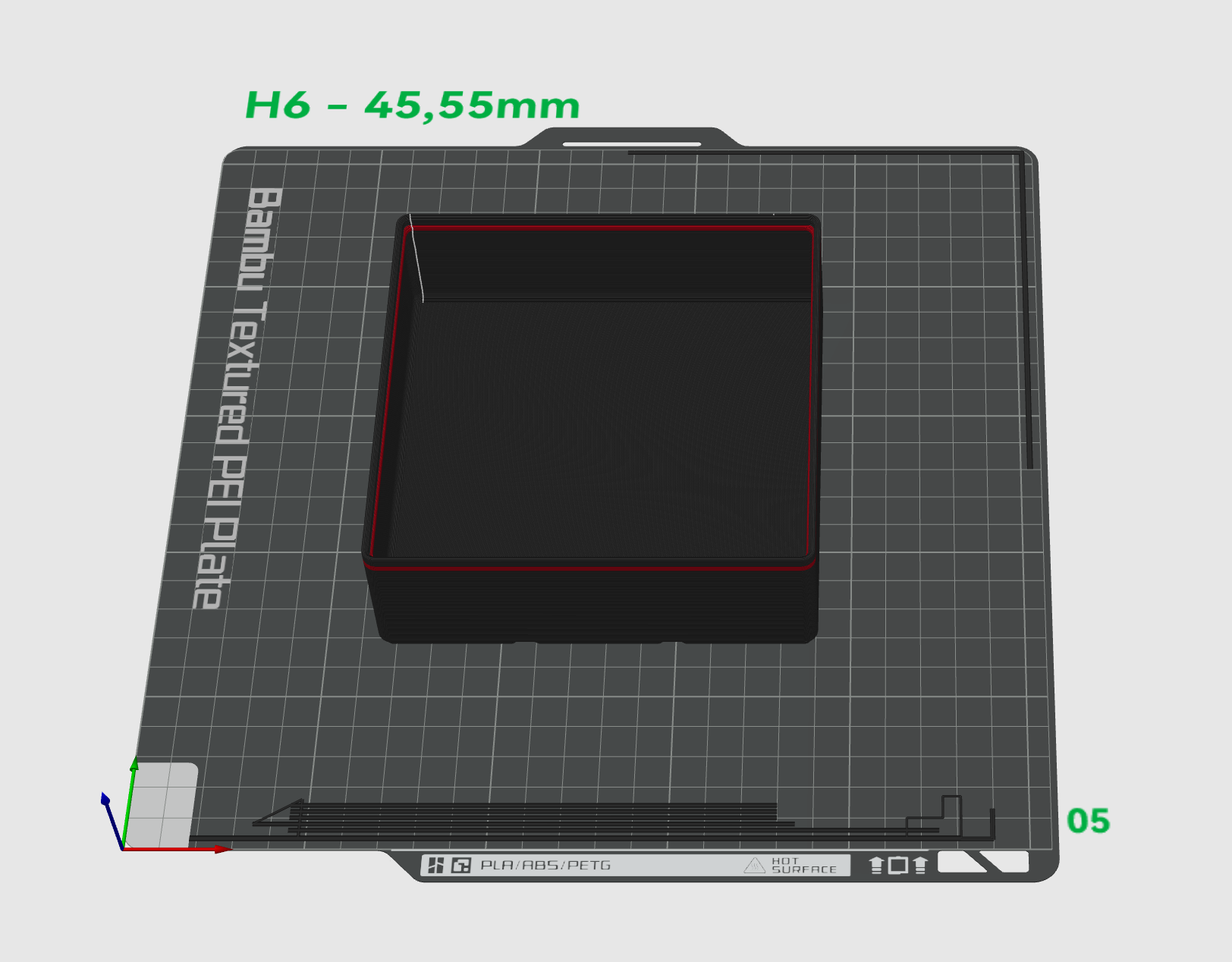 |  |
Step 3 Switch to preview an you should see the colored part. | Step 4 have fun with it |
AIO parametric Gridfinty Project
Publicado em 27 de mai de 2024
Gostou deste modelo? Crie uma conta grátis para salvar seus favoritos e voltar a eles depois.
Criar conta