Você está no 3DFinder
Buscamos em Thingiverse, MakerWorld e Printables ao mesmo tempo para te dar o melhor de cada uma.
Descrição
The F3d file dowload had to be turned off tempararily because MakerWorld's parametric model configurator made it appear as public domain when turned on and a user tried to exploit this loophole to claim he could freely sell the model online.
F3d files can fe found here :
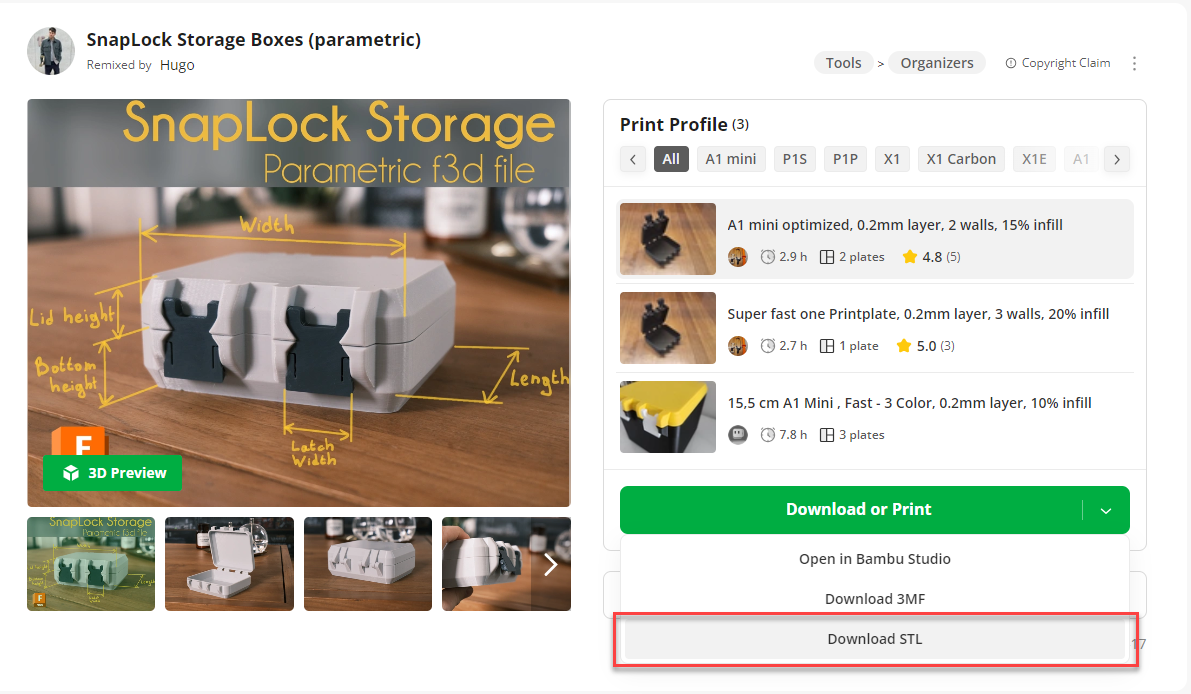
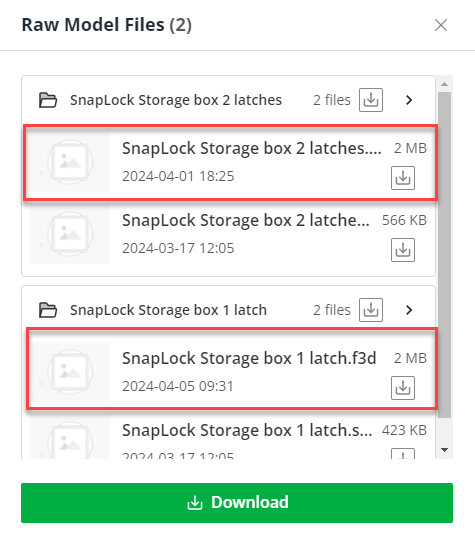
I revamped the SnapLock storage boxes, transforming them into parametric Fusion 360 files. Additionally, I integrated a gasket for improved alignment between the two sides, and implemented a poka yoke mechanism to prevent incorrect mounting of the latches.
With the original model, I was surprised to notice that many people tend to assemble the latch backward, resulting in difficulty when opening it. In this new model, I've incorporated a small bump to prevent backward mounting entirely.
Disclaimer :
This is my first model using Fusion 360, I usually use Solidworks. Please be understanding if there are any mistakes in the model. Additionally, I have not set specific limits on the parameters but have provided minimum values in the comments. Should you attempt to go below these minimum values, the model may fail to reconstruct correctly, and I recommend restarting from the initial file.
Filaments used in the pictures : Link
- FormFutura Refill PETG Light Grey
- FormFutura Refill PETG Iron Grey
Size :
I have created two versions: a single-latch variant for smaller boxes and a dual-latch variant for larger ones.
Furthermore, I have shared the STEP files for both models.
How to modify the box :
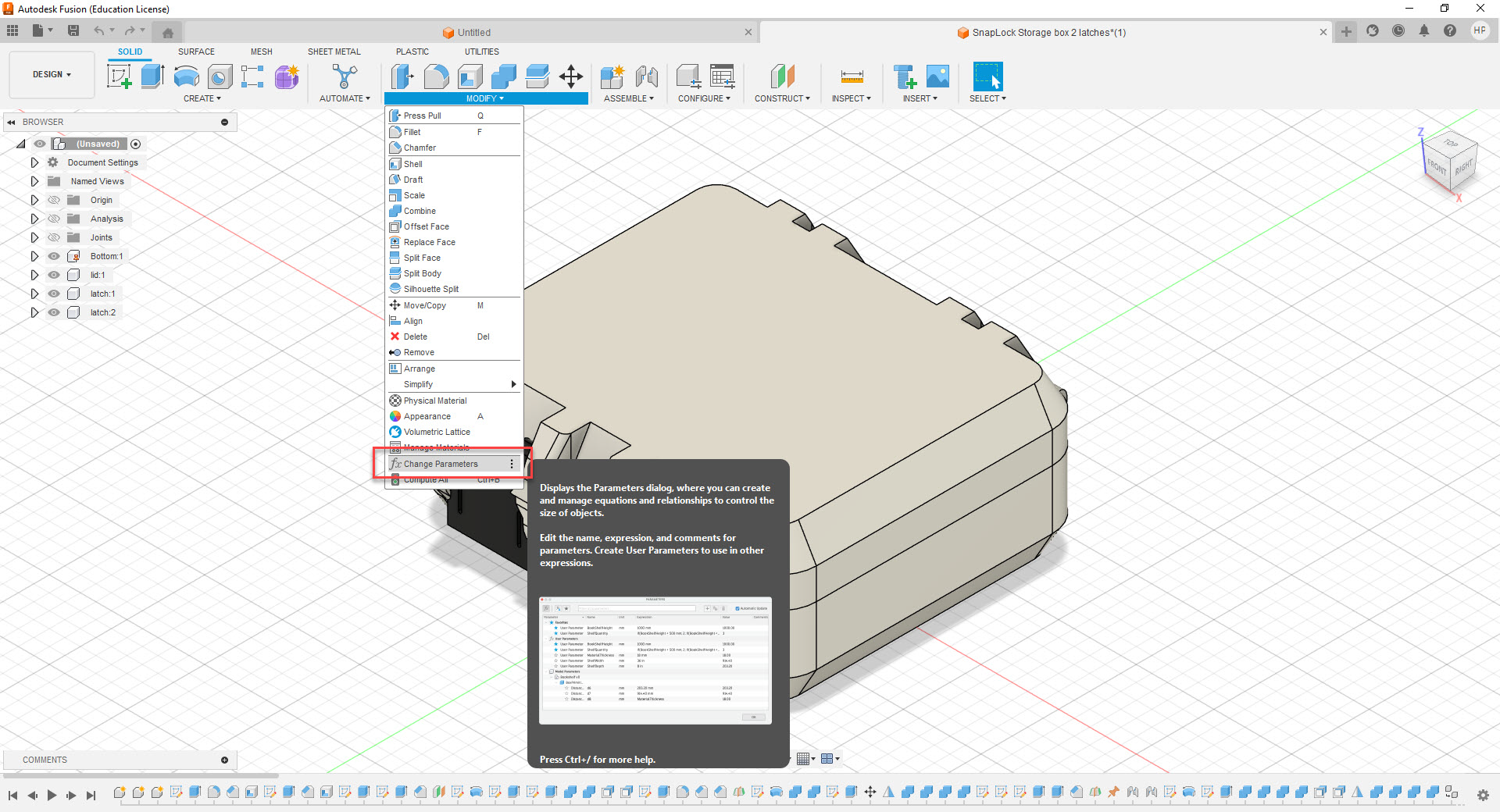
- You need to have Fusion 360 downloaded
Open one of the files and in the “MODIFY” menu choose “Change Parameters” as shown :
A window pops up and you can modify the parameters in the “Favorites” section :
I added the minimum value for each parameter before the model breaks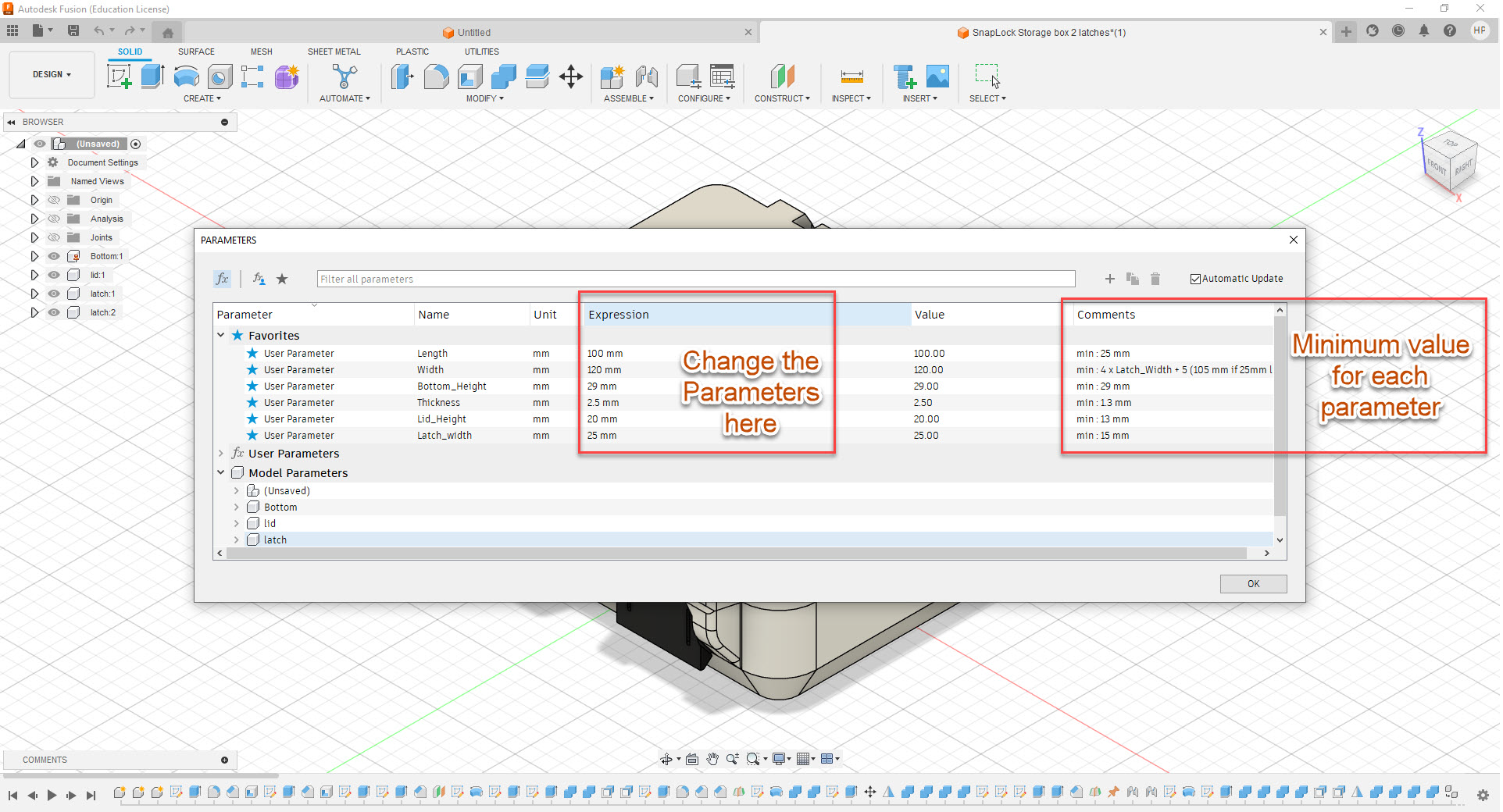
- Export, print and enjoy !
SnapLock Storage Boxes (parametric)

Publicado em 17 de mar de 2024