Você está no 3DFinder
Buscamos em Thingiverse, MakerWorld e Printables ao mesmo tempo para te dar o melhor de cada uma.
Descrição
Counting Koozie – The Koozie That Keeps Count 🍻
Never lose track of your drinks again! The Counting Koozie is a fully 3D printed can holder with a built-in mechanical drink counter. Every time you push your can into the koozie, the counter advances by one. When you're ready for the next drink, simply release it and you're set to count again.
Whether you're at the cottage, camping, tailgating, BBQs, bachelor parties, or just hanging out with friends, it's a fun conversation starter that's guaranteed to get people asking where you got it.
Best of all, it's easy to personalize. Add your name, a funny quote, your favorite team, company logo, or create custom versions for events and gifts.
Note: Thanks to everyone who have liked, collected, downloaded, printed, boosted or shared pictures / comments! Being new to 3d printing and designing, its cool to see people enjoy something that ive desgined / created! I appreciate any feedback / suggestions that you might have as im now starting to make the koozie in different sizes and could incorporate some changes!
Features
- 🍺 Built-in mechanical drink counter
- 🖨️ 100% fully 3D printed – no springs, magnets, electronics, or additional hardware
- 🎨 Easy to customize with names, logos, or funny sayings
- 🥤 Fits standard 12 oz (355 mL) cans
- 🎉 Perfect for parties, camping, tailgates, BBQs, bachelor/bachelorette parties, and the cottage
- 🎁 Makes a unique gift that's both practical and entertaining
Customize
Designed to be customizable, make some changes to make your Counting Koozie personal and unique!
Some ideas--
- Change colors, add rings by using layer height in paint
- Change text on Koozie to something that fits your personality
- Change numbers to fit your koozies theme
- use different levels of fuzzy skin on outside of sleeve (use paint fuzzy skin (Koozie is designed to make applying the texture easy by having tiny cut outs that wont print but will cut off texture for the top and bottom rings)
- Use the excellent bump mesh by CNC Kitchen to add diferent texture to the koozie . (In BumpMesh change projection to cylindrical and Bysurface to include only)
- Import svg logo or picture to print on the koozie
A few changes can really change the whole look of the koozie! Be creative and share some picture in the comments!
Printing
- Prints without supports.
- Print each part in the provided orientation.
- Compatible with multi-color printers.
Instructions
Assemble these three pieces as shown
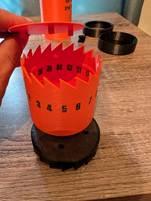
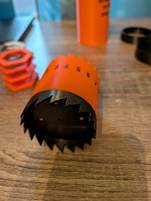
Slide Assembled Piece Into Outer Sleeve Then Add Spring
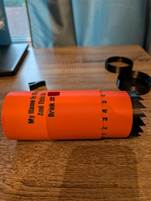
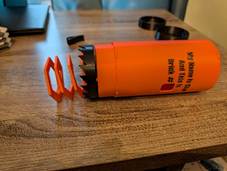
Line Up The Small Tabs From The Outer Sleeve And The Bottom Piece, Push Together And Twist Till It Clicks
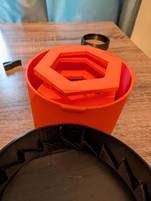
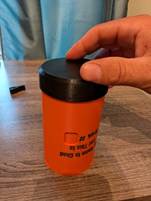
Slide Locking Tab Into The Slot On Top Then Push On The Top Ring And Twist Till It Clicks
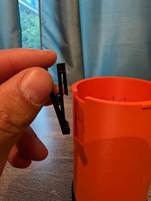
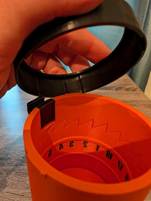
Check For Proper Function – When You Push Down The Center Sleeve To The Bottom It Should Come Up Slightly And Get Locked By The Locking Tab With The Numbers Place In The Middle Of The Front Opening
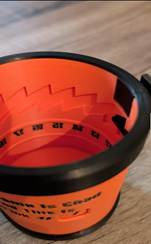
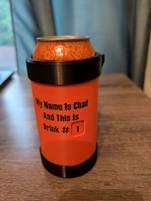
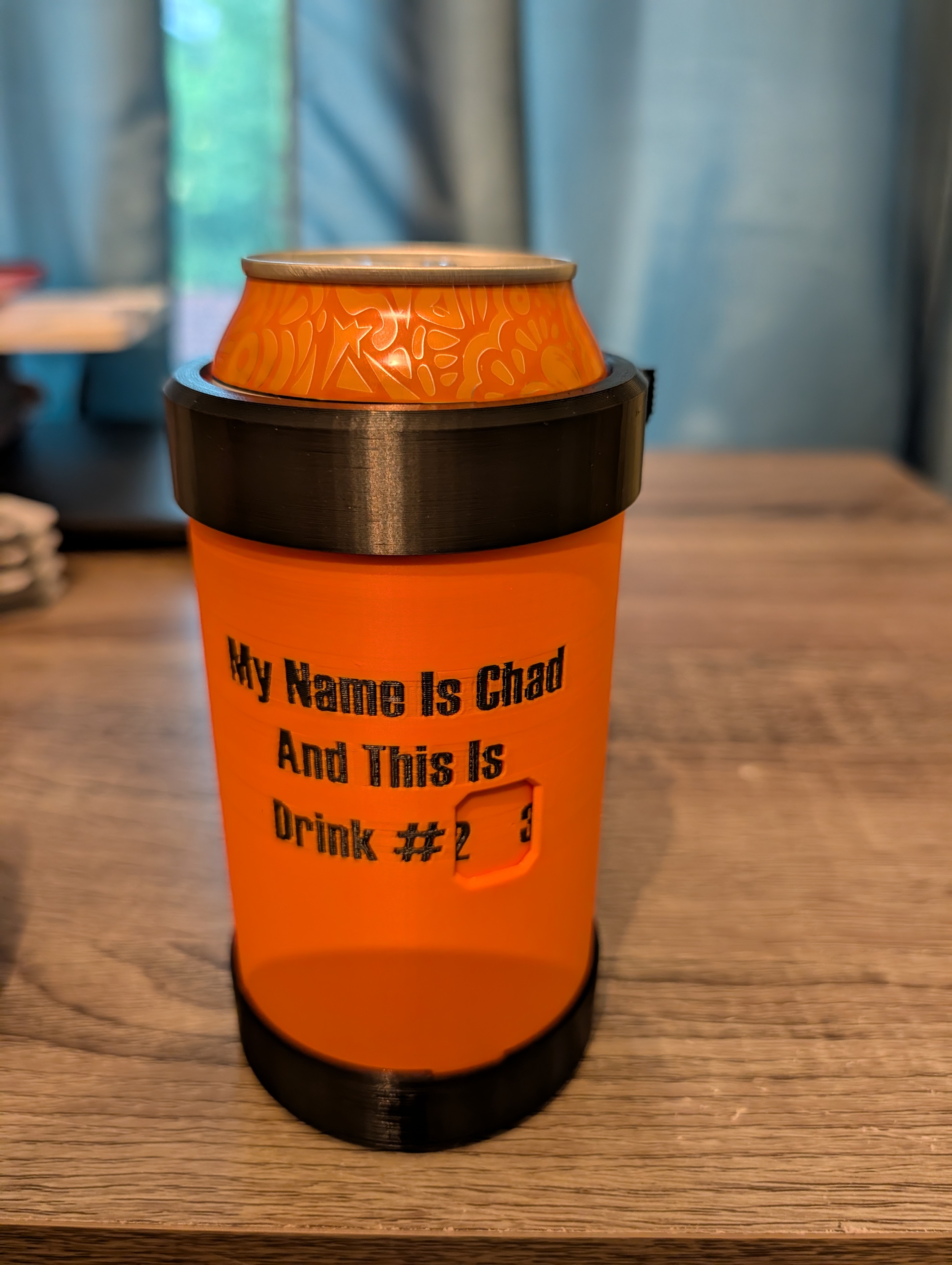
If The Numbers Don’t Line Up When It Locks Into Place (Like The Picture Below) Then You Need To Remove The Bottom Piece, Rotate A ¼ Turn Then Install It. Check Again And Everything Should Be Good And Lined Up
Warning: The printed spring will gradually lose its tension over time. When it no longer provides adequate force, it must be reprinted to maintain proper function.

Gostou deste modelo? Crie uma conta grátis para salvar seus favoritos e voltar a eles depois.
Criar conta