Você está no 3DFinder
Buscamos em Thingiverse, MakerWorld e Printables ao mesmo tempo para te dar o melhor de cada uma.
Descrição
Check out my website for more projects: [https://keepeverythingyours.com/](https://keepeverythingyours.com/)
Bill of Materials:
RP2040 Microcontroller: [https://amzn.to/4uSpp0G](https://amzn.to/4uSpp0G)
12x12 MM button: [https://amzn.to/43jygMV](https://amzn.to/43jygMV)
USB-C Cable: [https://amzn.to/4g3UgTq](https://amzn.to/4g3UgTq)
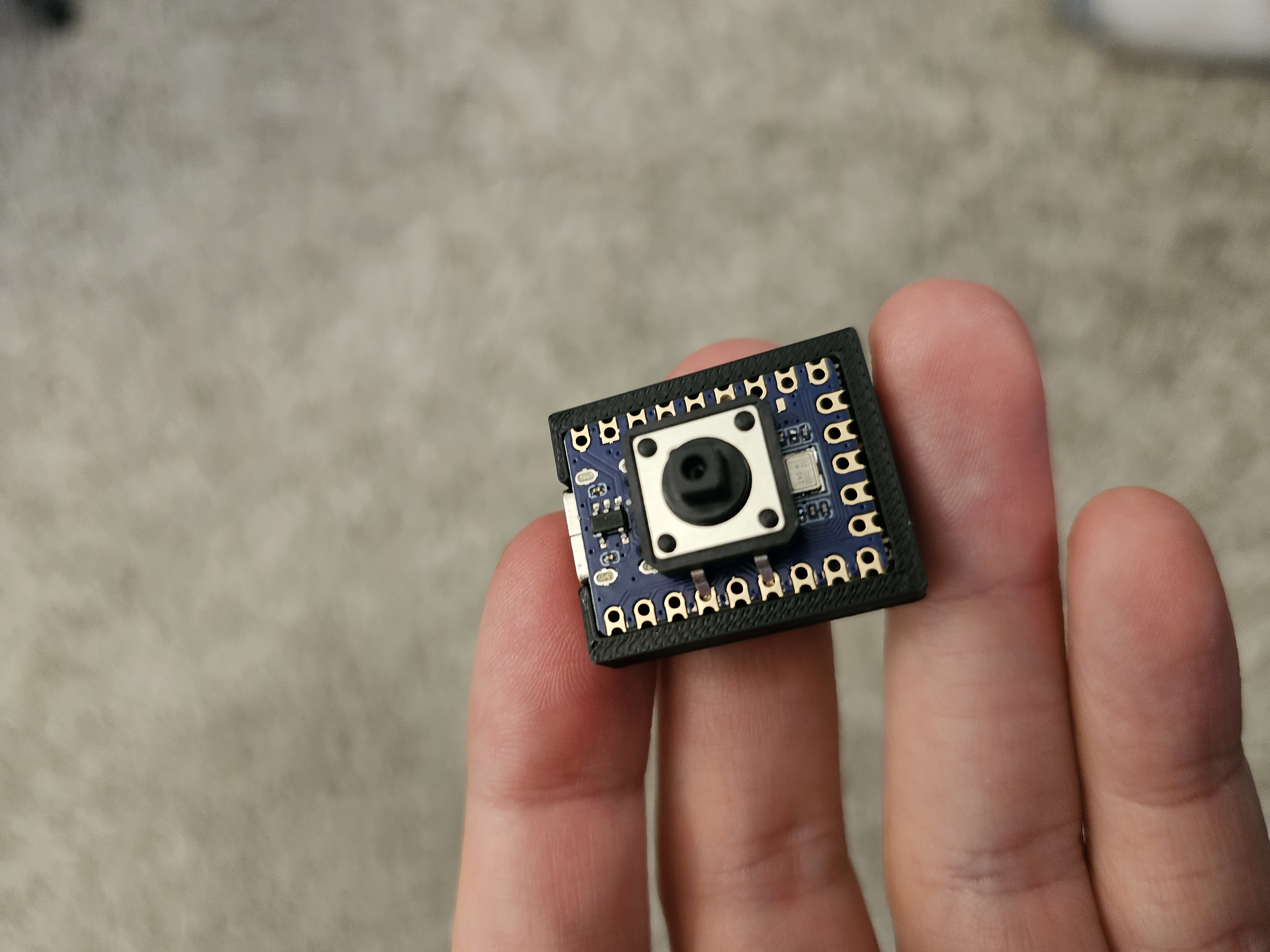
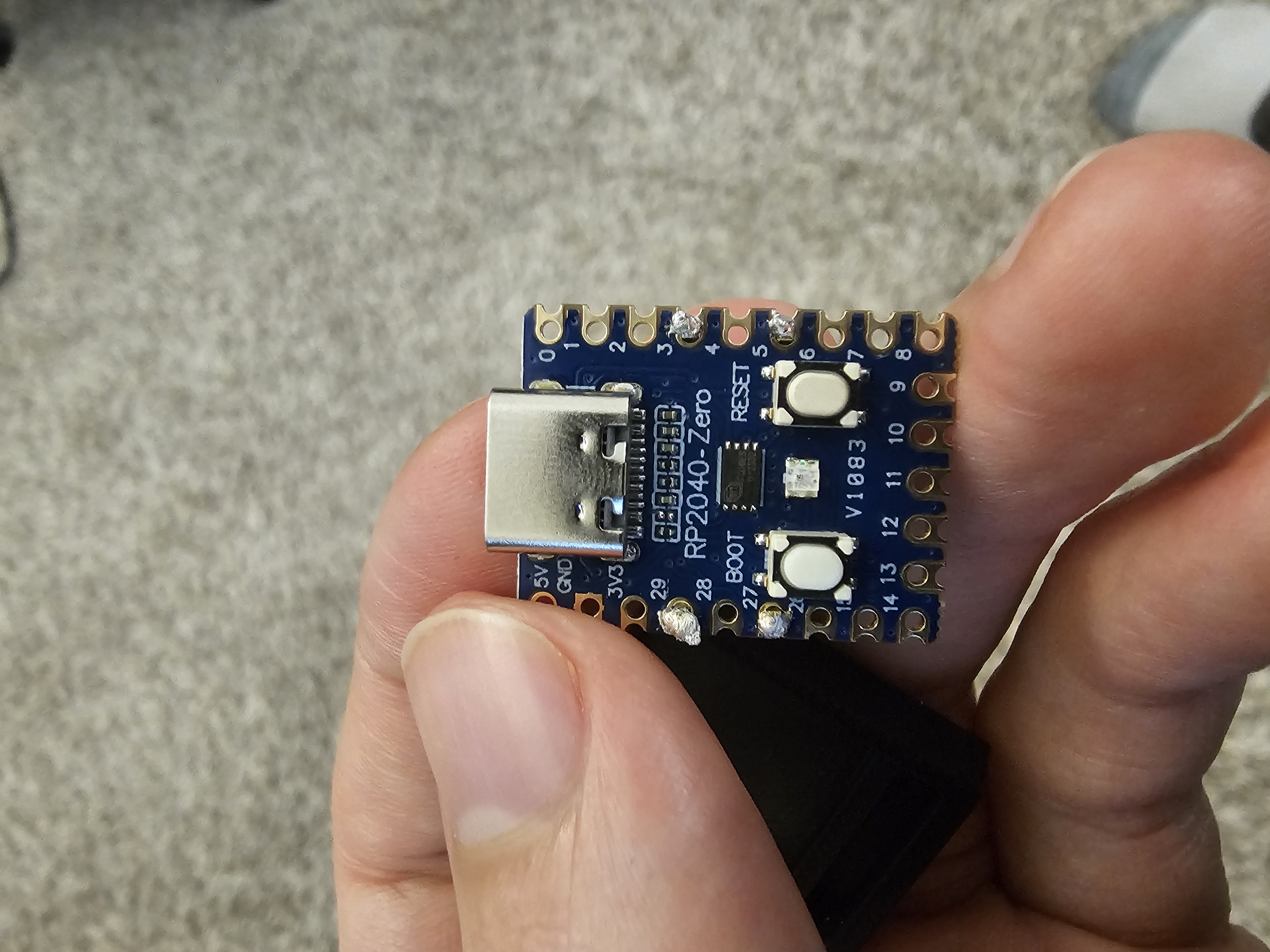
The button solders directly to the rp2040 on the 29, 27, 3, and 5 pins. The code will need to be updated to make pin 27 a ground and pin 29 the input. The board should fit snuggly into the print and the lid slides over the top
Code
The code is written in circuit python so you'll need to flash that to the RP2040 first: [https://circuitpython.org/board/waveshare_rp2040_zero/](https://circuitpython.org/board/waveshare_rp2040_zero/)
Once that's done just download the code from the src directory in this repo and drag the files onto the RP2040
Mighty Mini Macro Pad

Publicado em 13 de jun de 2026