Você está no 3DFinder
Buscamos em Thingiverse, MakerWorld e Printables ao mesmo tempo para te dar o melhor de cada uma.
Descrição
Okay you will need the SVG File as well for this to work. Its on makeitreal - Link Below.
Notice: The black outline is the SVG Alignment File.
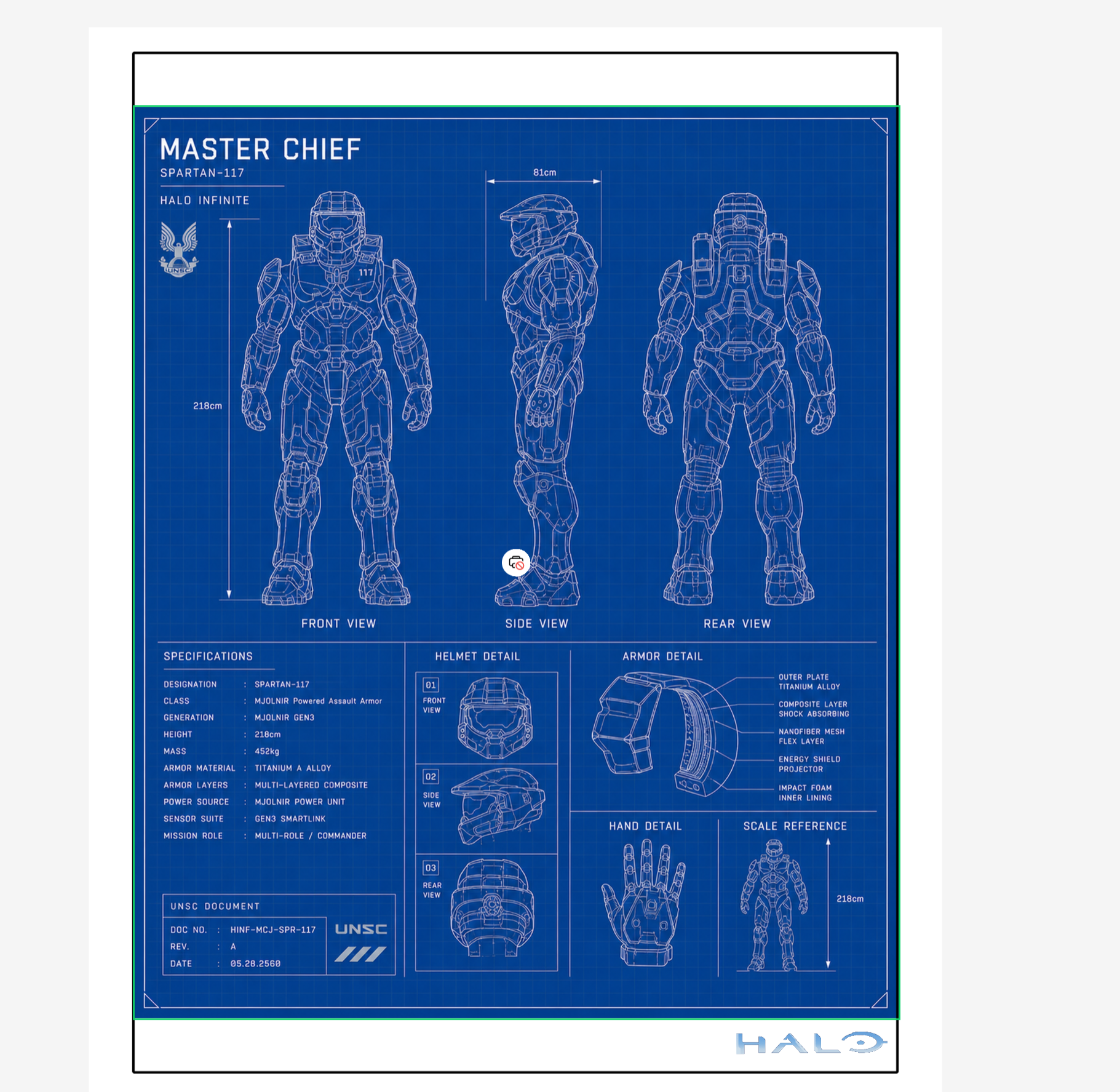
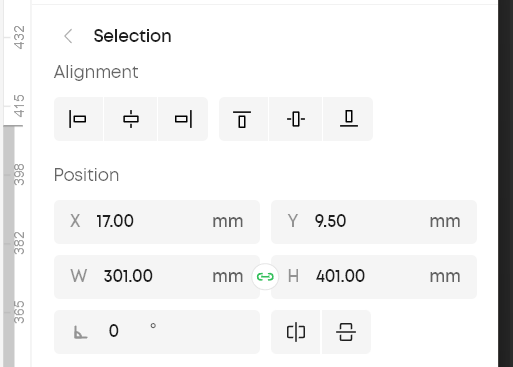
In the Studio, make sure the Position & Dimensions of the SVG File are set to as in the Img. below:
Updates: Added new Models.
The newer versions are named - 420mm bed Centre top right/left etc.
These are specifically designed to Get a Perfect Alignment for any Object that is 400mm (length) x 300mm (width). Eufymake's Canvas, Metal posters and Wood wall art materials use this sizing.
instructions:
Place the Squaring tool on the bottom left corner, Top Left corner is optional.
In the eufymake studio app use the provided SVG outline file to Align your artwork. in the centre.
SVG File Link: makeitreal-beta.eufymake.com/PublishedProject/
Simple alignment tool, I havent tried but you can stick it with double sided tape to the bed and print markings on it to calibrate it as well.
but this is mainly meat to align the large A3 canvas, wood and metal substrates.
Eufymake E1 standard Bed Alignment / squaring tool
Publicado em 13 de mar de 2026
Gostou deste modelo? Crie uma conta grátis para salvar seus favoritos e voltar a eles depois.
Criar conta