Você está no 3DFinder
Buscamos em Thingiverse, MakerWorld e Printables ao mesmo tempo para te dar o melhor de cada uma.
Descrição

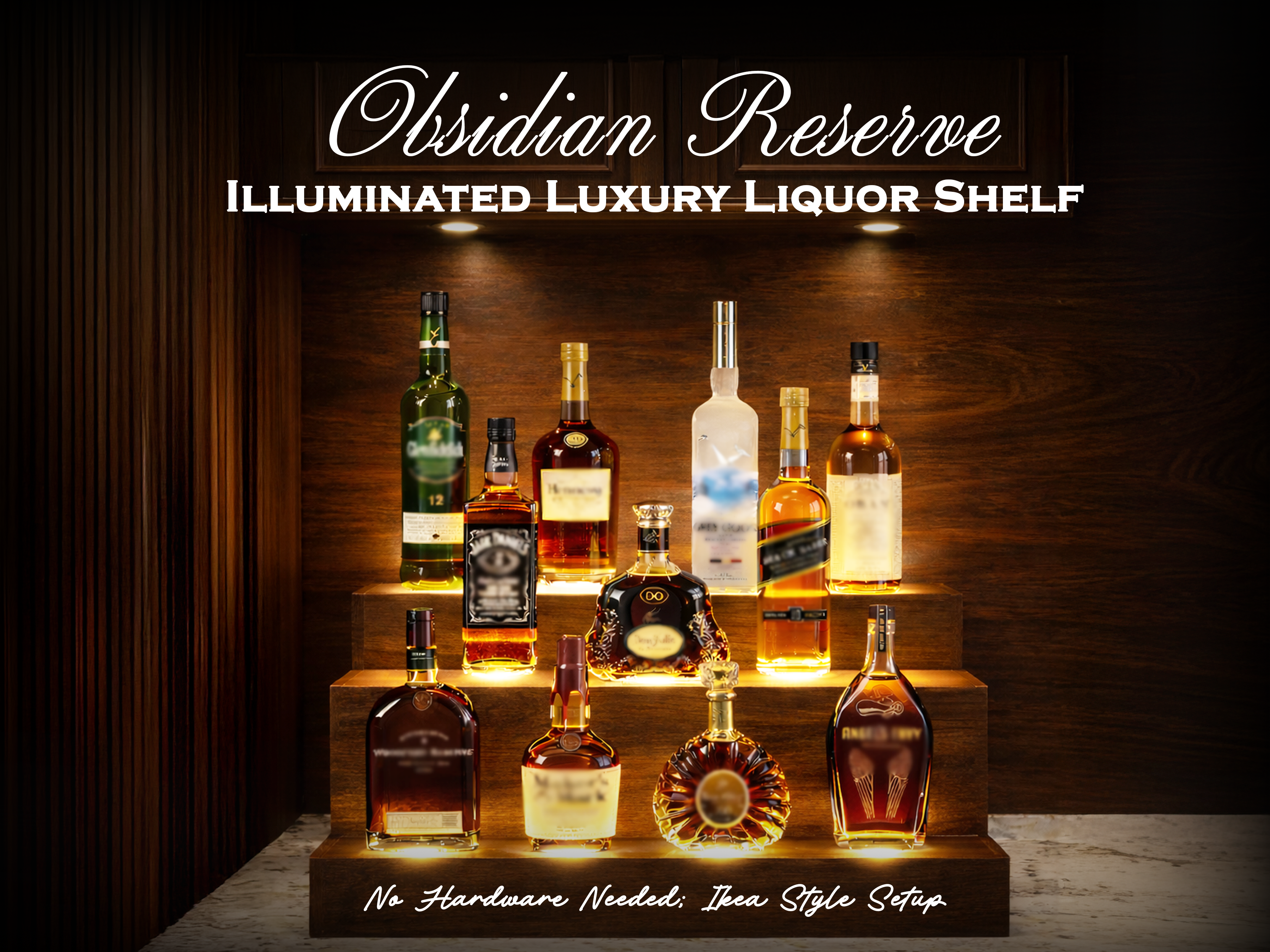
Elevate your home bar with Obsidian Reserve, a premium illuminated display designed to present your favorite spirits with refined elegance and warm ambient glow. Integrated under-tier lighting highlights bottle silhouettes, glass textures, and labels, transforming any countertop into a sophisticated luxury centerpiece. The design blends modern aesthetics, practical usability, and effortless assembly, making it ideal for décor lovers, collectors, and 3D-printing enthusiasts alike.
Configuration Options
- Two-tier or three-tier versions available
- Separate print profile for each configuration
- Designed to suit compact bars, full displays, events, and décor setups
Included Optional Attachments
- Side skirt strips for a cleaner and well-defined finished look
- Light diffuser flat screens placed above LEDs
- Softens illumination for a premium glow
- Helps prevent water seepage into lighting channels
Assembly & Build
- No hardware required – fully Ikea like peg-based construction
- All parts are clearly numbered for easy assembly
- Use a mallet for snug peg fitting
- Apply superglue to:
- Secure diffuser screens above lights
- Fix side skirt strips (if used)
- Integrated rear wire slots keep all LED wiring neatly organized and hidden
Lighting System
- Designed for 7× (two-tier) or 11×(three-tier) Bambu 001 LED Lamp kit lights | (From Bambulab) | (From AliExpress) | (From Walmart) | (From Temu) |
- Use:
- Warm/white LEDs for an elegant luxury bar ambiance
RGB LEDs for vibrant party or event lighting
If you enjoy this design, your boost, like, or feedback truly supports future luxury décor creations. Thank you for being part of the journey. ✨
Assembly Instructions
Overall, the entire setup is very intuitive and easy!
STEP 0:
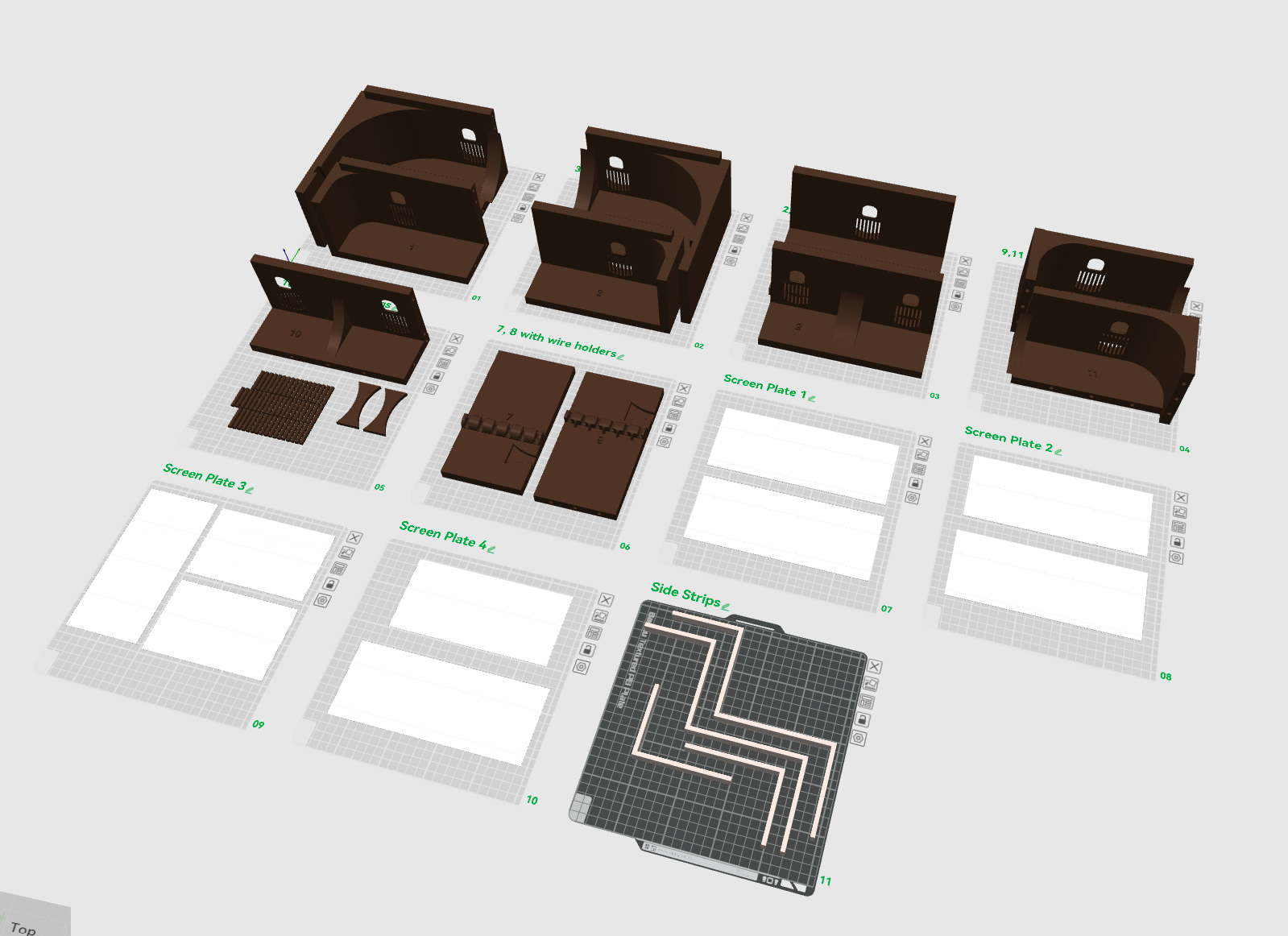
Print all the parts. They are all labelled for your convenience!
STEP 1:
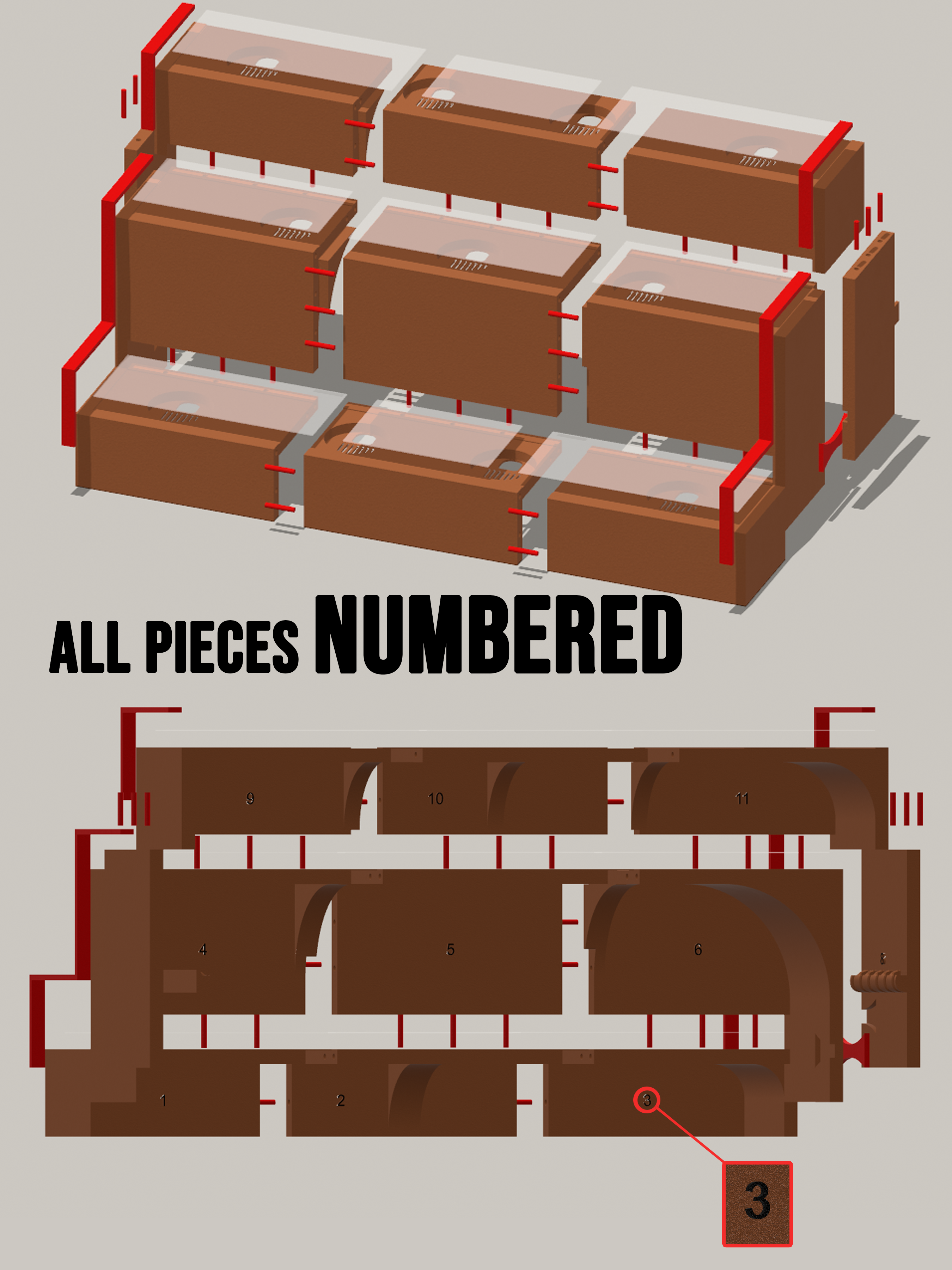
All parts are numbered, and the corresponding numbers are also given on the print plates in the print profiles. Just print them out! Use the pegs provided to assemble all the parts according to the numberings.
STEP 2:
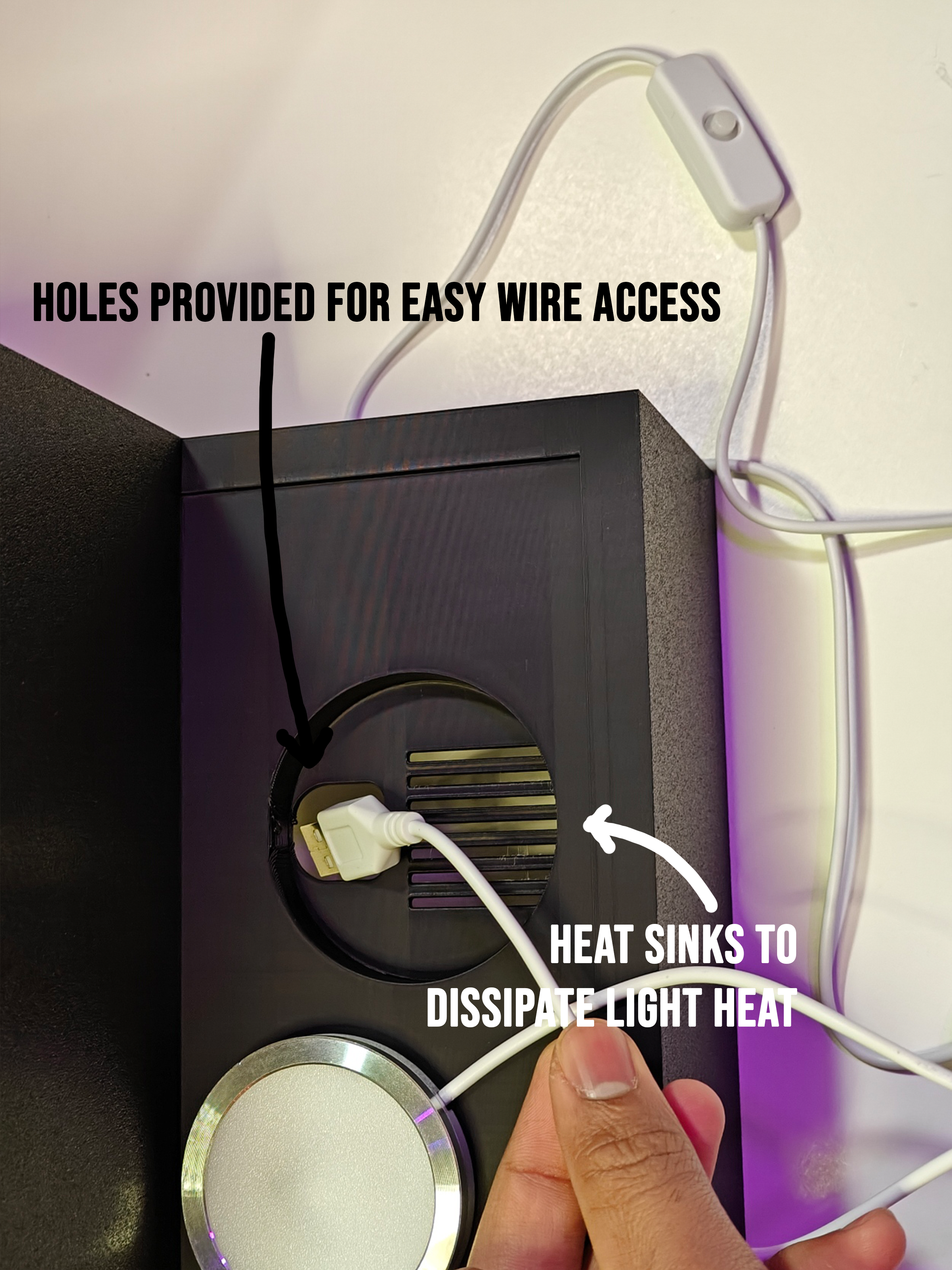
After the 3-D printed parts are assembled, take 11 Bambu LED 001 lamps and insert them into the provided slots as shown.
STEP 3:
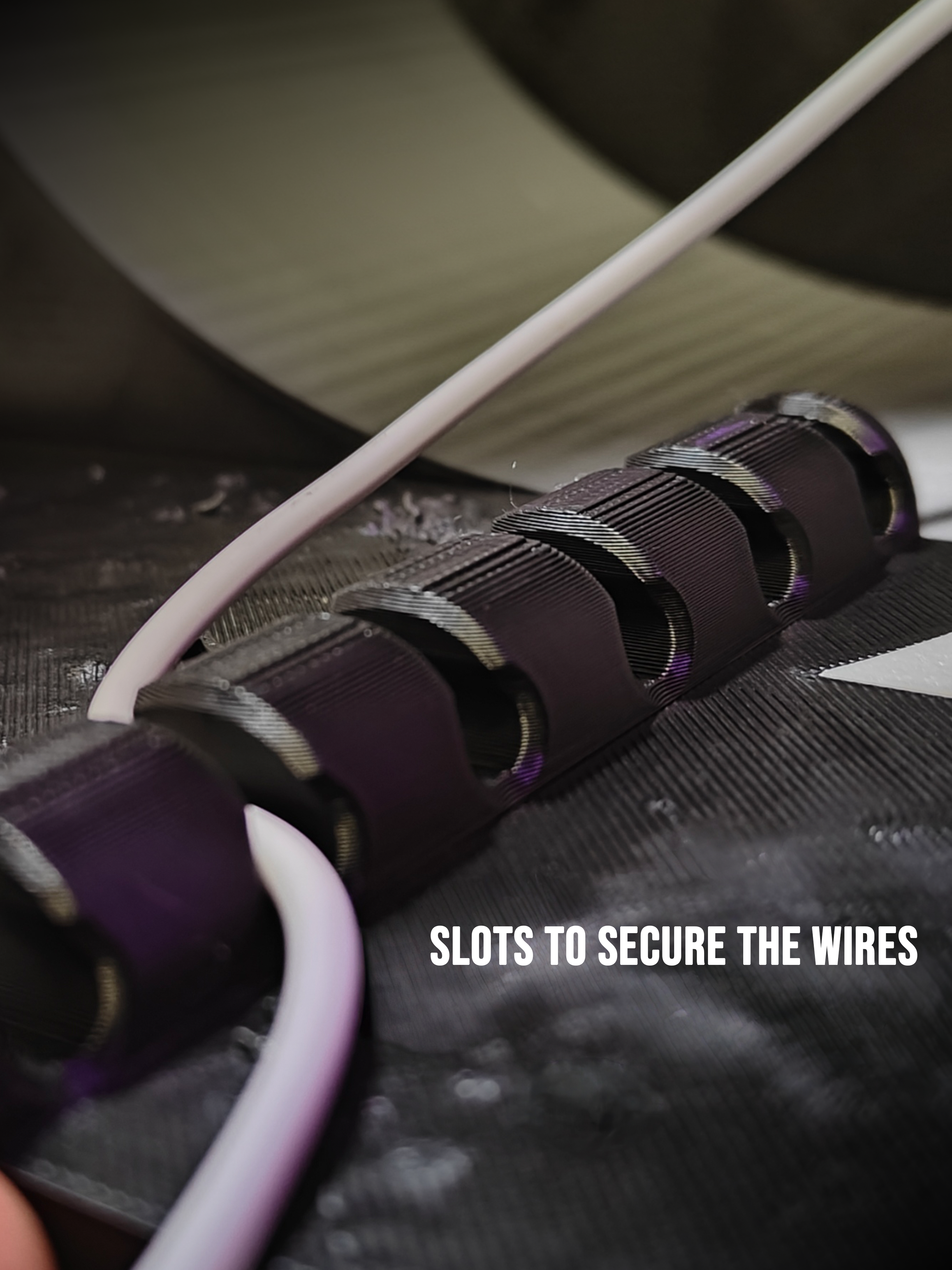
Secure all the wires of the LED lamps through the wire holders given on part numbers #7 and #8.
STEP 4:
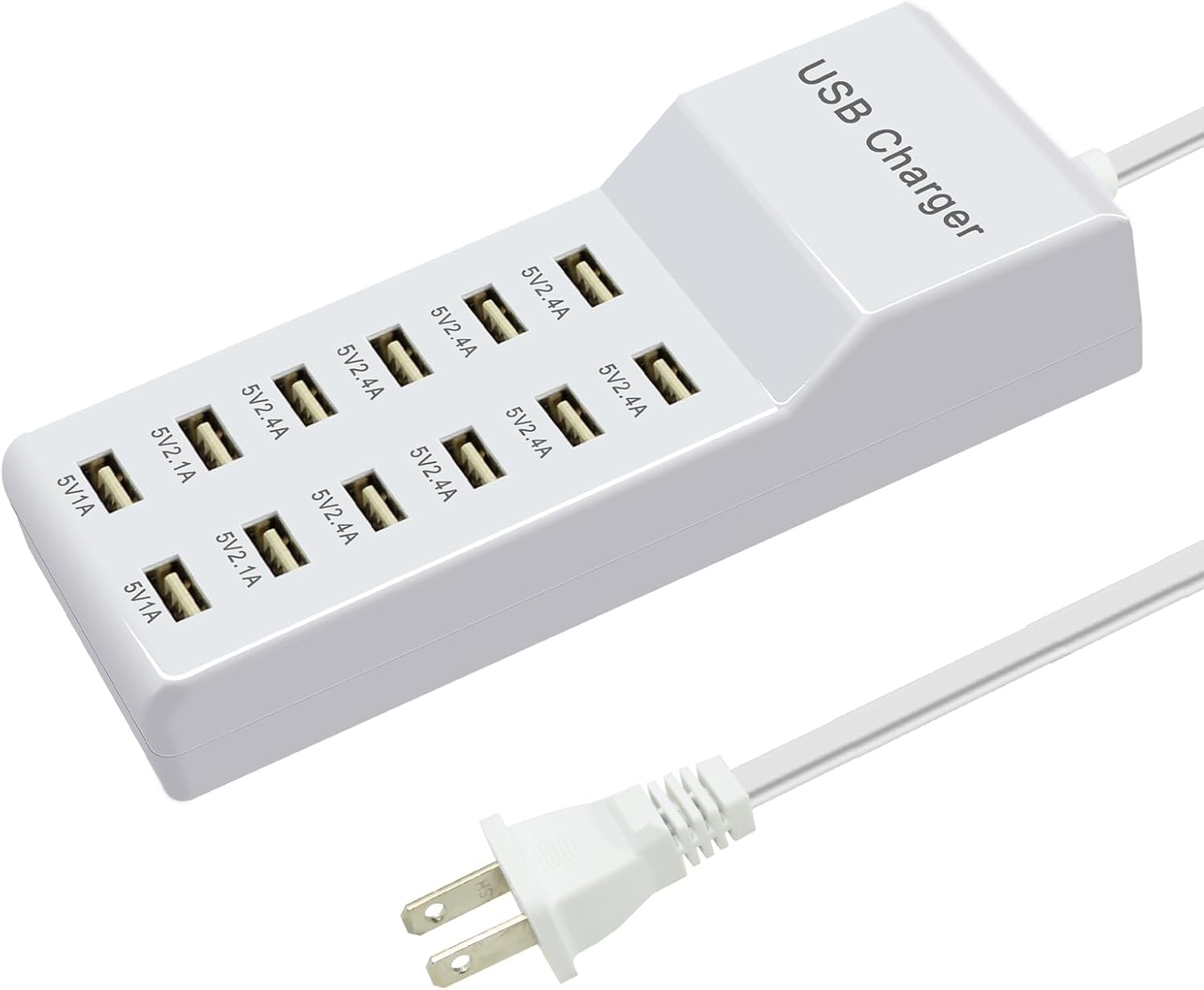
Connect all the USBs of the LED light to a USB Charging hub like this, and hide this under the shelf. You can find many like these on Amazon or Temu! I got mine on Amazon: Product Link
STEP 5:
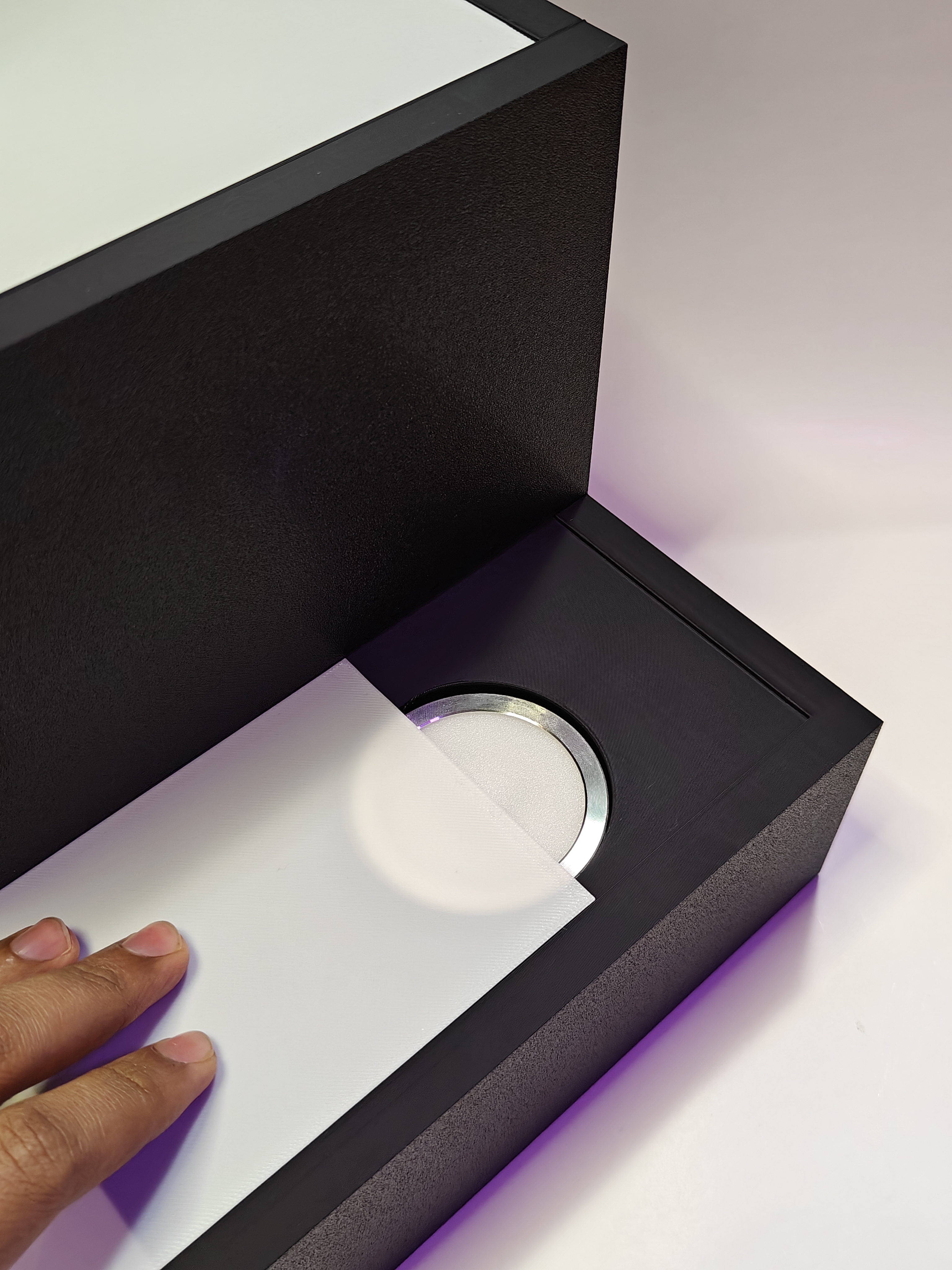
Slide the diffuser screens onto the LED lamps. This will help diffuse the lights well, and also keep the LEDs safe from water or condensation. If you want more brightness and concentrated lights, feel free to remove the diffuser screens! If you use a screen, use superglue to secure it permanently into its slot.
STEP 6:
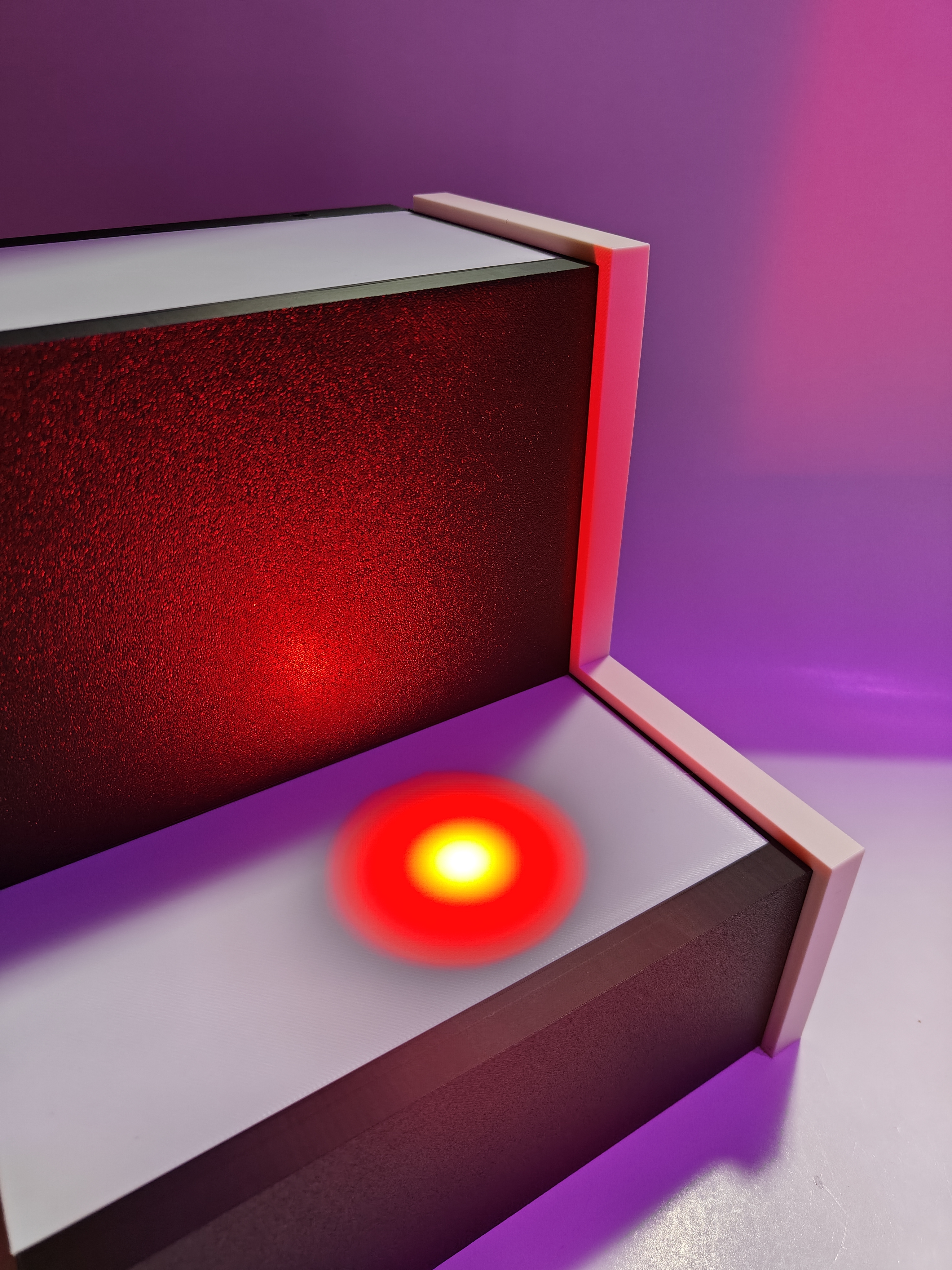
Add the optional side strop provided, for an additional well-definied looks and an anti-slip edge for the bottles.
STEP 7:
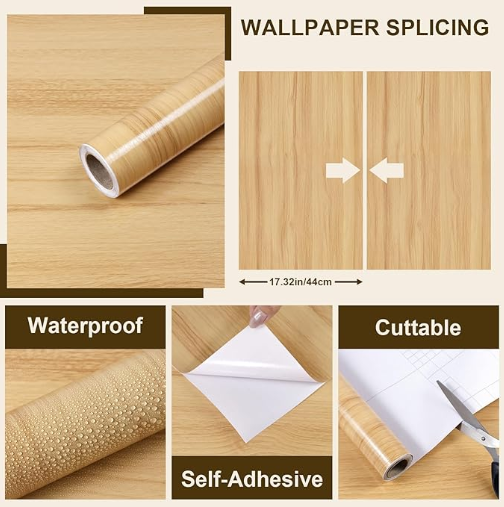
OPTIONAL: Like you see in my pictures, I have a wooden finish on the end products, use wooden textured contact papers like these (easily available on amazon, temu, etc…). Feel free to customize it according to your choice of wood and color. (Example Link)
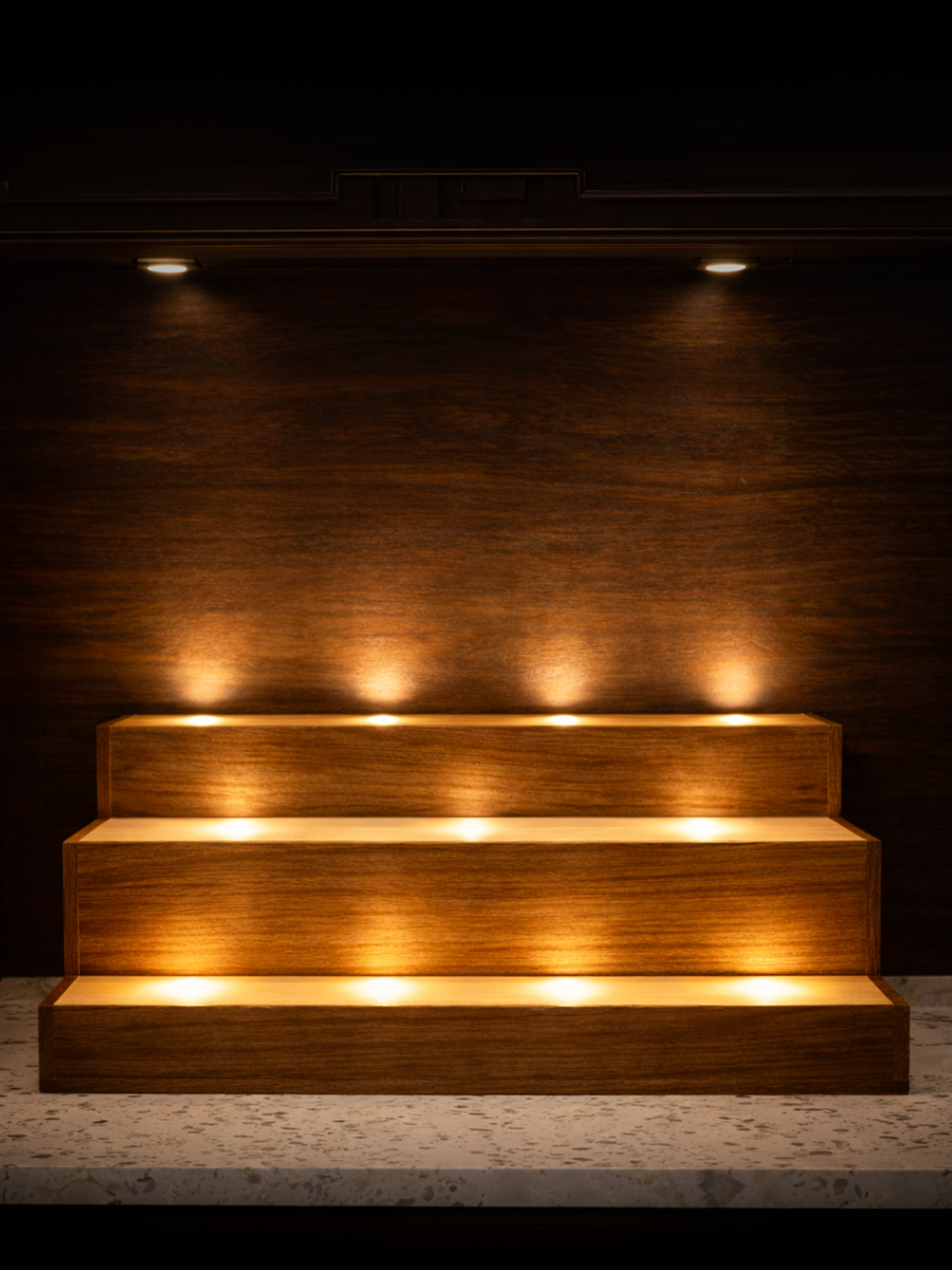
Illuminated Luxury Liquor Display Shelf (LED 001)
Publicado em 12 de fev de 2026