Você está no 3DFinder
Buscamos em Thingiverse, MakerWorld e Printables ao mesmo tempo para te dar o melhor de cada uma.
Descrição
So, you’ve decided that regular cardboard is too mainstream and you want to spend 30 minutes 3D printing something you could have made in 30 seconds with a pizza box?
Welcome to the club.
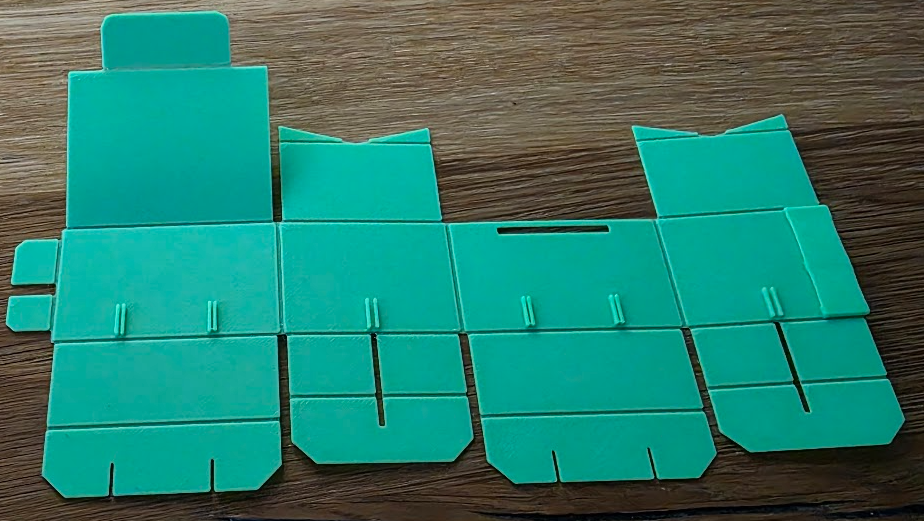
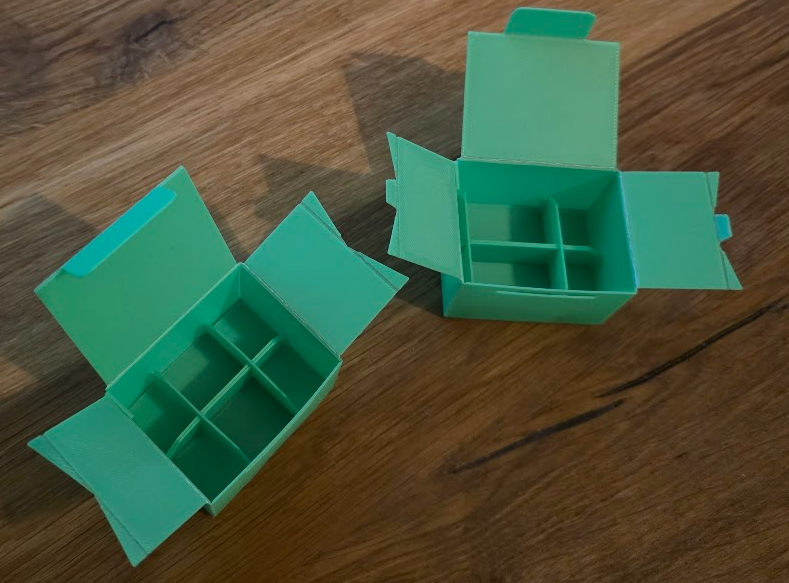
This parametric foldable box is a customizable 3D printable design that is generated flat (almost 2D) and folds into a functional box without assembly hardware. You can adjust all key dimensions — length, width, height, wall thickness, and folding tolerances — using MakerWorld’s Customize tool. Whether you need a compact storage box, organizer, gift box, or portable container, this model adapts to your exact size requirements.
Features:
- Fully parametric design — enter your desired dimensions and the model updates instantly.
- Foldable print-to-box design — prints flat and folds into shape, minimizing supports and print time.
- Ideal for storage, organization, packaging, and custom applications.
- Works with standard filaments (PLA, PETG, etc.) and most FDM printers (e.g., Bambu Lab, Prusa, Creality).
Print Tips:
- Print flat on the build plate — no supports needed for most configurations.
- Adjust wall and hinge thickness in the Customize section for best folding strength.
- Use flexible filament for enhanced hinge durability if desired.
Use Cases: Custom containers, modular storage solutions, printable boxes for parts and tools, personalized storage shapes — all tailored to fit your needs.
Changelog:
07.02.26 - added experimental option to add additional hooks and cuts in side panels so you can insert flaps there (you need to use a little force). With that you technically don't need to use glue however if you want cleaner structure you will need to use glue anyway. Additional side tabs for sure help me with glueing since I don't need to keep 2 fingers to apply force from both sides of the wall.
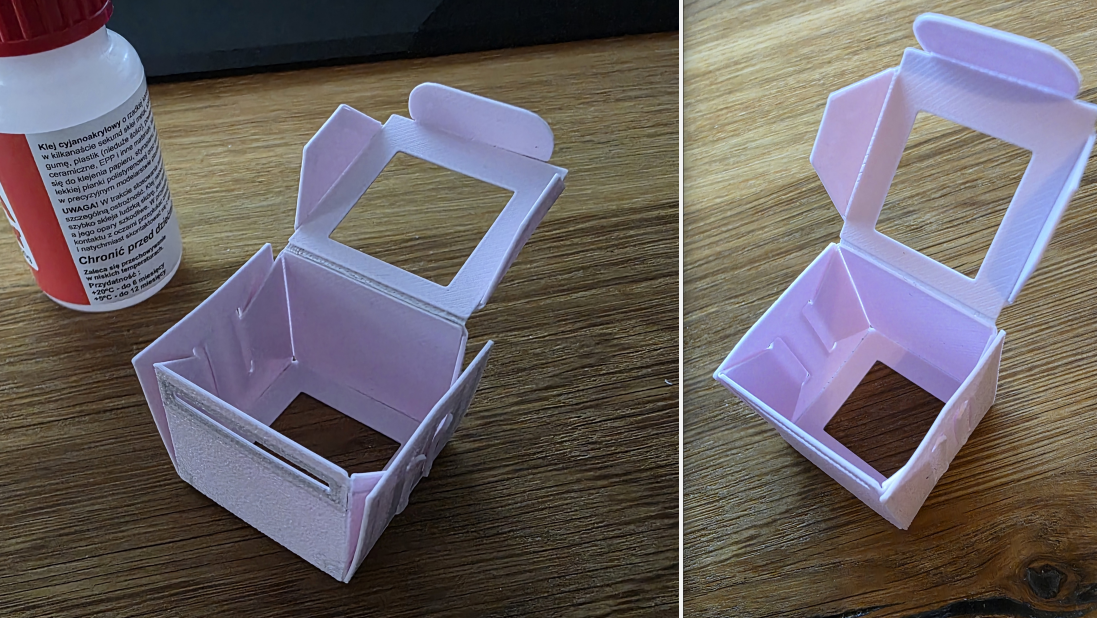
11.02.2026 - added parametric_box_auto_lock template. It needs way less glue, bottom is keeping weight by snap-locking all flaps.
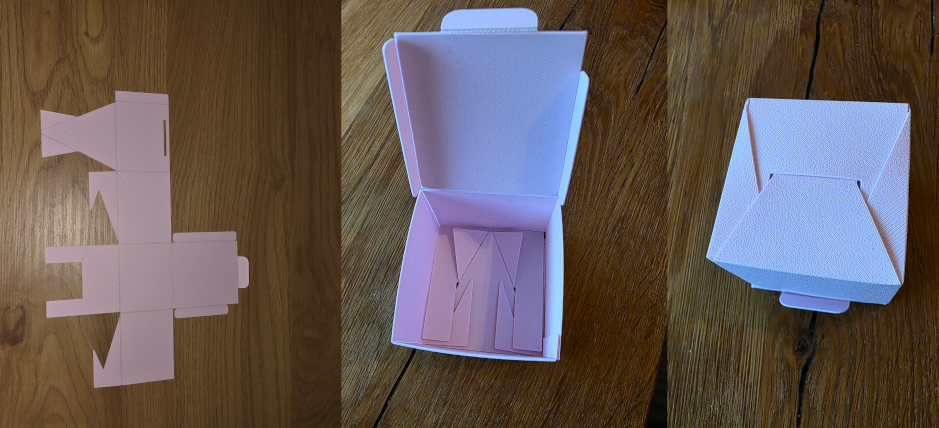
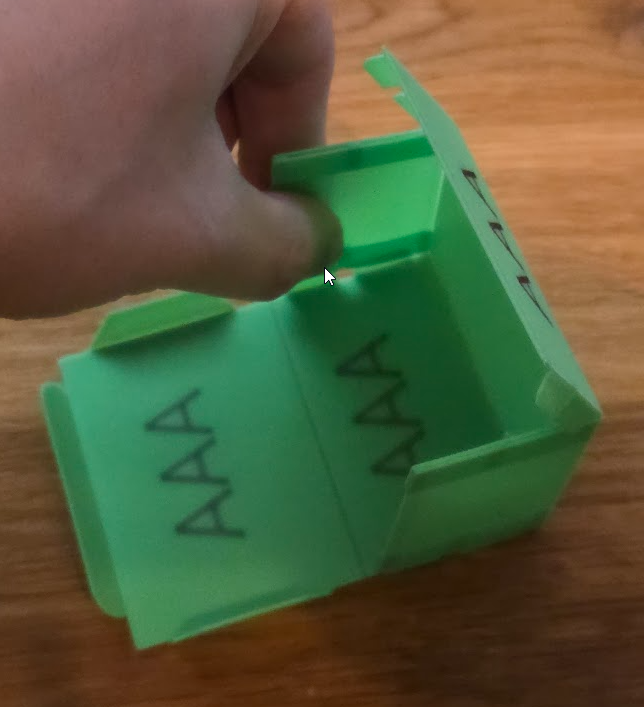
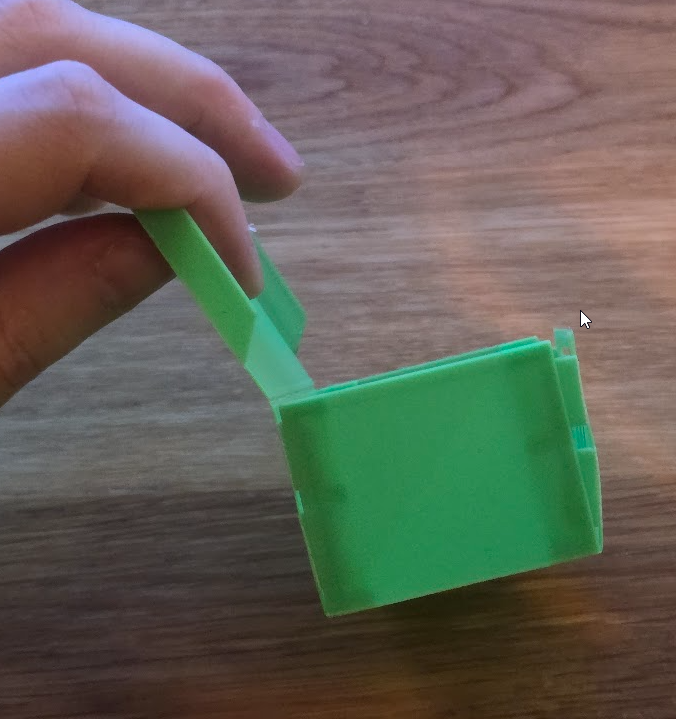
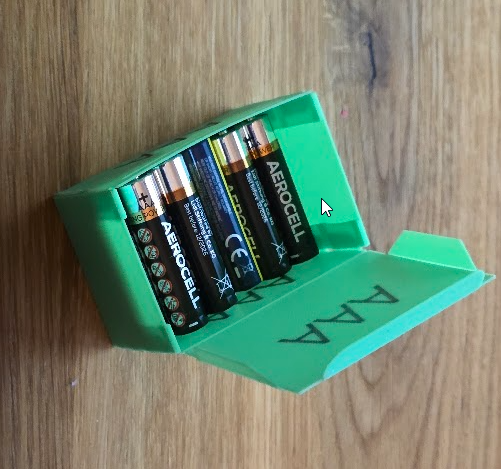
13.02.2026 - From now on by default you don't need to use glue! (unless you don't have any strength to push flaps into place :) ) Model generator has No Glue option set by default. On sides that usually should be glued it generates column where you need to insert flaps. It's tight fit so box is strudy but to fit flaps into slots don't be afraid to bend wall a little. For final push I recommend to use something flat - table works great for me.
 | 
|  |  |
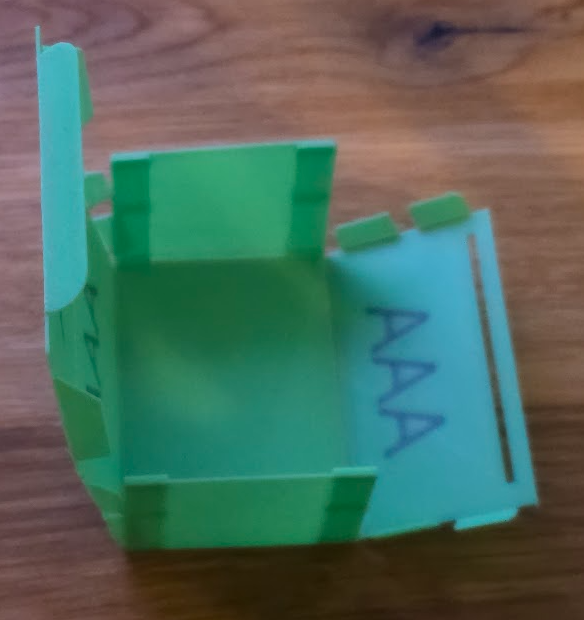
14.02.2026 - Added new template with 3x2 grid inside
 |  |