Descripción
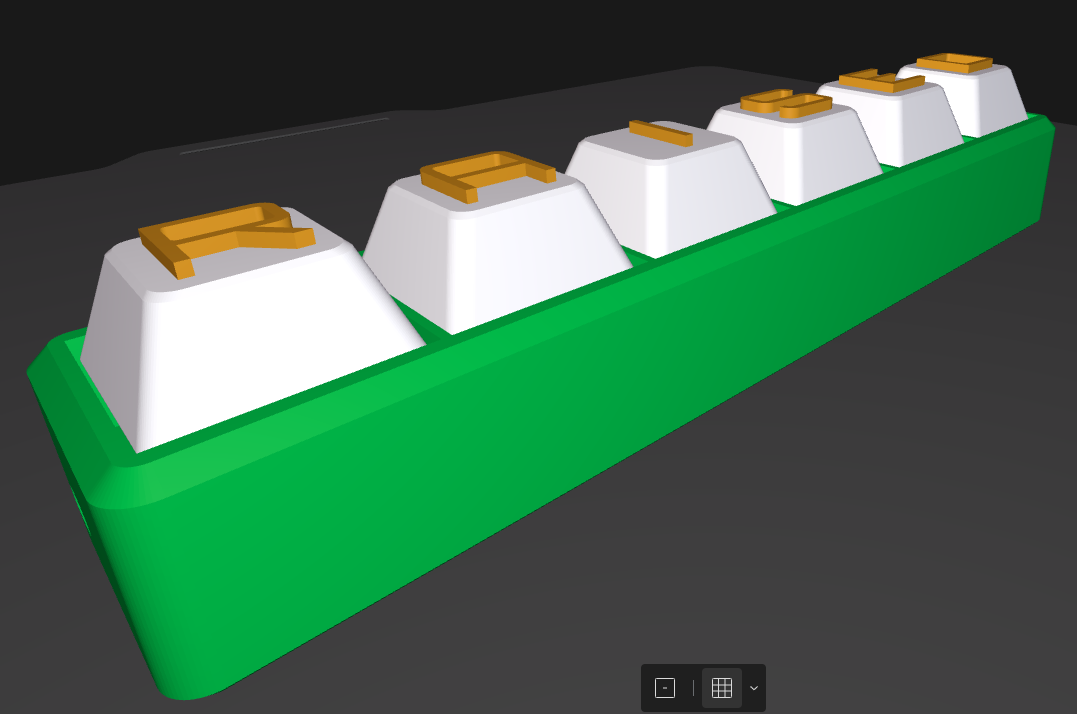
A completely customisable Fidget Clicker!
Please read the instructions below for a successful print. Many users are experiencing issues due to not performing the correct steps before printing their custom design.
Create a custom name fidget clicker for a personalised gift. If you're using the BambuHandy App, consider jumping on the MakerWorld website to access the full version.
Key customisers are:
- Choose from a word of 1 to 16 characters in length,
- Pick the colour of your base, keycaps and text individually,
- Pick the style of the keycaps,
- Pick the style of the base,
- Choose your own font,
Add a hole for a keyring,
Plus many, many more options in the Parametric Model Maker!
Don't forget to add in your unicode symbols such as ♥ ± ✓ ↕ Ξ ★ before or after your name. No font is compatible with all symbols. Some of the fonts that support a larger range of characters are Arial, Liberation, Shantell Sans, Noto Sans, etc.
Join the Clicker Commercial membership and gain a licence to sell these fidget clickers! You can do it here.
When downloading your finished design as a .3mf or .stl file, not all parameters can be set automatically from the Model Maker software. You will be required to make a few changes to ensure your model prints perfectly in Bambu Studio.
An important note for the print, supports are not required. All keycaps have been designed to print without the need for supports or brims.
Follow these few simple steps below to make sure your design prints correctly.
Firstly, separate the model by right clicking on the model and splitting them to objects.
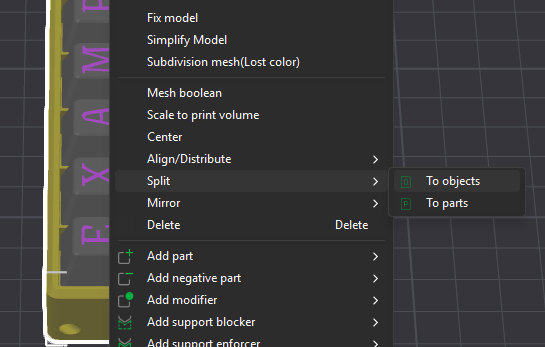
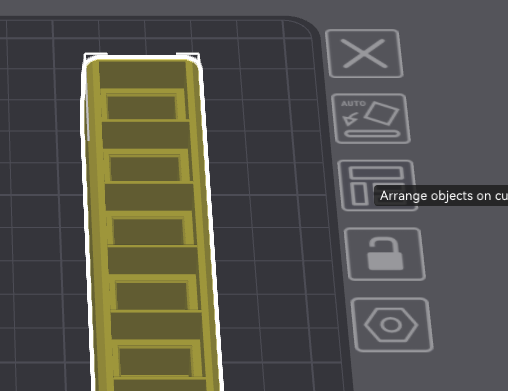
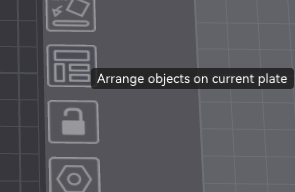
Next, move your base onto a different plate and auto-arrange.
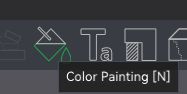
Make sure your colours are matching as expected. Any final colour changes you wish to make, use the paint bucket tool and change them now.
Now follow one of the two columns below, depending on if you have Raised text design or Embedded text design on your keycaps. (Embedded requires an AMS to print, Raised does not)
EMBEDDED KEYCAPS | RAISED KEYCAPS |
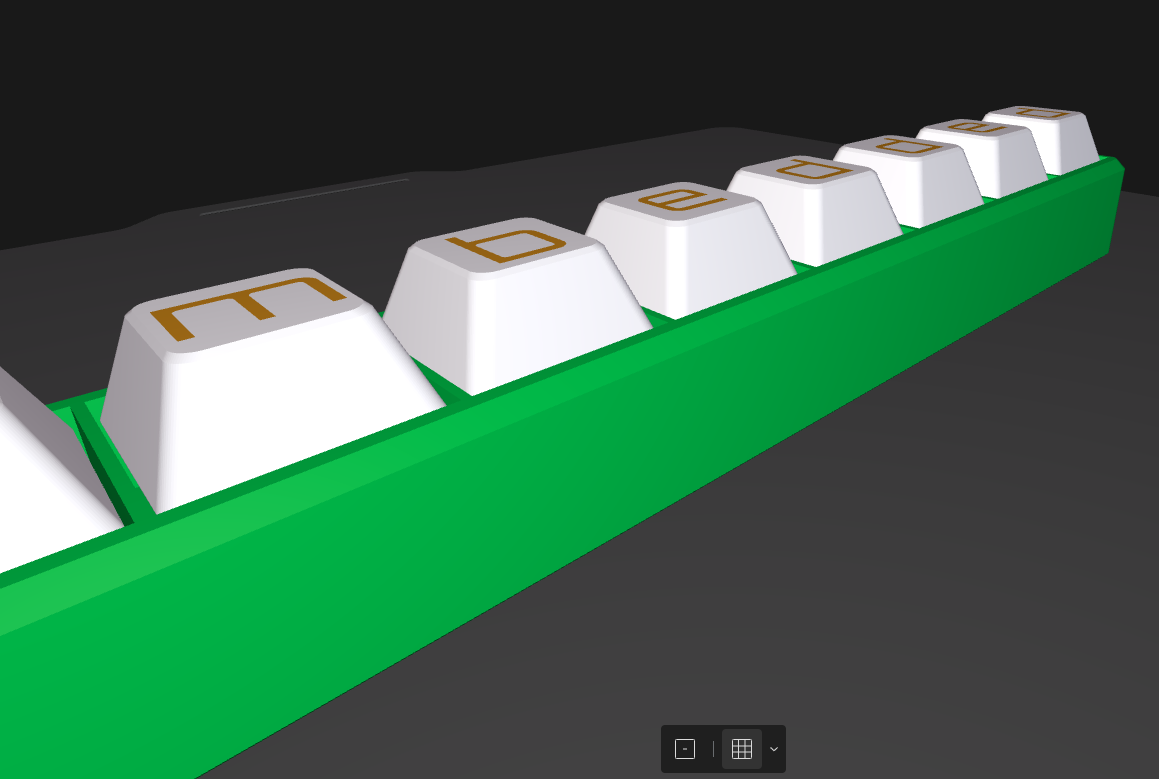 |  |
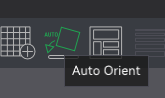
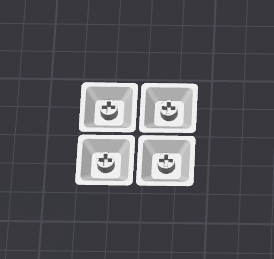
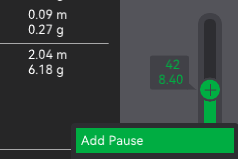
If you have created an Embedded text design, select your keycaps and press the auto-orient button to flip them upside down, then press the auto-arrange button. This will ensure they print the right way for a dual colour design. It also creates a better finish. This works for both High and Low keycap profiles. You need an AMS to be able to print Embedded text designs. | If you have created a Raised text design, select your keycaps and go straight to the auto-arrange button. These keycaps must print as they look by default - with the letter on top and not the bottom. You will then need to create a pause in the Preview tab when the keycap top ends and the letters begin. For High keycap profiles, it is at layer 42. For Low keycap profiles, it is at layer 27. This will allow you to swap over the colours during the print process. |
 → → → → |
|
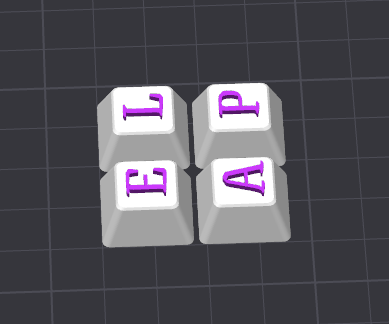 →
→
Now it is time to send it off to your printer and enjoy your own creation!
You are required to purchase your own keyboard switches to make this model work as pictured. If you reside in Australia, you can purchase some key switches here and help support local creators: ClickKey Store Alternatively, an old mechanical keyboard could be harvested for the keyboard switches for free.
A1 Mini users please be aware that the largest fidget clicker you can print on your plate in a 8 position design. 12 position designs can be printed on all other BambuLab printers.
If you enjoy this design, you'll love the Custom Shape Fidget Clicker maker.
You can find it here
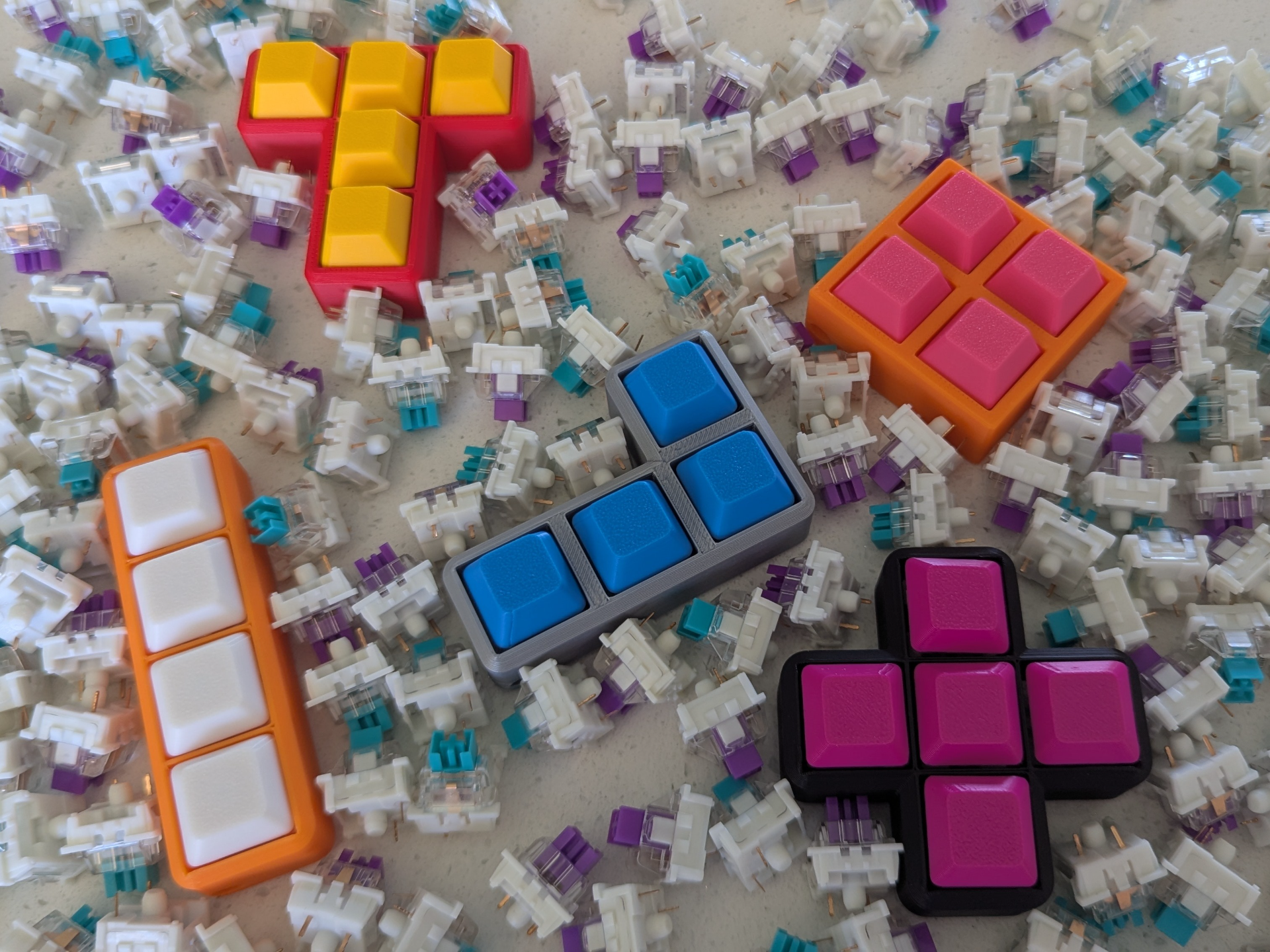
Share your creation and give your honest feedback by rating the model profile!
Or if you love it…
Custom Name Fidget Clickers
Publicado el 2 de feb. de 2026