Você está no 3DFinder
Buscamos em Thingiverse, MakerWorld e Printables ao mesmo tempo para te dar o melhor de cada uma.
Descrição
CUSTOMIZATION INSTRUCTIONS
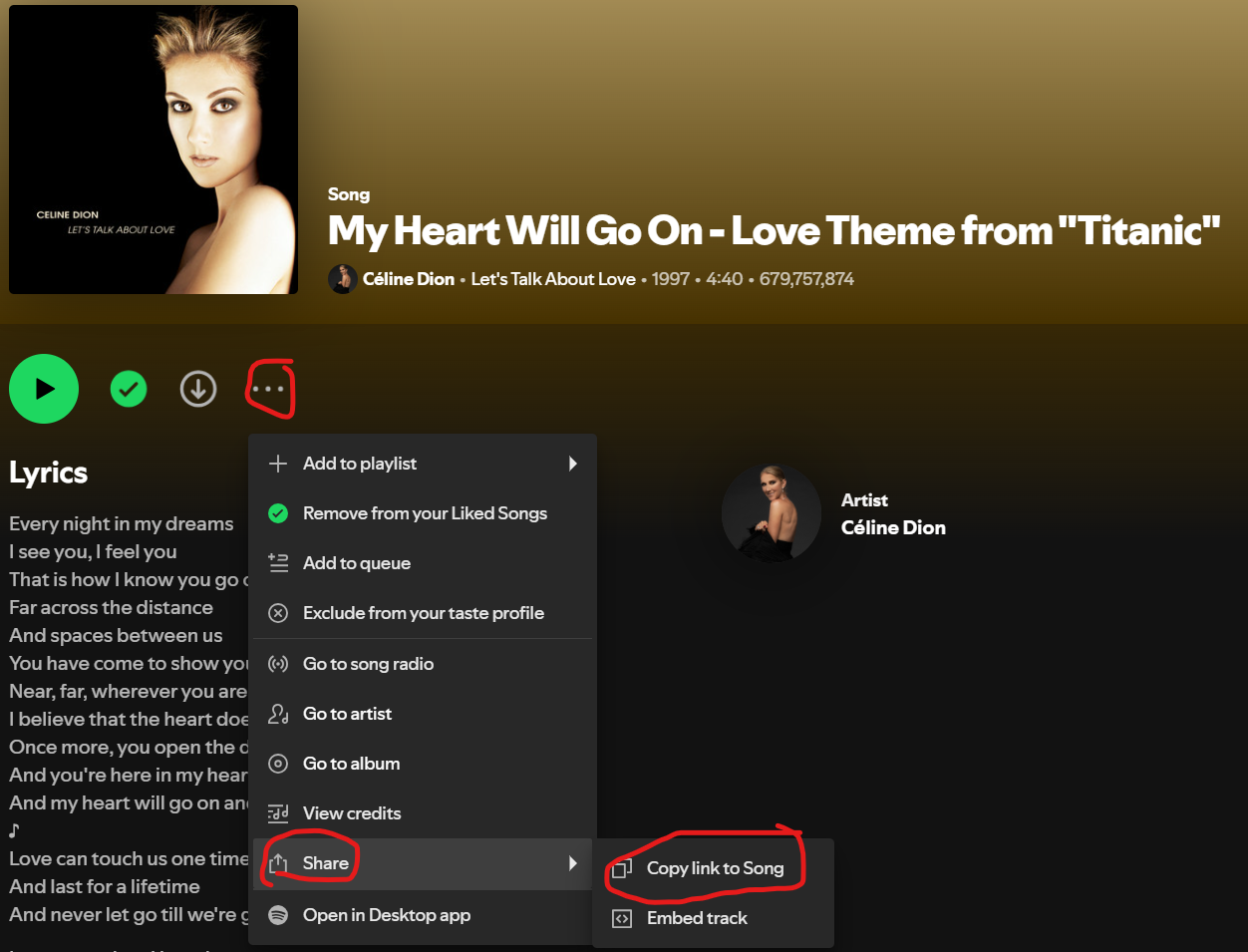
Go on your Spotify account, choose the song, click on the 3 dots > “Share” > “Copy link Song”
2. Paste the Spotify song link into this website [https://www.spotifycodes.com/](https://www.spotifycodes.com/)
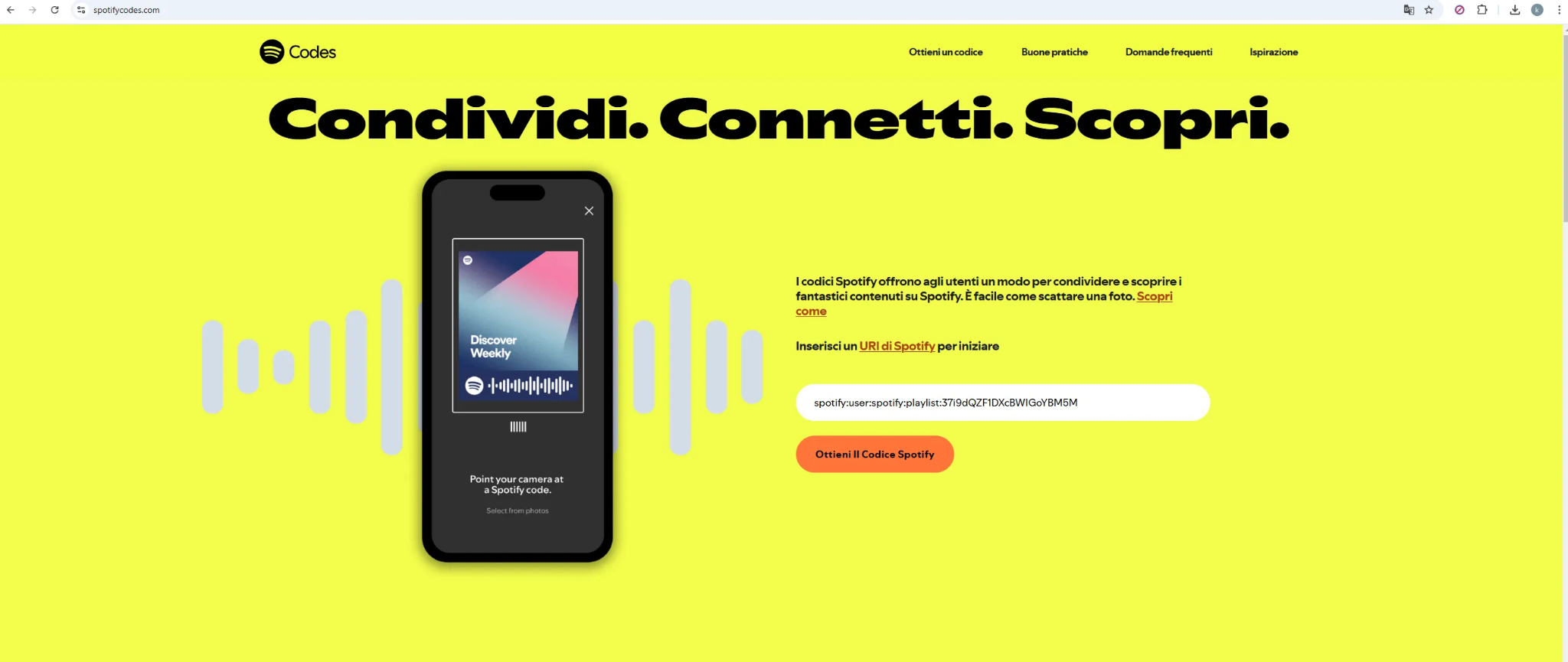
3. Download the file
4. Open the file in Maker Lab “Image to keychain”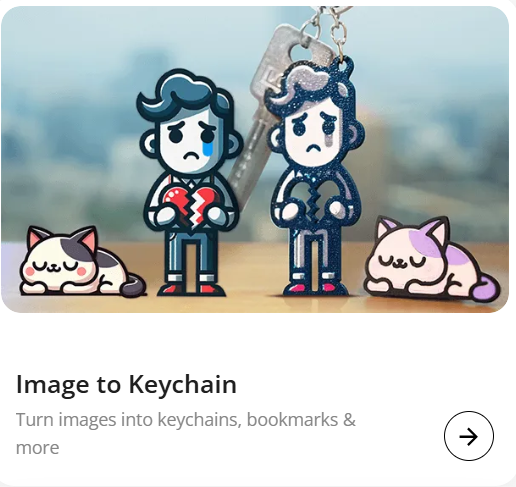
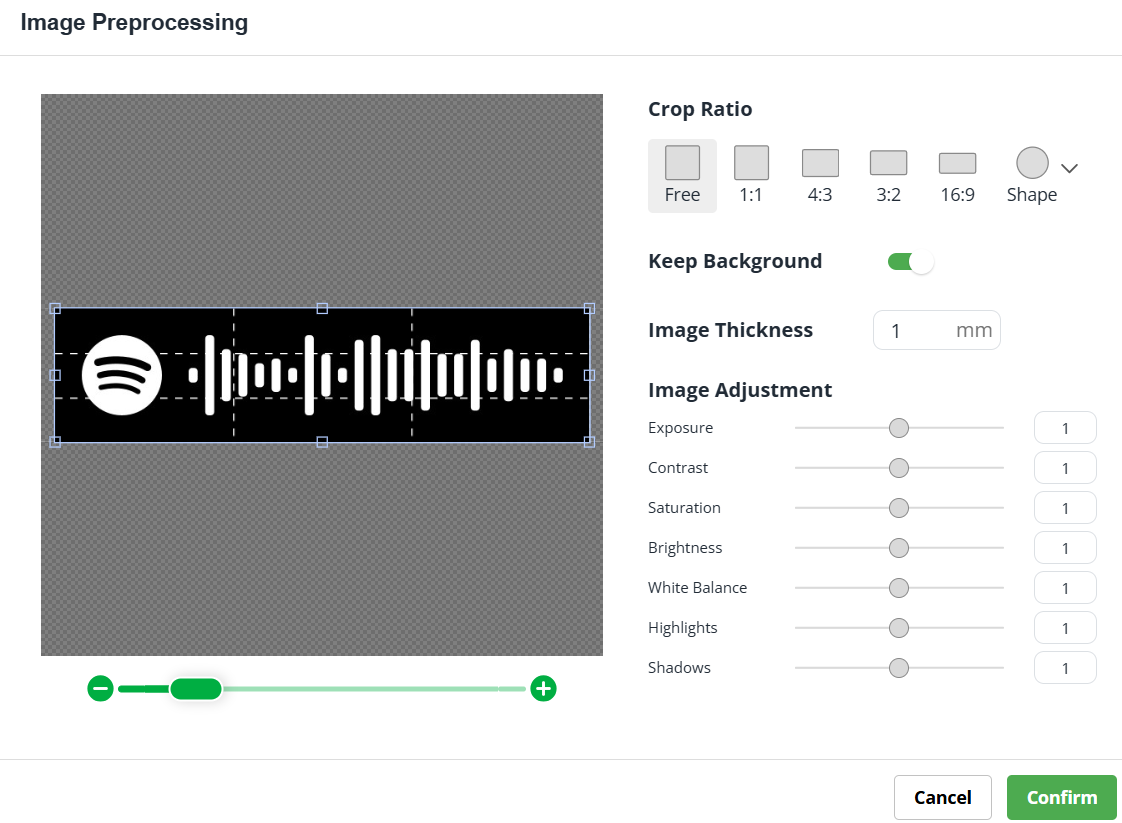
5. Uncheck the “Keep Background” box and in “Image thickness” 4 mm
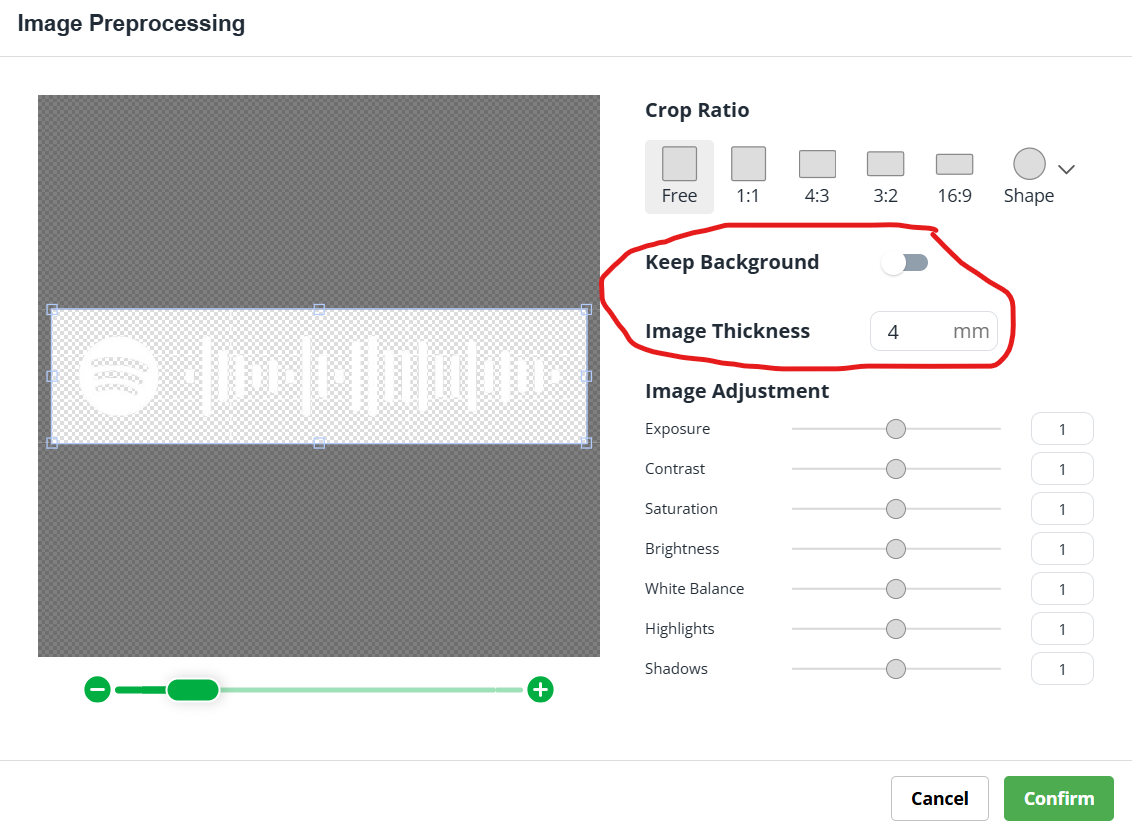
6. Click the top right download button; a pop-up with another download will appear; Download as STL
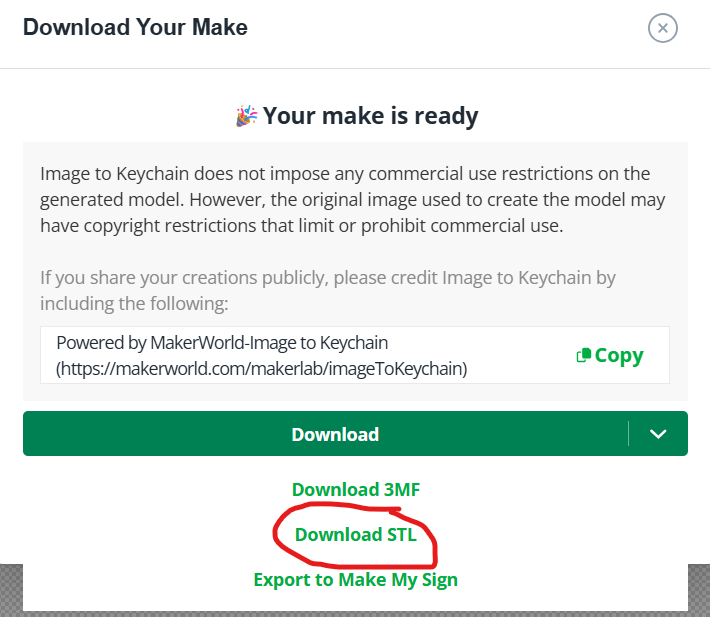
7. Import the file in Bambu Studio
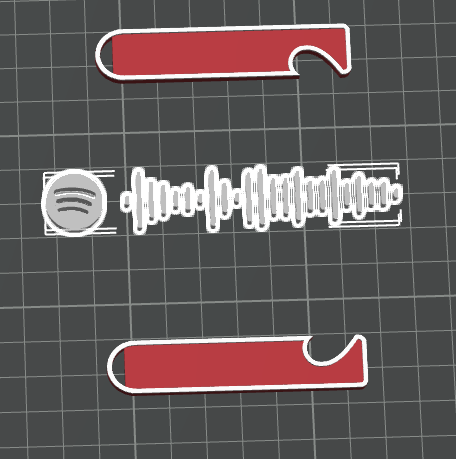
8. Scale the object with as the image
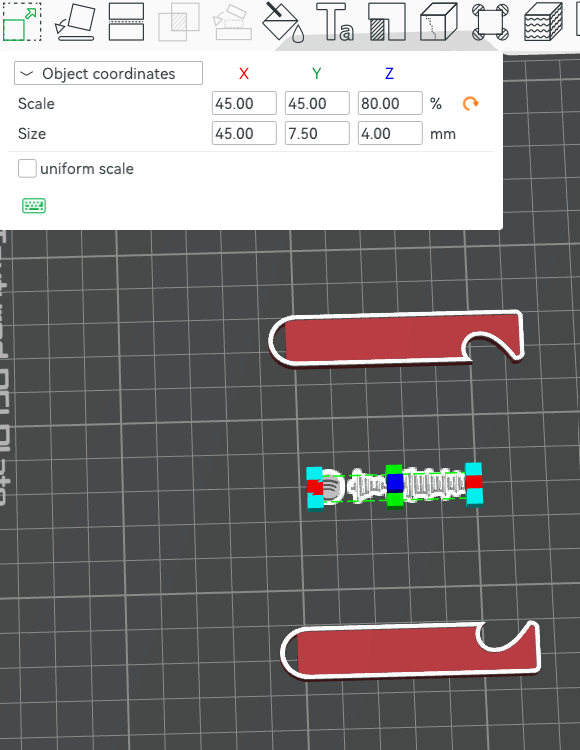
9. Right click on the Spotify code and copy once then Position the design as desired
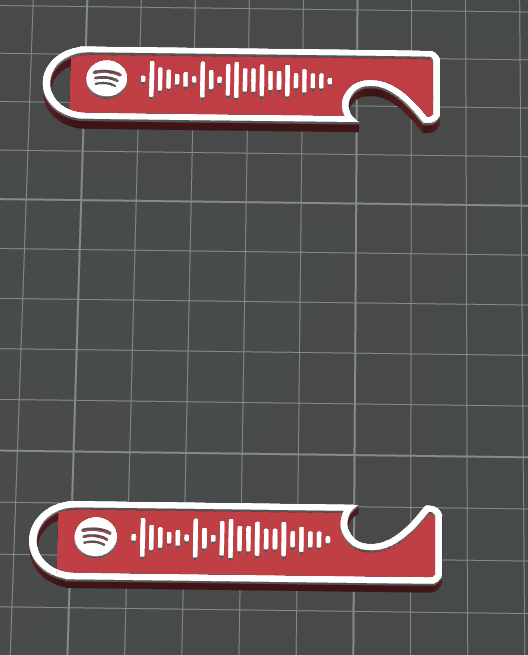
10. Right Click all the objects, right click then Merge
11. Click on Colour Painting then height range and colour the top part.
Matching Heart Spotify Code Keychains

Publicado em 22 de jan de 2026