Você está no 3DFinder
Buscamos em Thingiverse, MakerWorld e Printables ao mesmo tempo para te dar o melhor de cada uma.
Descrição
############# BUG FIXED ###############
Scripts PMB_MATTEBOX_EN and PMB_LENS_EN have been replaced by new scripts PMB_LENS_EN_v2 and PMB_MATTEBOX_EN_v2. The fixed 1% thread clearance has been replaced with a new adjustable parameter, filter_thread_tolerance (default 0.1 mm). The previous percentage-based tolerance scaled with thread diameter, making the fit too loose on larger filters (e.g., +0.95 mm clearance at 95 mm versus +0.52 mm at 52 mm). The new fixed mm value provides consistent, predictable fit across all dimensions and can be adjusted to match printer tolerances (tested with 0.1 mm on an A1 Mini, working fine).
############# NEW FEATURE #############
The PMB_LENS_EN_v2 script now has the new "mode" parameter which, if set to "cap", prints a cap for the connector by engraving the connector size on the cap (also added the cap_disc_thickness, cap_text_depth, cap_text_size parameters.
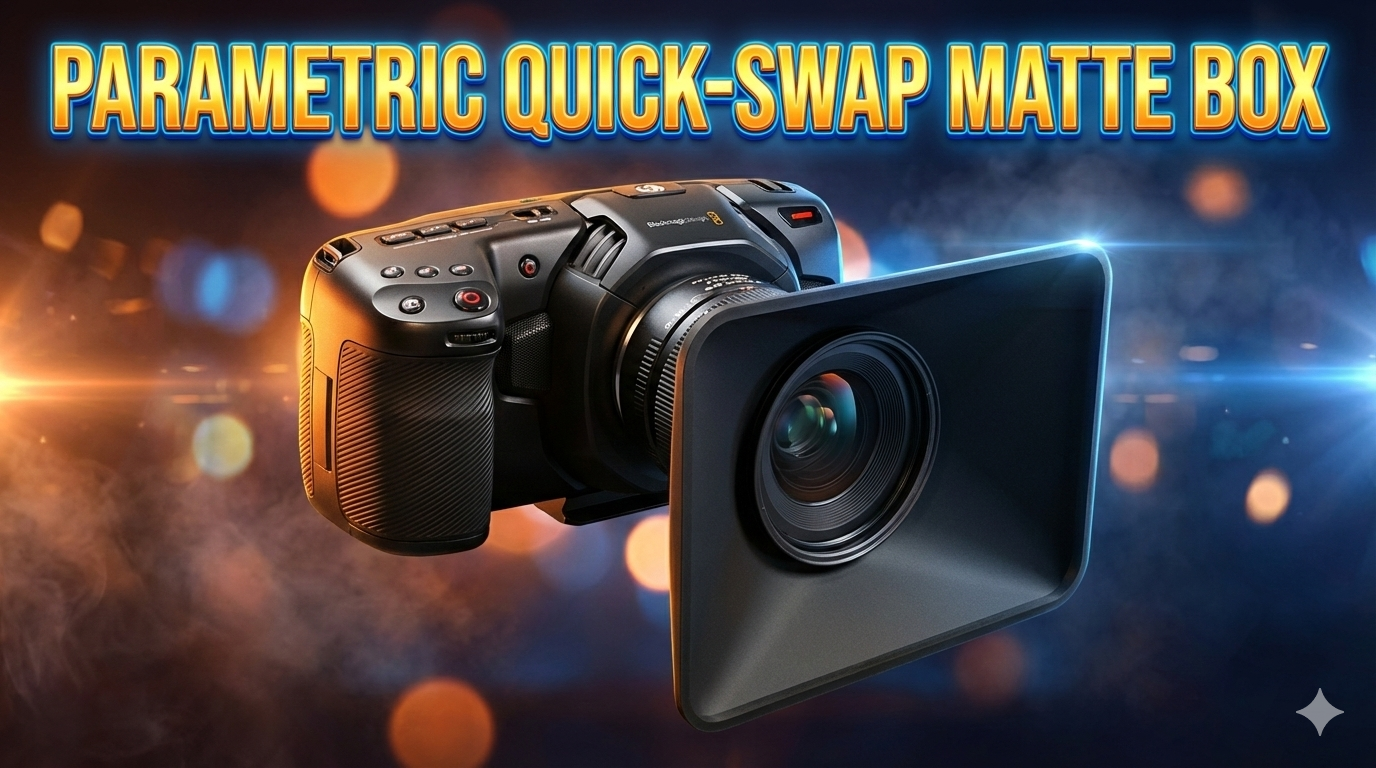
QUICK GUIDE 🚀
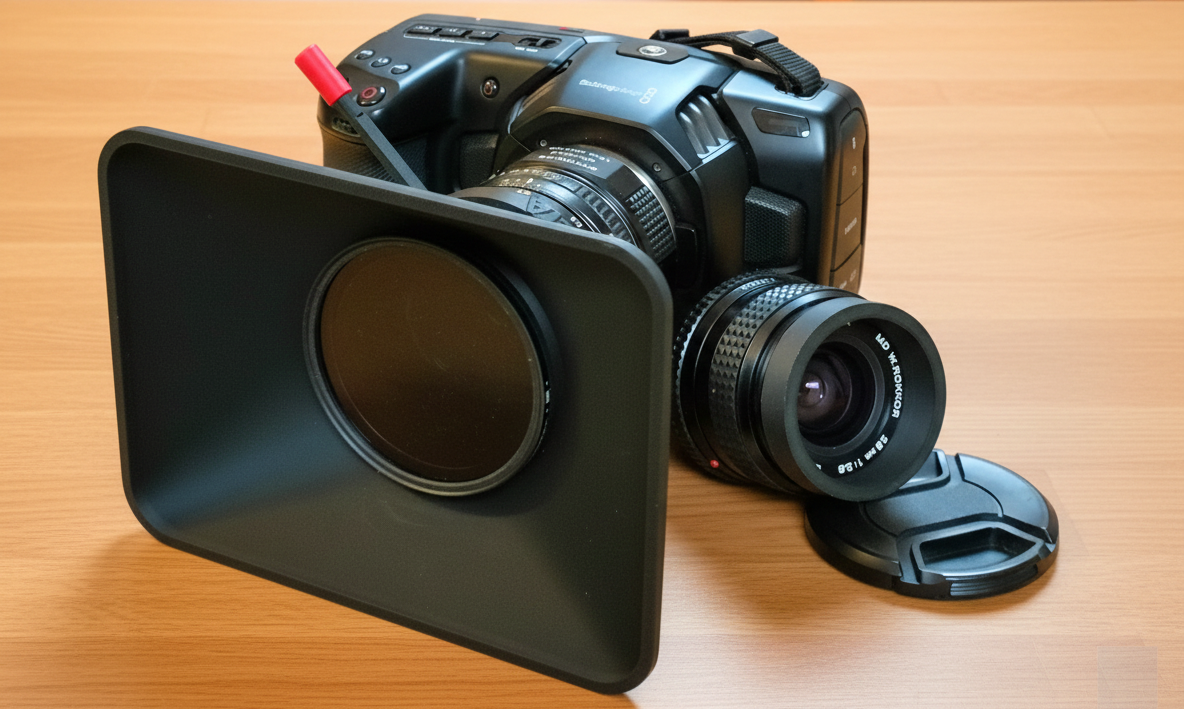
Customizable Matte Box with circular filter threads and a "press-fit" lens adapter. Both components can be personalized based on filter/lens sizes and desired matte box dimensions.
The adapter system allows you to use a single matte box across multiple lenses.
Two scripts are provided:
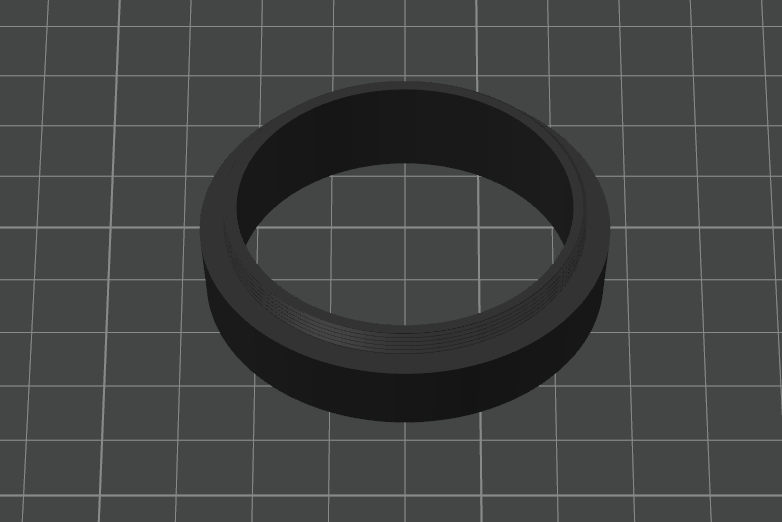
📜 PMB_LENS_EN – Creates the lens adapter onto which the matte box body is mounted. Select your specific lens thread diameter.
📜 PMB_MATTEBOX_EN – Creates the matte box to be press-fitted onto the lens adapter. Select your circular filter thread diameter.
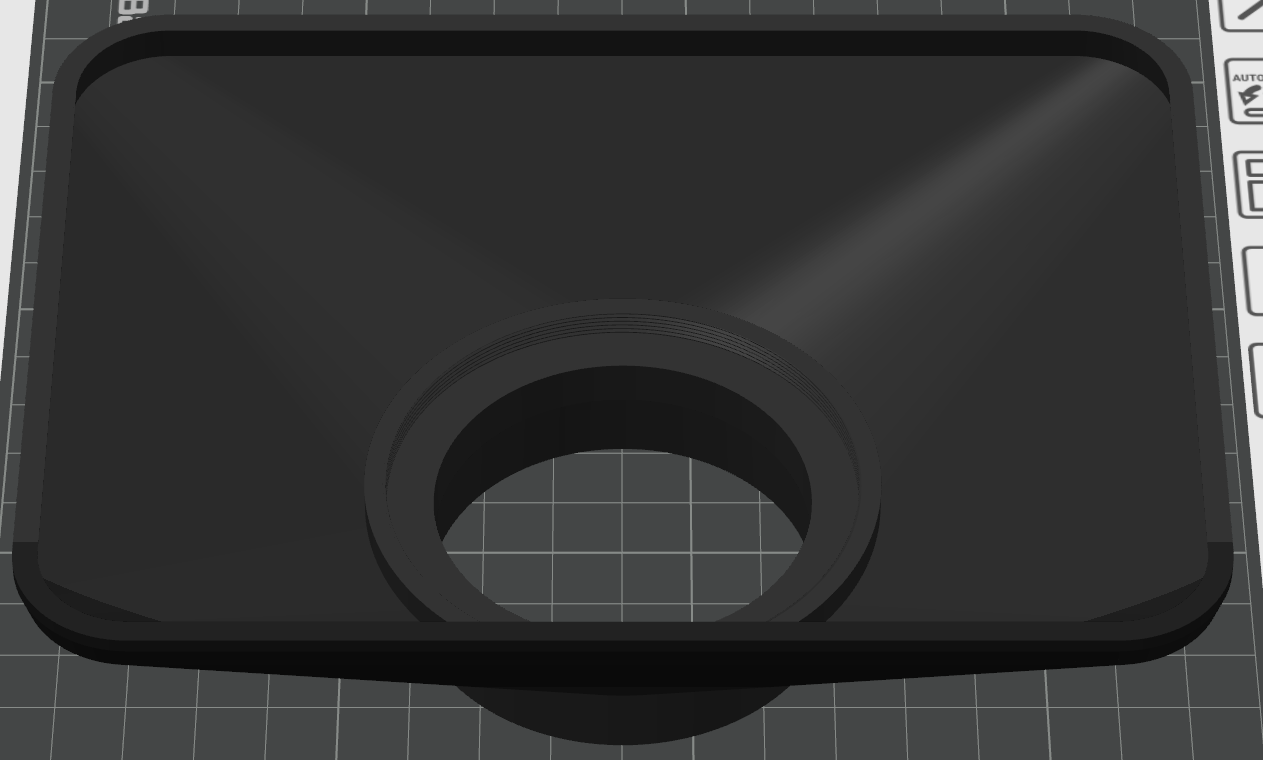
The two printed parts are designed for a friction-fit and can be customized via parameters.
⚠️ ATTENTION: The interface_diameter parameter must be identical for both parts. It should be set according to your largest lens and cannot exceed the filter diameter.
(If you don't want to use parametric scripts, you can find an example here for a 67mm filter and lenses with 49mm and 55mm threads. If you'd like me to upload more templates, please ask me in the comments.)
INTRODUCTION 🔍
For my Blackmagic Pocket 4K, I originally used a Neewer matte box with a variable circular ND filter12. Despite being a valid product, it was unsatisfactory for several reasons:
- 📏 Bulk: The mounting ring had an excessive diameter, interfering with the follow-focus motor when used on a gimbal (Ronin).
- ⚖️ Weight: Especially on a gimbal, the extra weight made balancing the BMPCC 4K difficult.
- 🔄 Lens Swapping: Changing lenses was cumbersome because the matte box and the adapter (of which only one was provided) had to be removed.
I attempted to replicate the adapter using an existing project from Thingiverse but still faced thickness and weight issues. Therefore, I decided to build a custom matte box from scratch using OpenSCAD and the threads.scad library by Dan Kirshner (Copyright 2025 Dan Kirshner - ([http://dkprojects.net/openscad-threads/](http://dkprojects.net/openscad-threads/)).
I have parameterized the project to allow anyone to create a tailor-made matte box for their specific filter/lens combination.
⚠️ Warning: The only dimensions I have printed and verified are for 67mm filter threads and 55mm/49mm lens threads. Any other sizes should be tested experimentally by adjusting parameters.
THE PROJECT 📐
The system consists of two distinct elements: the Matte Box and the Lens Adapter, which connect via a conical press-fit mount.
This design addresses two main issues:
- It ensures the Matte Box is always perfectly leveled (which is impossible with a single screw-on component).
- It allows for a quick swap of the Matte Box between different lenses.
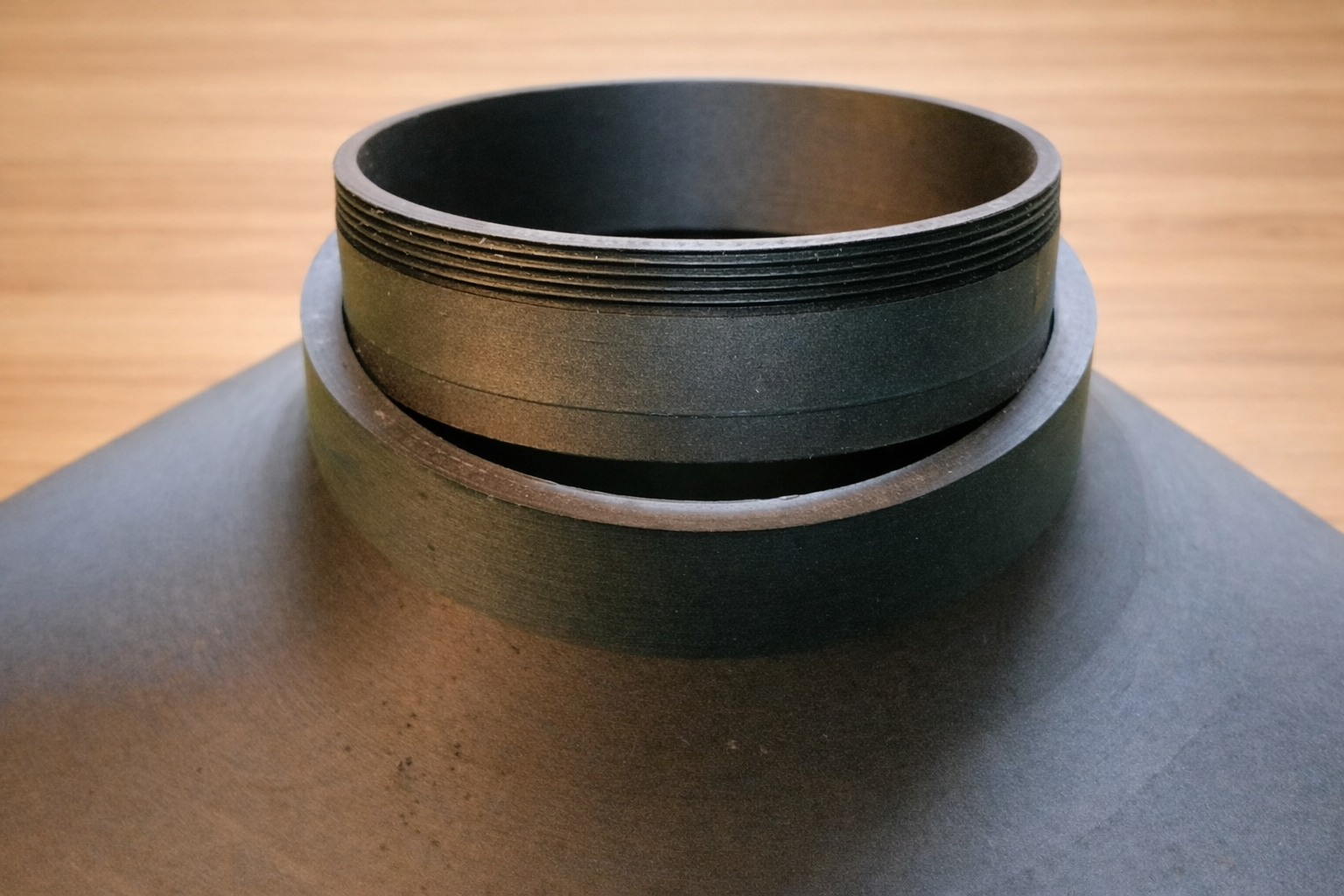
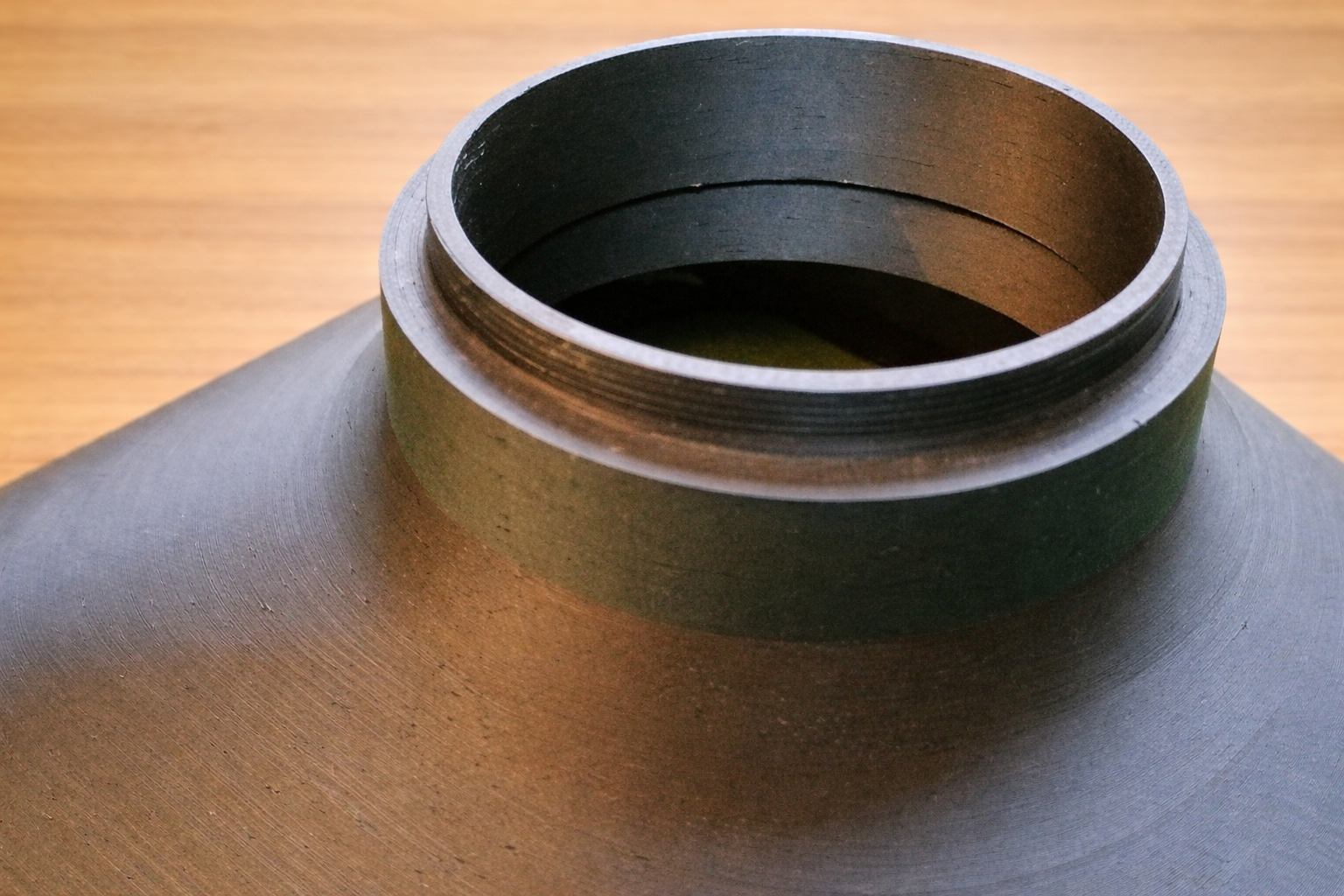
Weight has been minimized by using a 1mm wall thickness, while a reinforced outer rim has been added to ensure structural rigidity.
INSTRUCTIONS ⚙️
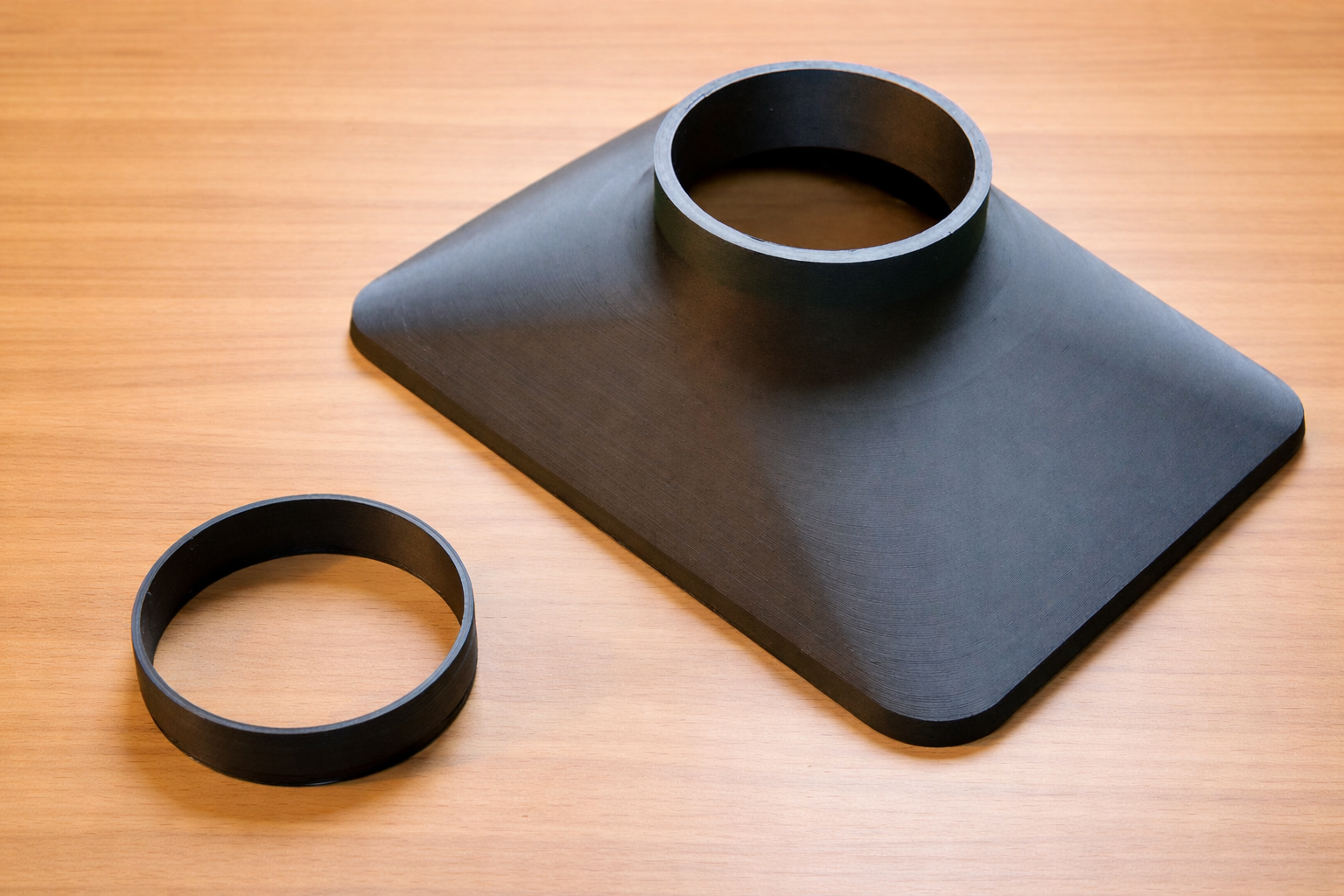
You need to print two objects:
1) Matte Box (Main Body) 📦
Includes the threaded seat for variable ND filters (or any circular filter) and a female conical mount at the base.
It can be customized with the following parameters:
- filter_thread_diameter: This is the most critical parameter, matching the filter to be mounted on the Matte Box (standard values: 52, 55, 58, 62, 67, 72, 77, 82, 95).
- Front Width and Front Height: These determine the overall size of the matte box based on your requirements.
- The remaining parameters are more sensitive; changes may affect printability or the functionality of the snap-fit joint. Use them for experimentation.
⚠️ Warning: The parameters under "Universal mount parameters" must be identical to those in the Lens Adapter to ensure a proper fit.
2) Lens Adapter 🔌
Features the lens thread attachment and a male conical mount.
Parameters:
- lens_diameter: The primary parameter to change based on your lens thread size.
- The other parameters are critical and can be used to fine-tune the friction of the joint.
⚠️ Warning: The parameters under "Universal mount parameters" must match those in the Matte Box to guarantee the connection.
PRINTING TIPS 🖨️
- 🧵 MATERIAL: Use a matte black filament (I successfully used Bambu Lab Matte PLA Black).
- 💡 LAYER HEIGHT: Use a layer height between 0.12mm and 0.16mm. With layers of 0.20mm or higher, photographic threads (which have a very fine 0.75mm pitch) often fail to screw in correctly.
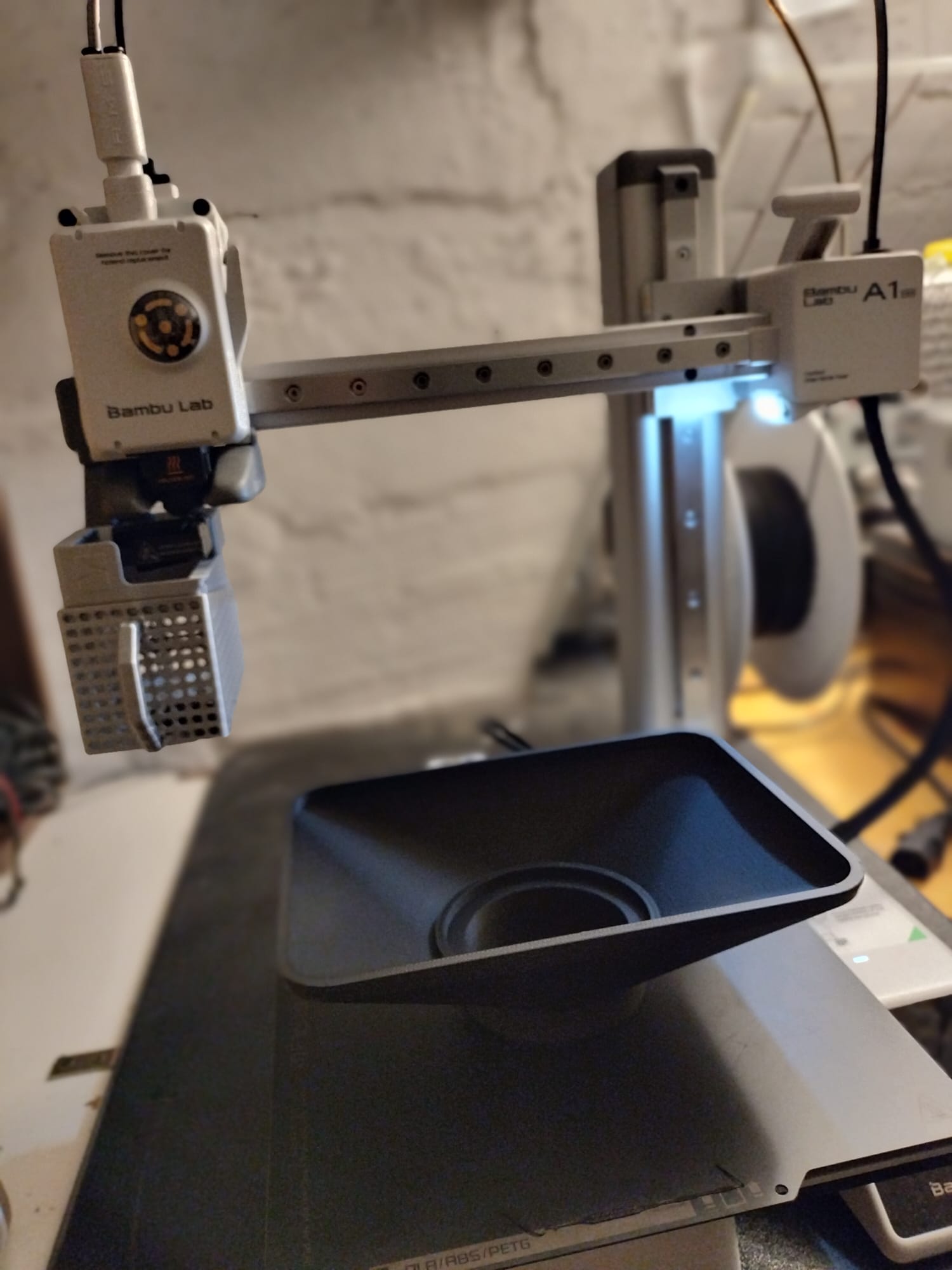
- 📐 ORIENTATION: Both objects must be oriented with the conical mount resting on the build plate.
- 🚫 SUPPORTS: The Matte Box design utilizes integrated ramps to allow for supportless printing.
USAGE AND CUSTOMIZATION 🔧
- Screw the circular filter into the Matte Box.
- Screw the adapter onto your lens.
- Press the Matte Box onto the adapter. The tapered geometry ensures a secure hold and perfect alignment.
⚠️ Warning: If using ultra-wide lenses, ensure you increase the front width/height or decrease the depth to avoid vignetting.
Happy printing! 🎬