Você está no 3DFinder
Buscamos em Thingiverse, MakerWorld e Printables ao mesmo tempo para te dar o melhor de cada uma.
Descrição
Description:
Keep your camera lenses organized and safe with this Gridfinity-compatible lens holder.
The design holds the lens vertically by gripping the rear cap, preventing it from rolling around or gathering dust.
Key Features:
- Gridfinity Standard: Fits any 2x2 Gridfinity baseplate.
- Secure Fit: Designed to hold the lens stable via the rear cap.
- Customizable: Change the diameter in the CAD file to fit any lens brand.
🔧 How to Customize (Parametric Guide)
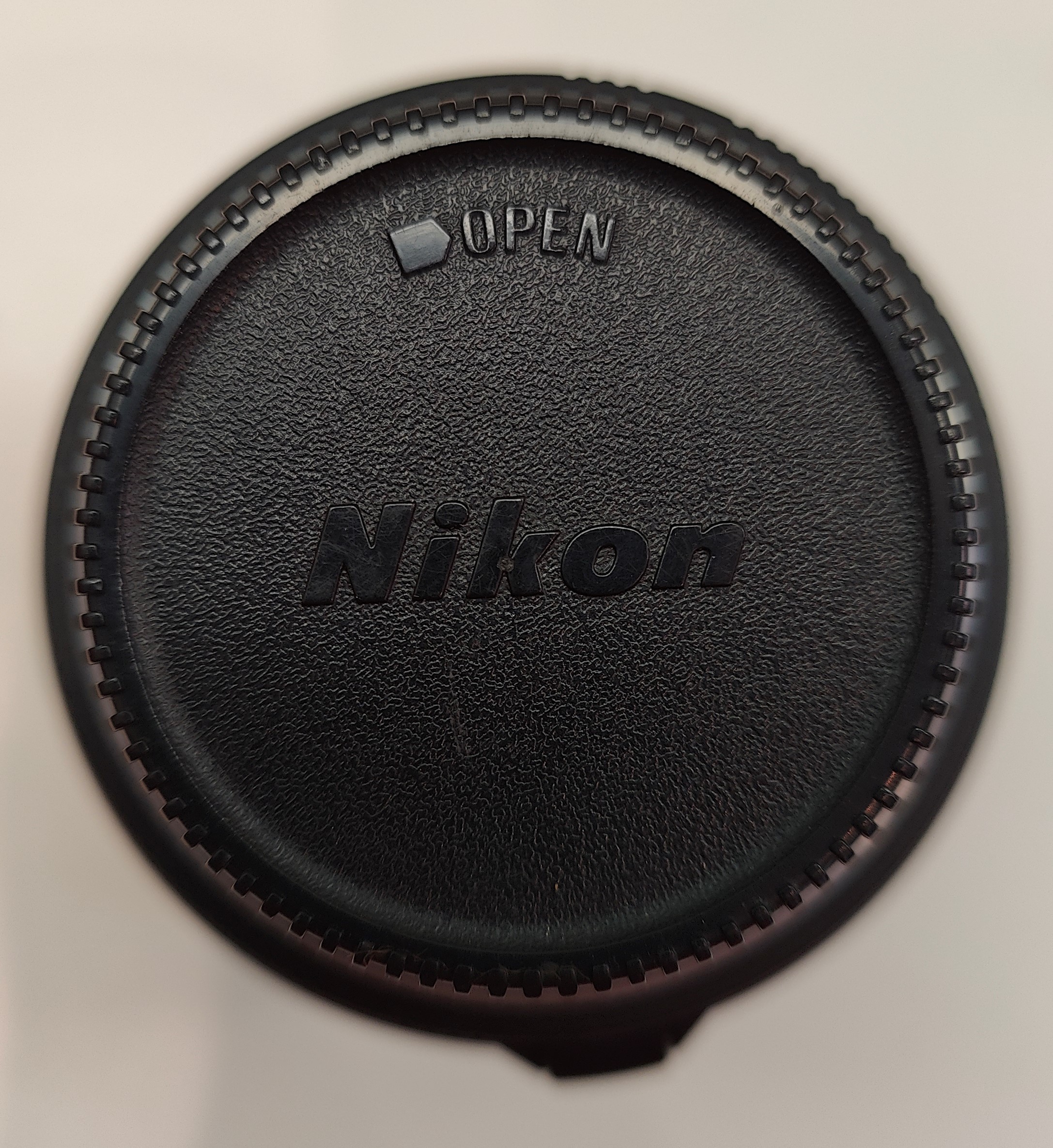
To fit your specific lens brand (Sony, Canon, Fujifilm, Olympus, etc.), pesonalize your file and follow these steps.
⚠️ Measurement Tool Tip:
- Best Tool: A Digital Caliper is highly recommended for precision.
- Using a Tape Measure: If you use a tape measure (as shown in the photos), always round up (measure in excess). It is much better to have a slightly loose fit than a hole that is too small for your lens cap!
1. Measure the Diameter
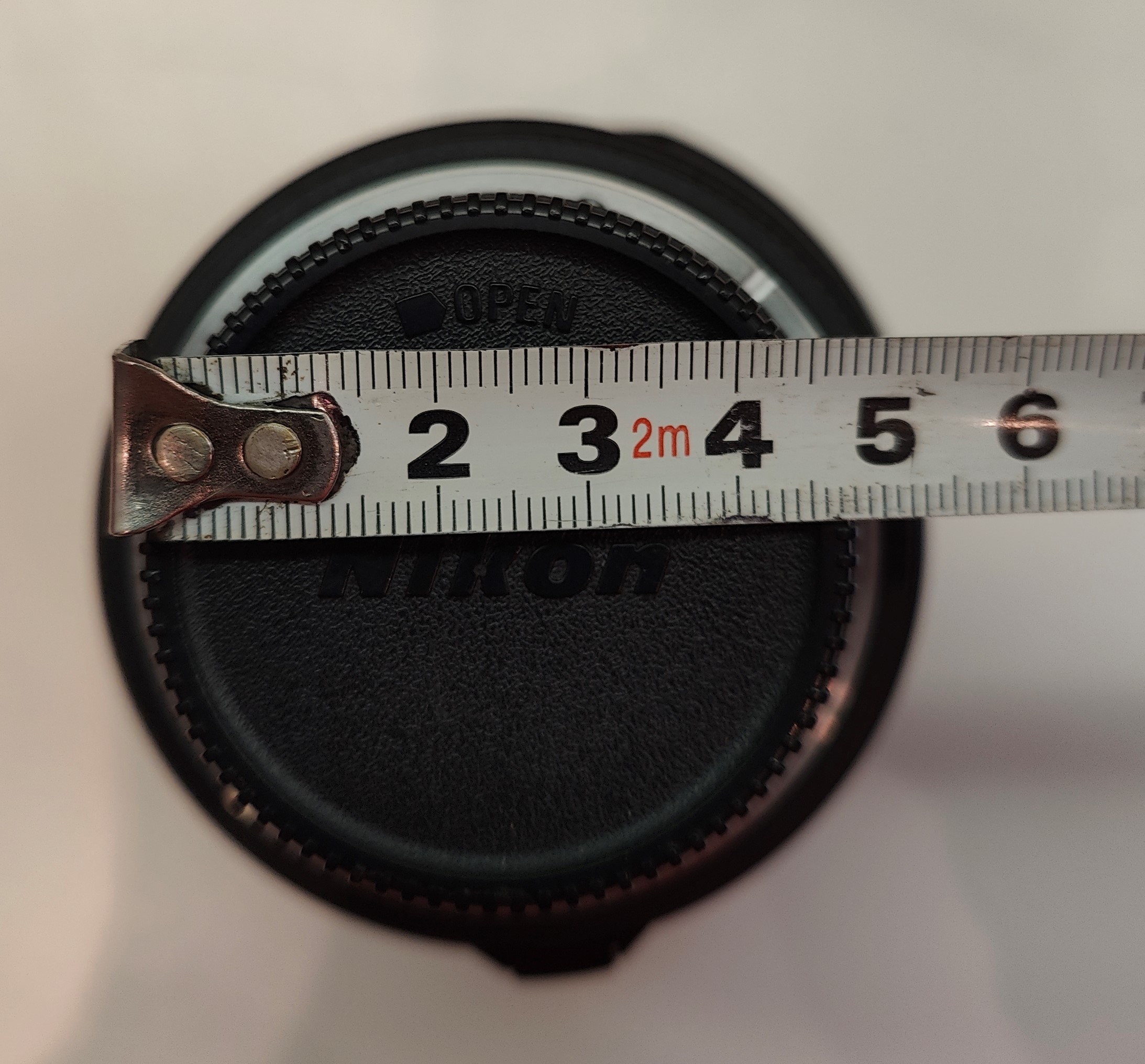
- Measure the outer diameter of the rear lens cap.
- ⚠️ IMPORTANT: Pay attention to the ridges/grip teeth on the side of the cap. You MUST measure the widest part (including the ridges).
- If you measure the inner smooth part, the cap will not fit!
- Action: Enter this value into the Diameter parameter.
- Tolerance: If using a Caliper, add 0.3mm extra clearance. If using a Tape Measure, round up to the next millimeter.
2. Measure the Height
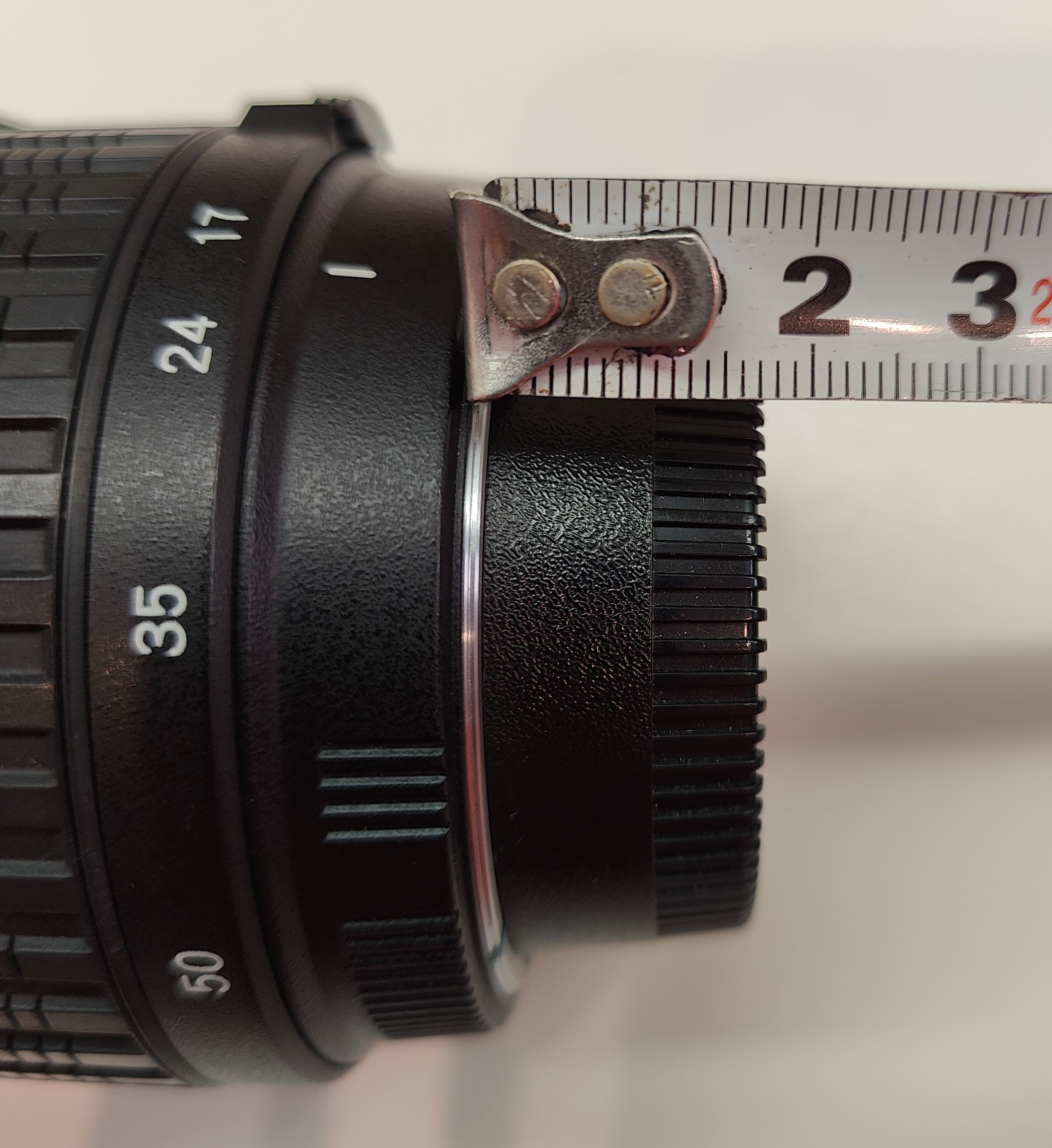
- Measure the total height (thickness) of the cap.
- Action: Enter this value into the Height/Depth parameter.
For Fusion 360 Users:
- Open the .f3d file.
- Go to Modify > Change Parameters.
- Update the values in the table and the model will update automatically.
Gridfinity Lens Holder | Parametric

Publicado em 27 de nov de 2025
Gostou deste modelo? Crie uma conta grátis para salvar seus favoritos e voltar a eles depois.
Criar conta