Você está no 3DFinder
Buscamos em Thingiverse, MakerWorld e Printables ao mesmo tempo para te dar o melhor de cada uma.
Descrição
What is this?
A compact accessory that allows you to temporarily disable NFC tag reading on BambuLab branded spools.
A metal blade from Bambu Scraper (Link) is inserted into the model — it acts as a shielding plate and blocks reading, similar to bank card protection.
The model is designed for the Bambu scraper because everyone has one, but you can use aluminum/copper tape, a coin, or any other metal object instead, and it will work fine too.
For example:
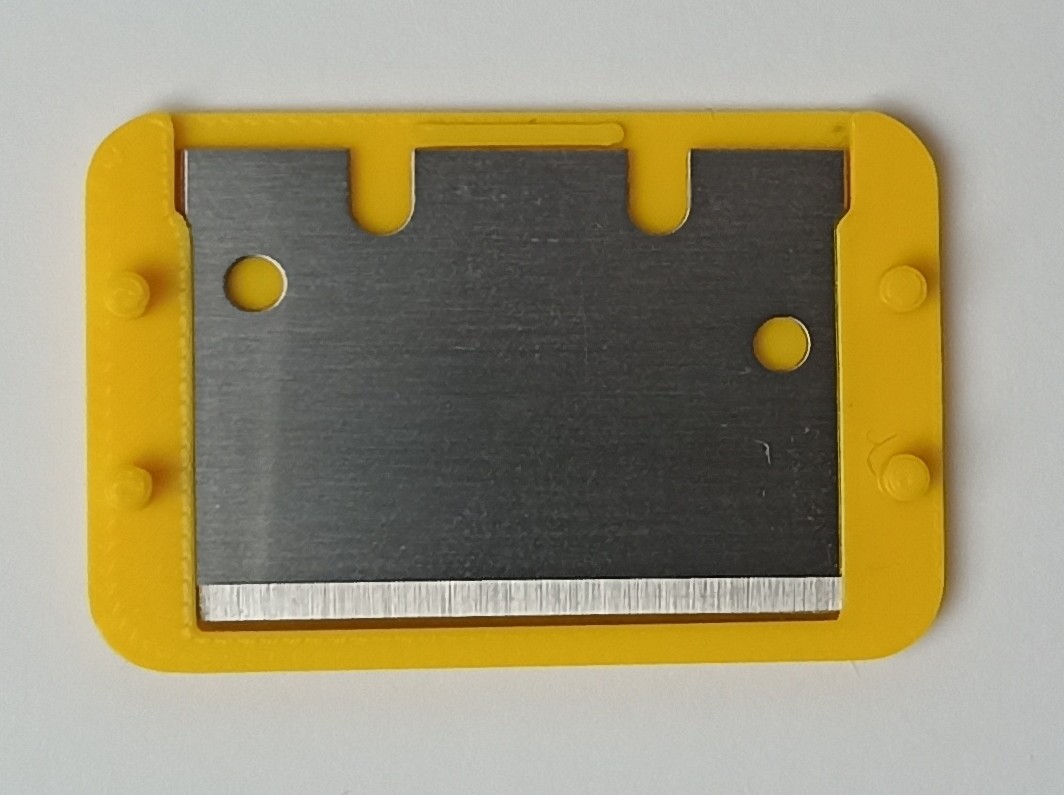 | 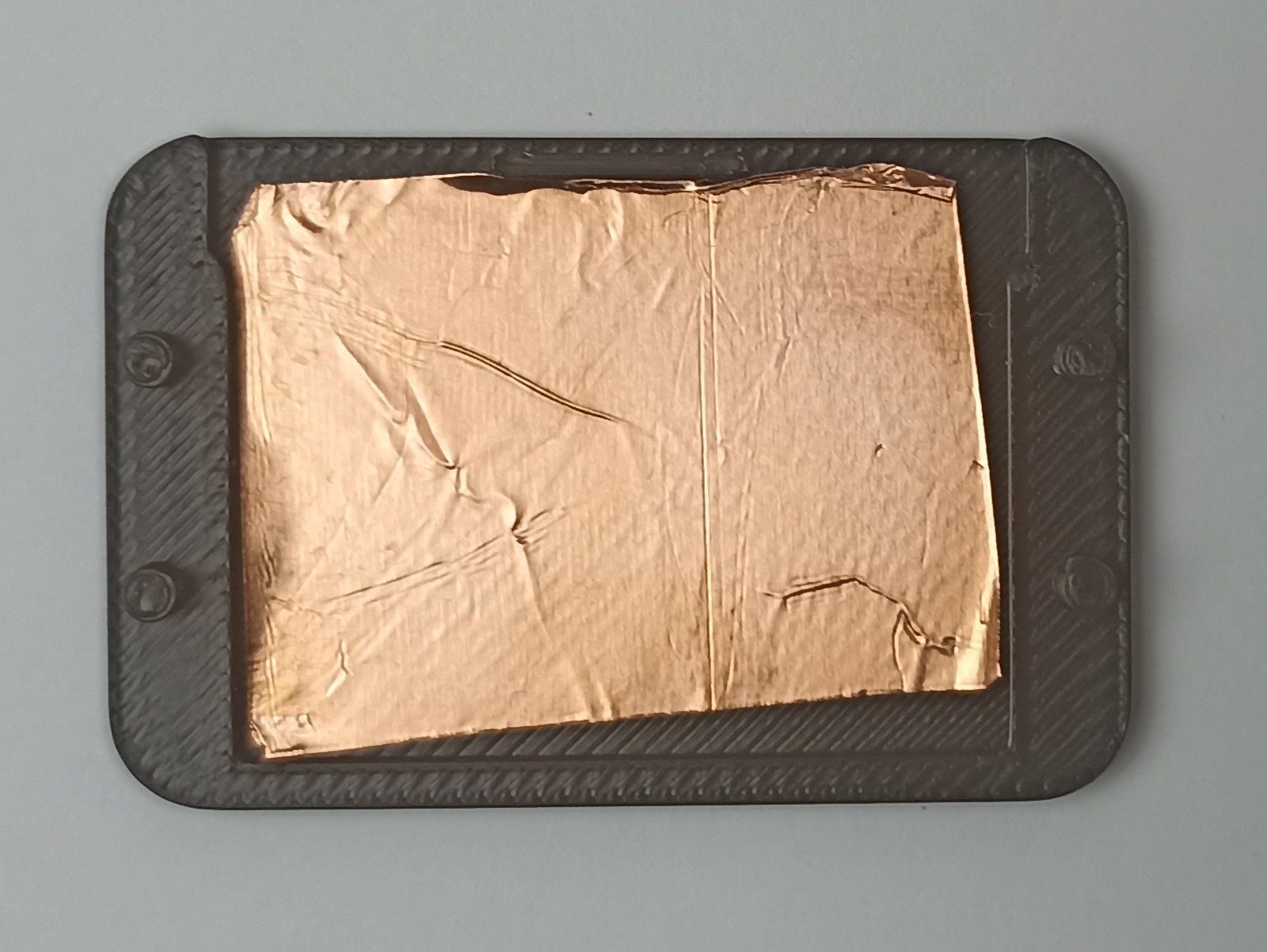 | 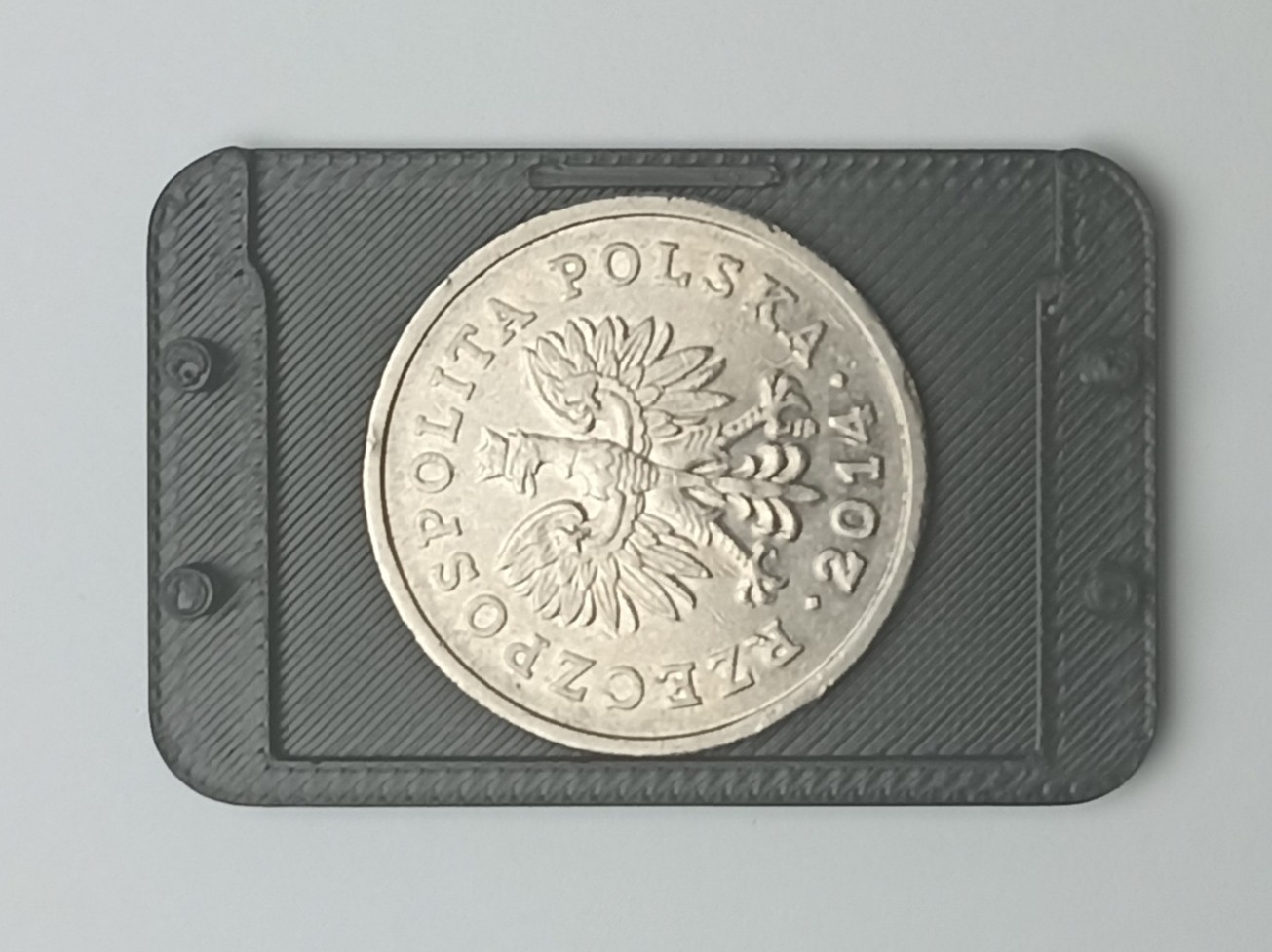 |
Why is this necessary?
Since the auto-fill feature doesn't work with mismatched colors by default and you can't edit the original spools in Bambu Studio, using the blocker allows you to manually set the same color in Bambu Studio for the original filament so that the auto-refill feature can keep printing automatically.
The blocker is especially useful when you have leftover spools in different colors.
How to use:
1) Find the location of the NFC tag on the spool:
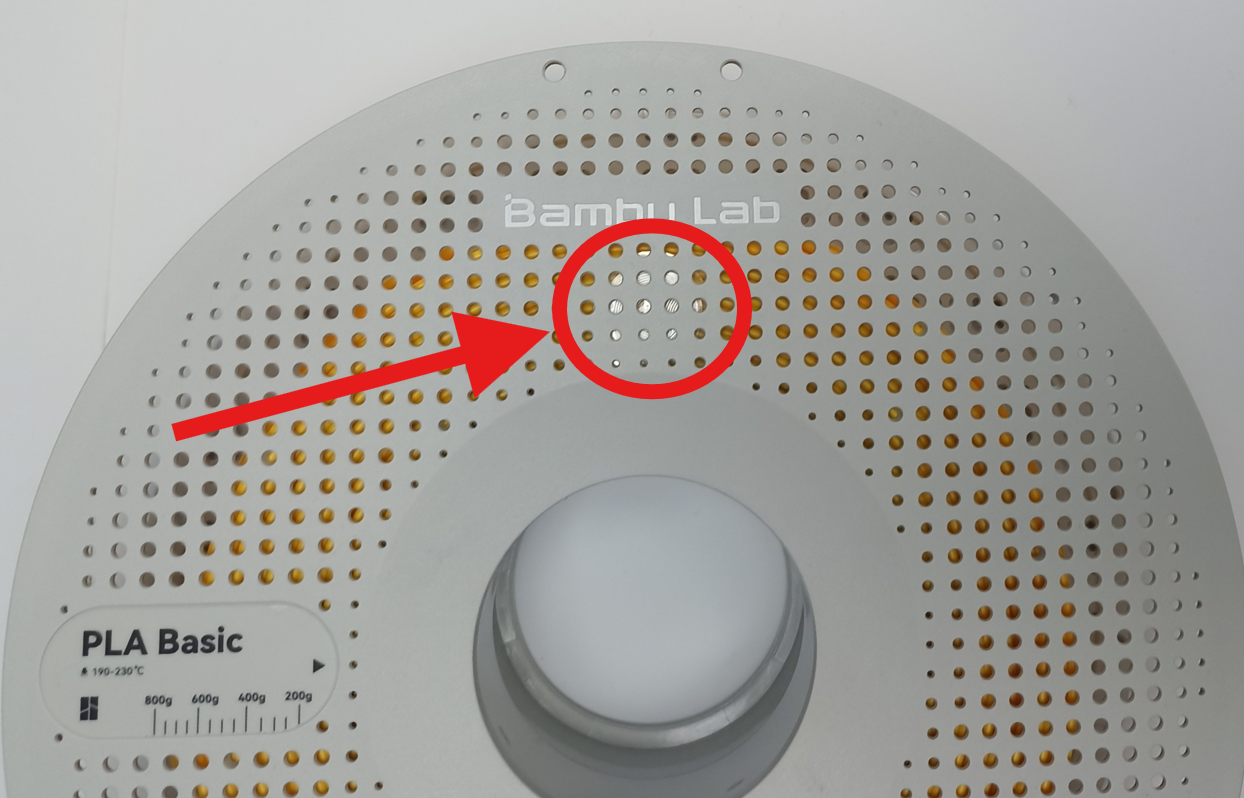
2) Attach the NFC Blocker to this place:
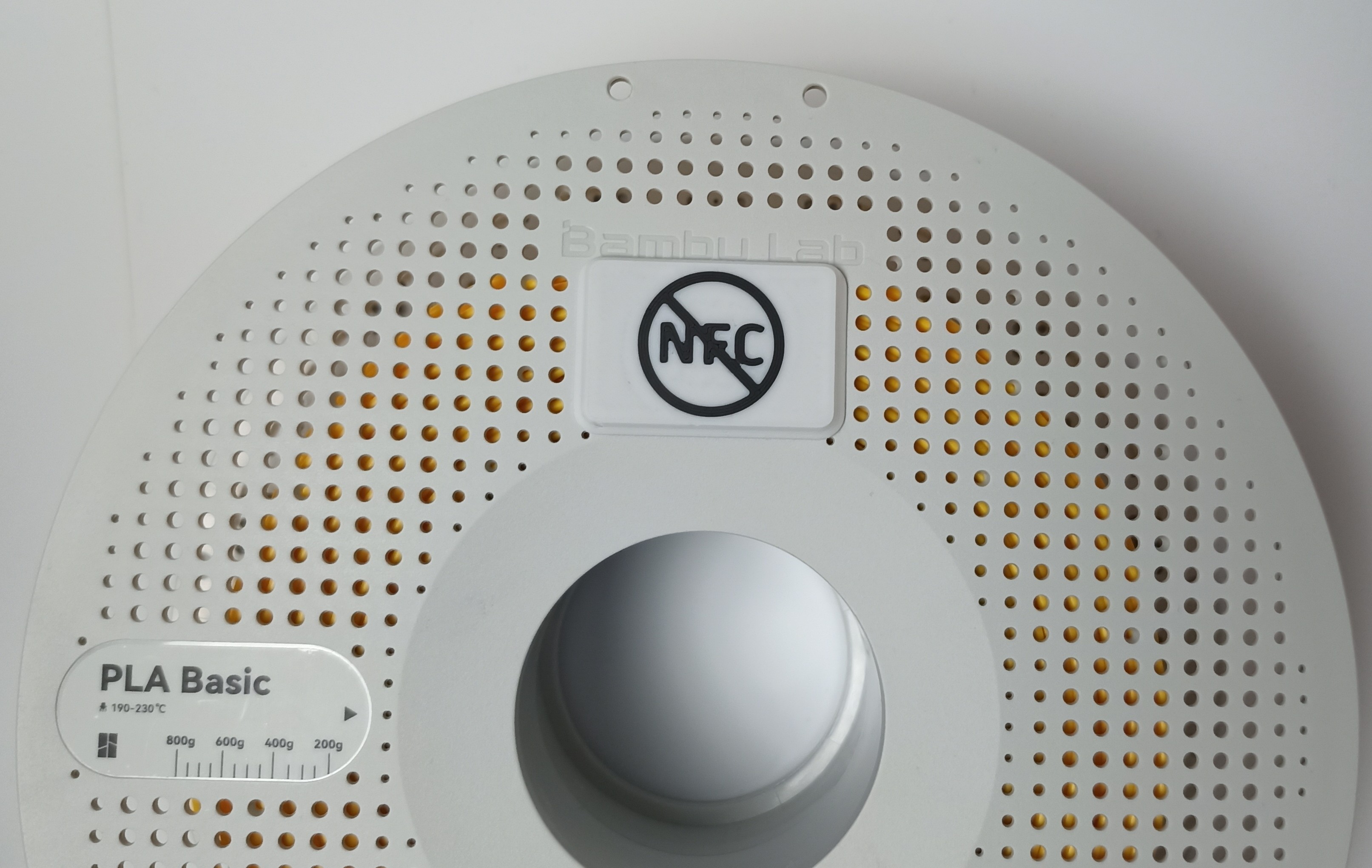
3) Place the spool in the AMS.
Notes: The NFC blocker must be located on the side where the spool is read. With AMS Lite, reading takes place inside the housing, so the NFC blocker must be located on this side:
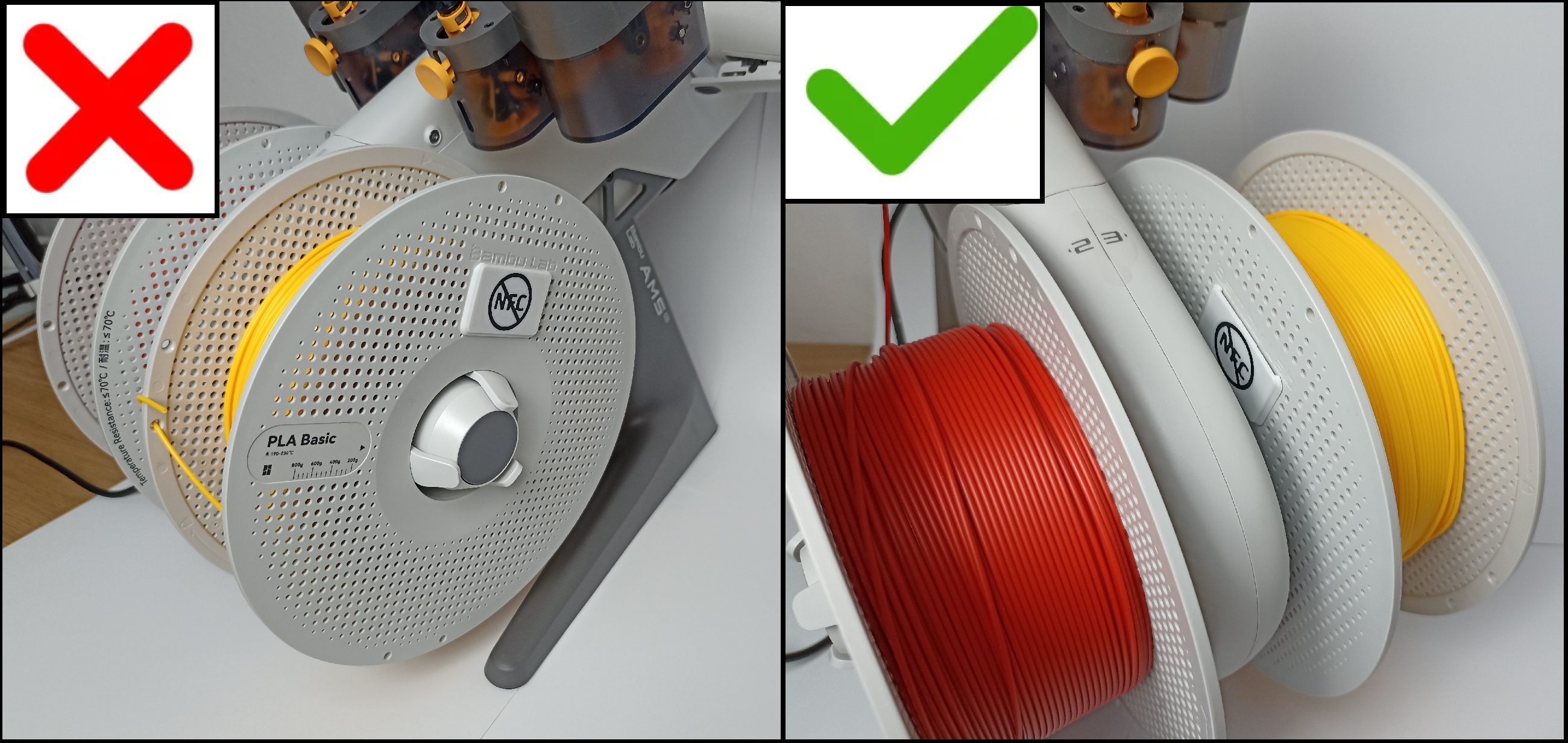
4) Manually set the same color in Bambu Studio:
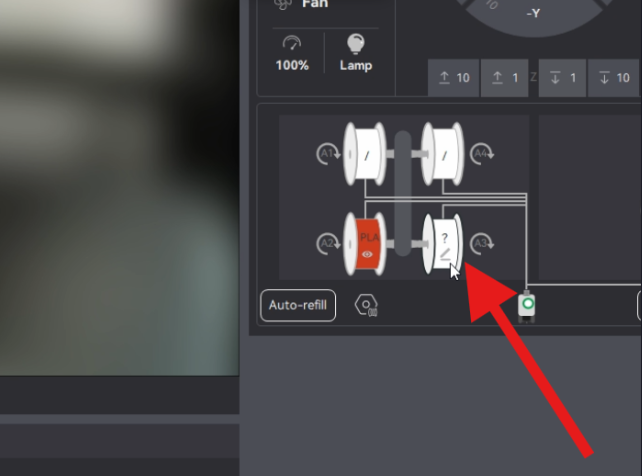 | 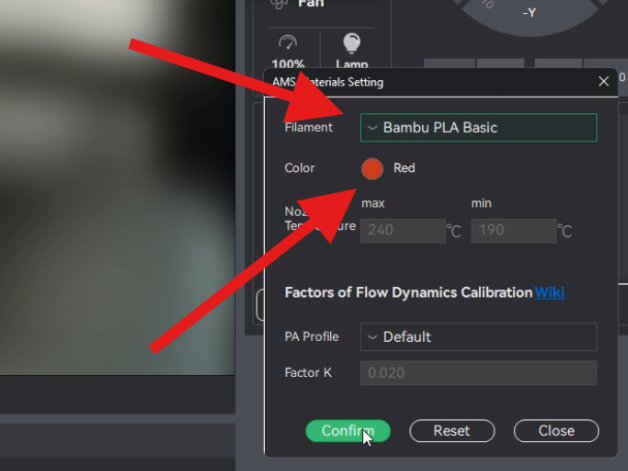 |
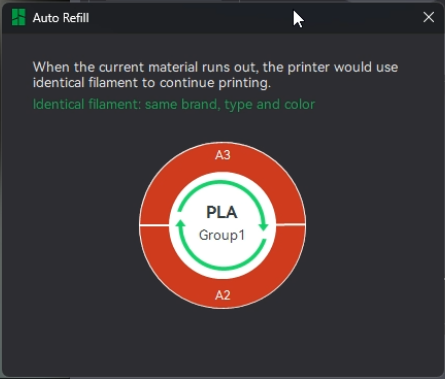
Done: Now the printer thinks that two identical filament are loaded and printing will continue automatically when the previous spool is empty.
If you have configured everything correctly, when you click the Auto-refill button, you should see something like this:

Gostou deste modelo? Crie uma conta grátis para salvar seus favoritos e voltar a eles depois.
Criar conta