Você está no 3DFinder
Buscamos em Thingiverse, MakerWorld e Printables ao mesmo tempo para te dar o melhor de cada uma.
Descrição
- First of all: I soldered this whole thing, I recommend you to do it as well.
- Use the Arduino ProMicro ATMega32U4 type-C board.
I have made the program for it, it's using the F13-F20 keys so it won't mess up anything. It's downloadable as a .txt file.
M3x 16mm SHCS screws were used (that's what I found at home at the time)
- Follow the wiring drawing and edit the program to your liking.
Building steps:
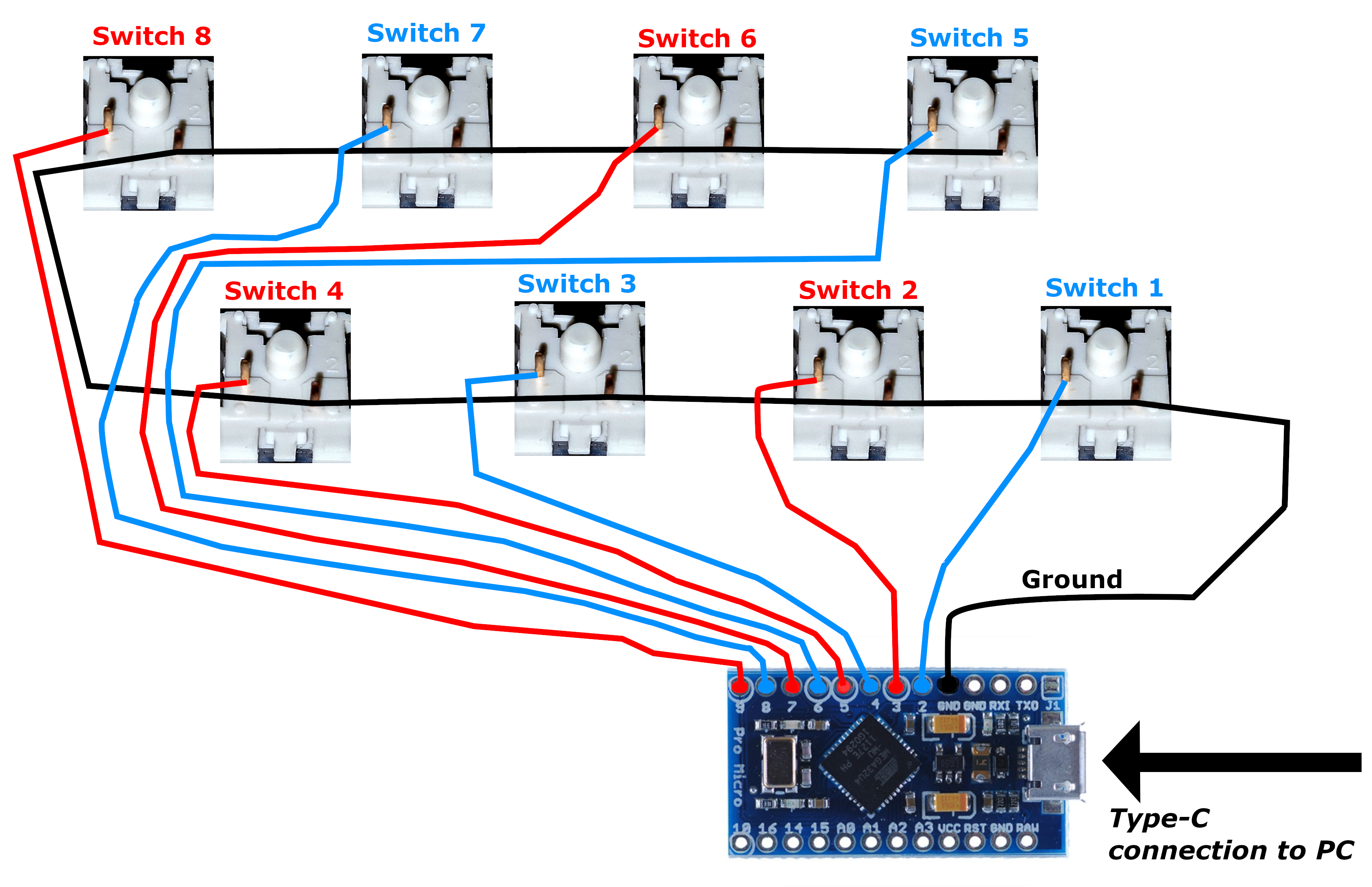
- Put the switches in the “Keyframe”
- Solder the grounds together, and that 1 more additional which will connect to the board (on the drawing: black lines)
- Solder the board connecting wire on every switch (on the drawing: red and blue lines)
- Solder the ground wire onto the board
- Solder the connecting wires on the board in the order you like the most (I made a suggestion! I did it this way, because it's later reorganizable on the software side)
- Slide the “Keyframe” into the "Body upper" from the bottom (watch for orientation)
- Put the mainboard in the “Body lower” part
- Put the "Body lower" part on the assebly (watch for orientation)
- Secure it with 4 M3 x 16mm screws, mentioned below
- Put on the Keycaps of your choosing (mine have pictograms)
- Setting it up
- Plug it in…
- Download the Arduino Software (https://www.arduino.cc/en/software)
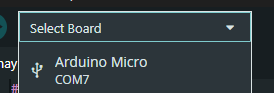
Select your Arduino board under the “Select Board” option
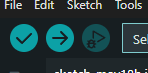
Copy the Adruino program into the programming surface, then verify and upload it
- Enjoy! :)

36
Curtidas
47
Downloads
60
Coleções
18
Impressões
Categoria
Electronics
Tags
keyboard
streamdeck
Licença
BY-NC