Você está no 3DFinder
Buscamos em Thingiverse, MakerWorld e Printables ao mesmo tempo para te dar o melhor de cada uma.
Descrição
########## UPDATE ############
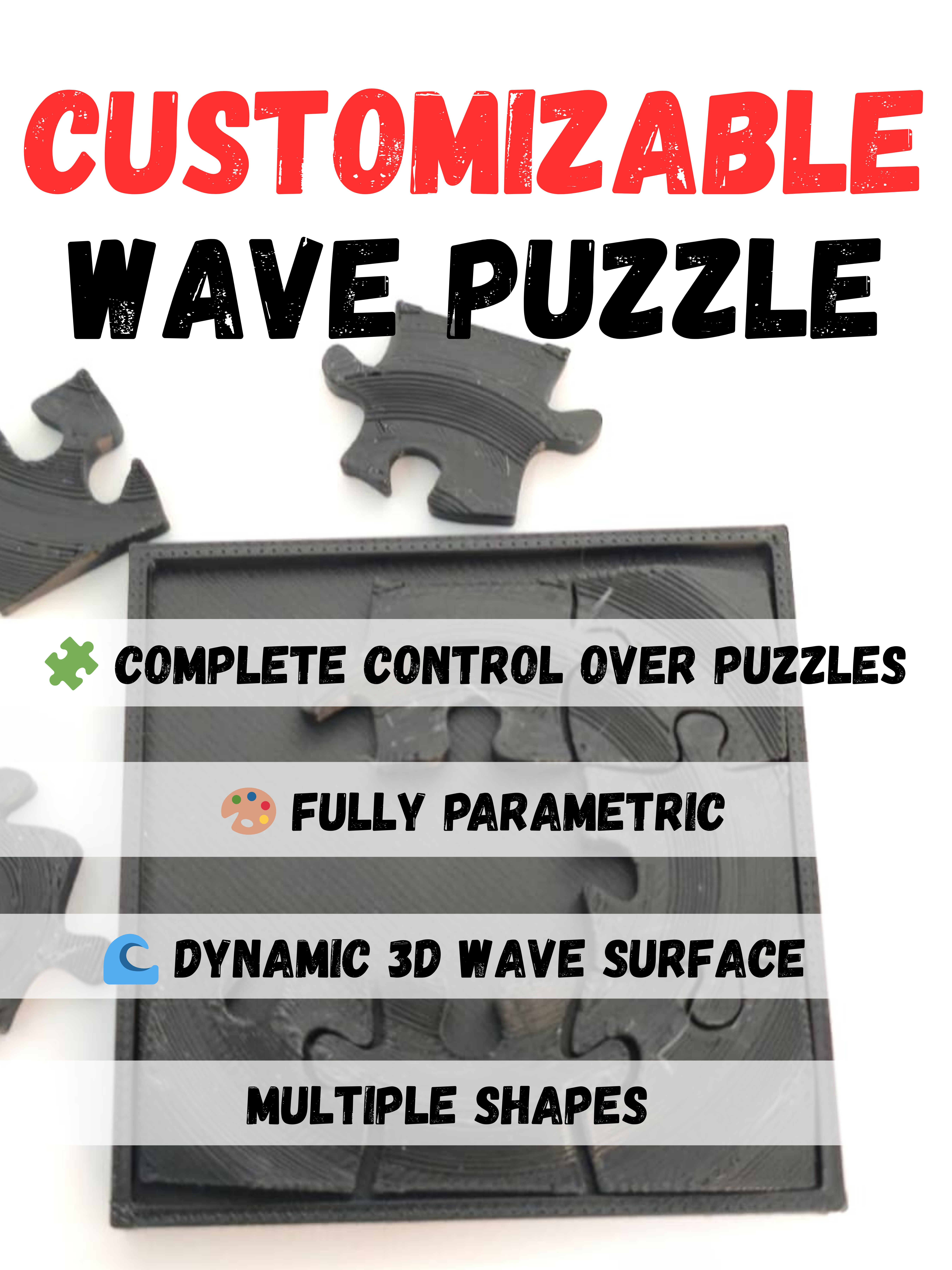
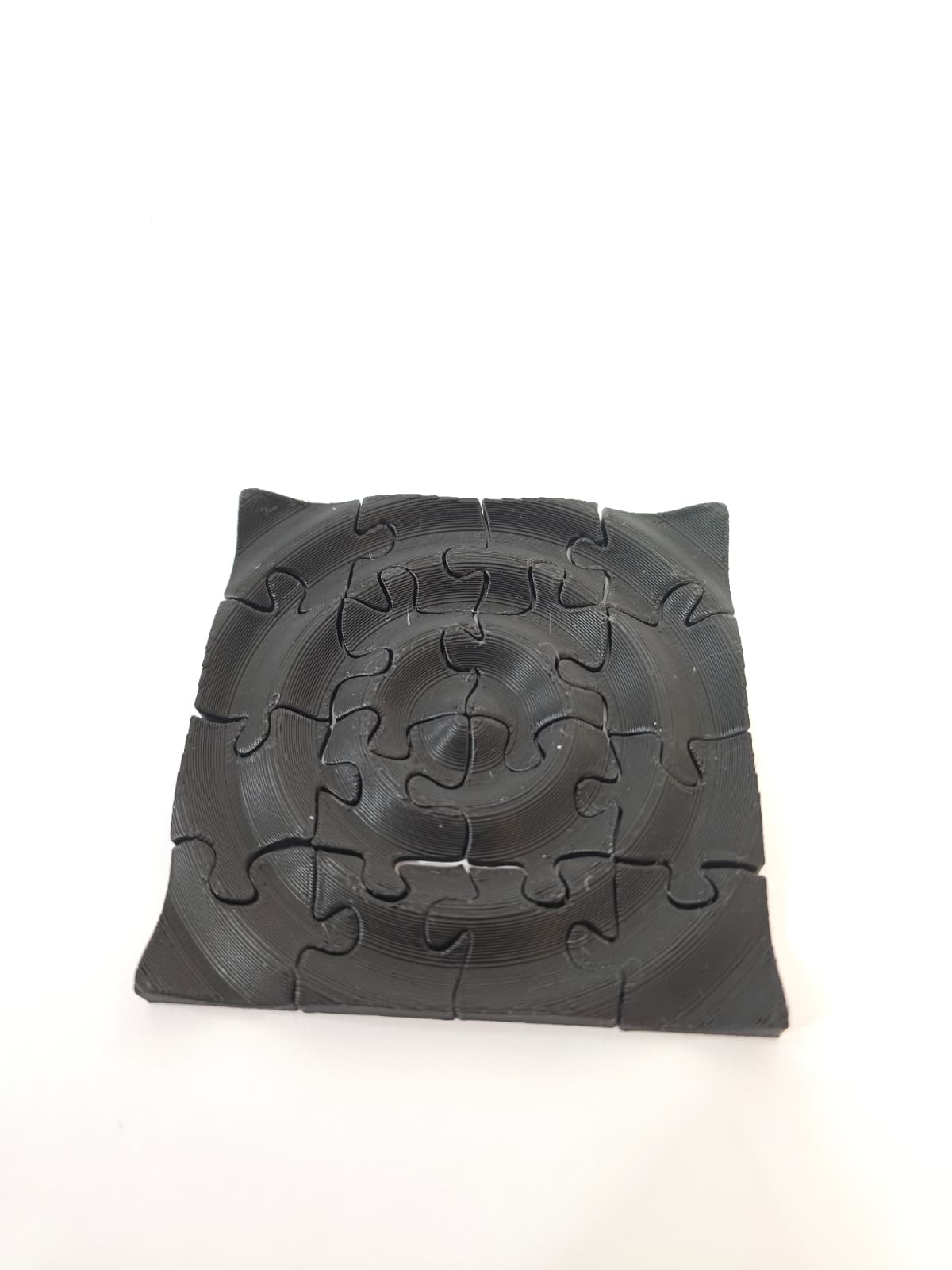
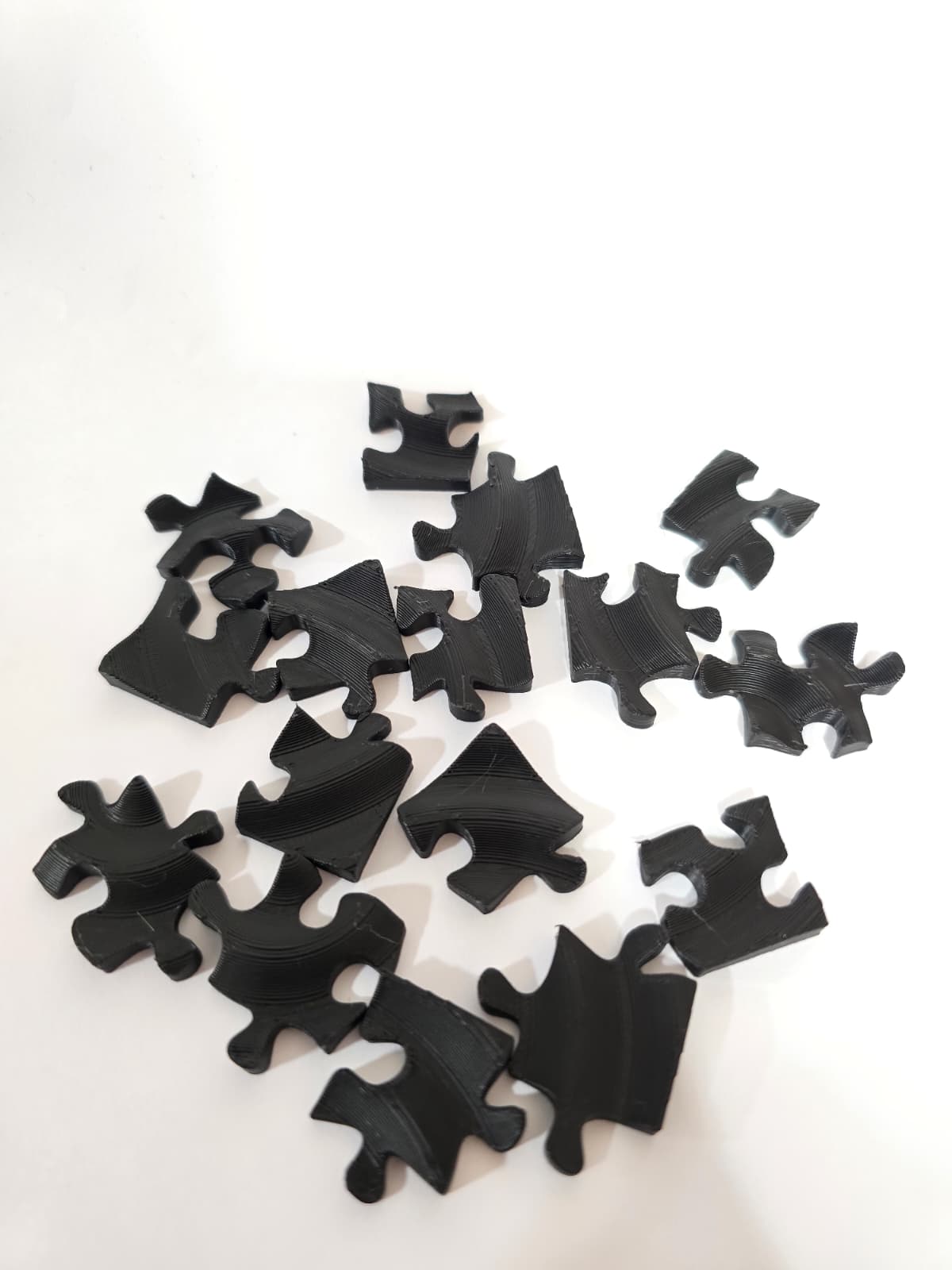
Now You Can Make Wave Jigsaw Puzzles With This Generator!
[https://makerworld.com/en/models/1834135-customizable-wave-puzzle#profileId-1958798](https://makerworld.com/en/models/1834135-customizable-wave-puzzle#profileId-1958798)
################################
Customizable 3D Wave Pattern Generator 🌊
Design your own beautiful wave patterns! This tool is perfect for creating unique coasters, decorative tiles, or even amazing, textured baseplates for your models and dioramas.
Make your design smooth and flowing, or give it a cool, blocky "pixel" look. It's all up to you!
Quick Guide to the Controls 🎛️
Find these settings in the Customize panel.
- Shape: Choose your base shape. 🟦 Square, ⚪ Circle, or 🔷 Hexagon.
- Size: How big to make your model in mm.
- Smooth_Finish: This is a key setting that defines the style.
- Checked (true): Creates a beautiful, smooth, and continuous wave surface. Ideal for an organic look.
- Unchecked (false): Generates a blocky, "pixelated" version of the waves for a cool retro or digital aesthetic.
- Enable_Falloff: A fantastic new feature!
- Checked (true): Make the waves fade out like water ripples at the edges for a softer look (I recommend using this only for circle shapes ).
- Unchecked (false): The waves maintain their full height all the way to the edge.
- Base_Thickness: How thick the bottom plate is in mm.
- Wave_Amplitude: How tall or short the waves are in mm.
- Wave_Frequency: How many waves you want packed together.
- Phase_Shift: Slides the whole wave pattern in or out from the center. Use this to shift the waves inwards or outwards, for example, to decide if a peak or a valley is at the very center.
🚀 How to Use This Generator
- Click Customize
- Use the Customizer: On the left side of the screen, you'll see the Customizer panel with all the parameters listed above (Shape, Size, Wave Amplitude, etc.).
- Adjust the Settings: Play with the sliders, dropdown menus, and checkboxes until you have a design you love! Click Generate to preview the changes.
- Render Your Model: Once you're happy with the preview Click Download.
🖨️ Printing Recommendations
The best settings will depend on your generated model, but here are some general guidelines to get you started:
- Material: PLA works great, I've only tried this with PLA.
- Layer Height: For the Smooth_Finish version, a smaller layer height (e.g., 0.12mm or 0.16mm) will capture the curves beautifully. For the Blocky style, a standard 0.2mm height is perfectly fine.
- Infill: 10-15% is sufficient for most decorative pieces.
- Supports: No supports needed!
I'd love to see what you create with this generator! Please share your makes and mention what you used them for. Happy printing!
MakerWorld
Customizable Parametric 3D Wave Generator

Publicado em 26 de set de 2025
27
Curtidas
26
Downloads
57
Coleções
8
Impressões
Categoria
Decor
Tags
wave
wave generator
parametirc design
customizable design
wave plate
3d art
decorative plate
custom baseplate
baseplates
concentric waves
customizable plate
OpenSCAD
abstract art
generative design
geometric
organic
wave pattern
wave puzzle
simple print
no support
NO AMS
unique
diy decor
design 2025
math
science
engineering and design
engineering
home decor
office decor
room decor
zen
miniatures
diorama
Model
impact
shockwave
ripples
Licença
Standard Digital File License