Você está no 3DFinder
Buscamos em Thingiverse, MakerWorld e Printables ao mesmo tempo para te dar o melhor de cada uma.
Descrição
This is a fully customizable drawers generator for the Gridfinity storage system.
- Adjustable grid size, number of drawers, bin height.
- Different heights can be defined for each drawers.
- Optional magnets (supports multiple magnet sizes) behind the drawers to hold it shut.
- Optional opening for 3M command tape at the bottom of the chest to keep it from sliding if you install it on a shelf.
- Optional keyhole wall mounting (supports M3, M4, M5, M6, #4, #6, #8 screws)
- Optional drawer stop in front to keep the drawer from falling off.
- Optional label holder with customizable alignment
Customizable handle position and size.
Drawer magnets
By default, the magnet holes are made for 6x2mm magnets. I would suggest that u print the test drawer (2x2x6) before you print larger ones to make sure the magnet fits and that the drawer is not too difficult to open.
To attach the magnet, use a small drop of Super Glue. MAKE SURE the magnets on the drawer and the chest is installed in the correct direction so that they don't end up repelling each other.
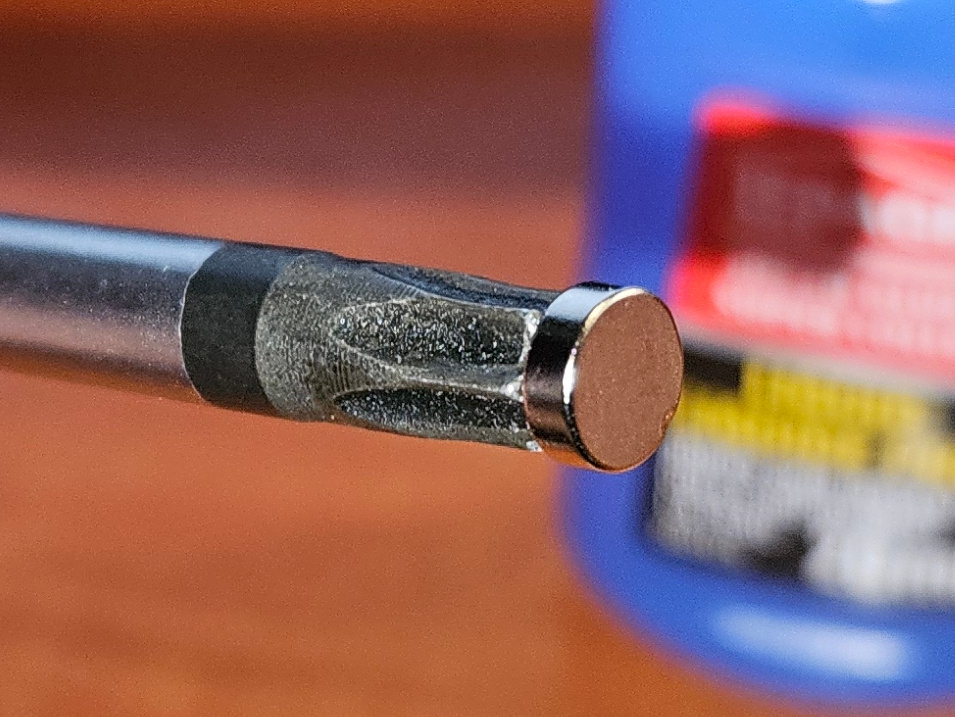
Installing the magnets on the drawer chest can be more challenging if the chest is deep. To facilitate the installation, stick the magnet on the end of a Torx screwdriver. Once the magnet rests inside the hole, move the screwdriver sideways so that the magnet stays in place.
Optionally, you can enable crush ribs to install the magnet without glue but this feature is experimental and needs more testing, if you use it, print the test drawer before you print a larger one.
Linking multiple modules together
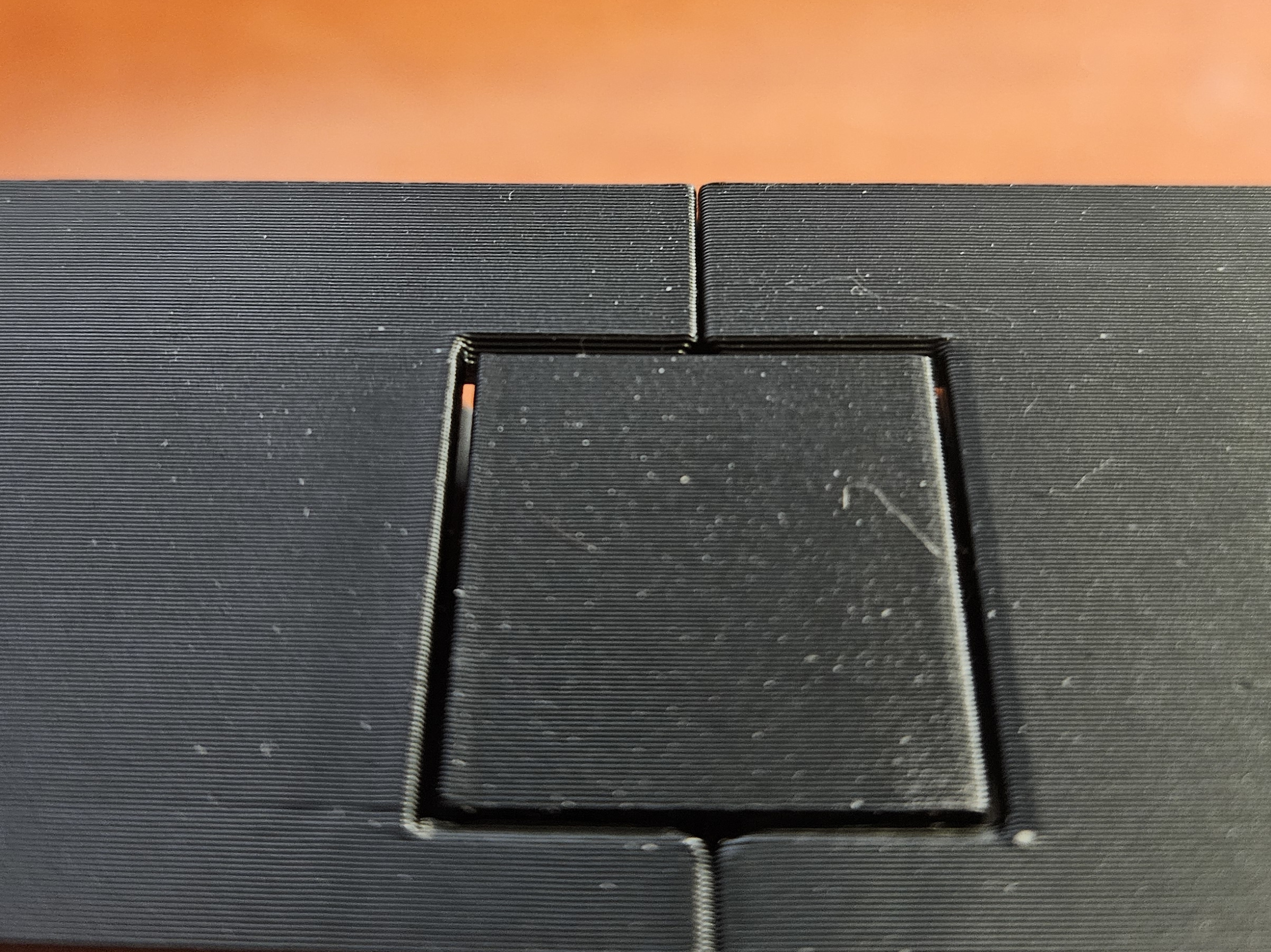
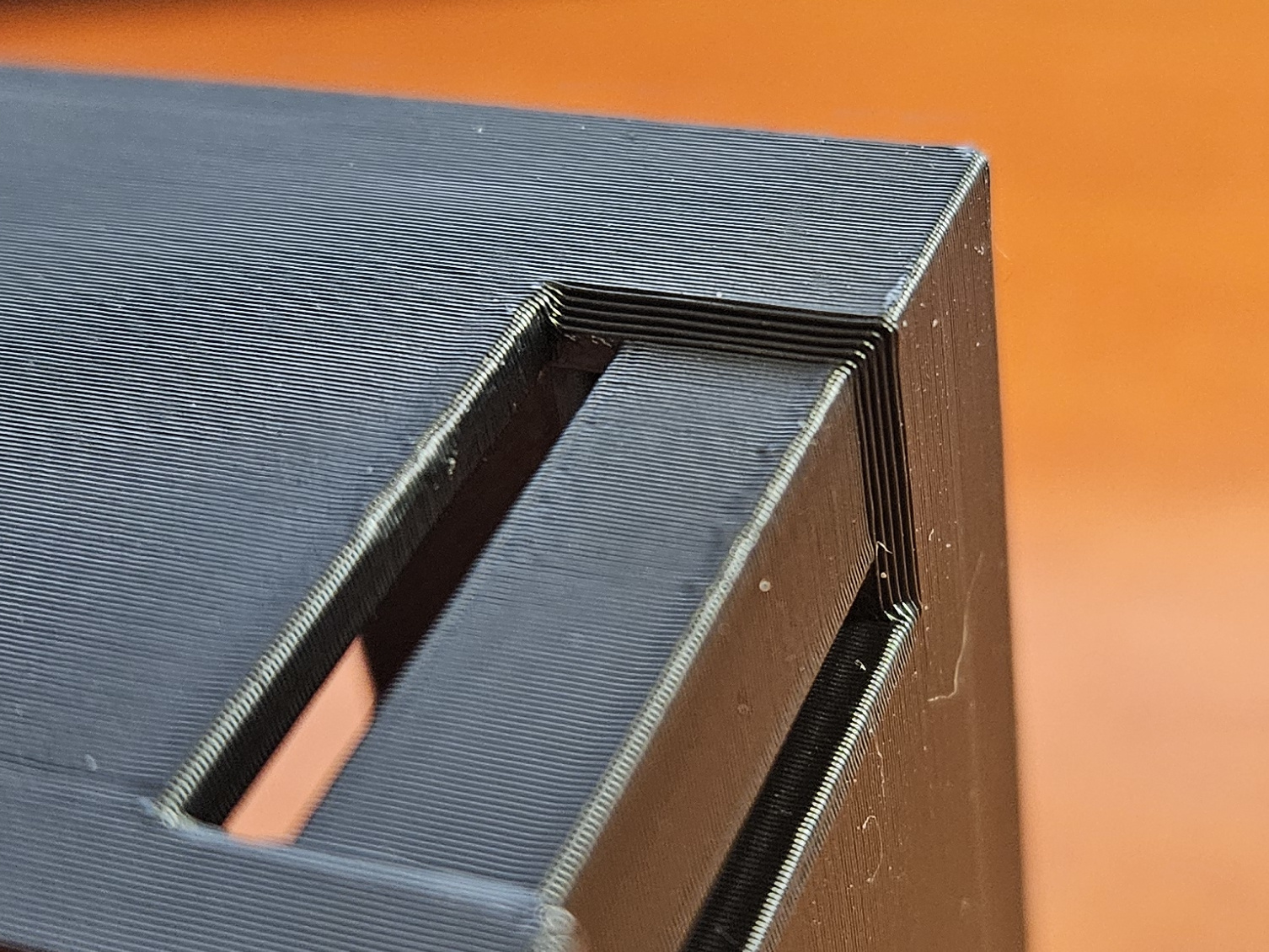
To link multiple drawer chests on top of each other or side by side, you first need to enable the inter link feature in the customizer and choose which configuration you need (Link to top, bottom, left, right). Next, print the linking tabs using the provided profile. You may also download the STL file, but it should be printed at a reduced speed.
IMPORTANT! These tabs are designed only to link the drawer chests together and keep them from moving around. They must not be used to carry the weight of another chest. If multiple drawer chests are mounted on a wall on top of each other, they should each be anchored to the wall.
Printing
The drawers and chest are printable without any supports unless you change the handle vertical position, then it will need it.
If you intend to store screws in the drawers, i would suggest you print both the chest and drawers using the strength profile.
Wall mounting template
The last plate contains a wall mount template you can use to install the screws.
Changelog
- 13-09-2025 : Initial release
- 14-09-2025 : Added an option to make the grid skeletonized to save filament.
- 16-09-2025 : Added the ability to define different height for each drawers. (Thank you @onneeye for the suggestion!)
- 18-09-2025 : Added some clarification to the customizer options.
- 07-10-2025 : Added an option to disable the grid to generate ordinary drawers with flat bottom. When disabled, the dimentions of the drawers are still determined with gridfinity units to retain compatibility so they can be used interchangably with gridfinity drawers.
- 11-10-2025 Added optional inter link tabs for stacking other modules on top or side by side.
Customizable Gridfinity drawer chest

Publicado em 14 de set de 2025