Você está no 3DFinder
Buscamos em Thingiverse, MakerWorld e Printables ao mesmo tempo para te dar o melhor de cada uma.
Descrição
Configurator & Container Designer – Perfect Organization for Every Drawer
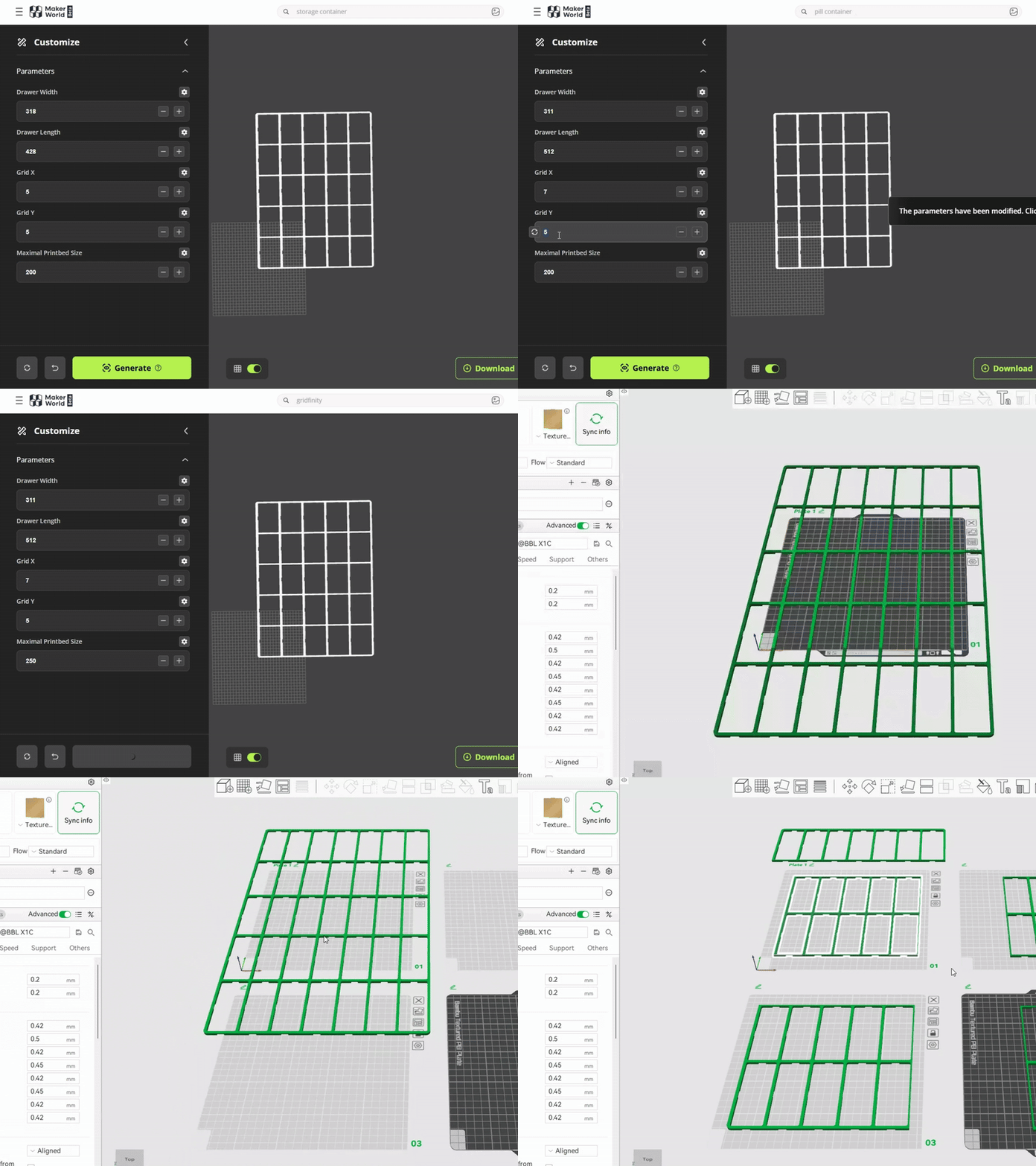
With the Drawer Grid Configurator, you can create perfectly fitting drawer grids in just a few steps. Simply measure your drawer’s width and length, choose your desired segment size, and enter your 3D printer’s maximum build area. The tool automatically splits the grid into printable parts for easy, precise printing.
Want to design custom boxes within your grid? Use the Container Designer. Decide how many cells each container should occupy in the X and Y directions, and customize color, style, and wall thickness. This gives you sturdy, personalized 3D-printed containers that fit seamlessly into your Gridfinity system.
⚠️ Important: The dimensions (drawer width, drawer length, GRID-X, and GRID-Y) must match exactly between both configurators—otherwise, the containers won’t fit properly.
Printing tips:
- Download the file and open it in Bambu Slicer.
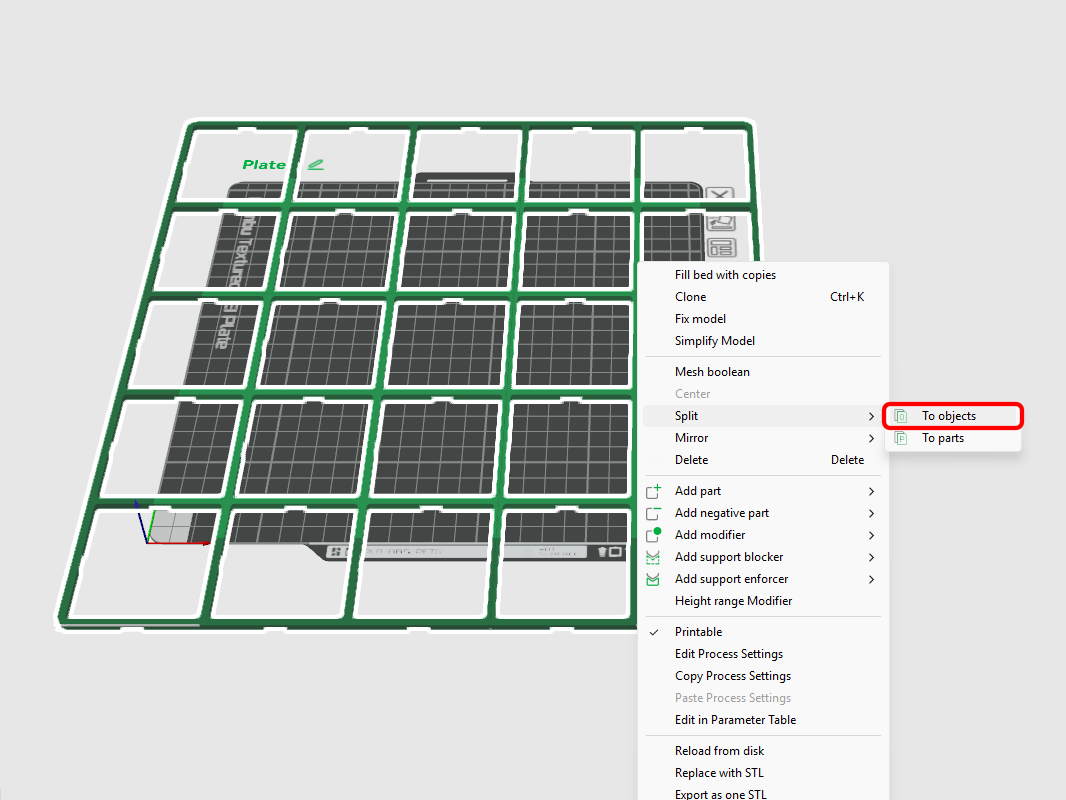
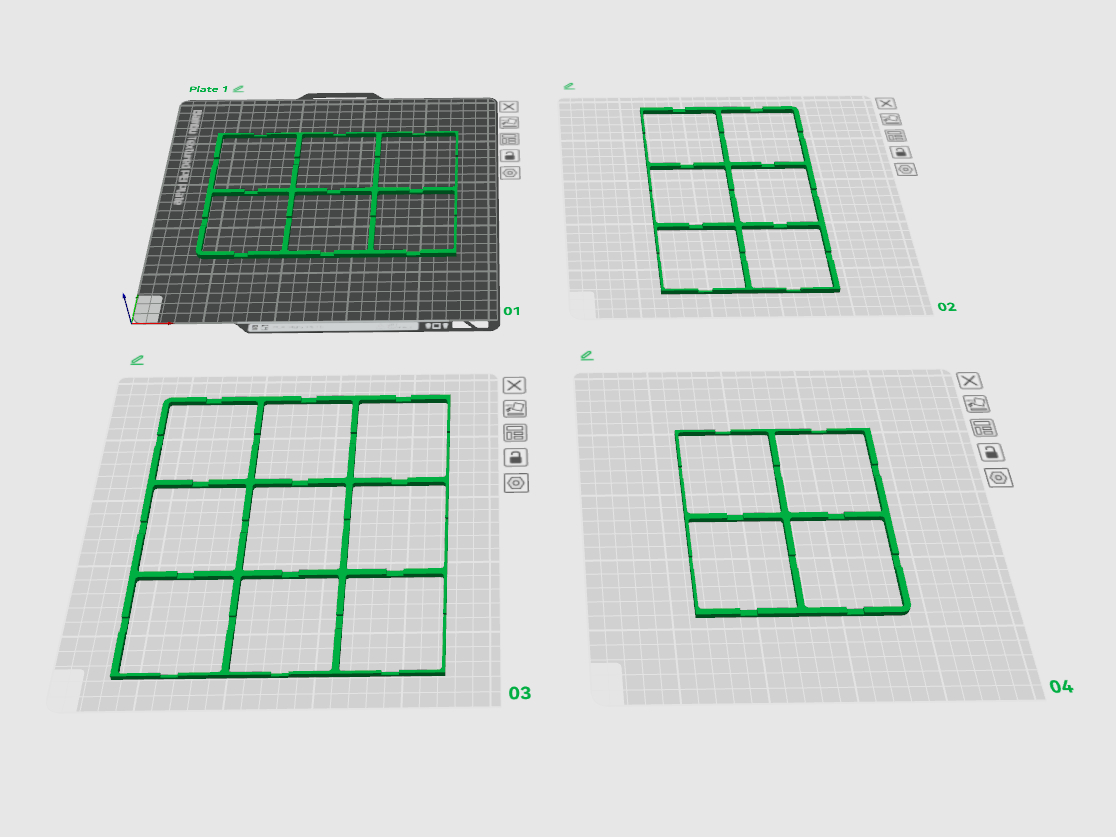
- Choose Split model → To objects and arrange everything as you like.
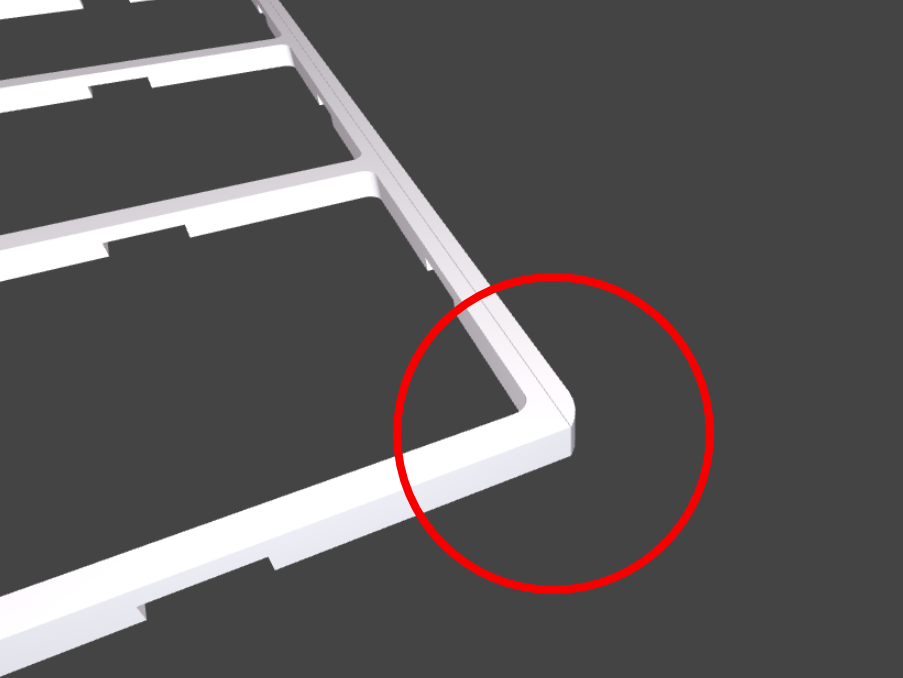
- If a stripe appears along the edge (this can happen with even segment numbers when the drawer size is an exact multiple of the print area), slightly reduce the printable area until the stripe disappears.
2.)
3.)

Gostou deste modelo? Crie uma conta grátis para salvar seus favoritos e voltar a eles depois.
Criar conta