You're on 3DFinder
We search Thingiverse, MakerWorld, and Printables at once so you get the best of each.
Description
這款3D打印對齊工具幫你輕鬆將東西黏得又準又快!不管是黏木板、顯示屏支架還是其他材料,都能省時省力,讓黏貼更簡單。
工具特色
隨心調整:
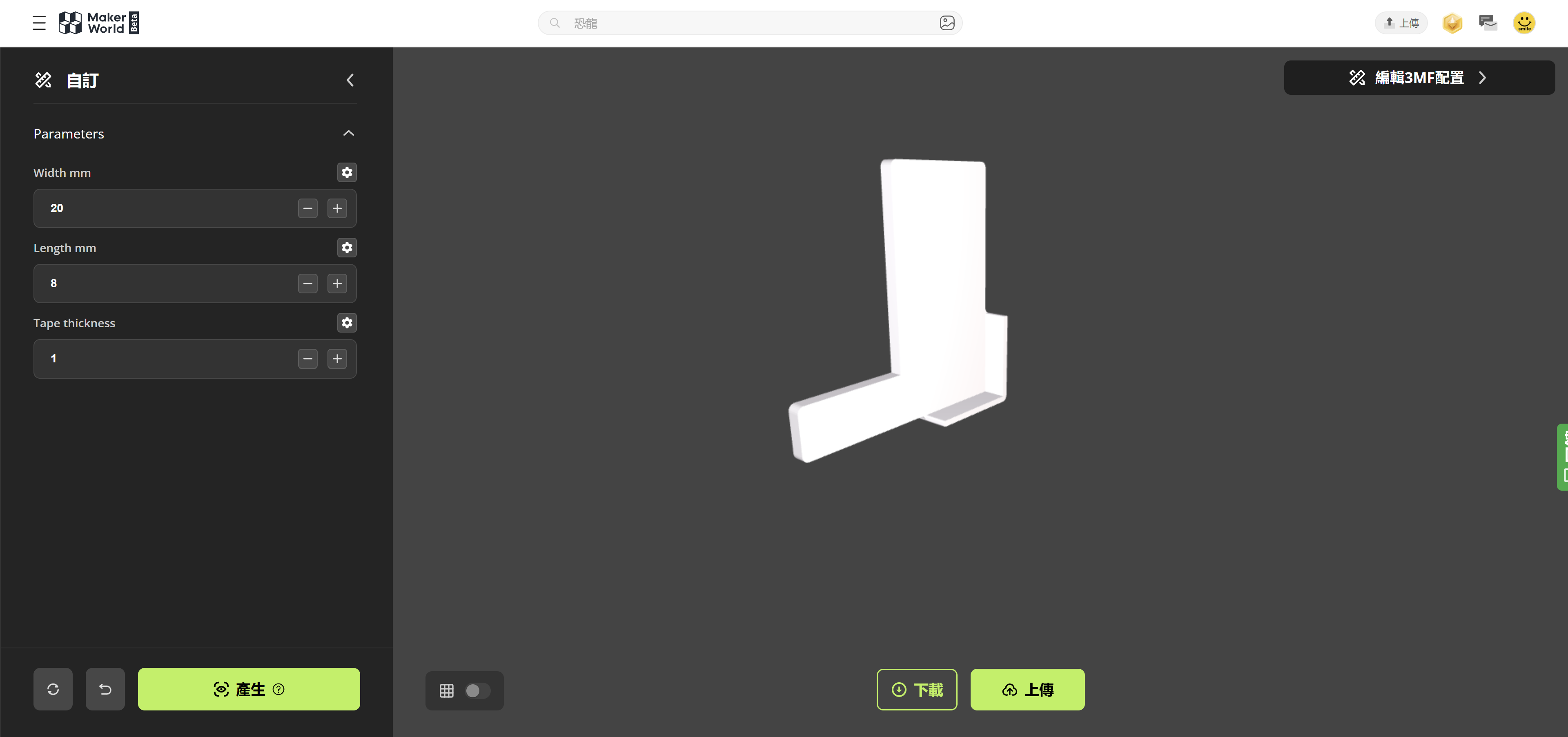
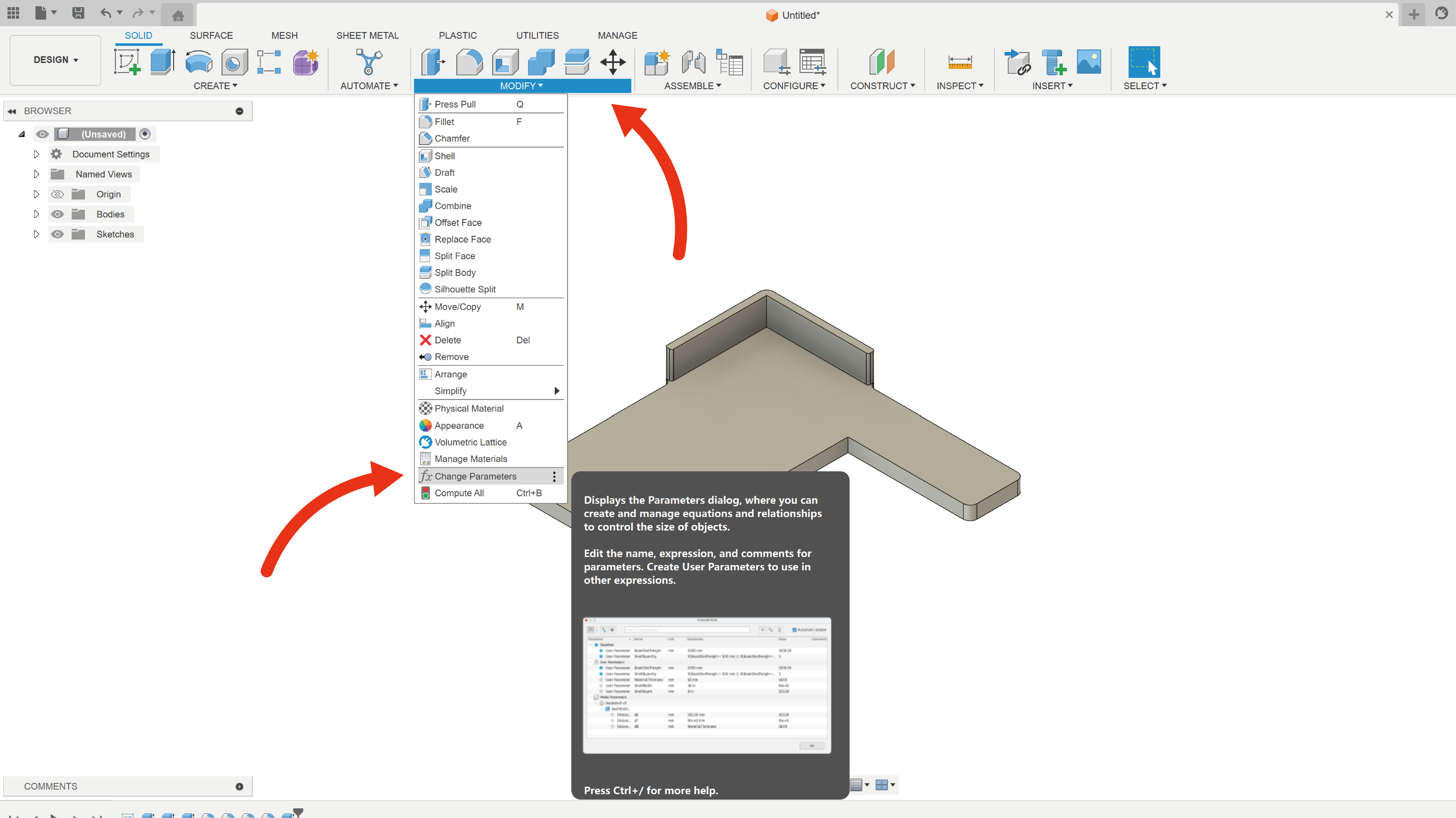
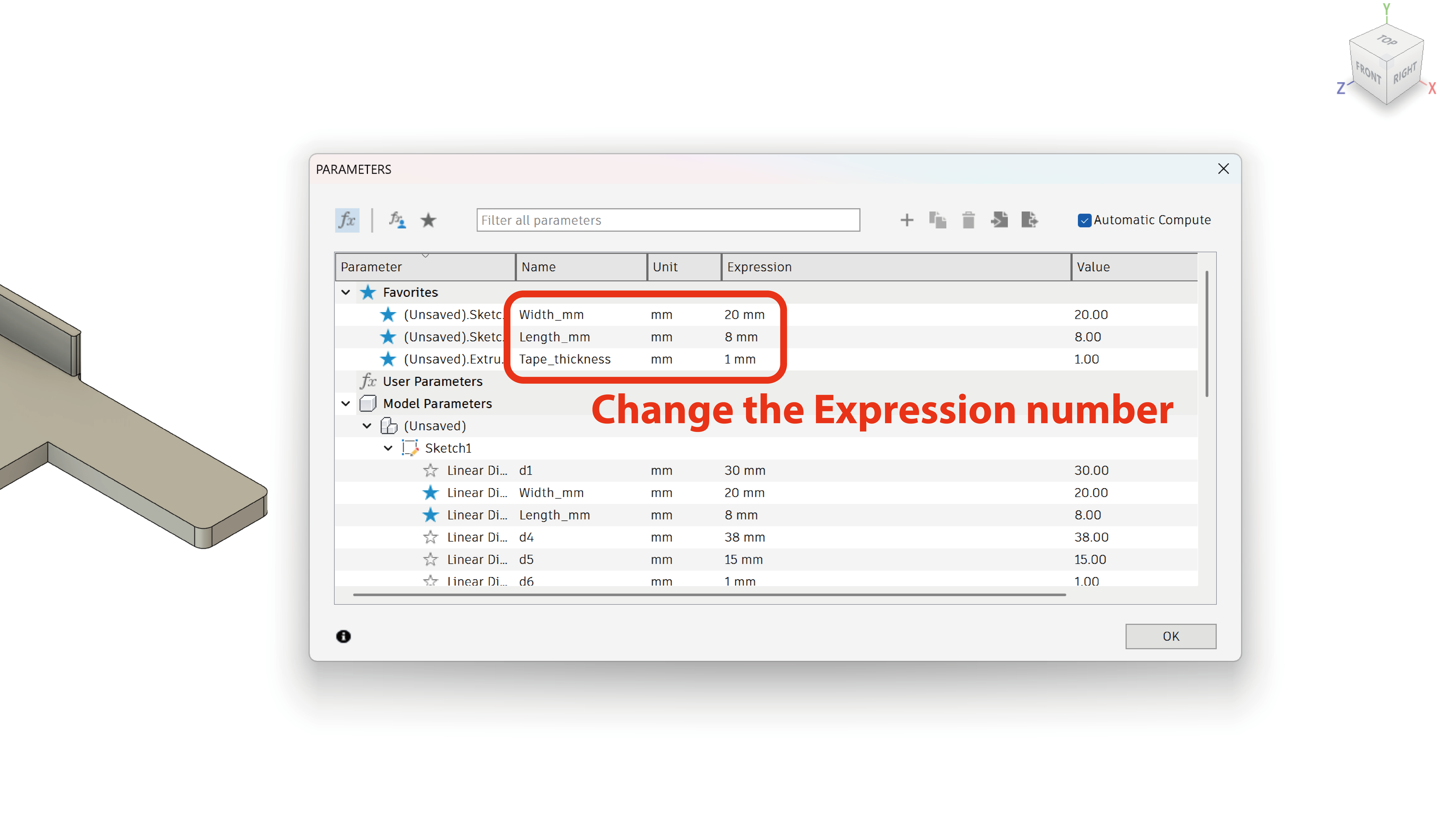
- 你可以用Makerworld 或Fusion 360 調整工具的大小,配合木板或雙面膠的長寬厚,做出最適合的工具。
- Makerworld
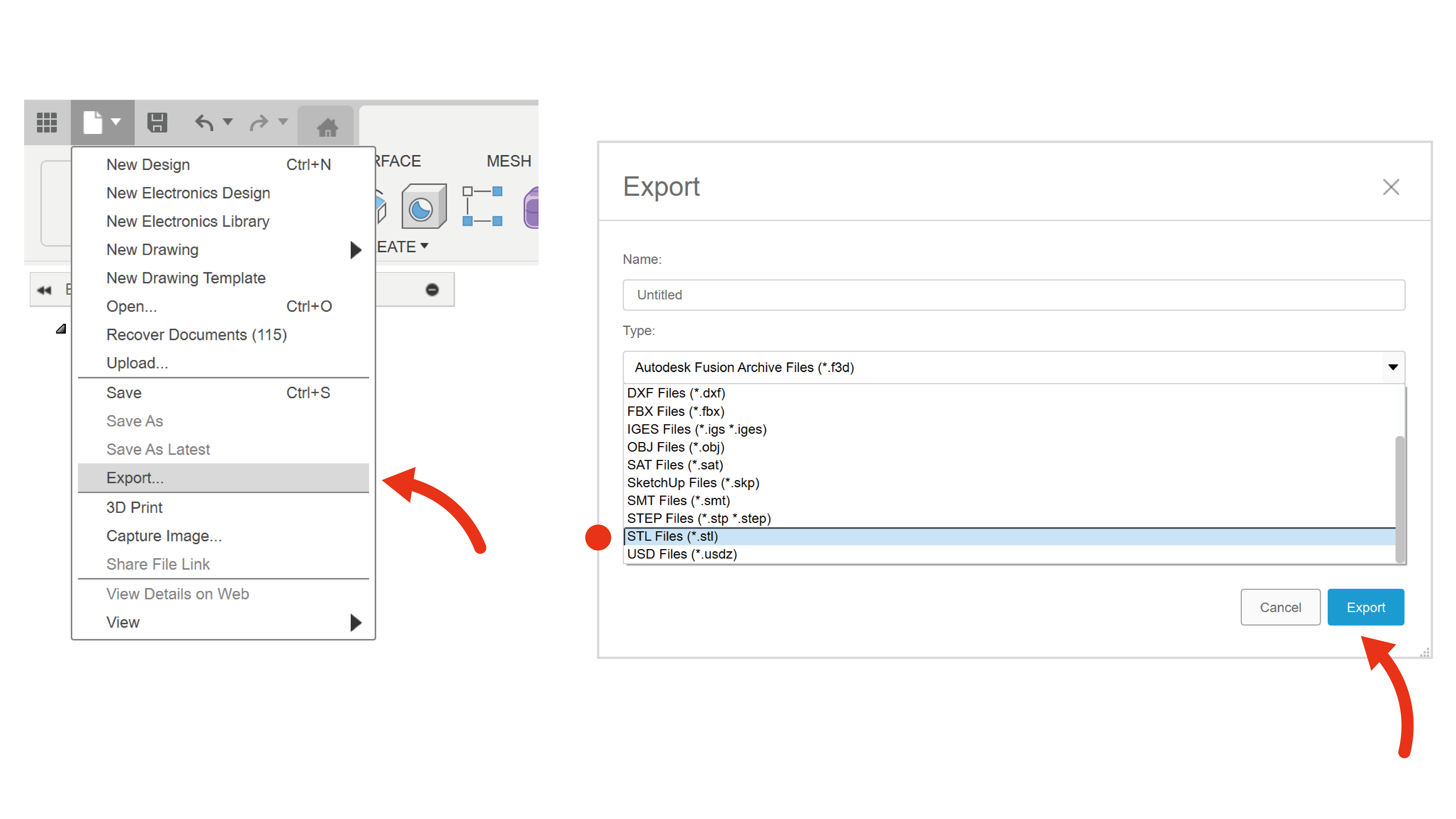
- Fusion 360
簡單好用:
- 工具用3D打印機印出來後,直接放上木板上就可以進行對位,簡單快捷。
- 打印過程只需大約10分鐘,超快搞定!
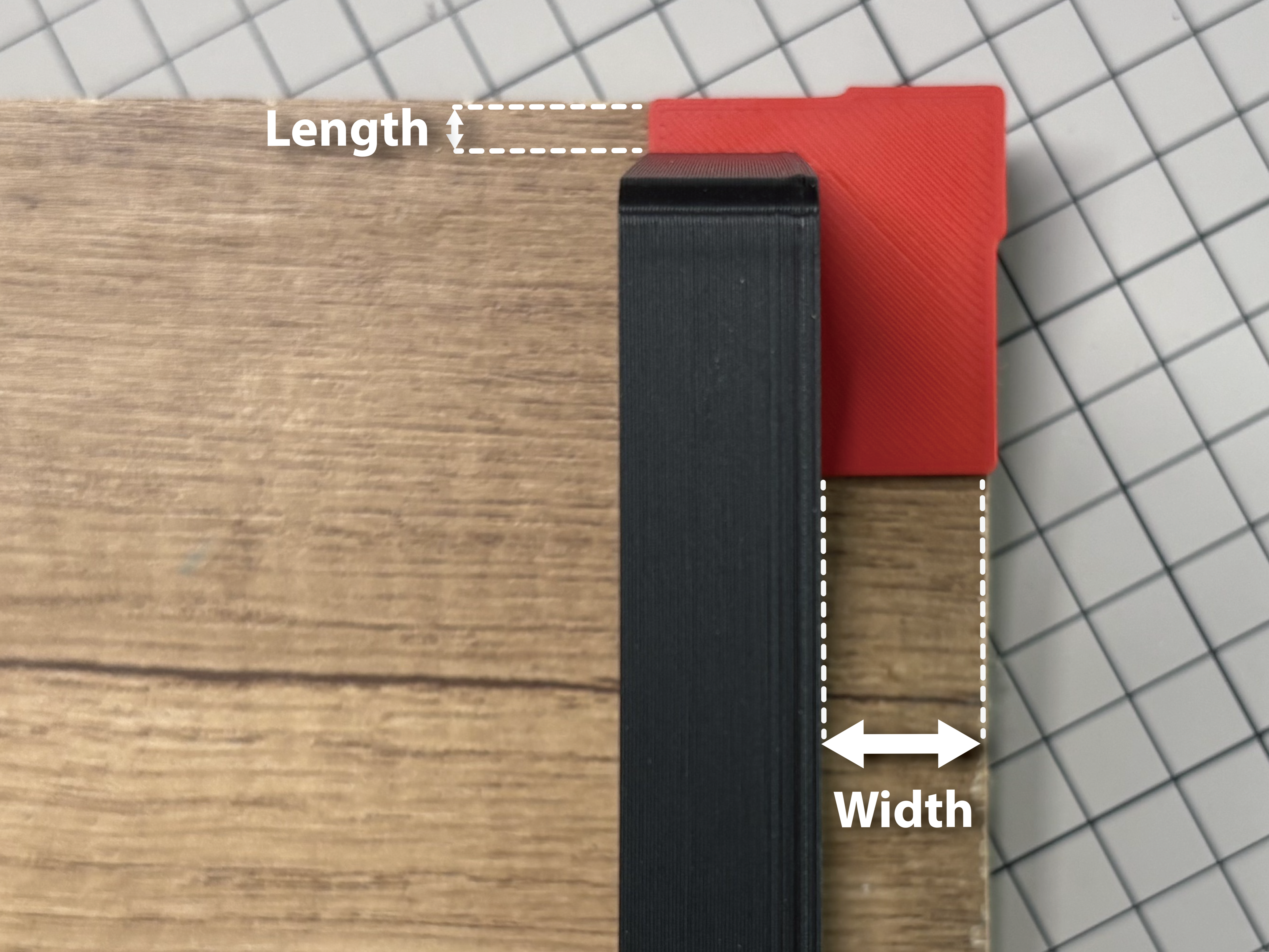
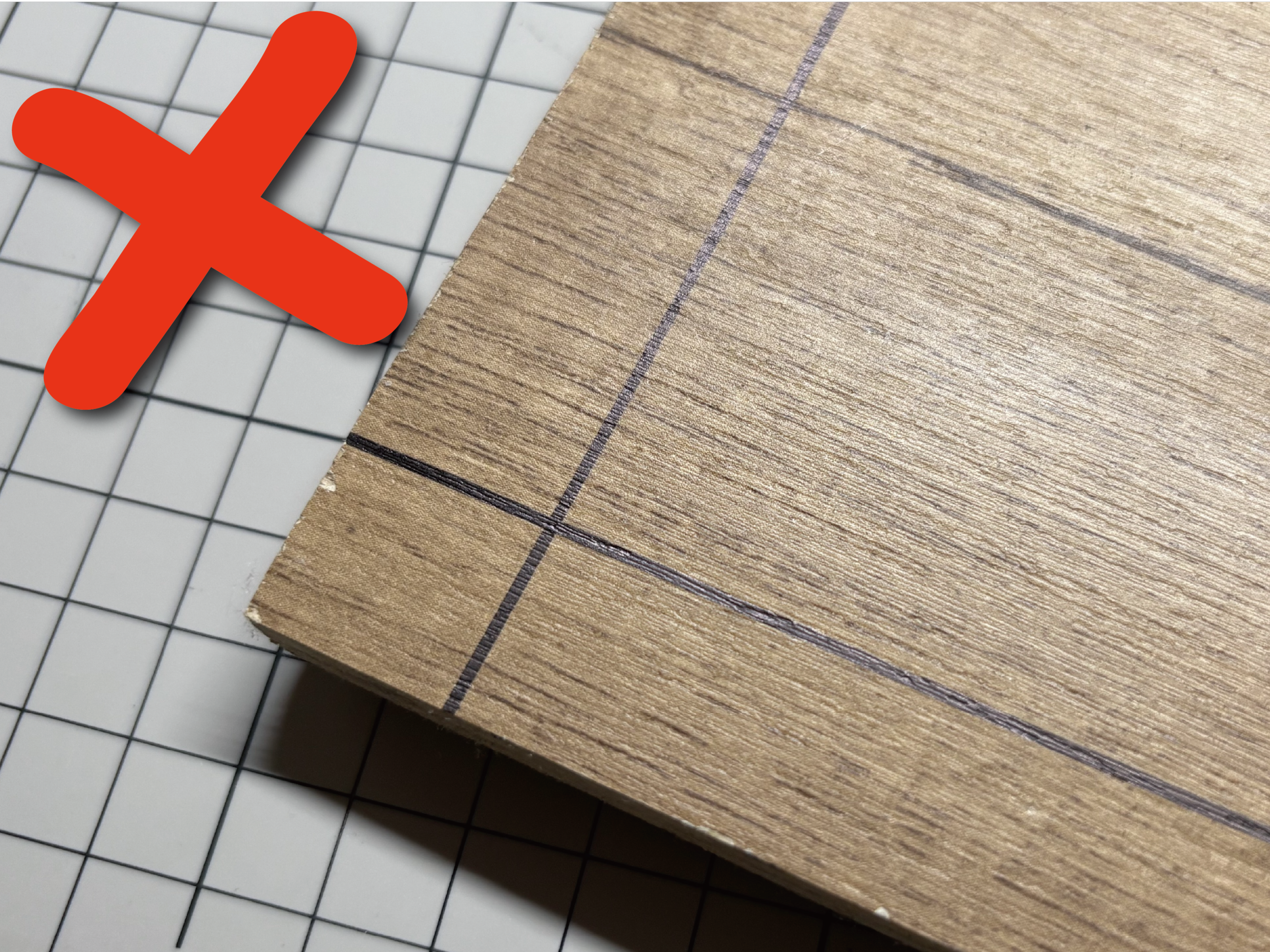
方便實用:
- 解決傳統畫線對齊的麻煩,黏貼更精準,省時省力。
- 適合黏木板、顯示屏支架等各種場景。
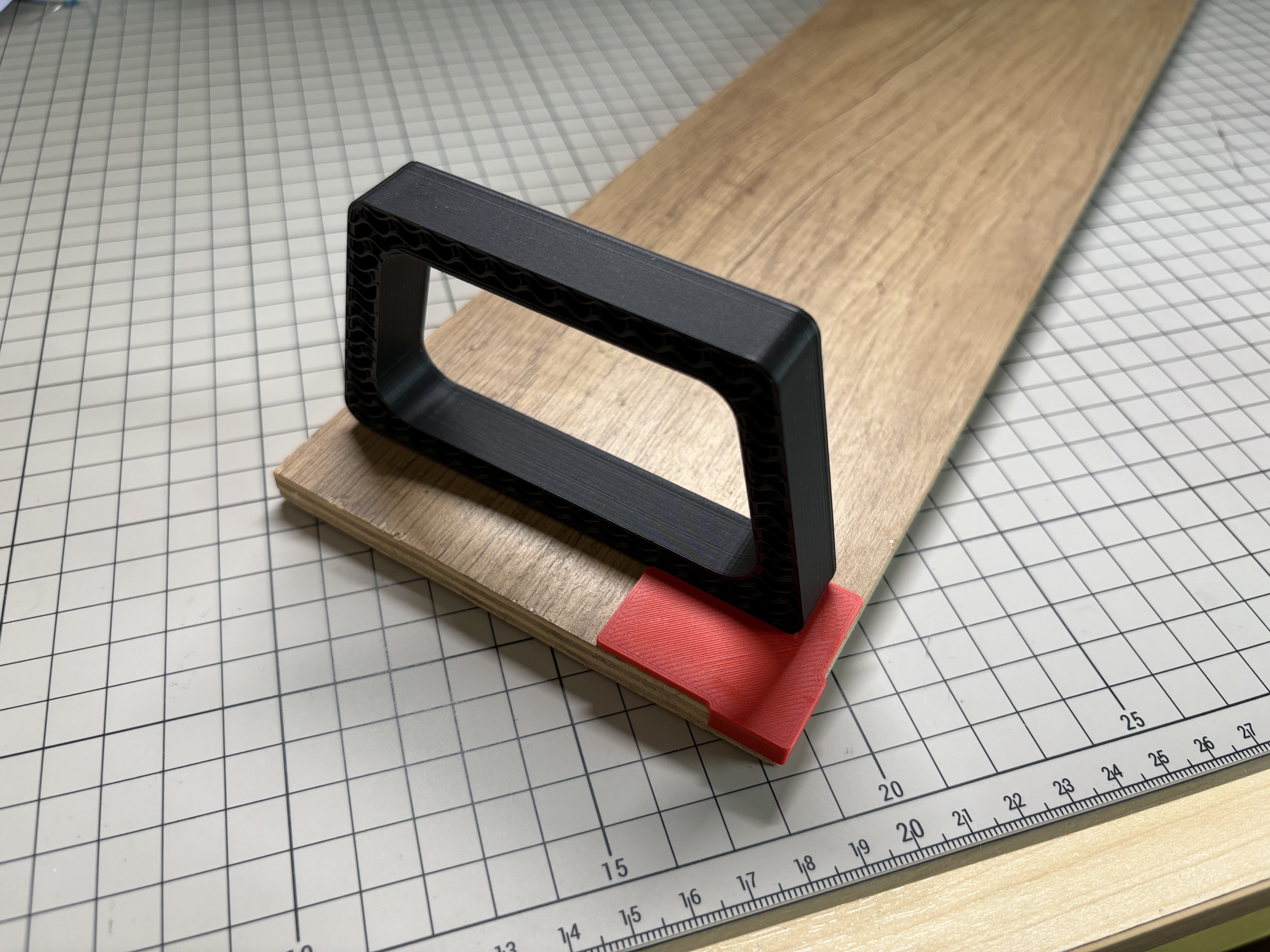
( Monitor Stand 顯示器支架 ) 點擊這裏開啟顯示屏支架
使用方法
- 選一塊要黏的材料(像木板)。
- 在Makerworld 或Fusion 360輸入材料的長寬厚,調好工具大小。
- 然後用3D打印機印出來。
- 用雙面膠把工具黏到材料上,幫你對齊位置。
- 黏好後,拿走工具或留著用,輕鬆搞定!
設計理念
這工具是為了讓黏貼更簡單、更有趣!以前畫線對位又麻煩又慢,我們想用3D打印和簡單設計,讓你快速黏好東西,輕鬆做出精準又漂亮的成果!希望你使用得開心!

10
Likes
8
Downloads
19
Collections
3
Makes
Category
Gadgets
Tags
tool
Tool
工具
alignment
desk
diy
make
tools
tool 3d print
monitor
table
board
wood
maker
License
Standard Digital File License
Like this model? Create a free account to save your favorites and come back to them later.
Create account