Você está no 3DFinder
Buscamos em Thingiverse, MakerWorld e Printables ao mesmo tempo para te dar o melhor de cada uma.
Descrição
This is a quick and easy label generator designed specifically for Multiboard's Simple Drawer System – now with flush text support for clean, two-color 3D prints!
🔗 Compatible Drawer and Label Holder Models on Thangs:
🔹 Large Drawer (2L Width):
- Drawer: 2x2x2 Deep - Multibin Simple Drawer
- Label Holder: 2L - Label Holder - Multibin Insert
🔸 Small Drawer (1L Width):
- Drawer: 1x1x1 Deep - Multibin Simple Drawer
- Label Holder: 1L - Label Holder - Multibin Insert
🛠️ Why I Built This
While Multiboard already offers a Blender-based Label Generator, I wanted to create labels with flush text for color painting — something I couldn’t achieve with their Blender tool.
So, I built my own!
This generator gives you full control over:
- Label size and text
- Font and text size
- Icon selection and position (e.g., arrows, plus, etc.)
- Advanced options like icon thickness and positioning
The default text depth is 0.4 mm, making it ideal for color swaps or painting in the slicer.
🧪 How to Use
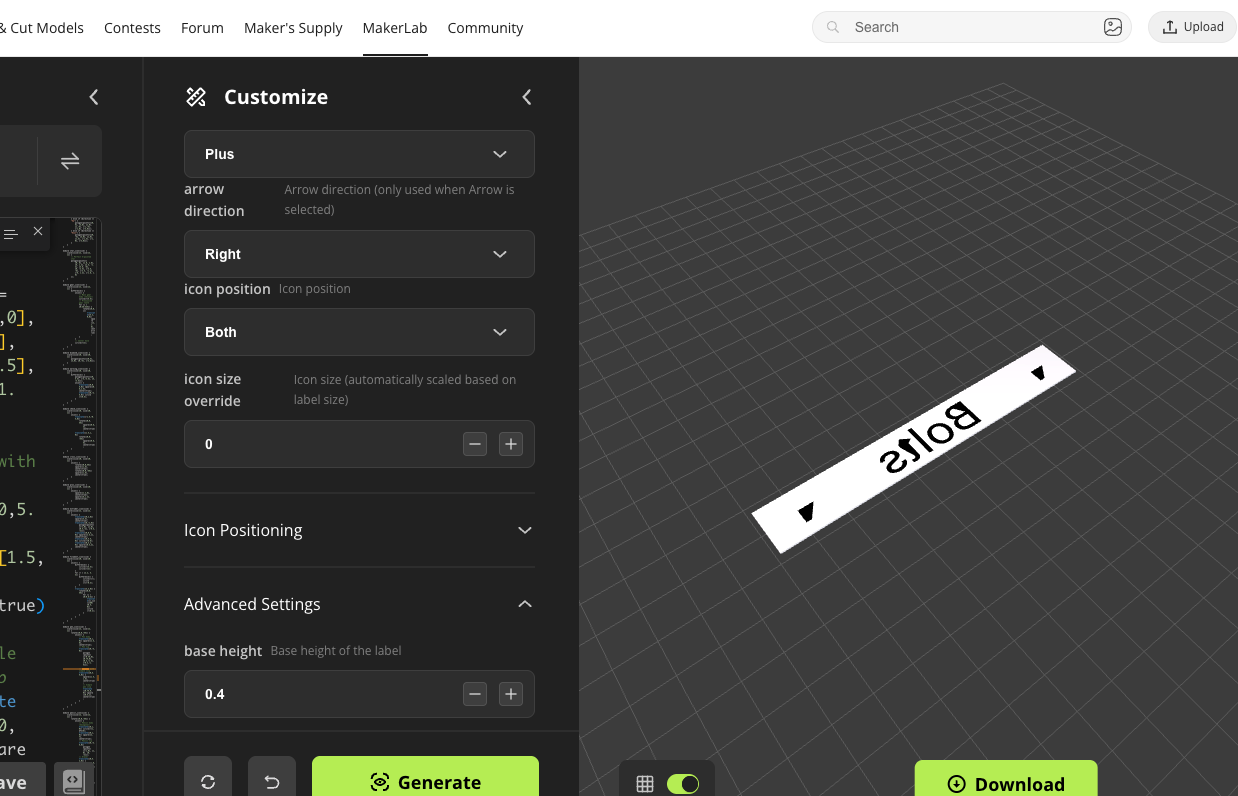
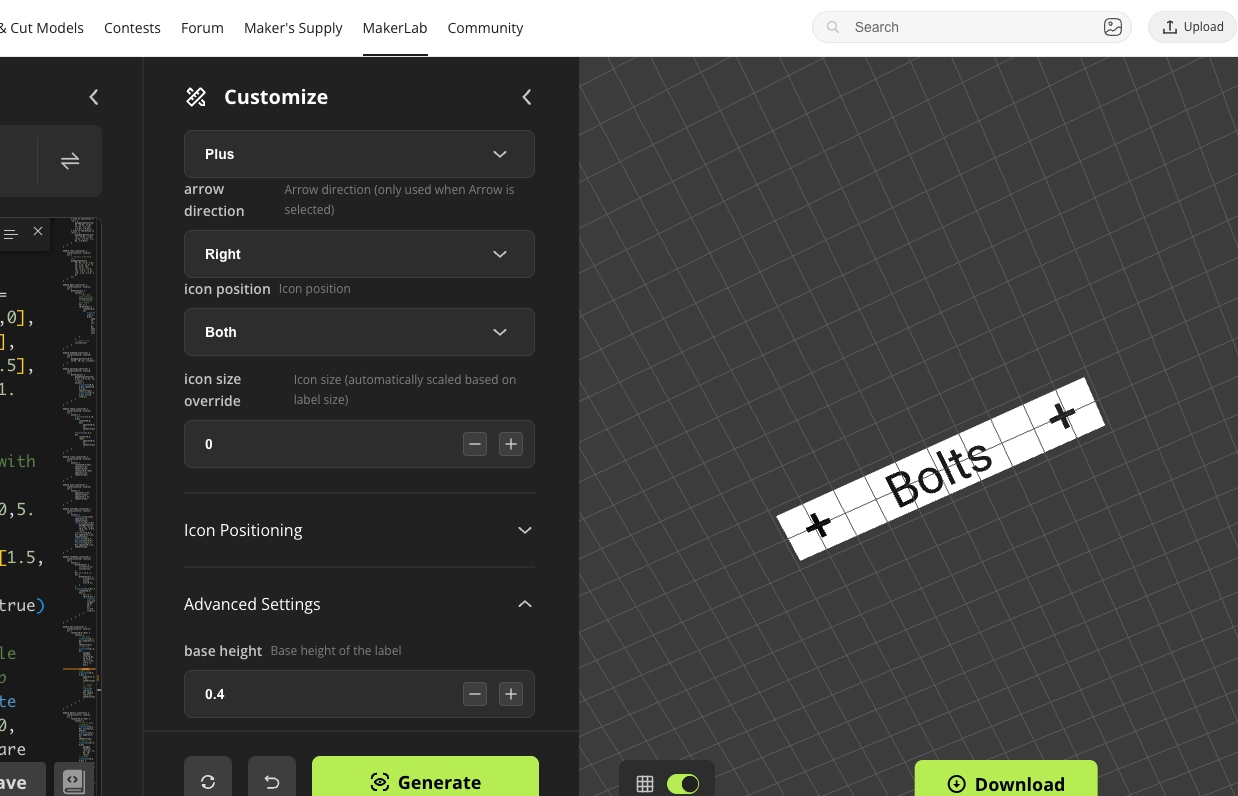
1. Customize & Generate
Use the interface to select size, icons, fonts, and other parameters.
Note: Some visual artifacts may appear after generation — rotate the view underneath and you'll see the letters cleanly rendered.
2. Export as .3mf
This preserves separate mesh regions for painting in the slicer.
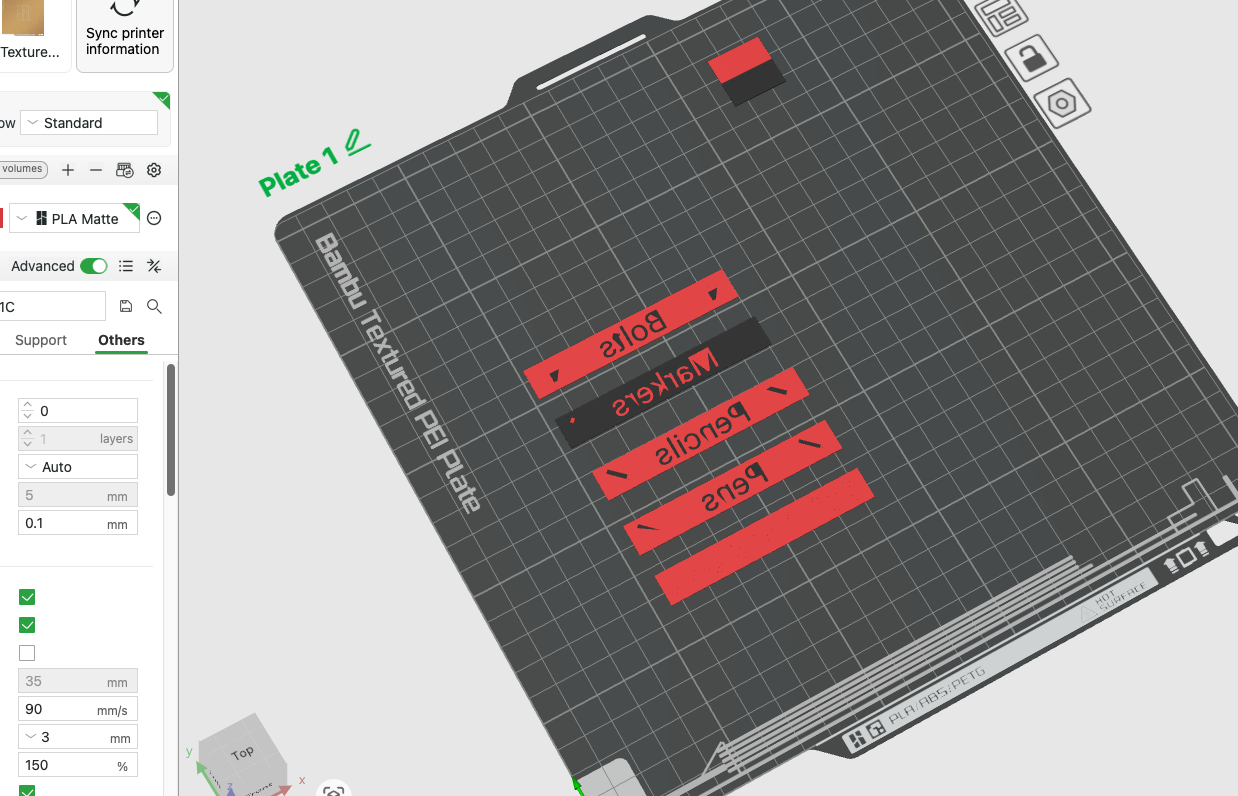
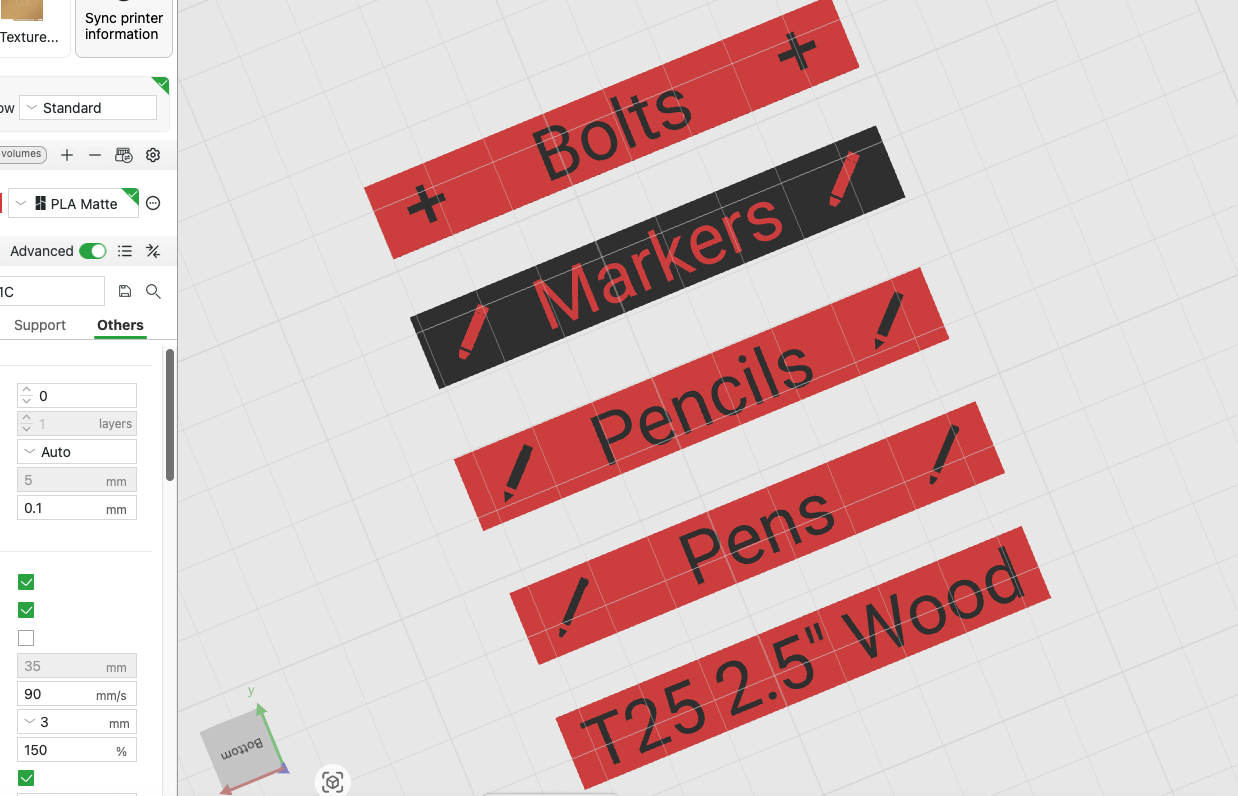
Here is the opposite view from the bottom:
3. Paint in the Slicer
Flip the part to view from the bottom and enable Color Painting in Bambu Studio or Orca Slicer.
- First, paint the background.
- Then, fill in the text and icons using the Fill Tool and Edge Detection.
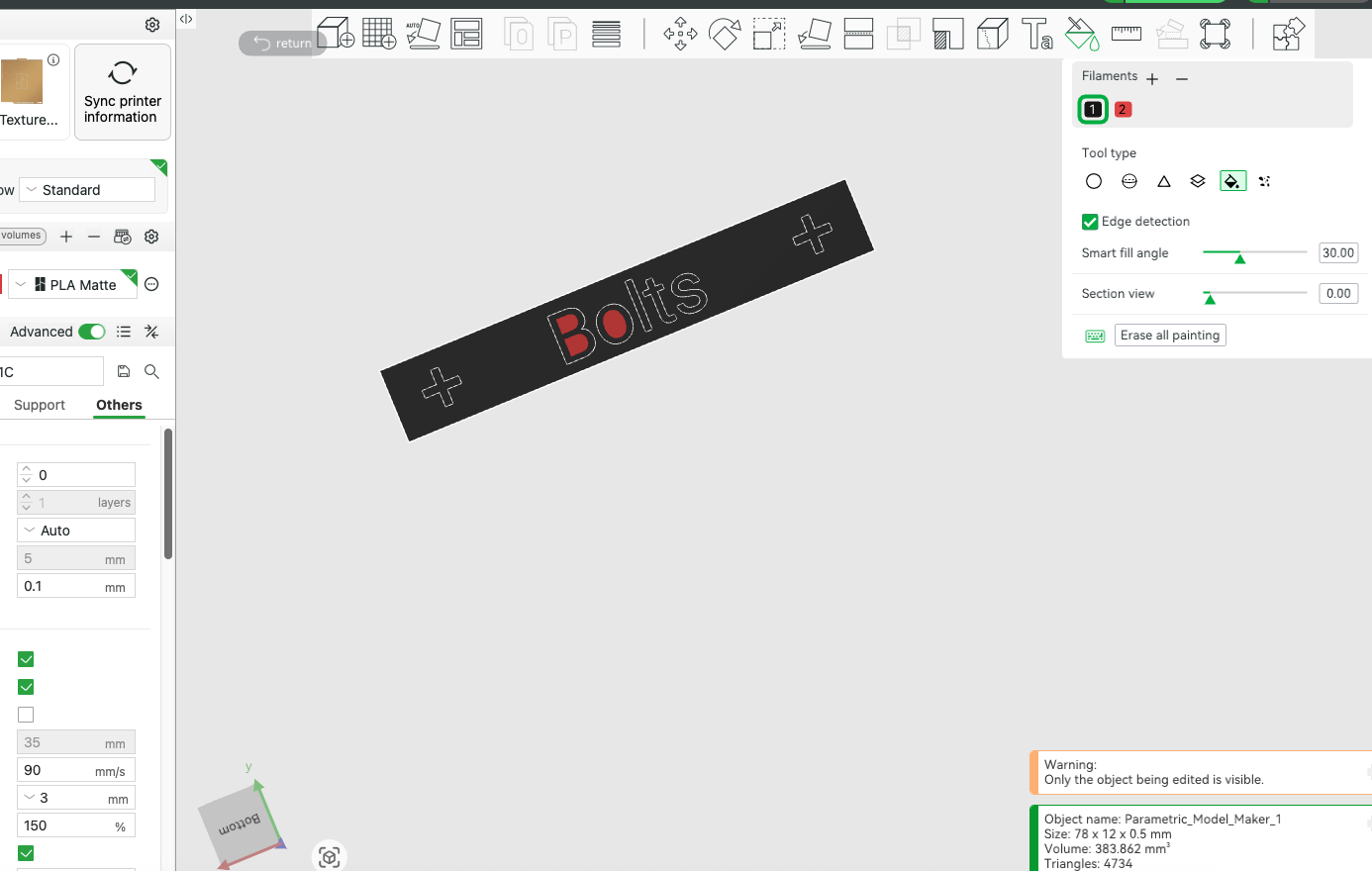
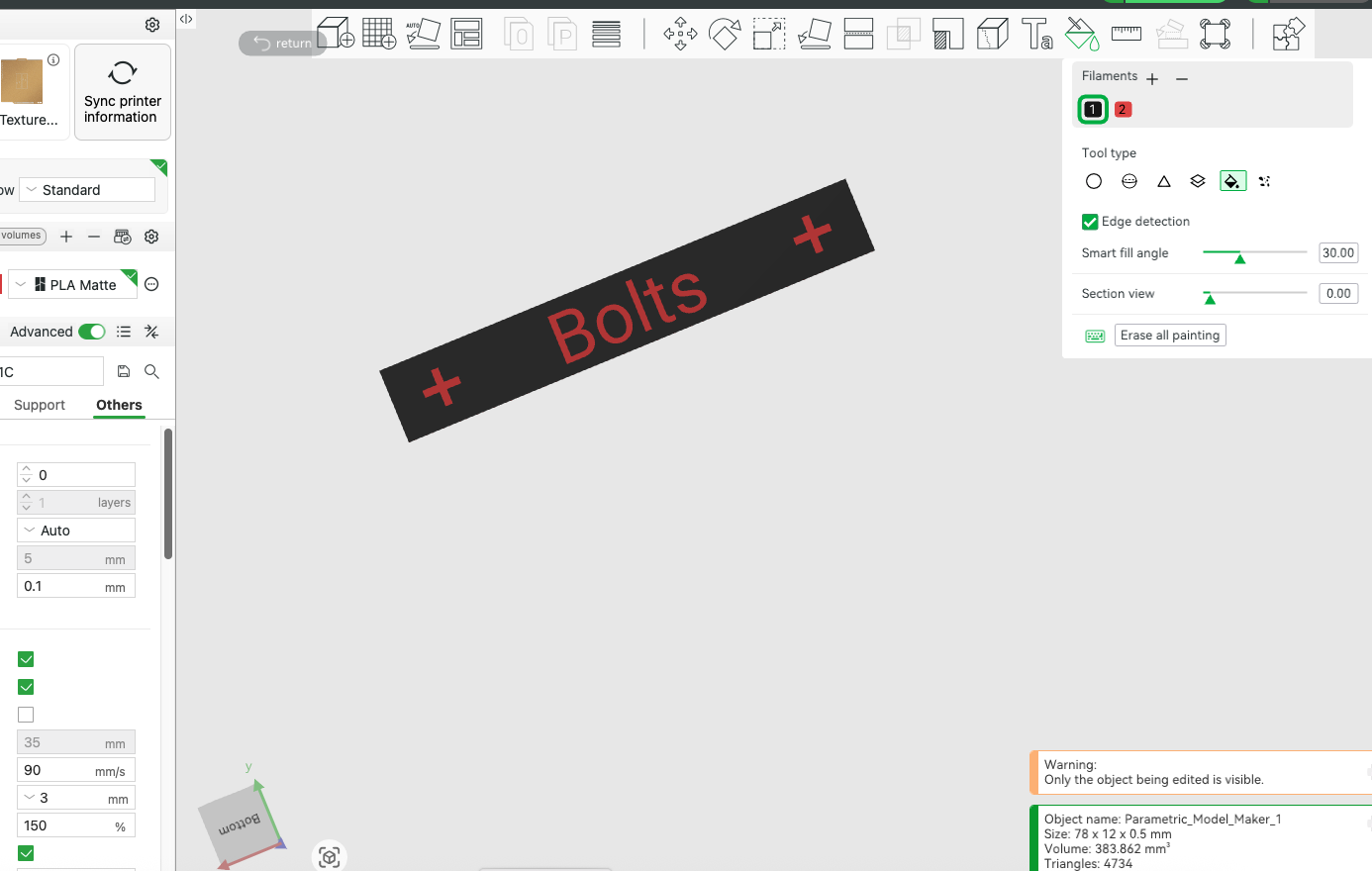
Fist slice without Specific Slicing settings:
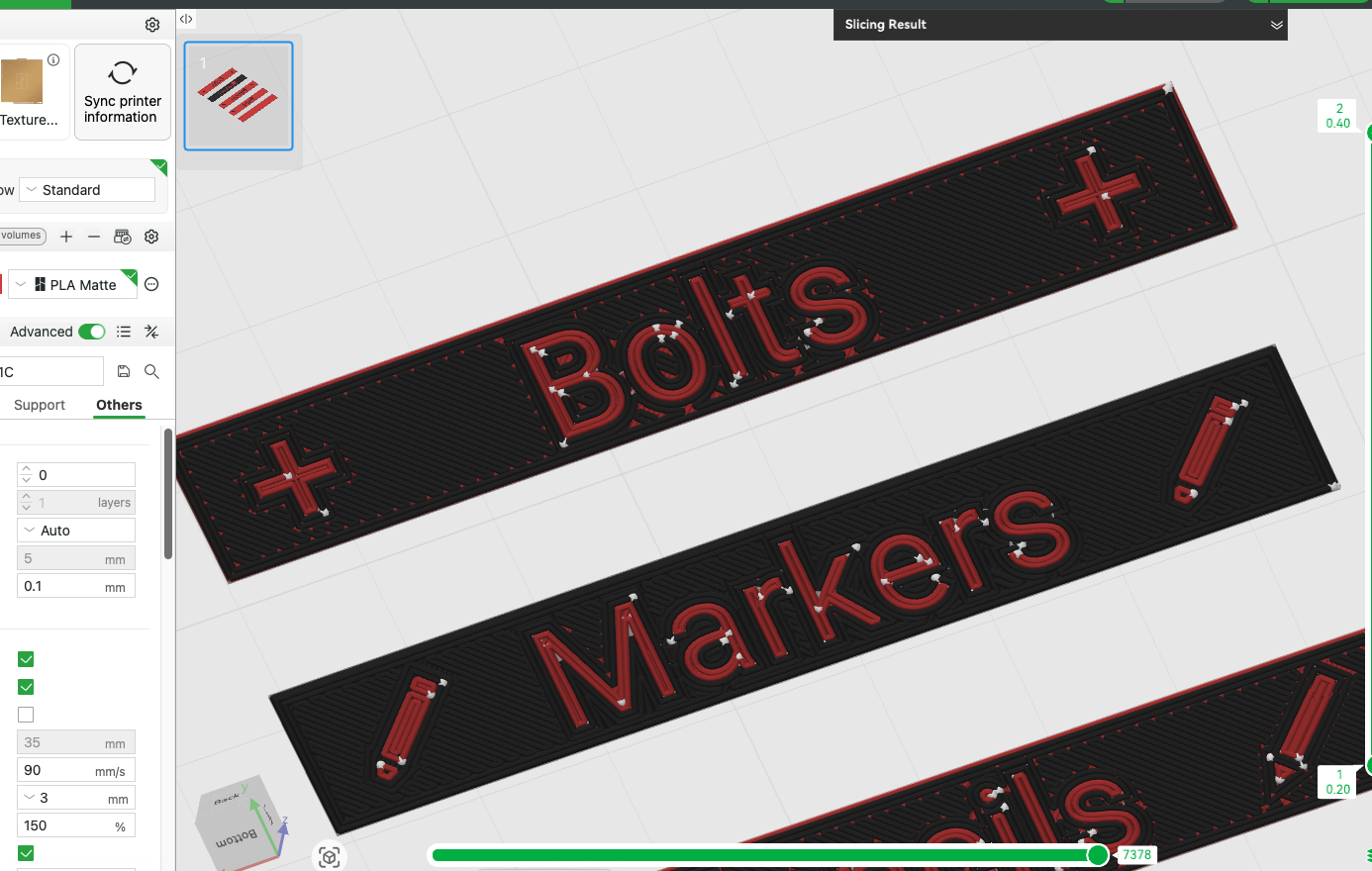
Note: Dont Forget to pint over the defects that come from the custom model on the top layer, this way you save on filament changes.
🧵 Slicing Tips
Here’s what works well for me using Bambu Studio:
Quality
- Layer height: 0.20 mm
- Initial layer: 0.32 mm
- Wall Generator: Arachne
- Wall Transitioning Angle: 30°
Strength
- Bottom Surface Pattern: Monotonic
- Detect Narrow Internal Solid Infill: ✅
Extras
- Flow Rate & Dynamic Flow: Calibrate filament for best results
- Ensure letters/icons have at least 2 wall widths for clarity
🖼️ Final Output
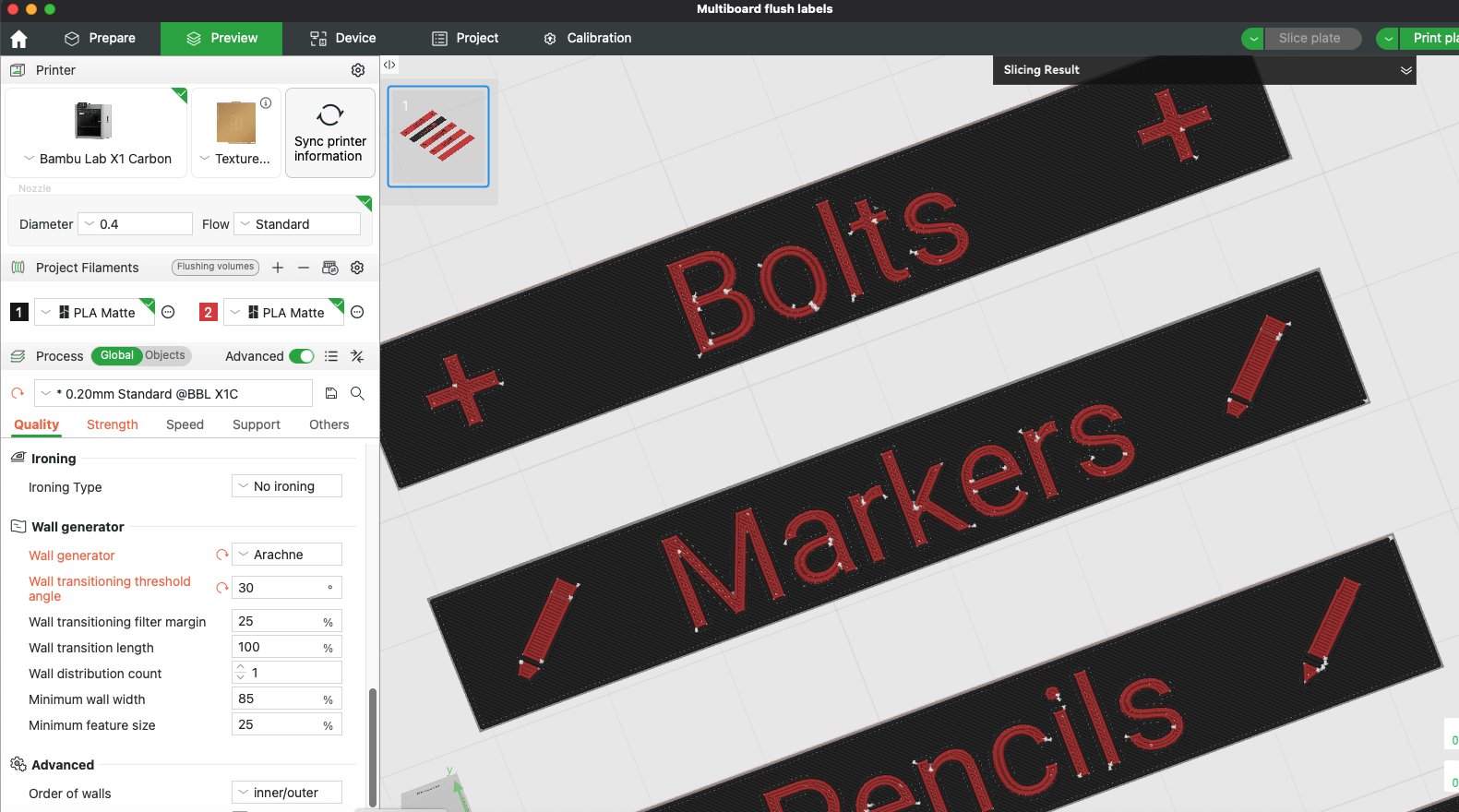
Here’s what a correctly sliced label looks like with two-color printing.
Flush text = clean transitions and perfect for filament swaps or painting.
Here is the Slicing after the settings:
✨ Looking for Raised (Embossed) Labels Instead?
If you prefer embossed labels (where the text and icons are raised above the surface), check out my alternate generator here:
🔗 Multiboard Label Generator – Embossed Version
This version is great for single-color prints or when you want the text to stand out with physical depth rather than color contrast. It's based on the same Multiboard drawer system, and also supports full icon and text customization.
Multiboard Simple Drawer Label Generator (Flush)

Publicado em 1 de jul de 2025
Gostou deste modelo? Crie uma conta grátis para salvar seus favoritos e voltar a eles depois.
Criar conta