Você está no 3DFinder
Buscamos em Thingiverse, MakerWorld e Printables ao mesmo tempo para te dar o melhor de cada uma.
Descrição
This is my version of the camera relocation for the A1. I wanted something that would print with minimal supports and looked good as well! In the future I will likely reprint this using Bambu Light Grey.
Filament I Used
- eSUN PLA Basic - Black
Assembly
CAUTION: Do this at your own risk!
- You will need to remove the camera and cable to do this modification!
Step 1: Power down and unplug the printer
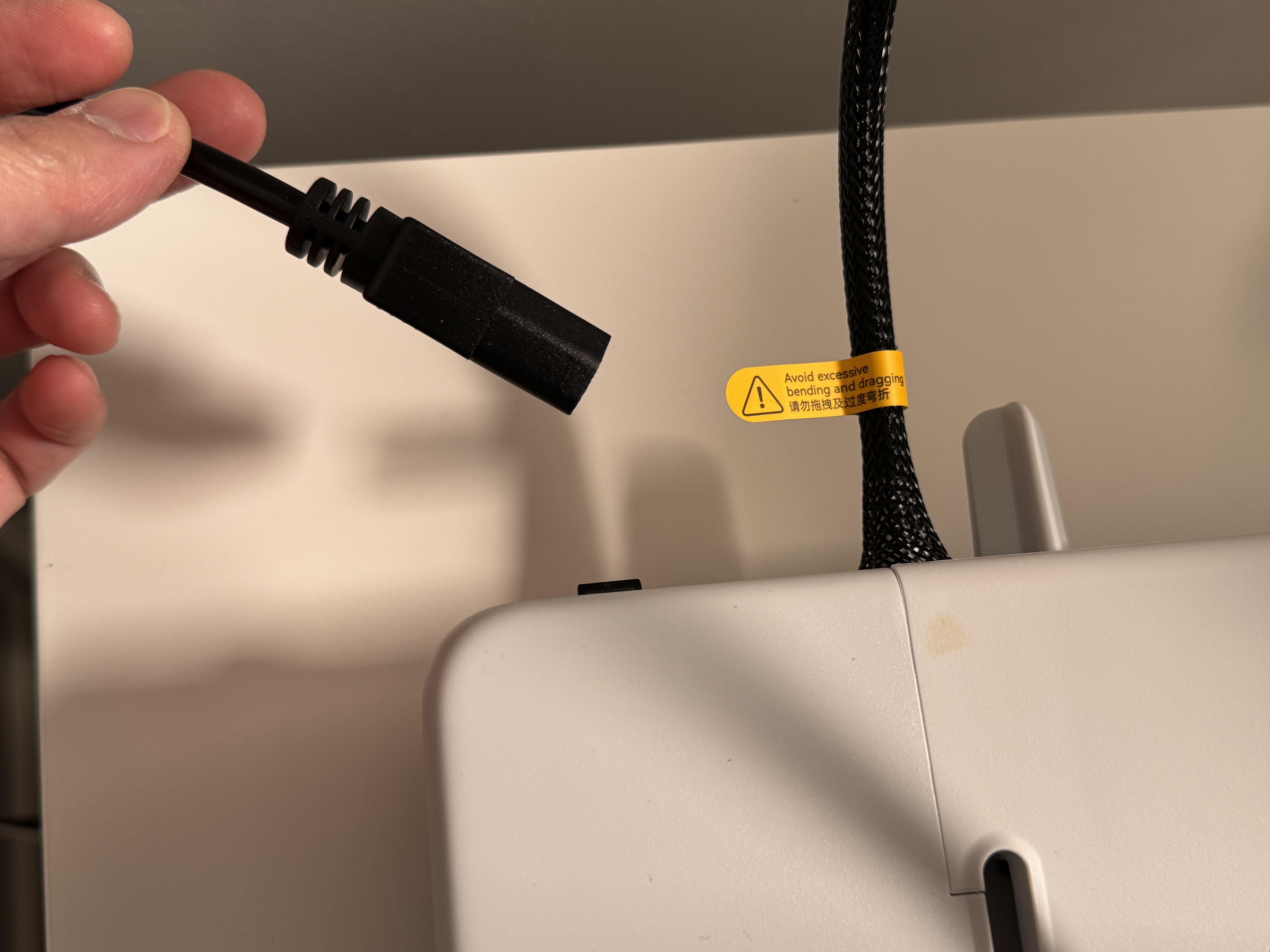
Step 2: Remove front cover, cable clip, and unplug camera cable
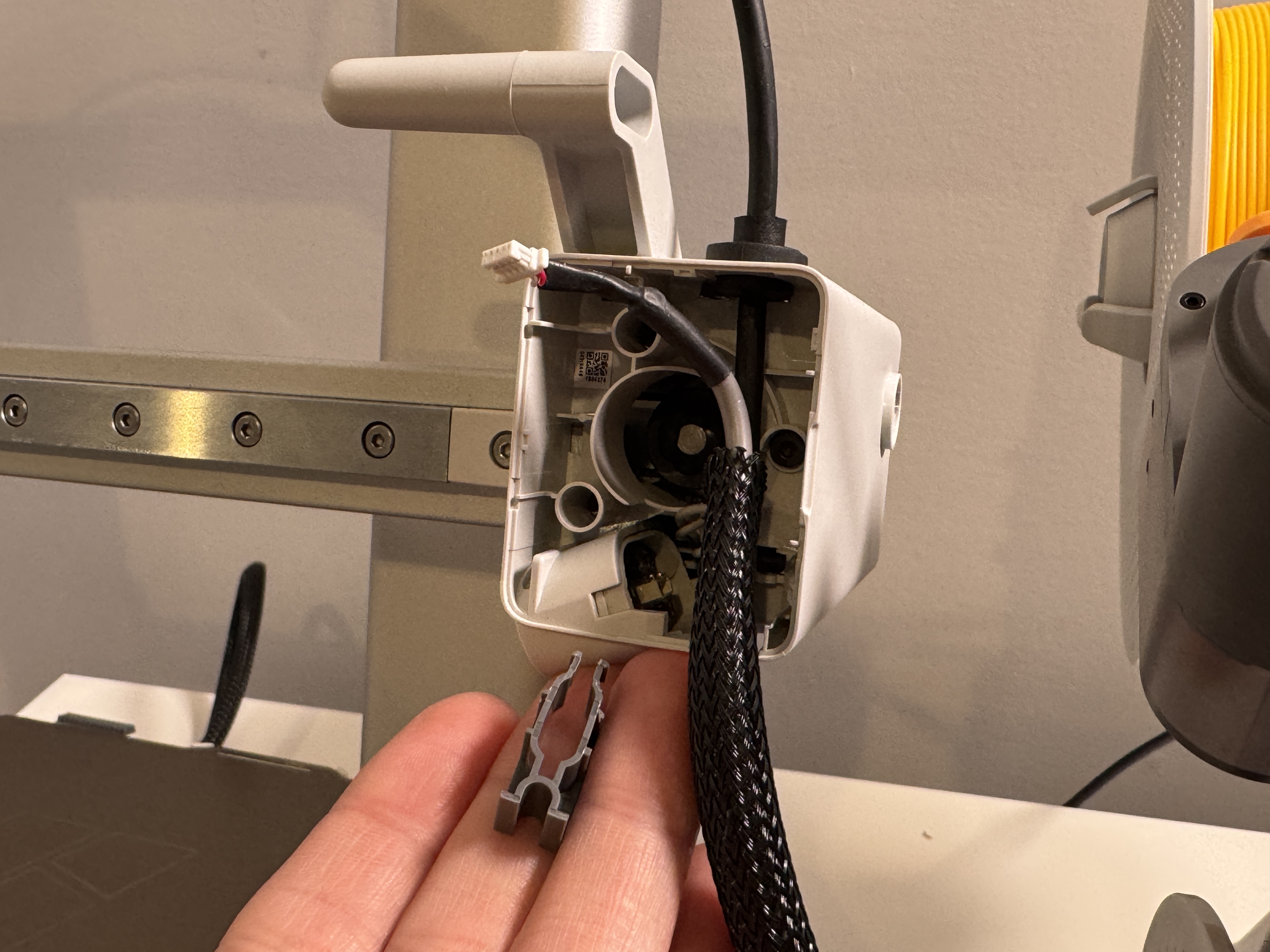
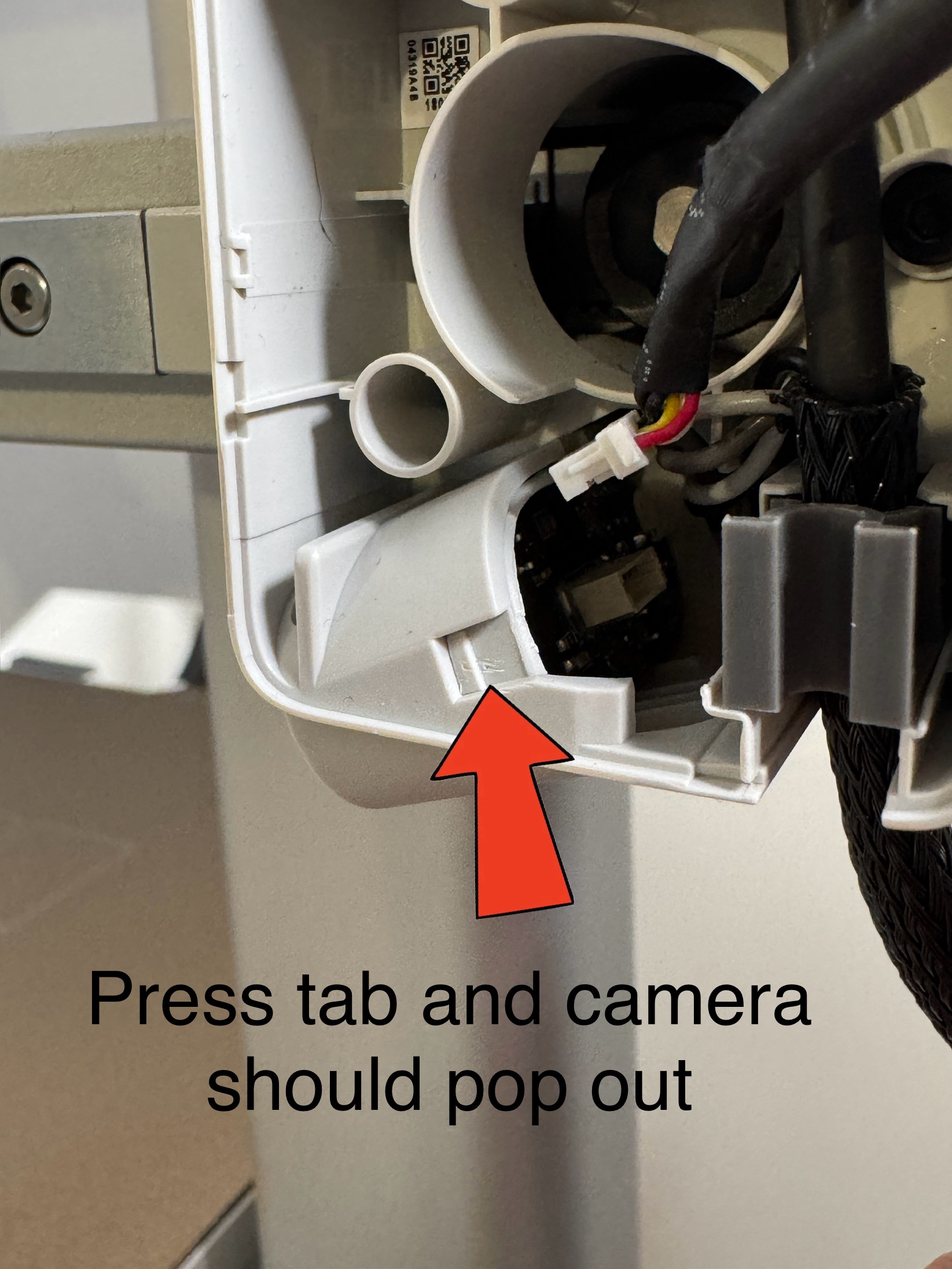
Step 3: Remove camera by pushing in clip on the side
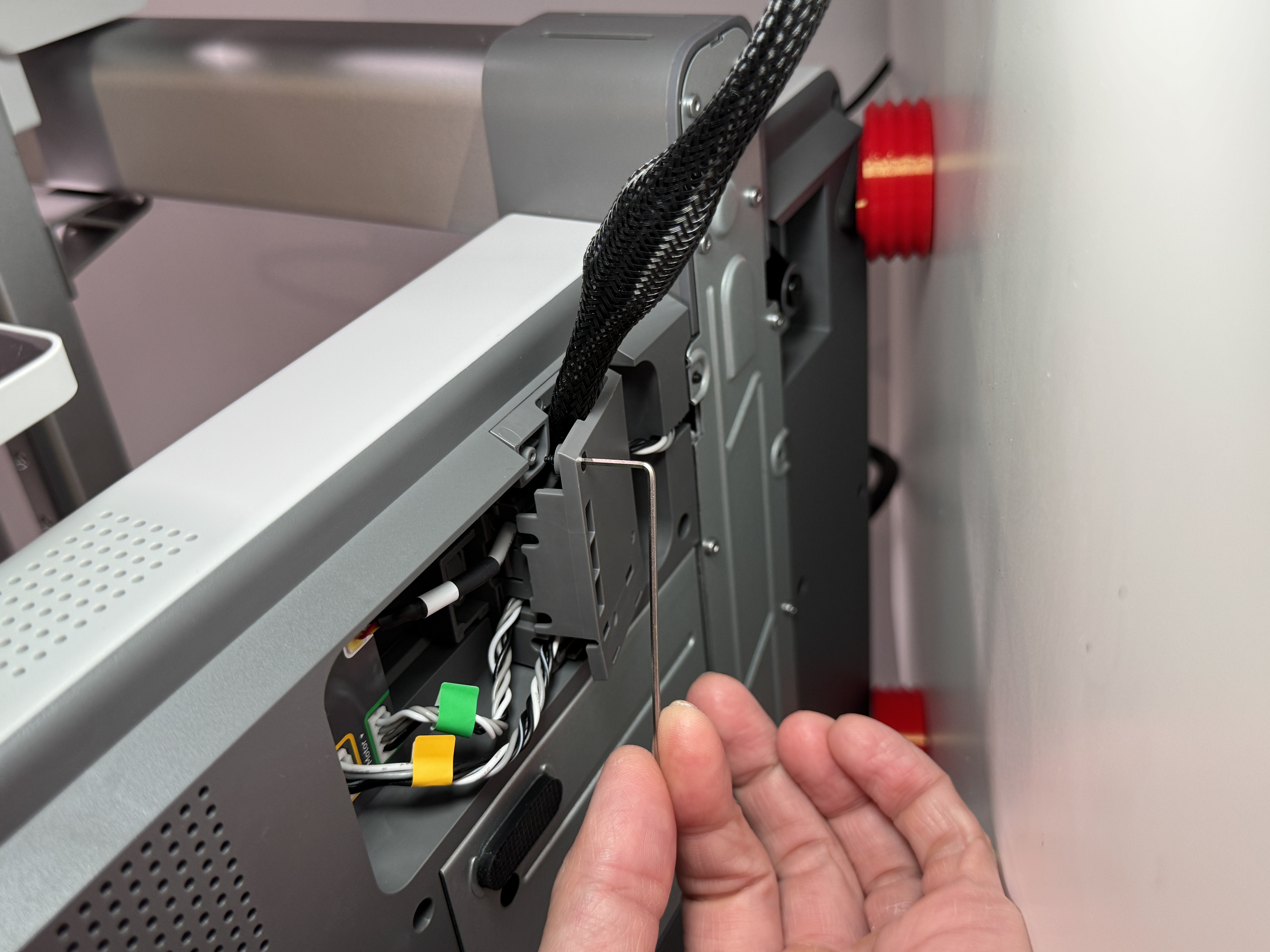
Step 4: Unscrew cable organizer under printer using included Allen key
Step 5: Remove tape and pull out camera cable
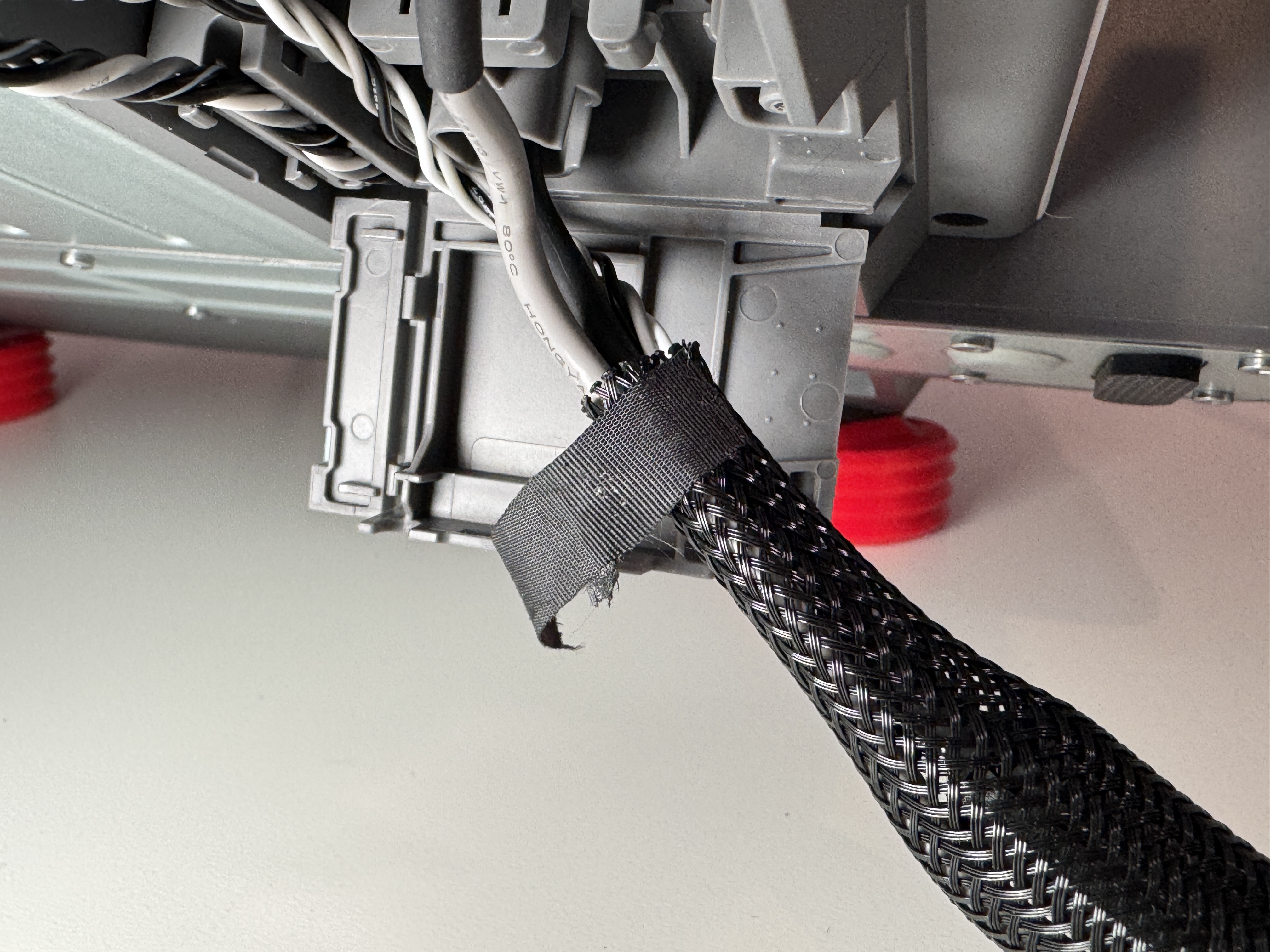
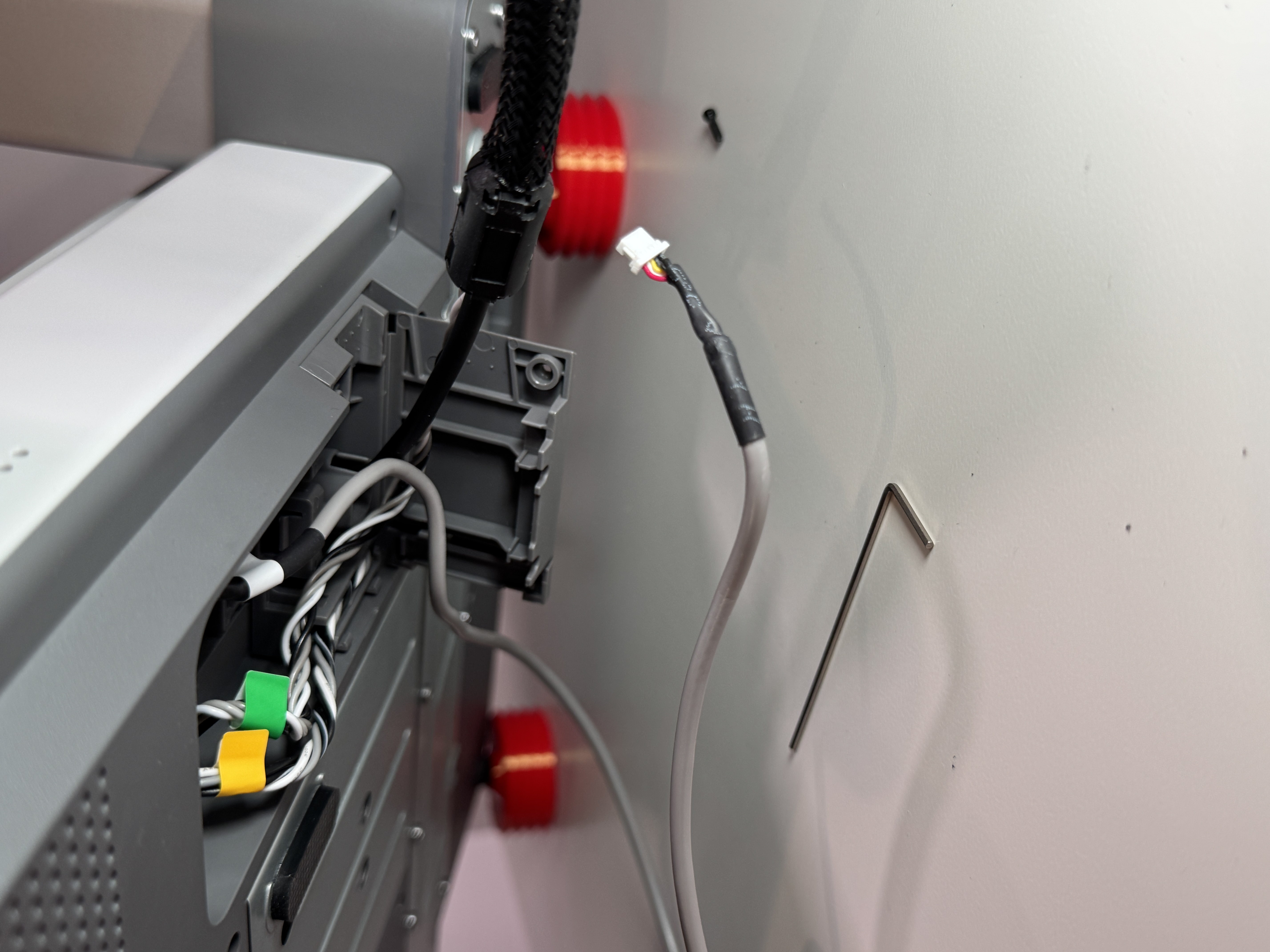
Step 6: Re-run camera cable and screw back on plate
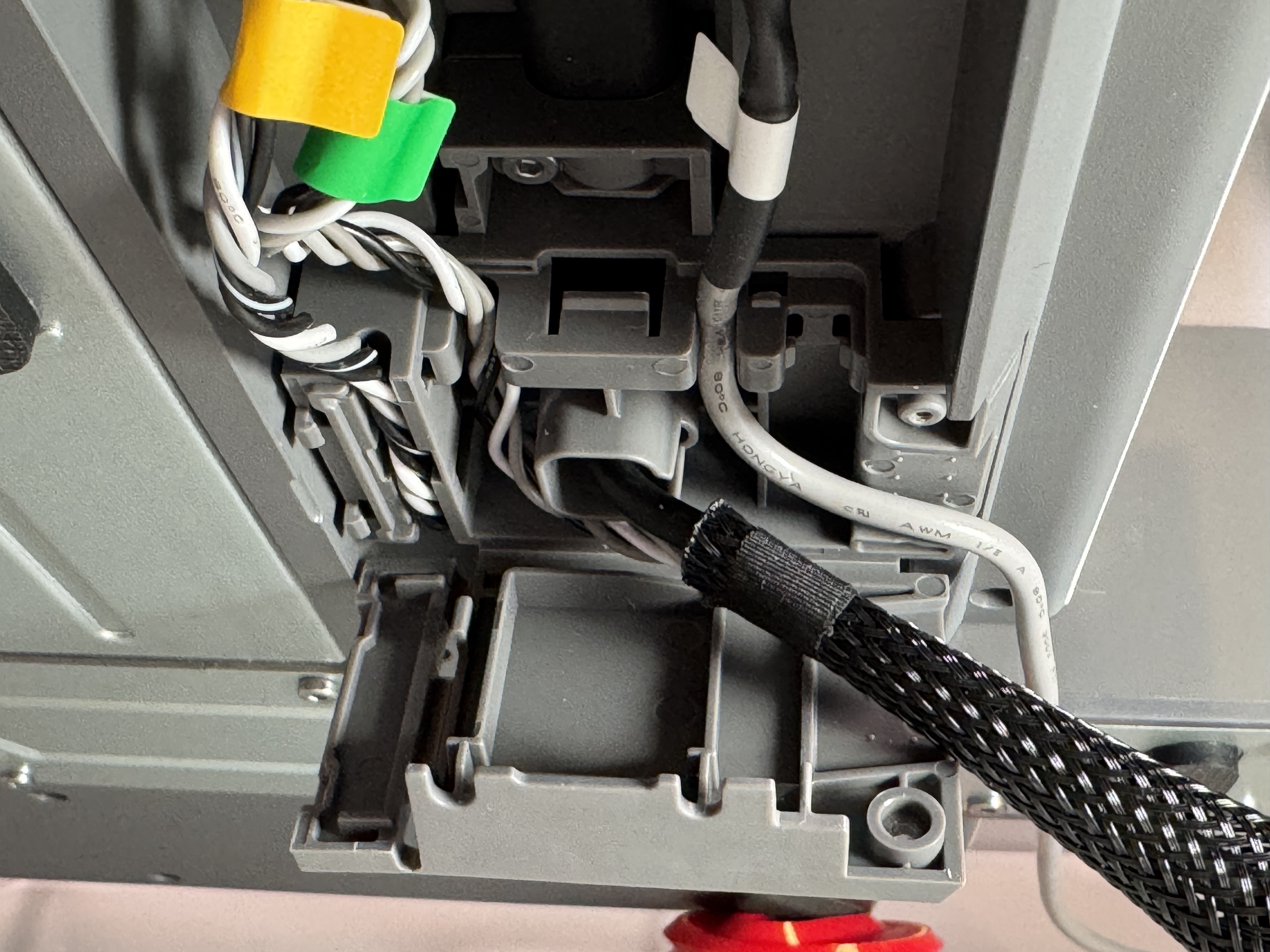
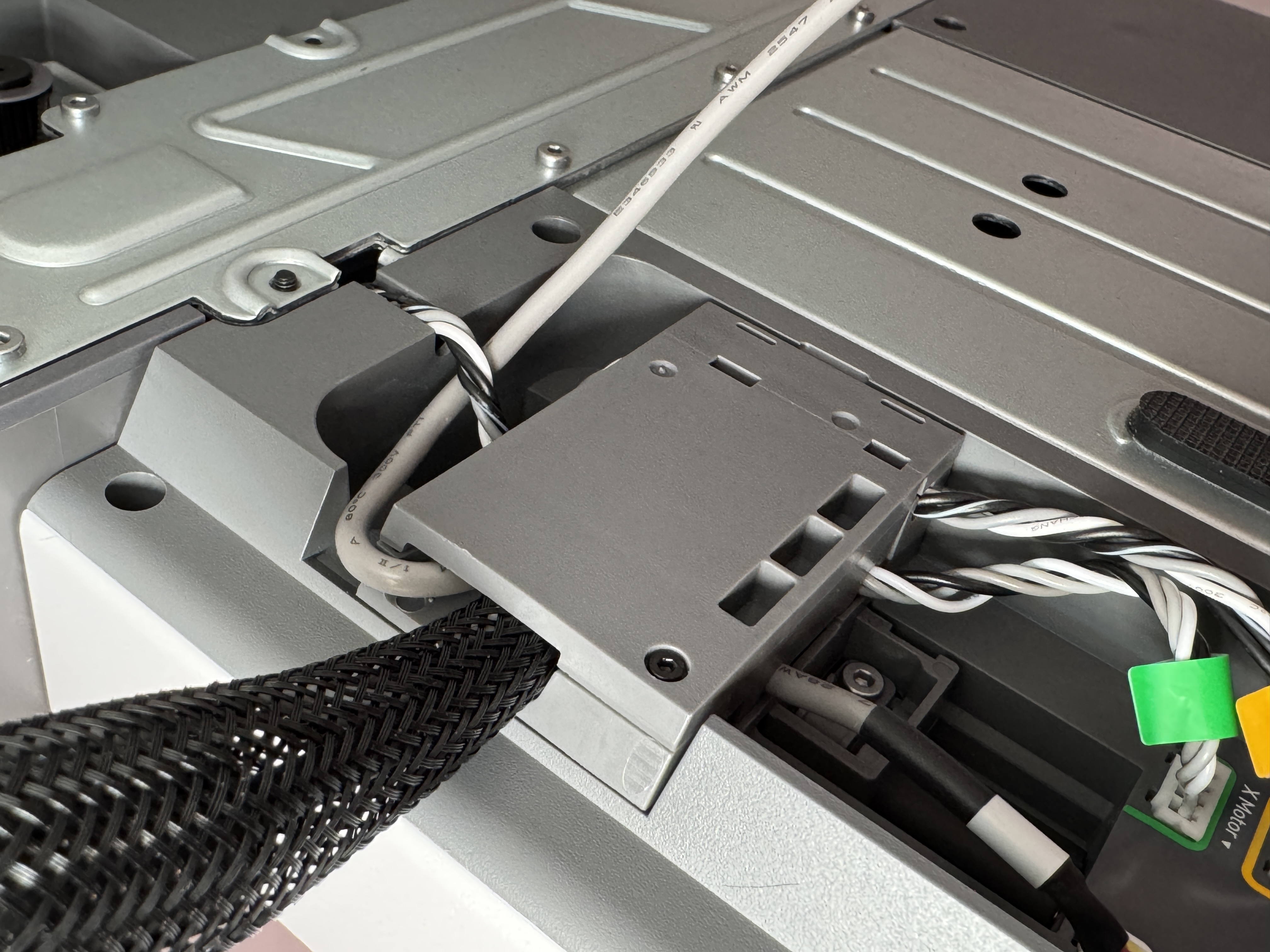
Step 7: Reinstall cable clip and attach front cover
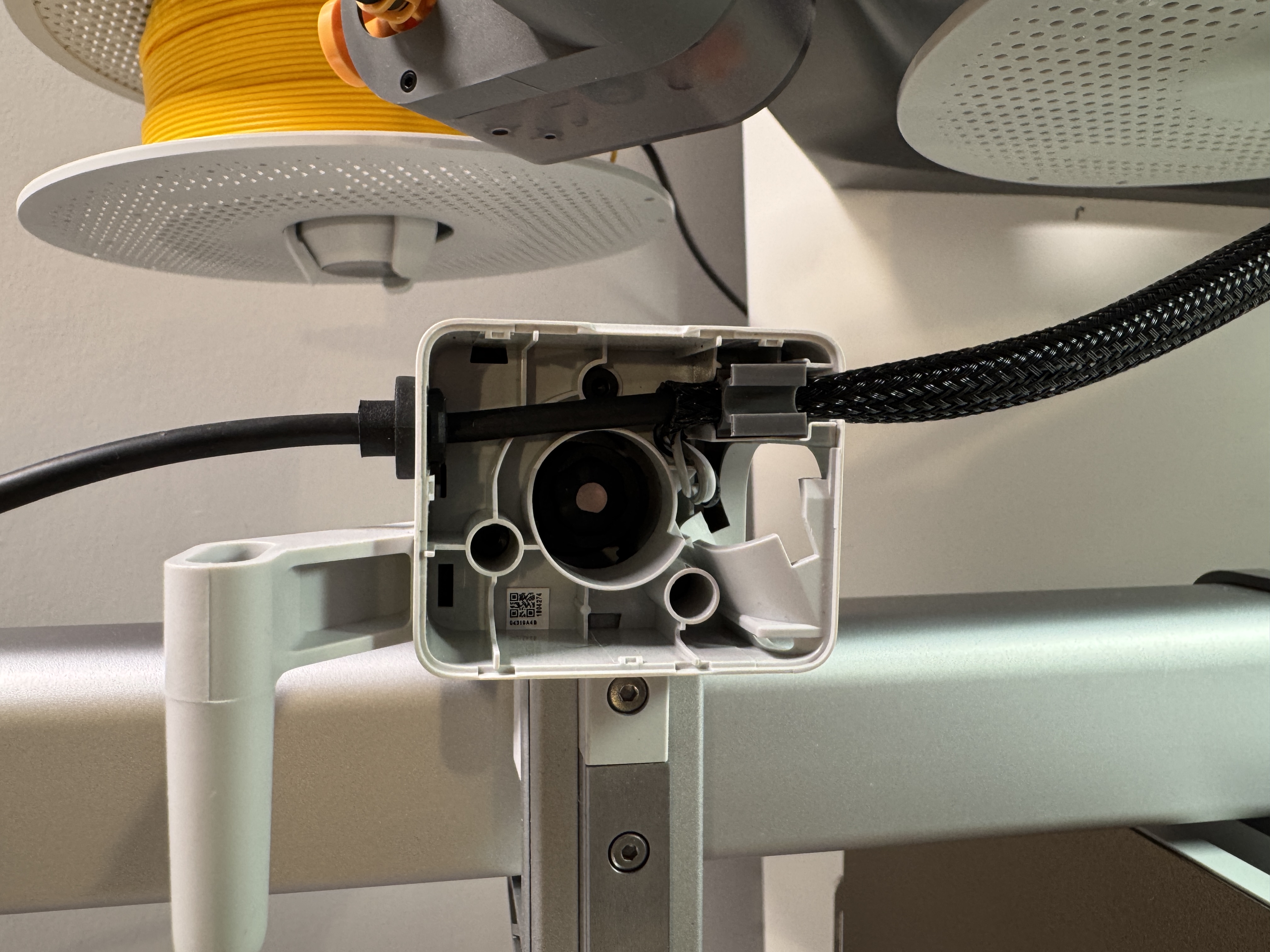
Step 8: Snap the camera mount and screen ring together (It's a tight fit) Also make sure orientation of camera is right side up!
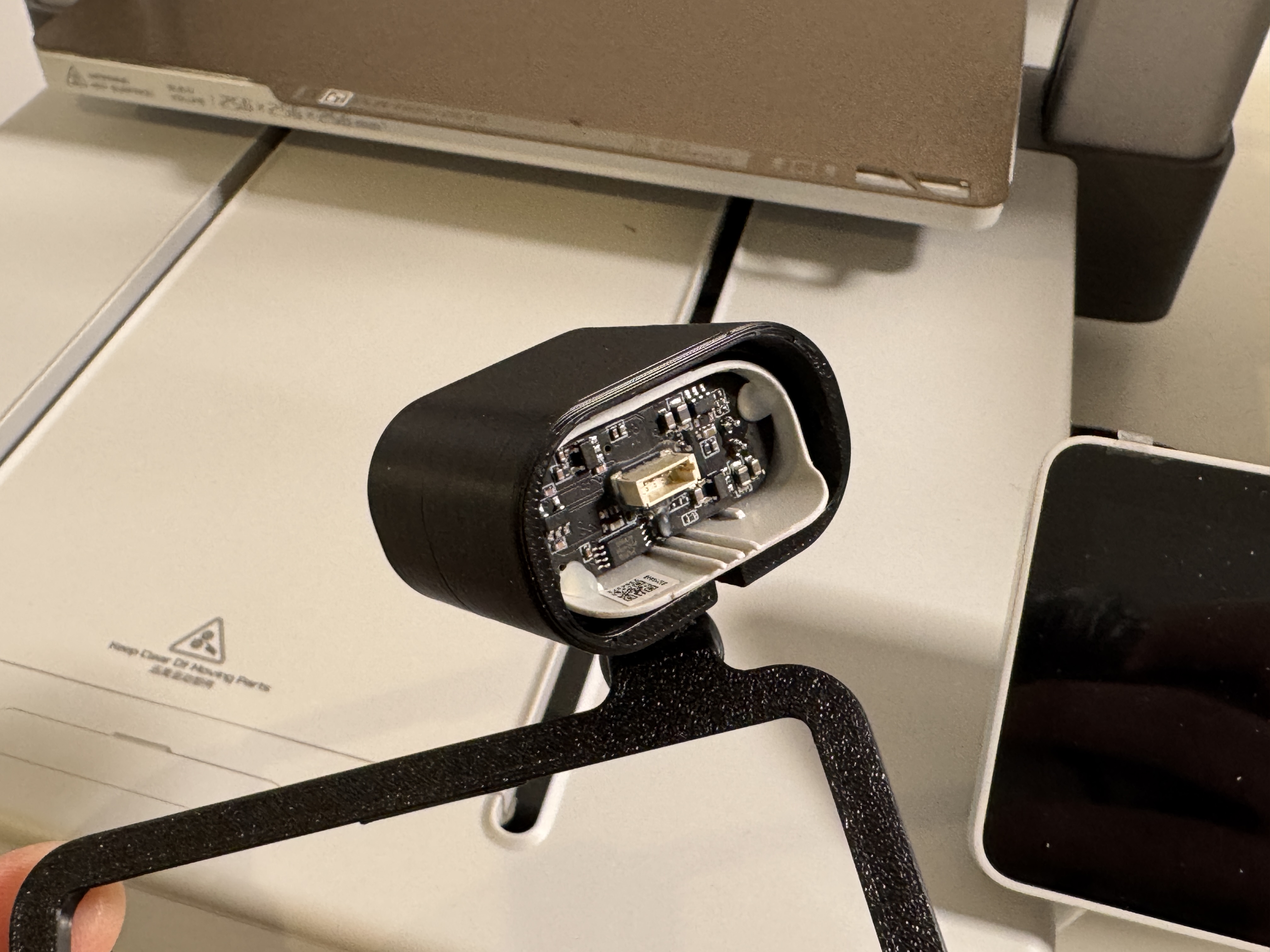
Step 9: Assemble camera mount and press fit camera and cable in (It is a snug fit on purpose)
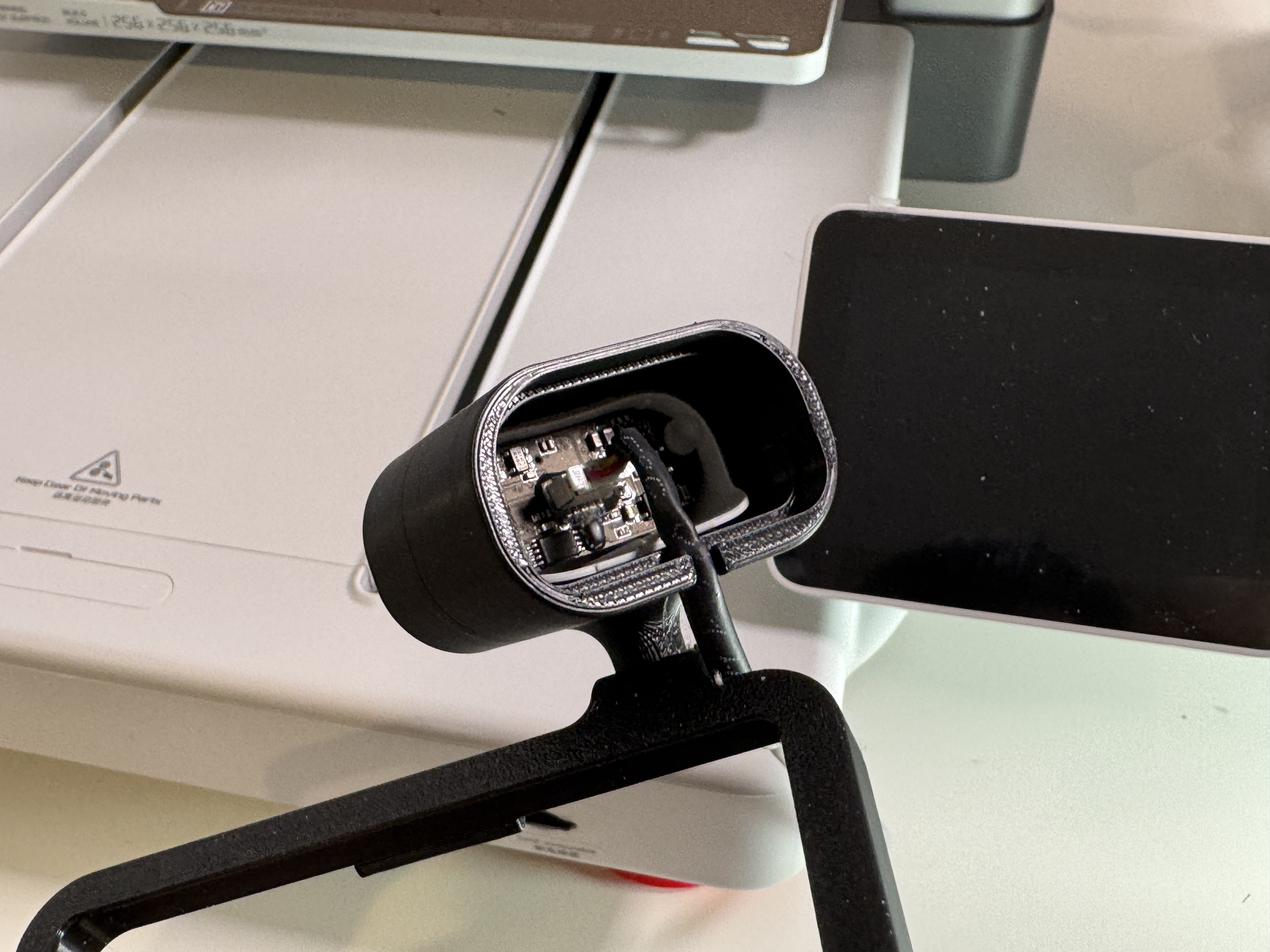
Step 10: Snap on back cover
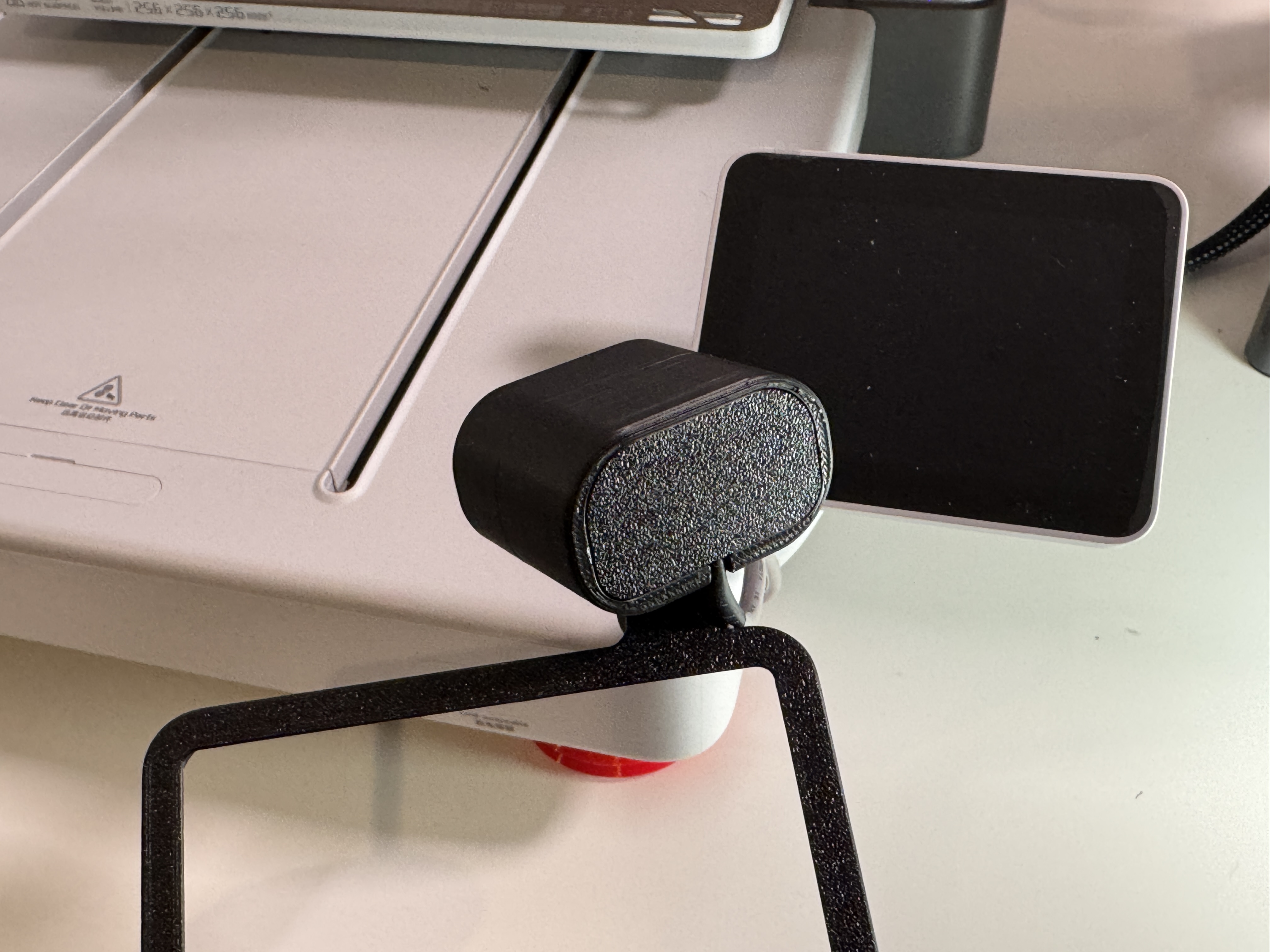
Step 11: Snap on screen ring starting with the bottom first
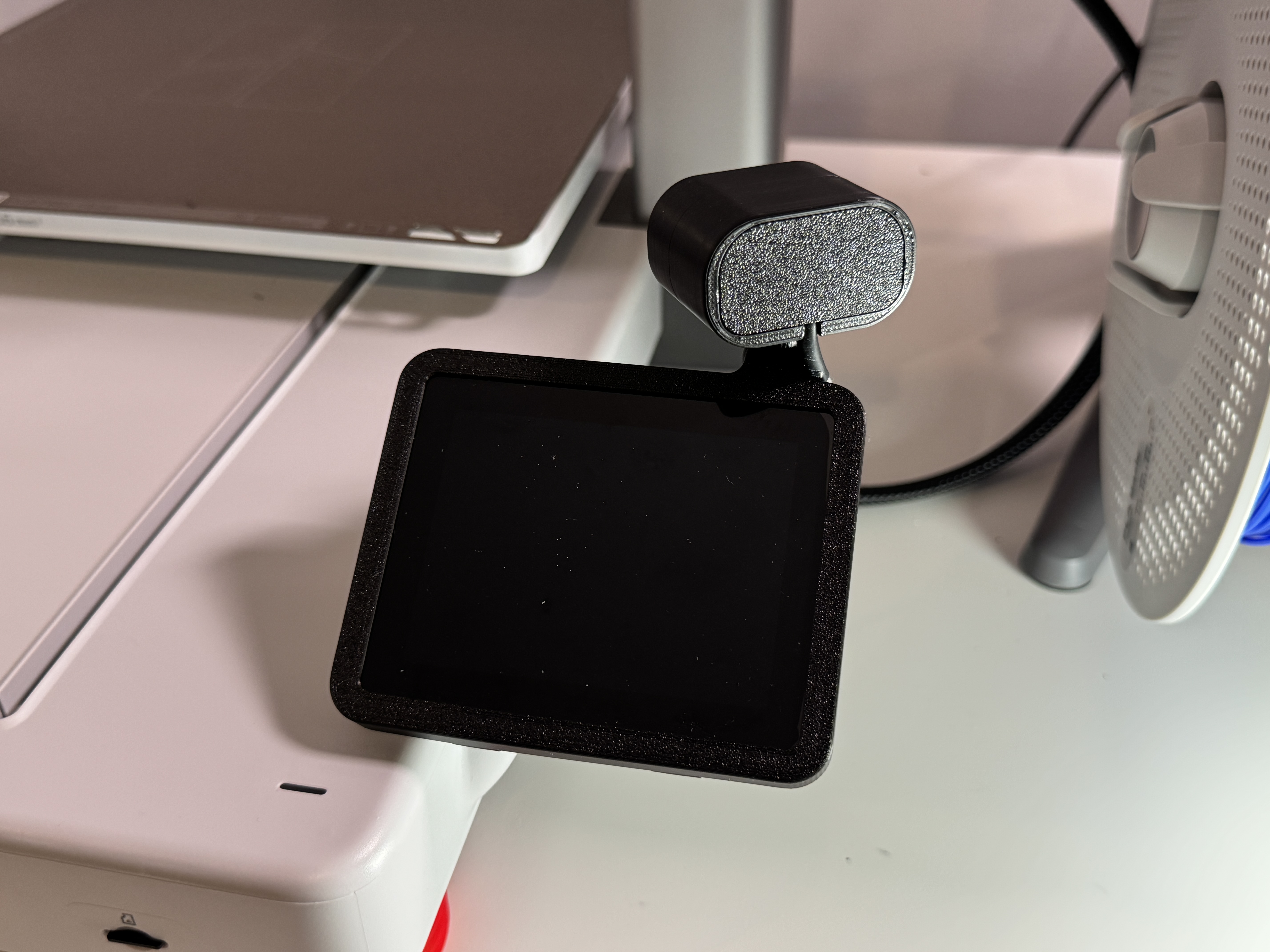
Step 12: Zip tie cable in place for a cleaner look
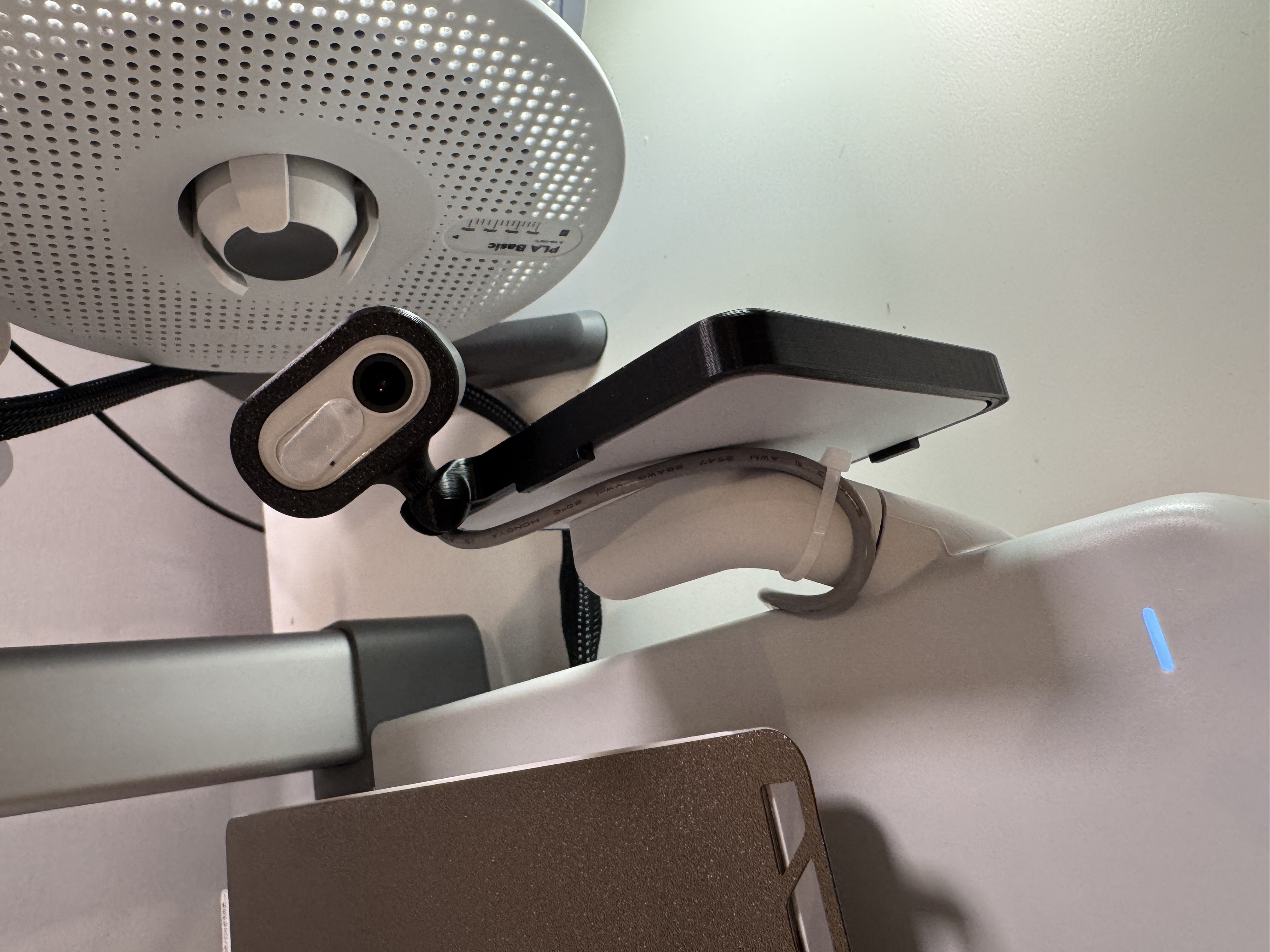
Step 13: You're Done!
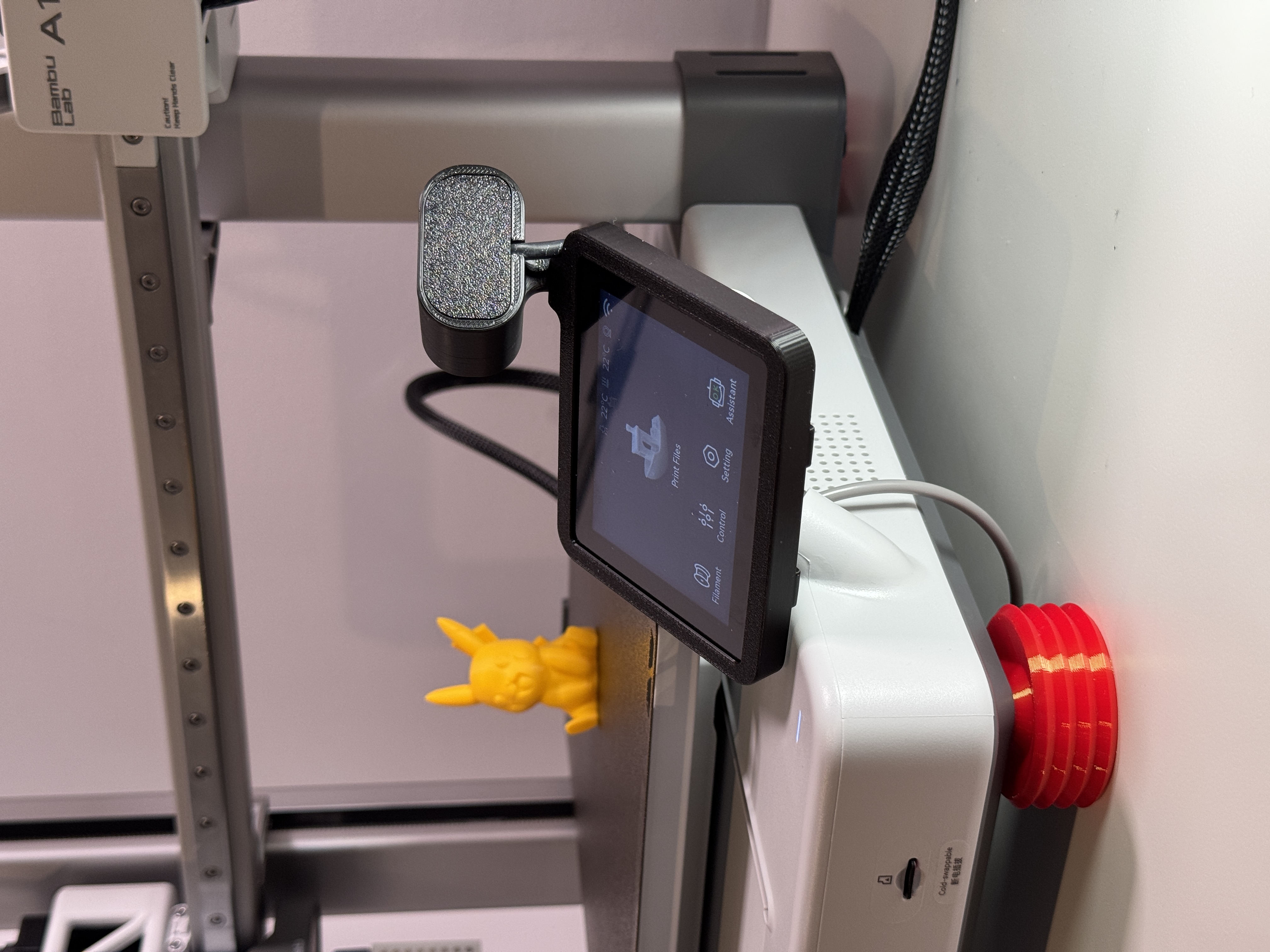
Bambu A1 Camera Relocation - With Instructions

Publicado em 27 de mai de 2025
Gostou deste modelo? Crie uma conta grátis para salvar seus favoritos e voltar a eles depois.
Criar conta