Você está no 3DFinder
Buscamos em Thingiverse, MakerWorld e Printables ao mesmo tempo para te dar o melhor de cada uma.
Descrição
BUY ALL THE REQUIRED ELECTRONICS BELOW !
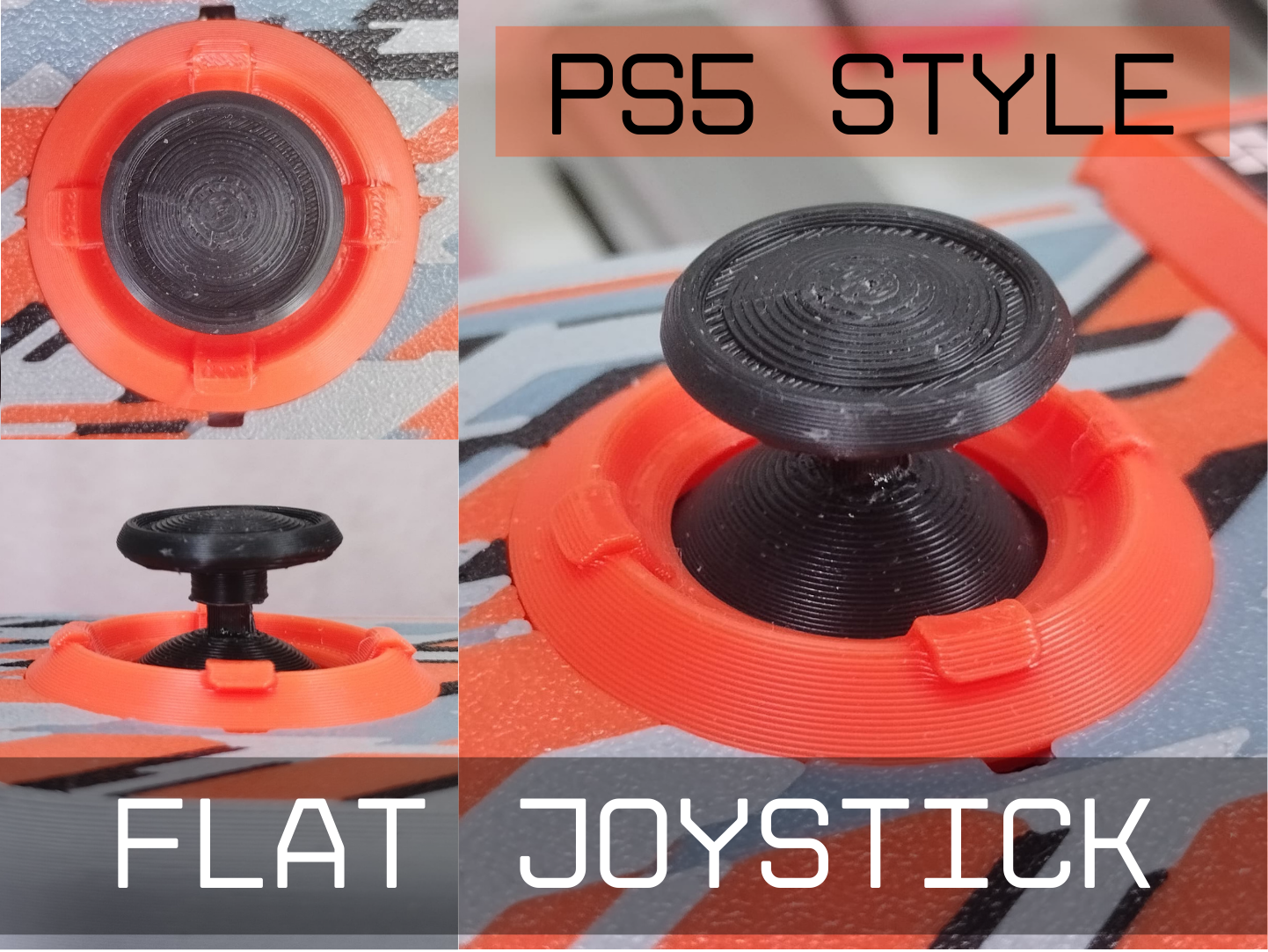
[https://makerworld.com/en/models/1403703-cyberbrick-flat-joystick-for-remote-controller#profileId-1456195](https://makerworld.com/en/models/1403703-cyberbrick-flat-joystick-for-remote-controller#profileId-1456195)
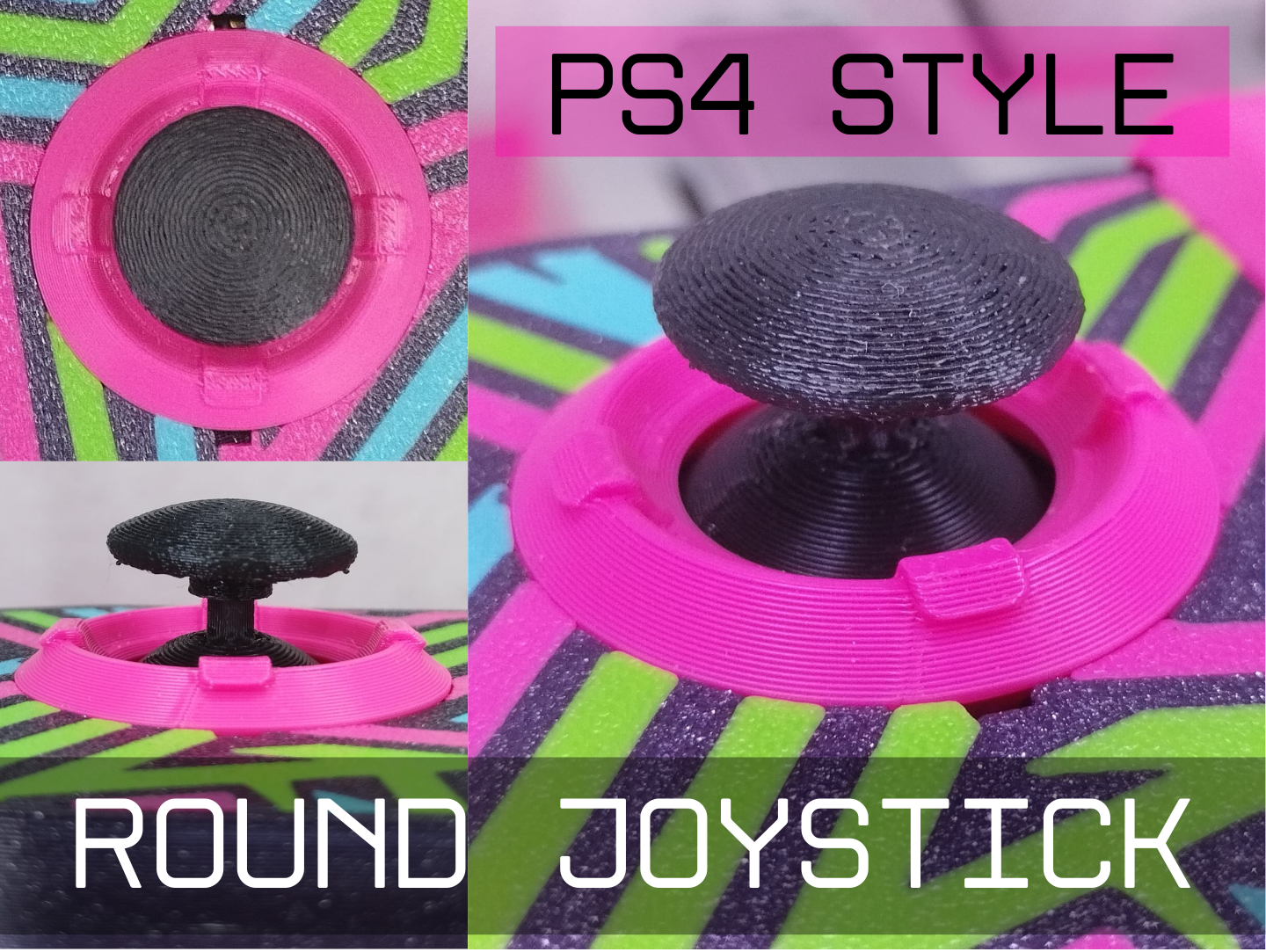
[https://makerworld.com/en/models/1403696-cyberbrick-round-joystick-for-a-remote-controller#profileId-1456189](https://makerworld.com/en/models/1403696-cyberbrick-round-joystick-for-a-remote-controller#profileId-1456189)
Making Steps:
Upload your own image to customize your personal Cyberbrick remote
1- Just make a 1mm thickness image using the Image to Keychain tool in MakerLab with both faces on
2- delete the white generic cube under the controller model (that i put there to make the model uploadable to maker world)
3- Resize your image to roughly the controller's size
4- Make sure the image is on the bed surface facing the right way
5- Merge the image with the controller's assembly (make sure the negative body overlaps the image correctly and is groupped with the image)
6- Slice, Print & Congratulations!