Você está no 3DFinder
Buscamos em Thingiverse, MakerWorld e Printables ao mesmo tempo para te dar o melhor de cada uma.
Descrição
There are already so many boxes with sliding lids, why another one?
Because, I haven't found a box that is quick and easy to print, doesn't have a complicated mechanism and, above all, that can be customized how I like to use it.
You also want to design your own box? You don't have to be a pro!
All you need is a little time and Fusion 360.
The included parametric is simple to use and you don't need to purchase a Fusion 360 license.
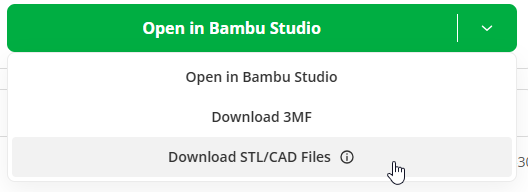
At first download the Fusion file.
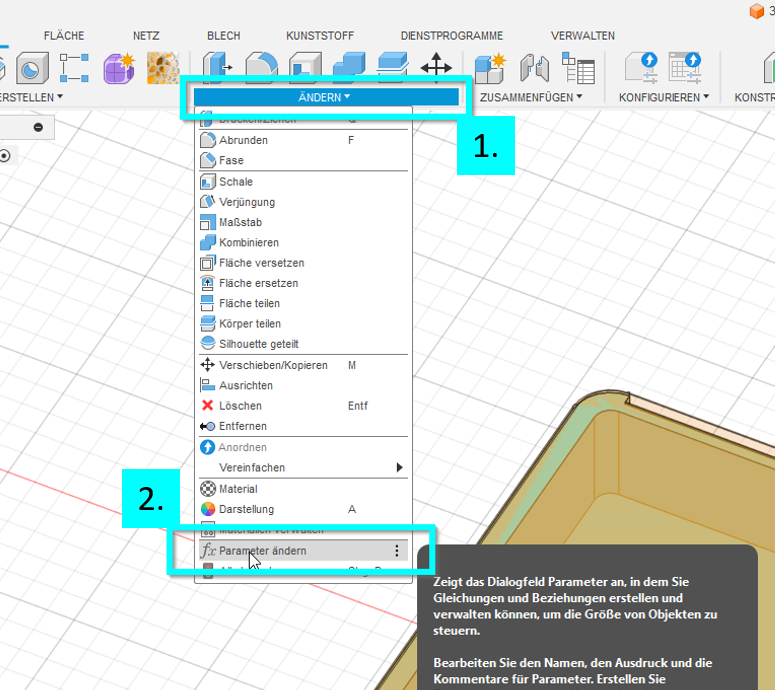
Open the file in Fusion, klick on Modify and then on Change Parameters
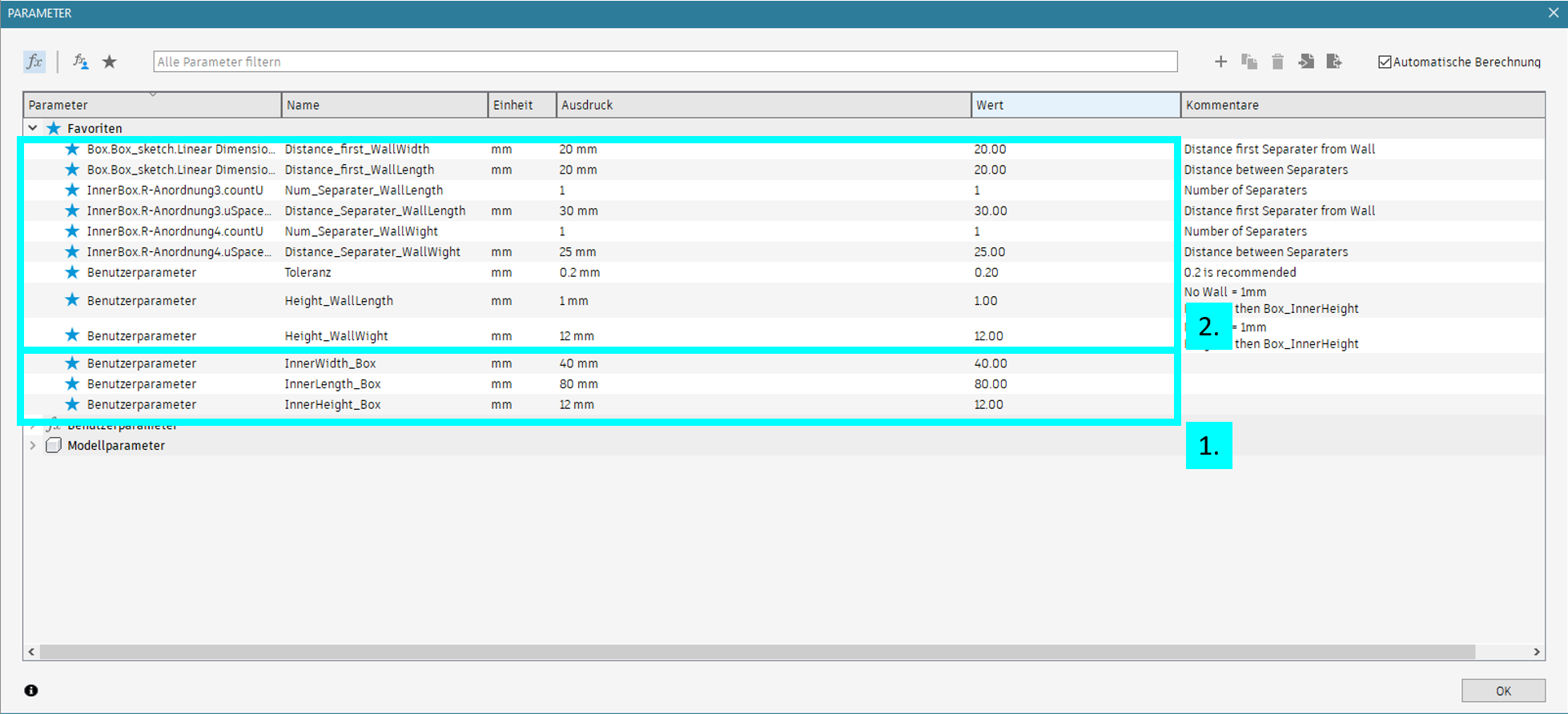
At 1. you can change the dimensions of the Box.
And if you like a Box with separaters you also can create separaters.
NOTE:
- The dimensions of the box refer to the internal dimensions.
- The parametric approach for separating the box isn't quite ideal yet. I'm still working on a better and simpler implementation.
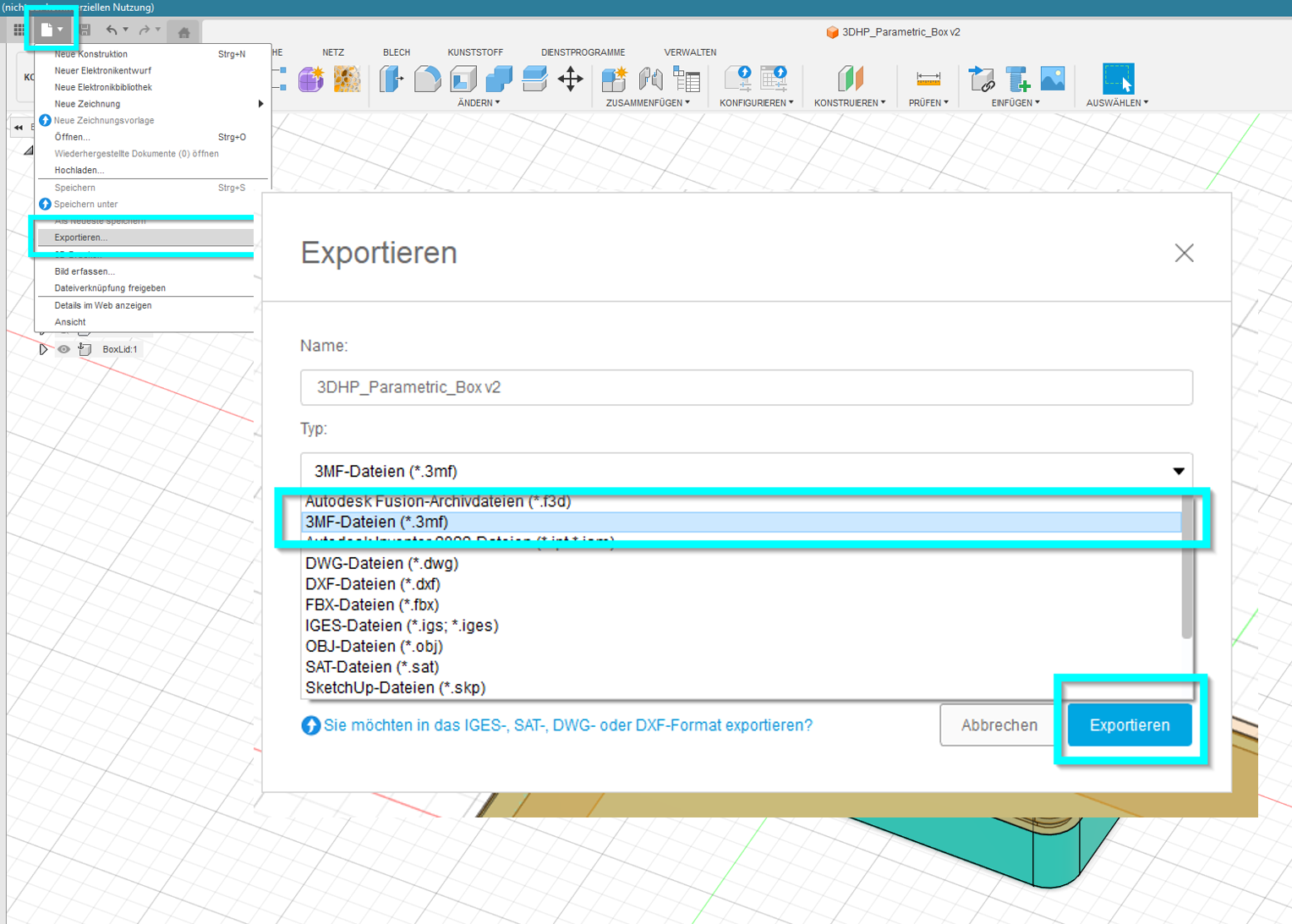
Once you're finished with your box, the next step is to save a 3mf file for printing.
Open the file in Bambu Studio and click OK.

Then click NO.

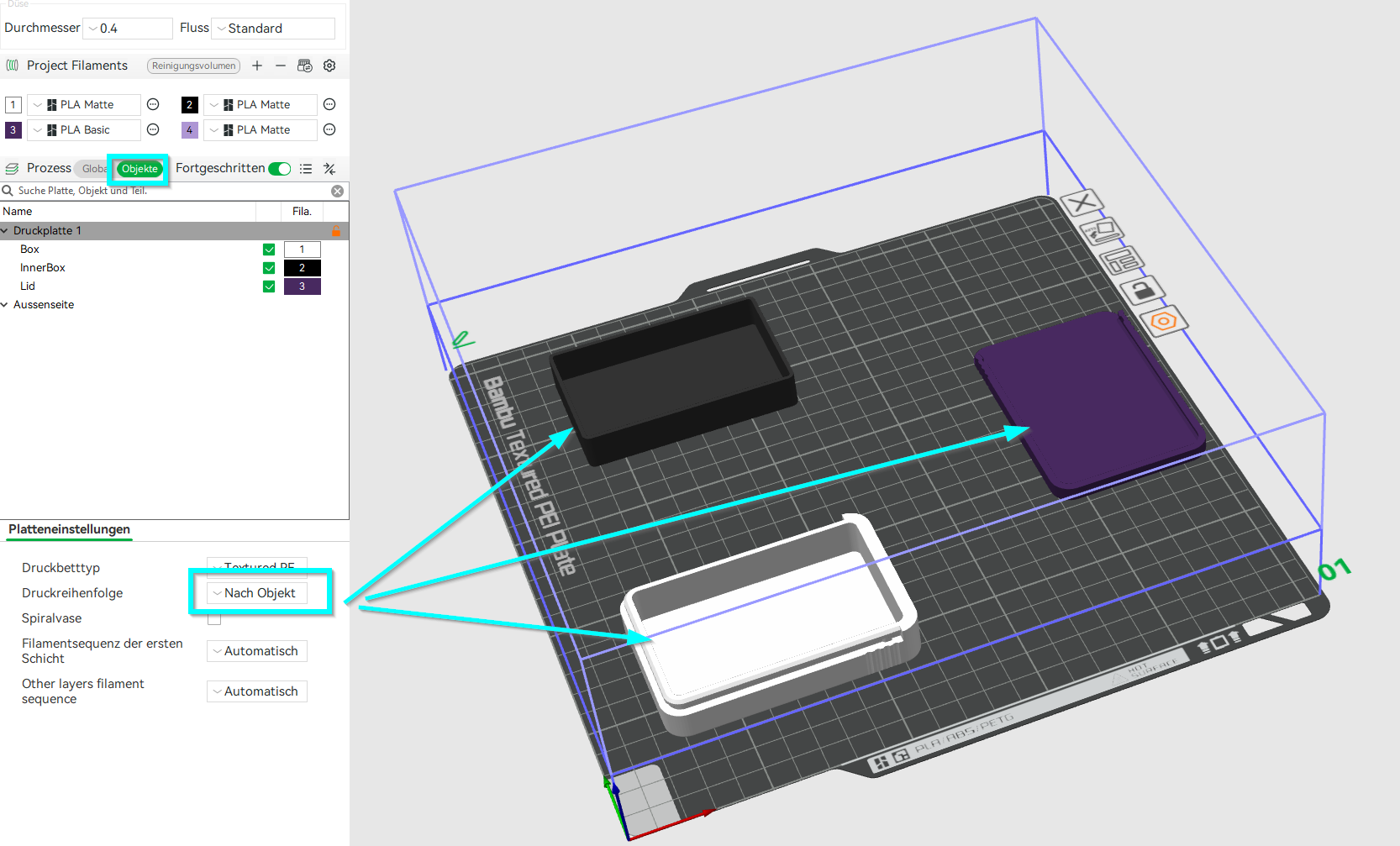
Separate the loaded geometries and place them on the plate.
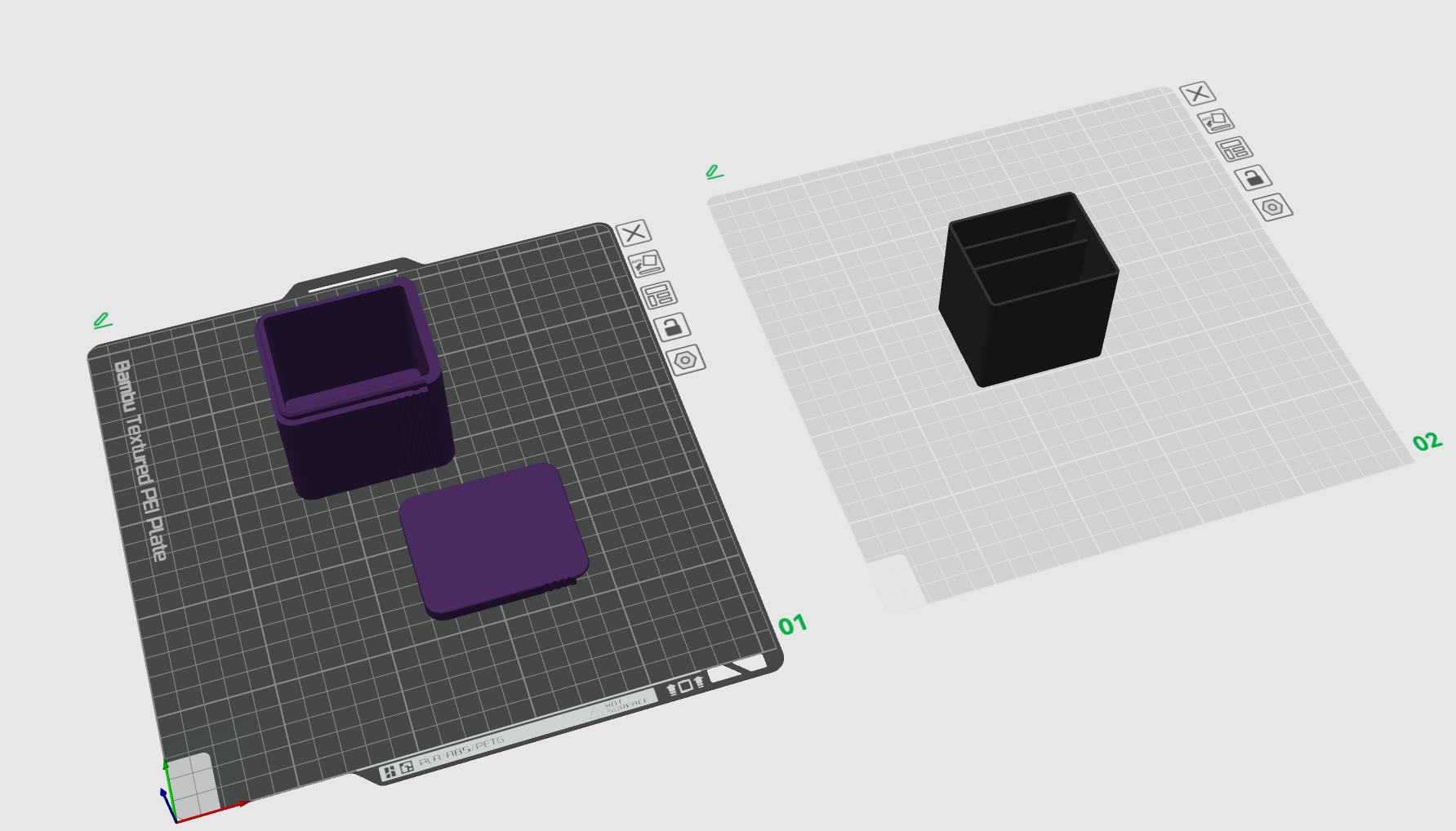
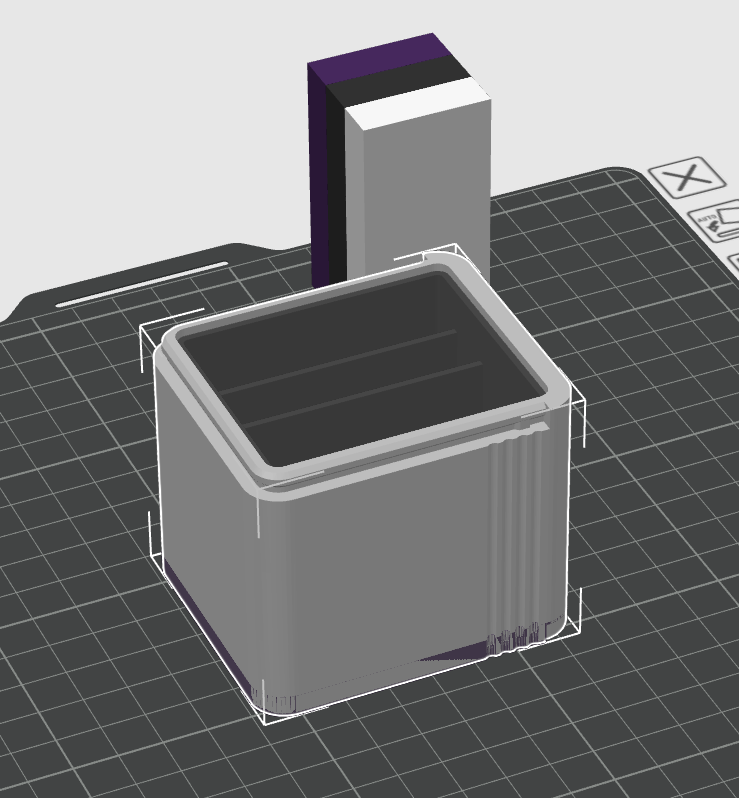
Note: Please turn the lid so that the outside lies on the plate.
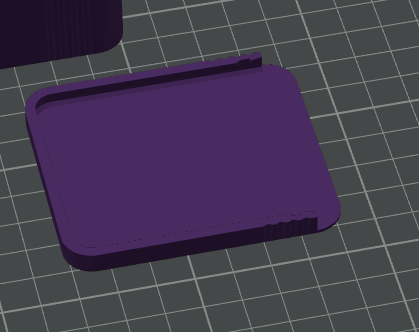
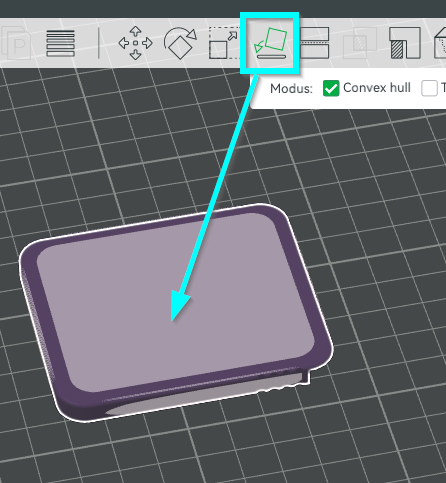
TIP: If you are printing a small box and you want different colors, you can print each geometry separately on a plate or better way, you only print one plate by print_object
Since this is my first project using parametric design in Fusion, I welcome any feedback and constructive criticism.
This is the only way I can learn and continue to improve the project.