Você está no 3DFinder
Buscamos em Thingiverse, MakerWorld e Printables ao mesmo tempo para te dar o melhor de cada uma.
Descrição
Maximize your A1 first layer success with the largest coverage adhesion tester on MakerWorld, skipping the purge strip and lifting cleanly with its comfort pull tab for quick, frustration-free checks.
Take your first layers to the next level with the widest coverage adhesion tester for the A1 available on MakerWorld!
Wave goodbye to curling edges and surprise adhesion problems. This large-area tester smartly avoids the purge strip, utilizes nearly the entire build plate, and comes with a comfort pull tab for easy and damage-free removal. No scraping, no bending fingernails, just a clean lift every time.
Having trouble with your first layer? No worries, these simple checks fix the issue in 95 percent of cases:
Your first go-to should always be the official Bambu Lab Wiki for the A1:
[https://wiki.bambulab.com/en/a1-mini/troubleshooting/print-issues-troubleshooting](https://wiki.bambulab.com/en/a1-mini/troubleshooting/print-issues-troubleshooting) (A1 and A1 Mini share the same page)
- Clean your build plate properly using warm water and dish soap. Make sure it is dish soap for plates, not for hands, to remove any grease or residue.
- Check if bed leveling is turned on. You will find the option in the print menu and it should always be enabled.
- Calibrate your filament. Proper flow rate and flow dynamics are essential to avoid over or under-extrusion.
- Make sure your nozzle is installed correctly. It often helps to remove it once, check the heater screws, and reinstall it carefully.
- Run a fresh calibration under Device then Calibration. This is especially important after firmware updates but can help anytime you have adhesion issues.
Highlights:
- Maximum printable area for A1 printers on MakerWorld
- Automatically skips the purge strip for mess-free starts
- Comfort grip tab for quick and easy removal
- Parametric customization via the MakerWorld Customizer
- Optimized for bed leveling and adhesion diagnostics
Customization Tips:
Fine-tune the gap from purge strip and plate edges directly in the Customize section to match your needs perfectly.
Helpful Advice:
- 2 layers highlight surface inconsistencies without excessive adhesion
- 1 layer shows trouble spots faster but sticks tighter - remove carefully!
- Clean the plate thoroughly using warm water and dish detergent (not hand soap)
- Always run a calibration under Device → Calibration before testing for best results
More Build Plate Cleaners & Testers
Using a different Bambu Lab printer? No worries - I’ve designed build plate cleaners and testers tailored to other models as well.
Same idea, just perfectly adapted to fit each build plate. Check them out to keep your prints sticking flawlessly and your bed spotless, no matter which machine you’re using.
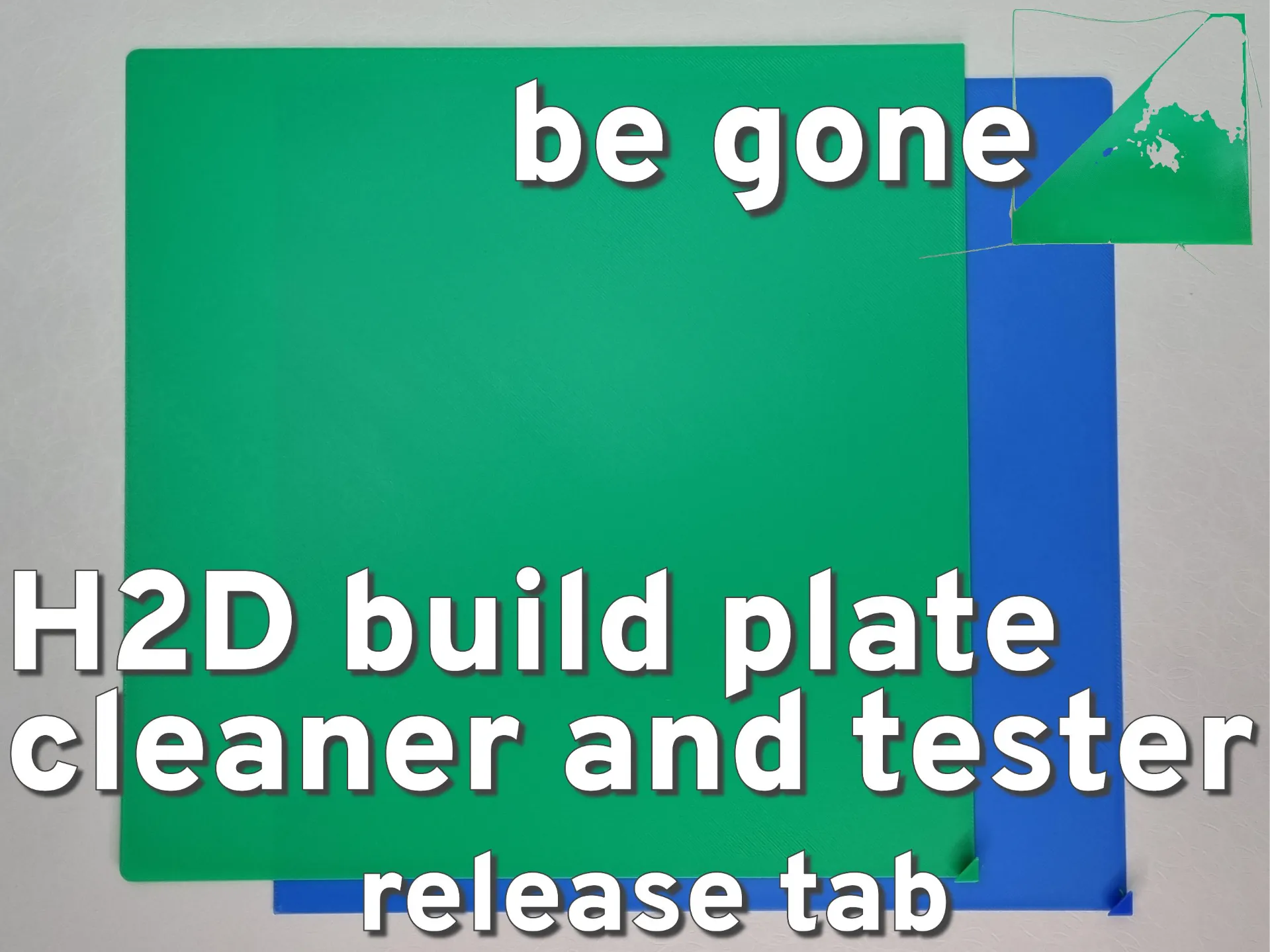
Designed for the H2D’s build plate—easy to print, super effective, and perfect for quick alignment checks.

Covers the full bed of the X1 series—ensures optimal adhesion across the entire surface.

The classic cleaner for the P1 series—great for maintenance and adhesion troubleshooting.

A must-have utility for the A1 mini—compact, effective, and easy to print.
A1 First Layer Adhesion Test ⧸ Bed Cleaning Square

Publicado em 18 de jan de 2025
Gostou deste modelo? Crie uma conta grátis para salvar seus favoritos e voltar a eles depois.
Criar conta